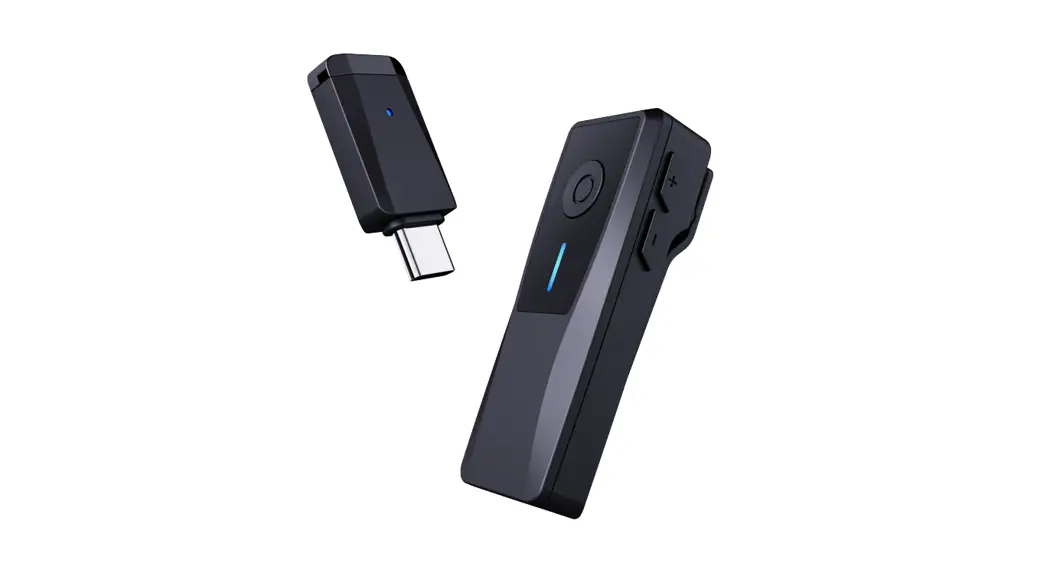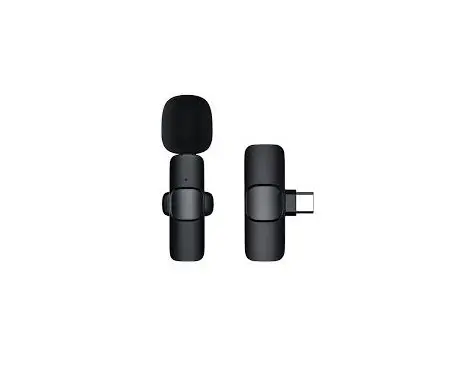

Shenzhen Dongyou Technology DYWS Wireless Lavalier Microphone Instruction Manual
Please read this manual carefully before use, and keep it properly after reading.
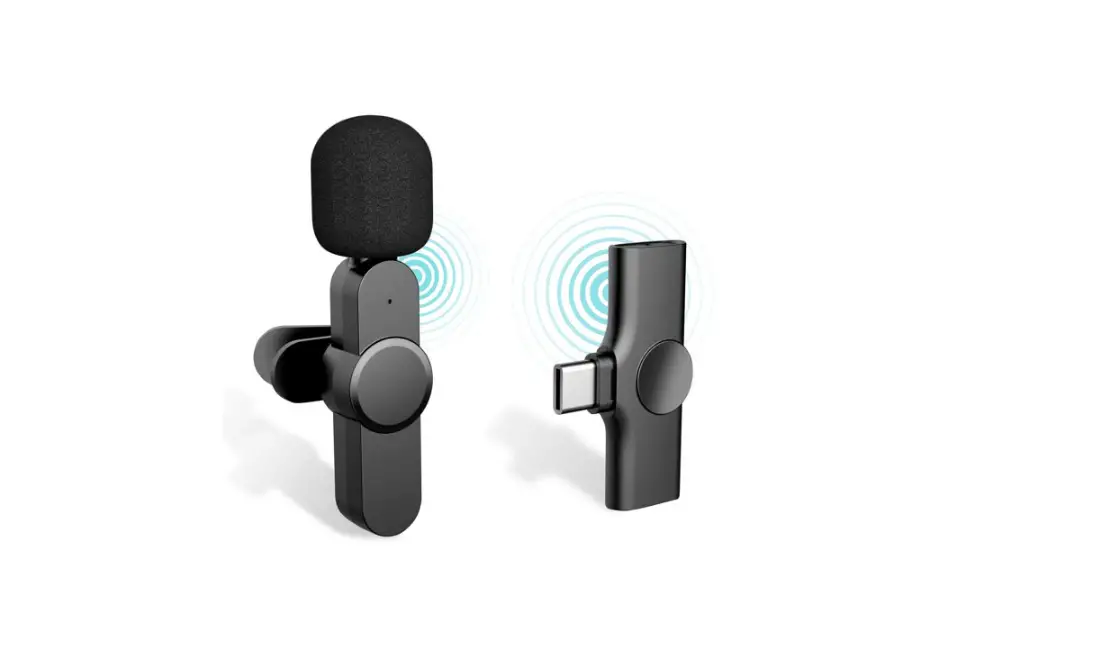
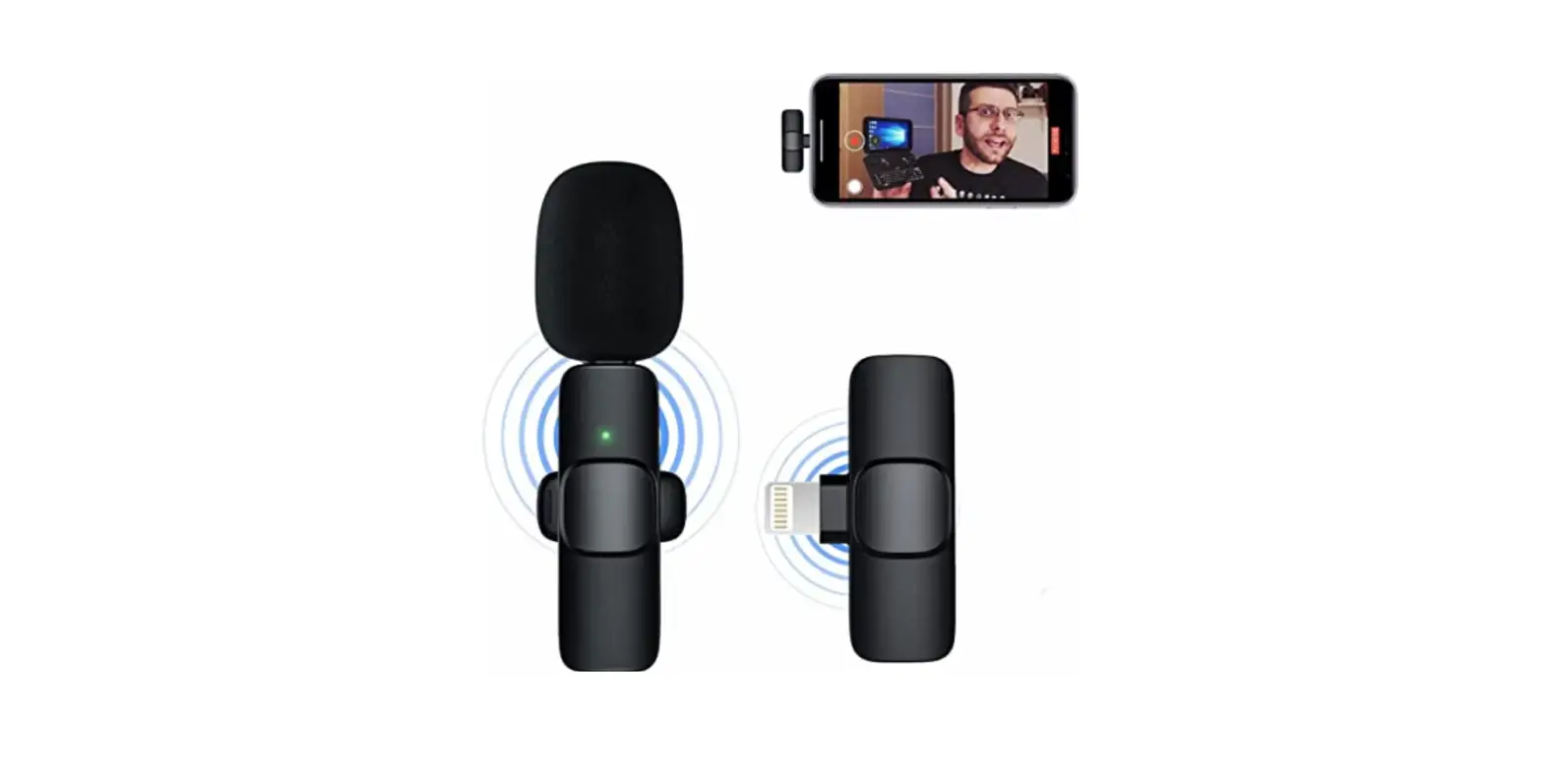
 You can charge your phone while using it
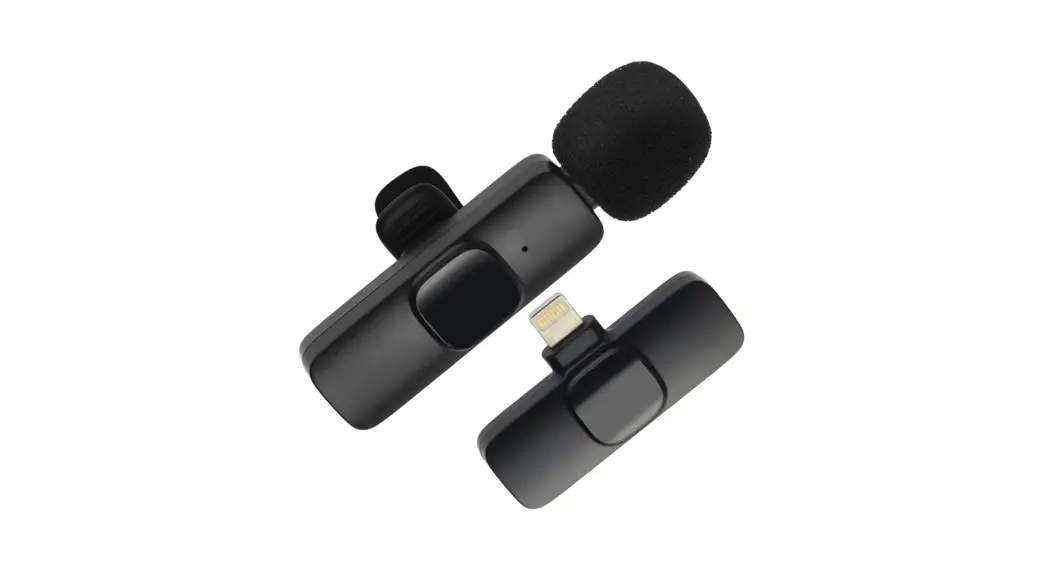
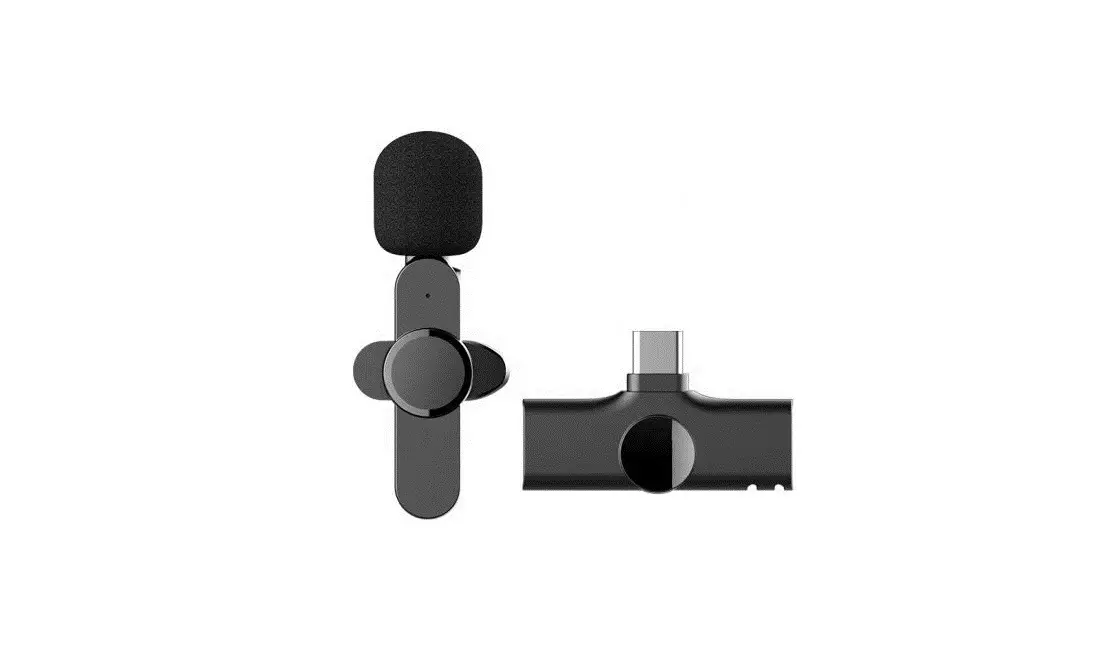
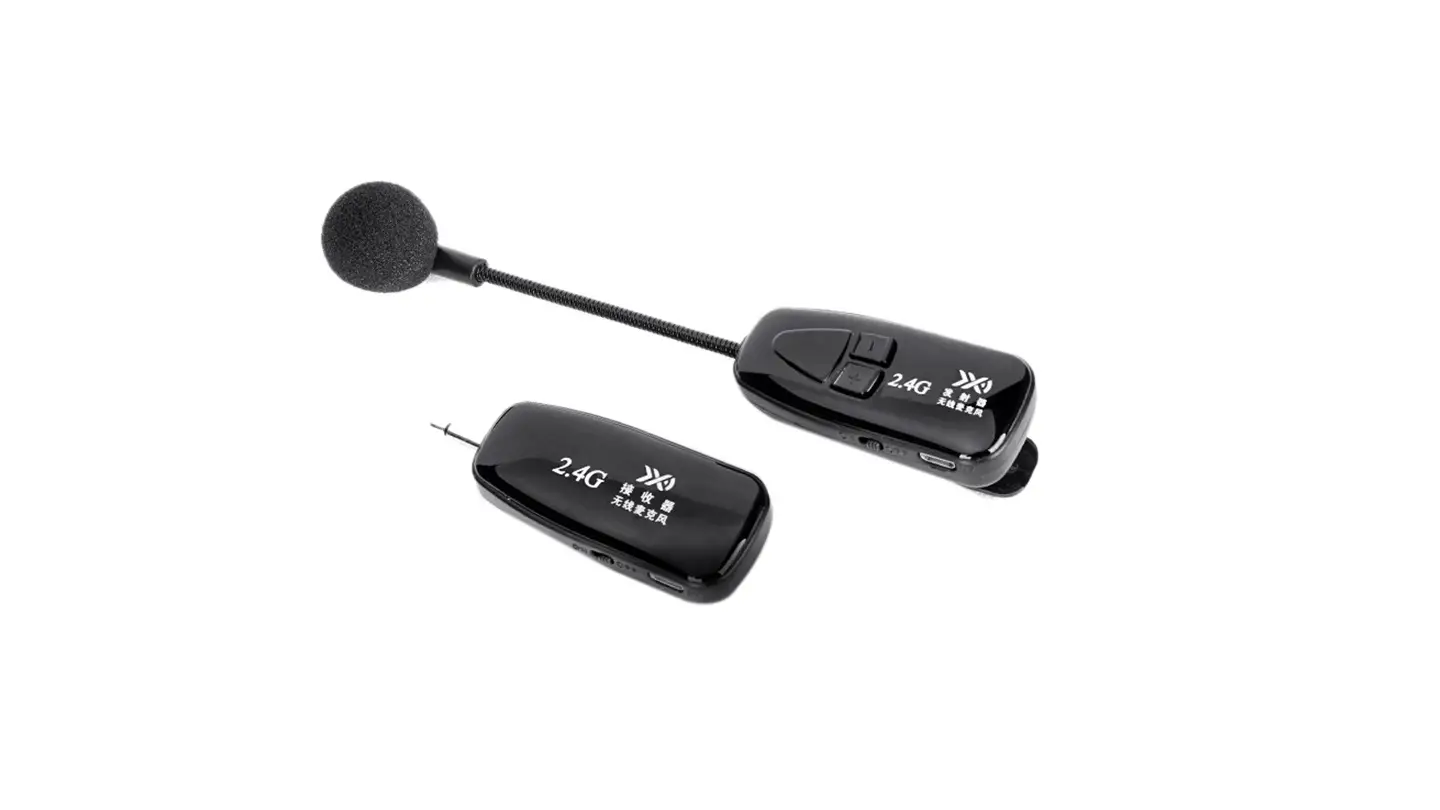
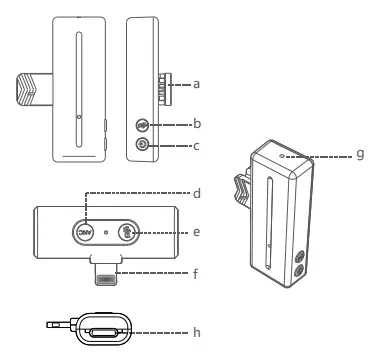
- a Collar clip
- b Mute button
- c switch key
- d Noise reduction key
- e Mute button
- f Mobile phone interface
- g Pickup hole
- h Charging port
Basic product parameters
Microphone transmitter
| Frequency range | 2.4G | Charging input voltage | DC4.8~5.4v | Transmission distance | barrier-free distance 20 meters + Human obstacle distance 10 meters+ |
| Microphone | Silicon Microphone MEMS | Working time | about 6-8H | Signal to noise ratio | 65dBm |
| Working current | 12mA | Charging interface | Type-C | Transmission delay | 45MS |
| Shutdown current | 7uA | Charging time | about 80min | Sensitivity (microphone) | -38dB |
| Charging current | about 65mA | Battery capacity | polymer battery 80mAH | Antenna type | ceramic antenna |
| Frequency response range | 20-20KHZ | Full battery voltage | 4.1~4.25V | Working temperature | -10~45°C |
Type-C/Lighting receiver
| Frequency range | 2.4G | Charging input voltage | DC4.8~5.4v | Transmission distance | barrier-free distance 20 meters + Human obstacle distance 10 meters+ |
| Working current | about 25mA / about 32mA | Charging interface | Type-C / Lighting | Signal to noise ratio | 65dBm |
| Transmission delay | 45mS | Support mobile phone charging | support | Frequency response range | 20-20KHZ |
| Working temperature | -10~45°C | Storage emperature | -40~85°C | Power supply mode | Type-C interface mobile phone Lighting inter / mobile phone face |
| Antenna type | ceramic antenna |
Battery compartment
| Capacity | 650mAh | Charging input voltage | DC4.8~5.4v | Charging time | 2.5h |
| Charging current | 1A | Charging interface | Type-C | Charge the microphone | 4 times |
Product operation instructions
|
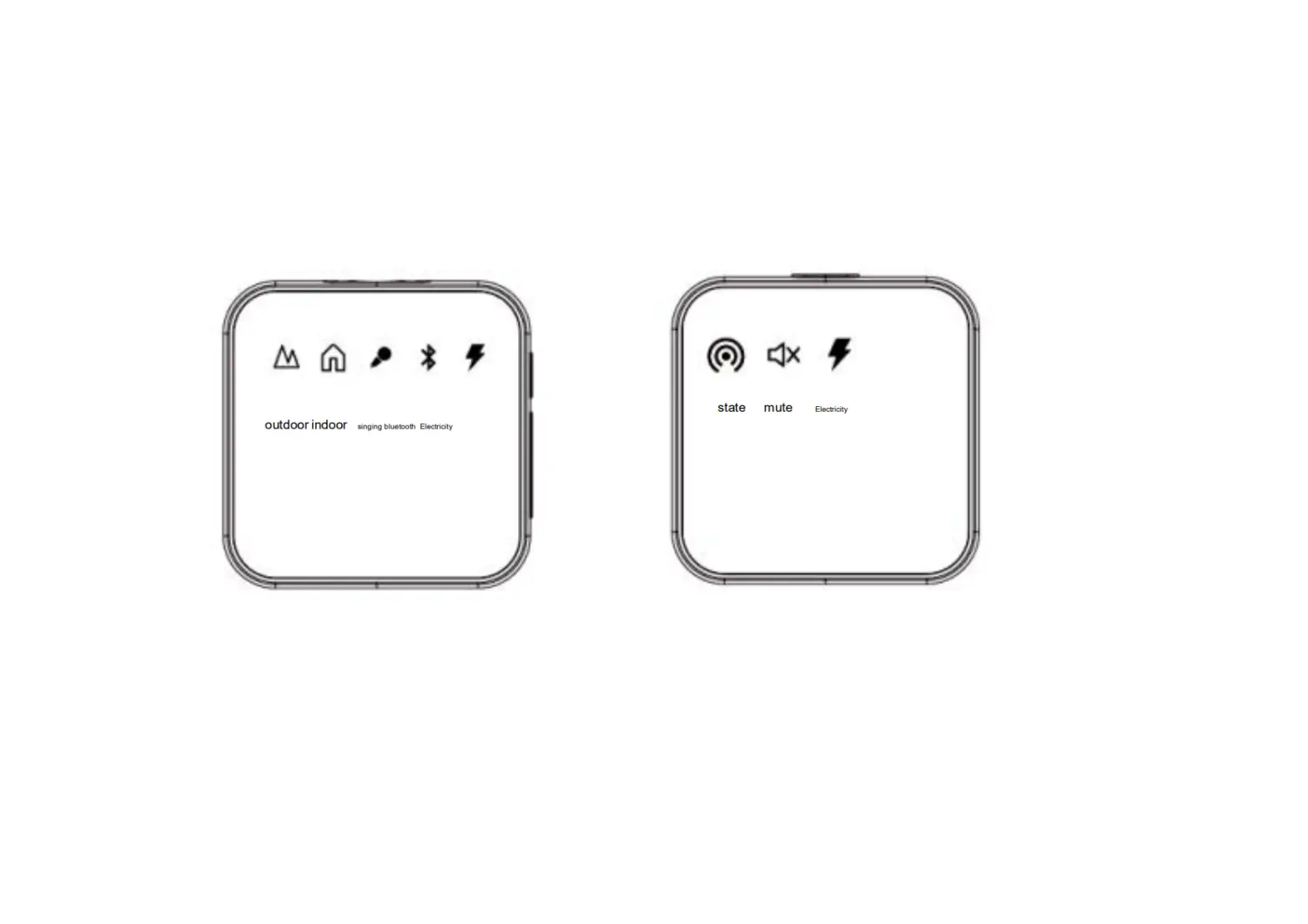
microphone | Power on | click the power button, the green light flashes slowly |
| Shut down | Press and hold the power button for 3 seconds, the green light is off, and the machine is turned off | |
| Connection status | green light is always on | |
| Mute | click the mute button to switch, the red light is always on in mute mode, and the green light is always on in non-silent mode | |
| Unable to pair | 4 click the 2 mic mute buttons to enter the green light and flash quickly, Then plug in the receiver (Lighting/Type-C) Press the mute button again 4 to enter the green light flashing quickly, and pair yourself | |
| Charging | the red light is always on | |
| Fully charged | red light off | |
| Low battery alarm | red light flashes slowly | |
| Automatic shutdown | automatic shutdown after 3 minutes without connection |
| Receiving end | Power on | plug in the phone to turn on, the green light flashes slowly |
| Shut down | unplug from the mobile phone and shut down | |
| Connection status | green light is always on | |
| Mute | click the mute button to switch, the red light is always on in mute mode, and the green light is always on in non-silent mode | |
| Noise reduction mode | click the noise reduction button to switch, the blue light in the non-noise reduction mode is always on, and the green light in the noise reduction mode is always on. |
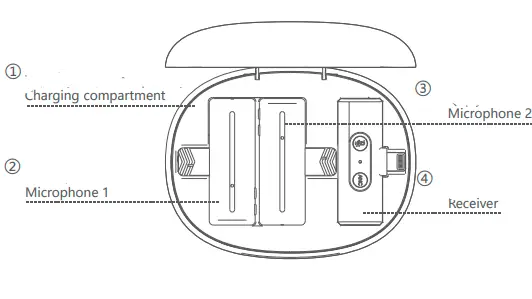
| Charging compartment | Charging status | green light flashes slowly |
| Fully charged | the green light is always on | |
| Power shortage status | blue light flashes slowly | |
| Charging the microphone in the charging compartment | the blue light is always on | |
| The microphone is fully charged | the light does not turn on |
This device complies with part 15 of the FCC Rules. Operation is subject to the following two conditions:
- This device may not cause harmful interference, and
- this device must accept any interference received, including interference that may cause undesired operation.
Any Changes or modifications not expressly approved by the party responsible for compliance could void the user’s authority to operate the equipment.
Note:
This equipment has been tested and found to comply with the limits for a Class B digital device, pursuant to part 15 of the FCC Rules. These limits are designed to provide reasonable protection against harmful interference in a residential installation. This equipment generates uses and can radiate radio frequency energy and, if not installed and used in accordance with the instructions, may cause harmful interference to radio communications.
However, there is no guarantee that interference will not occur in a particular installation. If this equipment does cause harmful interference to radio or television reception, which can be determined by turning the equipment off and on, the user is encouraged to try to correct the interference by one or more of the following measures:
- Reorient or relocate the receiving antenna.
- Increase the separation between the equipment and receiver.
- Connect the equipment into an outlet on a circuit different from that to which the receiver is connected.
- Consult the dealer or an experienced radio/TV technician for help.