Saramonic 121401B Wireless Lavalier Microphone User Manual
Statement
Please read this manual carefully before using and strictly operate and store in accordance with the instructions. Please save it for your future reference.
If the user manual can not help you to solve certain problems, please ask your retailer for help or email us: [email protected].
Cautions
- Please do not dismantle the outer case.
- Don’t place this unit close to heat sources such as heater, oven, or other devices that produce heat.
- Please do not replace the battery on your own.
- Only use a soft, dry cloth to clean the product.
- When using and storing, please pay attention to dust and moisture
General Introduction
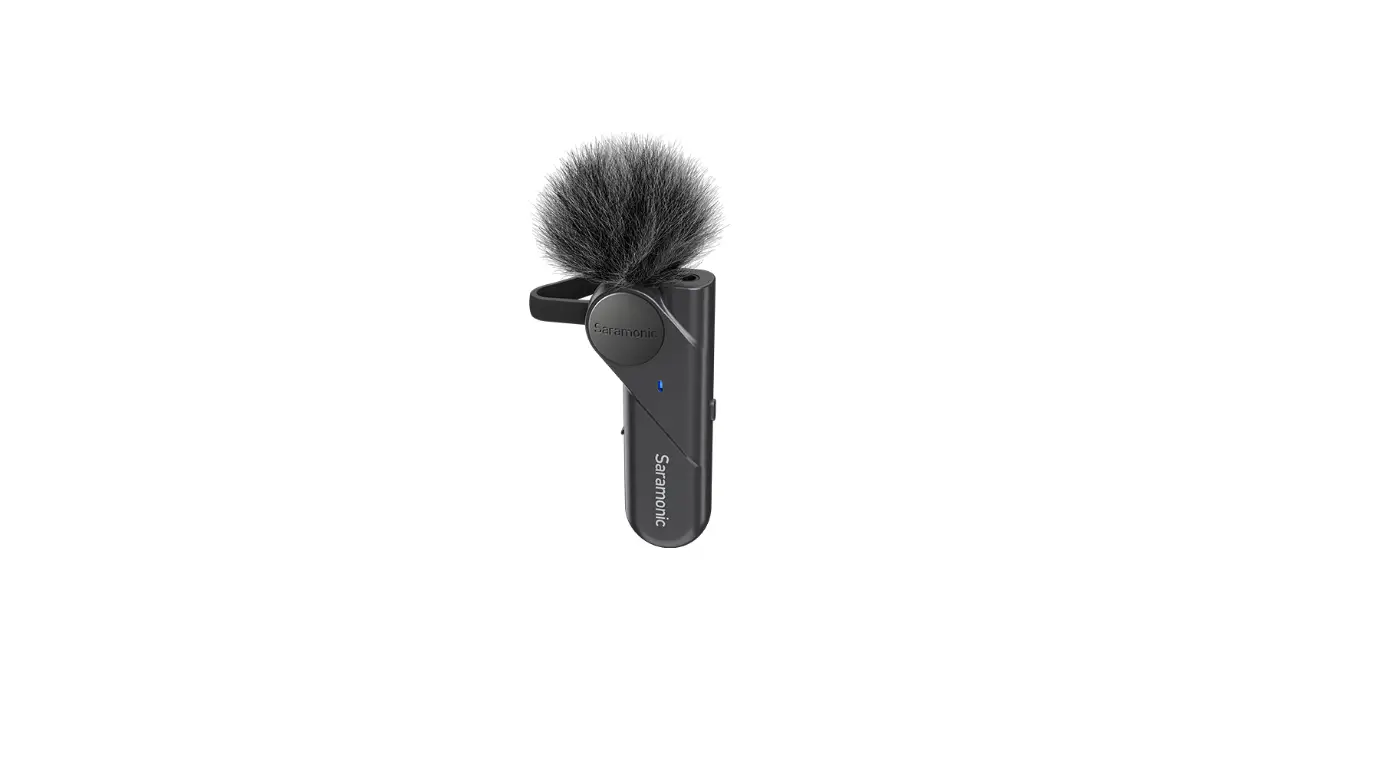
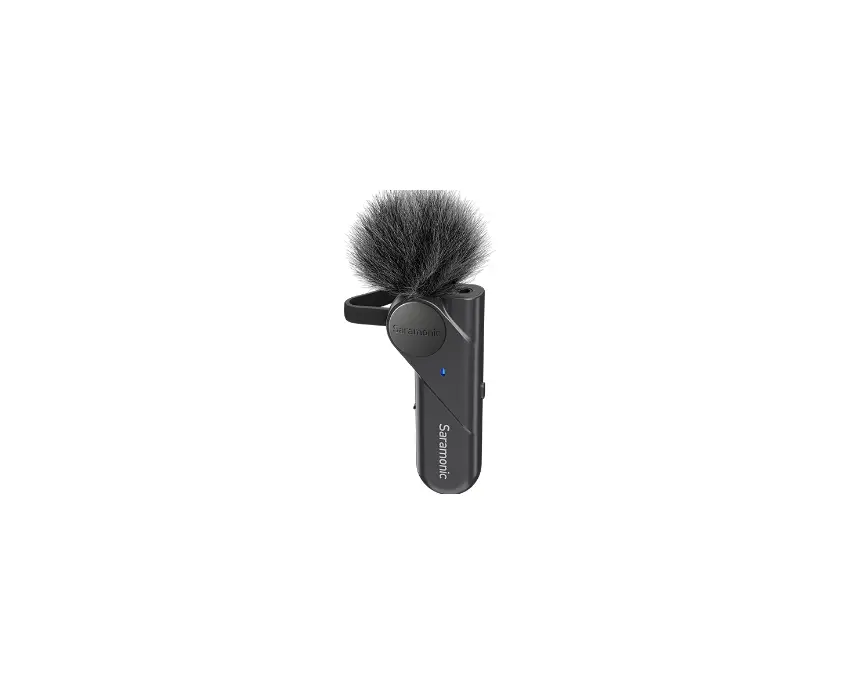
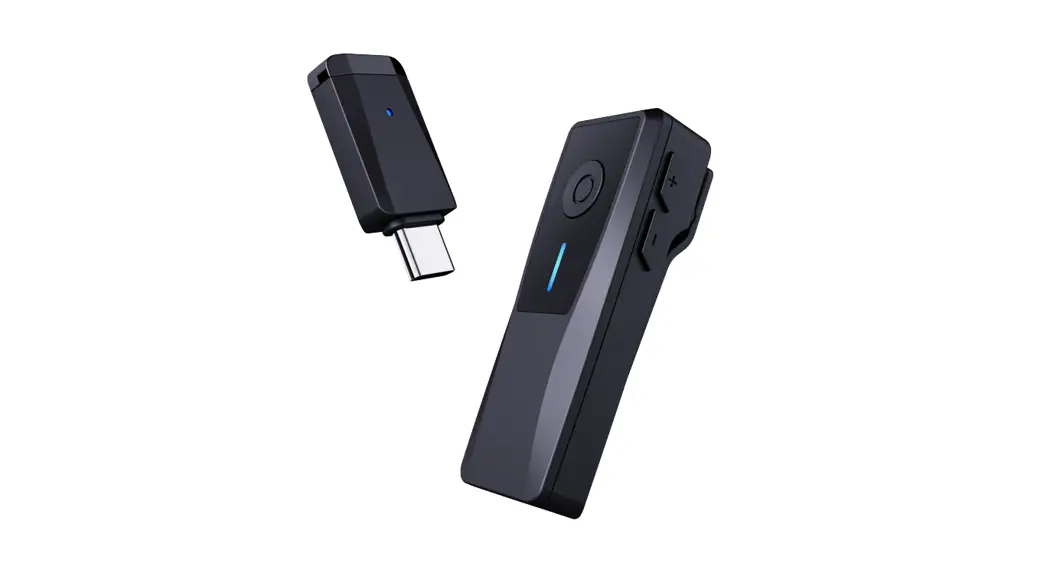
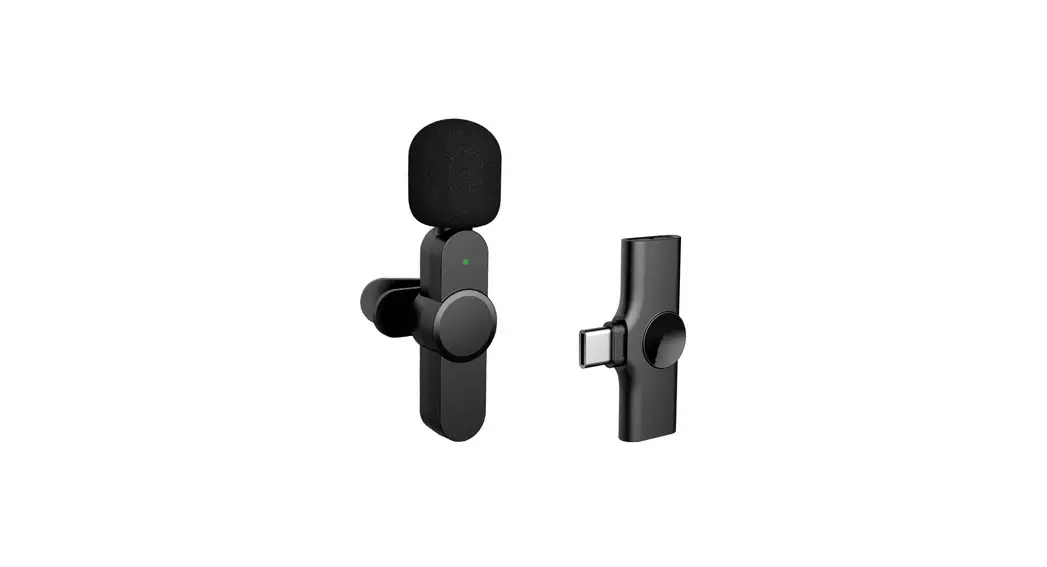
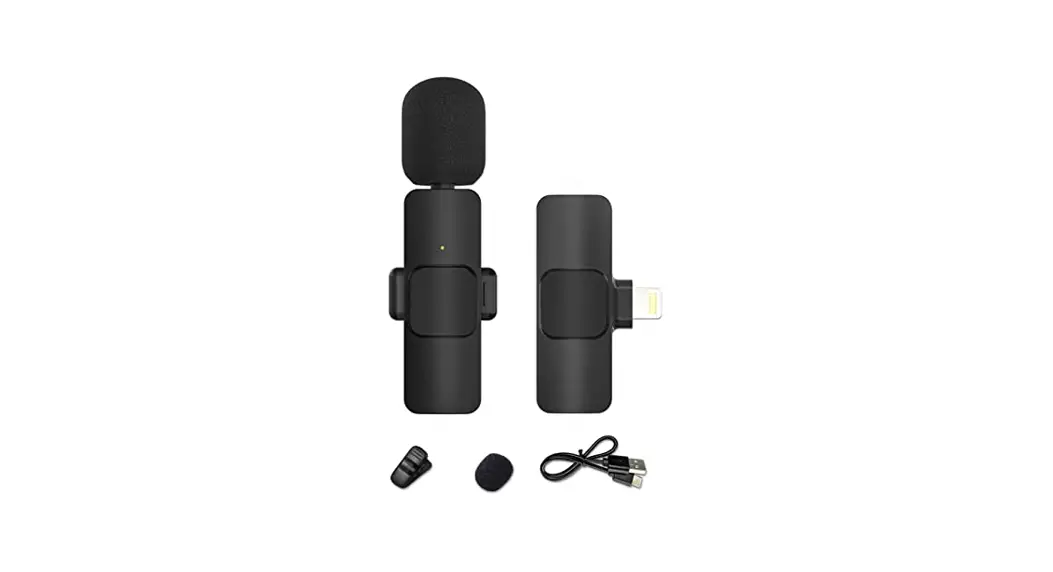
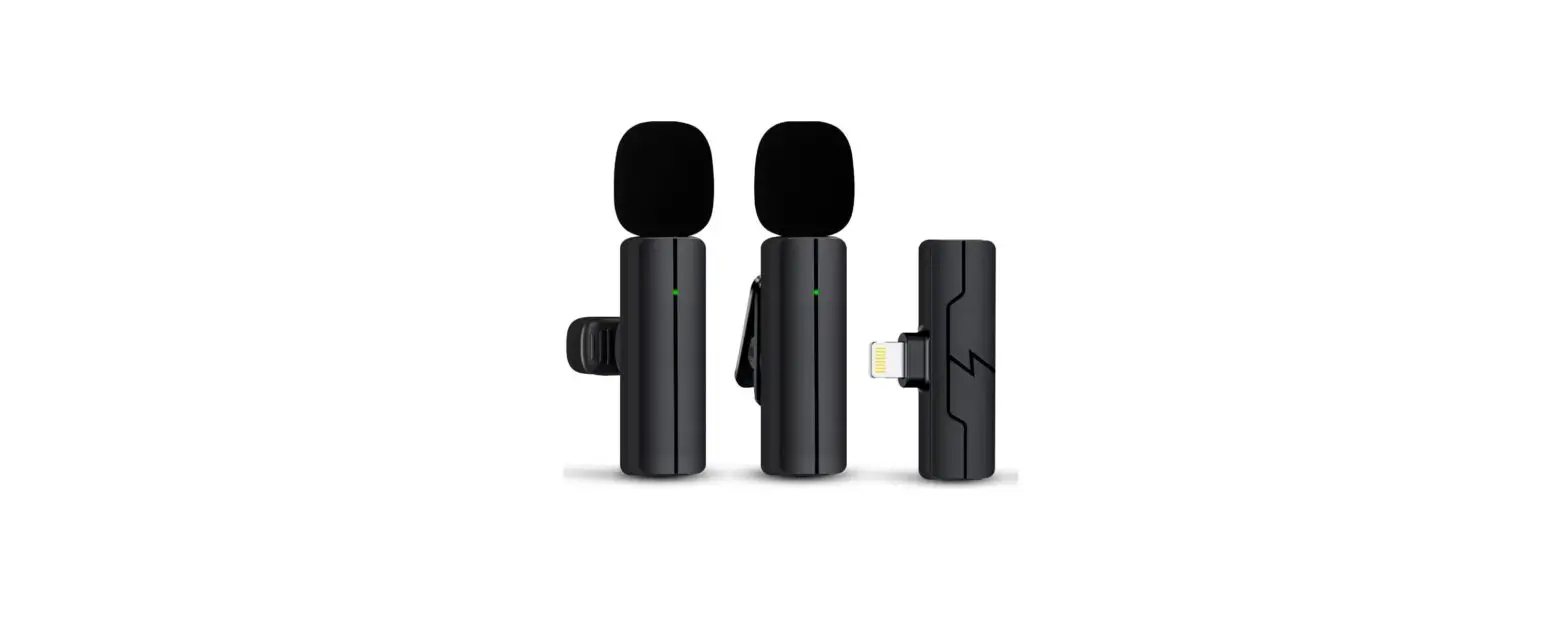
The BTW is a compact and portable wireless lavalier microphone. It features an omnidirectional microphone capsule, which delivers clear and intelligible sound. The BTW can work i tandem with third-party apps for audio/video recording. It is compatible with both iOS and Android devices. With an operating range of up to 80m, the BTW is ideal for content creation, live streaming, interviews, online class, etc.
Product Structure
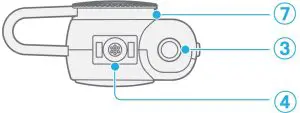
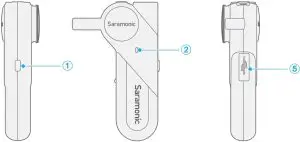
- Power Button
Function Operation Power ON
Press and hold the button for 2 seconds
Power OFF
Press and hold the button for 3 seconds
Play/Pause
Short press the button (successfully connected)
Clear Pairing Records
Make sure the BTW is turned off.
Then press and hold the button for 5 seconds. - Status Indicator
Mode
Indicator
Unpaire
(wait for pairing)
Blinks blue 3 times, then flashes blue and green alternately (If not connected within two minutes, the unit will enter standby mode.)
Standby Mode
Slow flashing green light
Power OFF
Green light blinks 3 times
Paired Successfully
Slow flashing blue light Low Battery Voice prompts “Low Battery” every two minutes
Charging
Solid green light Fully Charged Light up blue for 2s, then flashes green slowly
- 3.5mm Headphone Jack
Connect the supplied single earbud for audio monitoring. - Built-in Microphone
- USB Type-C Charging Port
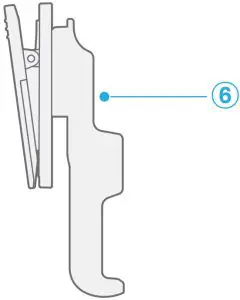
- Belt Clip (Detachable)
- Magnetic Clip
Accessory Setup Guide
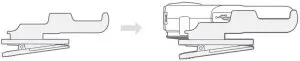
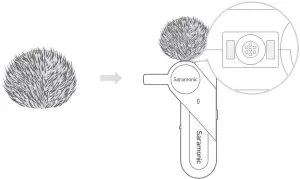
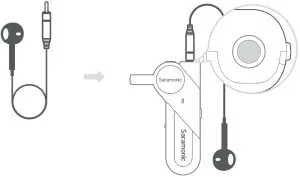
Operation Guide
- Press and hold the power button for 2 seconds to turn on the BTW.
- Pairing.

First time pairing:- The BTW will enter pairing mode automatically after power on. The indicator flashes blue and green alternately.
- Turn on Bluetooth, then select “Saramonic BTW” on your device.
- When connected successfully, the indicator flashes blue slowly.
Automatic connection:
Turn on the Bluetooth of the last device connected, and then turn on the BTW, the connection between the device and the BTW with will be automatically established.
- Open a third-party audio or video app and start recording.
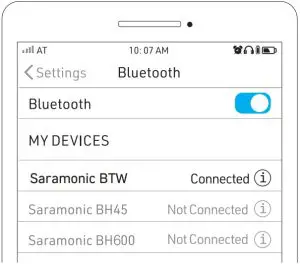
For better recording experience, the application SmartRecorder is recommended.
Please scan the following QR code to download and install
Smart Recorder.
Specifications
Transmission Type | 2.4GHz wireless transmission |
| Modulation | GFSK |
Operating Range | 80m (line-of-sight) |
| RF Output Power | <10dBm |
Polar Pattern | Omnidirectional |
| Maximum SPL | 120dB SPL |
Sensitivity | -42dB |
| Power Requirement | Built-in Li-ion Battery |
Charging Port | USB Type-C |
| Battery Life | 10 hours |
Antenna | Built-in Antenna |
| Audio Connector | 3.5mm headphone jack (stereo output) (also support TRRS microphone input) |
Dimensions | 67.6×42.6×18.4mm |
| Weight | 24.5g |
Operating Temperature | 0°C to 50°C |
| Storage Temperature | –20°C to 55°C |
Packing List
- 1×BTW Wireless Lavalier Microphone
- 1×USB-A to USB-C Charging Cable
- 1×Single Earbud
- 1×Fur Windshield
- 1×Belt Clip
FCC Statement
This equipment has been tested and found to comply with the limits for a Class B digital device, pursuant to part 15 of the FCC Rules. These limits are designed to provide reasonable protection against harmful interference in a residential installation. This equipment generates, uses and can radiate radio frequency energy and, if not installed and used in accordance with the instructions, may cause harmful interference to radio communications. However, there is no guarantee that interference will not occur in a particular installation. If this equipment does cause harmful interference to radio or television reception, which can be determined by turning the equipment off and on, the user is encouraged to try to correct the interference by one or more of the following measures:
- Reorient or relocate the receiving antenna.
- Increase the separation between the equipment and receiver.
- Connect the equipment into an outlet on a circuit different from that to which the receiver is connected.
- Consult the dealer or an experienced radio/TV technician for help.
Caution: Any changes or modifications to this device not explicitly approved by manufacturer could void your authority to operate this equipment.
This device complies with part 15 of the FCC Rules. Operation is subject to the following two conditions: (1) This device may not cause harmful interference, and (2) this device must accept any interference received, including interference that may cause undesired operation.
RF Exposure Information
The device has been evaluated to meet general RF exposure requirement. This equipment should be installed and operated with minimum distance 0mm between the radiator & your body.
ISED Statement
This device contains licence-exempt transmitter(s)/receiver(s) that comply with Innovation, Science and Economic Development Canada’s licence-exempt RSS(s).
Operation is subject to the following two conditions:
- This device may not cause interference.
- This device must accept any interference, including interference that may cause undesired operation of the device.
The digital apparatus complies with Canadian CAN ICES-3 (B)/NMB-3(B).
The device has been evaluated to meet general RF exposure requirement. This equipment should be installed and operated with minimum distance 0mm between the radiator & your body.
Customer Support
Shenzhen Jiayz Photo Industrial,Ltd
Tell: 400-613-1096Web: www.saramonic.com
Email: [email protected]