
DONNER Lavalier Microphone 100
Welcome to Donner
Thank you for choosing Donner Lavalier Microphone 100! Please read this user manual carefuly before using this product. Be sure to save these instructions for future reference.
IMPORTANT SAFETY INSTRUCTIONS
- Read and keep the instructions completely before using the product.
- Use the product only in the ways described in the instructions.
- Do not use the product if it was damaged during transportation.
- Do not store it in the following environments: Direct sunlight, high temperature, excessive humidity, excessIve dust, and strong vibration.
- Do not disassemble or modify this product to avoid the danger of fire and electric shock.
- Do not Submerge It in water or drop water onto or into it.
- Do not clean the product with thinners, alcohol, or similar chemicals to avoid discoloration.
- Do not insert sImall objects into the product.
INTRODUCTION
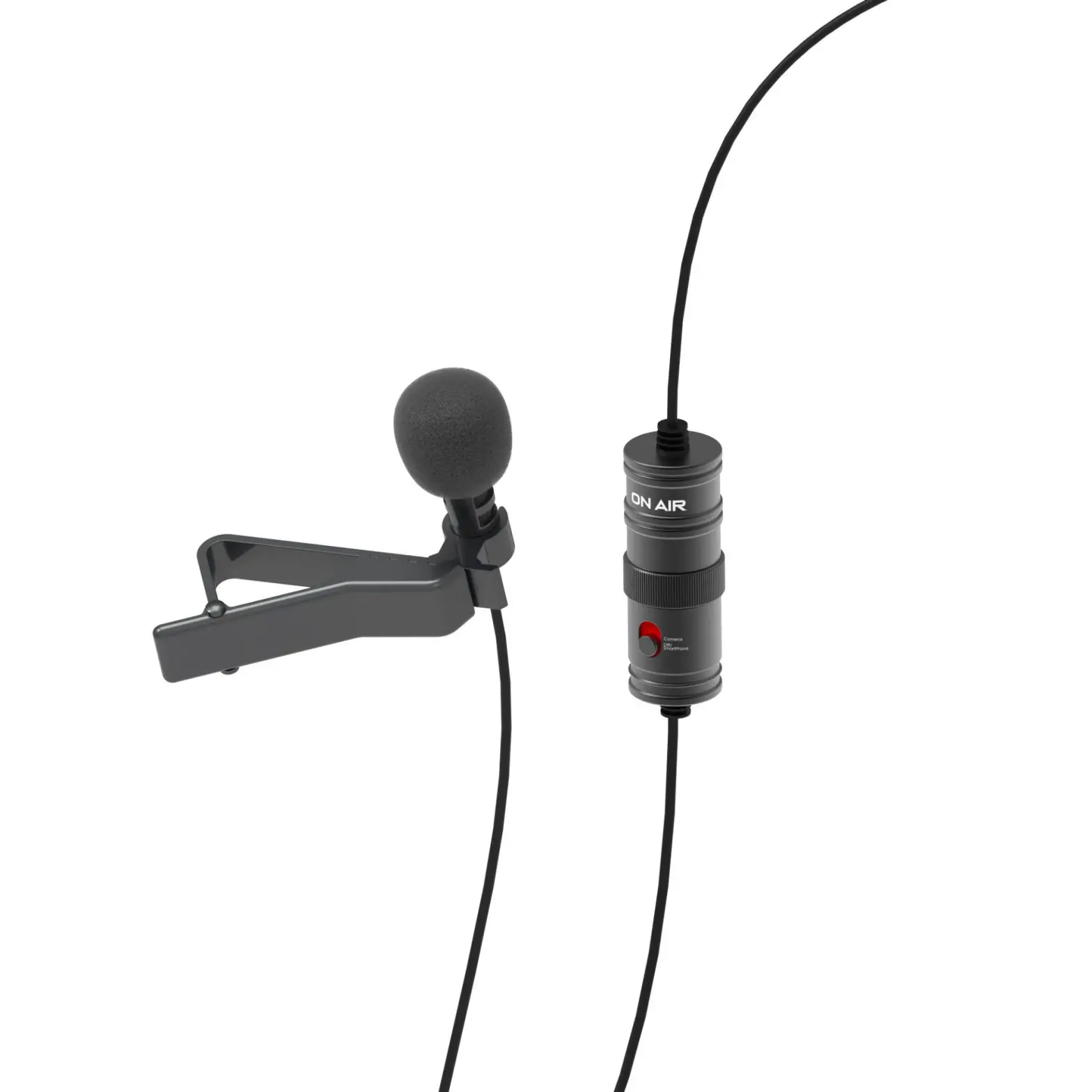
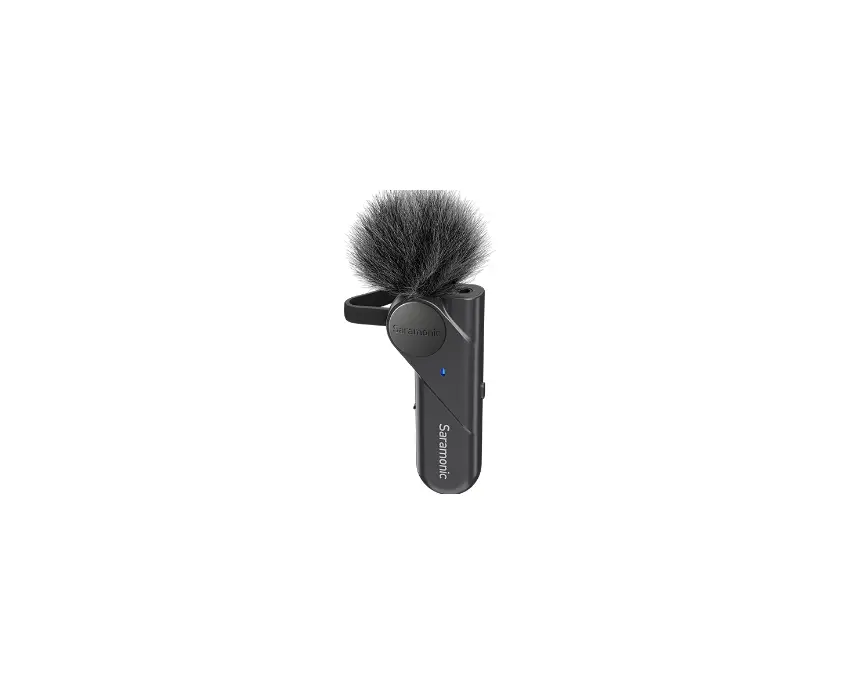
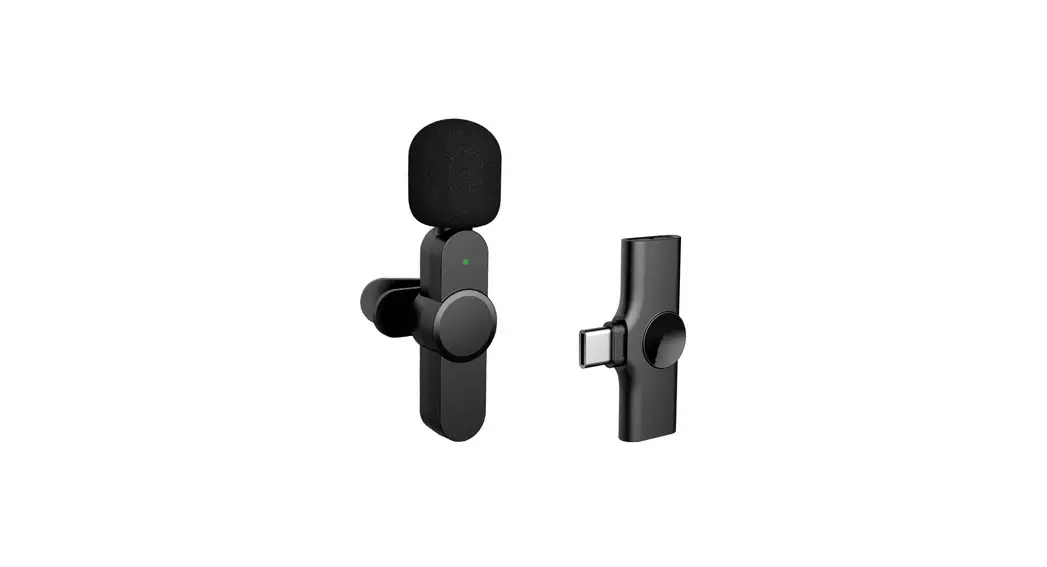
Donner LM100 is a compact lavalier microphone that boasts advantages like easy-to-carry, multi-function, long battery life, etc. With low latency wireless system and digital interface, it allows users easily and wirelessly record clear sounds through a phone/tablet/computer even from a distance. Along with the real-time monitoring and adjustable multi-level gains, making your record more accurate in various situations and uses.
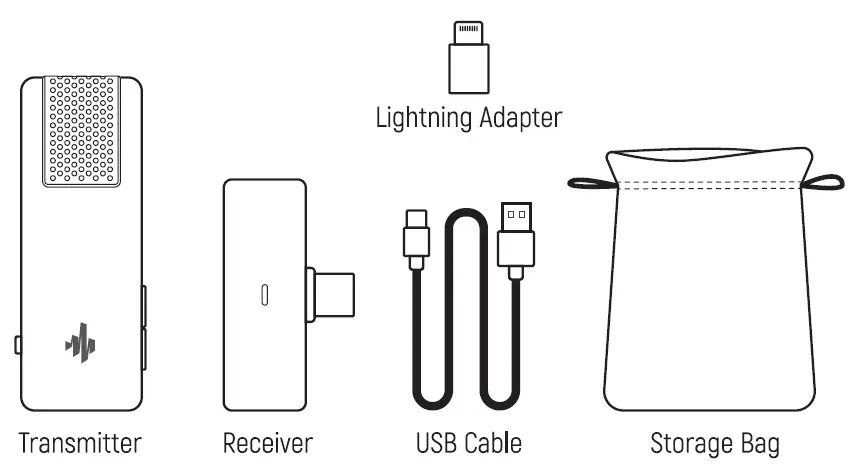
WHAT’S IN THE BOx
PRODUCT OVERVIEW
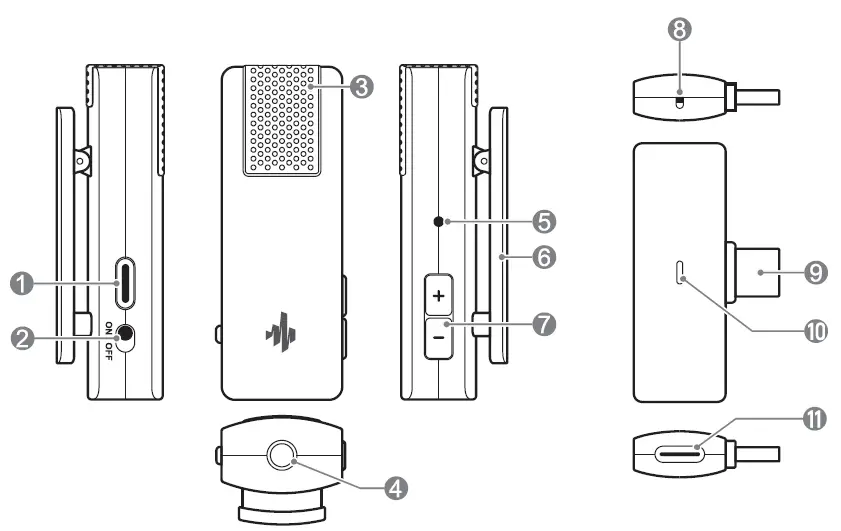
TRANSMITTER-TX
- USB-C Charging Port
- Power Switch
- Built-in Microphone
- Monitor Output [3.5mm Headphone Jack)
- Indicator
- Lapel Clip
- Volume Button
RECEIVER-RX - Reset Button
- USB-C Plug
- Indicator
- USB-C Charging Port
SPECIFICATION
| Model | OWM-LMIOO |
| Operating current | 22mA±2mA |
| Shutdowncurrent | 21UA |
| Radio-frequency power | 5Dbm |
| Frequency response | 30-IBKHZ |
| Signal noise ratio | 7008 llnput 50MVI |
| Distortion | 0.5% (Input 50MVI |
| Input amplitude | s30DMV |
| Latency | 20MS |
| Sampling frequency | 48KHZ 16 bit |
| Operating frequency | 2402MHZ-2480MHZ (The range of frequency modulation after interference is 2300MHz-2384MHz) |
| Operating current | 20MA>5MA |
| Radio-frequency power | 50bm |
| Operating range | tD-10m(No obstacle between! |
| Sound track | Mono |
| Polar pattern | Omni-directional |
| Frequency range | 100Hz-t6kHz |
| Sensitive | -40±2dB |
| Max SPL | tlOdB |
| Model:OWM-LMIOO FCC ID:2AV7N-OWMLMIOO Donner Lavalier Microphone100 Made in China This device complies withpart 15 of the FCC Rules. Operation is subject – to the following two conditions: [1) This device may not cause harmful interference, and [2) this device must accept any interference received, including interterence that may cause undesired operation. | Pairing and Connection | FCC STATEMENT | ||||
| Function Button/Port Poweron Power button Pairing Re-pairing Volume-button
Noise reduction Volume+ button mode Low battery Charing Type-CPort Fully charging Volume up Volume+ button Volume down Volume-button Monitoring (audio+ 3.5mmJack human voice/ human voice] Poweroff Power button
Pairing Successful connection Charge mobile Type-Cport phone/ Monitoring Re-pairing Reset button | Operation Switch to “ON” Auto pairing Pressand hold the Volume – button for 10s, then short press the Reset button on the receiver Pressand hold the Volume+button for Bs
Short press the Volume+button Short press the Volume- button Pressand hold the Volume+button and the Volume- buttonsimultaneously
Switch to-OFF” Plug in phone Use a USB-Cjack headset or a USB-C to 3.5mm jack audio adapter for monitoring Press and hold the Volume – button on the transmitter for 10s, then short press the Reset button | Indicator Status Solid blue light Flashing blue light All ights are on for ls when power on again to enter the pairingstatus
Turn on = Slow flashing green ight [lasted 2s] Turn off= Rapid flashing green light Flashing red light Solid red light Red ight goes off and green ight is on Green ight flashes rapidly, and when the volume is maximum, then rapidly flashes green 3 times Green ight flashes rapidly, and when the volume is minimum, then rapidly flashes green 3 times Light flashes green slowly when the audio is played Light flashes green rapidly when no audio output
Flashing blue Solid blue
Power on again to enter the pairing status | 1. Clip the transmitter to your collar, or near any sound source where you need to record, then turn on the power. 2. Plug the receiver into the USB-C port on your phone, tablet,etc. 3. Once successfully connected, the LED indicator on the transmitter and receiver will become solid blue, then you can start recording. 4. You can also plug in a 3.5mm wired headset to monitor the recording effect.
Tips: 1. The product features gain adjustment on the microphone,you can press the volume +/- button to adjust and adapt different user voices or space environments. 2.This product has the noise reduction function, whichis enabled by default. If you use it in a quiet environment, you can turn off the noise reduction function by long pressing the volume+ button, to obtain better recording quality. | 1. This device complies with Part 15 of the FCC Rules.Operation is subject to the following two conditions: (1] This device may not cause harmful interterence,and [2] This device must accept any interference received, including interference that may cause undesired operation. 2.Changes or modifications not expressly approved by the party responsible for compliance could void the use(s authority to operate the equipment. NOTE: This equipment has been tested and found to comply with the limits for a Class B digital device,pursuant to Part 15of theFCC Rules. These limitsare designed to provide reasonable protection against harmful interterencein a residential installation. This equipment generates uses and can radiate radio frequency energy and,if not installed and used in accordance with the instructions, may cause harmful interference to radio communications. However, there is no guarantee that interference will not occur in a particular installation. If this equipment does cause harmful interference to radio or television reception, which can be determined by turning the equipment off and on, the user is encouraged to try to correct the interference by one or more of the following measures: (1] Reorient or relocate the receiving antenna. (2] Increase the separation between the equipment and receiver. (3] Connect the equipment into an outlet on a circuit different from that to which the receiver is connected. (4] Consult the dealer or an experienced radio/TV technician for help.
RF warningstatement: The device has been evaluated tomeet general RF exposurerequirement. The device can be used in portableexposure condition without restriction. | ||
| 8 | ||||||