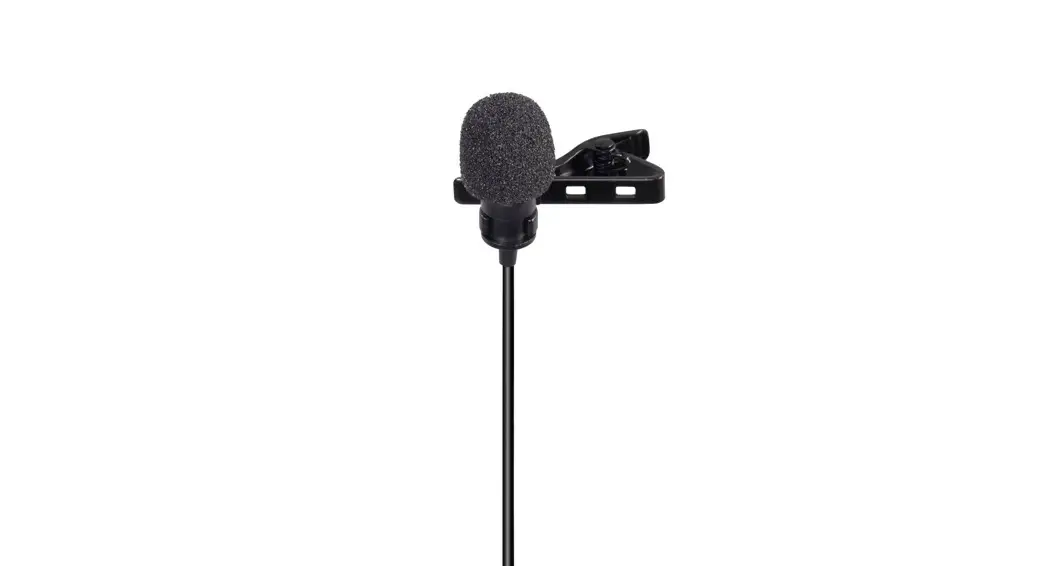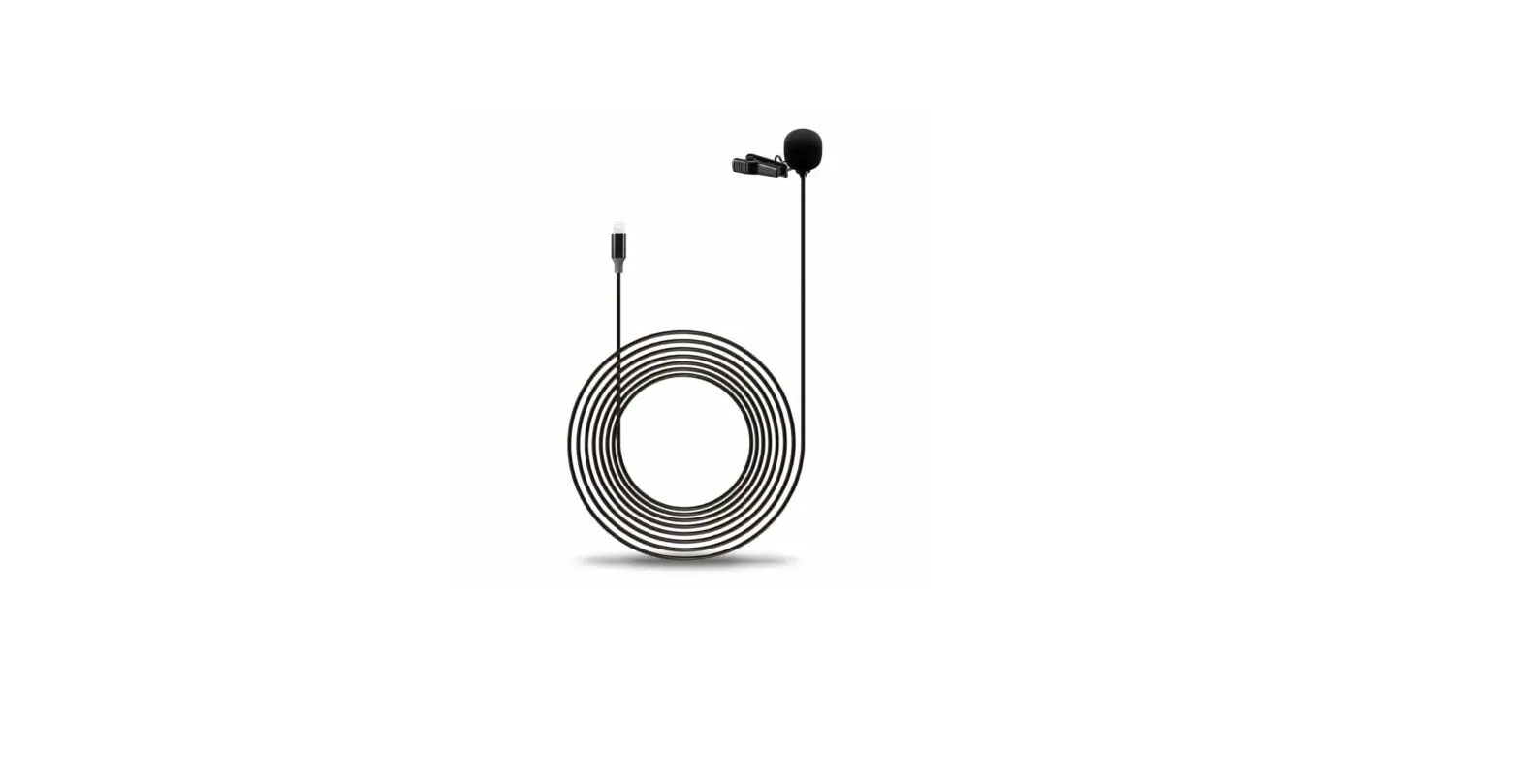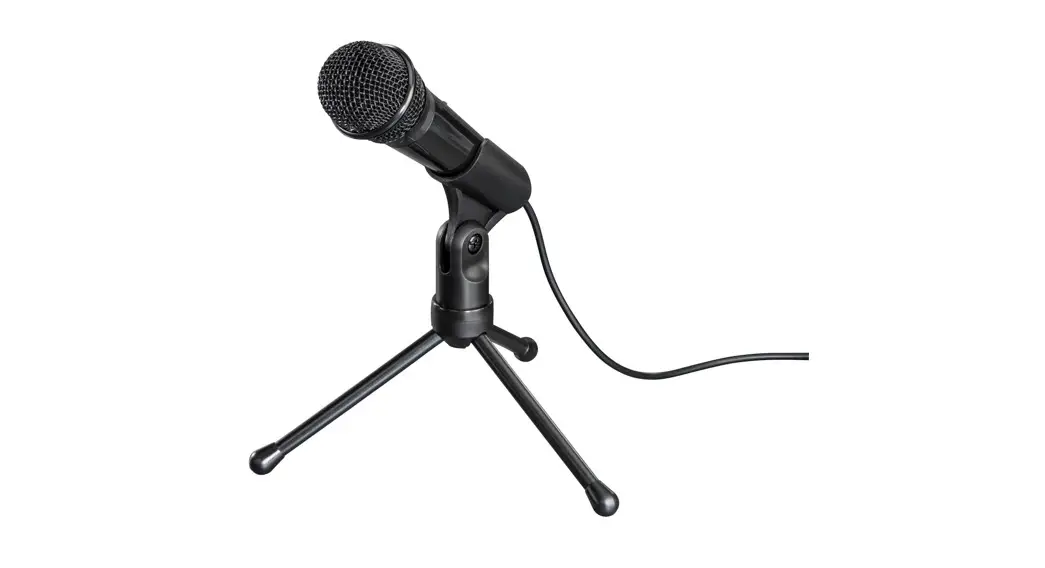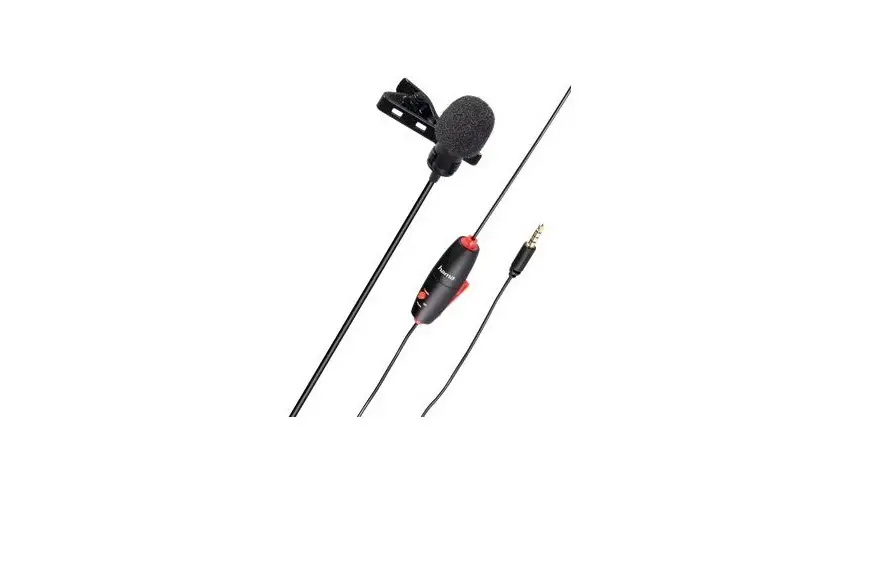
hama 00004634 Smart Lavalier Microphone Instruction Manual
Replacing the battery
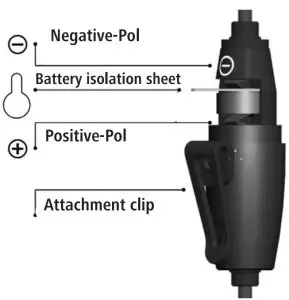
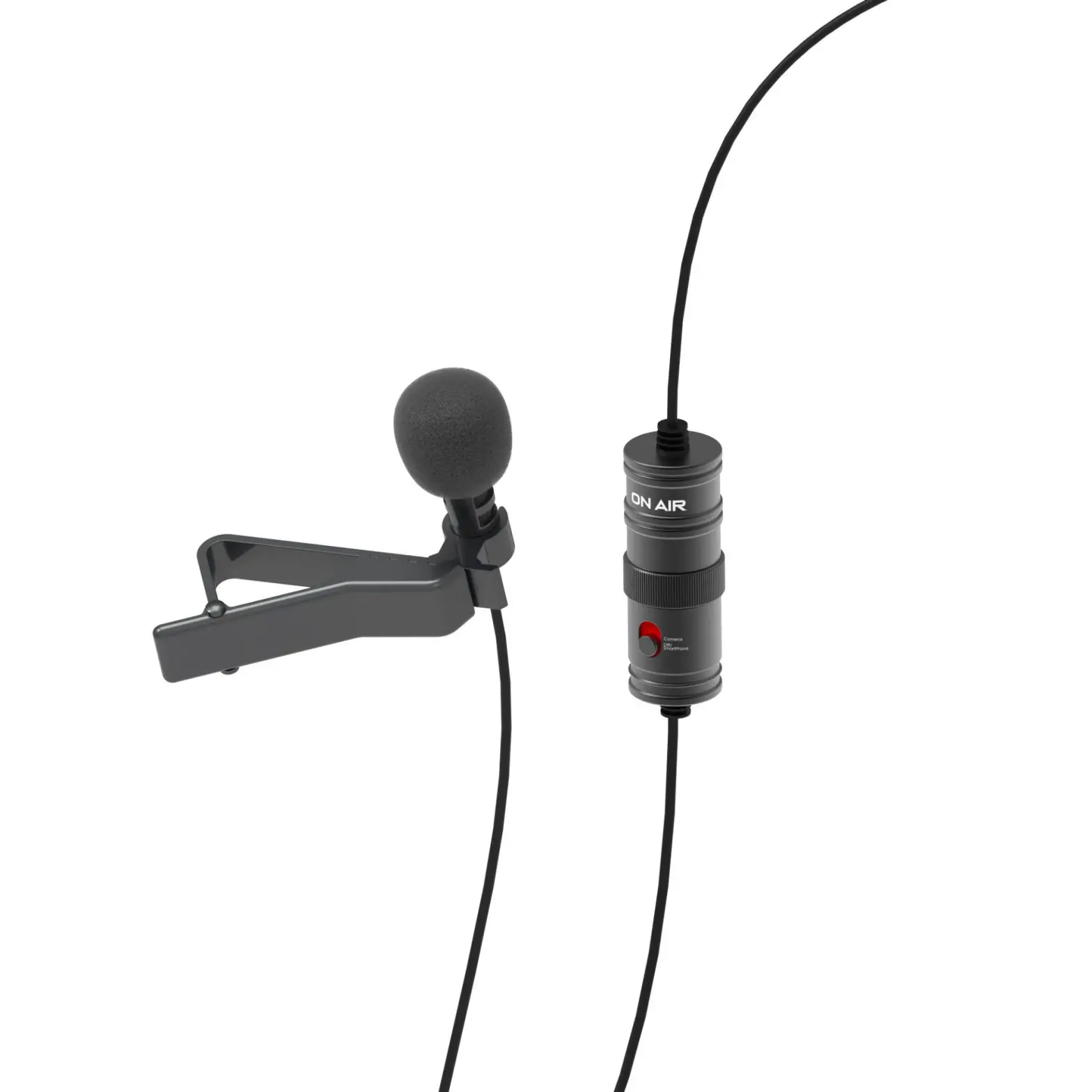
- Before using the product for the first time, please open the battery compart-ment (twist top). Remove the battery isolation sheet and close the battery compartment.
- When replacing the battery, pay attention to the positive and negative poles and insert the LR44 button cell into the battery compartment with the correct polarity!
Connection Instruction
Connection to a smartphone, laptop or tablet
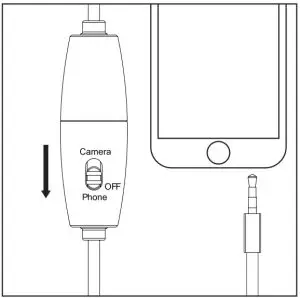
- Set the button to ‘OFF/Phone’. The microphone does not need an extra power supply for use with a smartphone, laptop or tablet.
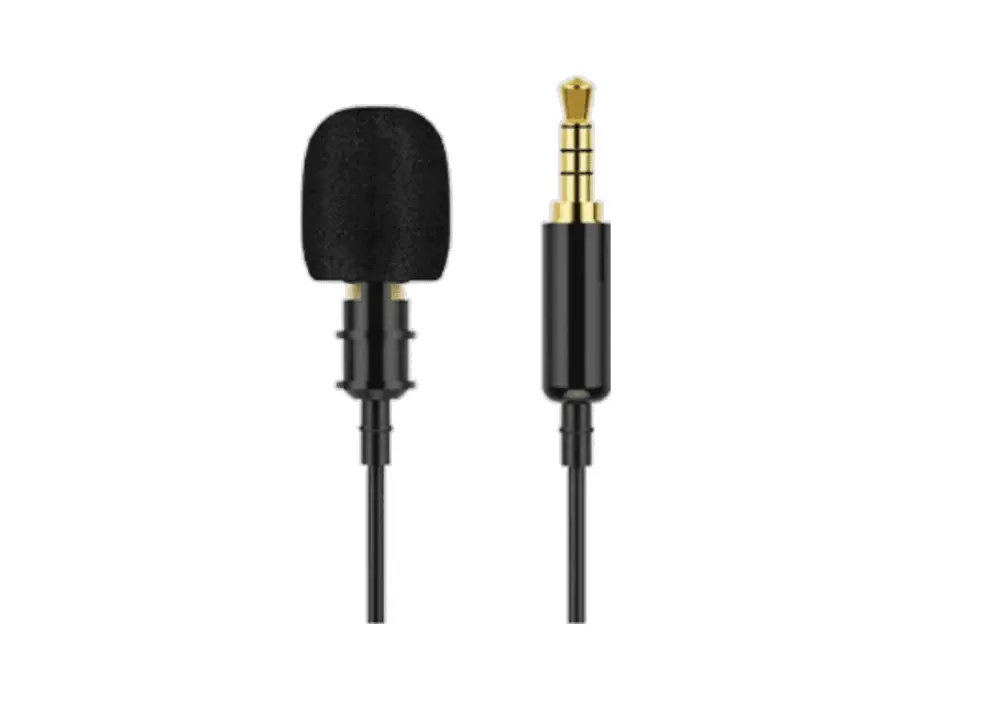
- Connect the 3.5-mm jack plug to the socket on your smartphone, laptop or tablet.
Connection to a DSLR, camcorder, audio device or PC
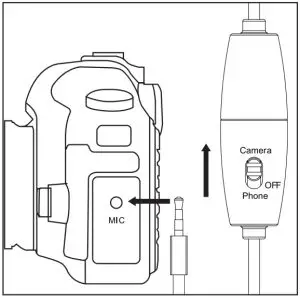
- Switch on the microphone. To do so, set the button to ‘Camera’.
- Connect the 3.5-mm jack plug to the socket on your DSLR, camcorder, audio device or PC.
- Switch off the microphone after use.
Technical Data
Connection: 3,5-mm-Jack plug
Model: Mono
Sensitivity (+/- 3 dB): 34 dB
Directivity: Kugel
Cable Length: 6m
Impedance: 2200 Ω
Frequency range: 50 Hz — 20 kHz
Service & Support
 www.hama.com
 +49 9091 502-0

All listed brands are trademarks of the corresponding companies. Errors and omissions excepted, and subject to technical changes. Our general terms of delivery and payment are applied.