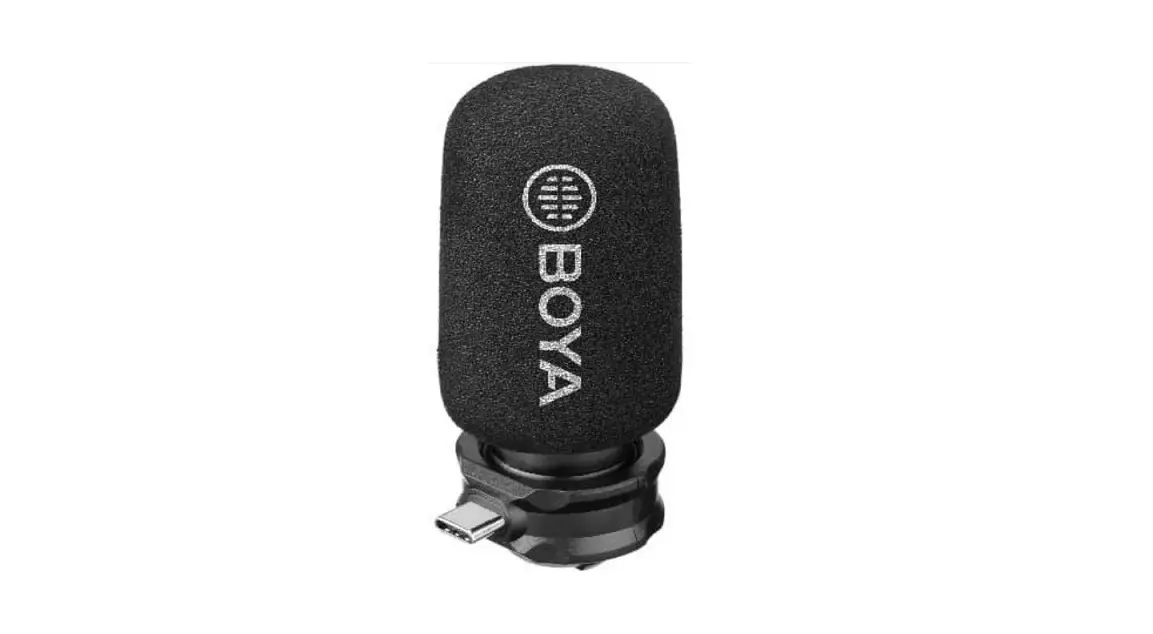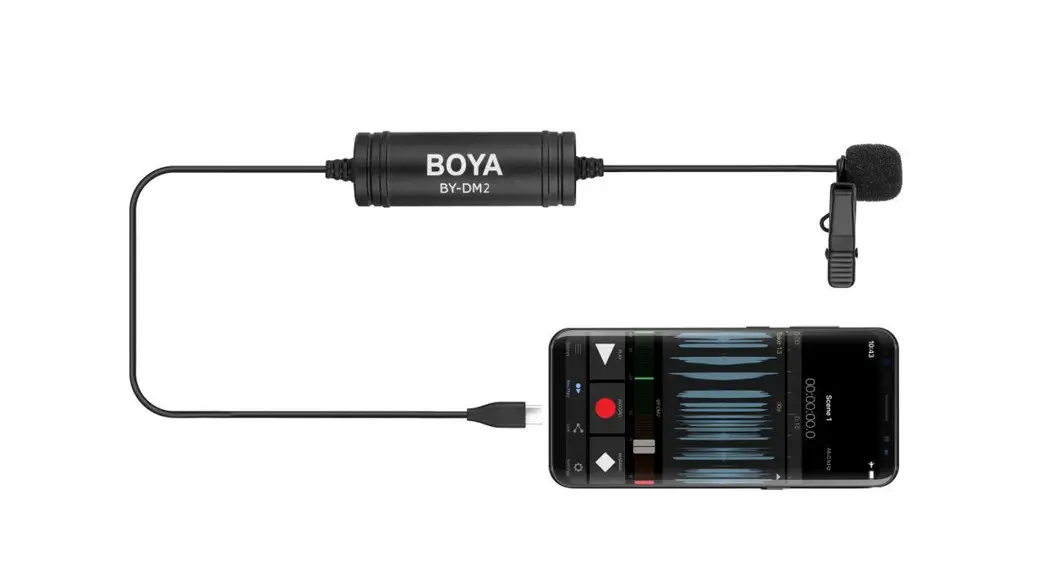

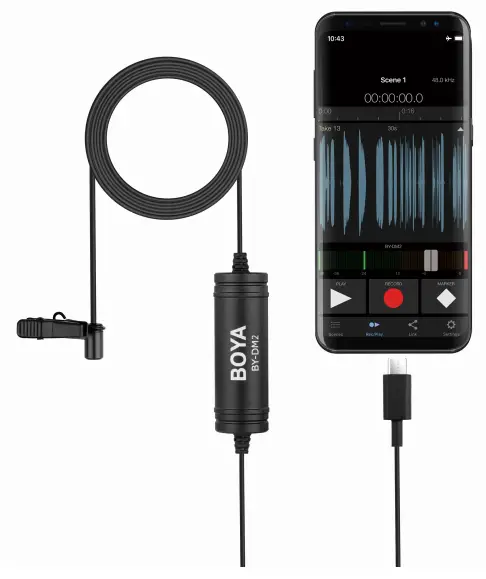
BY-DM2
Digital Lavalier Microphone
Instruction Manual
Instruction
Thank you for purchasing the BOYA BY-DM2 digital lavalier microphone!
The BY-DM2 is a professional audio solution for your Android devices.
This lavalier microphone can connect with any Android device with a Type-C connector and help captures clear, high-quality sound during audio recording.
It can oers up to 24-bit / 48 kHz resolution with a frequency response of 25 Hz to 20 kHz.
The Type-C connector can support the below equipment:
– SAMSUNG: Galaxy s9, s9+, s8, s8+, s7+, c9 c7 c5 Pro…
– HUAWEI: p20, p20 pro, Mate10,9, Nova 2,2s, Honor10,9…
– XIAOMI: 8, 6, 5s, 5s+, 5, 4c, Note3, Note2…
– MEIZU: Pro7, Pro7+, Pro6, Pro6+, 15, 15+, M15…
– LG: G6, Q6, V30, V20…
– OPPO: Find X…
– VIVO: Vivo NEX…
– Google: Pixel, Pixel 2…
– And more
Components
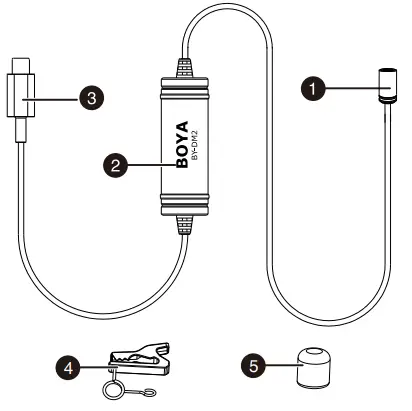
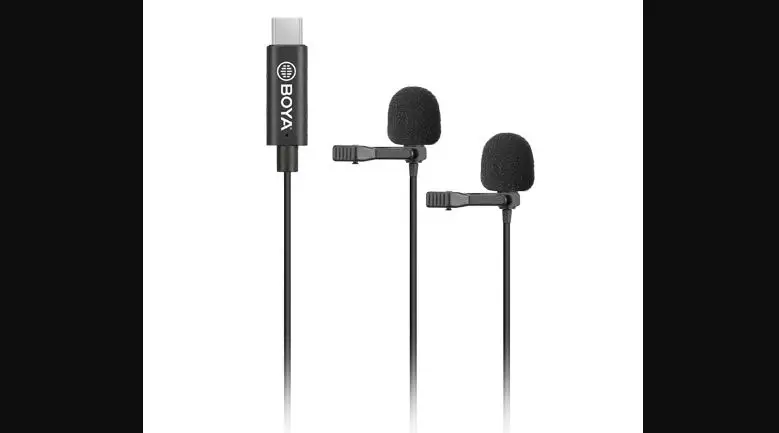
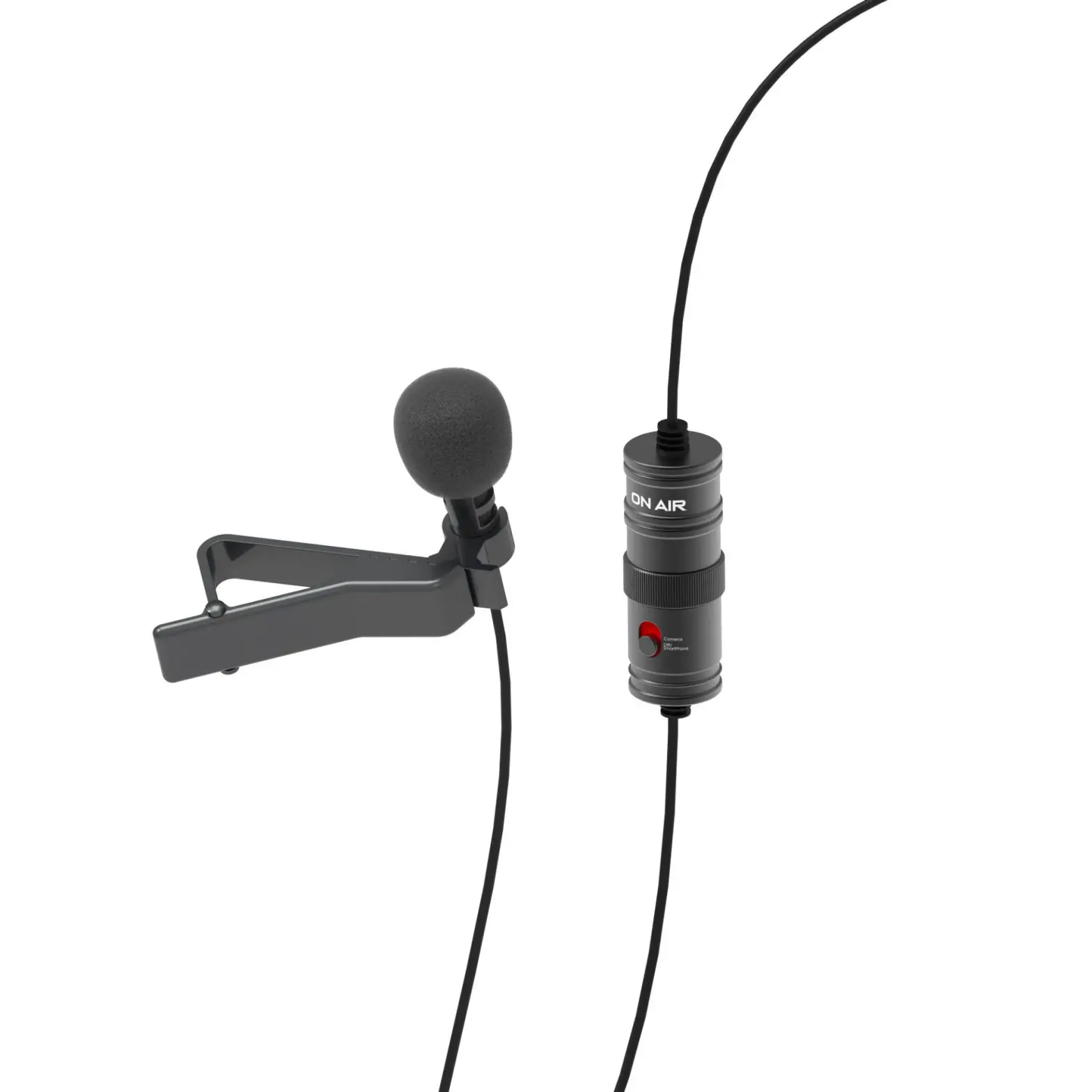
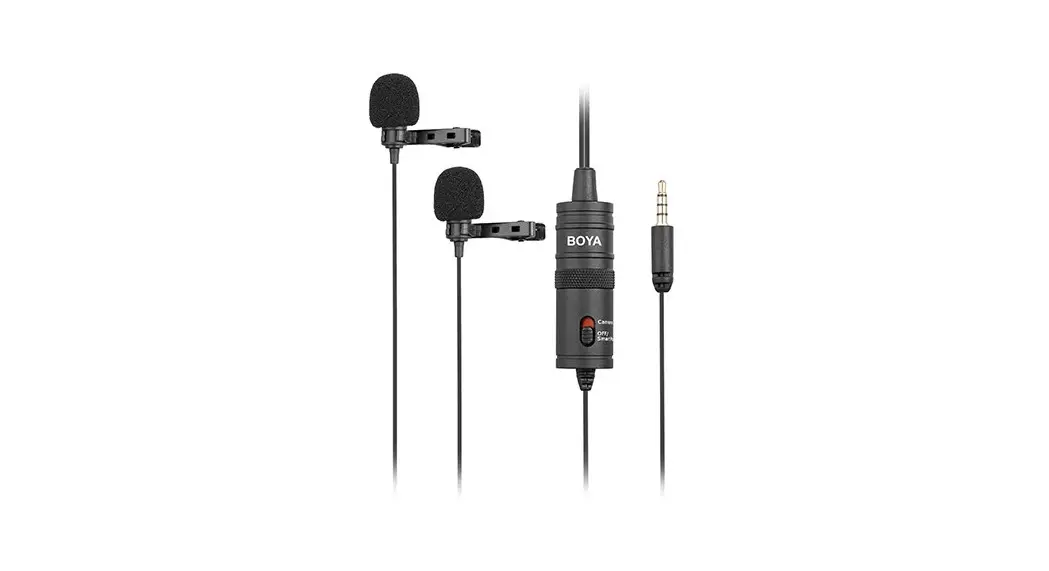
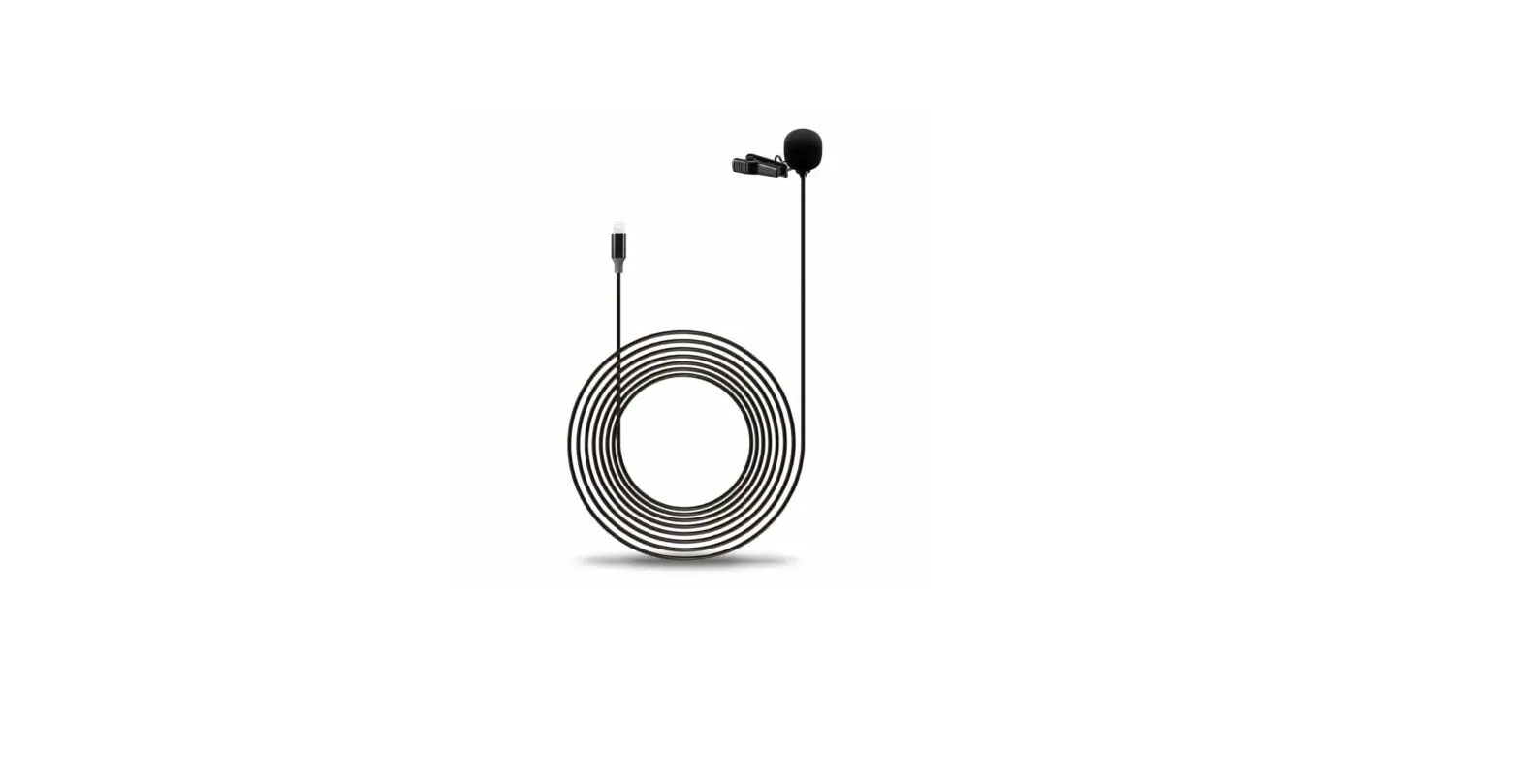
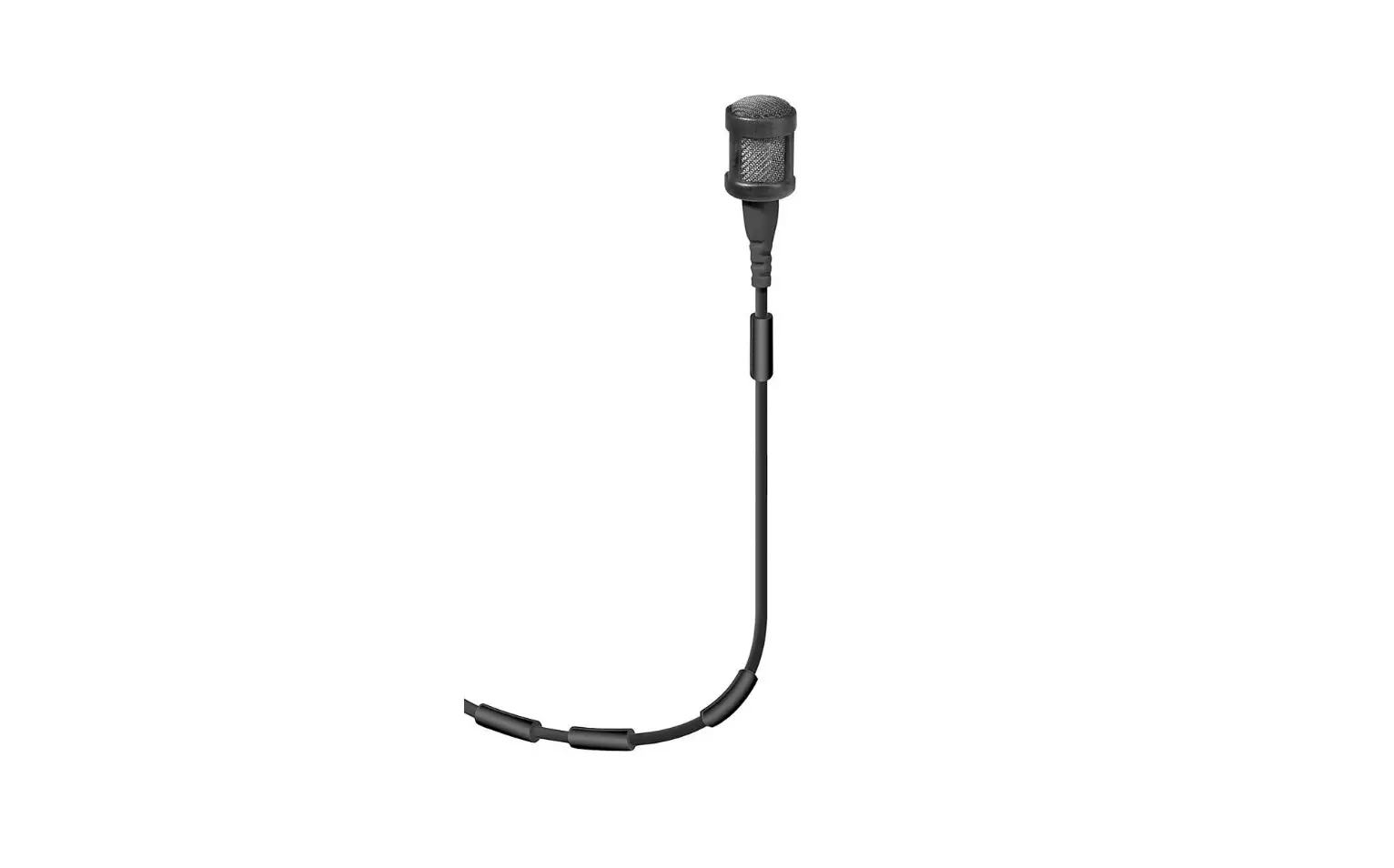
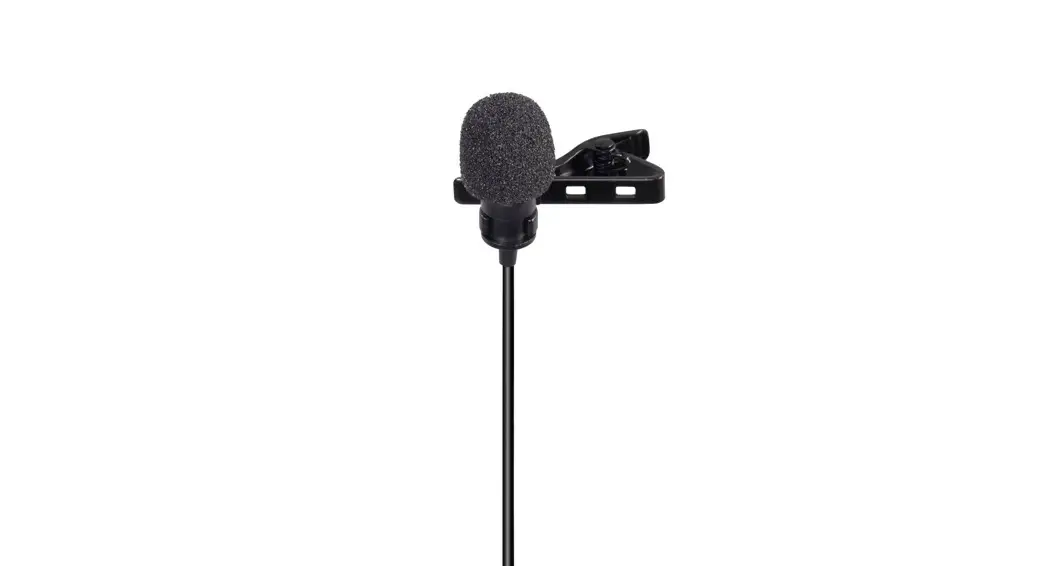
- Omnidirectional Mic
- Analog to Digital Conversion circuitry
- USB Type-C connector
- Clothing clip
- Foam windscreen
Features
- USB Type-C connector for Android devices
- Omnidirectional Mic
- 24-bit / 48 kHz digital recording
- Includes Mic Clip and wind screen
- All-metal construction
- Includes Carrying Pouch
Package contents
- Digital Lavalier microphone
- Foam wind screen
- Clothing clip
- Velcro
- Carrying pouch
- User Guide
Operations
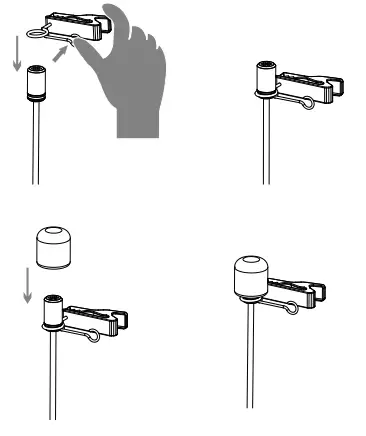
* The clip is installed before leaving the factory
- Install clip (in case need to re-install the clip, please follow the following steps) and wind screen

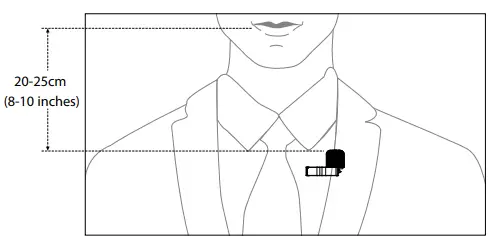
- Mounting the microphone to your Clothing
• Attach the microphone to the front of your clothing with the clothing clip, about 20-25cm (8-10 inches) from your face.
1) Attach the microphone upside down to reduce excessive breath noises and tonal inconsistencies due to head movements.
2) It is recommended that you use the foam windscreen at all times to avoid wind noise, even when recording inside.
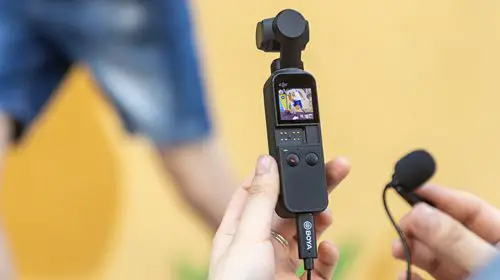
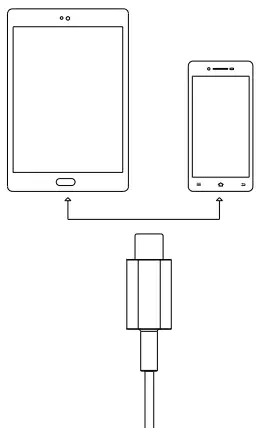
- Connect BY-DM2 to the USB Type-C port on your Android device.

Tips and notes:
- Some devices default to use their built-in microphone, you may need to download a third-party recording App and set external microphone mode manually.
- In case your Android device can not recognize BY-DM2, please try disconnect and reconnect to the USB Type-C port of your device and try to record again.
- It is recommended that you set your Android device to airplane mode to prevent any incoming calls from disrupting your recordings.
- Before recording an important event, record, and playback a short test clip with the microphone attached to ensure the audio recording is functioning properly.
Specifications:
| Audio output connector. | USB Type-C connector |
| AD Conversion: | Multibit DeltaSigma |
| Pick-up Pattern : | Omni-directional |
| Transducer Principle : | Pre-polarized condenser microphone |
| Frequency response: | 25Hz-20KHz |
| Sensitivity: | -42+/-3dB (@1KHz , OdB=1v/Pa) |
| Gain : | 0-35 dB |
| Sampling frequency: | 44.1 kHz/ 48 kHz |
| Bitrate: | I 6Bit /24Bit |
| Power Requirements: | Supplied by your Android device |
| Cable : | 6.0m (20ft) |
| Capsule Diameter: | 6.5 mm(0.261 |
| Net Weight: | 58g |
BOYA AUDIO EQUIPMENT (SHENZHEN) CO., LIMITED
Add: A16 building, New Material Industrial Park of
Silicon Valley Power, Guanlan Town, Shenzhen, China
Tel: (86)0755-28435910
Email: [email protected]
 Mic
Mic BOYA-Wireless Microphones,Accessories,Recording Equipment