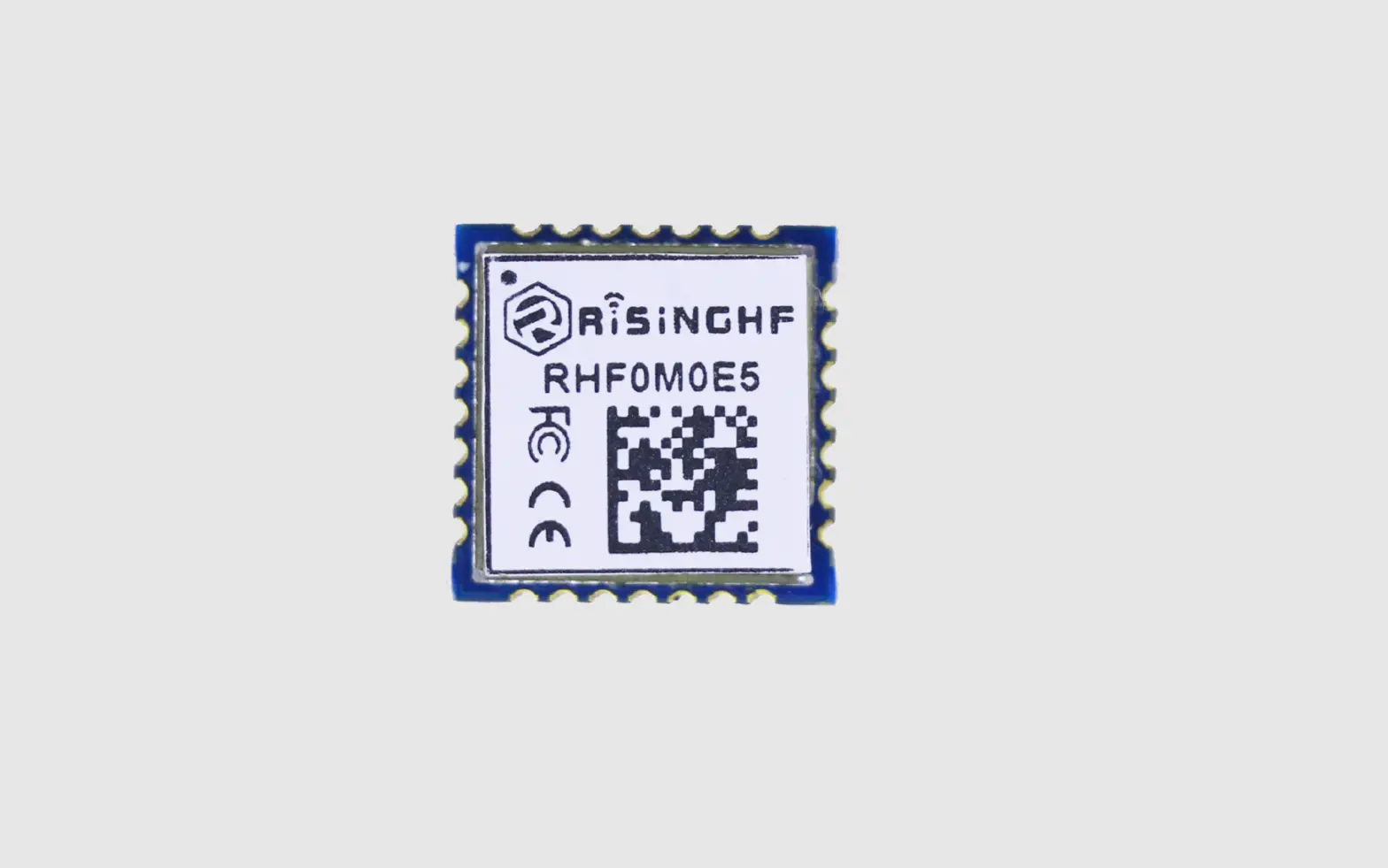
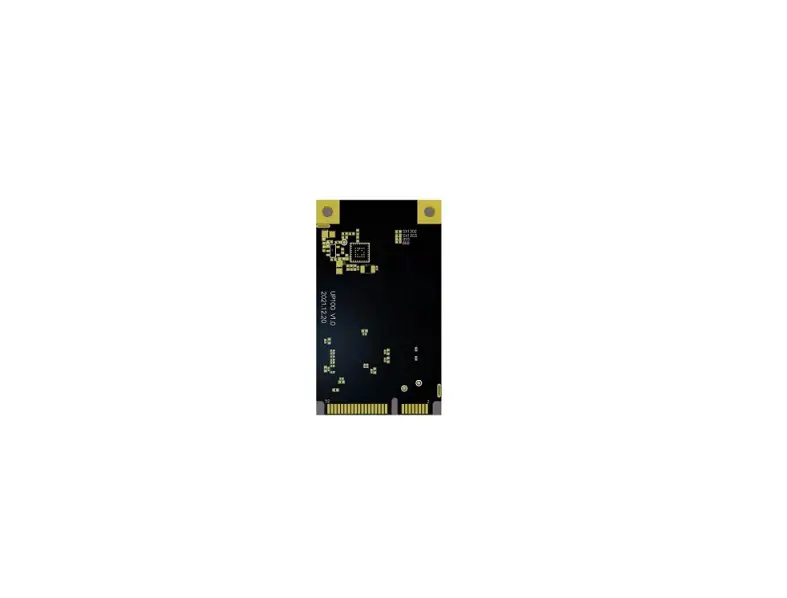
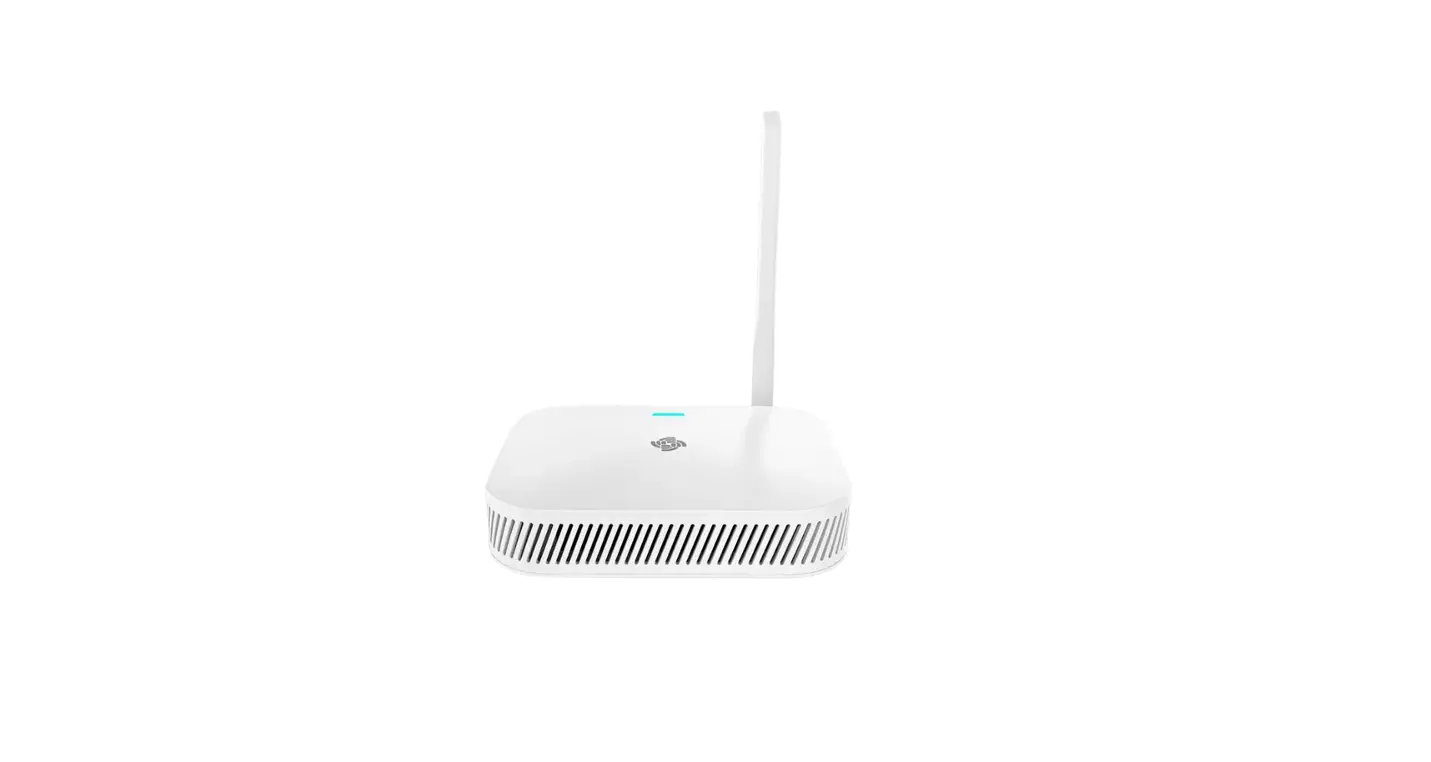
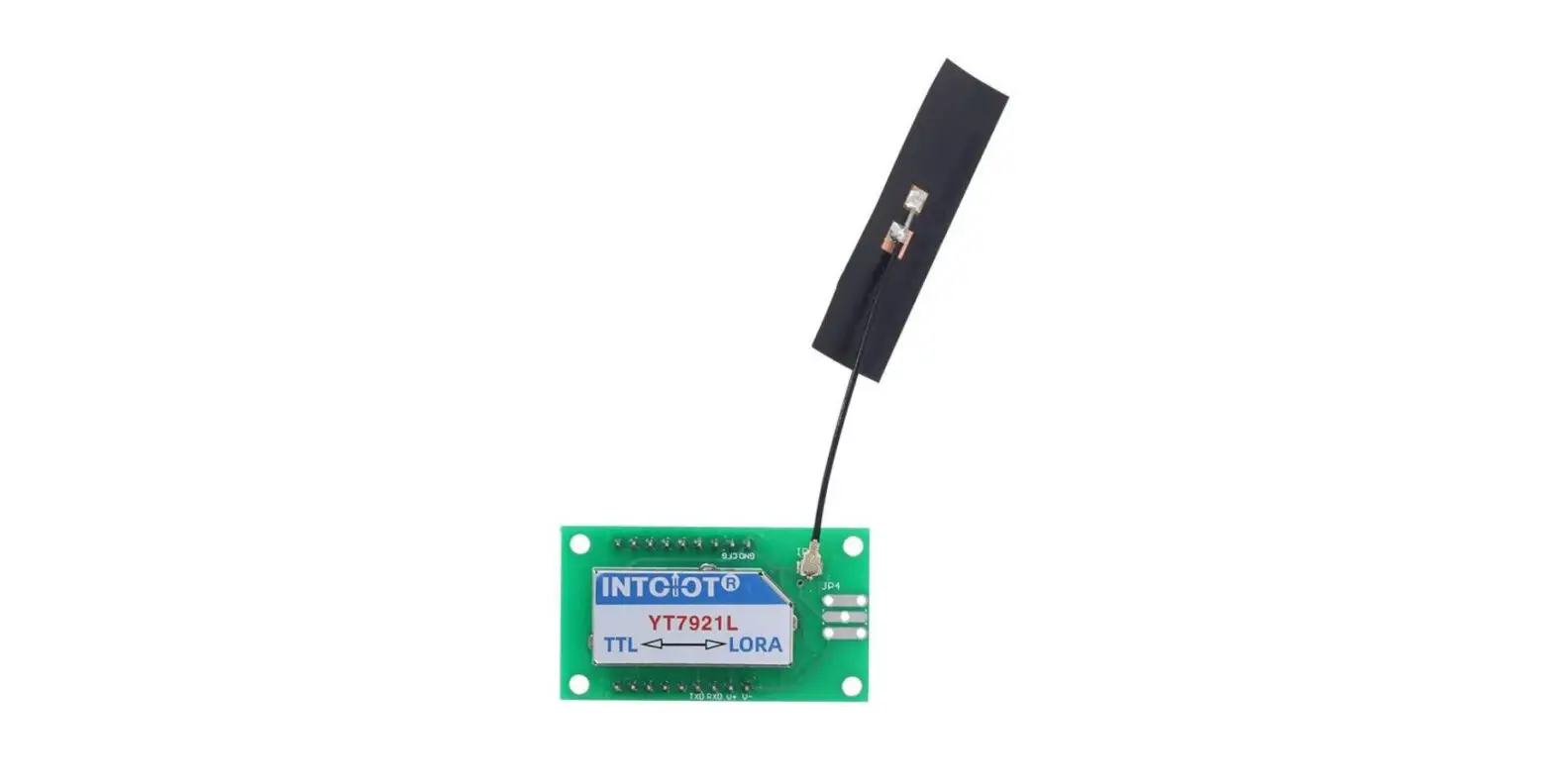
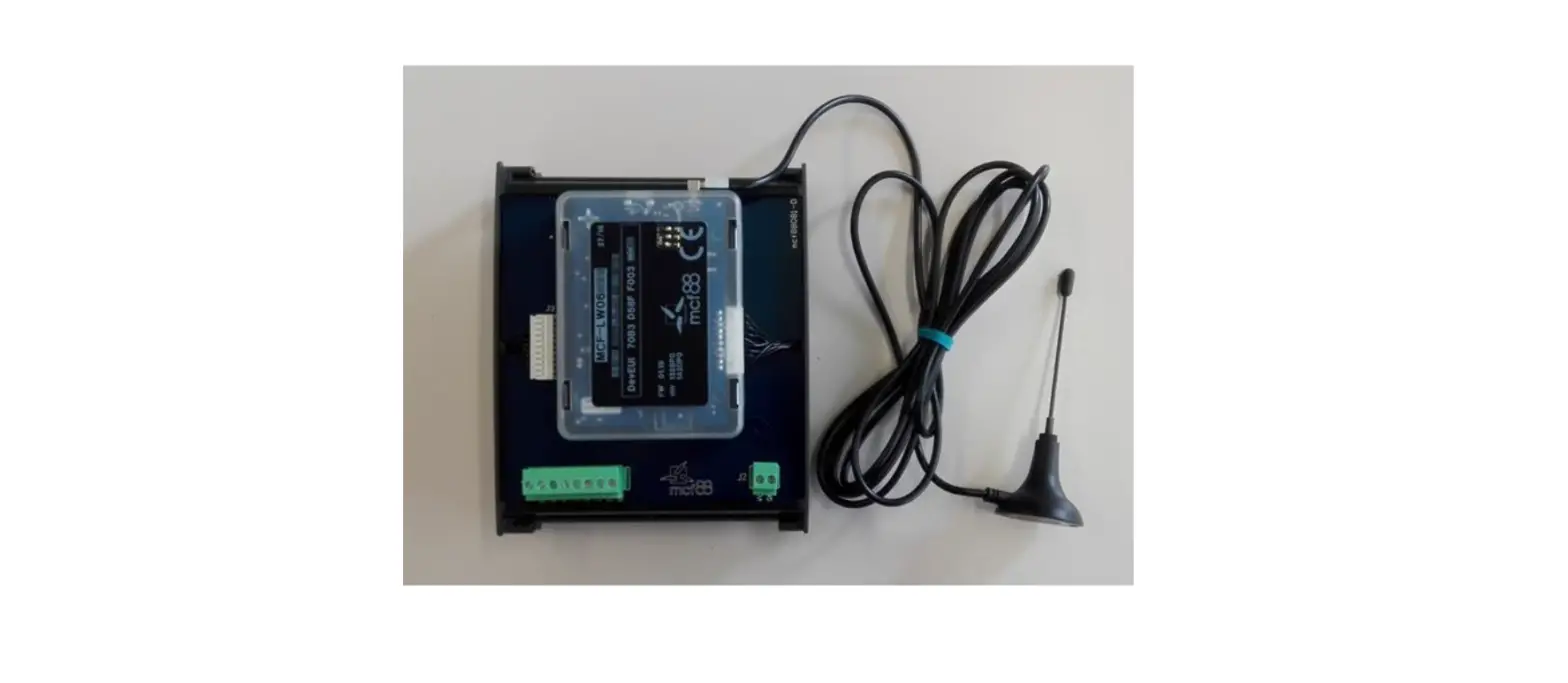
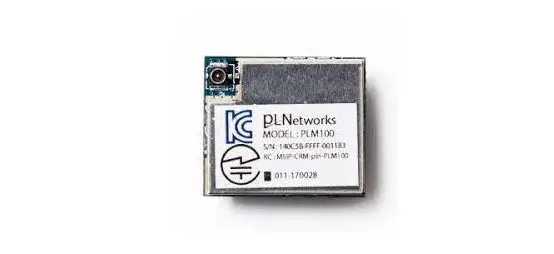
RYLR993 LoRaWan Transceiver Module
RYLR993 and Helium Network User Guide
The RYLR993 is a module that can be used for data transmission
through the Helium Network, which is a globally distributed network
of hotspots that creates public long-range.
What is Helium Network
Helium Network is a globally distributed network of hotspots
that creates public long-range.
To check the nearby hotspot, please refer to https://explorer.helium.com/.
How to apply Helium Network service
To use Helium network service, you must pay to purchase DC (DATA
CREDITS) for data transmission. Please refer to the website link
below for applying Helium Network service: https://docs.helium.com/use-the-network/console/quickstart.
After applying, you can create a Device in console environment
to get Device EUI, App EUI and App Key. These three data are the
account ID and password that used by the RYLR993 module to connect
to the Helium Network. You can go through https://console.helium.com/ to
see the information. Usually, it will take a few hours for the sync
after you create the Device.
Instruction of how to use RYLR993 and Helium Network for data
transmission
The following describes the simple usage process. For advanced
usage commands, please refer to the RYLR993 AT Command file.
Boot Information
The following strings will be occurred after you Boot or
RESET:
BAND:US915
`Stands for the current frequency Band
+READY
Set Frequency Band
After sending AT+BAND=0, RYLR993 will response as below:
BAND:AS923
OK
Test the response of RYLR993
After sending AT, RYLR993 will response as below:
OK
Set DEUI
After sending AT+DEUI=60:81:F9:AF:21:68:5C:5F, RYLR993 will
response as below:
OK
Set APPEUI
After sending AT+APPEUI=60:81:F9:6B:CA:11:C0:17, RYLR993 will
response as below:
OK
Set NWKKEY
Because Helium Network is an APP itself, therefore the NWKKEY in
RYLR993 is, after APPKEY send
AT+NWKKEY=FA:74:AF:C5:95:7A:B7:BF:52:E3:6F:AE:EA:C1:BA:D5:, RYLR993
will response as below:
OK
Log in to Helium Network
After sending AT+JOIN=1, RYLR993 will response as below:
OK
+EVT:JOINED
`Successfully Login to Helium Network
+EVT:RX_1, DR 0, RSSI -19, SNR 8
`The quality of the signal status
Sending data to Helium Network
After sending AT+SEND=1:1:31323334, RYLR993 will response as
below:
OK
+EVT:SEND_CONFIRMED
`Confirmation of sending data successfully
+EVT:RX_1, DR 2, RSSI -18, SNR 7
`The payload field are the data that has been uploaded
successfully, and the format is BASE64
Receive the data transmitted from Helium Network to
RYLR993
As the figure shown below, 12345678 in Text format can be
transferred to RYLR993.
Due to Helium Network can only download the data when RYLR993 is
uploading the data, therefore it is needed to send
AT+SEND=1:1:31323334:, and RYLR993 will response as below:
OK +EVT:SEND_CONFIRMED +EVT:1:08:3132333435363738 +EVT:RX_1, DR
2, RSSI -28, SNR 7
`Confirmation of sending data successfully
Helium Network can be integrated with other service
Helium Network can also be integrated with other network
protocols and services.
Contact [email protected] or
visit http://reyax.com for more
information.
10-MAR-2022 56312E30
RYLR993 and Helium Network User Guide
RYLR993 and Helium Network User Guide
1. What is LoRaWAN®?
The LoRaWAN® specification is a Low Power, Wide Area (LPWA) networking protocol designed to wirelessly connect battery operated `things’ to the internet in regional, national or global networks, and targets key Internet of Things (IoT) requirements such as bi-directional communication, end-toend security, mobility and localization services. For more details, please refer to https://loraalliance.org/
2. What is Helium Network
2.1 Helium Network is a globally distributed network of hotspots that creates public long-range
wireless coverage for LoRaWAN® IoT devices. Helium blockchain network is an open-source public blockchain that create a decentralized wireless networks. For more details, please refer to https://www.helium.com/
2.2 To Check the hotspot nearby, please refer to https://explorer.helium.com/
3. How to apply Helium Network service
To use Helium network service, you must pay to purchase DC (DATA CREDITS) for data transmission. Please refer to the website link below for applying Helium Network service. https://docs.helium.com/use-the-network/console/quickstart
After applying, you can create a Device in console environment to get “Device EUI”, “App EUI” and “App Key”. These three data are the account ID and password that used by the RYLR993 module to connect to the Helium Network. You can go through https://console.helium.com/ to see the information. Usually, it will take a few hours for the sync after you create the Device
Copyright © 2022, REYAX TECHNOLOGY CO., LTD.
2
RYLR993 and Helium Network User Guide
4. Instruction of how to use RYLR993 and Helium Network for data transmission
The following describes the simple usage process. For advanced usage commands, please refer to the RYLR993 AT Command file.
4.1 Boot Information : The following strings will be occurred after you Boot or RESET:
BAND:US915
`Stands for the current frequency Band
+READY
4.2 Set Frequency Band : After sending “AT+BAND=0”, RYLR993 will response as below
BAND:AS923
OK
4.3 Test the response of RYLR993 : After sending “AT”, RYLR993 will response as below
OK
4.4 Set DEUI : After sending “AT+DEUI=60:81:F9:AF:21:68:5C:5F”, RYLR993 will response as below
OK
4.5 Set APPEUI : After sending “AT+APPEUI=60:81:F9:6B:CA:11:C0:17”, RYLR993 will response as
below. OK
Copyright © 2022, REYAX TECHNOLOGY CO., LTD.
3
RYLR993 and Helium Network User Guide
4.6 Set NWKKEY : Because Helium Network is an APP itself, therefore the NWKKEY in RYLR993 is,
after APPKEY send “AT+NWKKEY=FA:74:AF:C5:95:7A:B7:BF:52:E3:6F:AE:EA:C1:BA:D5:”, RYLR993 will response as below
OK
4.7 Log in to Helium Network : After sending “AT+JOIN=1”, RYLR993 will response as below
OK
+EVT:JOINED
`Successfully Login to Helium Network
+EVT:RX_1, DR 0, RSSI -19, SNR 8
`The quality of the signal status
4.8 Sending data to Helium Network : After sending “AT+SEND=1:1:31323334”, RYLR993 will
response as below
OK
+EVT:SEND_CONFIRMED
`Confirmation of sending data successfully
+EVT:RX_1, DR 2, RSSI -18, SNR 7
`The payload field are the data that has been uploaded successfully, and the format is BASE64
Copyright © 2022, REYAX TECHNOLOGY CO., LTD.
4
RYLR993 and Helium Network User Guide
4.9 Receive the data transmitted from Helium Network to RYLR993:
As the figure shown below, 12345678 in Text format can be transferred to RYLR993
Due to Helium Network can only download the data when RYLR993 is uploading the data, therefore it is needed to send “AT+SEND=1:1:31323334:”, and RYLR993 will response as below
OK +EVT:SEND_CONFIRMED +EVT:1:08:3132333435363738 +EVT:RX_1, DR 2, RSSI -28, SNR 7
`Confirmation of sending data successfully
Copyright © 2022, REYAX TECHNOLOGY CO., LTD.
5
RYLR993 and Helium Network User Guide
5. Helium Network can be integraded with other service
Helium Network can also be integrated with other network protocols and services.
Copyright © 2022, REYAX TECHNOLOGY CO., LTD.
[email protected] http://reyax.com
6
 REYAX: IoT Solution Provider|Modules, Wireless Solution & IoT Connectivity
 Helium Console
 Quickstart | Helium Documentation
 explorer.helium.com/
 Homepage - LoRa Alliance®
 Helium – Introducing The People's Network