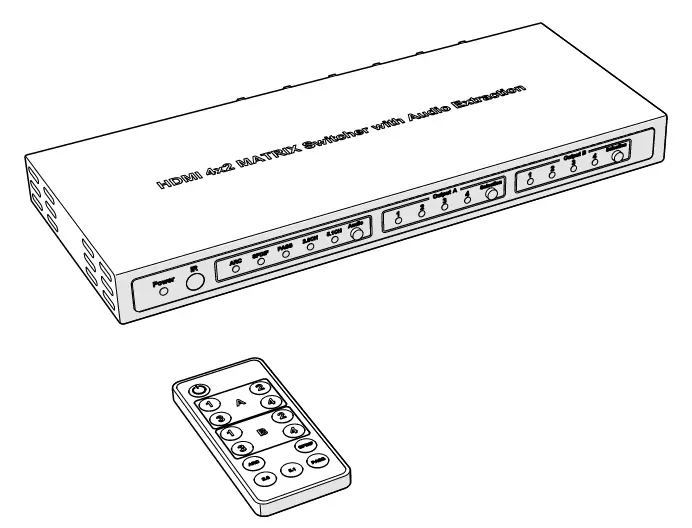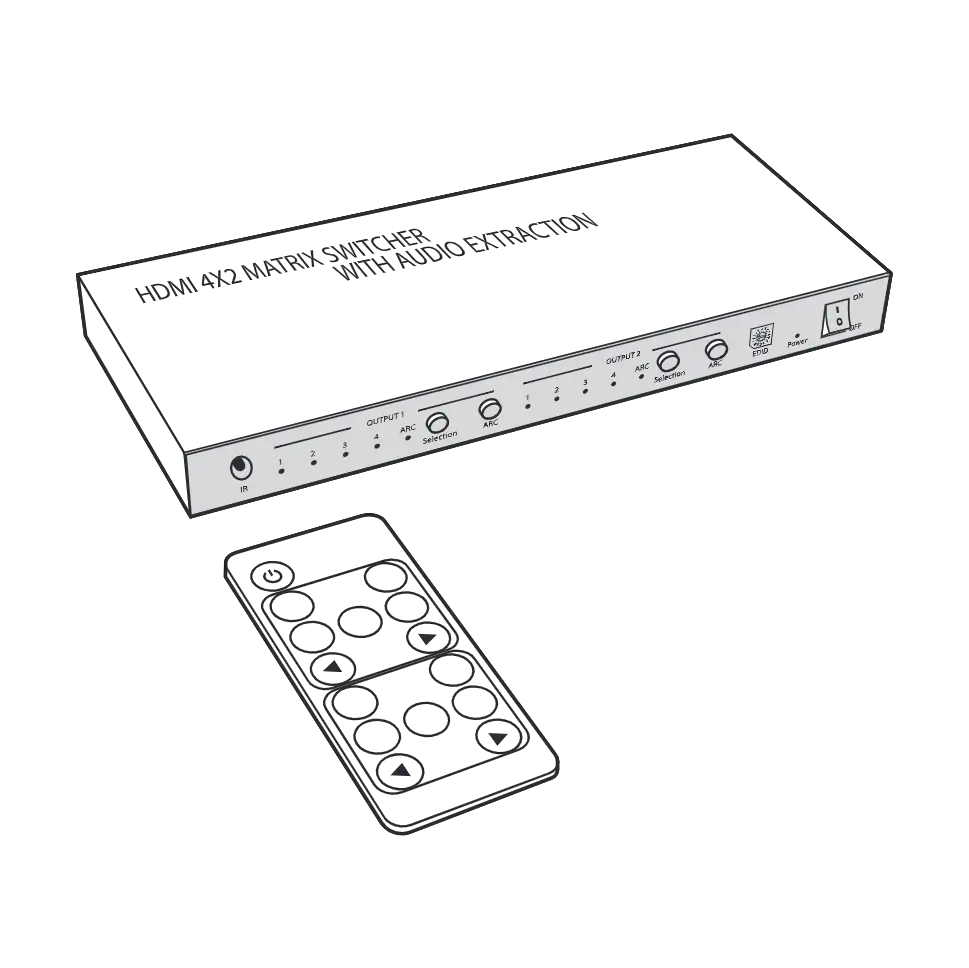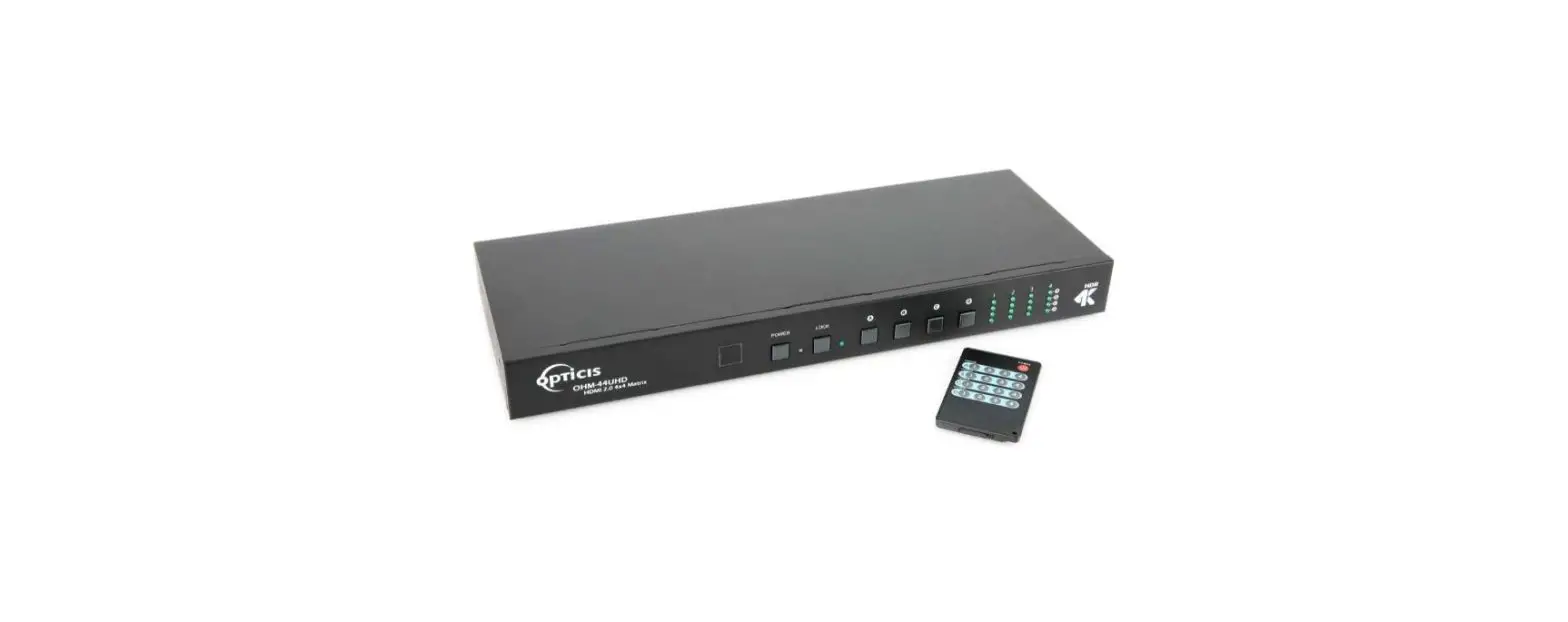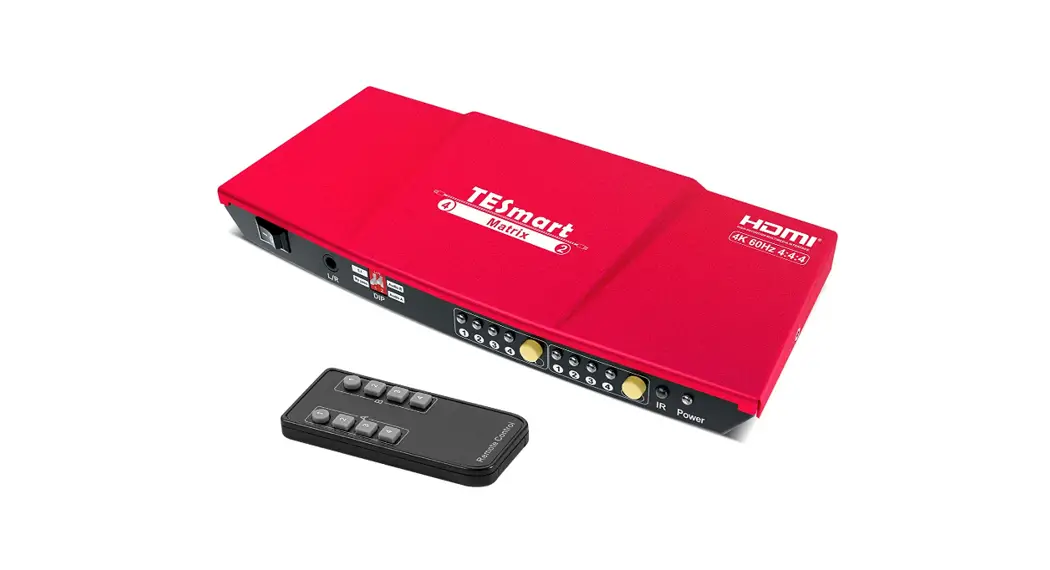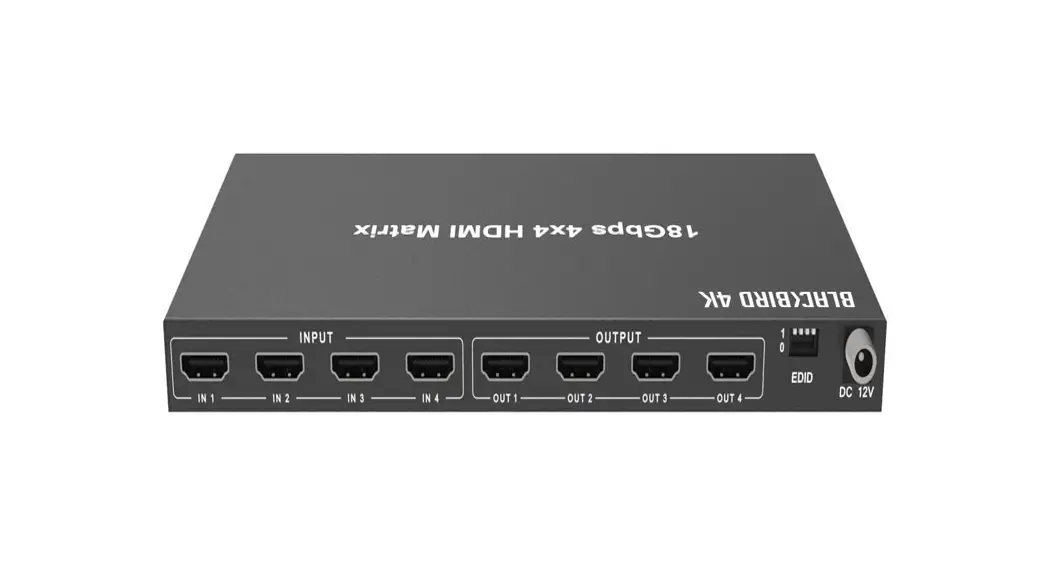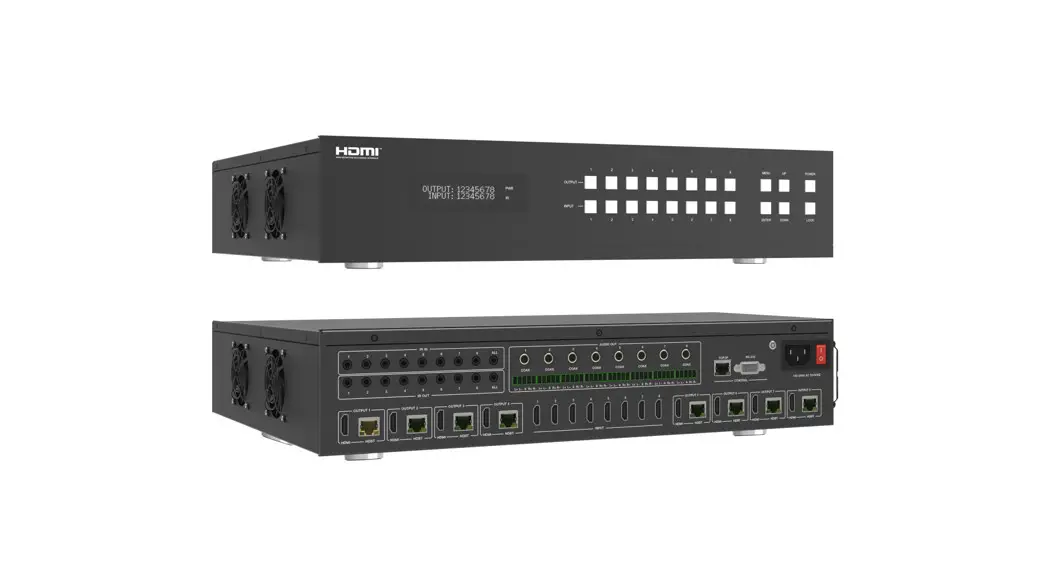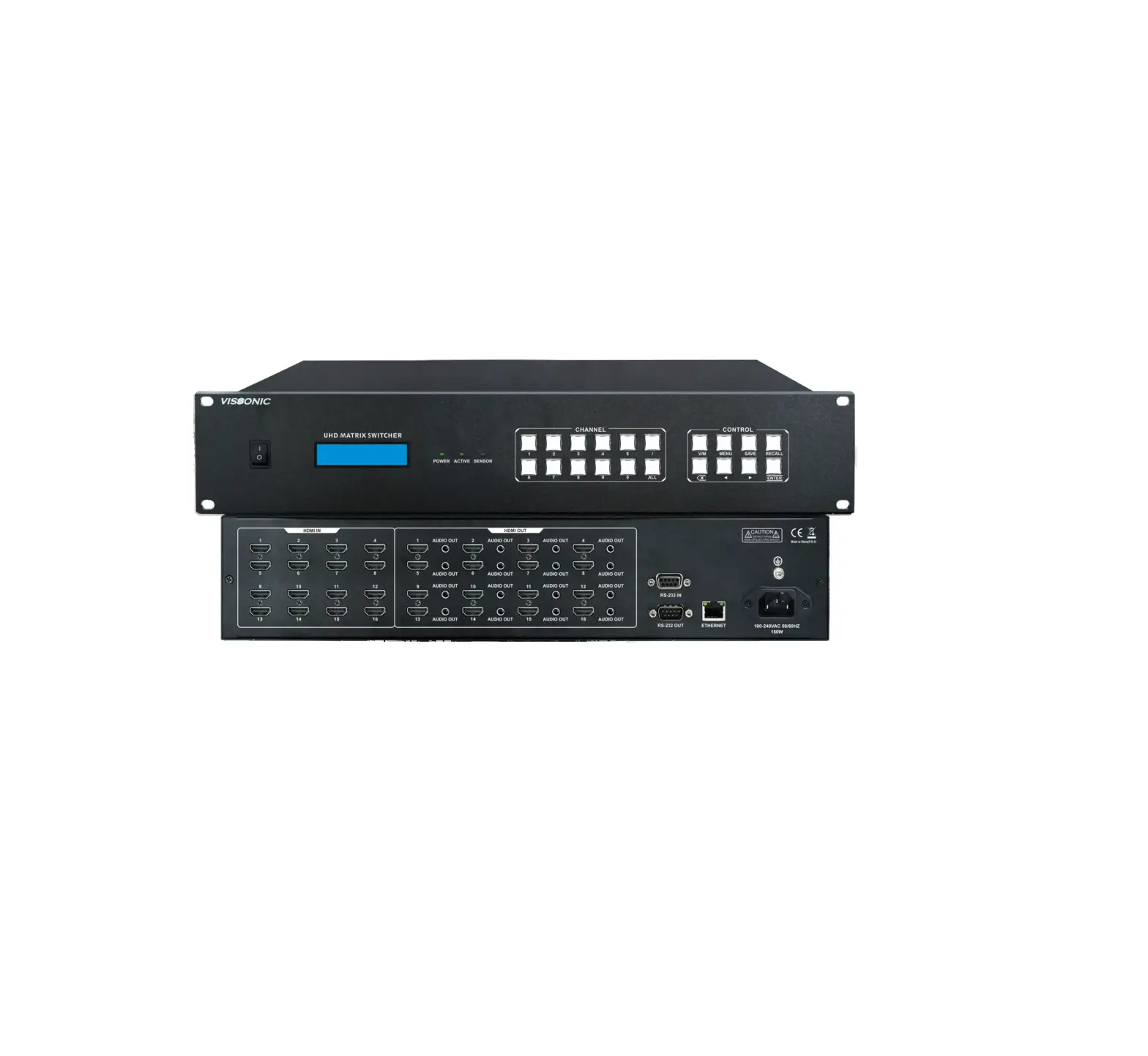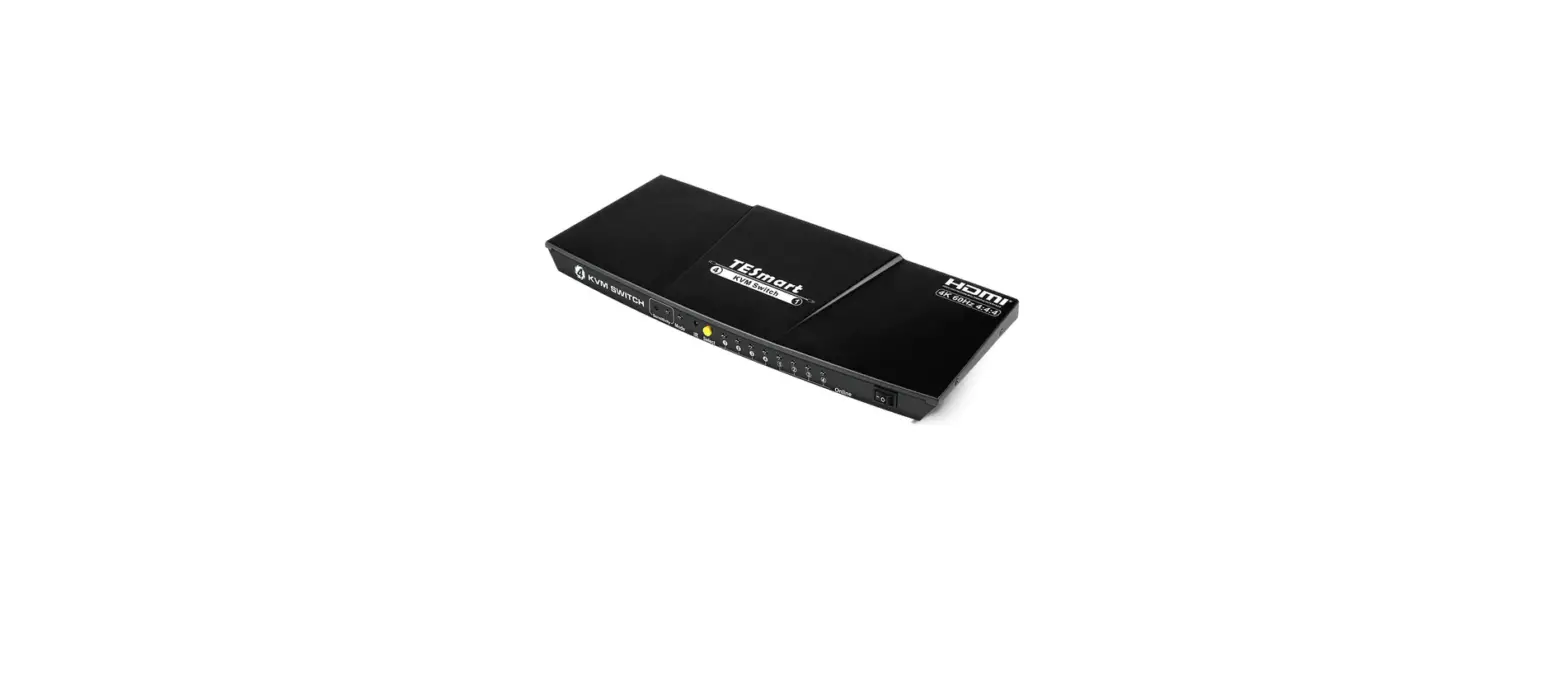

TESmart HMA0404A30 HDMI Matrix
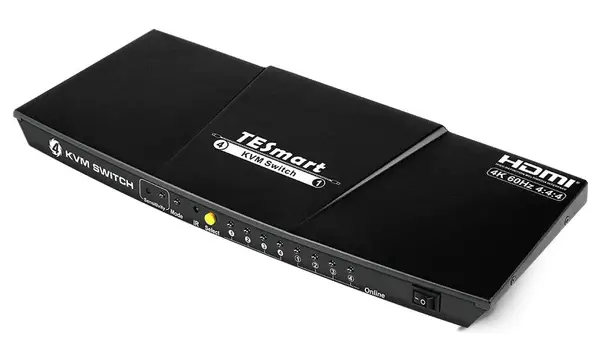
Features:
- Support resolution up to 3840*2160@30Hz
- Supports PCM, Dolby AC3, DTS5.1, DTS7.1 and DSDaudio format
- Memorize matrix status after power down, automatically
- restore previous matrix status after next power on
- Easy to control matrix via lR remote control, panel keypad and PC(via R$232 or LAN port)
- Support smart EDID analyzing, best compatible with most display devices
- Support 4 configurable user preset connections
- Support DVI-D single link sources and displays with the use of HDMI-to-DVI adapters
| Model Features | Slim | Pro |
| TCP/IP Control | No | Yes |
| LCD display | No | Yes |
| Rack mount installation | No | Yes |
| IR extension receiver | No | Yes |
Packing List:
- 1*4×4 HDMI matrix
- 1*IR Remote control
- 1* IR receive cable(Only for 4×4 Pro)
- 2 Rack-ears(Only for 4×4 Pro)
- 1*DC 12V power adapter
- 1*User manual
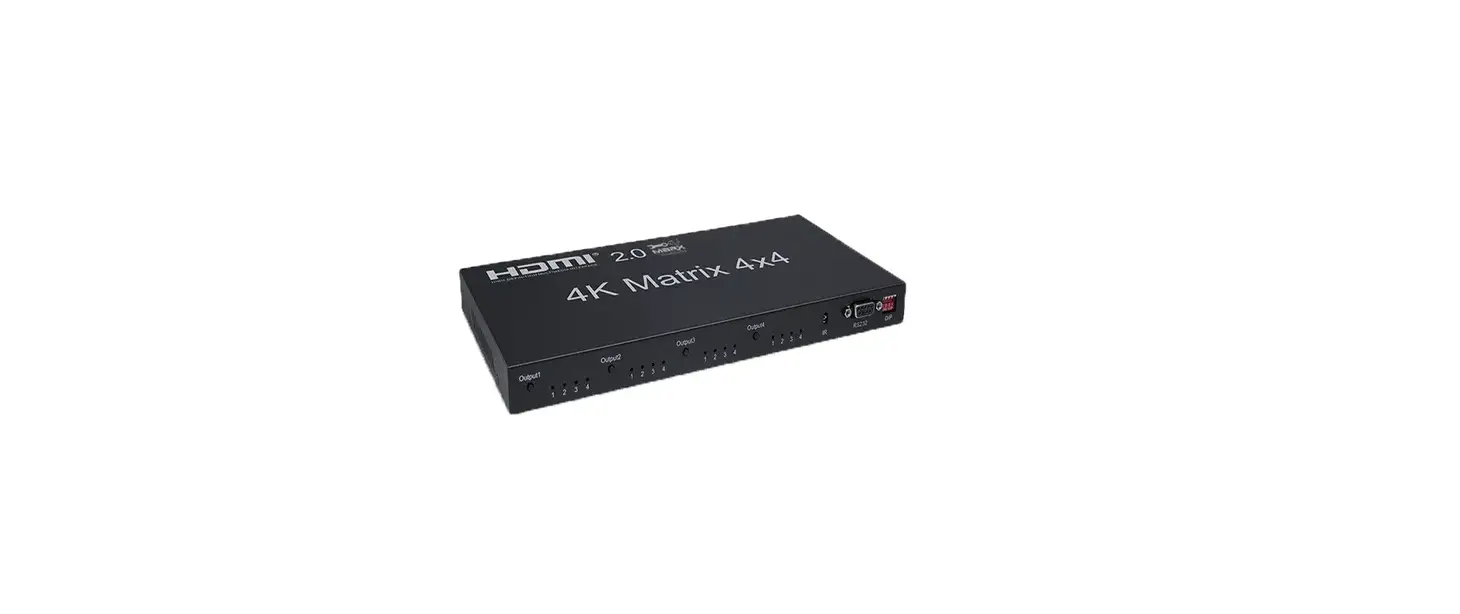
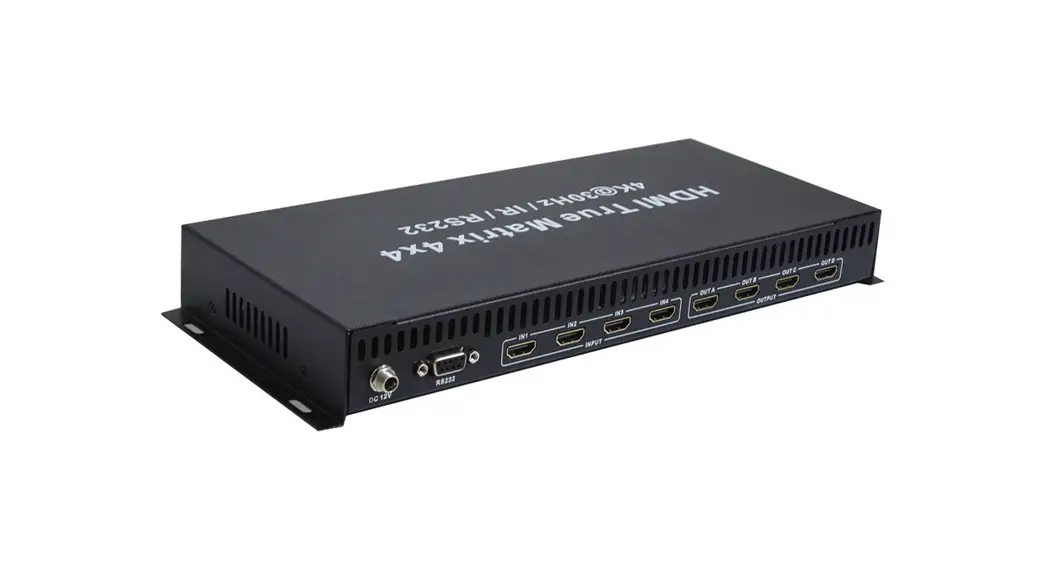
(4X4 Slim) Panel Description:
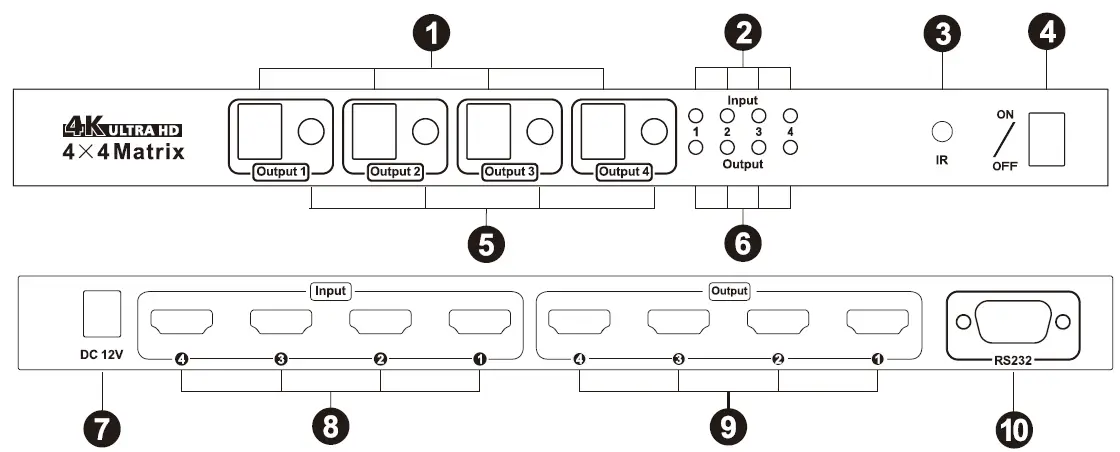
| ID | Name | Description |
| LED display | Display current select input source channel number | |
| 2 | Indicator of input status | LED will be lit if the HDMI input connected to HDMI source device |
| 3 | IR recei ver | Receive IR remote signal |
| 4 | Power switch | Turn on or off matrix power supply |
| 5 | Input selection button | Select HDMI input channel |
| 6 | HDMI output status | LED will be lit if HDMI output connect to display |
| 7 | DC 12V | 12V DC power supply |
| 8 | HDMI input | Connect to HDMI source devices |
| 9 | HDMI output | Connect to HDMI display devices |
| 10 | RS232 | Connect with RS232 connector for serial control |
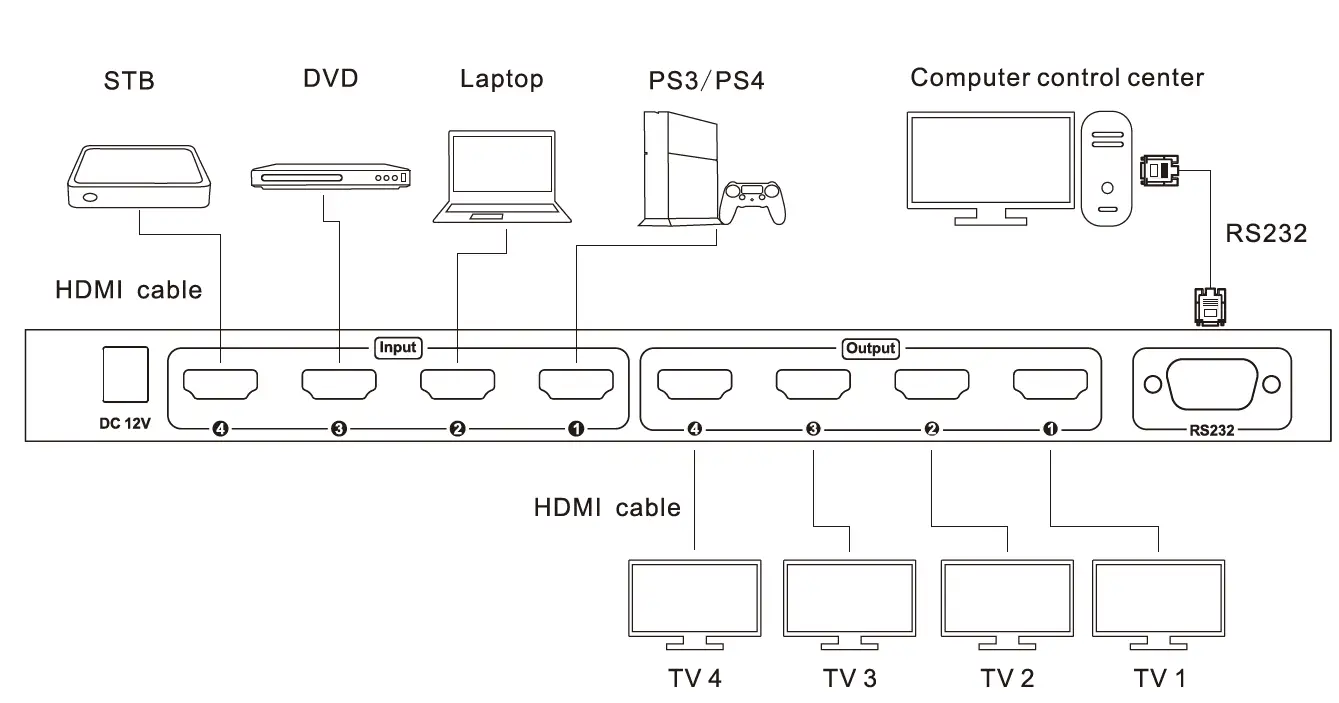
(4X4 Slim) Connection Diagram:
(4X4 Slim) Keypad Use:
Setup all the connections indicated on above connection diagram, then you are able to control matrix with panel keypad. Cyclic press input selection keys under every output LED display, until the LED displays the input port number which just what you expected.
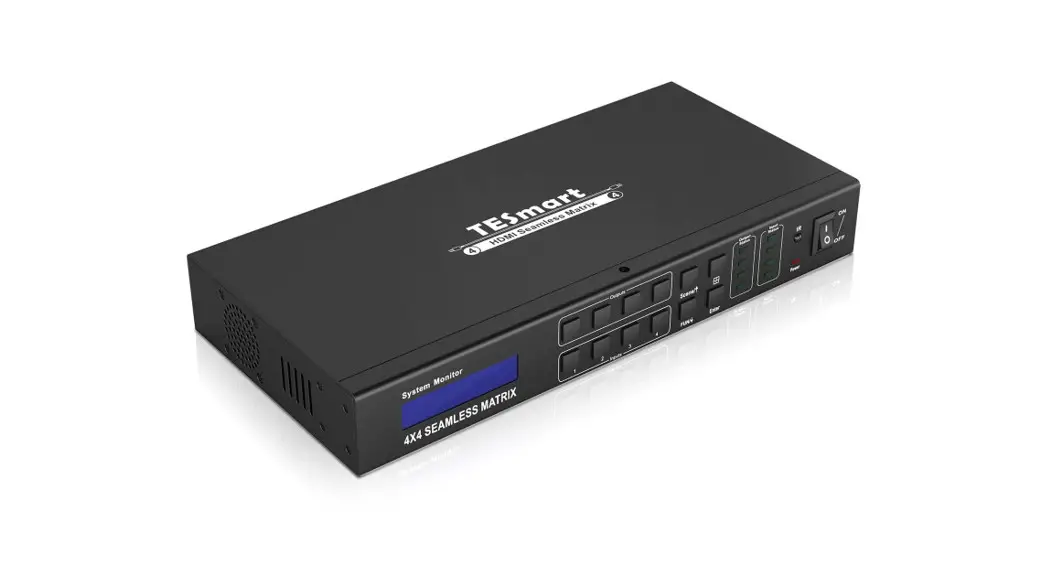
(4X4 Pro) Panel Description:
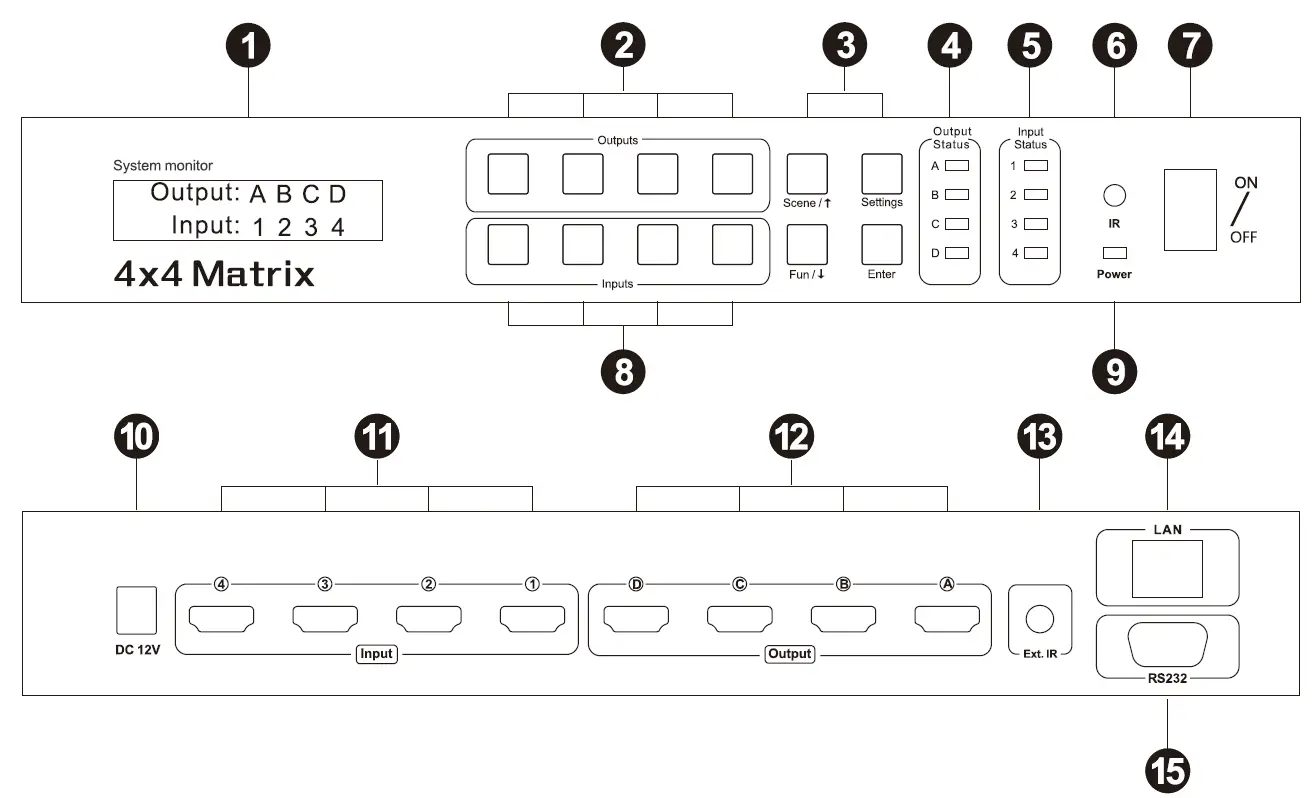
| ID | Name | Description |
| 16×2 LCD display | Display matrix routing status and system settings | |
| 2 | Output selection button | Select output port to control |
|
3 |
Function ke ys | Scene/ j : Save current routing as user preset and restore user ‘s preset Settings: Change LED time and buzzer status Fun/ t : Fast setting N to N mirrored routing and N to all routing Enter: Enter user ‘s setting |
| 4 | Output status | LED indicator of output connection status |
| 5 | Input status | LED indicator of input connection status |
| 6 | IR receiver | Receive IR remote signal |
| 7 | Power switch | Turn on or off matrix power supply |
| 8 | Input selection button | Select input channel |
| 9 | Power status | LED indicator of power supply |
| 10 | DC 12V | 12V DC power supply |
| 11 | HDMI input | Connect to HDMI source devices |
| 12 | HDMI output | Connect to HDMI display |
| 13 | IR extension input | Extended IR receiver cable input |
| 14 | Network control port | Connect to local area network , control matrix with TCP/IP commands |
| 15 | RS232 | Connect to RS232 connector , control matrix with serial commands |
(4X4 Pro) Connection Diagram:
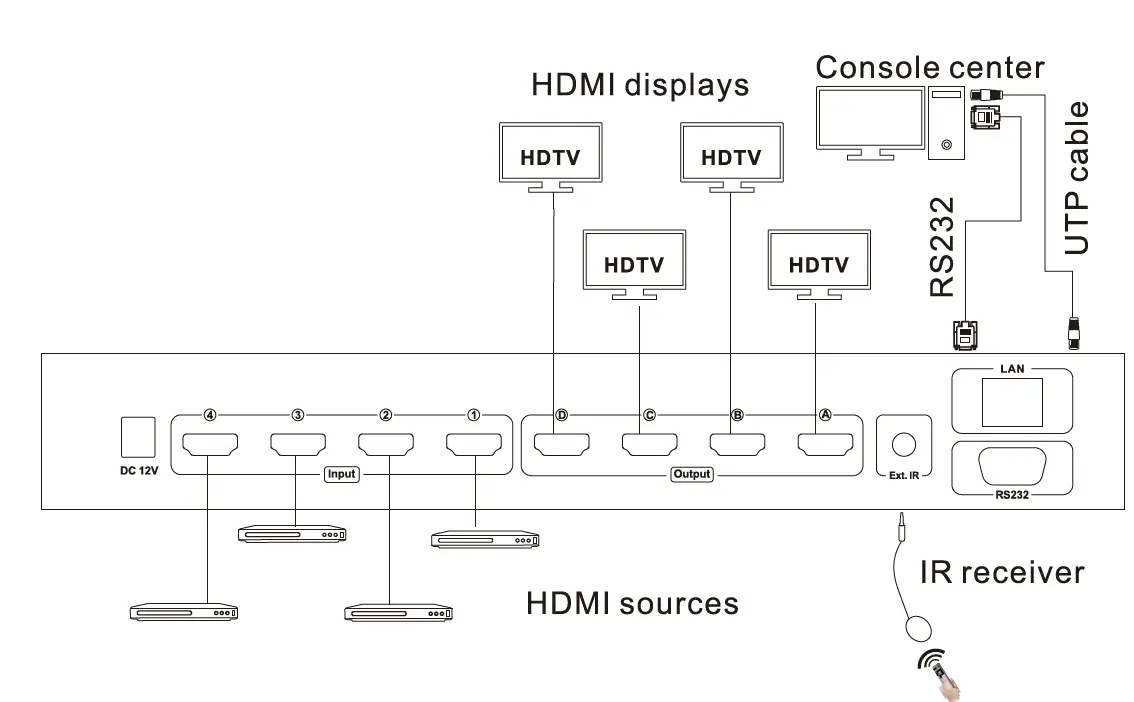
(4X4 Pro) Keypad Use:
Selecting sources and outputs by keypad (1)1 to 1 switch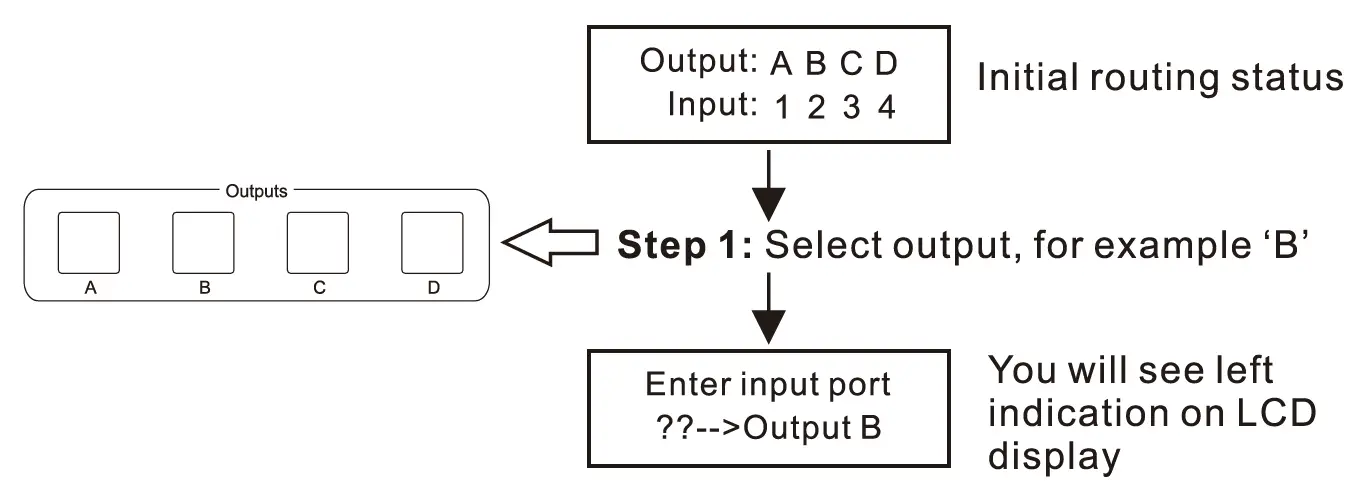
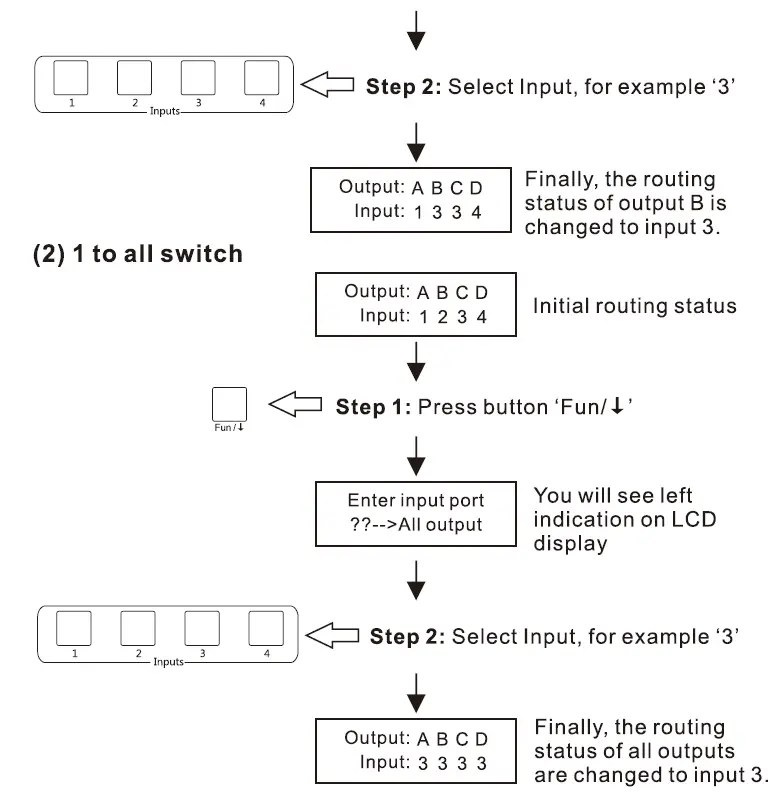
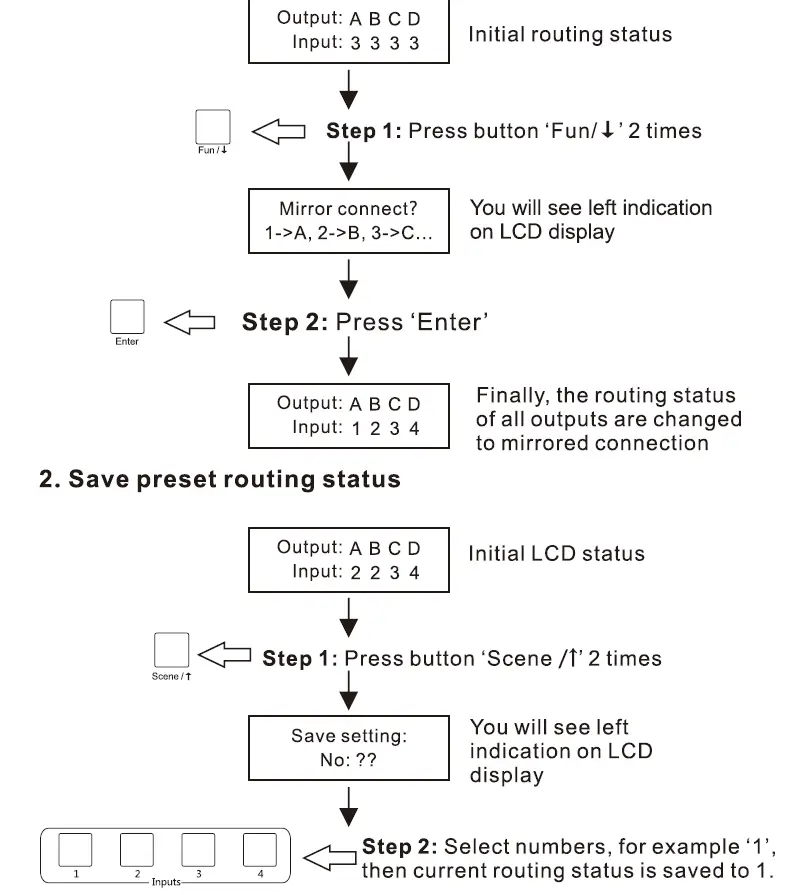
Switch to mirrored connection
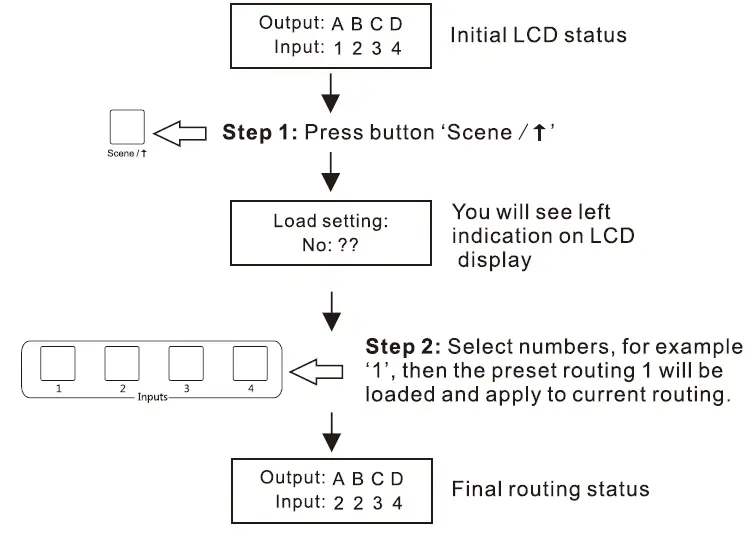
Load preset routing status
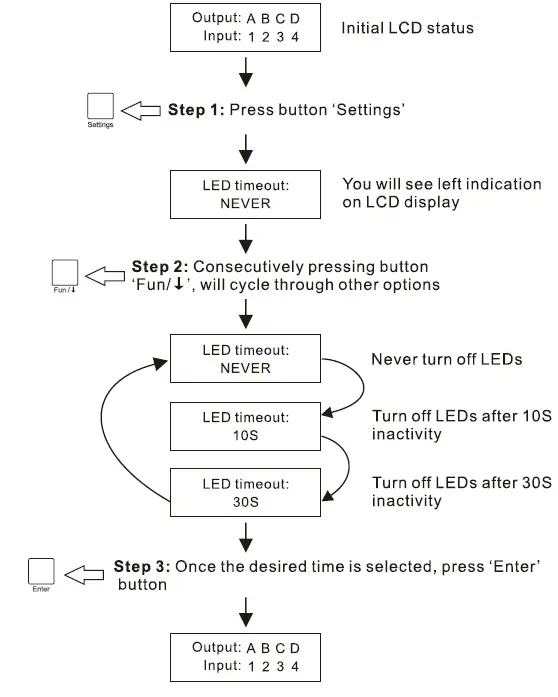
Change LED timeout
The LED indicators on front panel, including back light of the LCD display, can be turn off after seconds of inactivity. Below is how to change the settings
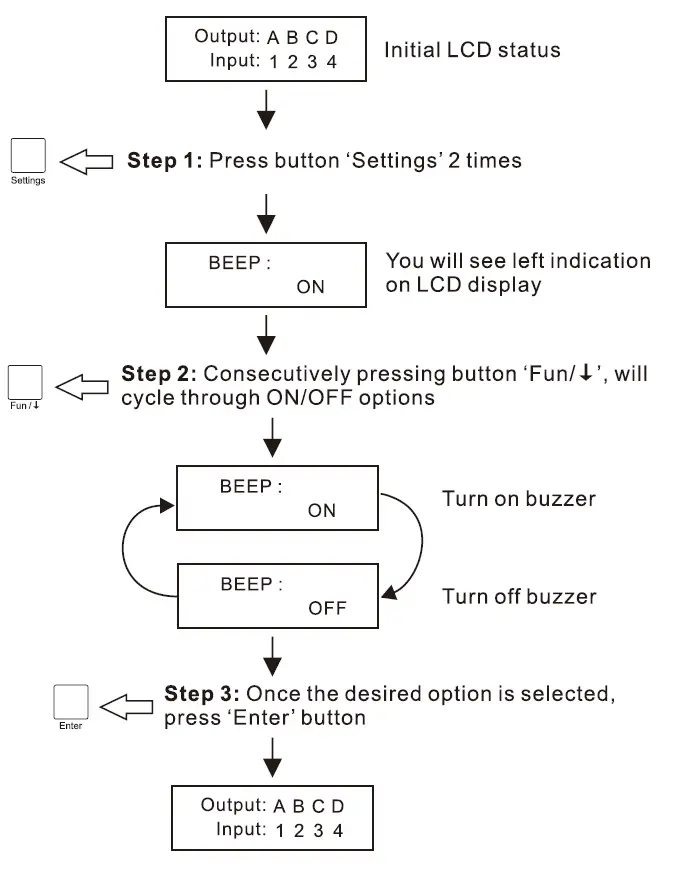
Mute/Unmute buzzer
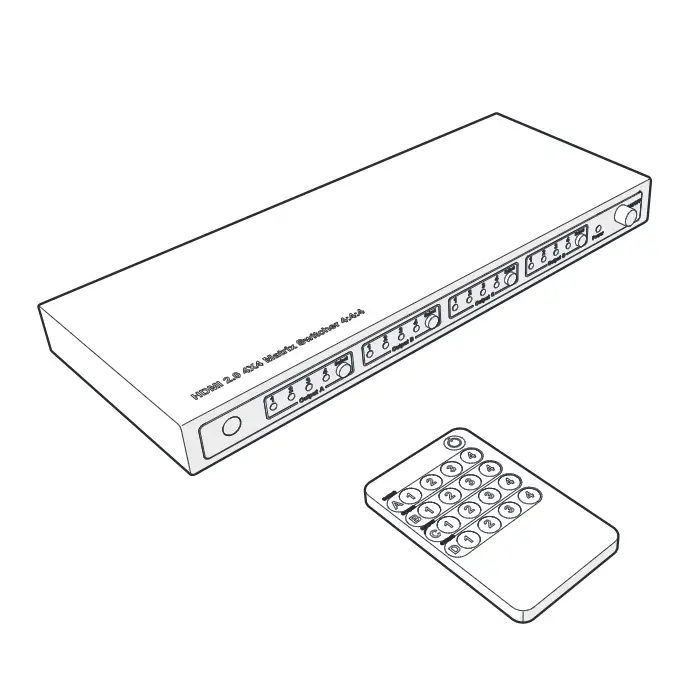
Remote Control:
1 to 1 switch:
Step 1: Press )in output block to select one of the output port you are going to control
Step 2: Press C/ 22/0/0 in input block to select input source which you want to be displayed on selected output
Switch to mirrored connection:
Press NTN), then the routing status will be changed to Input 1 – Output A, Input 2 – Output B, Input 3 – Output C, Input 4 – Output DD
(3) 1 to all switch:
PressALD, then press1/ /0 in input block to select input source which you want to be displayed on all output
(4) Preset routing for scenes:
Press Sav, then press CD/D/3 /in scene block, save current routing status to user preset memory 1/2/3/4 Press oad, then press /0/0 /in scene block, load routing status from user preset memory 1/2/3/4 and apply to current routing.
Note:
- For the safety request by some express company, the remote control is not equipped battery by default. Please install the button battery CR2025 before using it.
- Unspecified buttons at above are non-functional.
Warranty Information:
We warrant this product as free of defects in material and workmanship for a period of one (1) year from the date of shipment. If during the period of warranty this product proves defective under normal use, we will repair or replace this product, provided that this product has not been subjected to mechanical, electrical, or other abuse or modifications. If it fails under conditions other than those covered will be repaired at the current price of parts and labor in effect at the time of repair. Such repairs are warranted for six (6) months from the day of reshipment to the buyer.