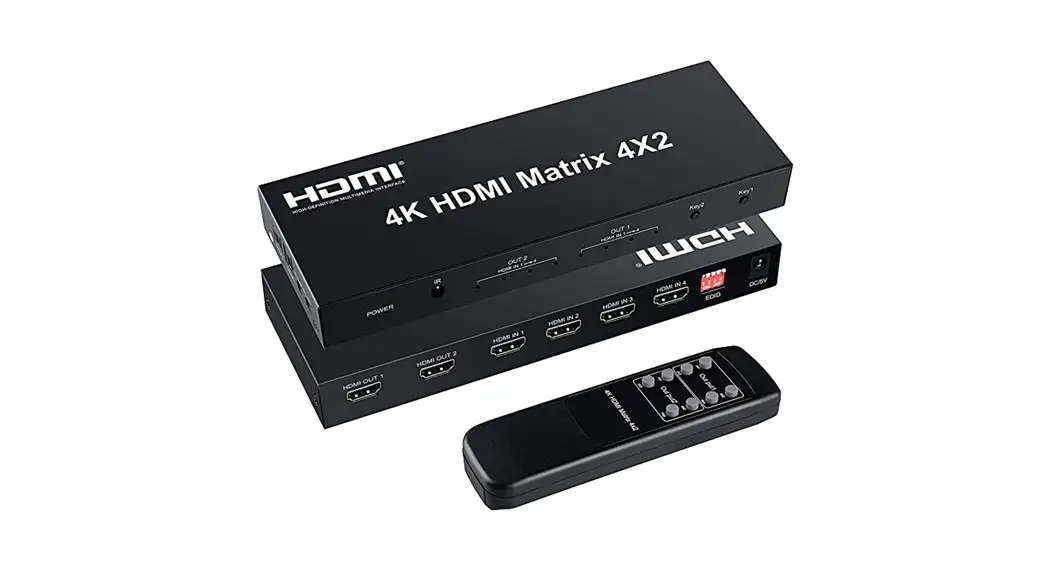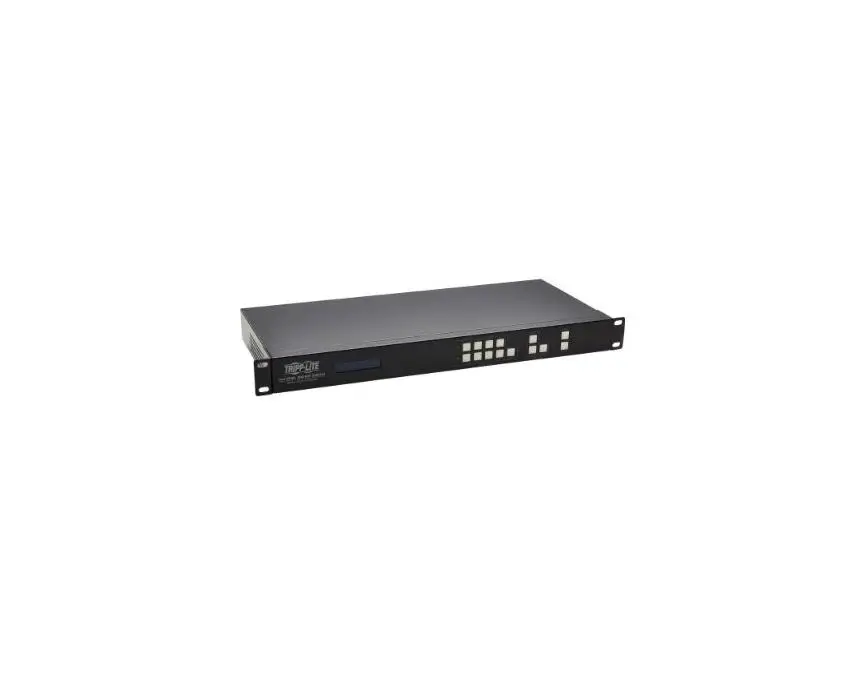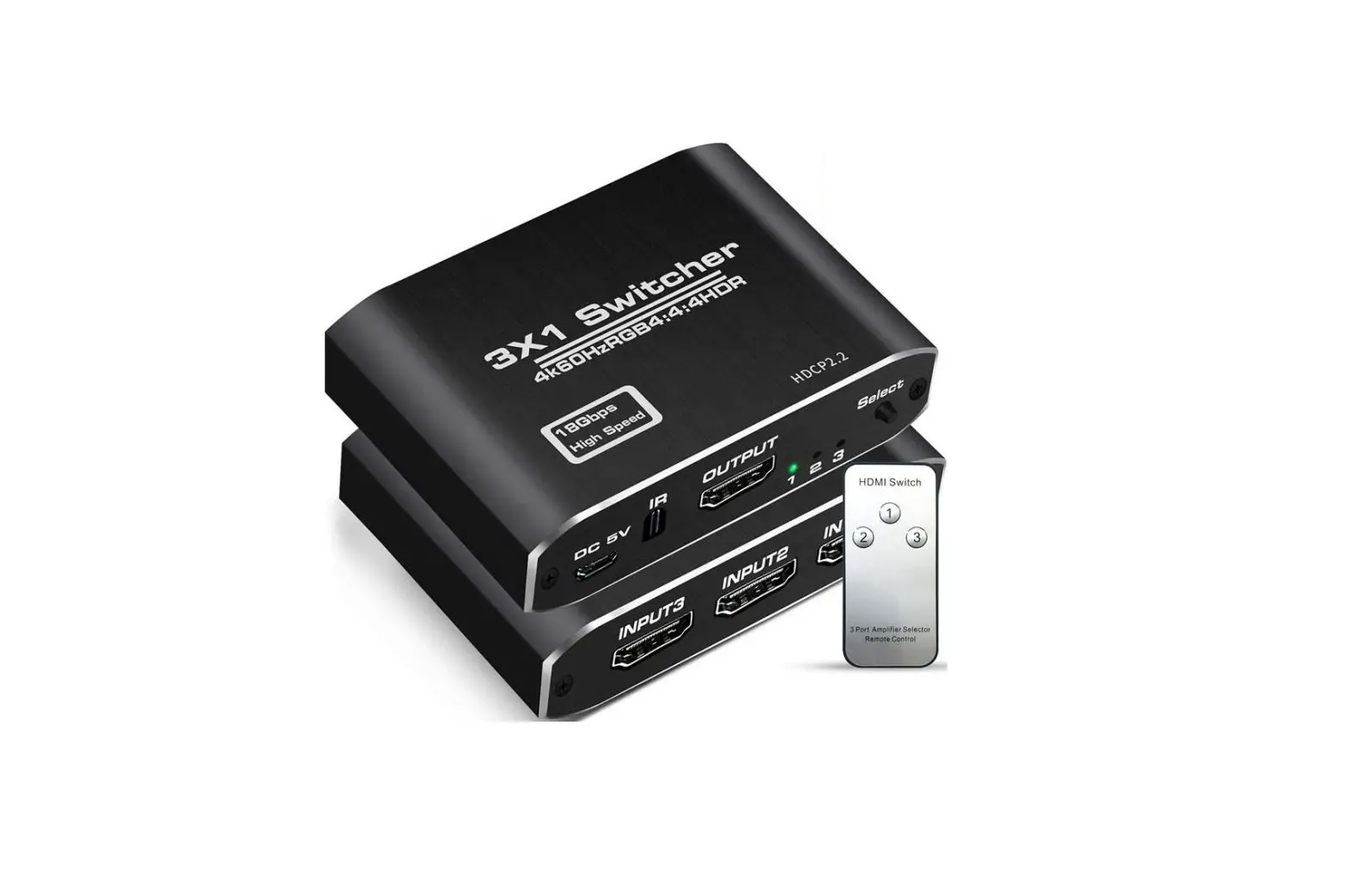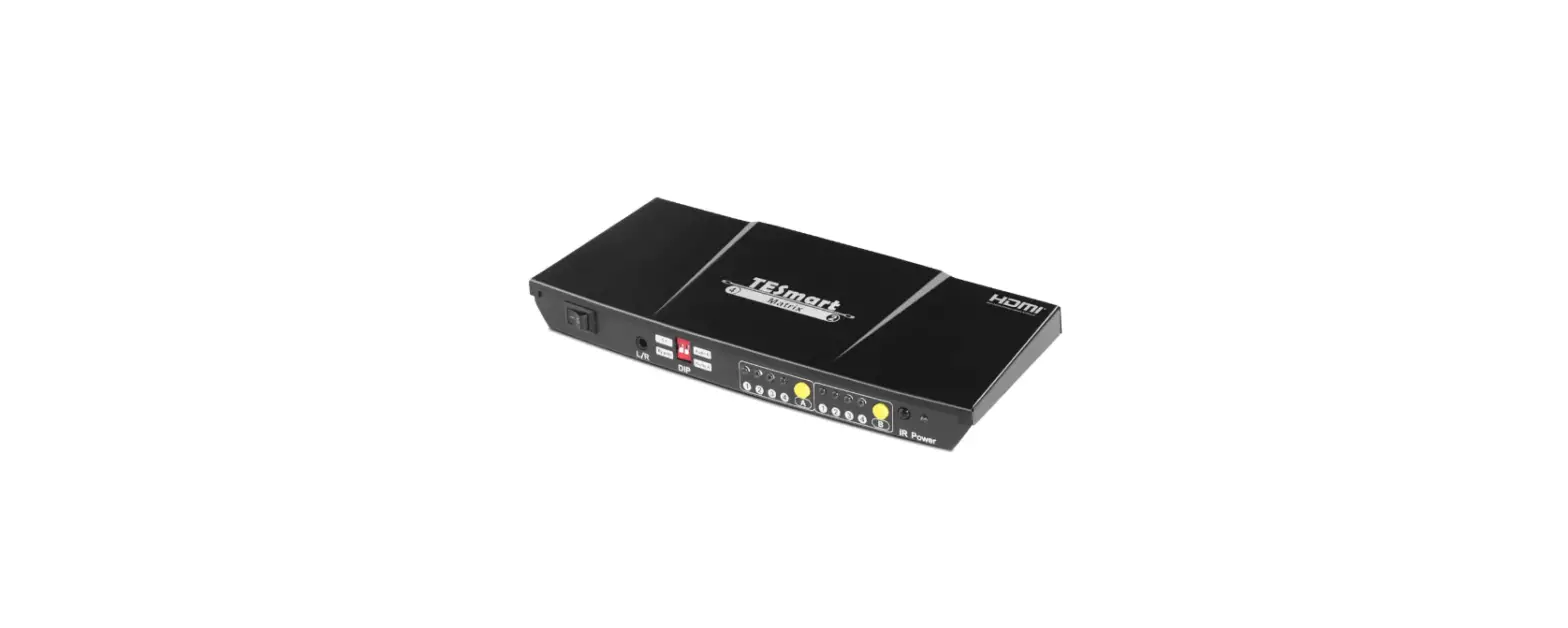

TESmart HMA0402A40 4×2 HDMI Matrix Switch Splitter
Features
- Support resolutions up to 3840*2160@30Hz
- Support up to 36 bit/pixel color depth
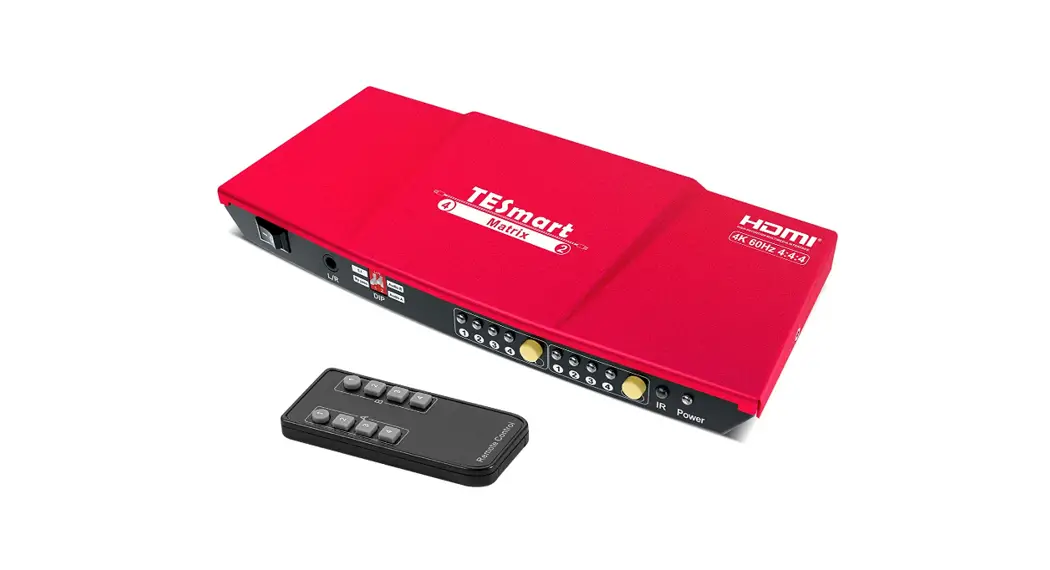
- Easy to control matrix via IR receiver and panel keypad
- Support 5.1/By pass modes of audio output
- Support audio output via optical and AUX L/R audio interfaces
- HDCP 1.4 compliant
- With EDID emulators in each input port, keep PCs always
- having correct display information
- Each HDMI output can share one input or select standalone input
Packing List
- 1*4X2 HDMI Matrix
- 1*DC 5V adapter
- 1*IR remote control
- 1*User manual
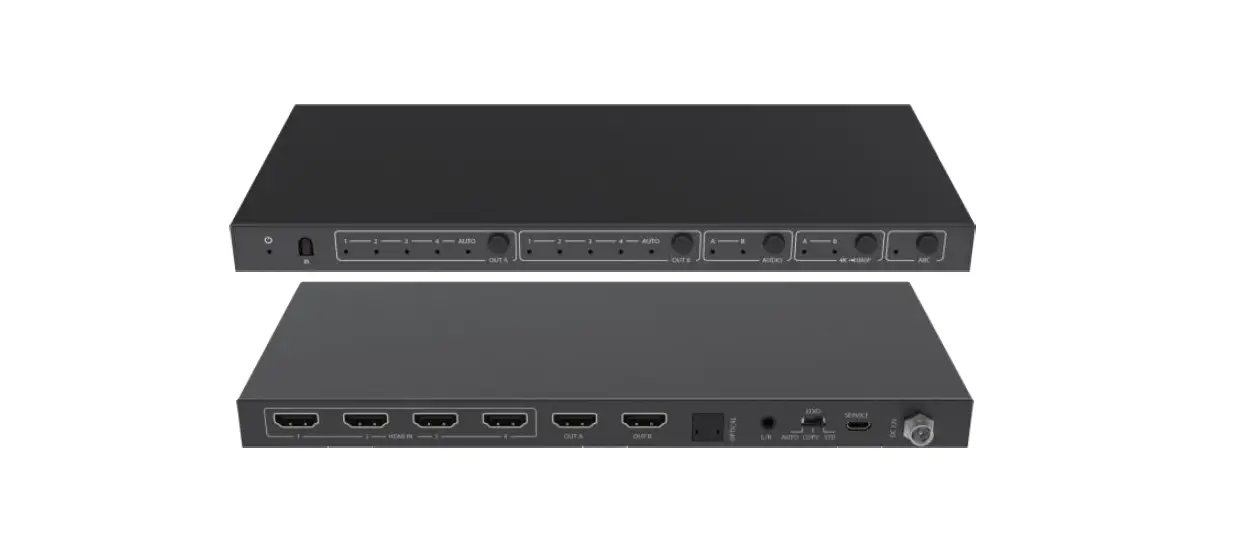
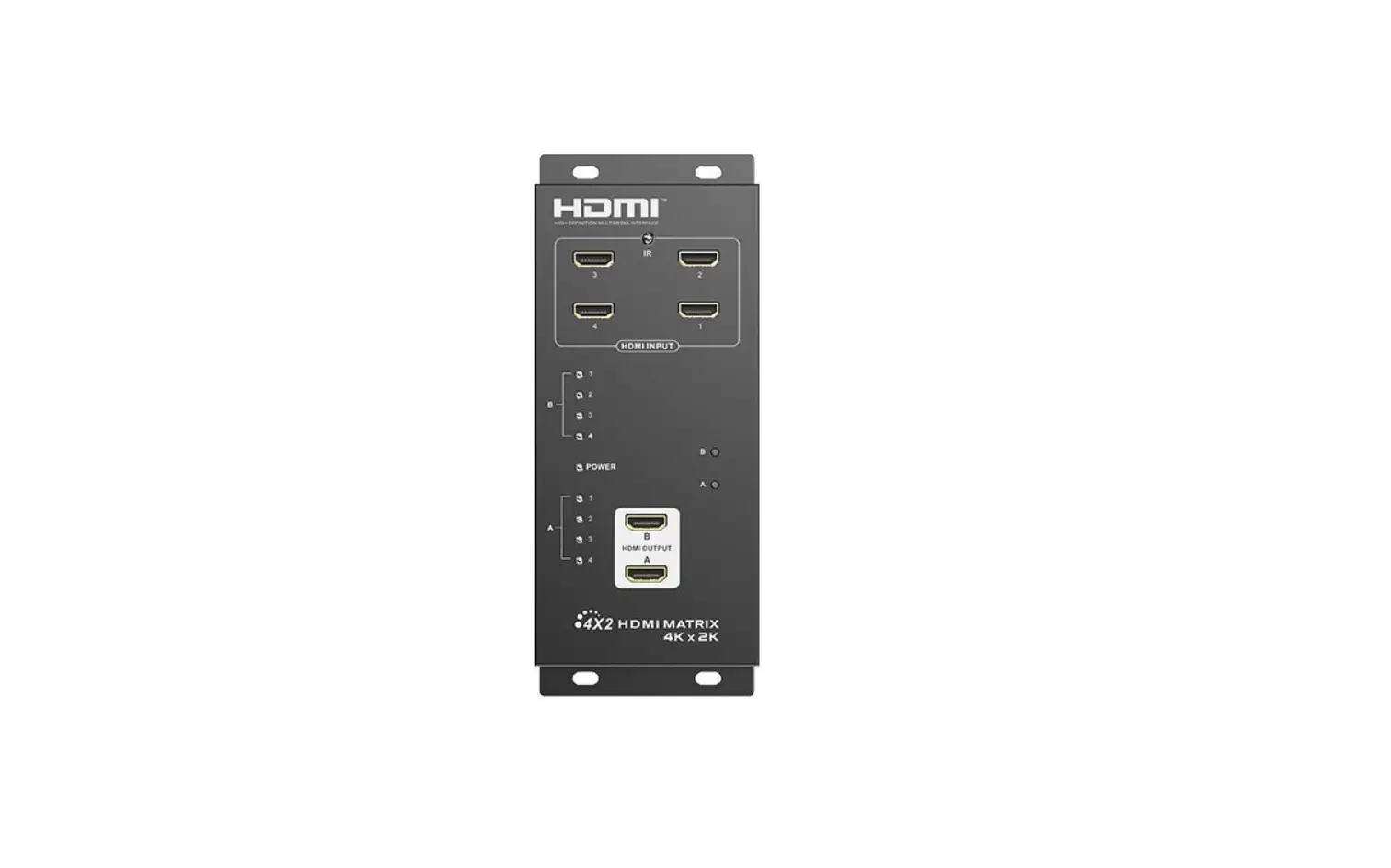
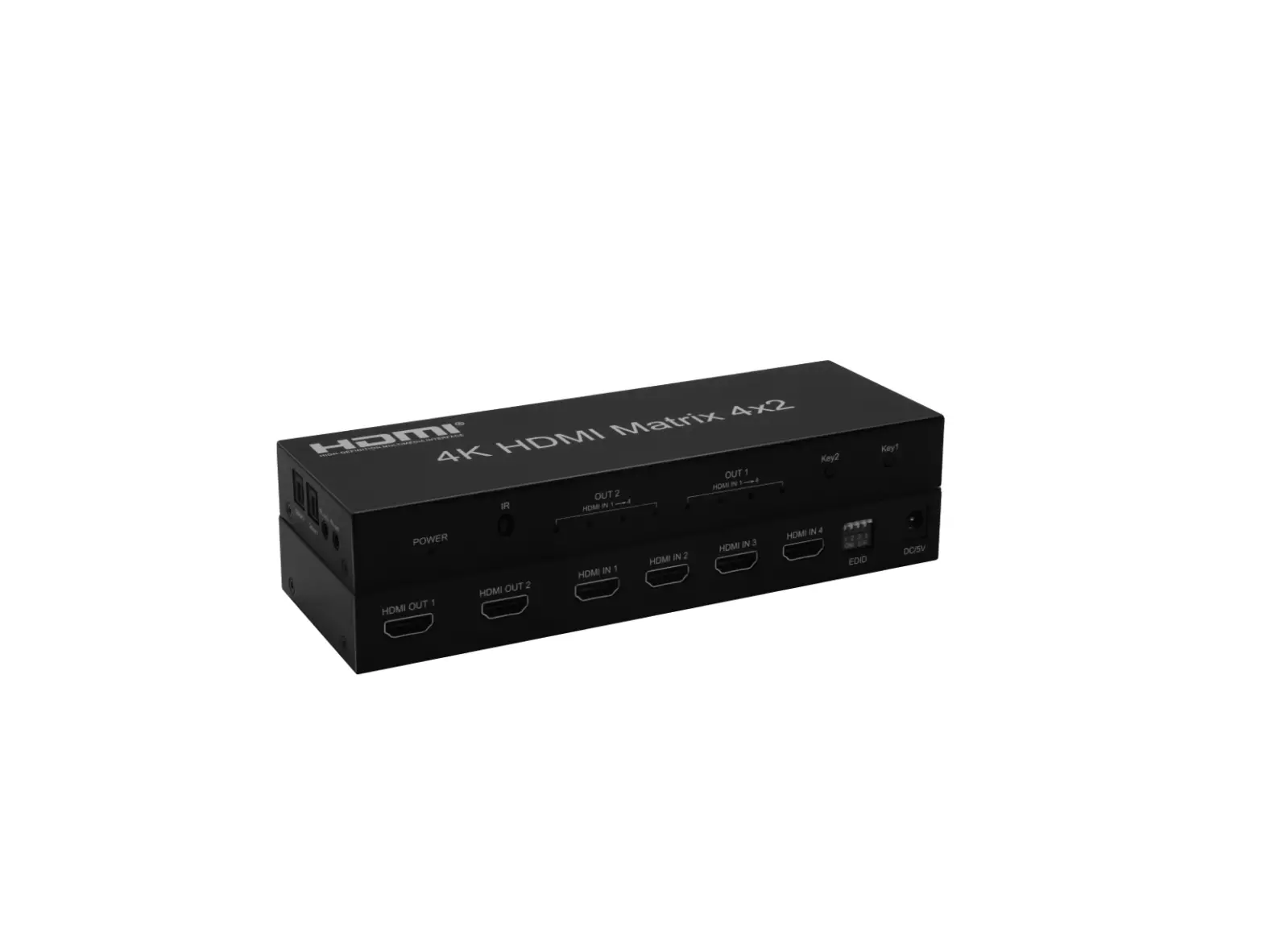
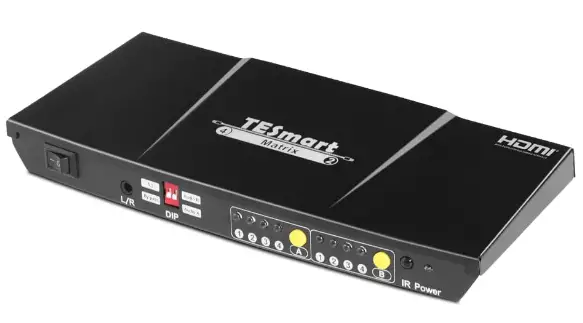
Panel Description
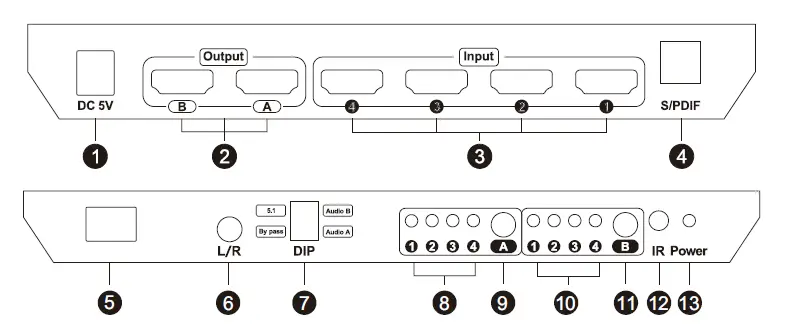
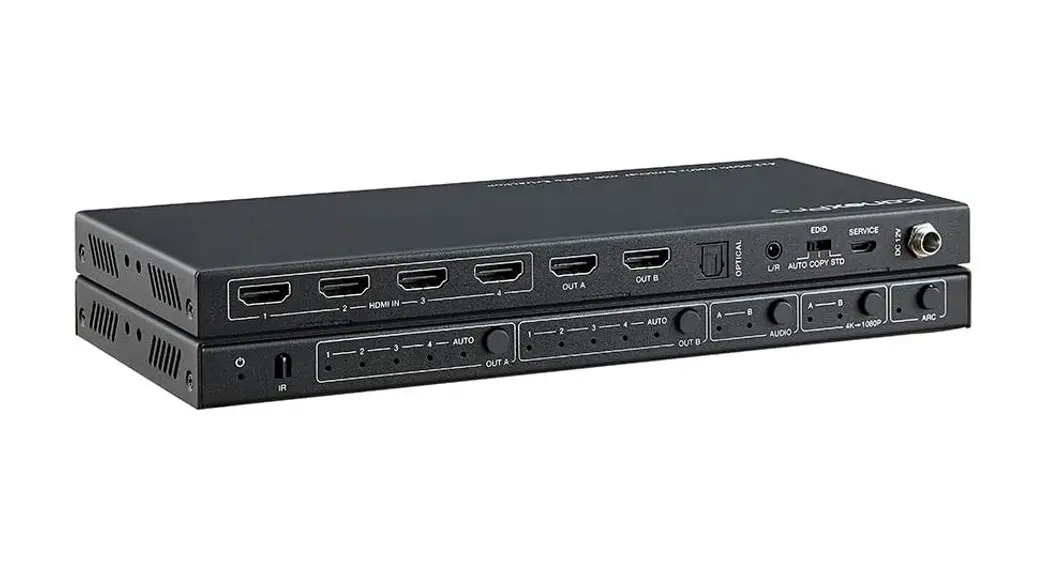
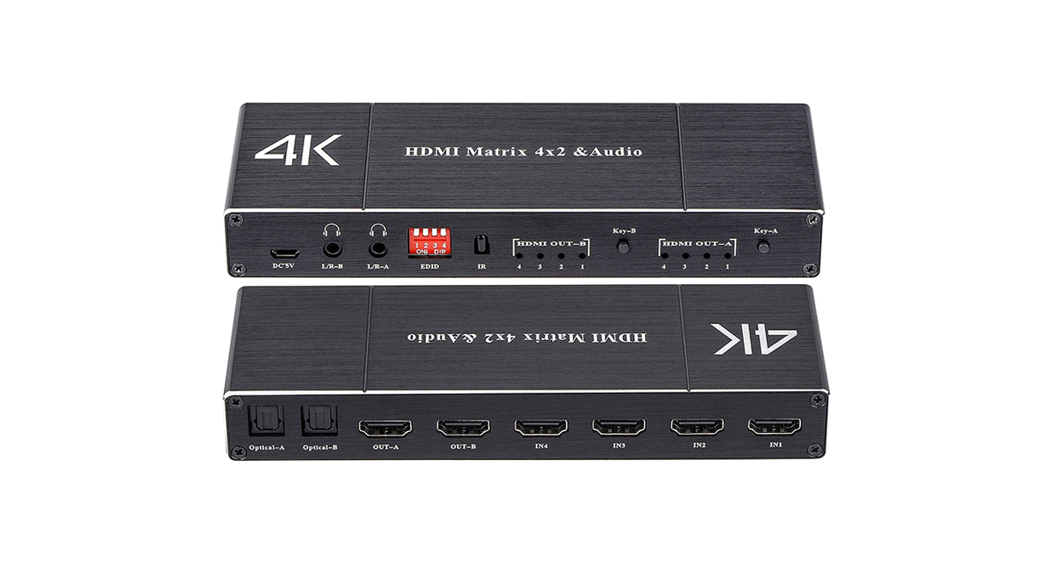
| ID | Name | Description |
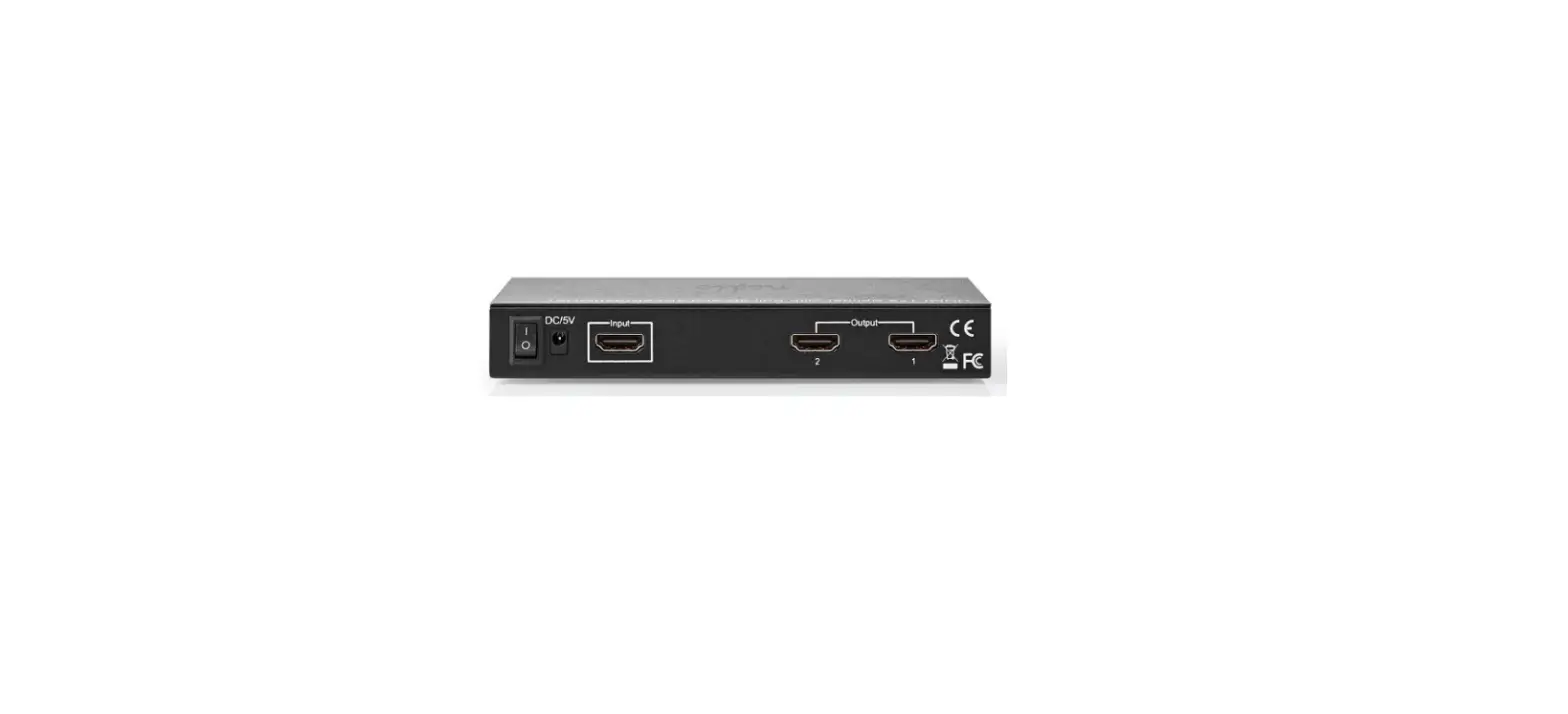
| 1 | DC 5V | DC 5V power supply |
| 2 | HDMI output | Connect to HDMI displays |
| 3 | HDMI input | Connect to HDMI devices |
| 4 | S/PDIF audio output | Connect to AMP |
| 5 | Power switch | Turn on or turn off power supply |
| ID | Name | Description | |||
| 6 | L/R AUX audio output | Connect to analog L/R audio speaker | |||
| 7 | DIP switch | 1:Prefer 5.1/By pass audio output 2:Select S/PDIF audio source between Output A or B | 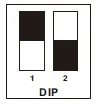 | ||
| 8 | Port A selection indicator | The LED will be lit if the corresponding input source is selected | |||
| 9 | Port A selection button | Select input sources | |||
| 10 | Port B selection indicator | The LED will be lit if the corresponding input source is selected | |||
| 11 | Port B selection button | Select input sources | |||
| 12 | IR receiver | Receive IR signal | |||
| 13 | Power status | LED indicator of power supply | |||
Connection Diagram
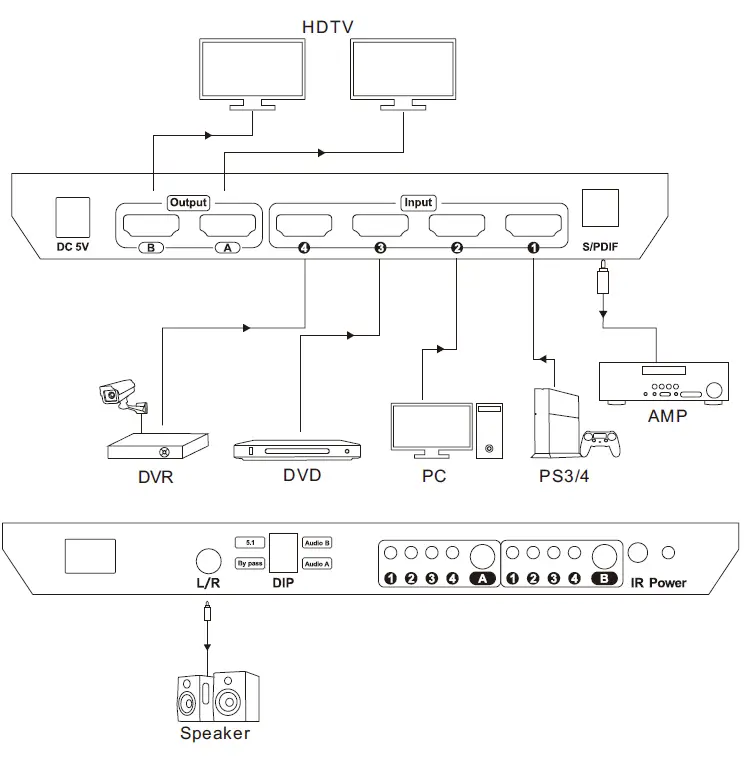
IR remote control
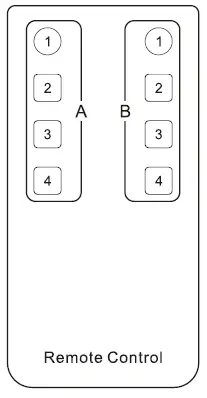
- Output A:
Button ‘1-4’:Select input port by number - Output B:
Button ‘1-4’:Select input port by number
Note: For the safety request by some express companies, the remote control is not equipped battery by default. Please install the button battery CR2025 before using it.
Warranty Information
We warrant this product as free of defects in material and workmanship for a period of one (1) year from the date of shipment. If during the period of warranty, this product proves defective under normal use, we will repair or replace this product, provided that this product has not been subjected to mechanical, electrical, or other abuse or modifications. If it fails under conditions other than those covered will be repaired at the current price of parts and labor in effect at the time of repair. Such repairs are warranted for six (6) months from the day of reshipment to the buyer.