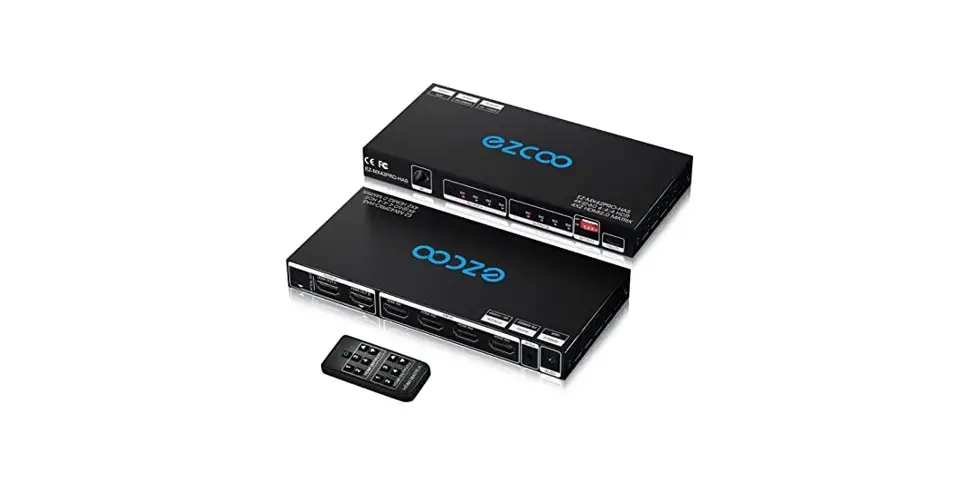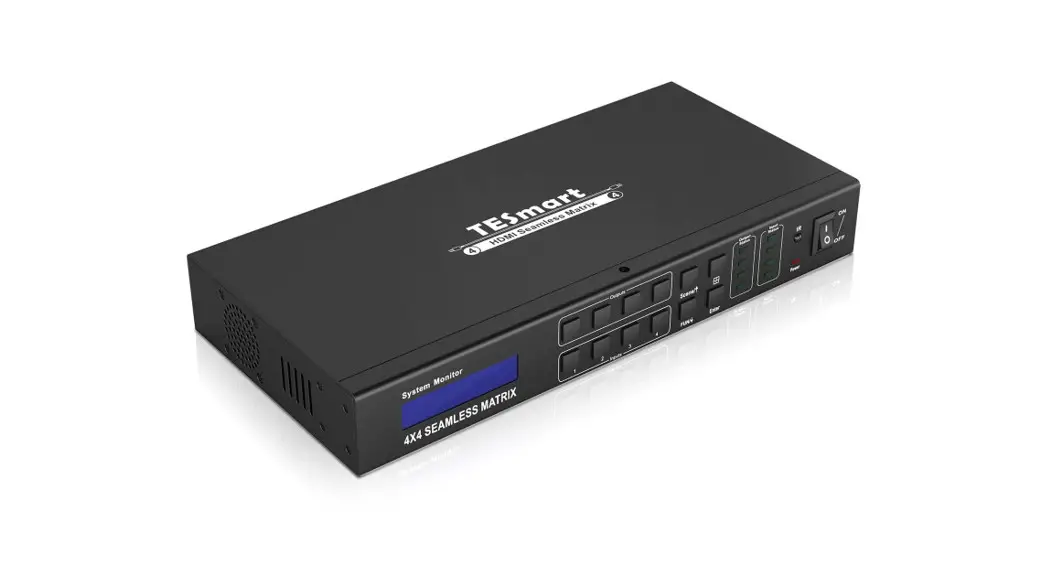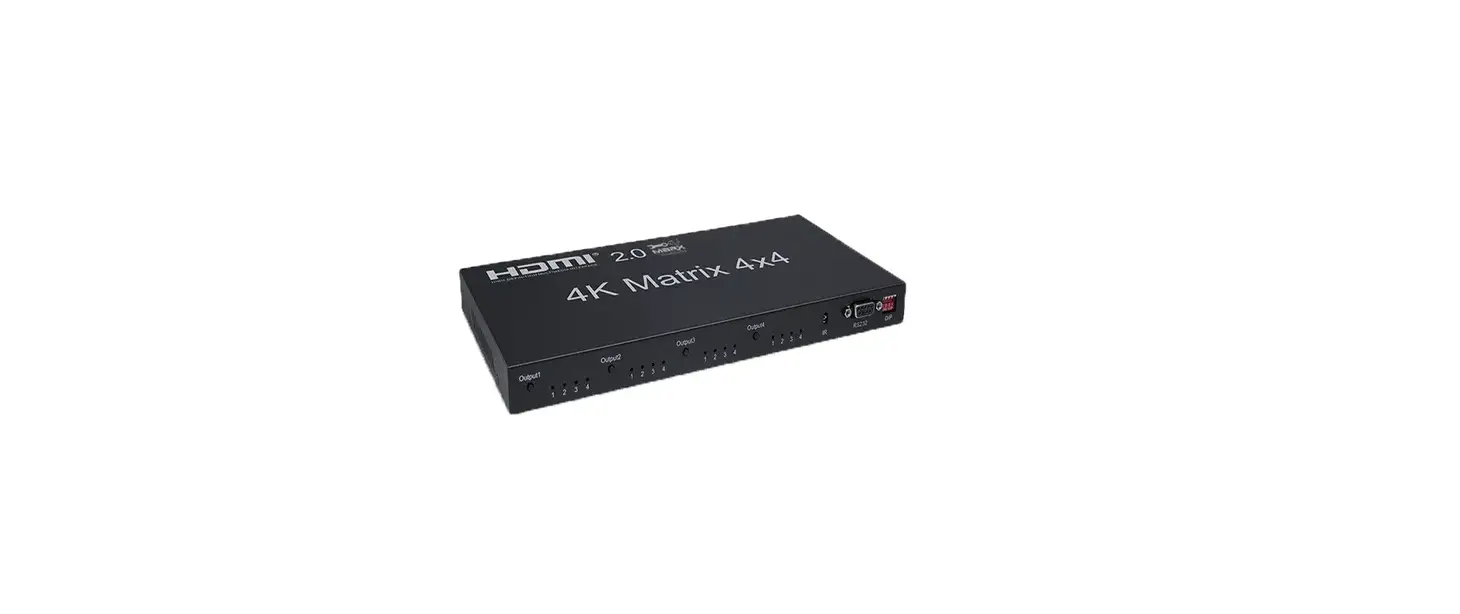
 HDMI V2.0 Matrix 4×4
 HDMI V2.0 Matrix 4×4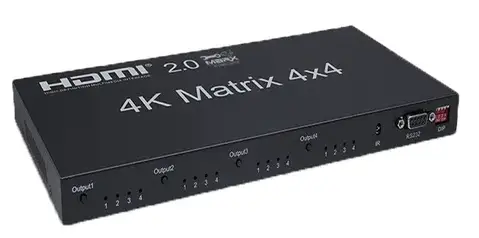
Introduction
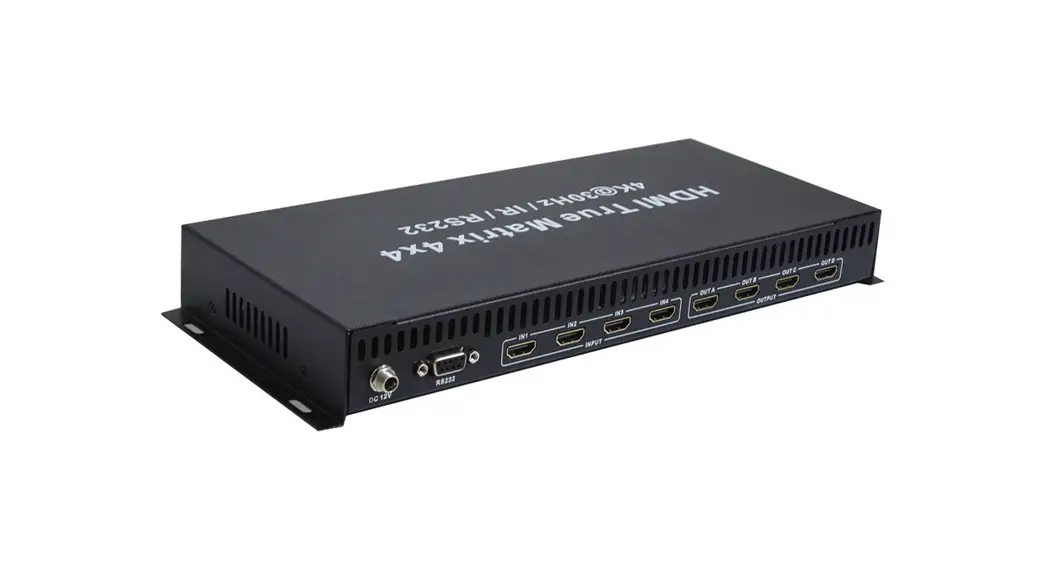
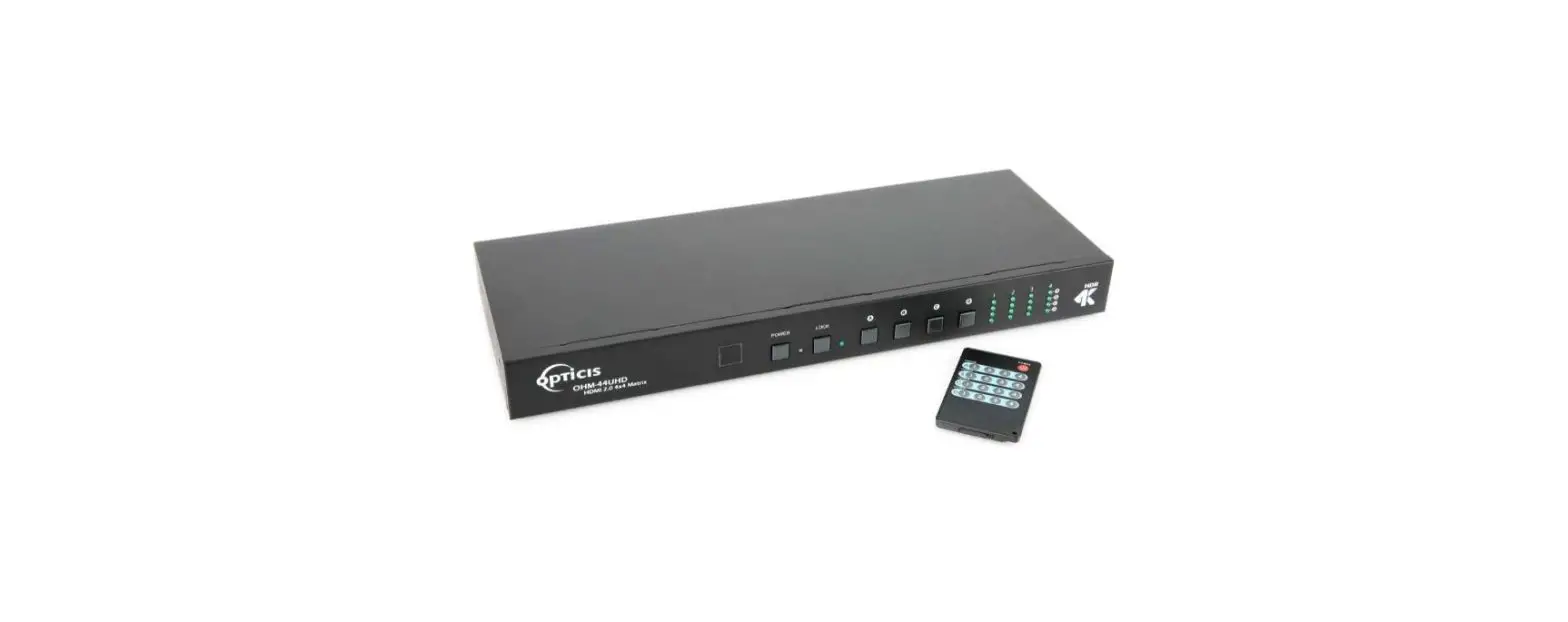
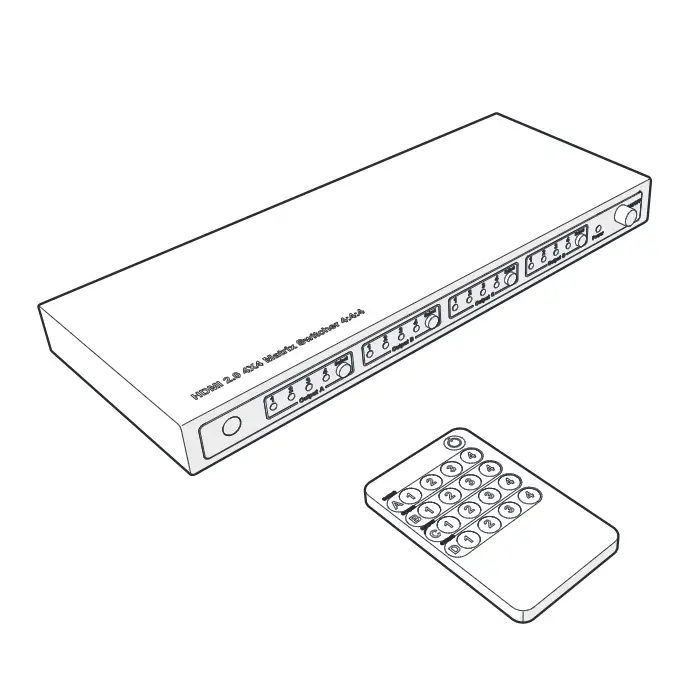
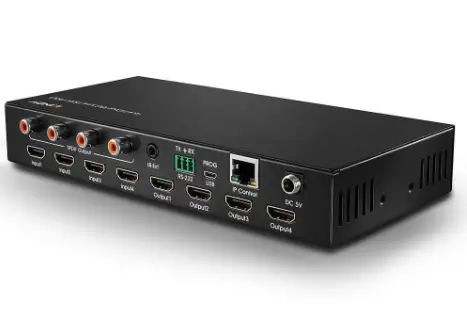
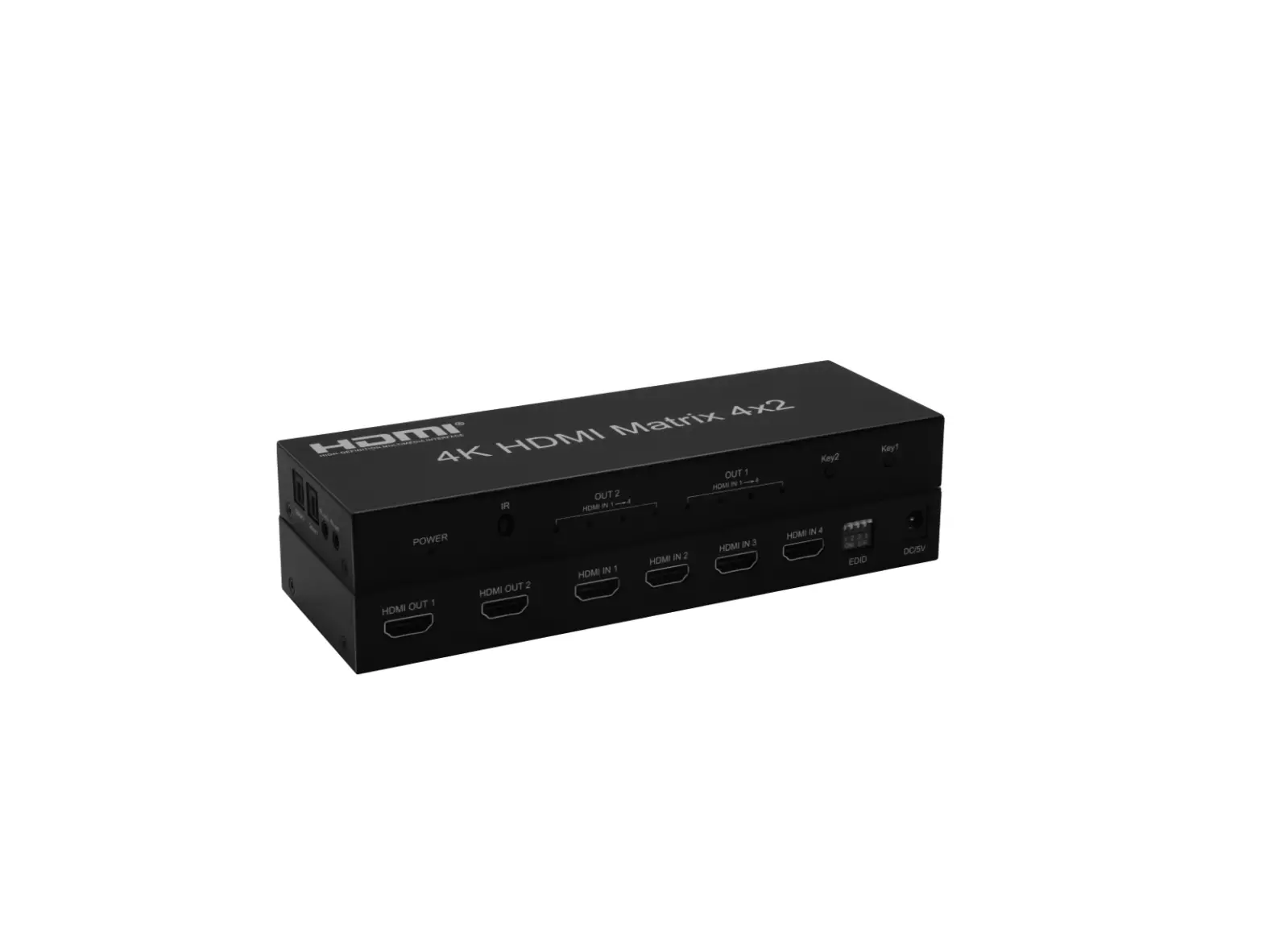
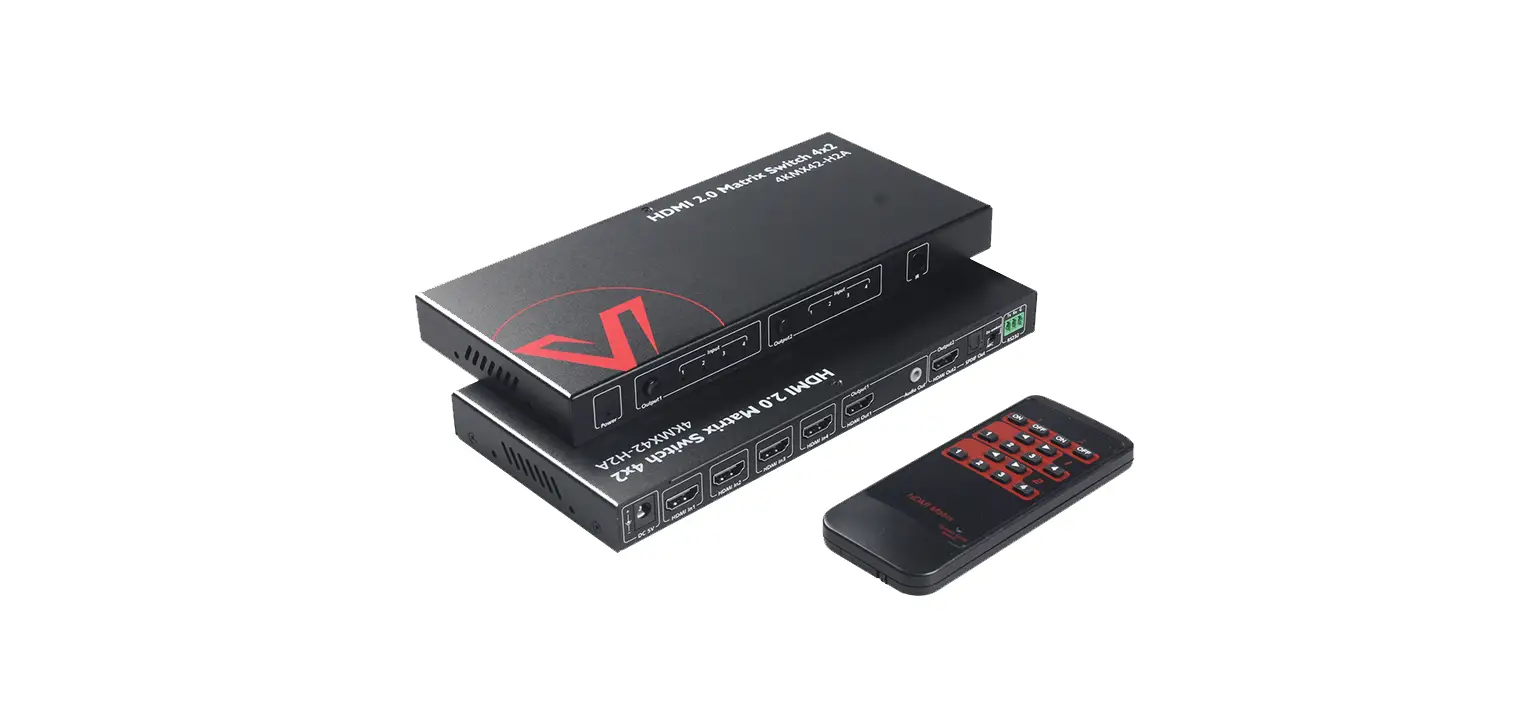
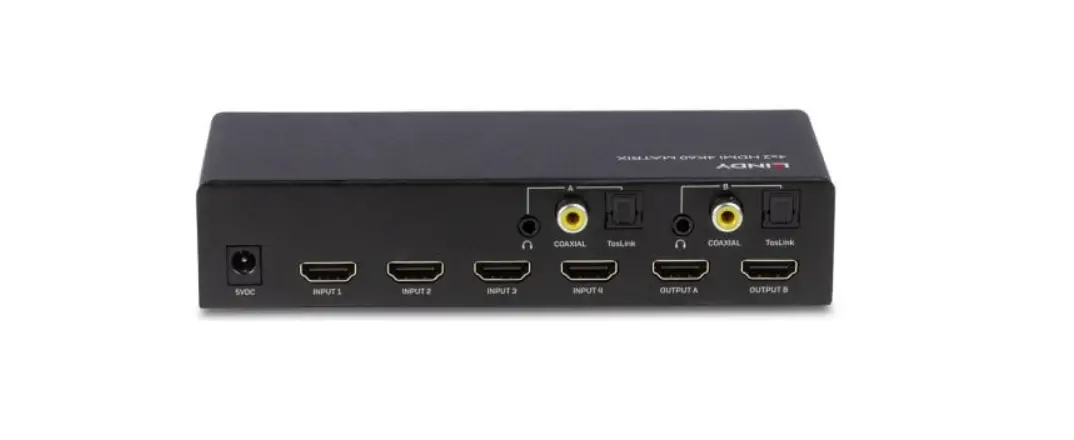
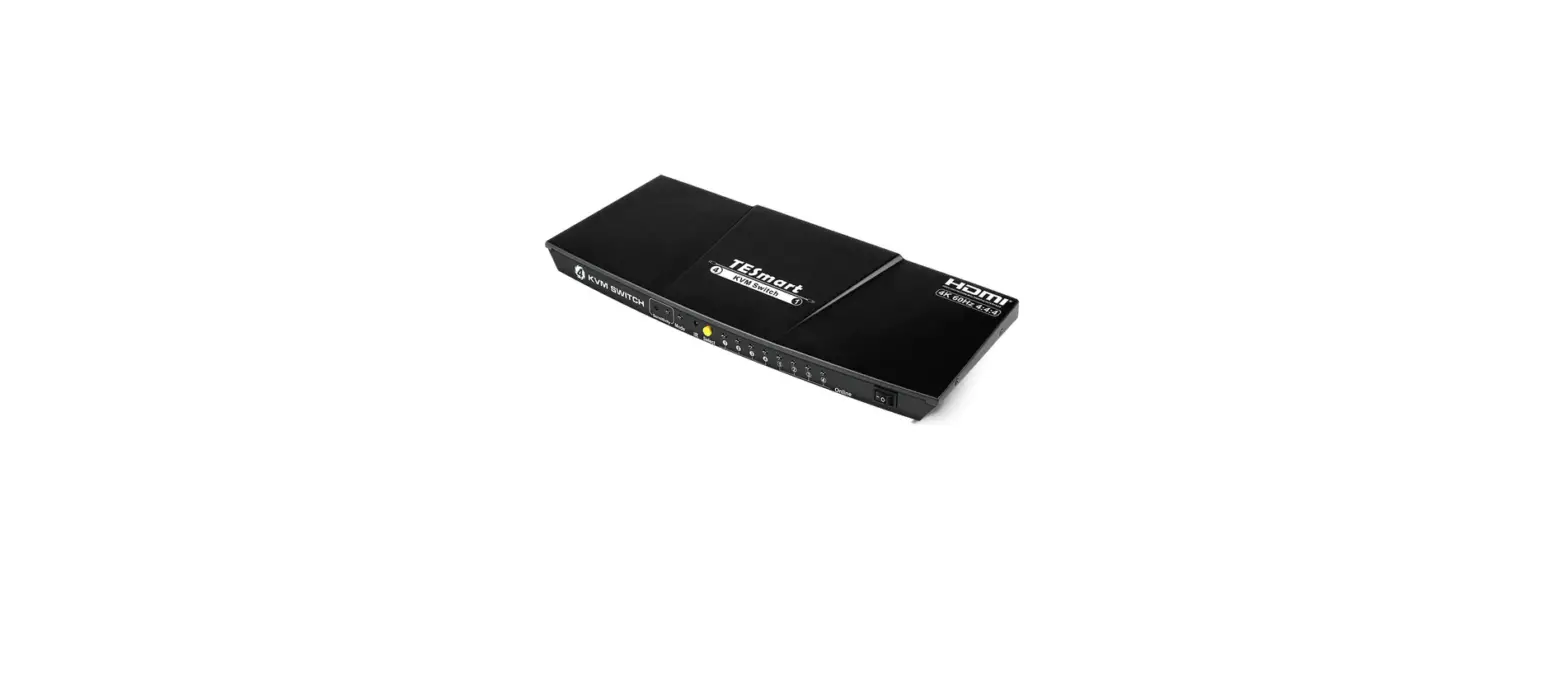
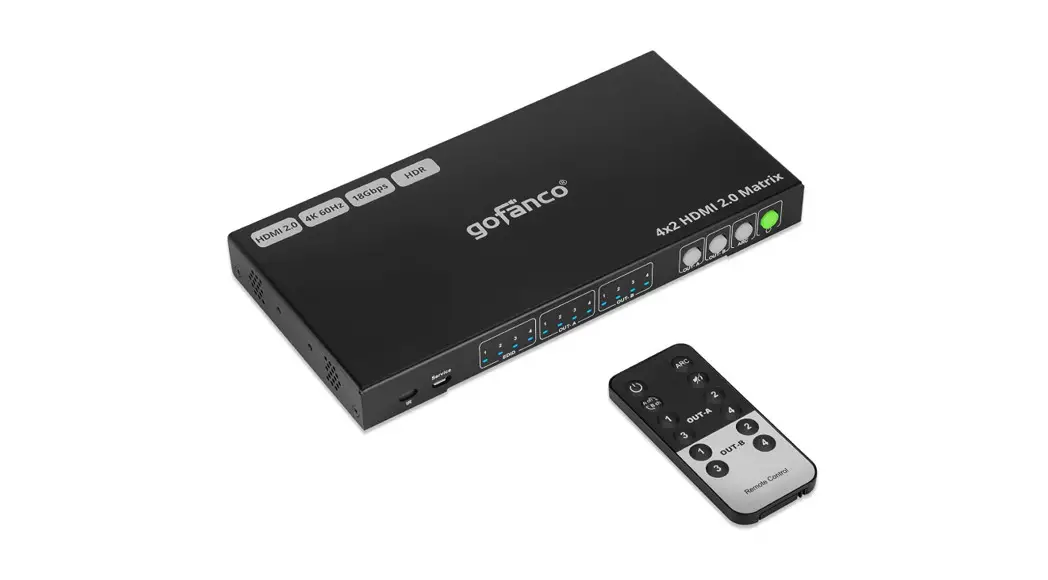
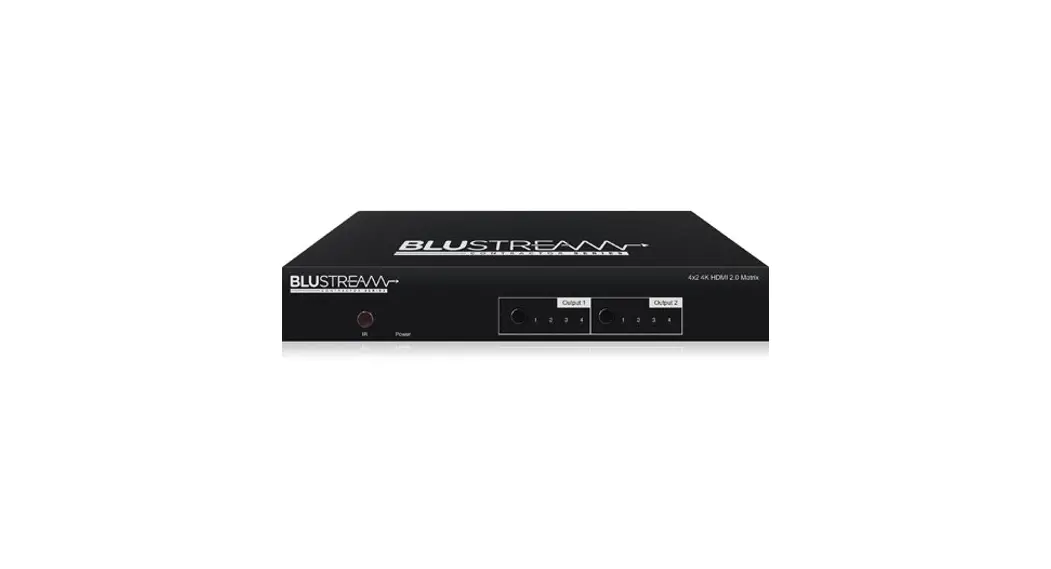
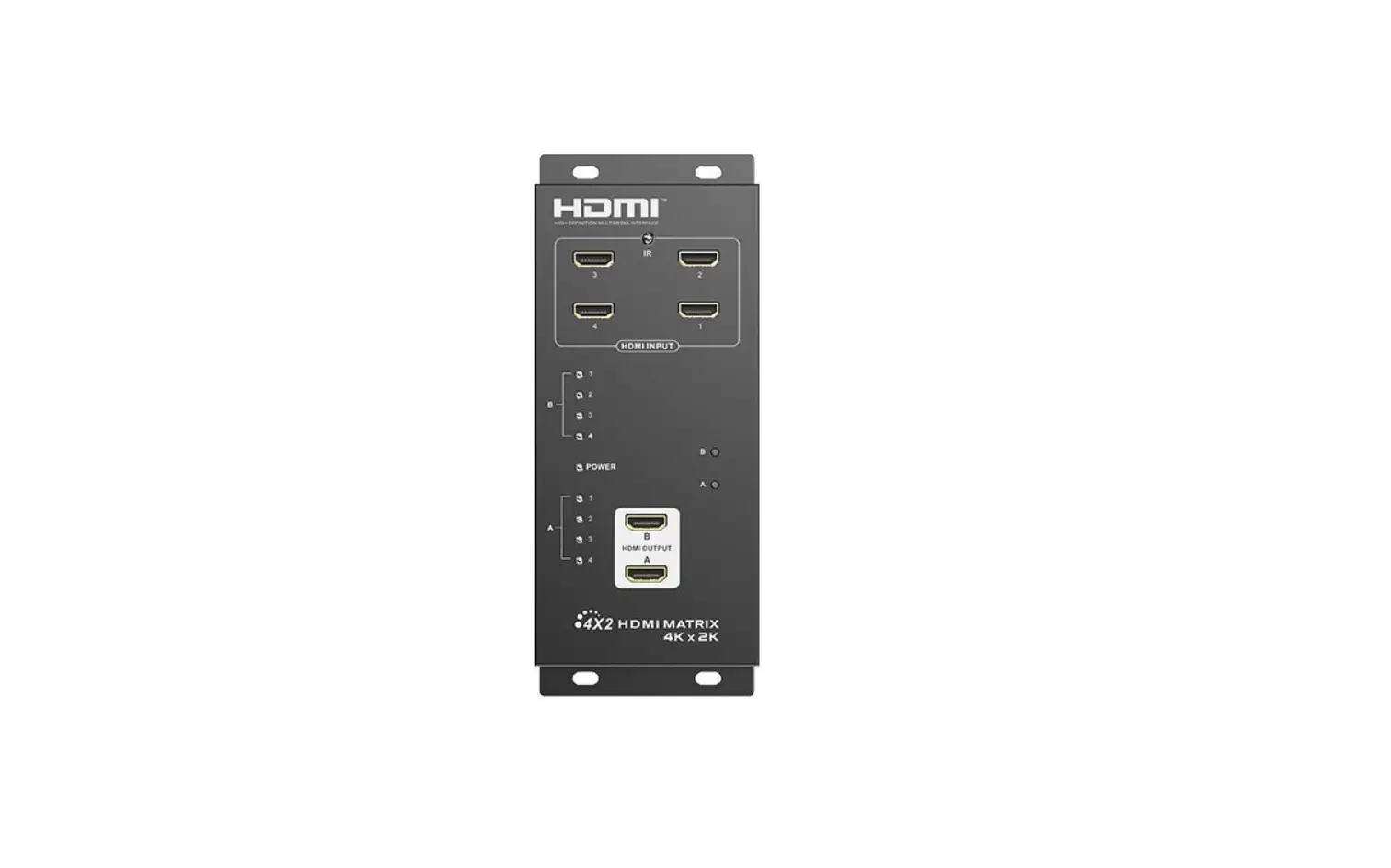
The 2.0 HDMI Matrix 4×4 can connect four HDMI signal sources with the four displays at the same time.It can easily and freely split or switch four hdmi signals on four displays or projectors which compatible with HDMI signals. Extra infrared receiver extension, IR emitter, and RS232 are supplied for remote control. HDMI matrix 4×4 has the ability of equalization and amplification to ensure the HDMI signal transmission through long cables without quality loss. This HDMI matrix offers solutions for digital entertainment centers, HDTV, retail and show site, HDTV, STB, DVD and projector factories, noise, space and security concerns, data center control, information distribution, conference r nation, and school and corporate training environments.
Features
- Very compact structure
- Stable and reliable
- Economical and cost-effective
- Support 3D;
- Support IR Remote Control;
- Support RS232 Control;
- The four outputs could show the same or different source simultaneously;
- Support 4K (input) resolution 2K (output) (Downscaling);
Specifications
- HDMI version …………………………………………………..…….….……. HDMI 2.0/HDCP2.0
- HDMI resolution …………………….…….….…….…………………………….……. up to 4K/60Hz
- Support video format …………………………………………………………….8/10/12 bit deep color
- Support audio format ………………. DTS-HD/Dolby-TrueHD/LPCM7.1/DTS/Dolby-AC3/DSD
- Max baud rate …………………..…….………………….…..….……………….….…… 18Gbps
- Input cable distance ..…….………………………………………………………..…… ≤10m AWG24
- Output cable distance …………………………..…………………………………………. ≤10m AWG24
- HDMI Input ……………………………………………….…………………..……….…….….…… 4
- HDMI Output ……………………………………….………………………………..….…….….…. 4
- Max working current ………………………………….…..…..……………………..…….…. 1.6A
- Power adapter format ……………… Input: AC (50HZ, 60HZ) 100V-240V; Output: DC12V/2A
- Operating Temperature range …………..….…………..………………………… (-15 to +45℃)
- Operating Humidity range ……….……..…………….….…… 5 to 90%RH (No Condensation)
- Dimension (L x W x H) ……………….……….……….…………………….. 276x143x26 (mm)
- Weight …..…………………………..………………..…….……….…………….…….……. 720.5g
Function Interface Figure
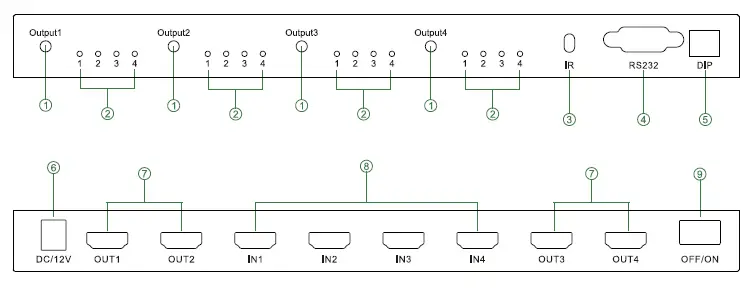
- Output selection
- IR port
- EDIT
- HDMI Output 1-4 port
- Power switch
- LED indicator of Input for each output selection
- RS232 port
- DC/12V
- HDMI Input 1-4 port
EDID setting
| Position 1 | Position 2 | Position 3 | Position 4 | Function |
| 0 | 0 | 0 | 0 | 3D 4K 60HZ HDR 2 CH |
| 0 | 0 | 0 | 1 | 3D 4K 60HZ 7.1CH |
| 0 | 0 | 1 | 0 | 3D 4K 30HZ 2CH |
| 0 | 0 | 1 | 1 | 3D 4K 30HZ 7.1CH |
| 0 | 1 | 0 | 0 | 2D 1080P stereo 2CH |
| 0 | 1 | 0 | 1 | 2D 1080P 7.1 CH |
| 0 | 1 | 1 | 0 | 3D 1080P stereo 2CH |
| 0 | 1 | 1 | 1 | 2D 1080P DVI |
Noted: the dial switch to dial downward is 1, dial upward is 0.
The Remote Control instruction 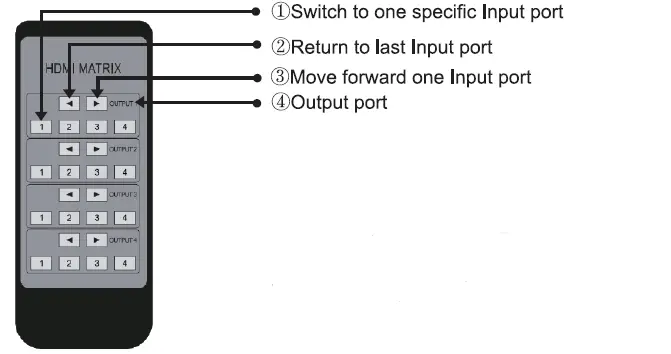
4×4 matrix supports IR control and there are four sets of control buttons to use to switch & control the four Output ports; @, ® are used to move back or forward one Input port; (j) is used to directly switch to one Input port.
Application diagrams 
Operating and Connecting
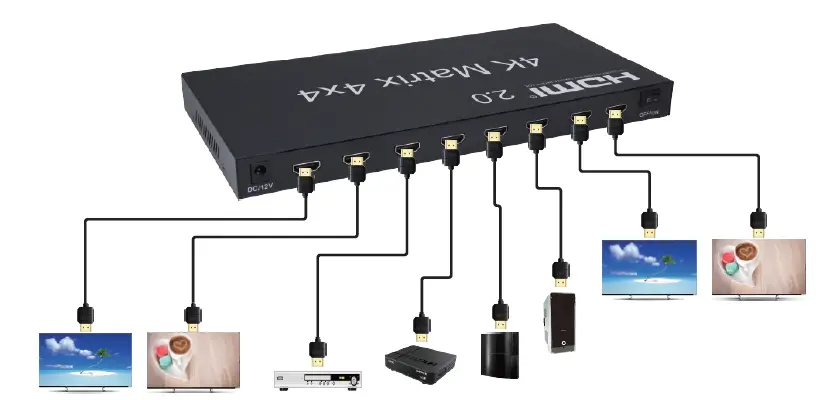
- Connect each HDMI source device and input of HDMI Matrix with the HDMI cable.
- Connect display devices and output of HDMI Matrix with HDMI cable.
- Use the IR remote control to switch the signal source freely.
- Connect the 12V power supply to the HDMI 4×4 Matrix.
- How to use the RS-232 port?
Through RS – the 232 port you can update software and monitor the state of the input and output signals. And can switch signals. When connecting the computer, customers can easily switch the signals via the computer.
Application scenario
Notes
Pls, use the machine as per the instruction listed to keep the long use lifetime of the machine.
- The machine should be placed at a spot far from the Damp, High-Temperature, Dusty, Erosive, and oxidative environment.
- All parts will be free from the strong shake, hit, and fall.
- Touching the power adaptor with wet hands is prohibited.
- Pls hold the power adaptor head and do not pull the power cord when cut off from the socket.
- Pls turn the power off when the machine is not used for a long time.
- Pls do not open the cover and do not touch the inside parts.
- Pls use the original factory power adapter.
Before powering on, pls check the connection line carefully. And make sure that all interfaces are normally connected. The common trouble shooting way shows below: interfaces are normally connected. The common trouble shooting way shows below:
| Trouble Description | Cause and Ways to deal with |
| Non-Power-Connected | 1. Check if the power adaptor head is truly and correctly inserted the power socket. |
| 2. Check the power switch if it is in on status. | |
|
No Picture | 1. Pls make sure that the TV is on and has been connected with the machine. |
| 2. Check if the signal source is on and well connected. | |
| 3. Check the system connection quality. | |
| 4. Check if the line is all good quality. | |
| 5. Check the cable quality | |
| Obscure Picture | 1. To try again to connect the cable to be free from the unsuccessful connection. |
| 2. HDMI Cable Quality |
Accessories
- HDMI 2.0 Matrix 4X4
- IR Remote Control 1PCS
- 12V power adapter
- User Manual 12V power adapter
RS232 control protocol
| Baud rate | 9600bps |
| Data bits | 8 |
| Parity Check | None |
| Stop bits | 1 |
| Cyclic redundancy check | None |
| Command | HEX | Feedback | Description |
| cir 1e\r\n | 63 69 72 20 31 65 0D 0A | s1x\r\n “x”value range 0~3 | Output 1 select input port No.+1 |
| cir 1d\r\n | 63 69 72 20 31 64 0D 0A | s1x\r\n “x”value range 0~3 | Output 1 select input port No.-1 |
| cir 00\r\n | 63 69 72 20 30 30 0D 0A | s10\r\n | output 1 select input 1 |
| cir 01\r\n | 63 69 72 20 30 31 0D 0A | s11\r\n | output 1 select input 2 |
| cir 02\r\n | 63 69 72 20 30 32 0D 0A | s12\r\n | output 1 select input 3 |
| cir 03\r\n | 63 69 72 20 30 33 0D 0A | s13\r\n | output 1 select input 4 |
| cir 06\r\n | 63 69 72 20 30 36 0D 0A | s2x\r\n “x”value range 0~3 | Output 2 select input port No.+1 |
| cir 05\r\n | 63 69 72 20 30 35 0D 0A | s2x\r\n “x”value range 0~3 | Output 2 select input port No.-1 |
| cir 08\r\n | 63 69 72 20 30 38 0D 0A | s20\r\n | output 2 select input 1 |
| cir 09\r\n | 63 69 72 20 30 39 0D 0A | s21\r\n | output 2 select input 2 |
| cir 0a\r\n | 63 69 72 20 30 61 0D 0A | s22\r\n | output 2 select input 3 |
| cir 0b\r\n | 63 69 72 20 30 62 0D 0A | s23\r\n | output 2 select input 4 |
| cir 0e\r\n | 63 69 72 20 30 65 0D 0A | s3x\r\n “x”value range 0~3 | Output 3 select input port No.+1 |
| cir 0d\r\n | 63 69 72 20 30 64 0D 0A | s3x\r\n “x”value range 0~3 | Output 3 select input port No.-1 |
| cir 10\r\n | 63 69 72 20 31 30 0D 0A | s30\r\n | output 3 select input 1 |
| cir 11\r\n | 63 69 72 20 31 31 0D 0A | s31\r\n | output 3 select input 2 |
| cir 12\r\n | 63 69 72 20 31 32 0D 0A | s32\r\n | output 3 select input 3 |
| cir 13\r\n | 63 69 72 20 31 33 0D 0A | s33\r\n | output 3 select input 4 |
| cir 16\r\n | 63 69 72 20 31 36 0D 0A | s4x\r\n “x”value range 0~3 | Output 4 select input port No.+1 |
| cir 15\r\n | 63 69 72 20 31 35 0D 0A | s4x\r\n “x”value range 0~3 | Output 4 select input port No.-1 |
| cir 18\r\n | 63 69 72 20 31 38 0D 0A | s40\r\n | output 4 select input 1 |
| cir 19\r\n | 63 69 72 20 31 39 0D 0A | s41\r\n | output 4 select input 2 |
| cir 1a\r\n | 63 69 72 20 31 61 0D 0A | s42\r\n | output 4 select input 3 |
| cir 1b\r\n | 63 69 72 20 31 62 0D 0A | s43\r\n | output 4 select input 4 |
| bc \r\n | 62 63 20 0D 0A | s1x\r\n s2x\r\n s3x\r\n s4x\r\n “x”value range 0~3 | Read HDMI matrix status |
| mrp 0 0\r\n | 6D 72 70 20 30 20 30 0D 0A | mrp 00 00\r\n | output 1 select IR input 1 |
| mrp 0 1\r\n | 6D 72 70 20 30 20 31 0D 0A | mrp 00 01\r\n | output 1 select IR input 2 |
| mrp 0 2\r\n | 6D 72 70 20 30 20 32 0D 0A | mrp 00 02\r\n | output 1 select IR input 3 |
| mrp 0 3\r\n | 6D 72 70 20 30 20 33 0D 0A | mrp 00 03\r\n | output 1 select IR input 4 |
| mrp 1 0\r\n | 6D 72 70 20 31 20 30 0D 0A | mrp 01 00\r\n | output 2 select IR input 1 |
| mrp 1 1\r\n | 6D 72 70 20 31 20 31 0D 0A | mrp 01 01\r\n | output 2 select IR input 2 |
| mrp 1 2\r\n | 6D 72 70 20 31 20 32 0D 0A | mrp 01 02\r\n | output 2 select IR input 3 |
| mrp 1 3\r\n | 6D 72 70 20 31 20 33 0D 0A | mrp 01 03\r\n | output 2 select IR input 4 |
| mrp 2 0\r\n | 6D 72 70 20 32 20 30 0D 0A | mrp 02 00\r\n | output 3 select IR input 1 |
| mrp 2 1\r\n | 6D 72 70 20 32 20 31 0D 0A | mrp 02 01\r\n | output 3 select IR input 2 |
| mrp 2 2\r\n | 6D 72 70 20 32 20 32 0D 0A | mrp 02 02\r\n | output 3 select IR input 3 |
| mrp 2 3\r\n | 6D 72 70 20 32 20 33 0D 0A | mrp 02 03\r\n | output 3 select IR input 4 |
| mrp 3 0\r\n | 6D 72 70 20 33 20 30 0D 0A | mrp 03 00\r\n | output 4 select IR input 1 |
| mrp 3 1\r\n | 6D 72 70 20 33 20 31 0D 0A | mrp 03 01\r\n | output 4 select IR input 2 |
| mrp 3 2\r\n | 6D 72 70 20 33 20 32 0D 0A | mrp 03 02\r\n | output 4 select IR input 3 |
| mrp 3 3\r\n | 6D 72 70 20 33 20 33 0D 0A | mrp 03 03\r\n | output 4 select IR input 4 |
| mrp 4 0\r\n | 6D 72 70 20 34 20 30 0D 0A | mrp 04 00\r\n | all output select IR input 1 |
| mrp 4 1\r\n | 6D 72 70 20 34 20 31 0D 0A | mrp 04 01\r\n | all output select IR input 2 |
| mrp 4 2\r\n | 6D 72 70 20 34 20 32 0D 0A | mrp 04 02\r\n | all output select IR input 3 |
| mrp 4 3\r\n | 6D 72 70 20 34 20 33 0D 0A | mrp 04 03\r\n | all output select IR input 4 |