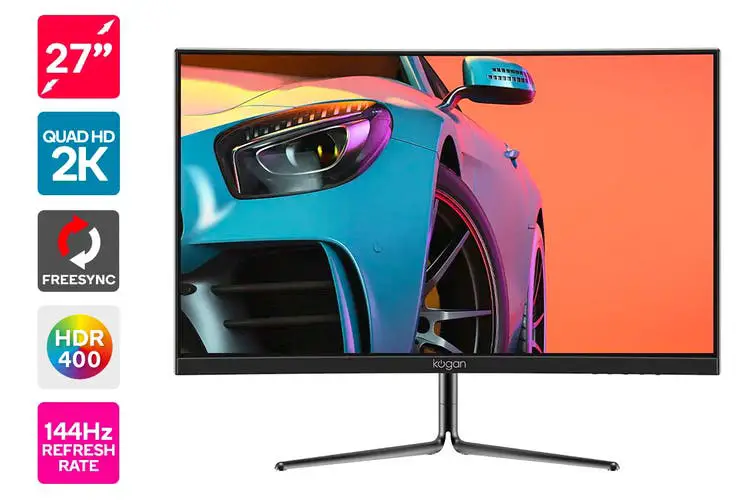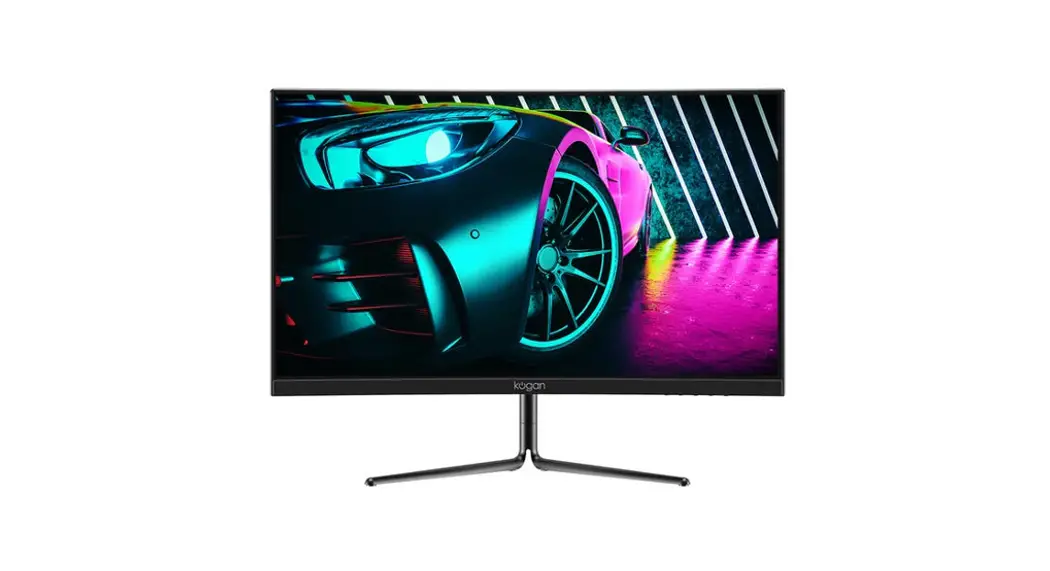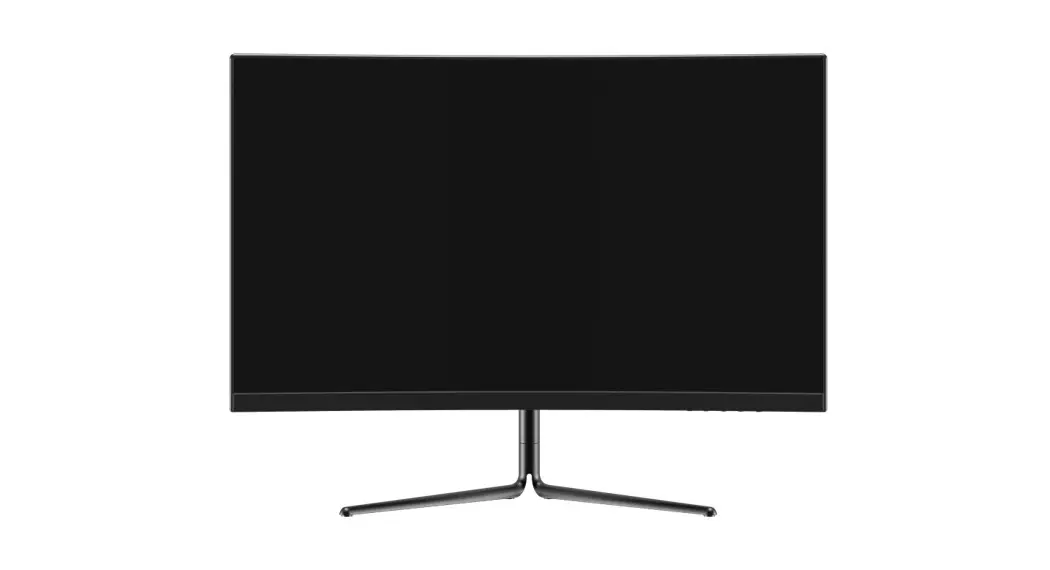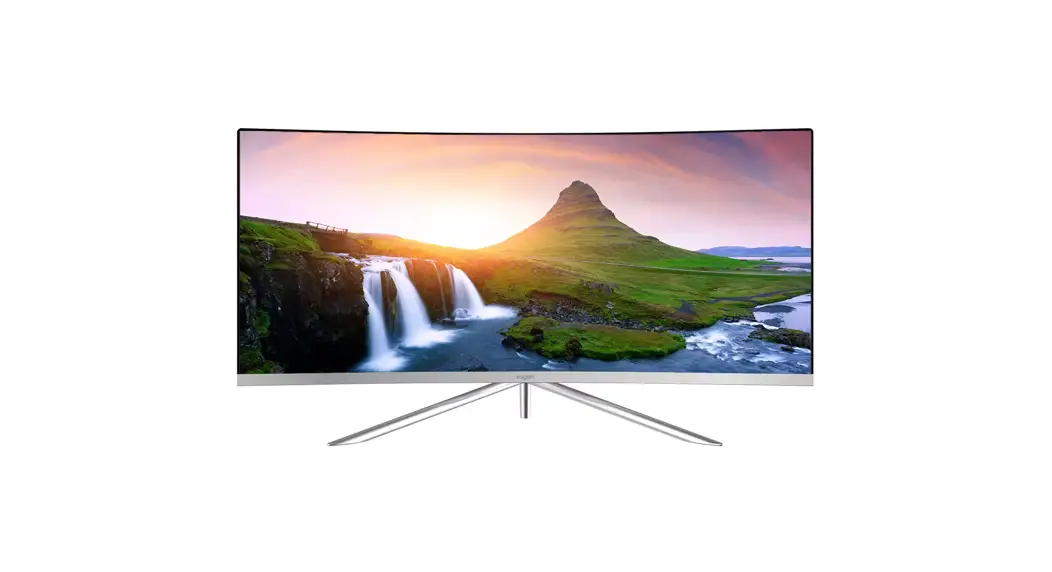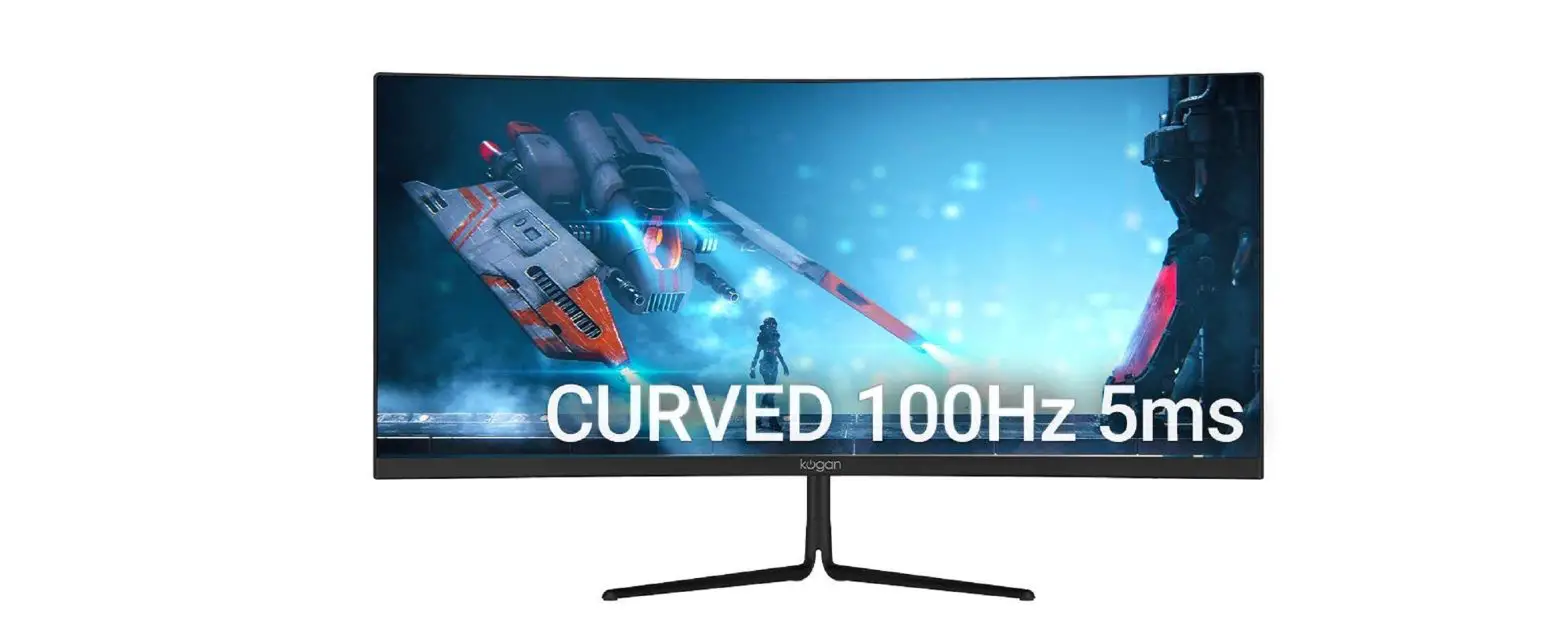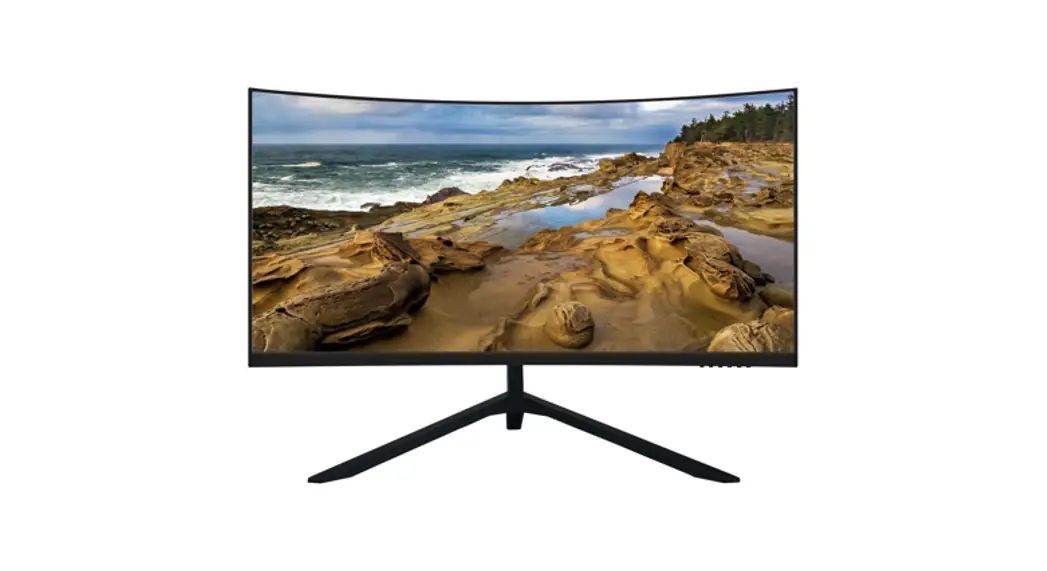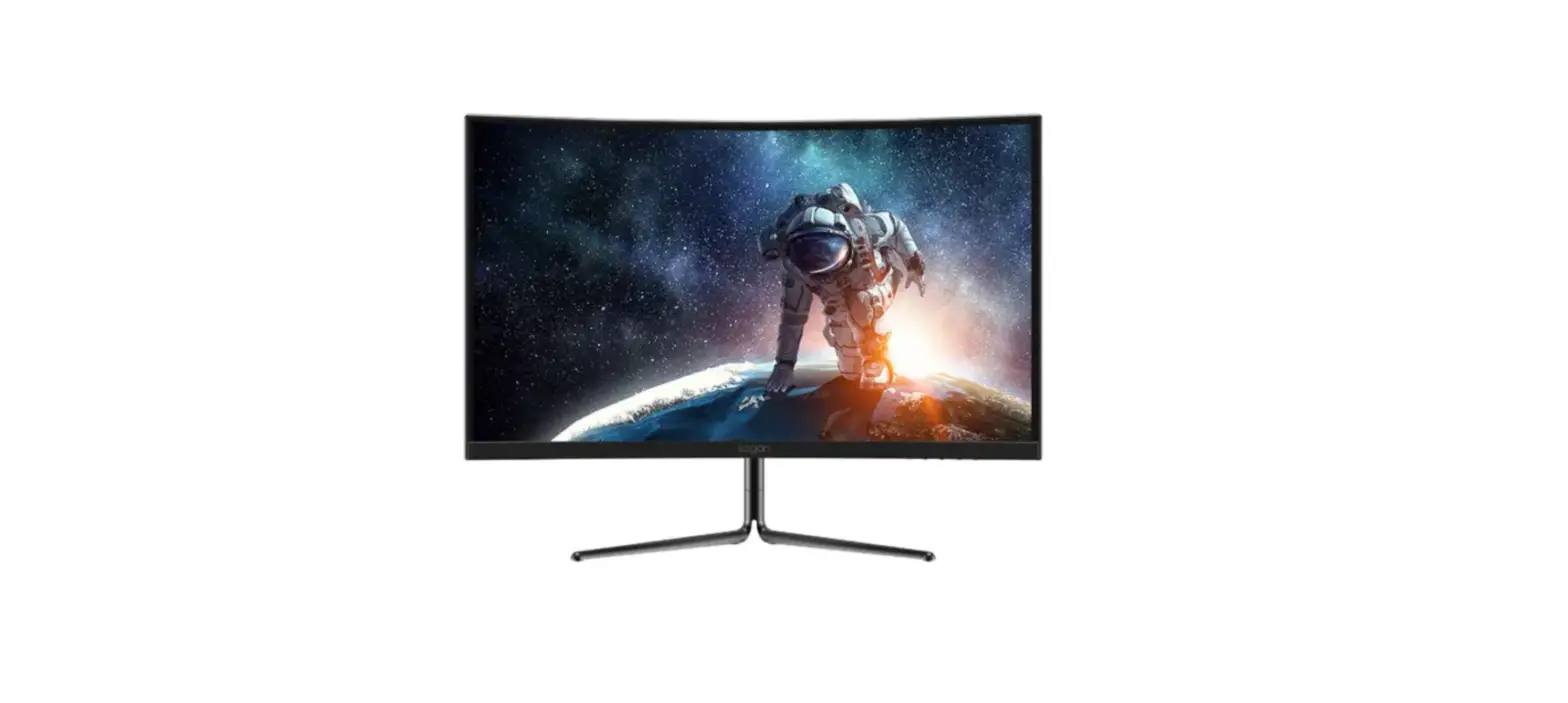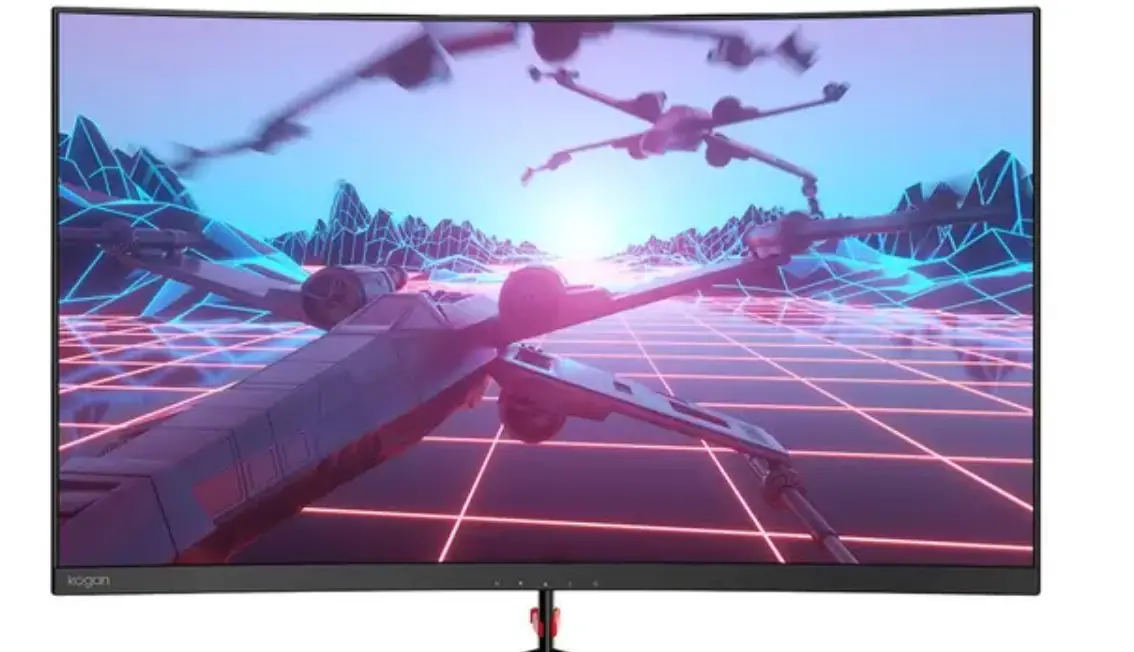

kogan KAMN27F7CLA 27 Inch Curved Full HD 75Hz FreeSync Gaming Monitor

SAFETY & WARNINGS
- Read all instructions before using the appliance and retain for reference.
- This monitor is designed with ventilation holes on the back of the casing. Do not cover or block them.
- Do not insert any object or spray any liquid into the vents.
- Avoid placing the monitor near heaters, stoves, fireplaces or other sources of heat, as well as in rooms lacking adequate ventilation.
- Do not position the monitor in unsafe locations. If the monitor falls, it may be damaged and may injure nearby people.
- Unplug the monitor if it is not going to be used for an extended period.
- Do not place heavy objects on the monitor, its power cord or any connected cable.
- Do not open the back panel of the monitor, as it contains a high-voltage current even when not plugged in.
- There is a polarizer layer (not a protective film) on the surface of the screen. Do not peel it off, or the product may be damaged and the warranty will be invalid.
The terms HDMI and HDMI High-Definition Multimedia Interface and the HDMI Logos are trademarks or registered trademarks of HDMI Licensing Administrator, Inc. in the United States and other countries.
COMPONENTS
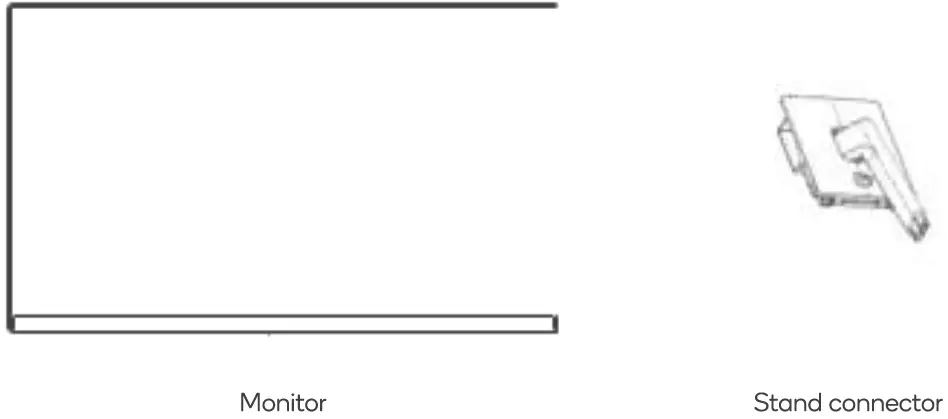
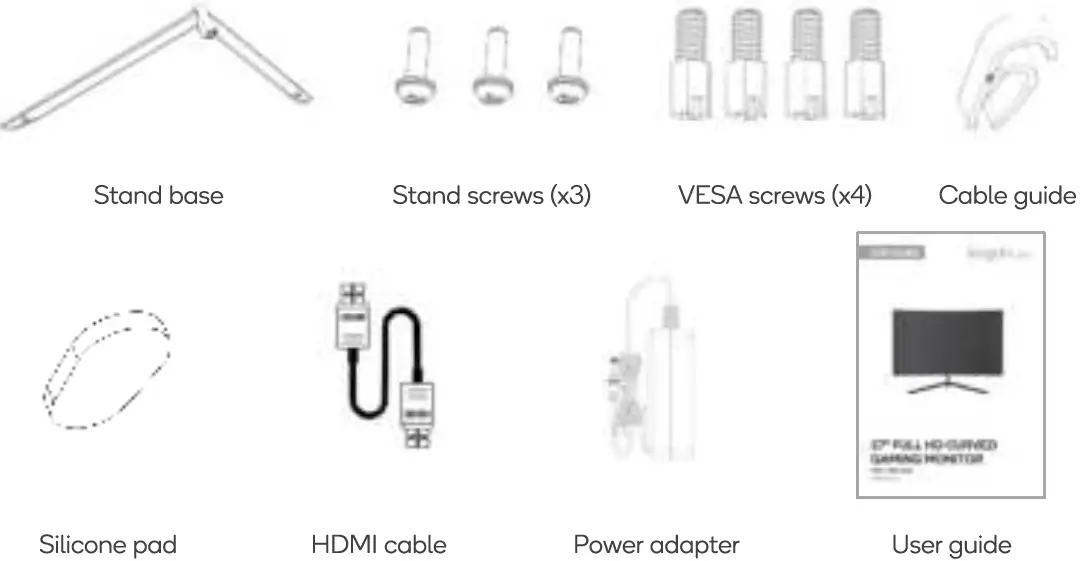
OVERVIEW
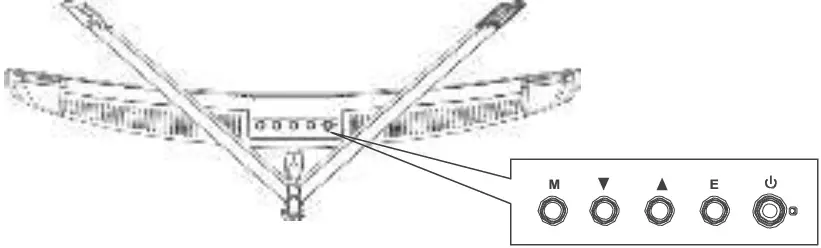
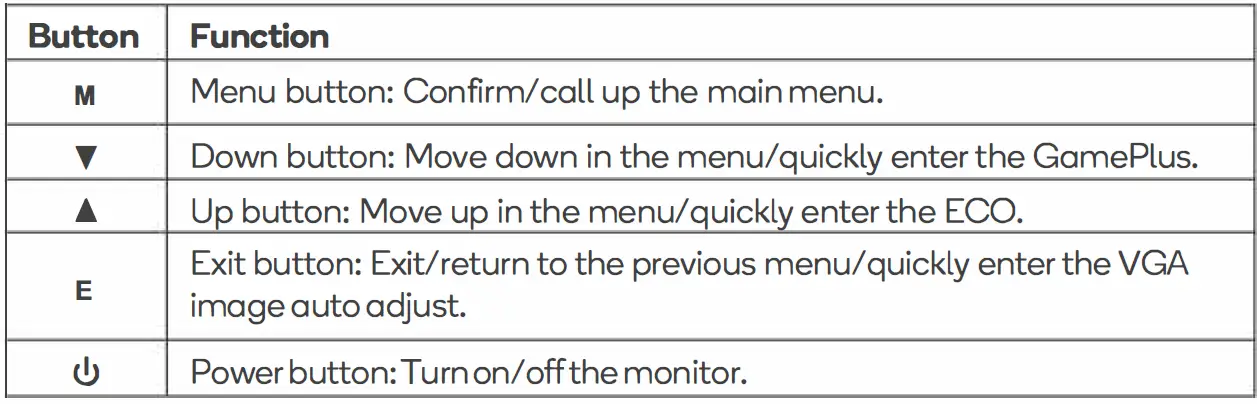
Indicator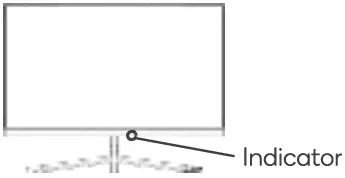
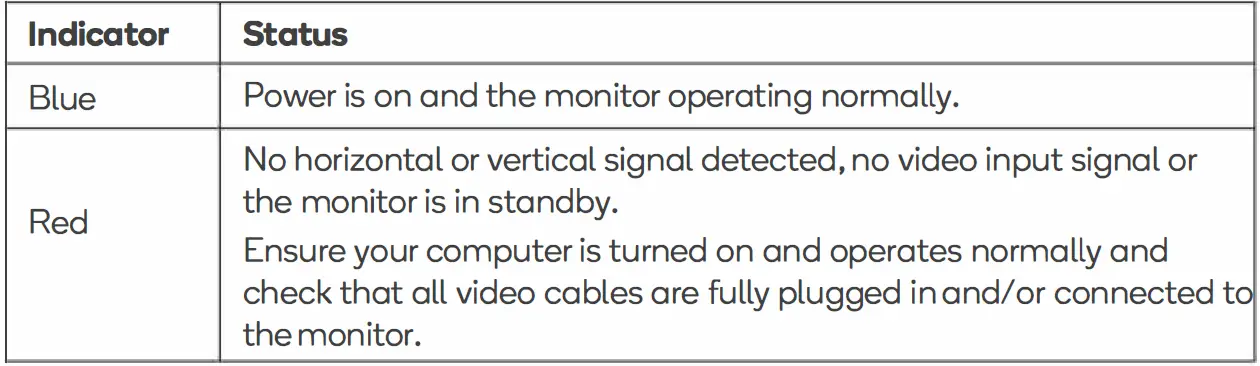
ASSEMBLY
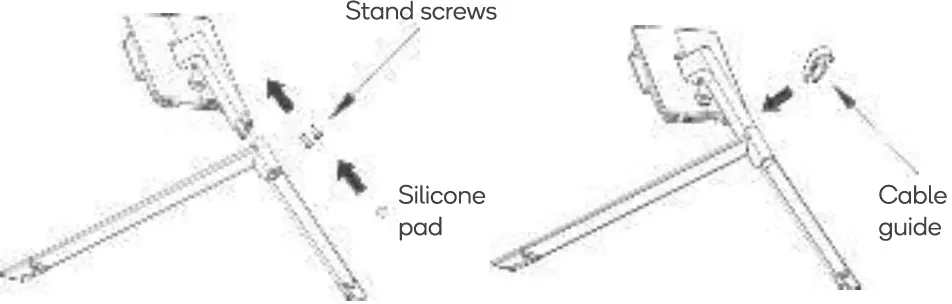
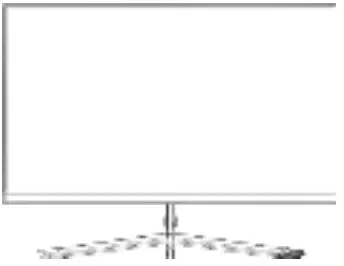
- Open the carton, take out the stand and base, insert 2 screws into the base to lock the stand then install the silicone pad. Attach snap the cable guide to the stand, as shown below:

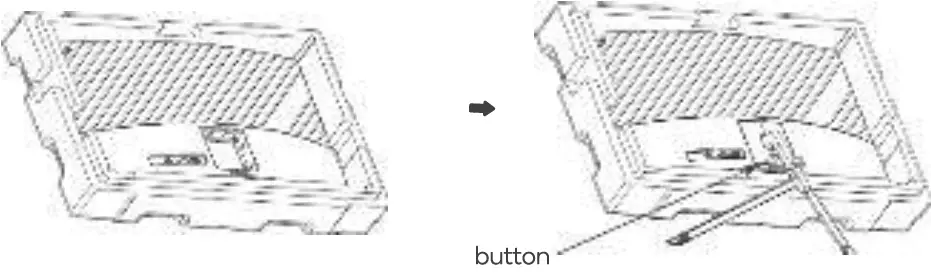
- Remove the monitor out from the carton. Keep the monitor in the foam and place it flat and face down, clip the stand assembly into the monitor and release the button to complete the stand assembly.

- Stand the monitor up on the assembled base.

VESAMOUNT
VESA mounting pattern 75 x 75mm, screw size M4.
Note:
VESA mount or mounting accessories are not included.
- Open the box, take out the monitor with protection foam attached and gently place it on a desktop or table. Ensure all components are removed from the foam covering. Press the release button to remove the stand plate.
 If the monitor is already attached to the stand, remove the stand before proceeding with VESA mount assembly.
 - Remove the two screws of the rear case.

- Remove the four VESA screws from the accessory bag to and attach them to the rear casing
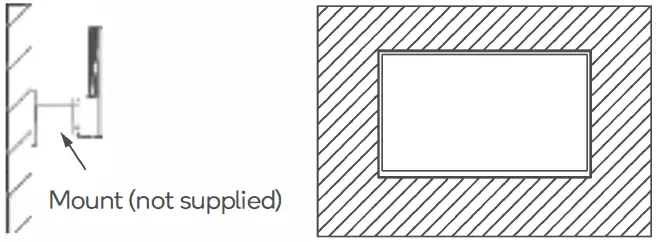
 During hanging of the product, do not pinch the screen with hand to avoid damaging the screen. Instructions for attaching to the specific wall mount will be included with the mount.
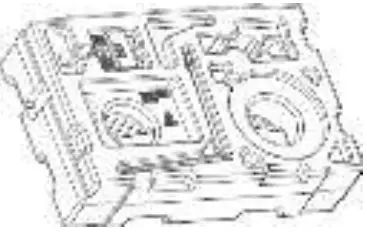 If the monitor is already attached to the stand, remove the stand before proceeding with VESA mount assembly.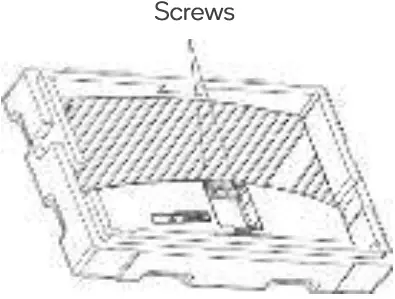
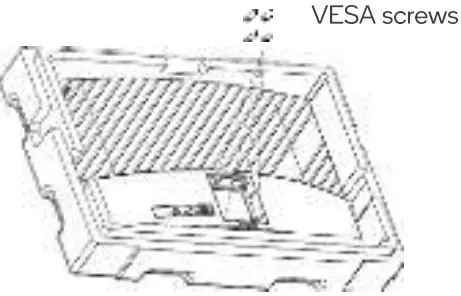 During hanging of the product, do not pinch the screen with hand to avoid damaging the screen. Instructions for attaching to the specific wall mount will be included with the mount.
 Notes:
To prevent the monitor on the mount from failing, please install it firmly and protect it fully. Do not place or hang any object on the mount. Ensure the height of the mount is less than 2 meters.
CONNECTIVITY
Power Cable
Connect the included power adapter to the monitor power port and then connect the other end to a power outlet. 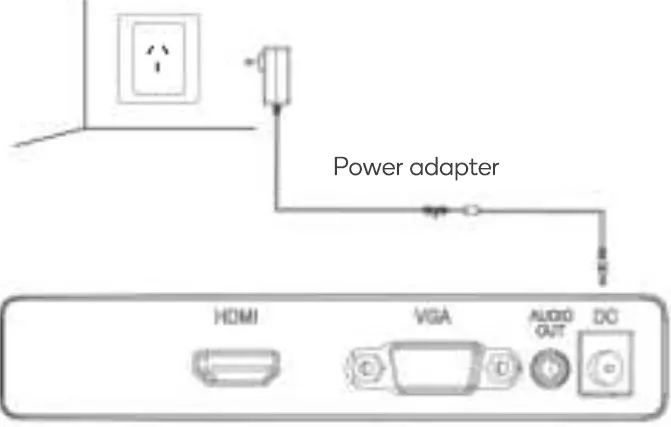 Audio Out
Connect an audio output device (speakers, headphone etc.) to the 3.5mm audio port on the monitor. 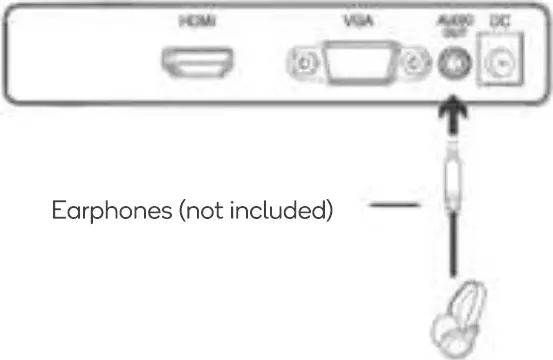 HDMI
HDMI
Connect an HDMI cable from the computer’s display output to the monitor’s display input. 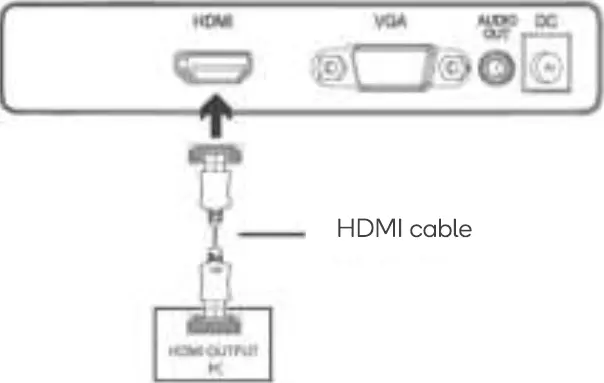 VGA
VGA
Connect a VGA cable from the computer’s display output to the monitor’s display input. 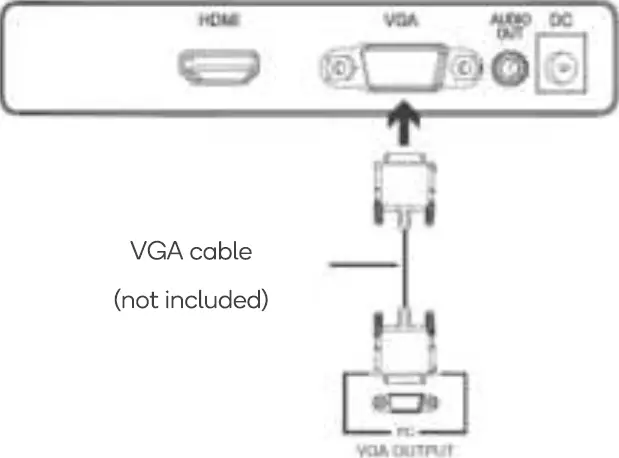
OPERATION
- Connect the monitor to your input device via HDMI or VGA.
- Connect the power cable to your monitor and then connect the other end directly to a power socket.
- Use the power button to turn the monitor on.
On-Screen Display (OSD)
The On-Screen Display (OSD) Menu may be used to adjust your monitor’s settings and appears on the screen after turning on the monitor and pressing the ( M) button.
When using the monitor for the first time, it will configure optimal settings automatically.
- Press one of the buttons ( M T • E l!,) to activate the browser screen.

- Press ( M) to enter the OSD screen.

- Press up and down <• / •) buttons to browse the functions.
With the desired function highlighted, press (M) right button to enter the submenu.
Press up and down <• / •) buttons to browse sub-menus, then press (M) button to confirm the desired function.
Press up and down <• / •) buttons to highlight an option, then press (M) button to confirm the settings and exit the current menu. - Press (E) button to exit the menu screen.

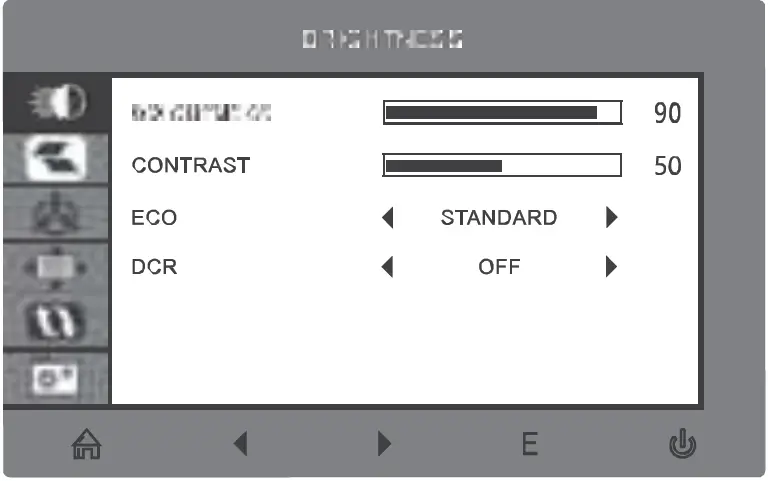
List of Functions
| Main Menu | Sub Menu | Option |
| BRIGHTNESS | BRIGHTNESS | 0-100 |
| CONTRAST | 0-100 | |
| ECO | STANDARD/TEXT/GAME/FPS/RTS/MOVI | |
| DCR | OFF/NO | |
| IMAGE | H.POSITION | 0-100 |
| V.POSITION | 0-100 | |
| CLOCK | 0-60 | |
| PHASE | 0-100 | |
| ASPECT | WIDE/ AUTO/4:3 | |
| COLOR TEMP. | COLOR TEMP. | WARM/COOL/USER |
| RED | 0-100 | |
| GREEN | 0-100 | |
| BLUE | 0-100 | |
| OSDSETTING | LANGUAGE | ENGLISH/FRANCAIS/DEUTSCH/ri§{j:$: r:j=t X |
| OSD H. POS. | 0-100 | |
| OSDV.POS. | 0-100 | |
| OSDTIMER | 5-100 | |
| TRANSPARENCY | 0-100 | |
| RESET | IMAGE AUTO | |
| COLOR AUTO | ||
| RESET | ||
| MISC | SIGNAL SOURCE | HDMI/VGA |
| MUTE | OFF/ON | |
| VOLUME | 0-100 | |
| LOW BLUE RAY | 0-100 | |
| OVERDRIVE | OFF/ON | |
| ADAPTIVE-SYNC | OFF/ON |
SPECIFICATIONS
| Screen size | 27inch | |
| Aspect ratio | 16:9 | |
| Viewing angle | ?:178°(H) / 178°(V) | |
| Pixel pitch | 0.3108(H) x 0.3108(V) | |
| Contrast ratio | 3000:1 | |
| Display colour | 16.7M | |
| Resolution | 1920×1080 | |
| Refresh rate | 75Hz | |
| Power input | DC12V 3.0A The standard voltage and power supply may vary between countries, please refer to the label on the rear of the product. | |
| Dimensions | Without base: 613 x 81.6 x 365.2mm I approx. 3.48kg With base: 613 x 200.4 x 455.4mm / approx. 4.10kg | |
| Tilting angle | Forward: 5°±2° Backward: 15°±2° | |
| Environmental Conditions | Action | Temperature: 0°C-40°C (32°F-104°F) Humidity: 10%-90% RH (non-condensing) |
| Storage | Temperature: -20°-60° (-4°F-140°F) Humidity: 5%-95% RH (non-condensing) | |