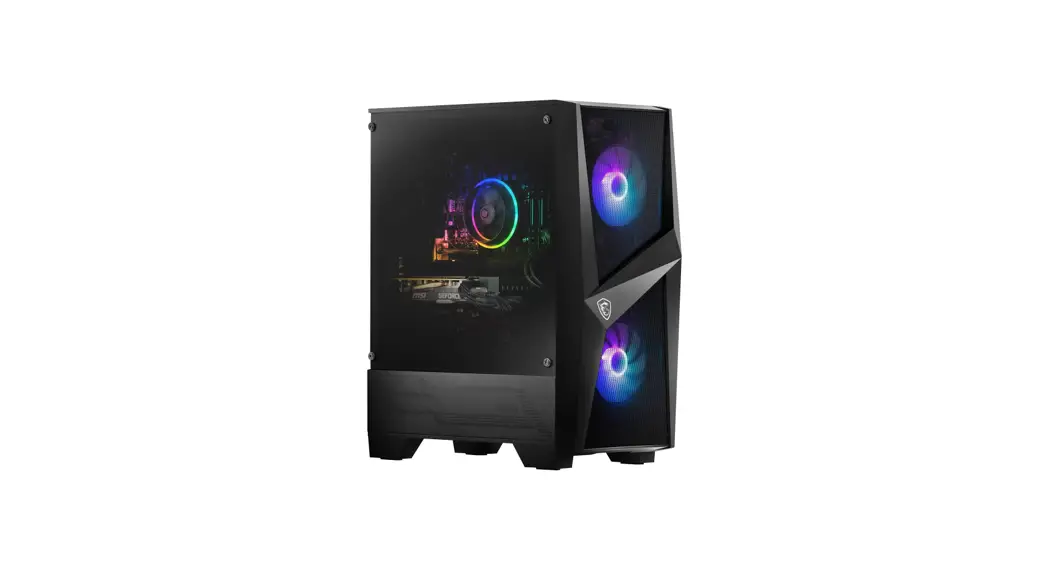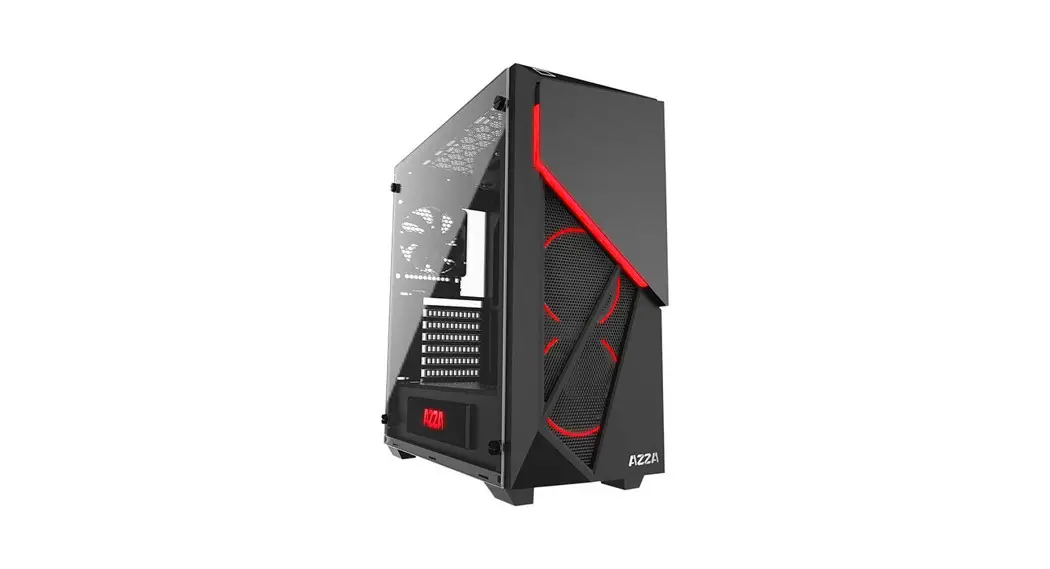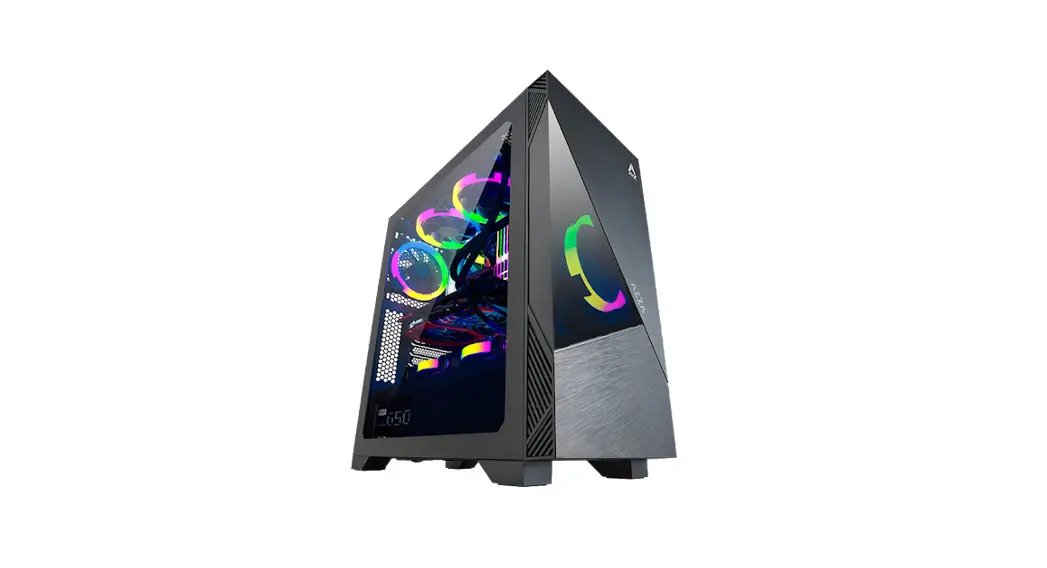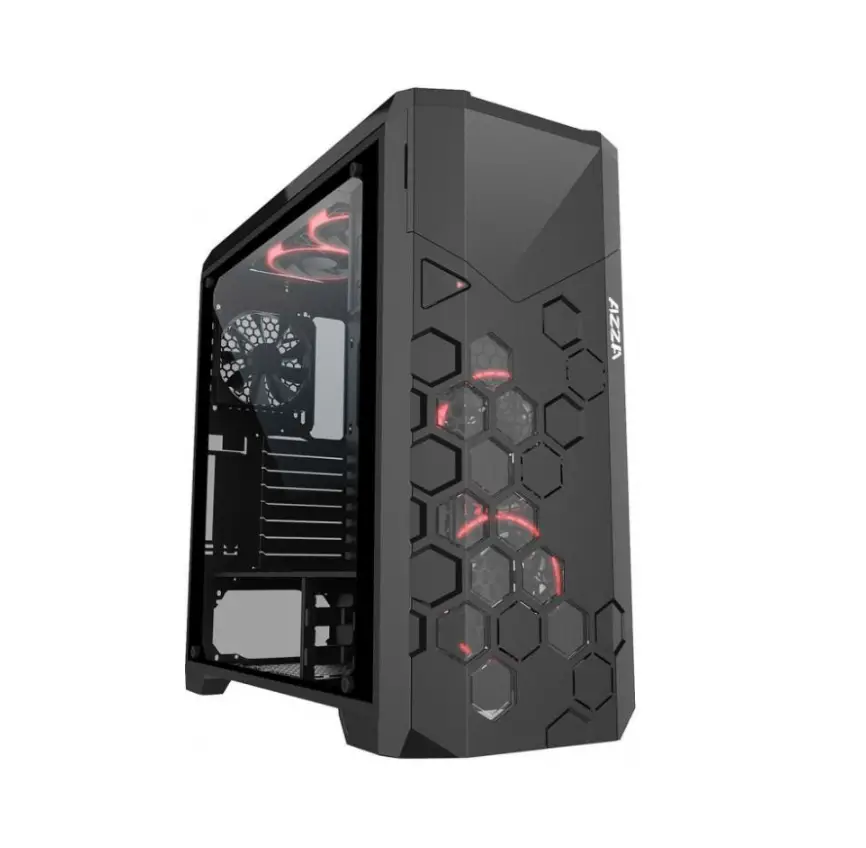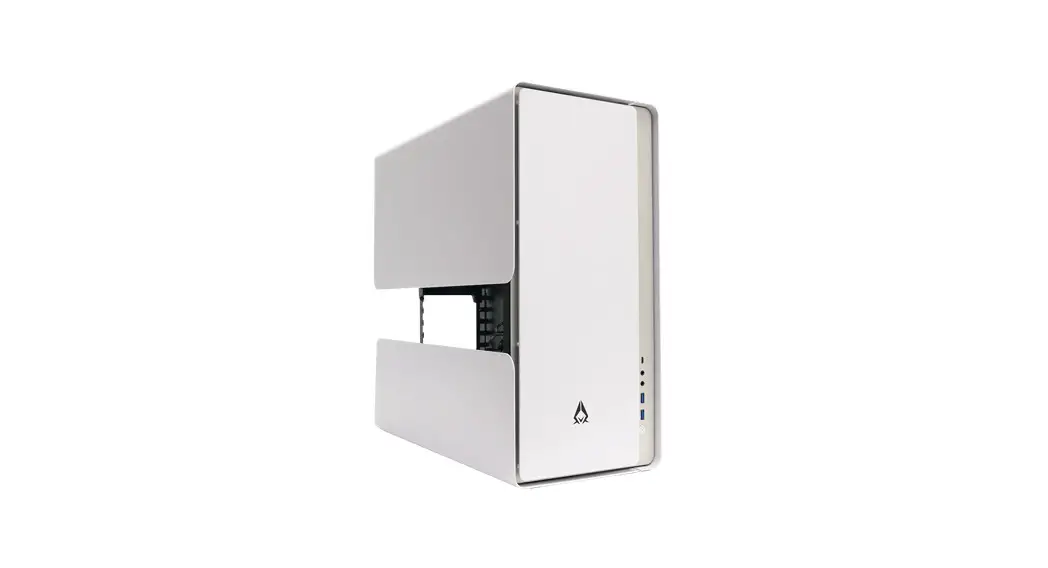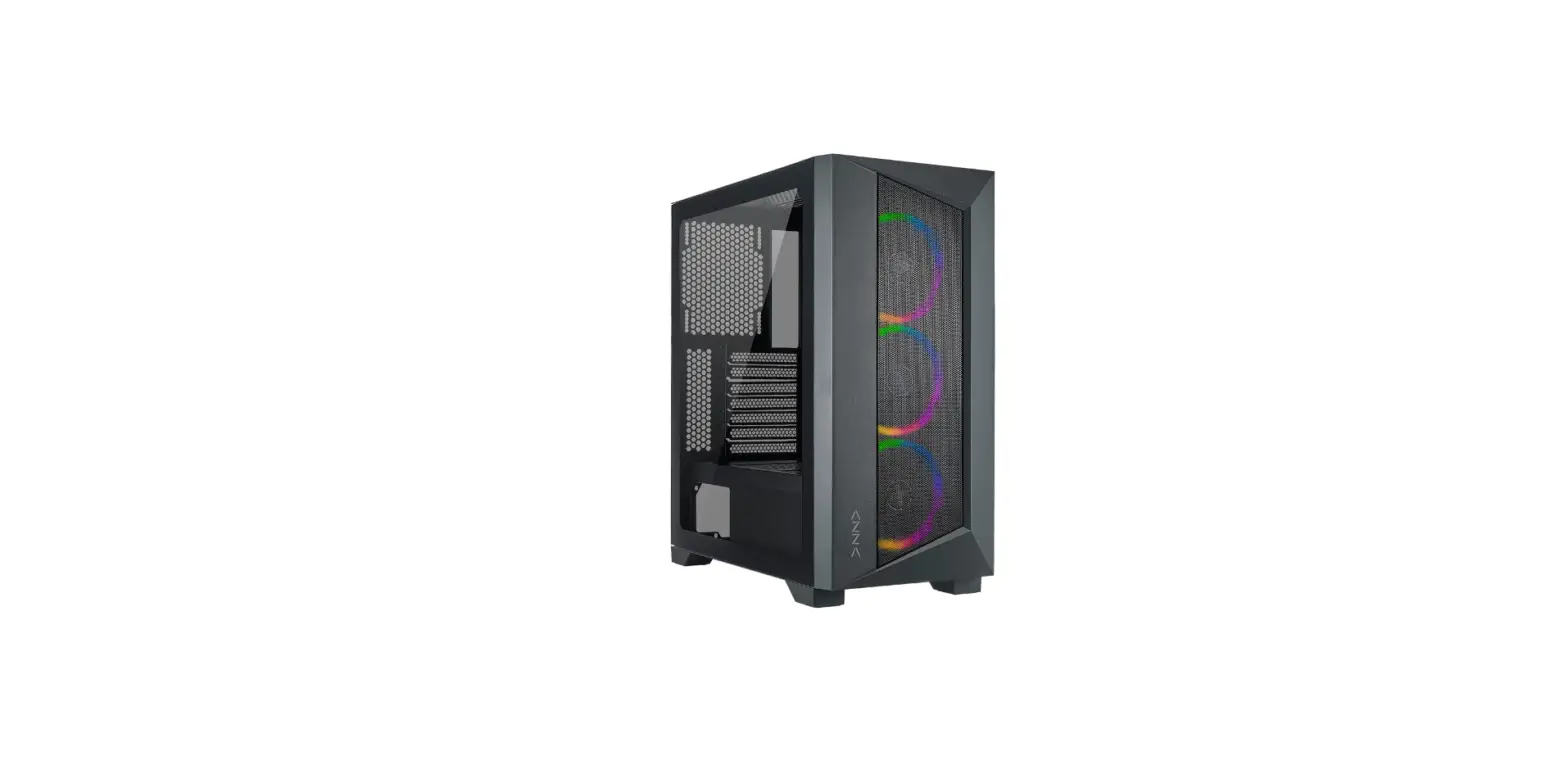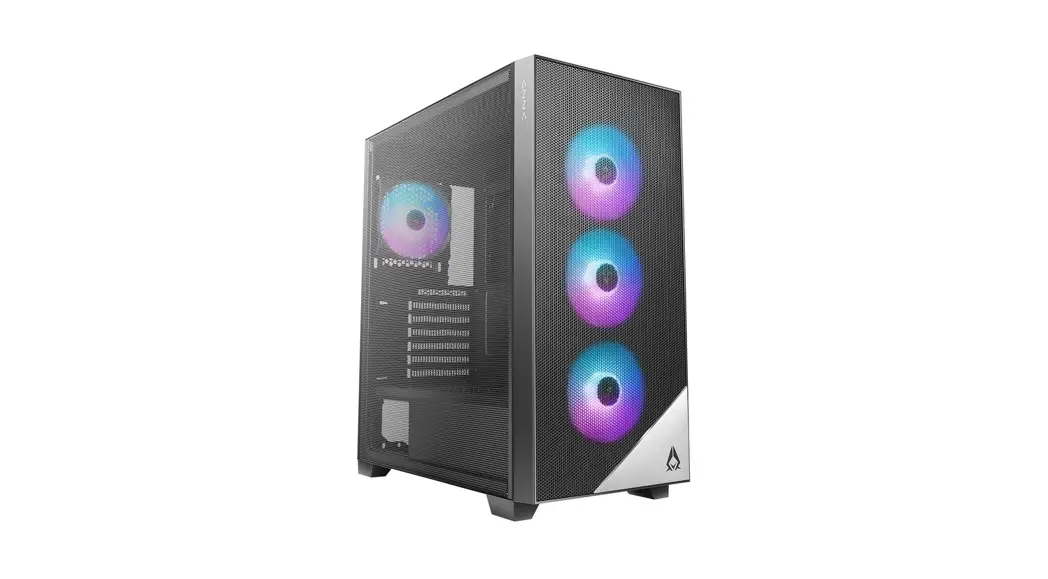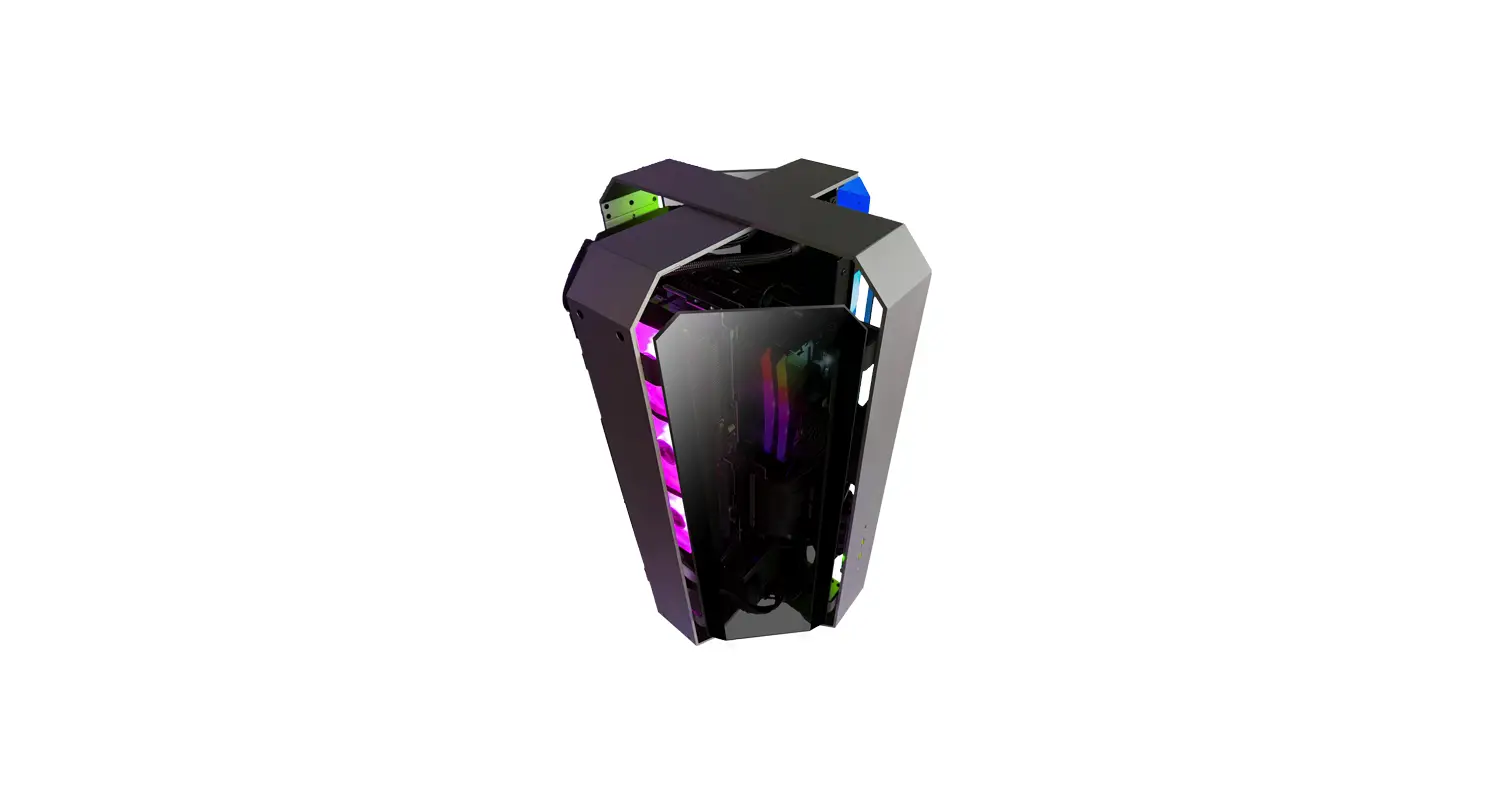

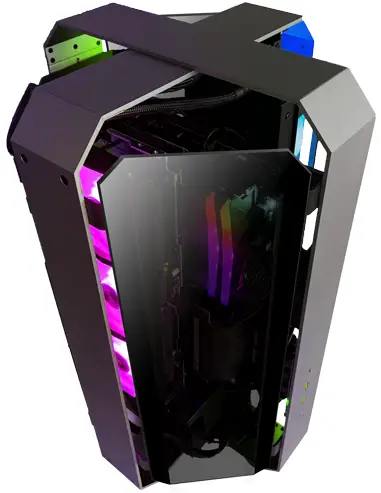
AZZA OPUS Xtreme Gaming PC
Specifications
| Model | |
| Model Name | Opus |
| Model Number | CSAZ-809 |
| Specifications | |
| Type | ATX |
| Color | Space gray and Black glass (exterior) / Black (interior) |
| Side Panels | 4 Tempered glass panels Sandblasted anodized aluminum structure |
| Max CPU Cooler Height | Up to 60mm |
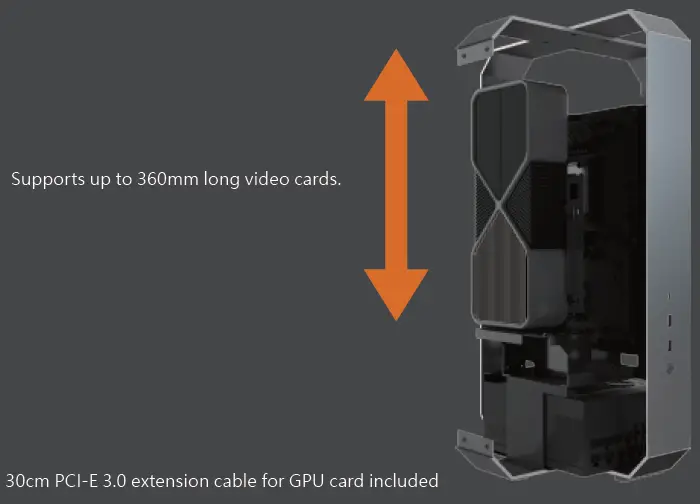
| Max Video Card Length | Up to 360mm (Vertical) |
| Power Supply | Not Included |
| Motherboard Compatibility | <305x280mm E-ATX, ATX, Micro-ATX, Mini-ITX |
| Expansion | |
| External 5.25″ Drive Bays | 0 |
| Internal 2.5″ Drive Bays | Up to 2 |
| Internal 3.5″ Drive Bays | 1 |
| Expansion Slots | 3 (Vertical) |
| I/O Ports | Power button, USB 3.0 x2, Type C x1 |
| Physical Specifications | |
| Dimensions (HxWxD) | 539 x 320 x 320 mm / 21.2 x 12.6 x 12.6 inches |
| Weight | 8.7 kg / 19.2 lbs |
| Features | |
| Tempered Glass | High-quality tempered glass panels allow for clear visuals of inner components |
| Available Fan Ports | 3 x 120 mm ports on the rear |
| Included Fan | None |
| Radiator Support | Supports radiators up 360 mm |
| Accessories | 30 cm PCI-e 3.0 Riser Cable & Power Mesh Another 30cm PCI-e 4.0 extension cable version is available |
Installation
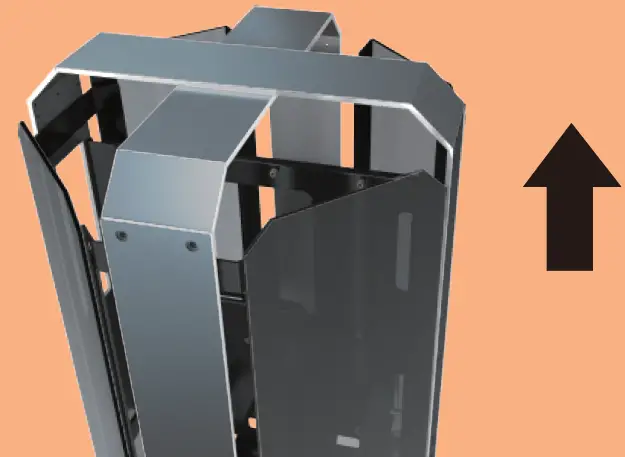
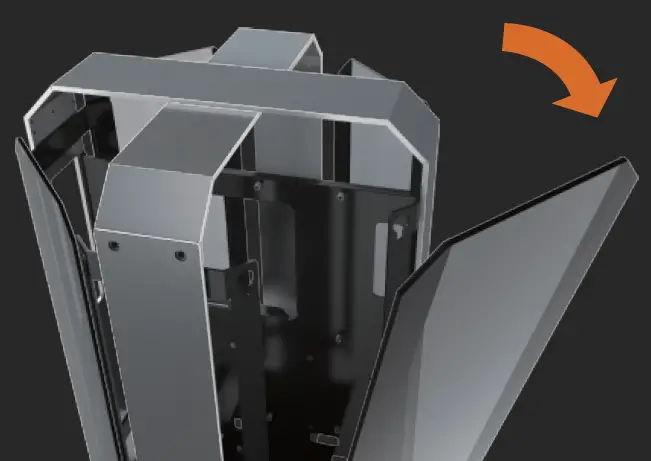
- Removing Four Glass Panels.


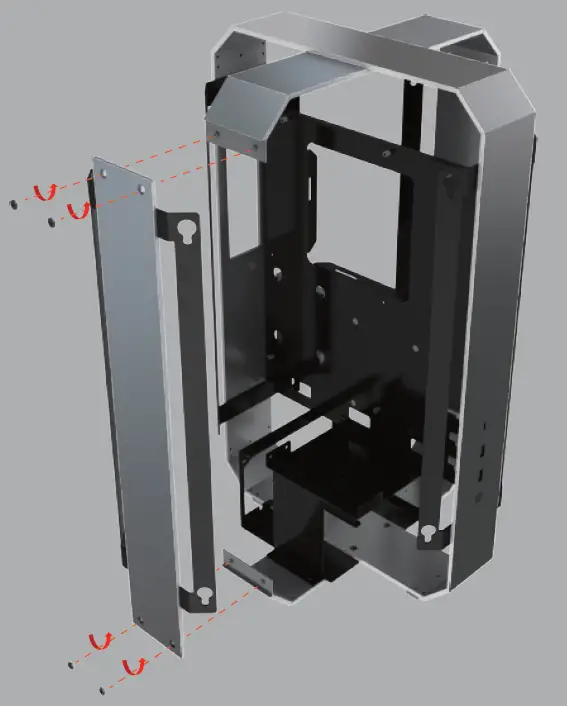
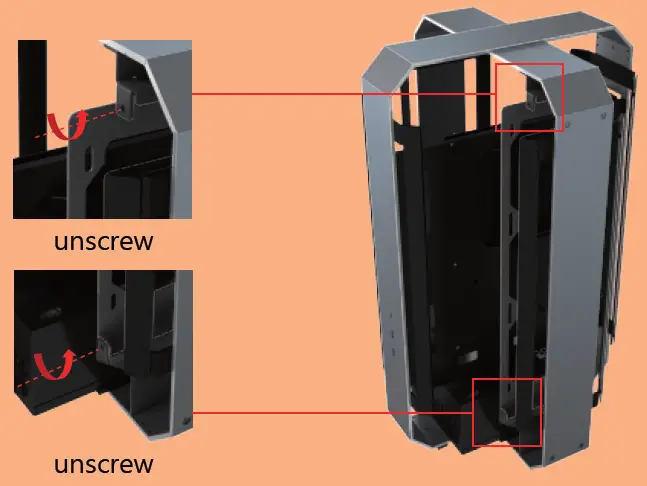
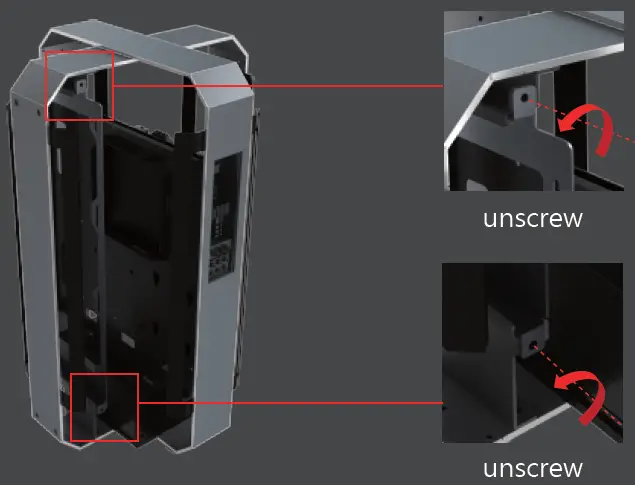
- Removing Four Sides Metal Frame.

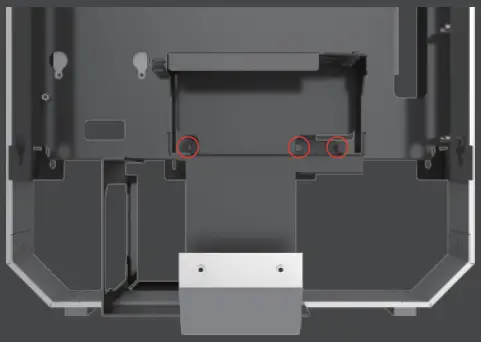
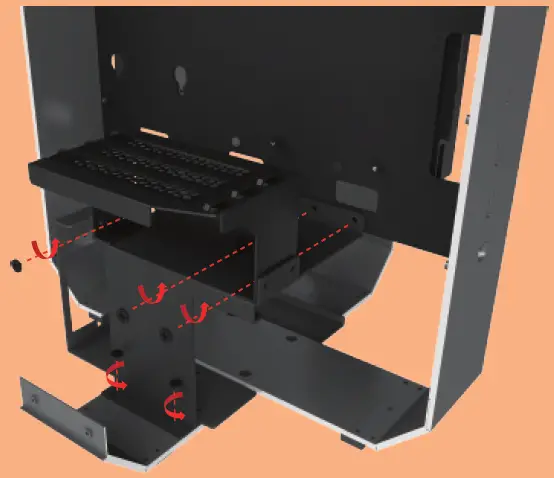
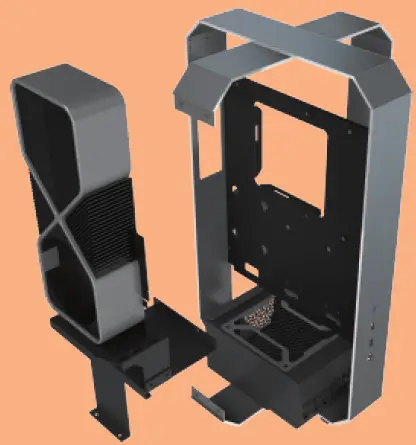
- Removing GPU Holder and PSU Cover Together

The screwdriver can go straight through
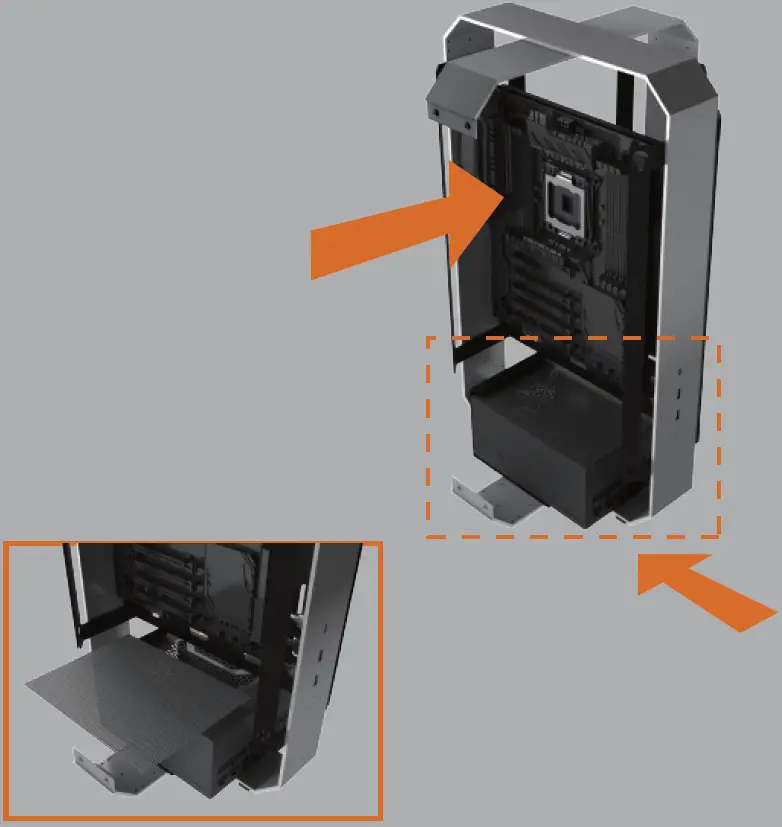
- Motherboard Installation.

The parts kit contains a psu filter. - Power Supply Installation.
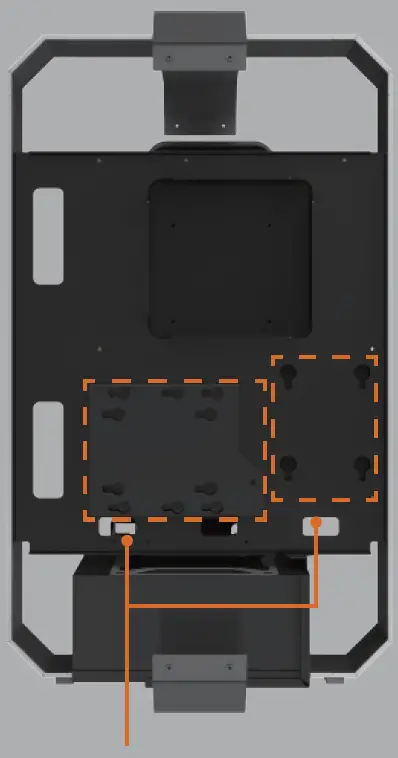
- HDD & SSD Installation.

- Supports up to:
- 3.5″ HDD x1 + 2.5″ SSD x 1
or - 2.5″SSD x 2
The bracket supports a 3.5″ or 2.5″ device.
- 3.5″ HDD x1 + 2.5″ SSD x 1
- Supports up to:
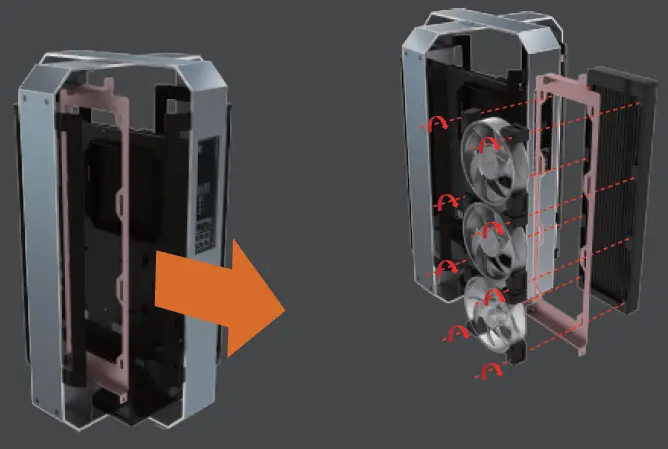
- Removing The Radiator/Fan Bracket.


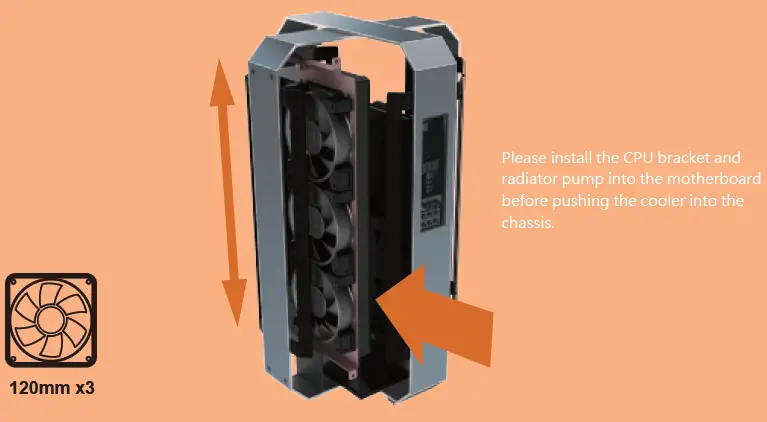
- Cooling System Installation

- Cooling System Installation.

Max Height of Radiator 360 mm - GPU Installation


30cm PCI-E 3.0 extension cable for GPU card included
Accessories
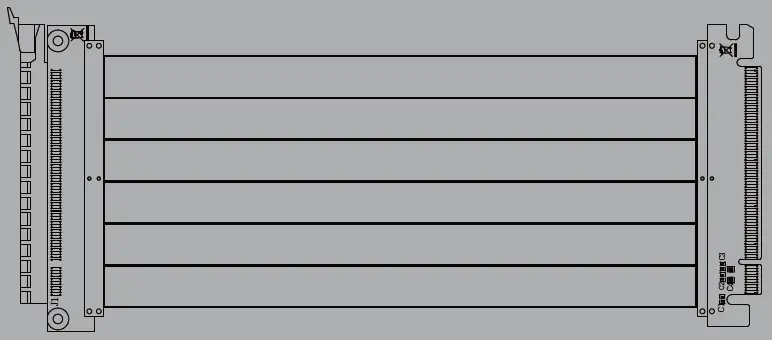
300 mm PCI-E 3.0 Cable(Support ATX Motherboard)
Another 300mm PCI-e 4.0 extension cable version is available
To fix potential compatibility issues with PCI-e Gen 4.0, please connect your graphics card directly to the motherboard, enter the BIOS, and change the PCI-e x16 mode to 3.0 before using the RGB PCI-e cable.