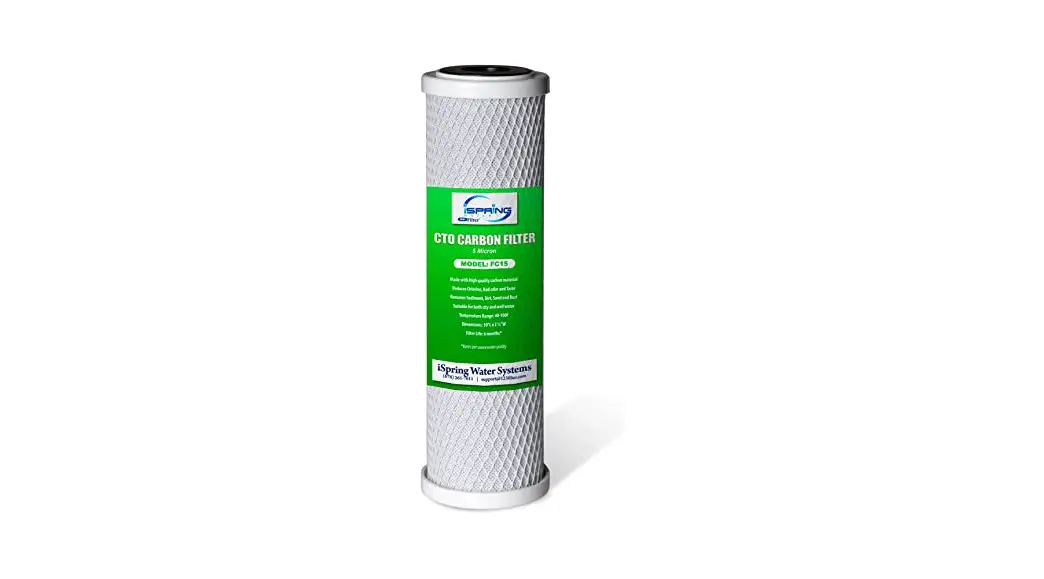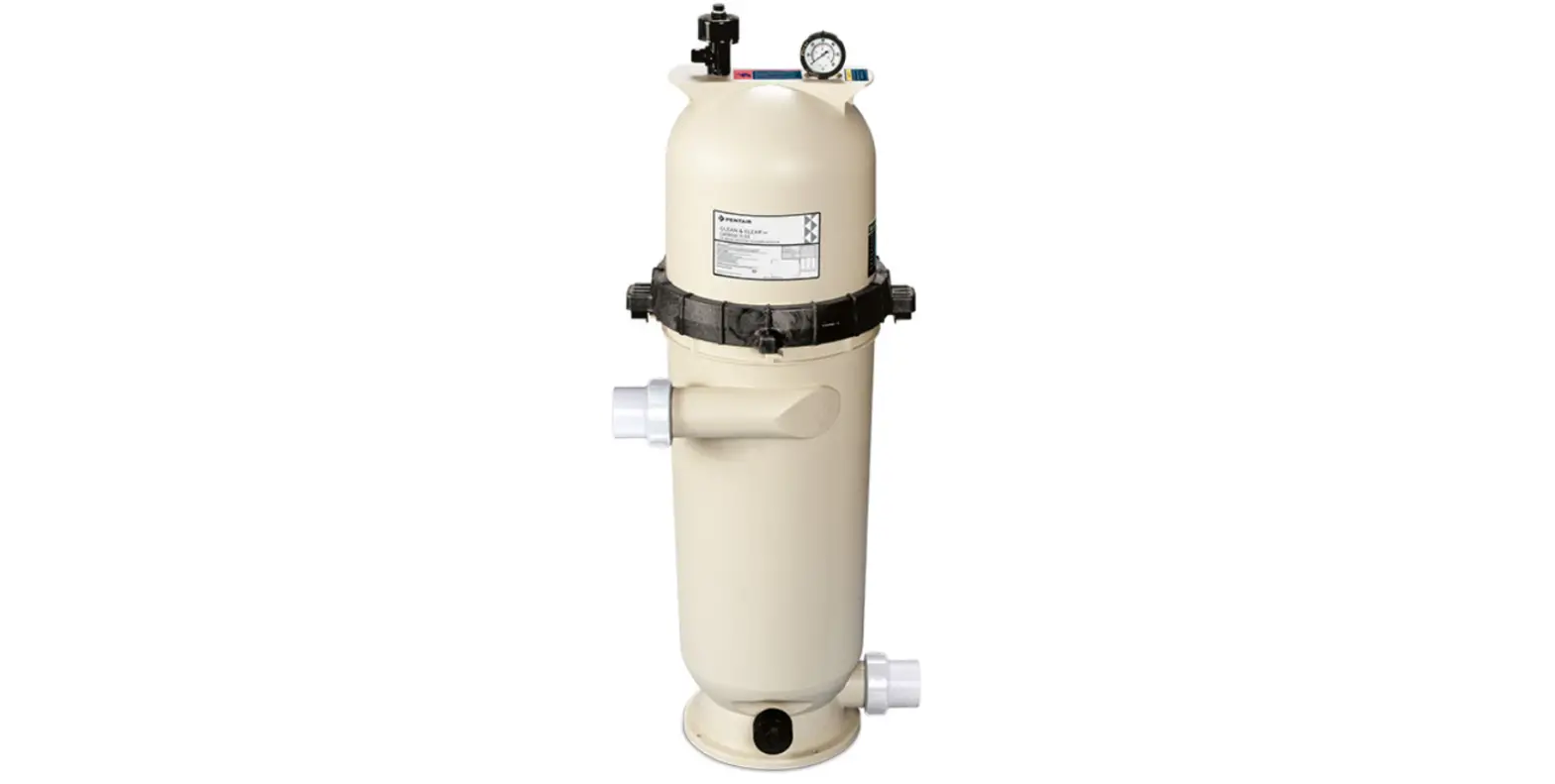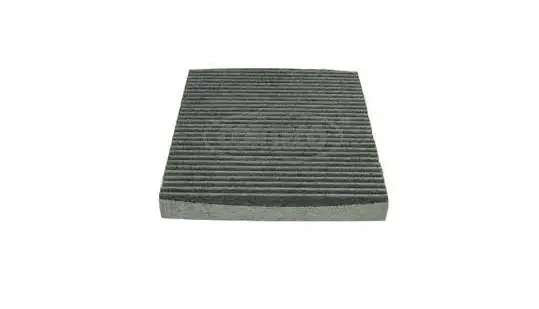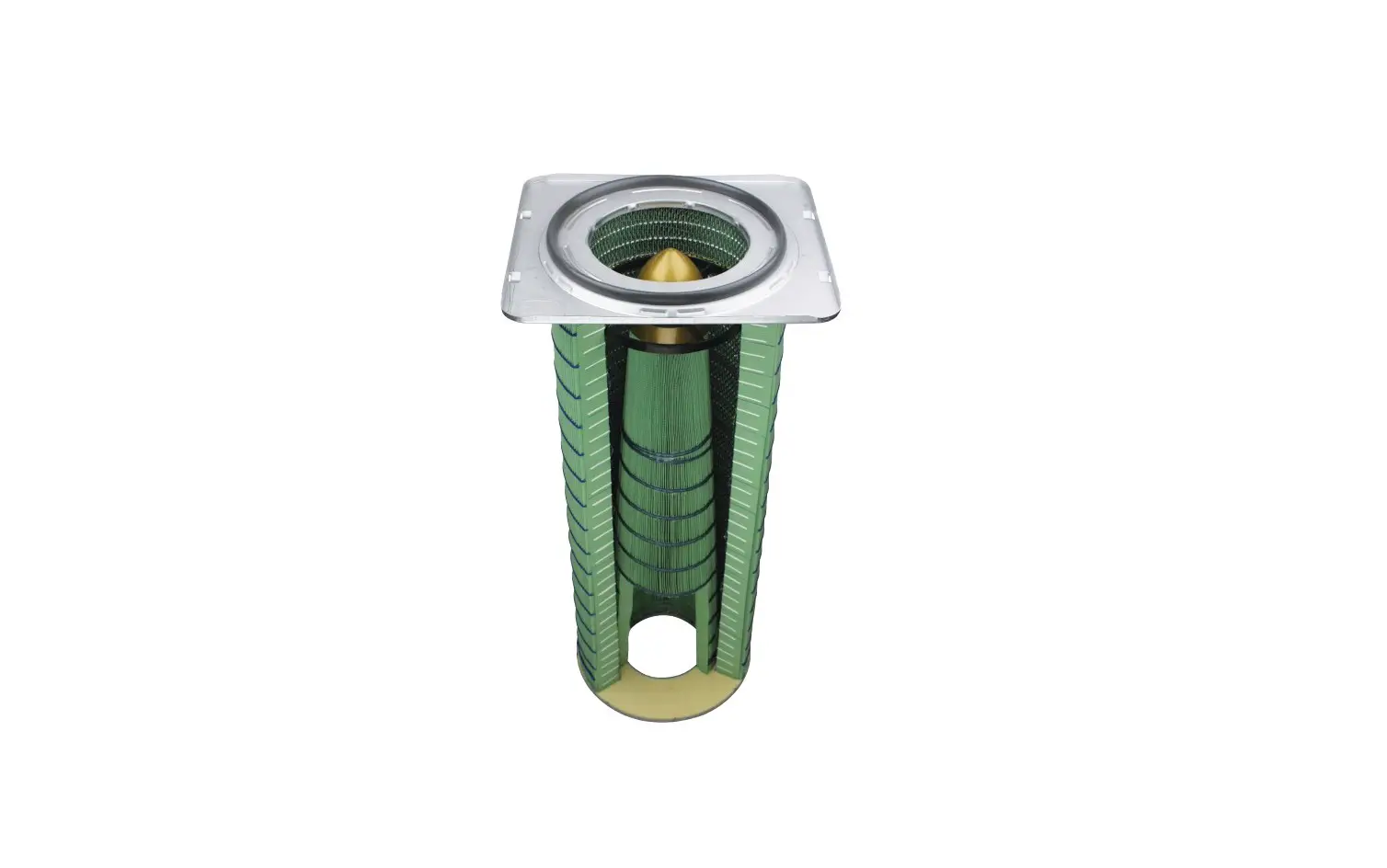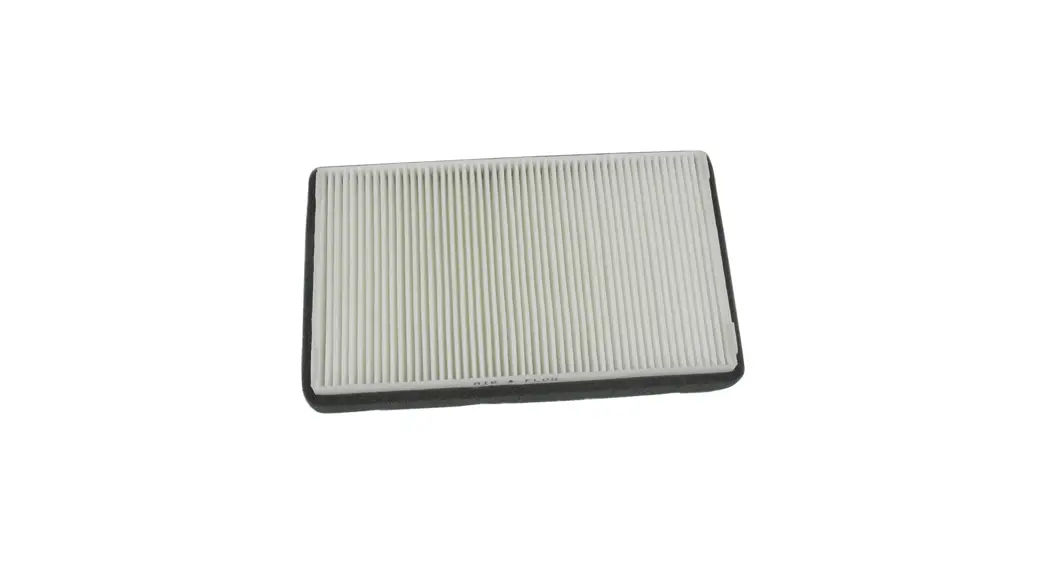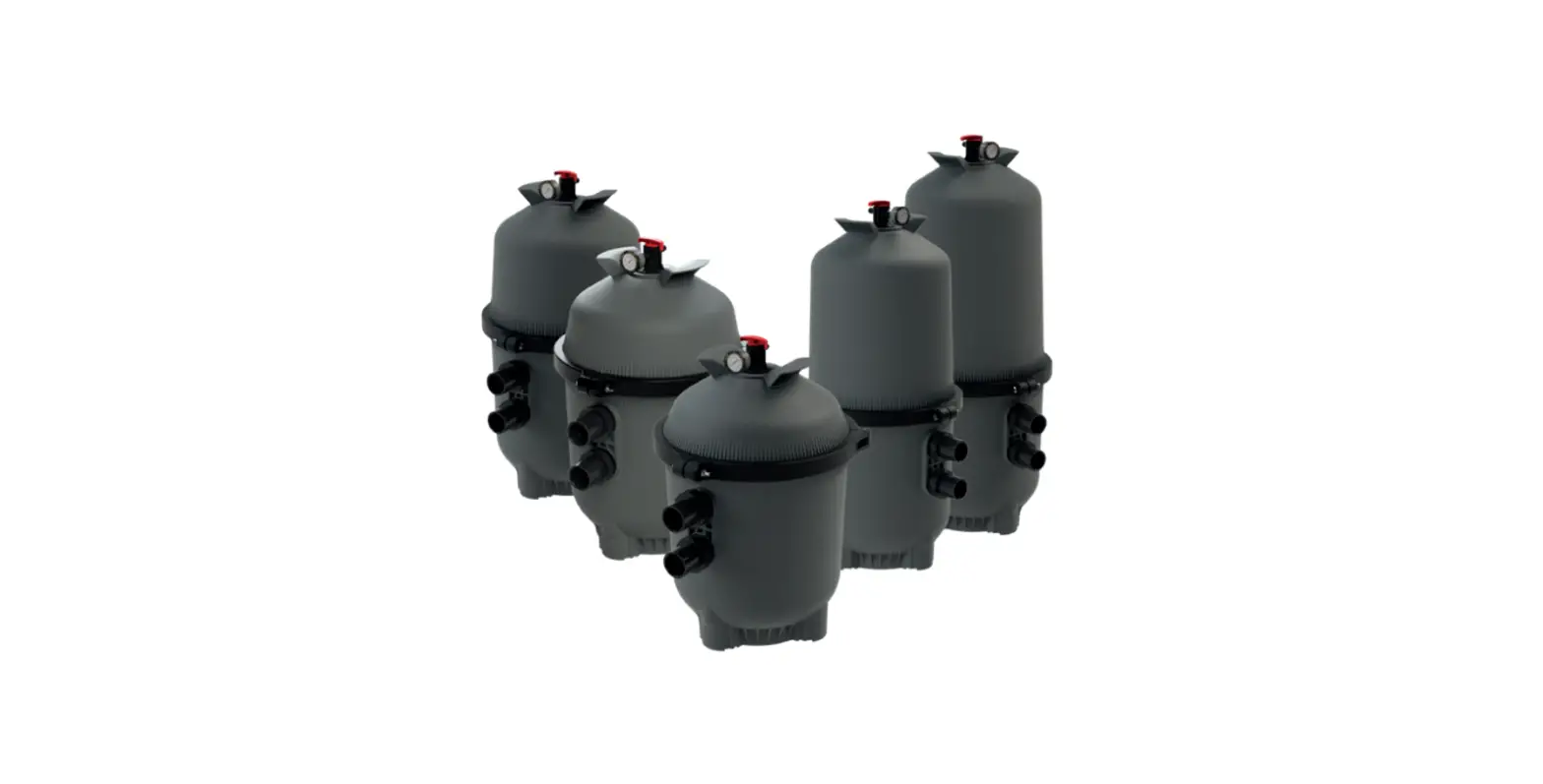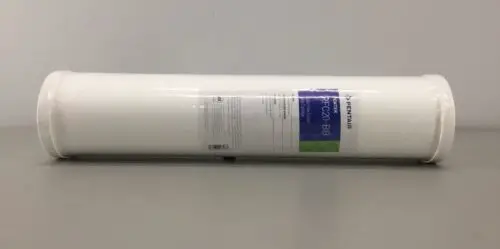
PENTEK Carbon Filter Cartridge RFC20-BB
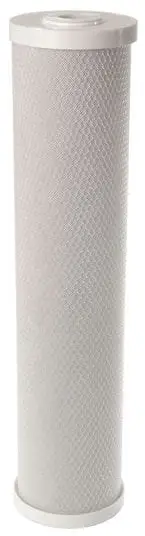
- Turn off water supply. Press red pressure-relief button (if present).
- Unscrew housing. Remove large o-ring, wipe clean and set aside.
- Discard used filter cartridge. Wash housing with dish soap and warm water using a nonabrasive sponge or cloth. Rinse thoroughly.
- Fill 1/3 with water. Add about 1 tablespoon of bleach and scrub to disinfect. Rinse thoroughly.
- Lubricate o-ring with clean silicone grease. Change o-ring if any damage cuts or degradation are present. Insert o-ring in groove.
NOTE: This step is important to ensure a proper housing seal. Make certain the o-ring is seated level in the groove. - Insert new filter cartridge.
- Screw housing onto the cap and hand-tighten. Do not over tighten. Make sure cap standpipe slips into cartridge.
- Turn on water supply. Press pressure-relief button (if present). Check for leaks before leaving installation.
Most fit issues result from either an old cartridge o-ring that fell off when removing the old cartridge, or failing to get the standpipe lined up when hand tightening the housing.