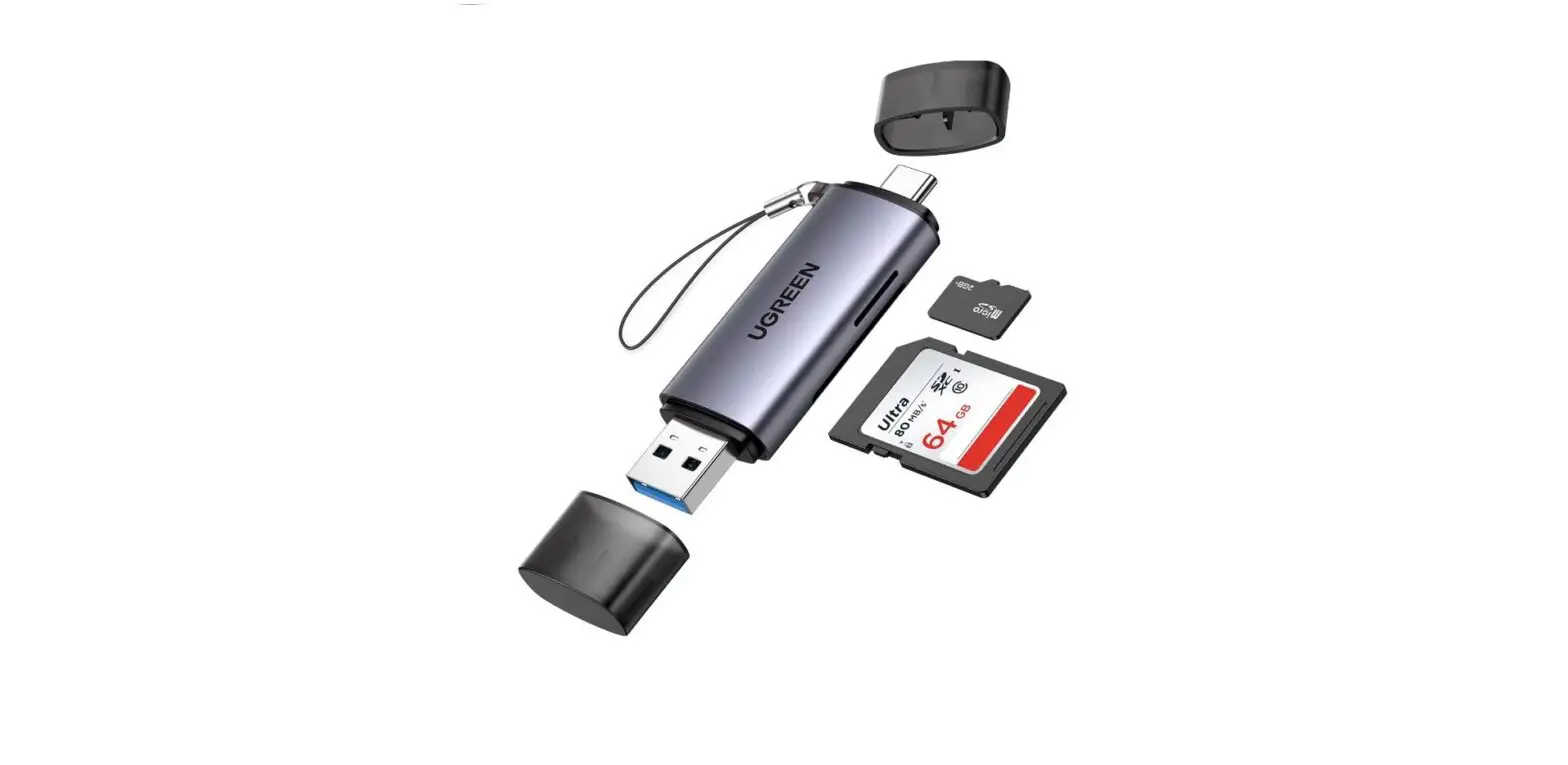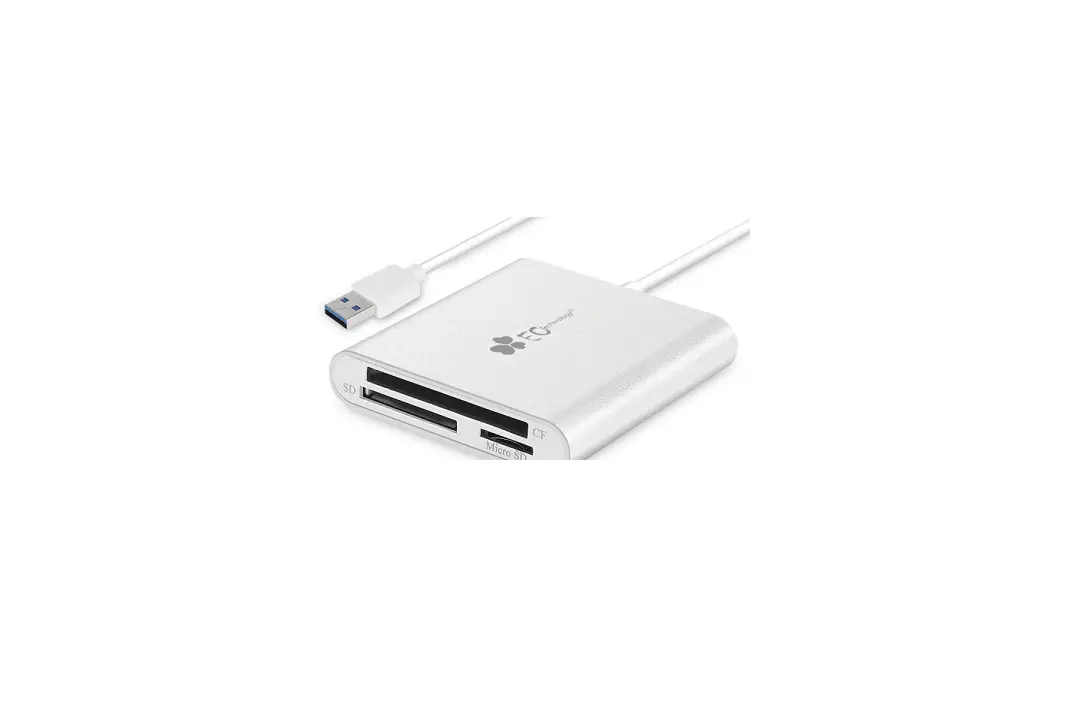
uni SD Reader Troubleshooting Instructions

SD Reader Troubleshooting
1. Can’t Read My Cards:
a. Check if the otg setting is enabled.
b. Check if the sd card is healthy, or try a different SD card.
c. Check if the card file format is FAT32/EXFAT instead of NTFS.
d. Try another phone or laptop.
e. If you’re using an iPad Pro 2018, check if the pic is camera RAW format (e.g.
*.CR2 for Canon / *.NEF for Nikon) and saved in a folder exact same as the original camera folder.
2. Failed to Transfer Large Files:
a. Try to format the SD/Micro SD cards to the right format for your devices. (*Back up your files first)
b. Recommend using MS-DOS(FAT) for 32GB or smaller cards, and EXFAT for 64GB cards
3. My Card Got Stuck/ Slot is Too Tight:
a. Please make sure to insert the card correctly.
b. Use a tweezer to remove it first, then try to insert this card to another standard card slot, see if it gets stuck.
d. If not suck, the spring-loaded mechanism must be fails, please contact us via [email protected] for a free replacement.
Can’t find Your question?
We are always here to help:
[email protected]
www.uniaccessories.io/support
 uniAccessories American Express Apple Pay Mastercard PayPal Visa
 Contact us - uniAccessories Help Center American Express Apple Pay Mastercard PayPal Visa