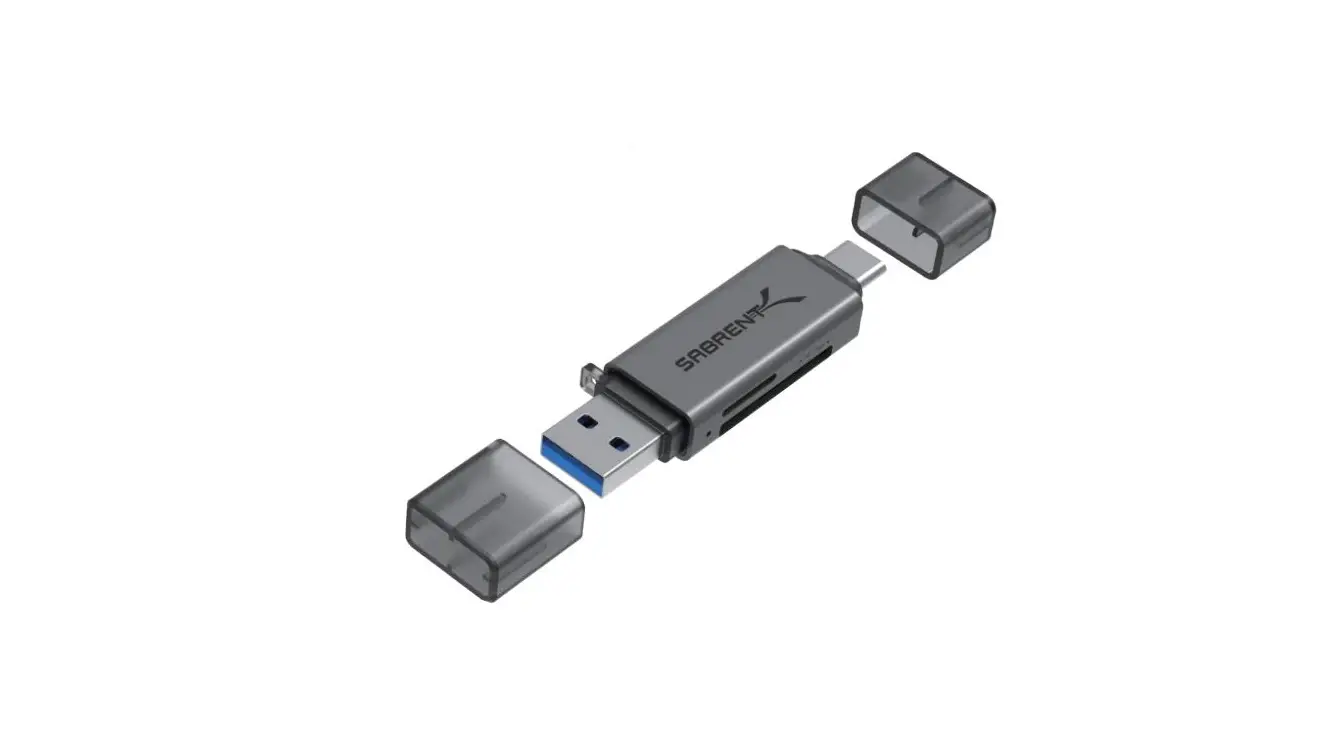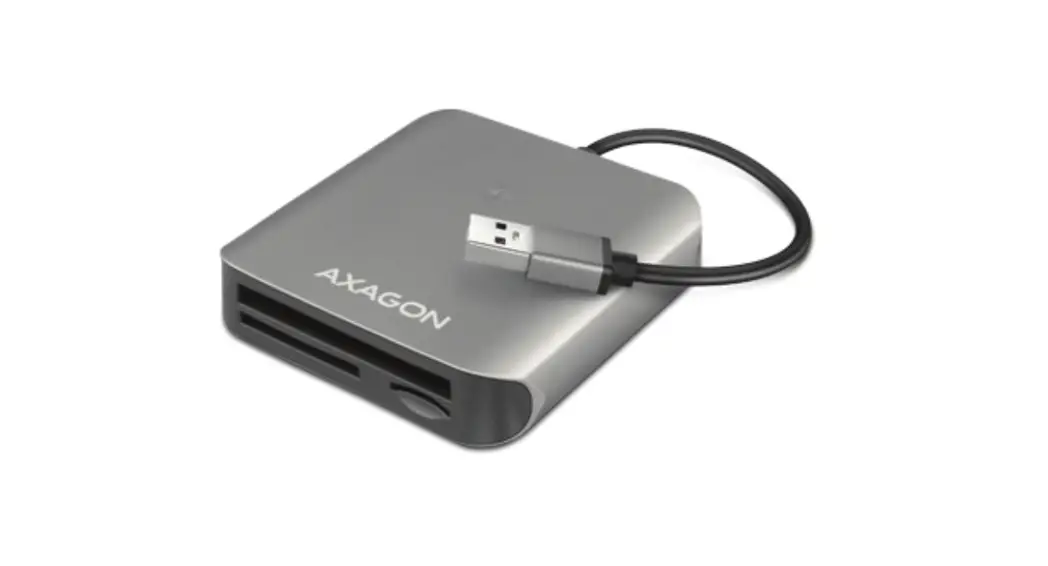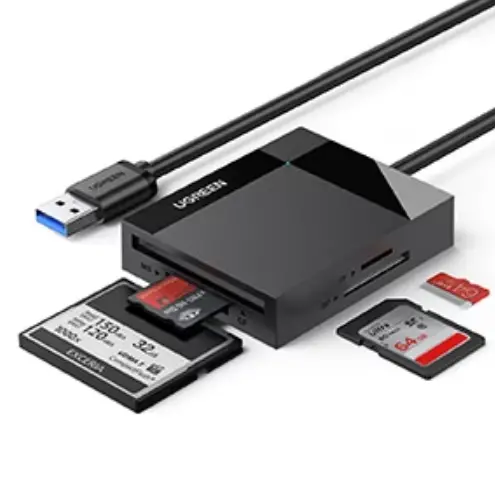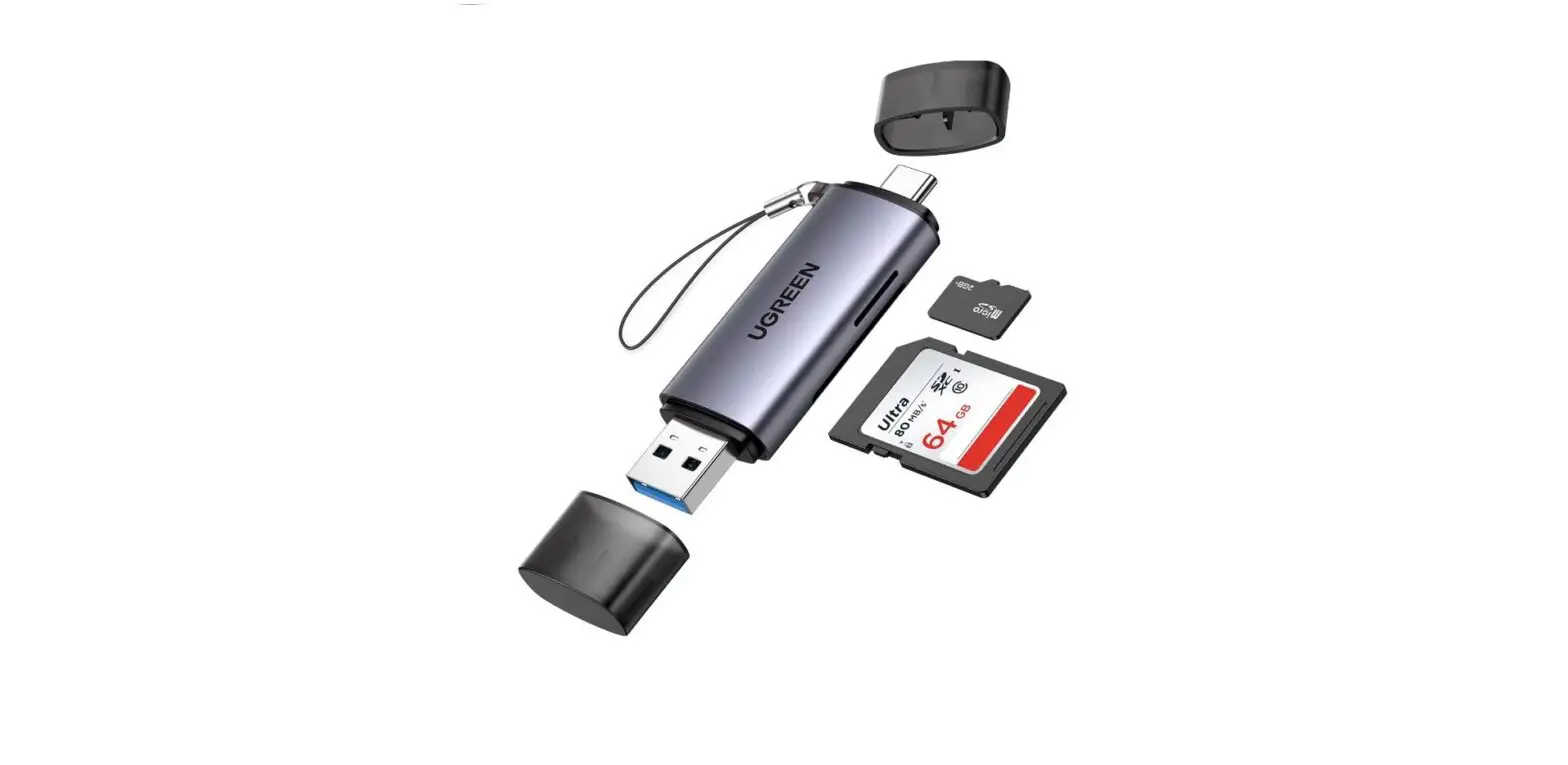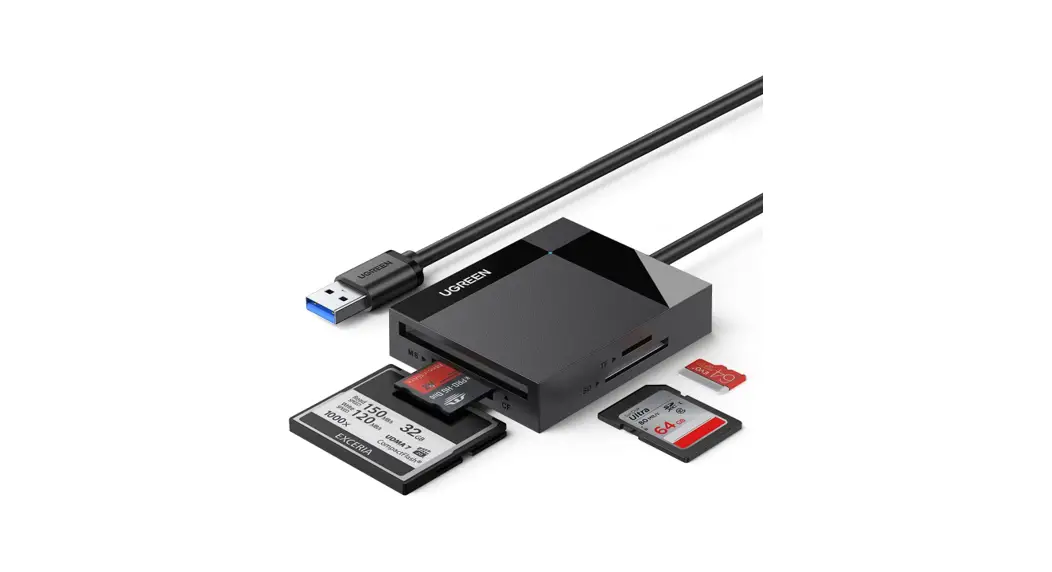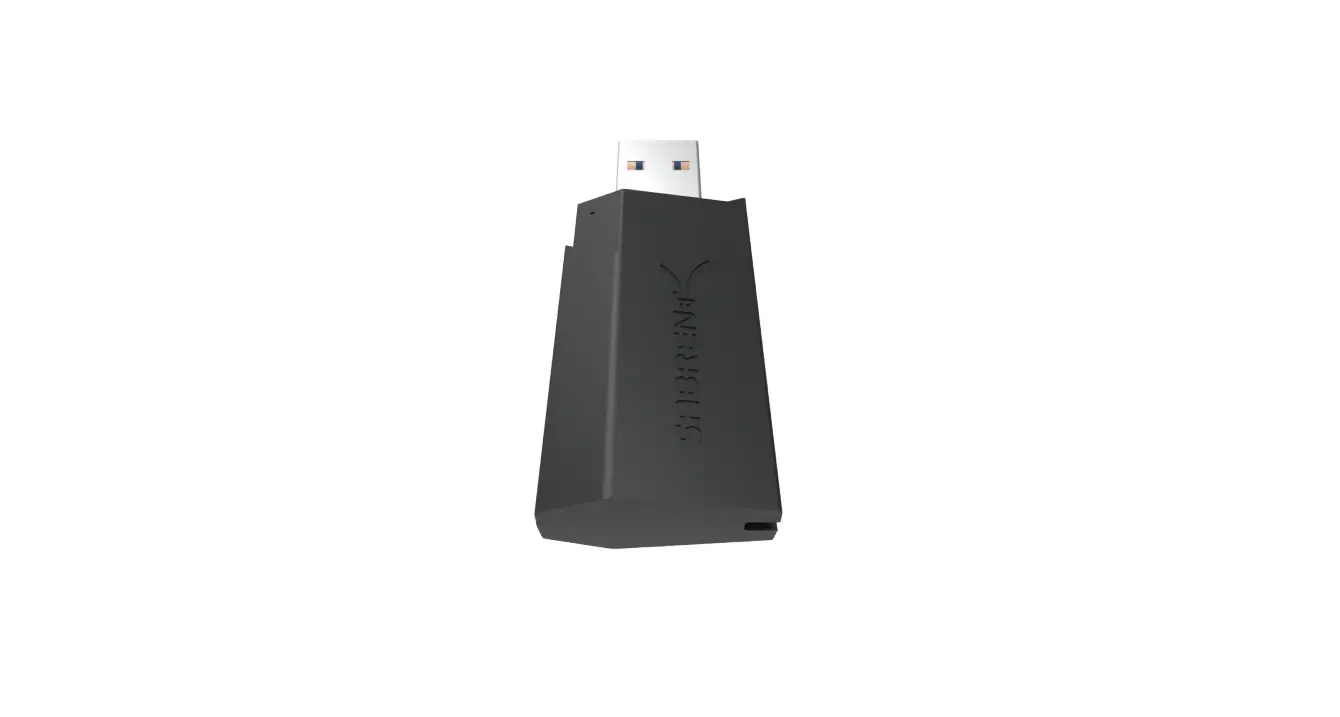

Sabrent Cr-umss Mini Usb 3.0 Micro Sd Card Reader User Guide

Sabrent Cr-umss Mini Usb 3.0 Micro Sd Card Reader User Guide

SABRENT-LOGO

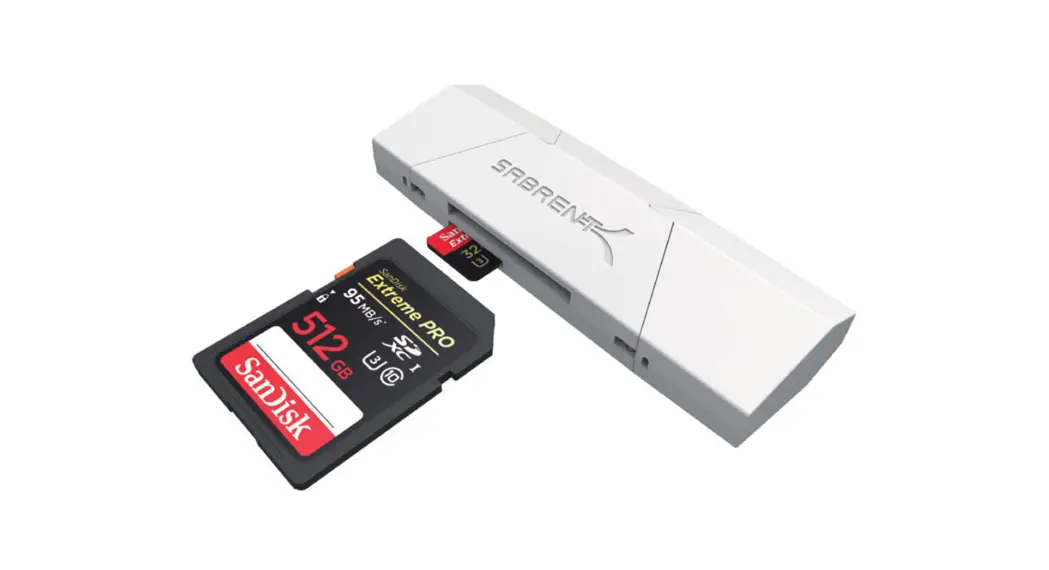
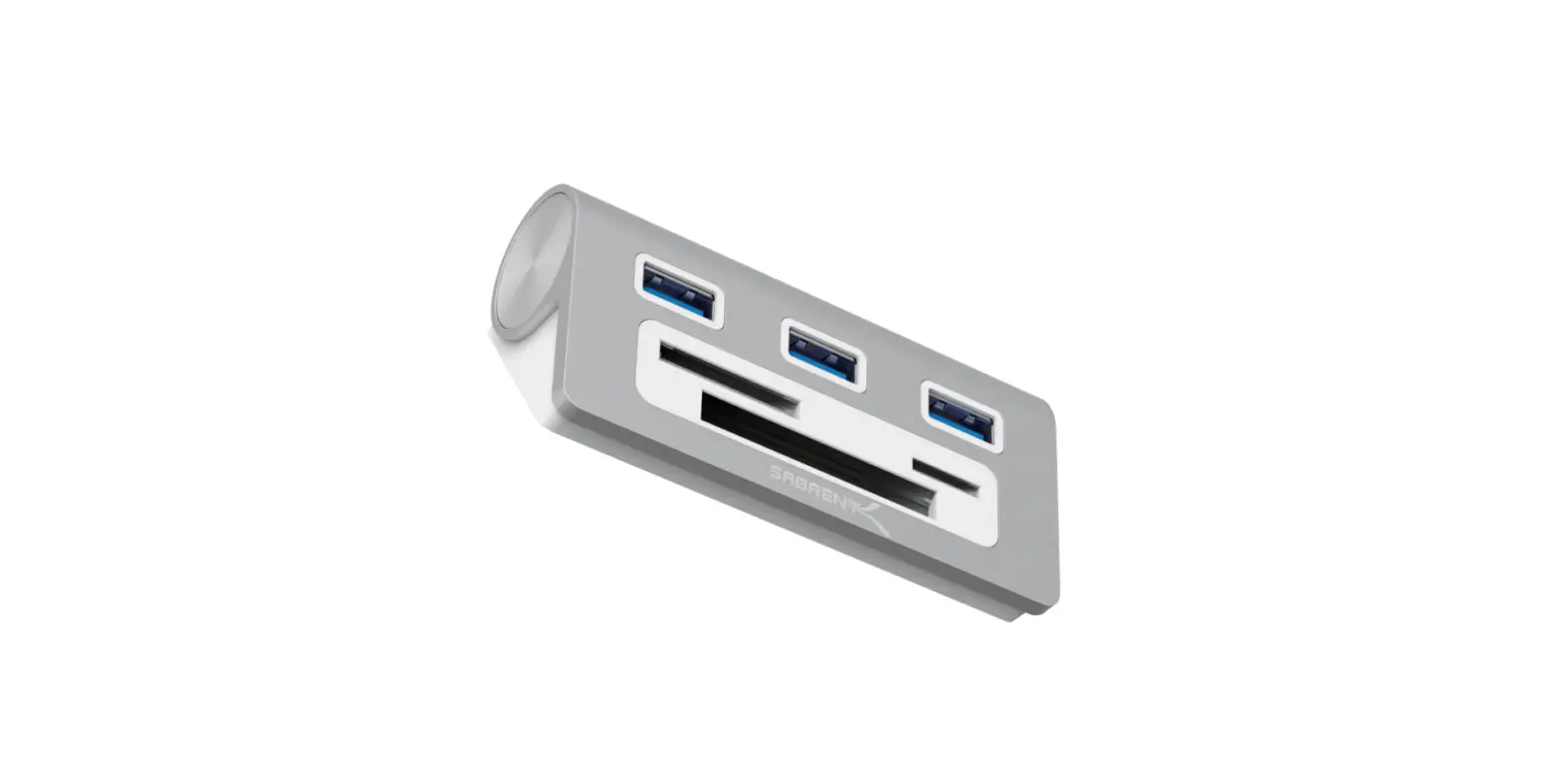
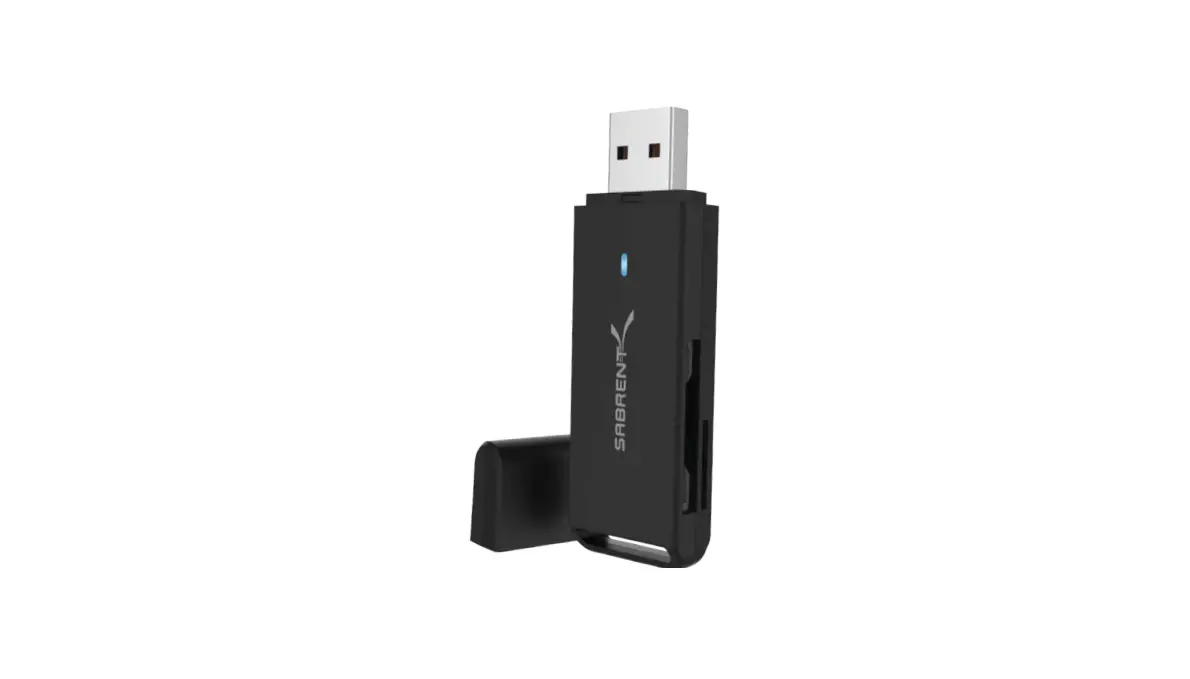
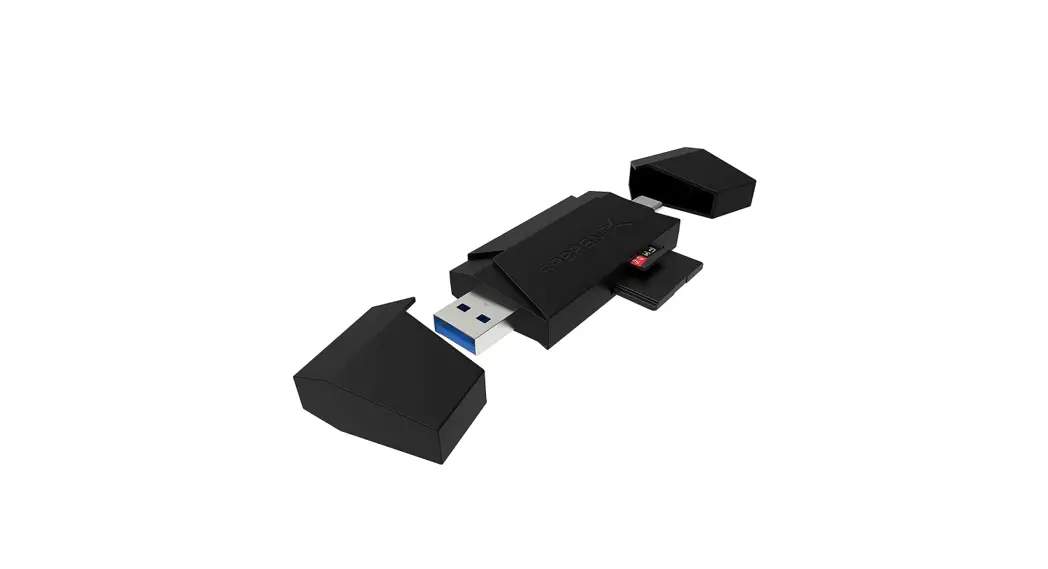
SABRENT CR-UMSS Mini USB 3.0 Micro SD Card Reader
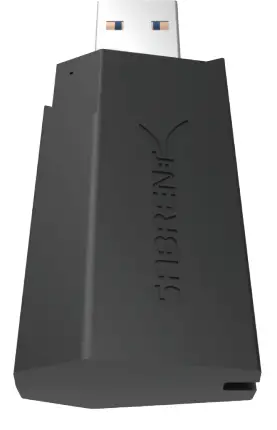
SABRENT-CR-UMSS-Mini-USB-3-0-Micro-SD Reader-PRO

INSTRUCTION

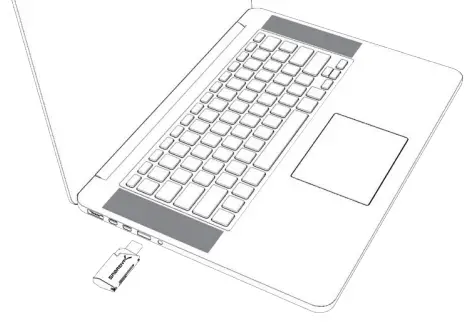
  1.  Connect this device to Mac or PC.SABRENT-CR-UMSS-Mini-USB-3-0-Micro-SD Reader-1
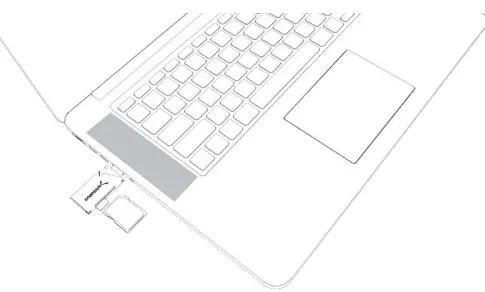
  2.  Insert SD/Micro SD/CF/ USB Device into Card Reader.SABRENT-CR-UMSS-Mini-USB-3-0-Micro-SD Reader-2

Please note: This device can read 2 cards simultaneously

At this point, the USB 3.0 Flash Memory card is completely installed, no software drivers are needed to complete the installation.
Documents / Resouces

Download manual
Here you can download full pdf version of manual, it may contain additional safety instructions, warranty information, FCC rules, etc.


Related Manuals