 CR-UM4C
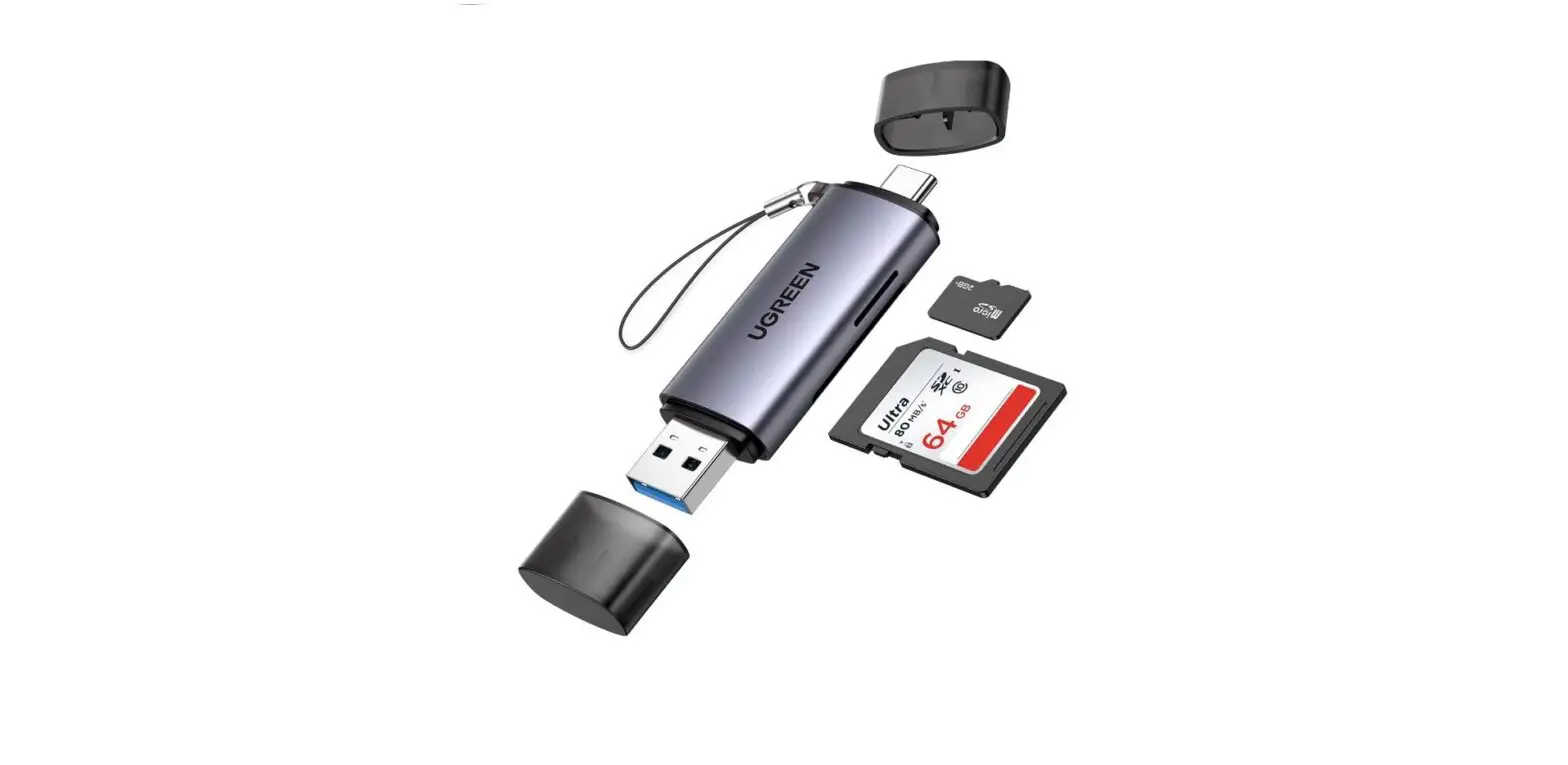
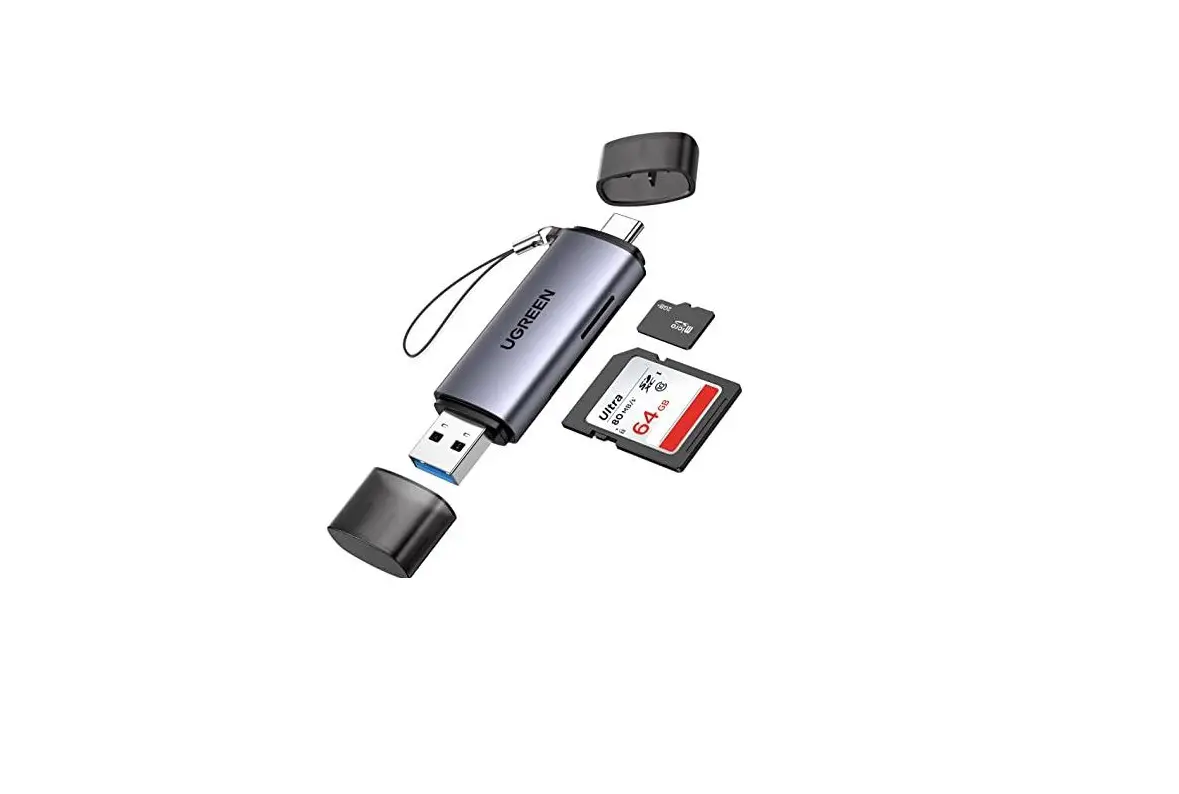
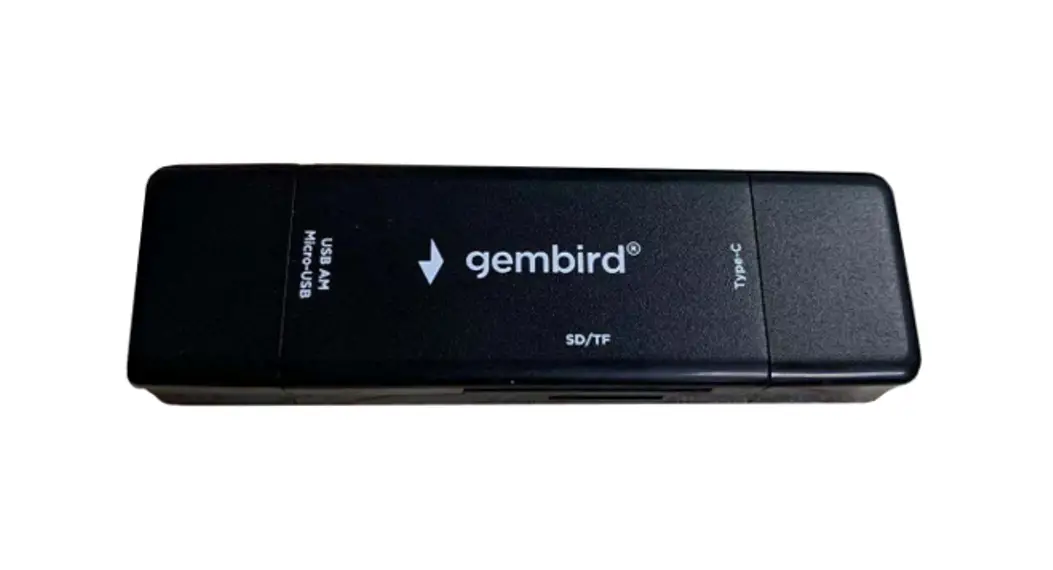
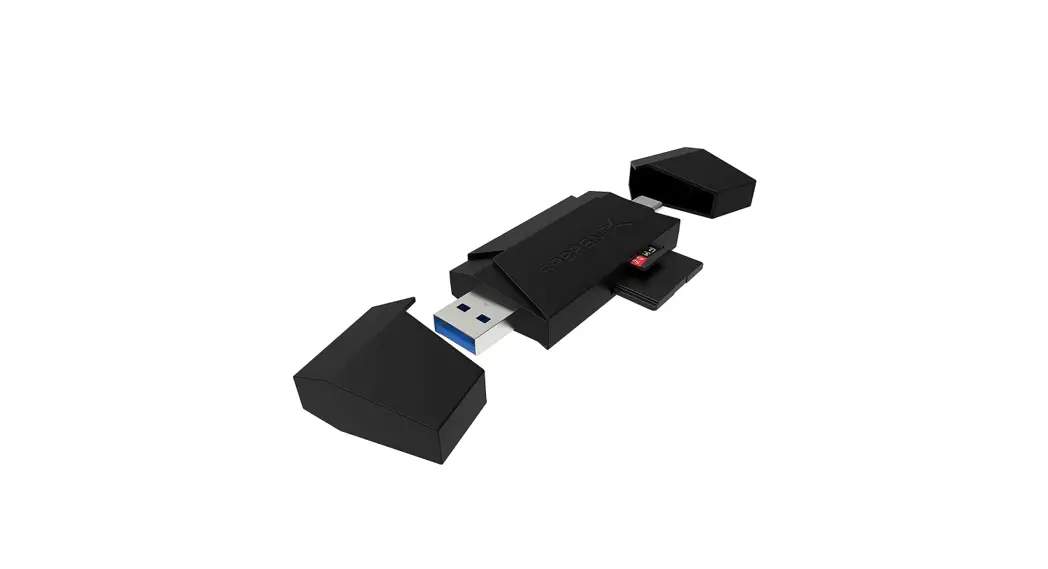
CR-UM4C USB 3.0 AND USB TYPE-C TO MICRO SD AND SD CARD READER
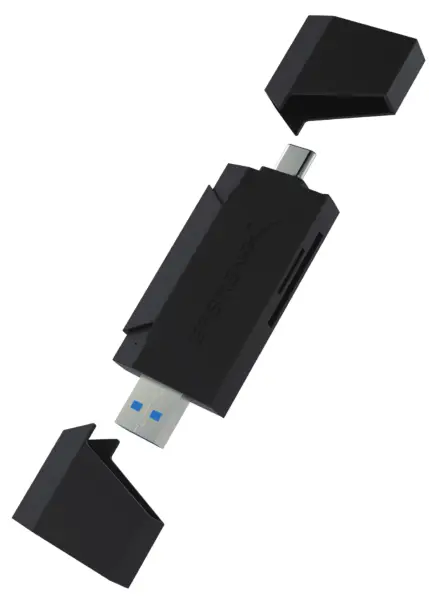
USB 3.0 AND USB TYPE-C TO
MICRO SD AND SD CARD READER 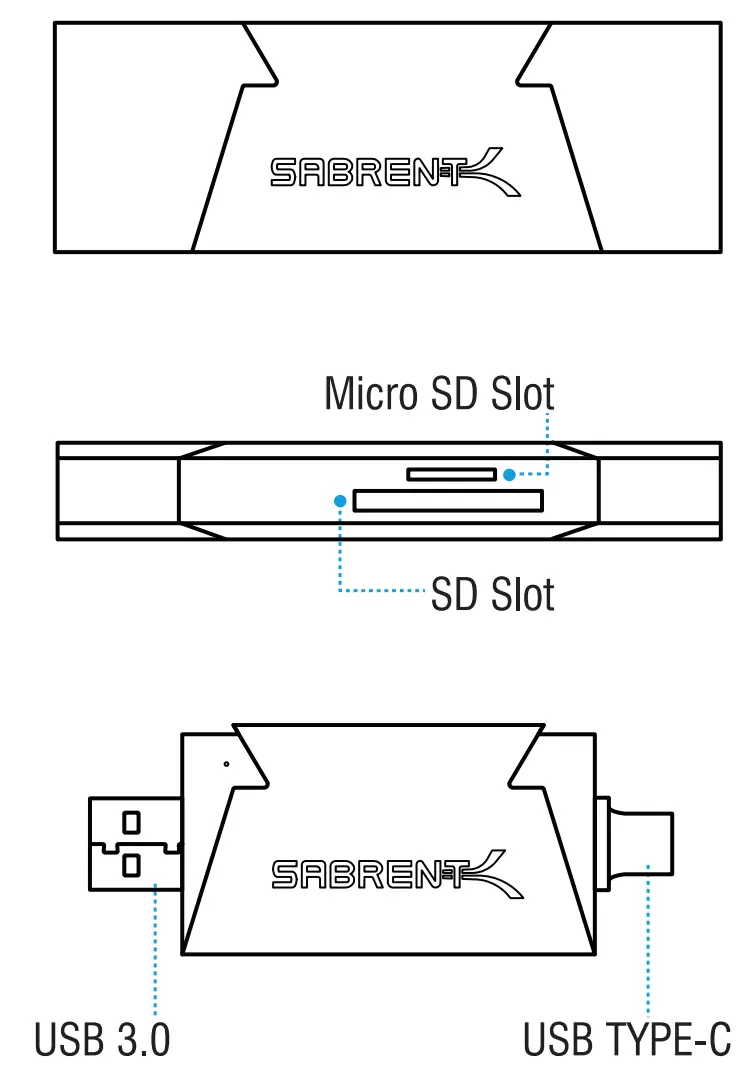
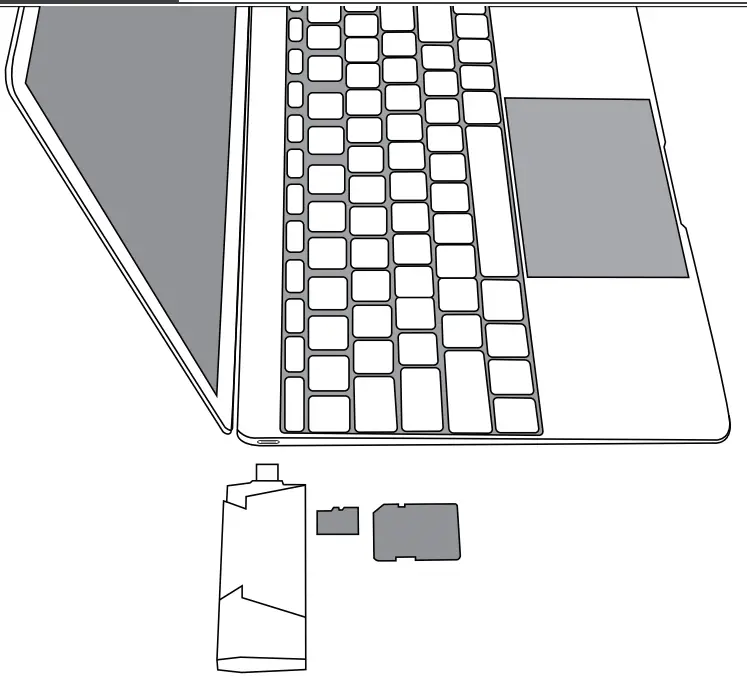
For Laptop or Computer Has Type-C Ports
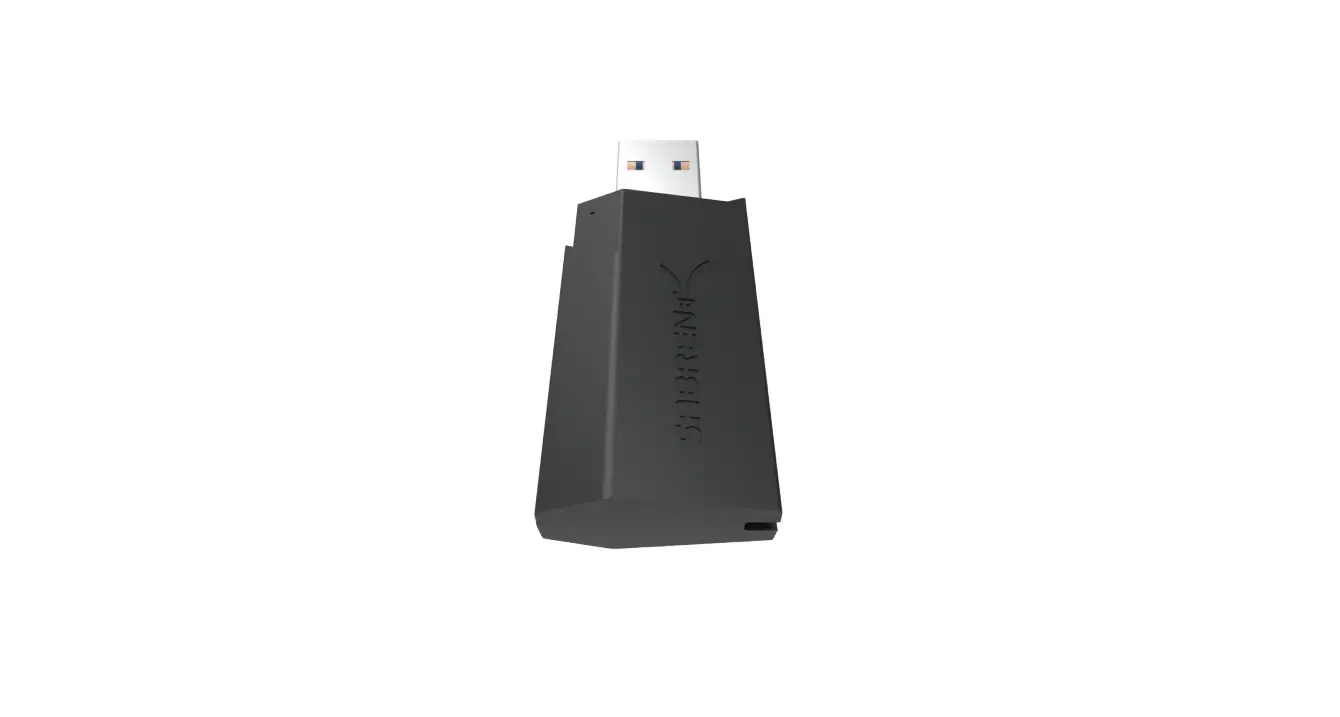
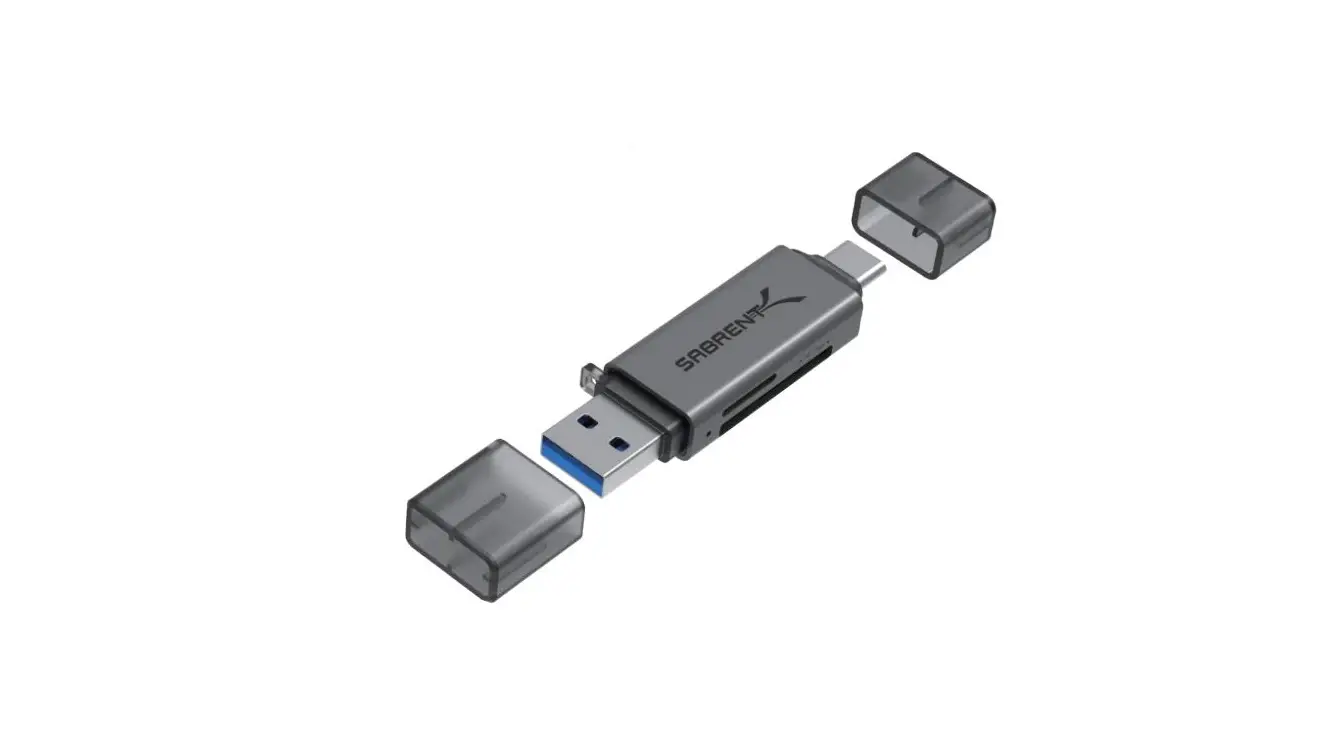
- Plug the card reader into the USB Type-C port of your computer or laptop — USB and USB Type-C options are on opposite ends of the Card Reader.
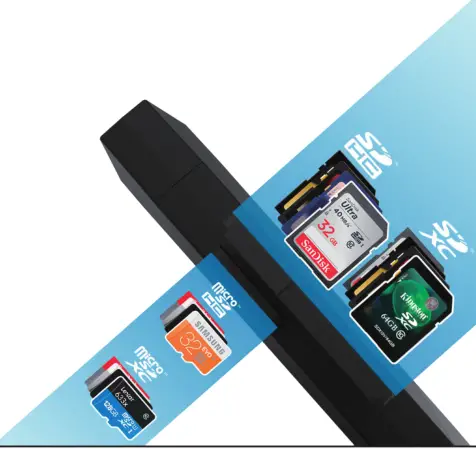
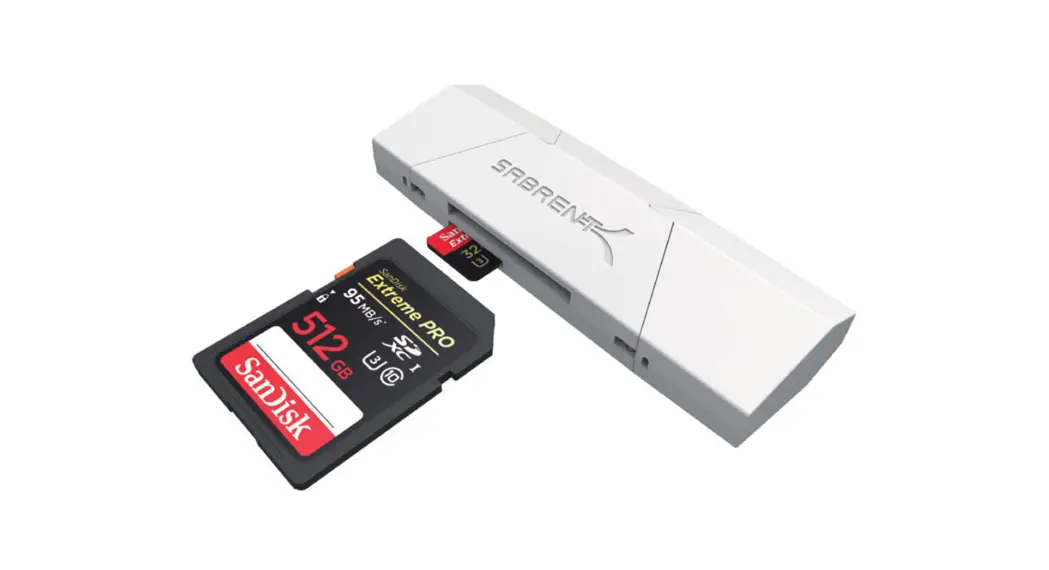
- Insert card or cards into Card Reader Slot. Please note: This device can only read one memory card at a time.
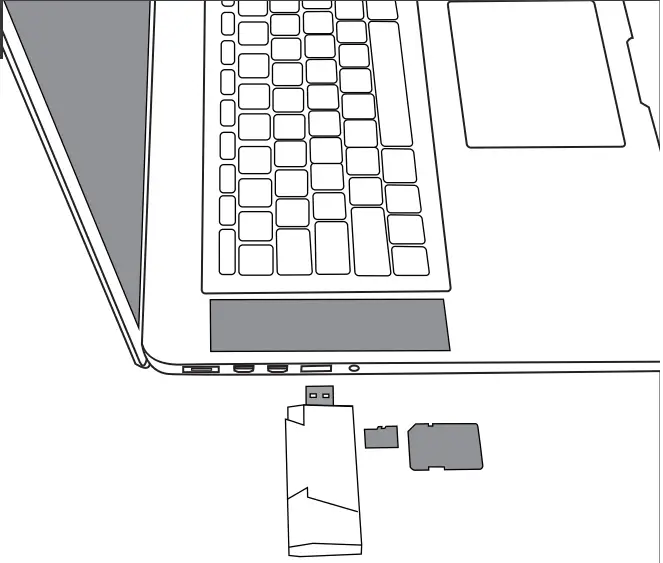
For Laptop or Computer Has USB Ports
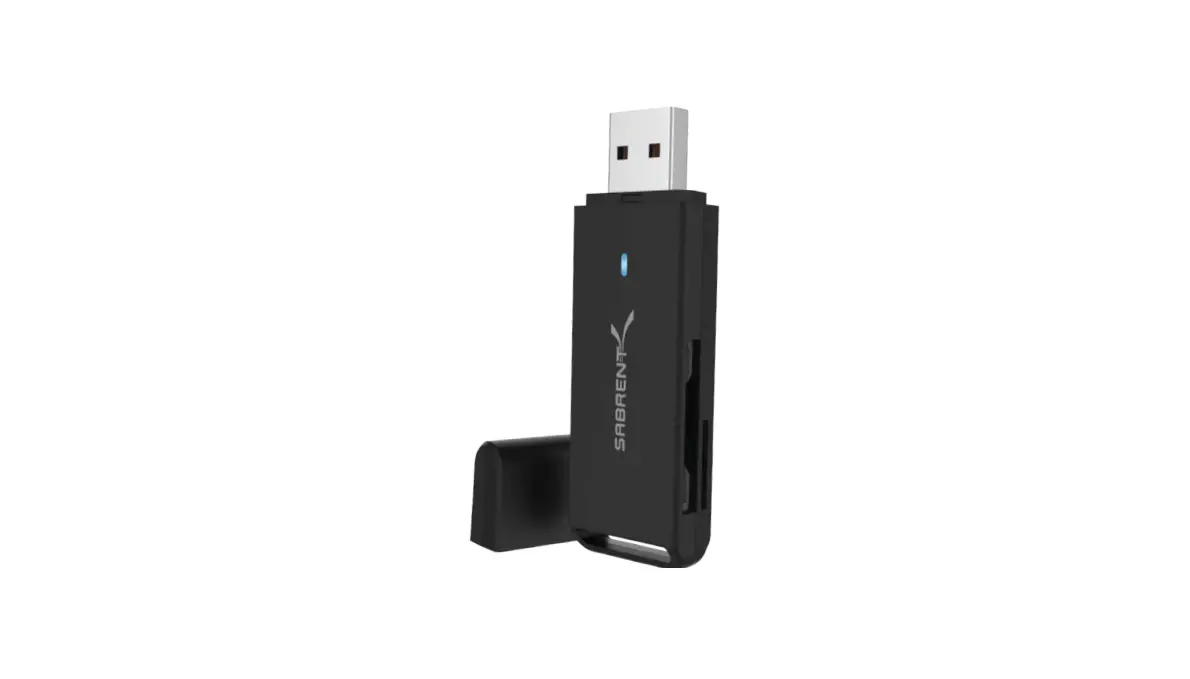
- Plug card reader into the USB port of your computer or laptop — USB and USB Type-C options are on opposite ends of the Card Reader.
- Insert card or cards into Card Reader Slot. Please note: This device can only read one memory card at a time.
Enjoy!
At this point, the USB 3.0 and USB Type-C to Micro SD and SD card reader is completely installed — no software drivers are needed to complete the installation.
Thank you for choosing Sabrent and enjoy!
For installation issues please contact: [email protected]