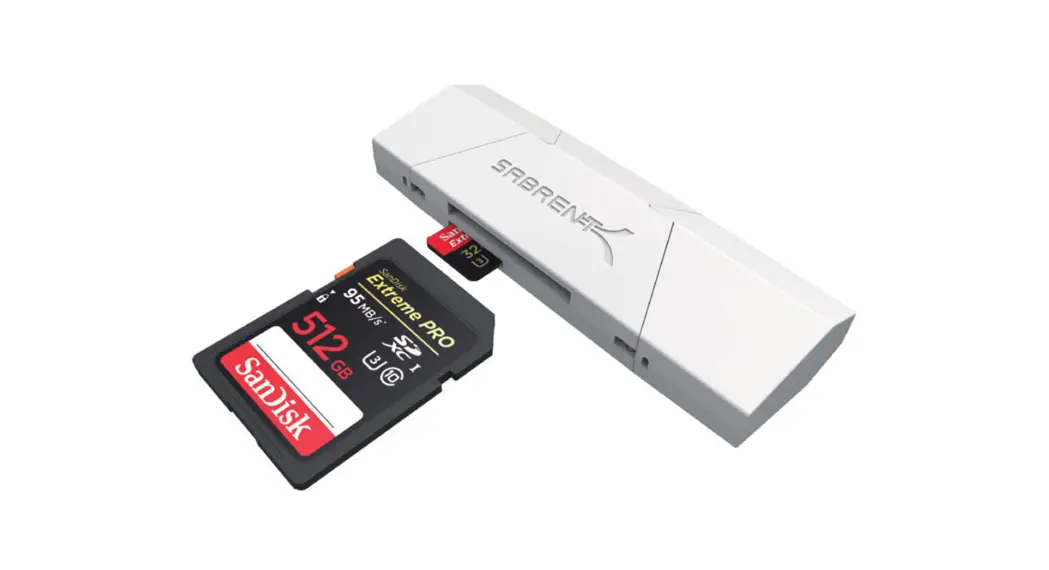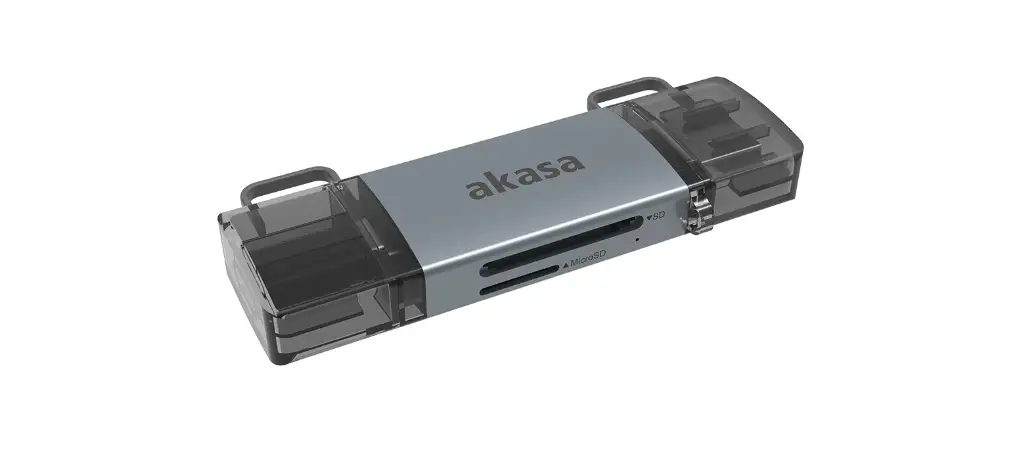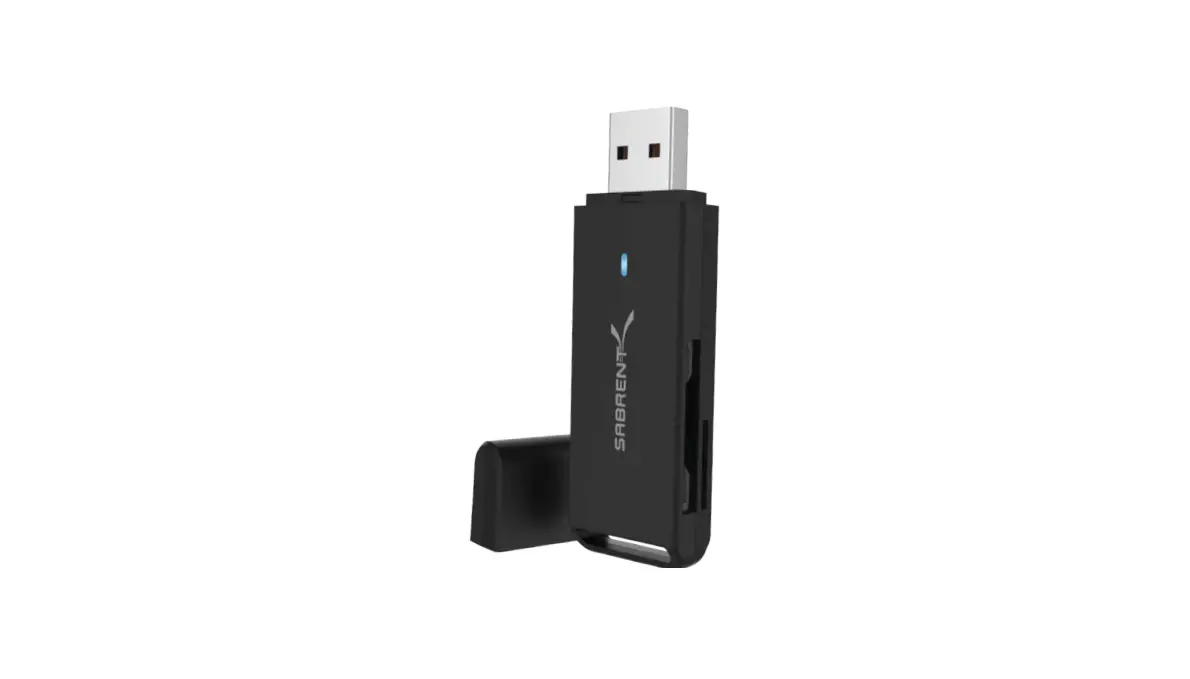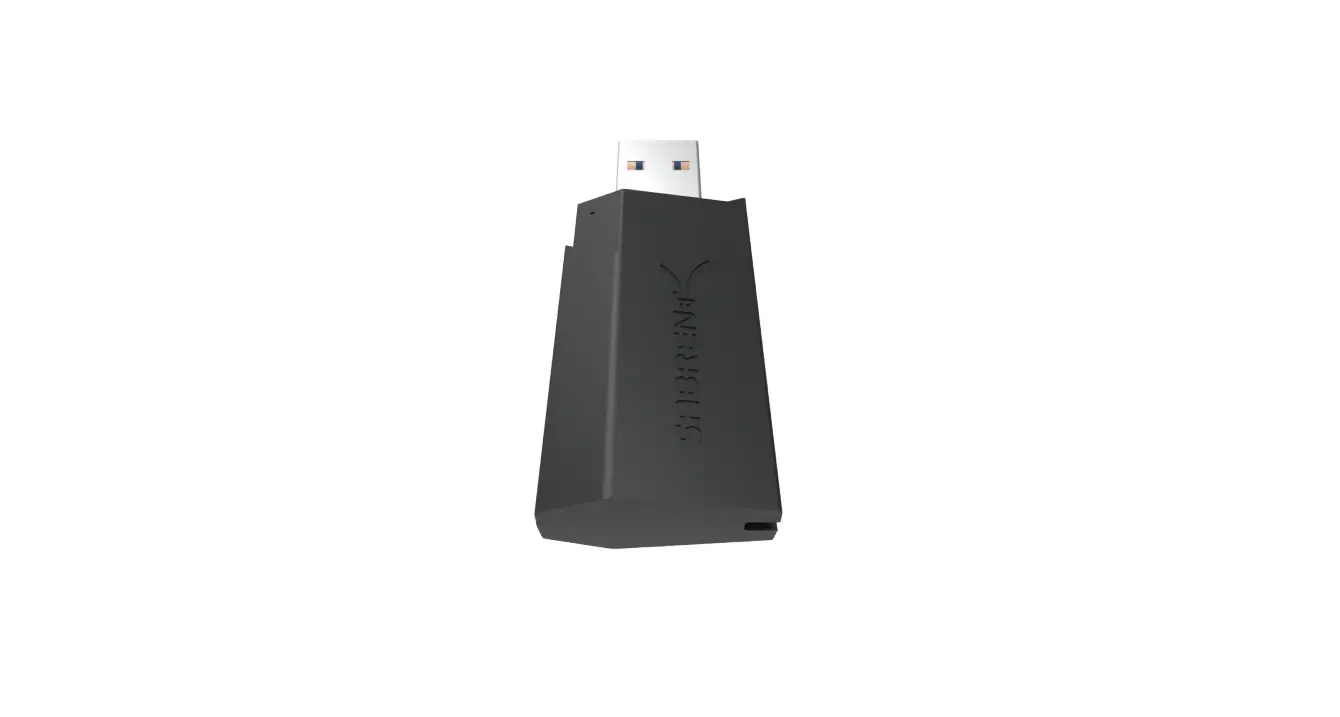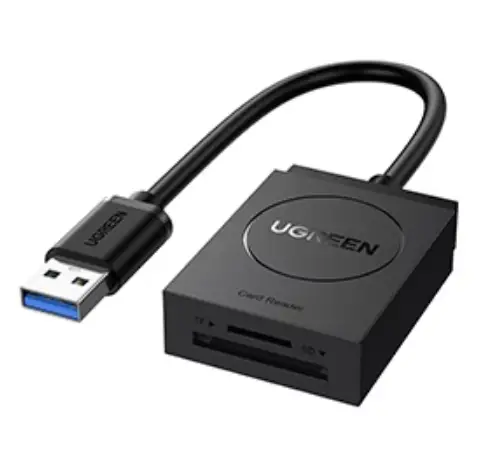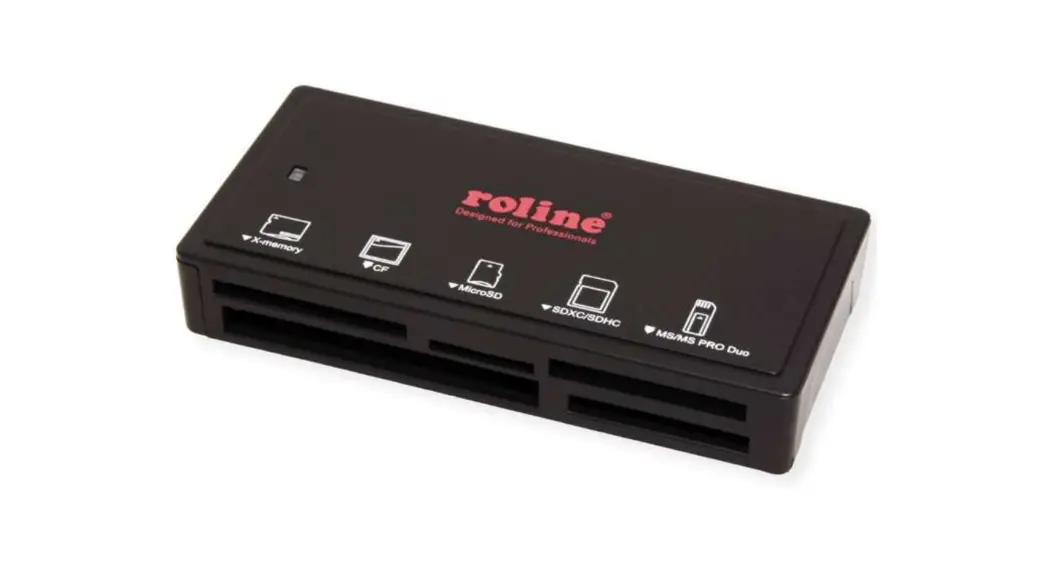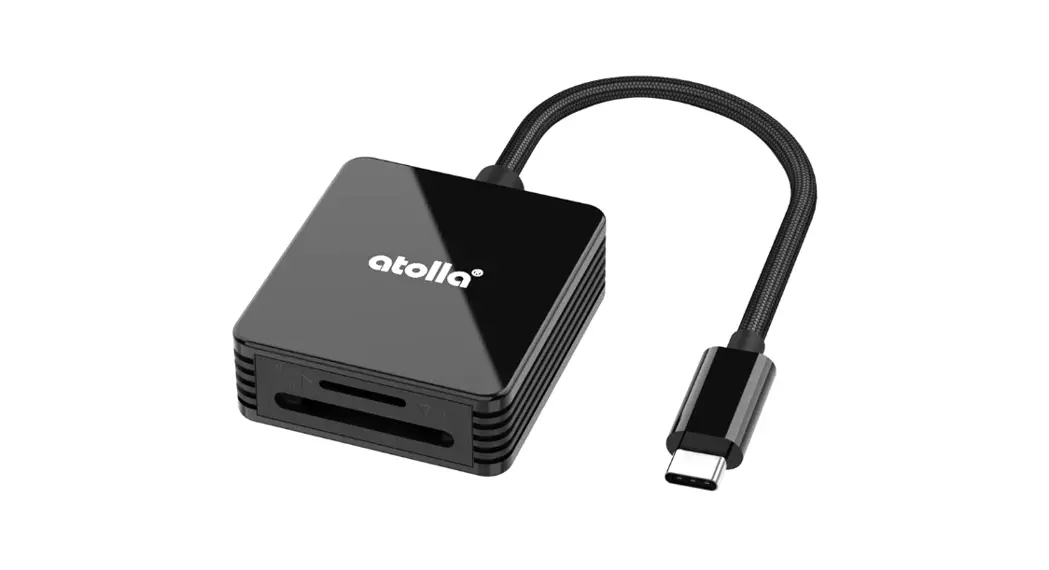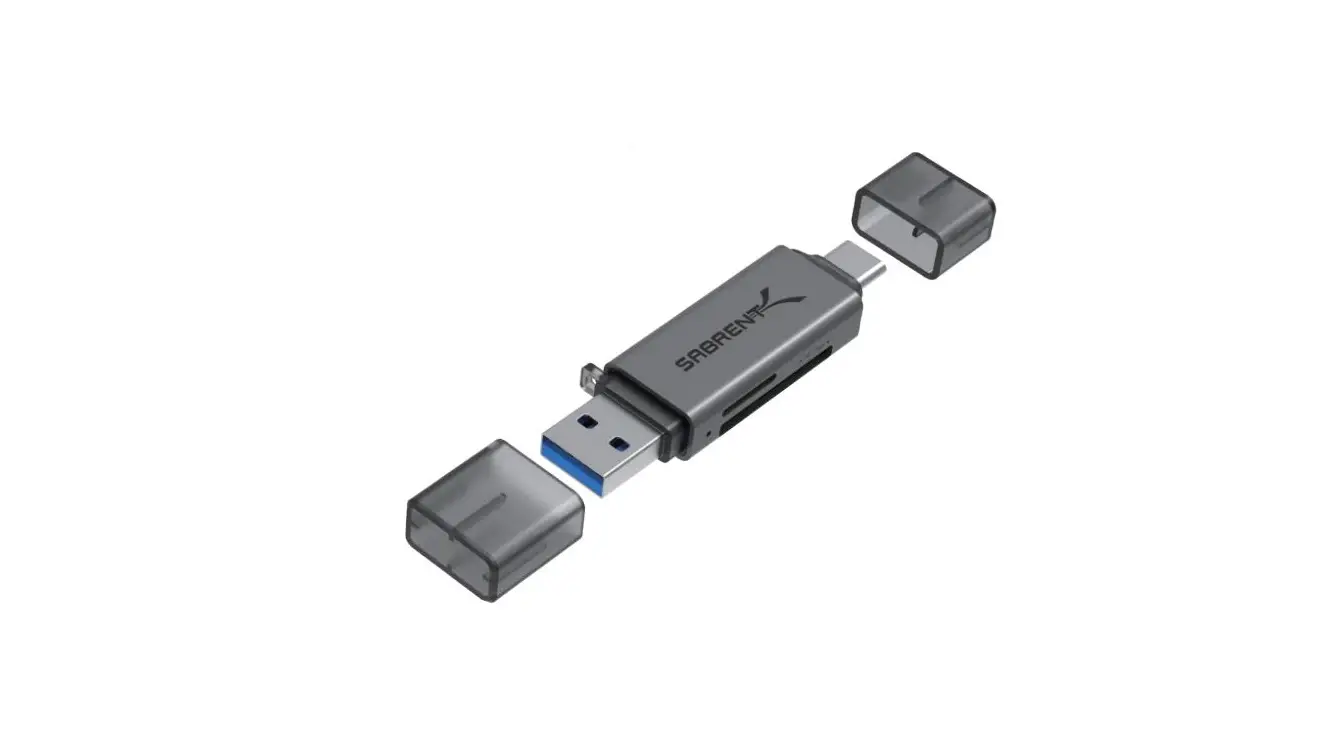

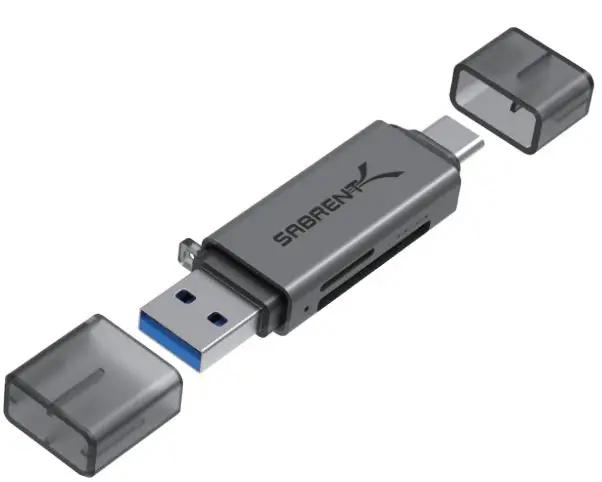
SABRENT CR-BCA2 2-Slot USB 3.0 OTG Card Reader
HOW TO USE
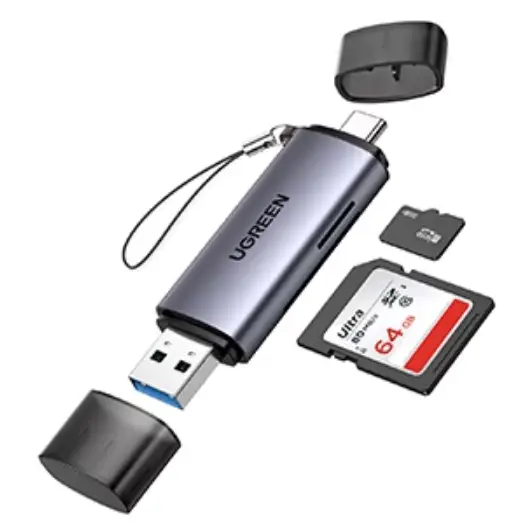
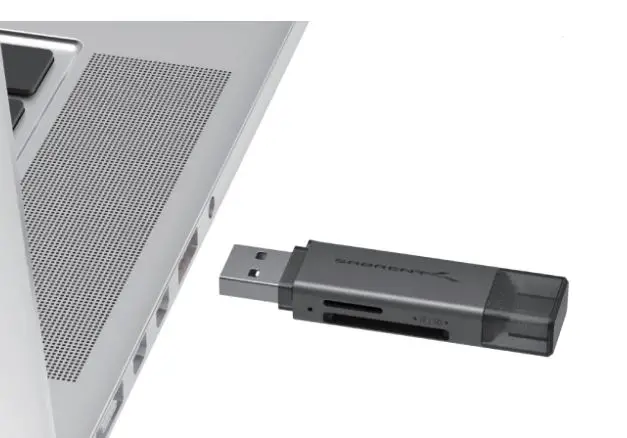
- Insert your CR-BCA2 into any available port on your PC, Mac, or OTG device. You can use either the Type-A or Type-C connectors, but do not connect both at the same time.

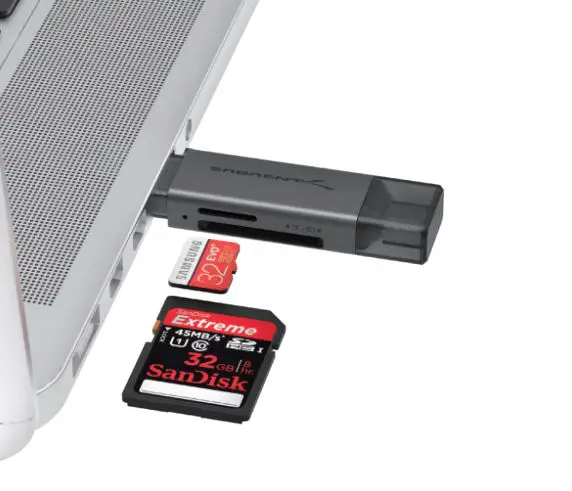
- Insert the memory cards into the CR-BCA2
At this point, the Flash Memory card is completely installed – no software drivers are needed to complete the installation
Please contact our Technical Support Team for additional troubleshooting www.SABRENT.COM