
Sabrent Cr-t2ms Usb 3.0 Micro Sd And Sd Card Reader User Manual

Sabrent Cr-t2ms Usb 3.0 Micro Sd And Sd Card Reader User Manual

SABRENT-LOGO

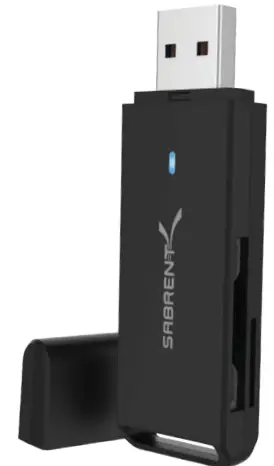
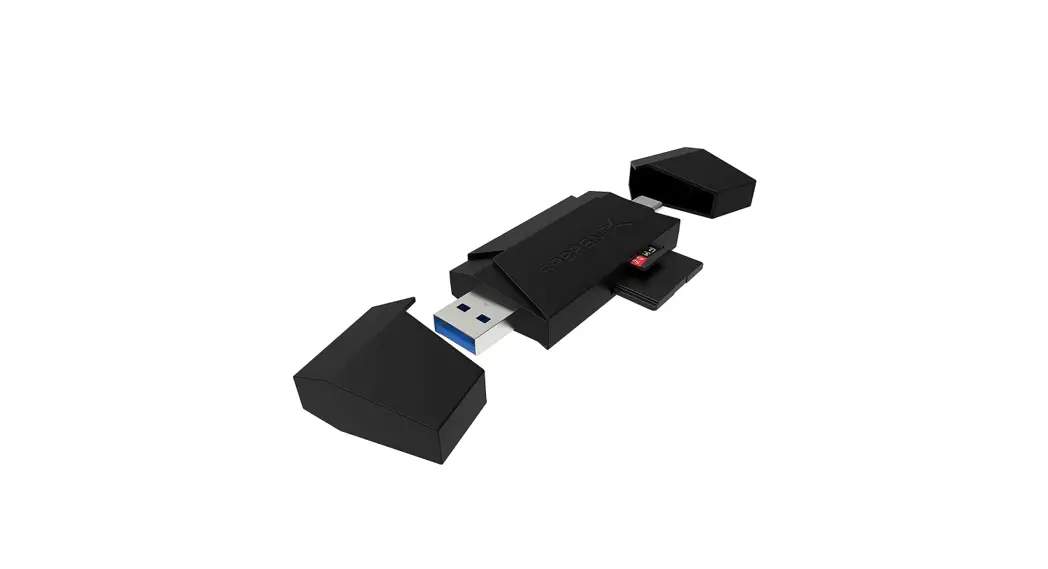
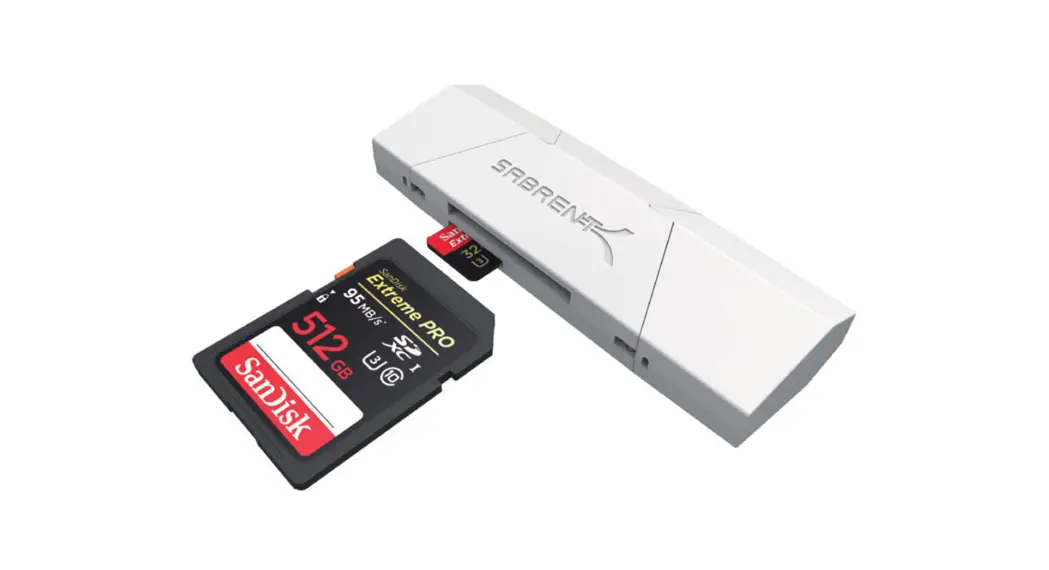
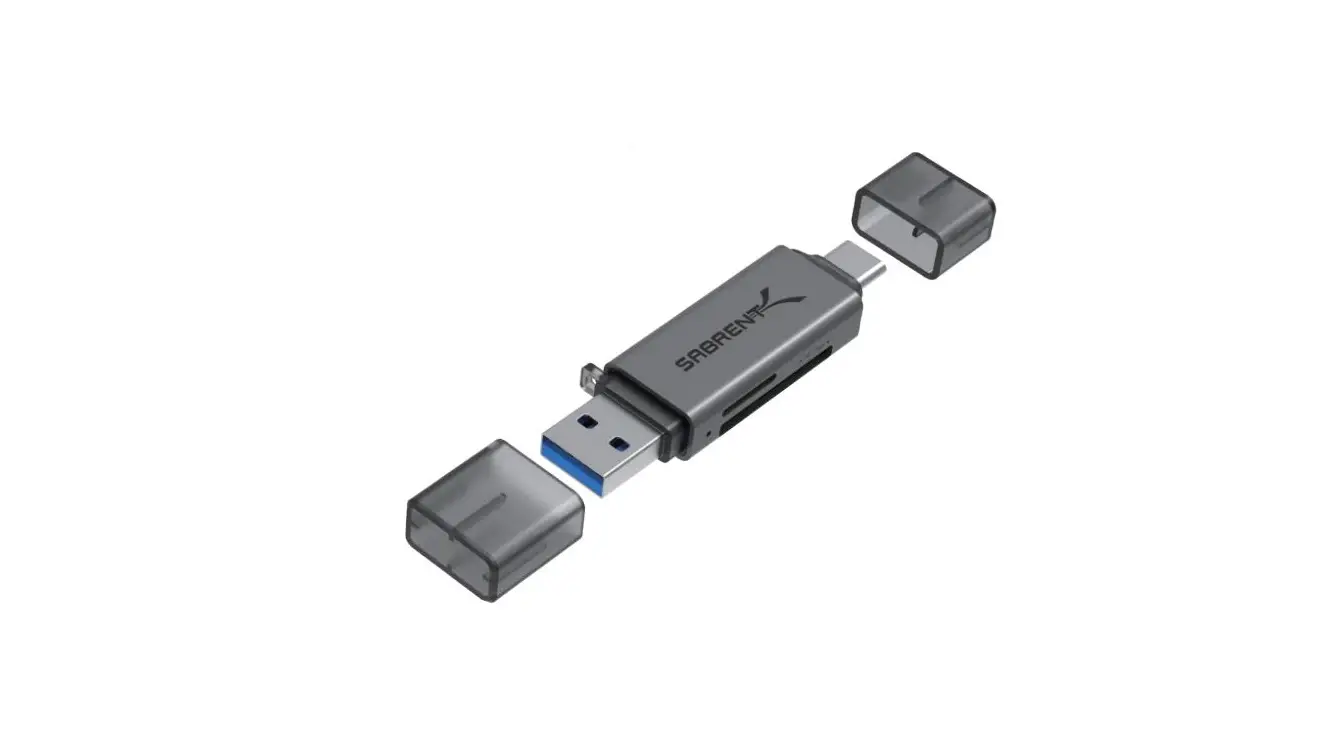
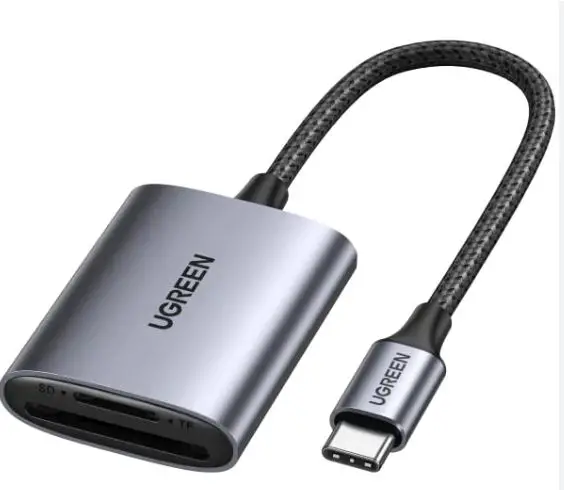
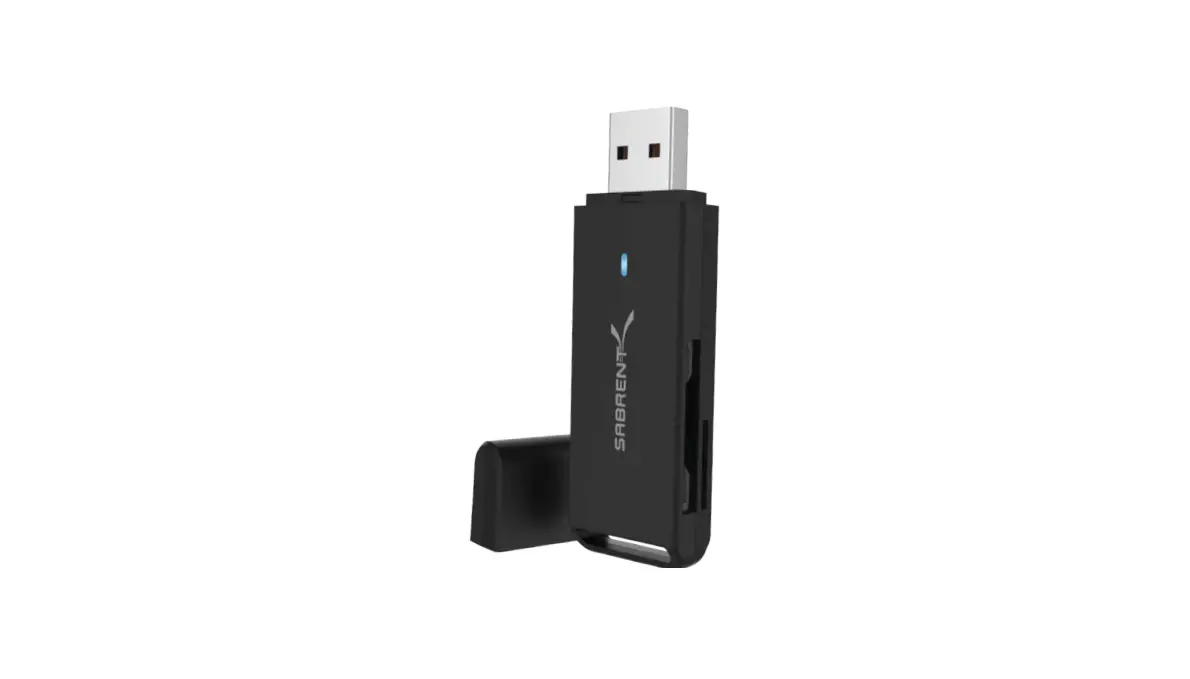
SABRENT CR-T2MS USB 3.0 Micro SD and SD Card ReaderSABRENT-CR-T2MS-USB-3.-0Micro-SD-and-SD-Card-Reader-PRODUCT

HOW TO USE

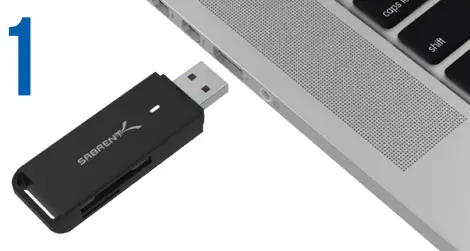
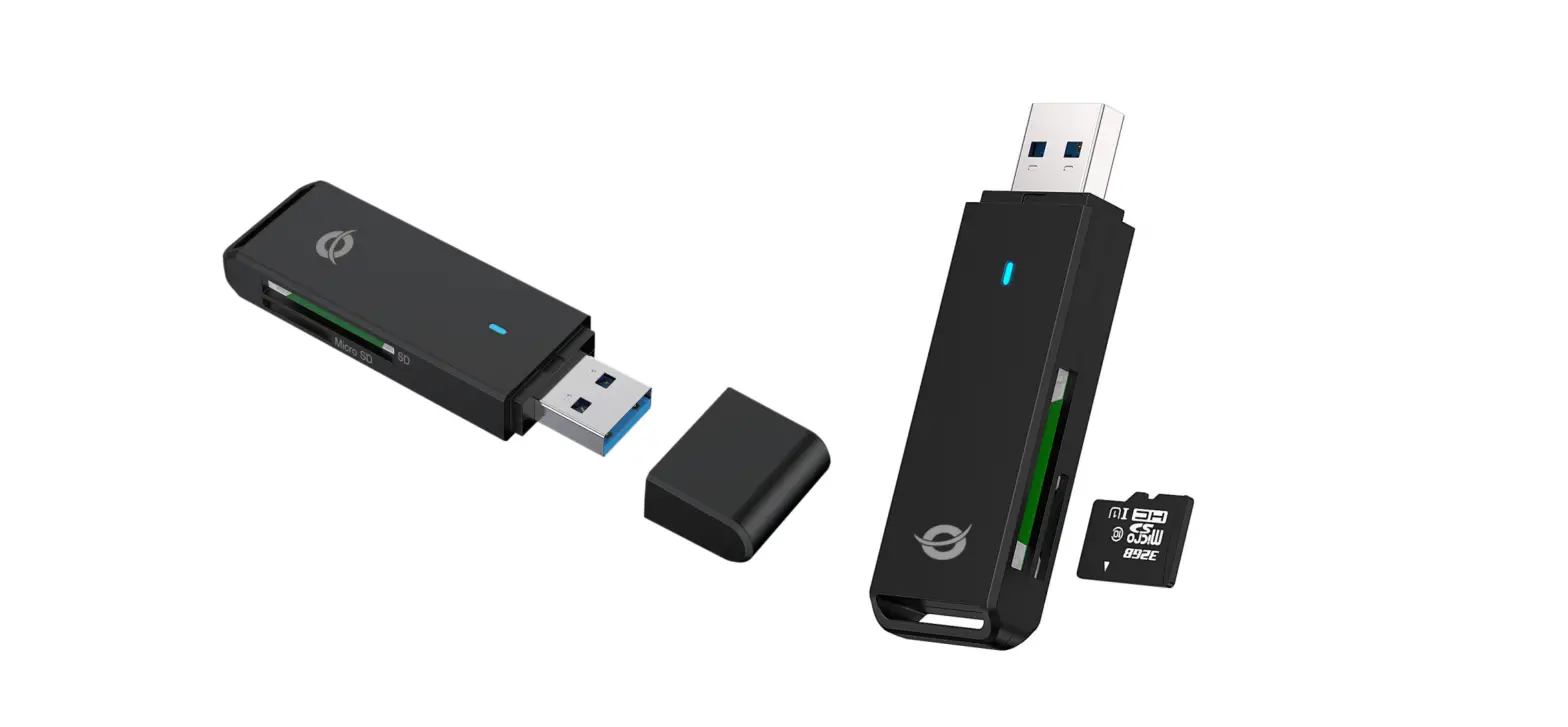
  1. Insert the CR-T2MS into an available USB port on your PC or MACSABRENT-CR-T2MS-USB-3.-0Micro-SD-and-SD-Card-Reader-FIG-1
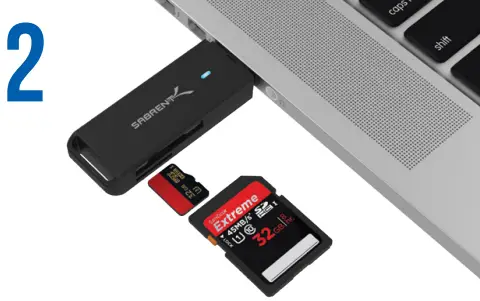
  2. Insert the memory cards into the CR-T2MSSABRENT-CR-T2MS-USB-3.-0Micro-SD-and-SD-Card-Reader-FIG-2

At this point, the USB 3.0 Flash Memory card is completely installed- no software drivers are needed to complete the installation. Thank you for choosing Sabrent For installation issues please contact: [email protected]
Documents / Resouces

Download manual
Here you can download full pdf version of manual, it may contain additional safety instructions, warranty information, FCC rules, etc.


Related Manuals