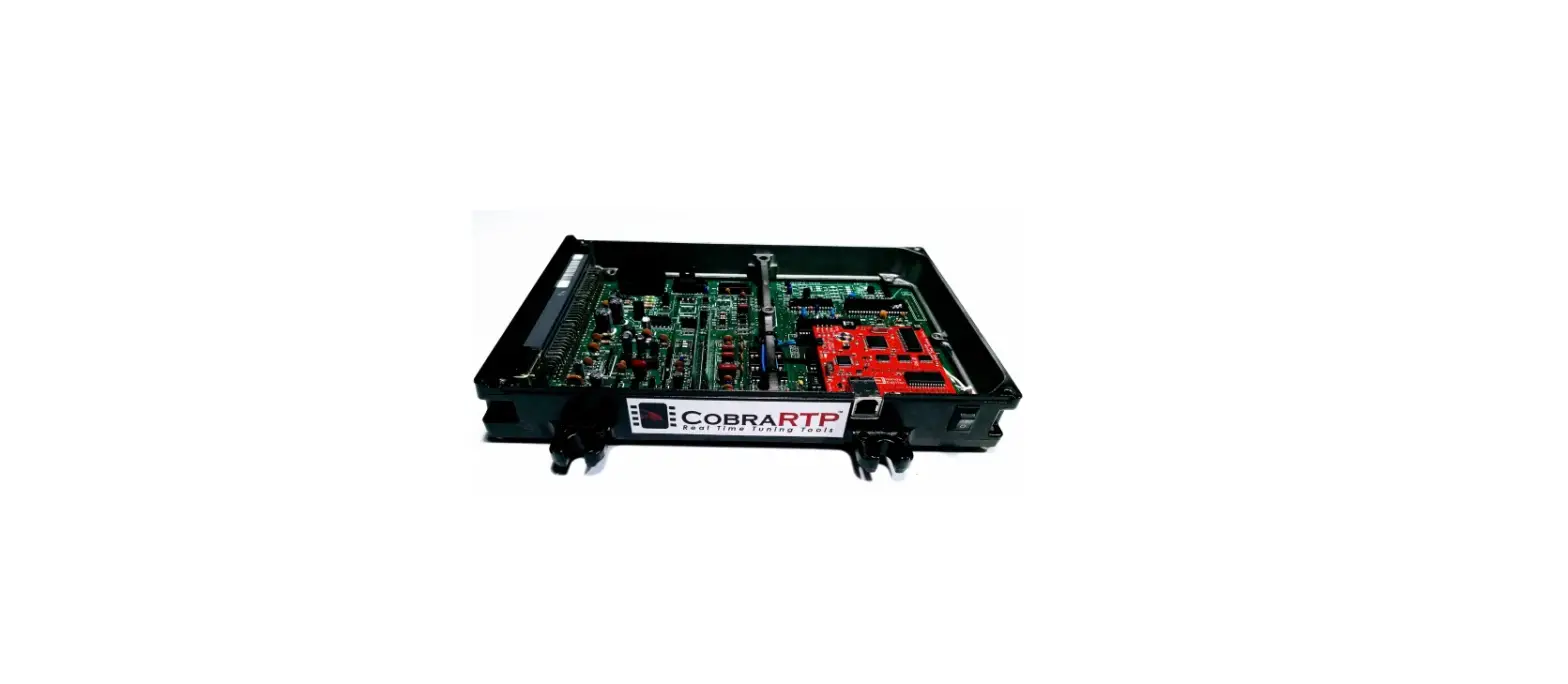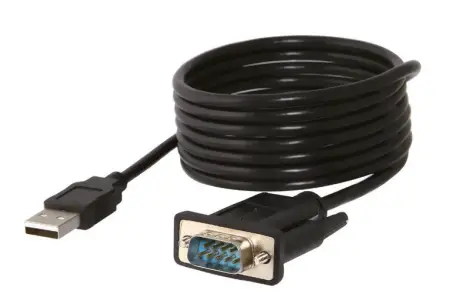

SABRENT CB-FTDI USB 2.0
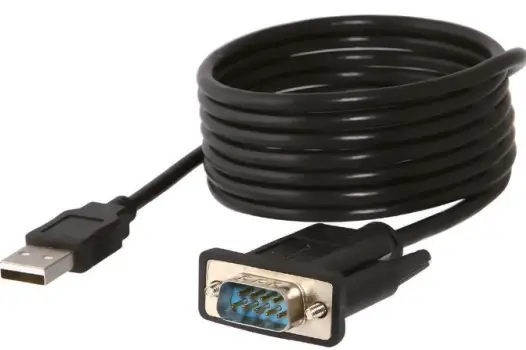
OVERVIEW
INSTALLATION
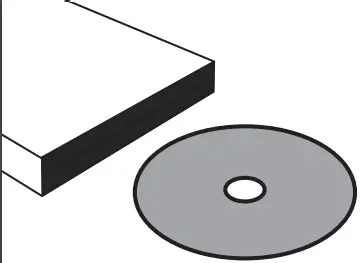
- Install driver from driver CD, if your computer doesn’t have a CD/DVD drive, you can visit https://www.sabrent.com/downloads/
to download latest the driver.
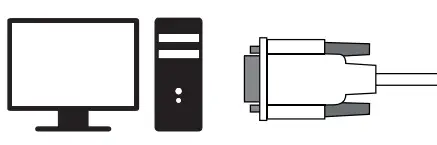
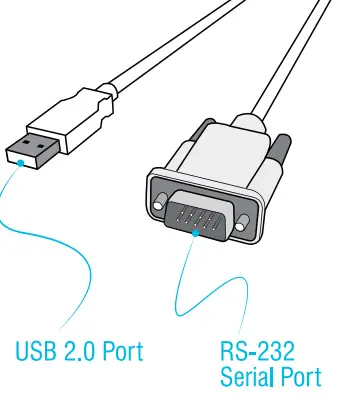
- Plug RS-232 Serial Port end of adapter into appropriate port on computer or laptop.

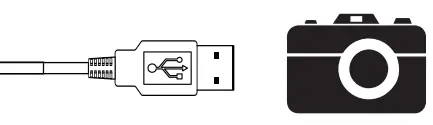
- Plug USB end of adapter into appropriate port on devices including: phones, PDAs, digital cameras, modems, and IDSN terminal adapters.