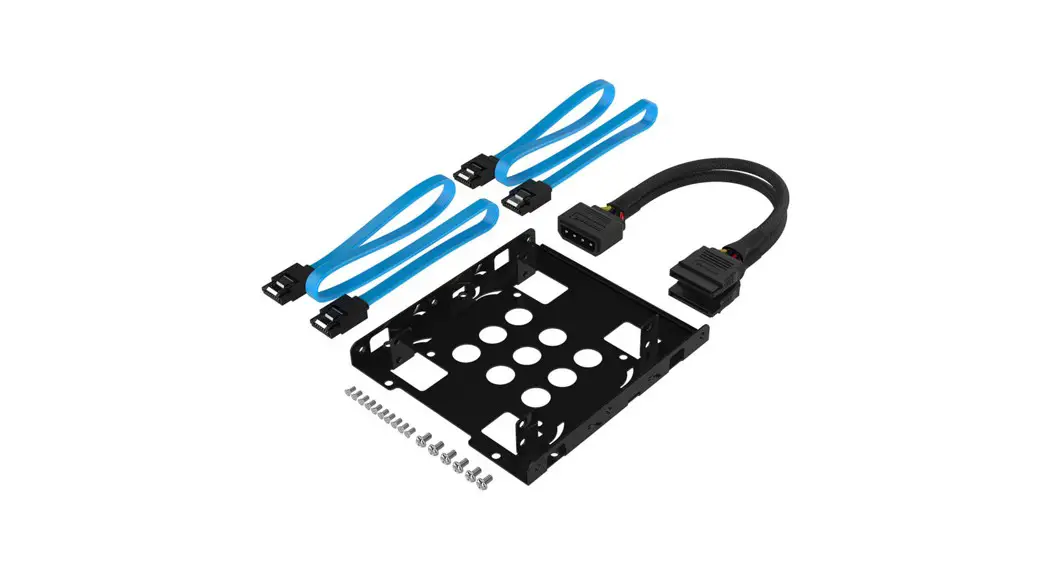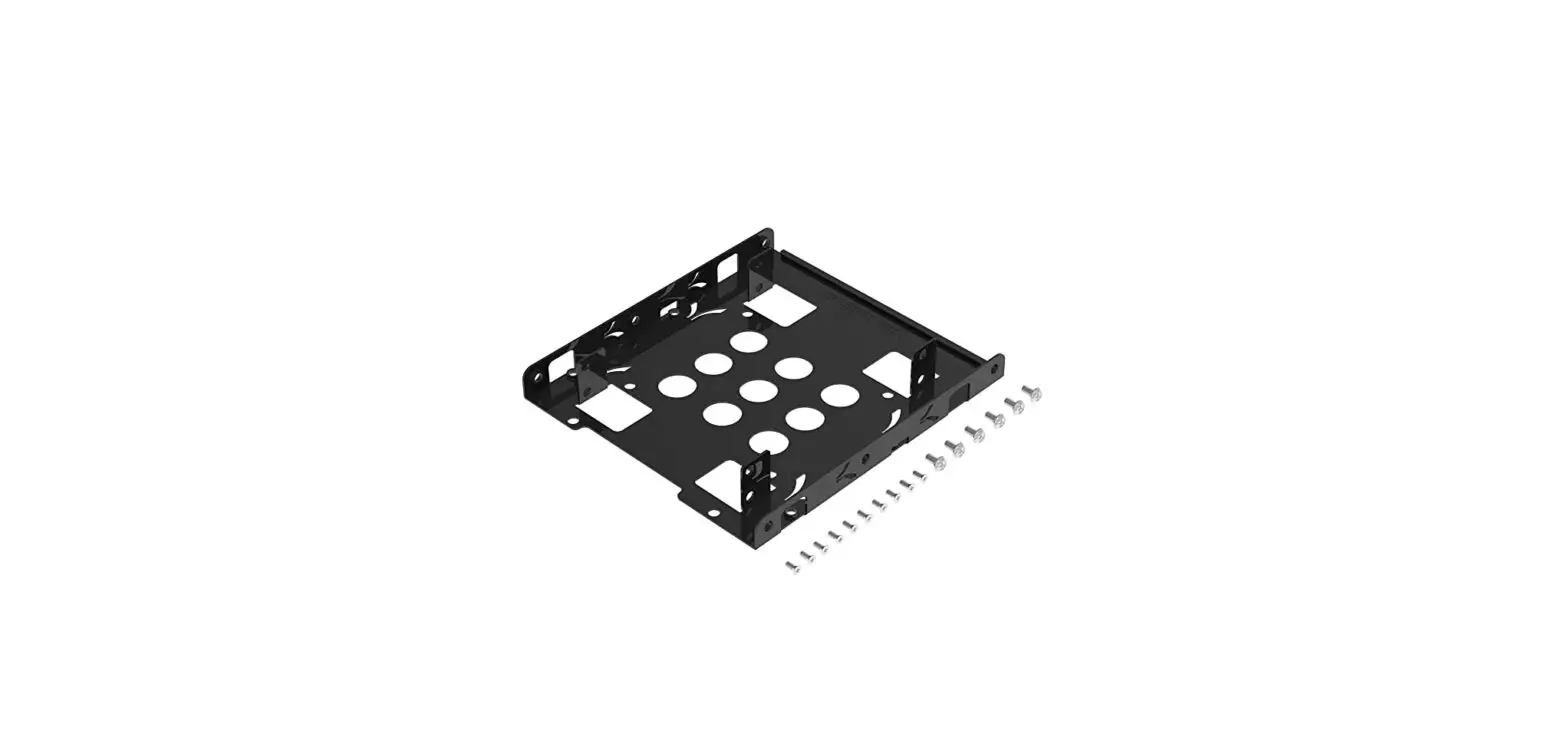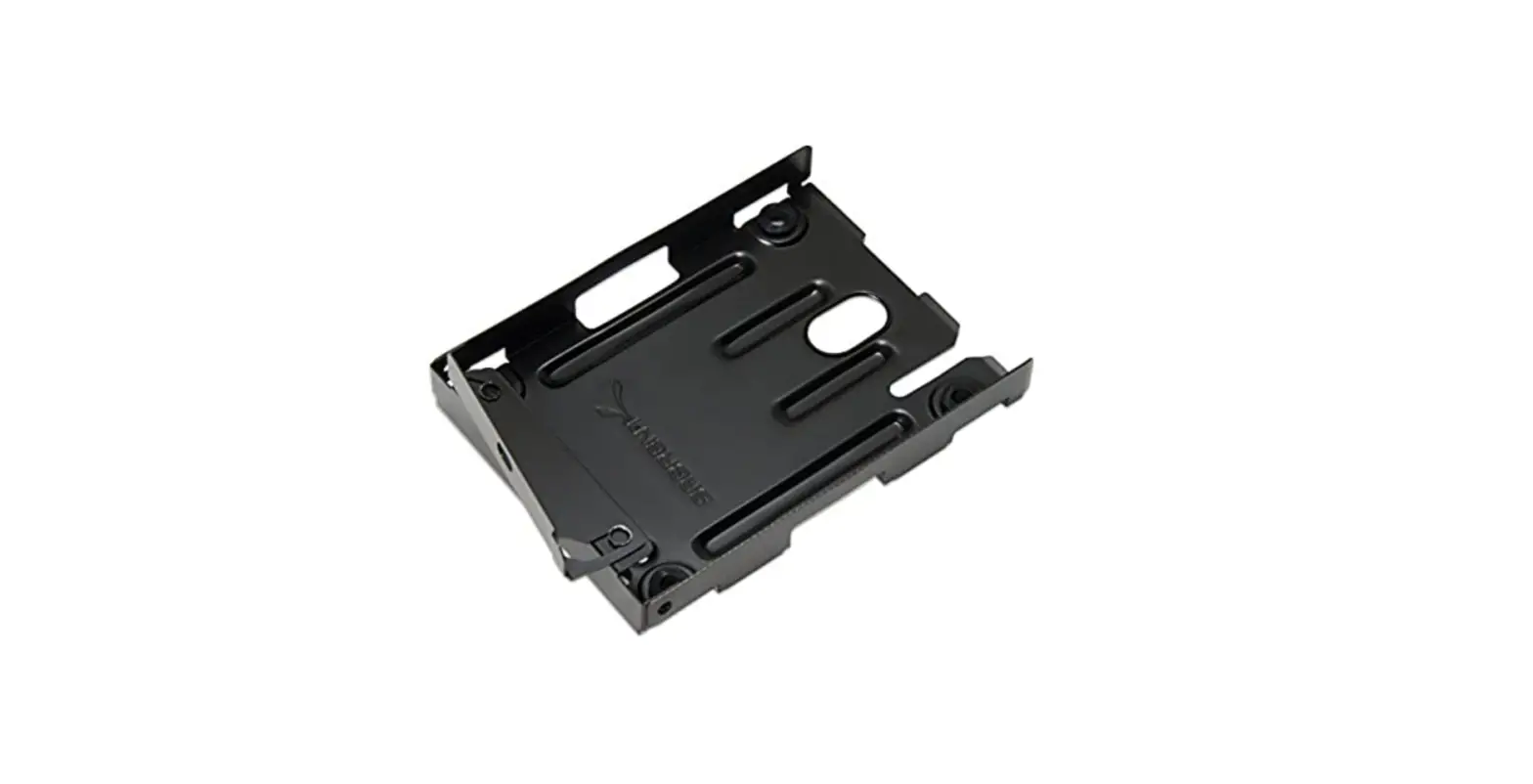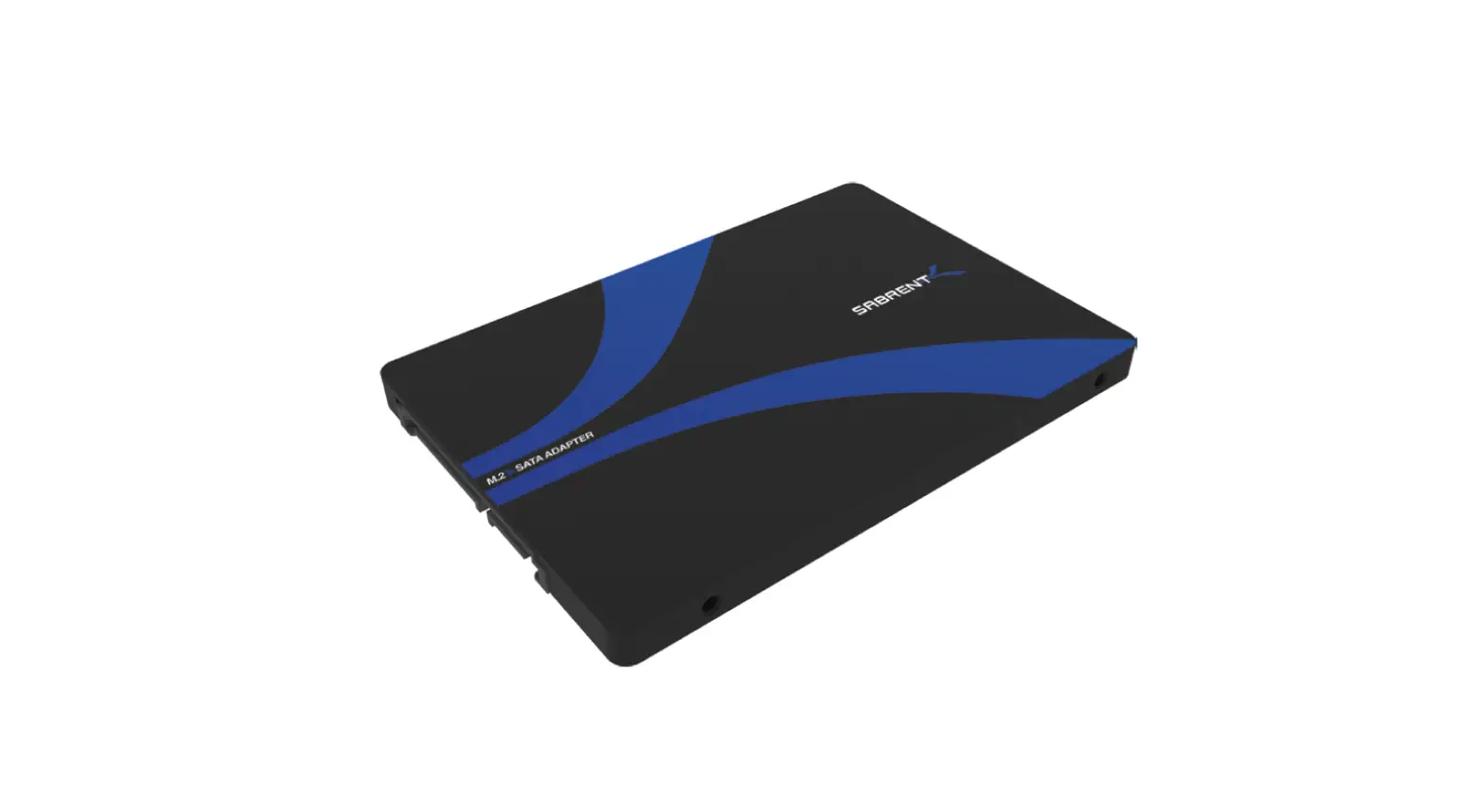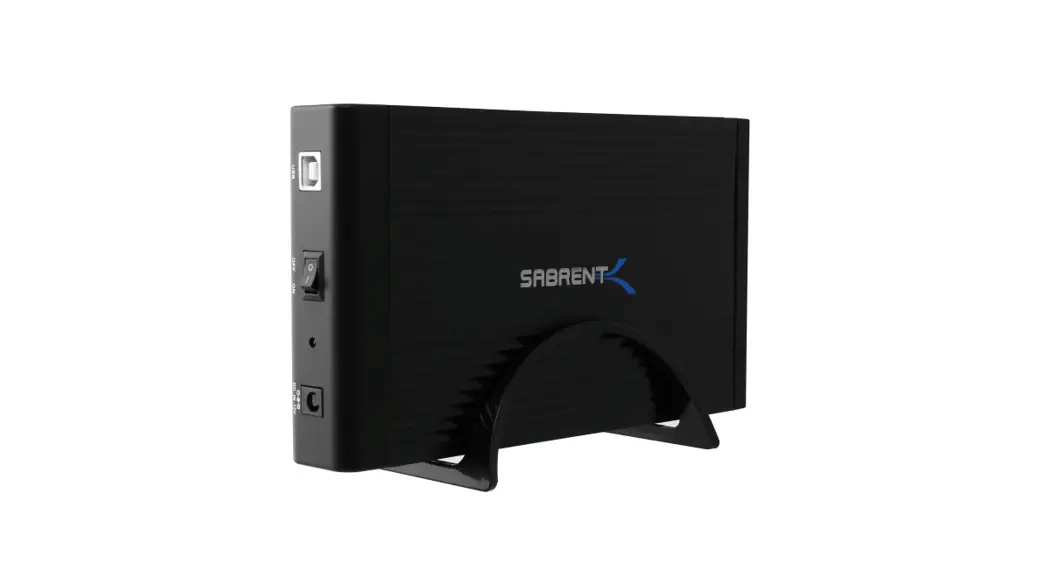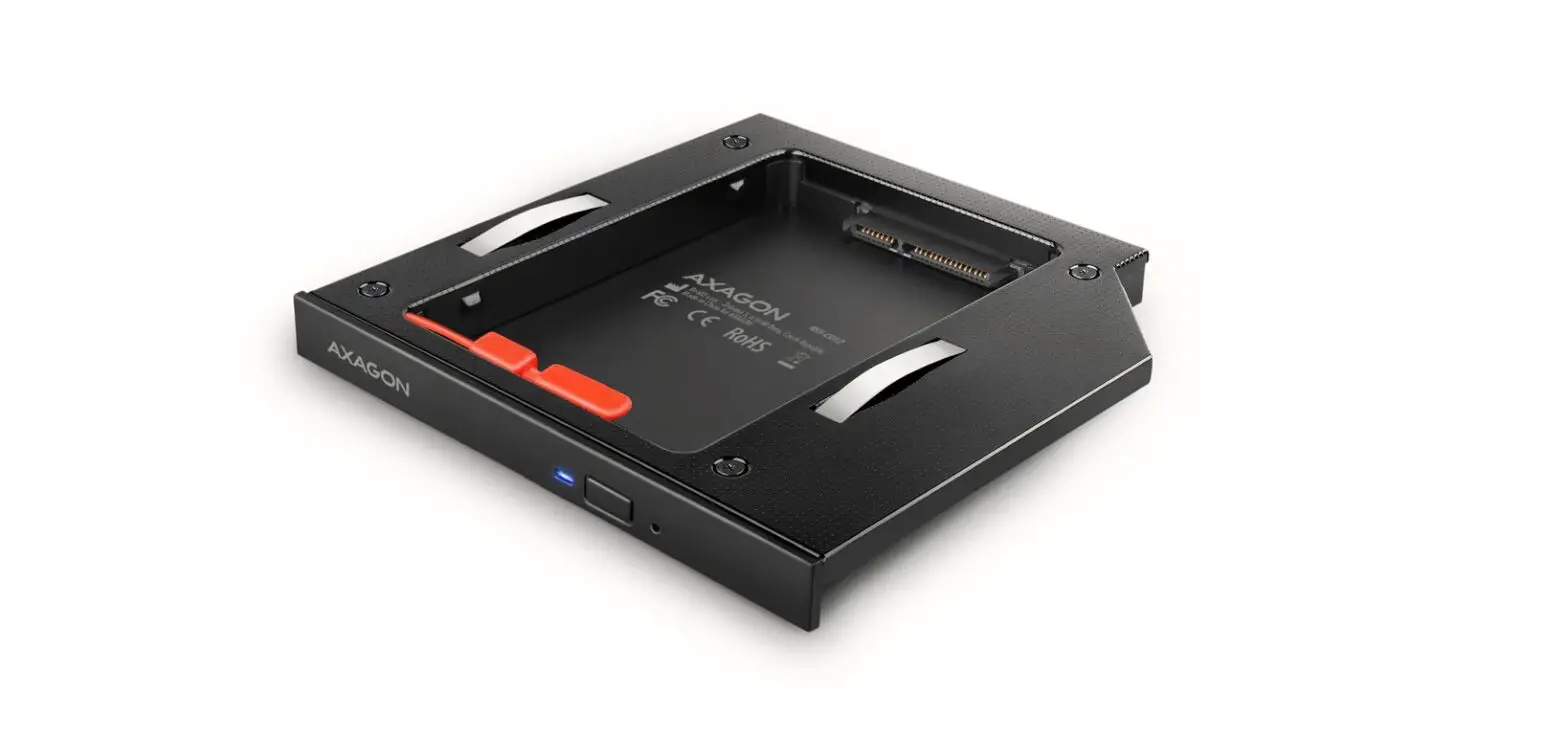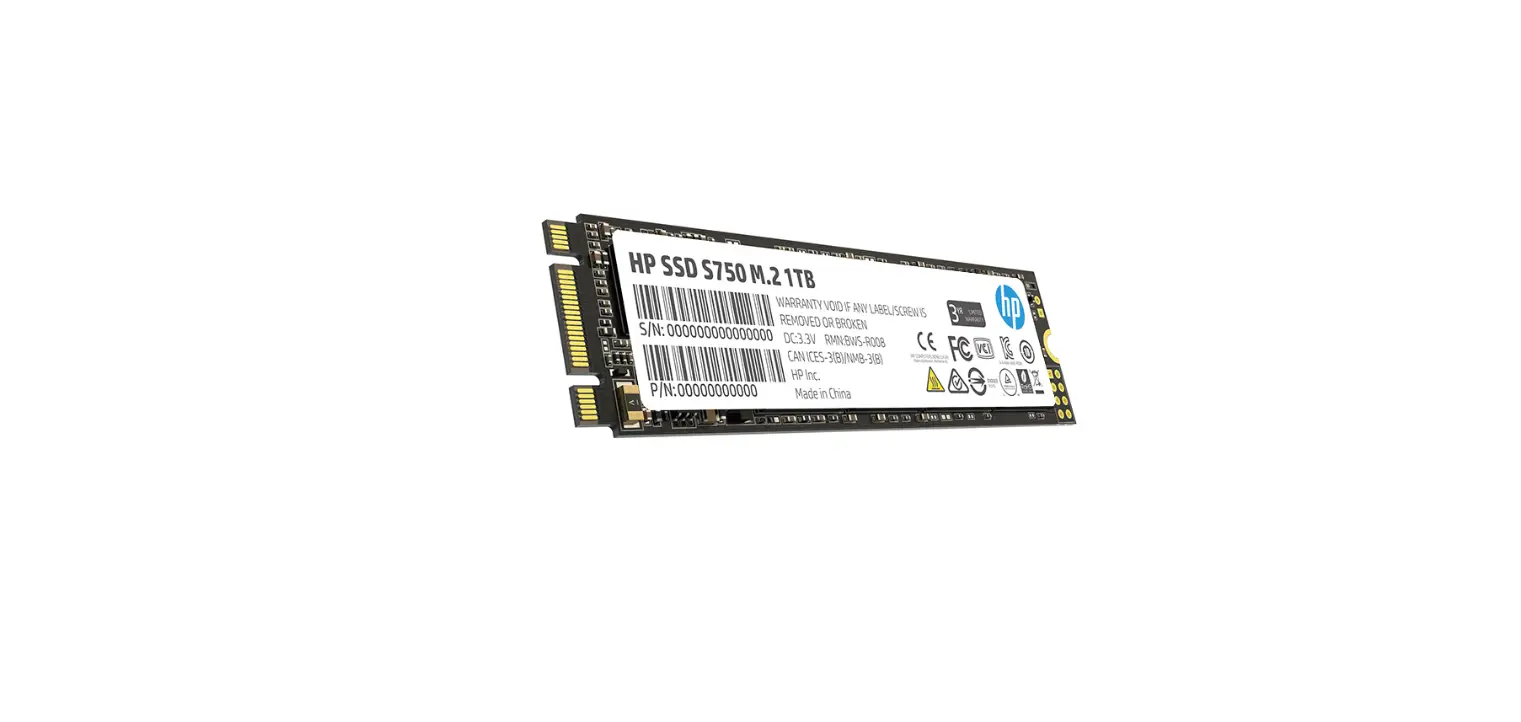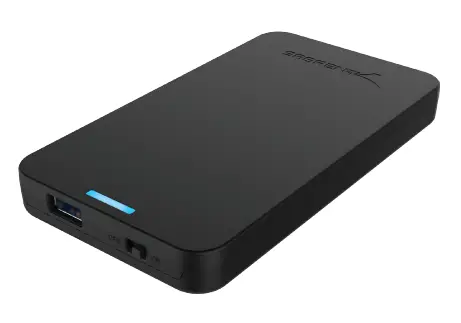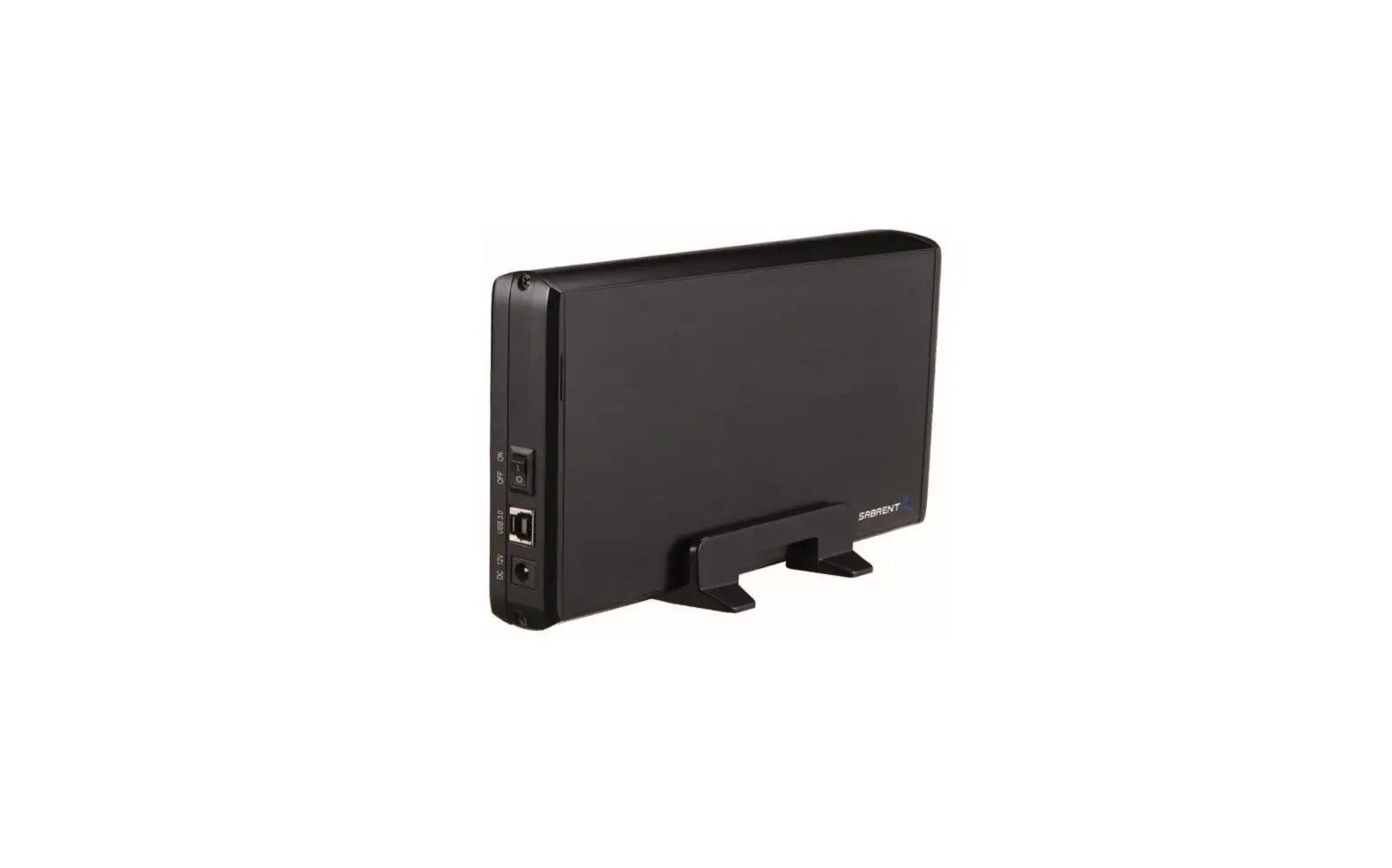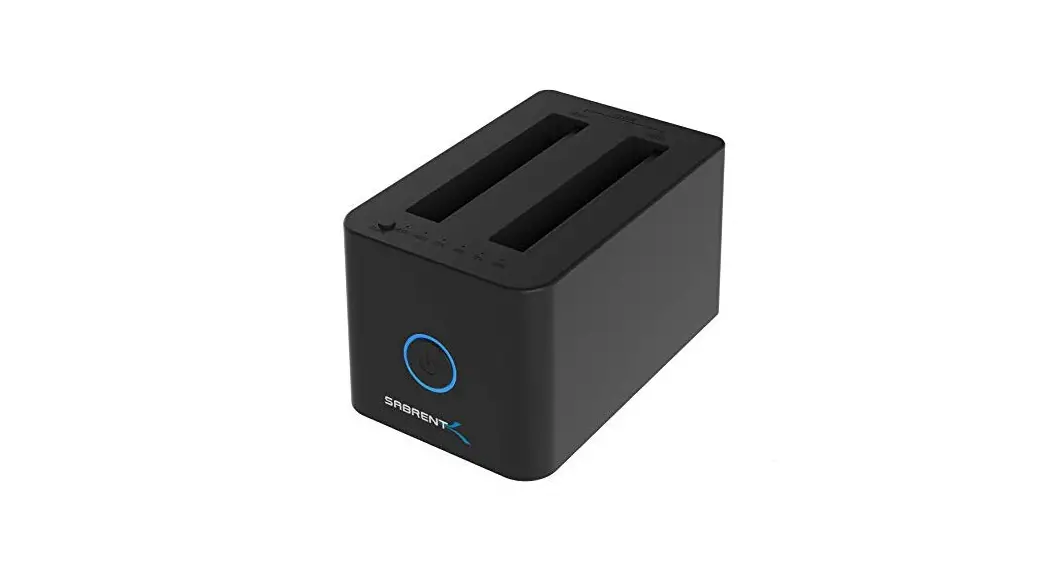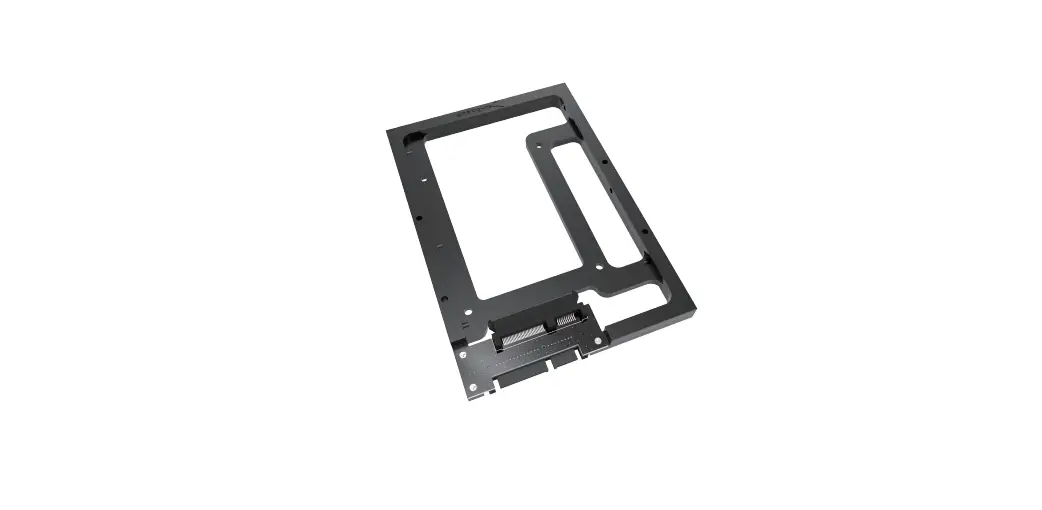

SABRENT BK-PCBS 2.5 Inch SSD & SATA Hard Drive
INSTLLATION
Use Proper anti-static precautions while performing the installation of your hard drives into any drive enclosure. Failure to do so can cause damage to your drive mechanisms, and/or the hard drive enclosure.
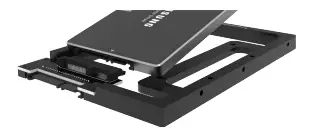
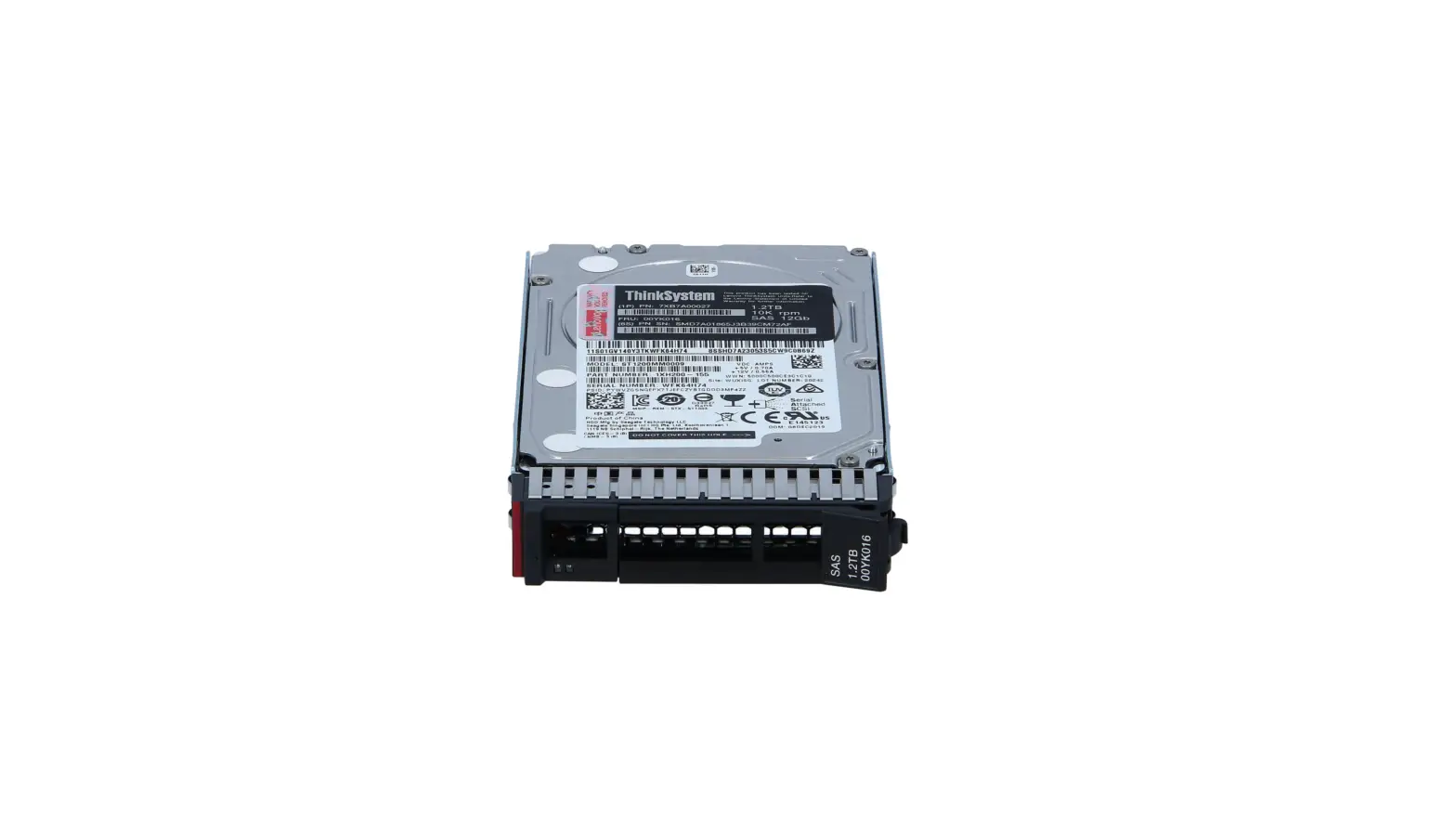
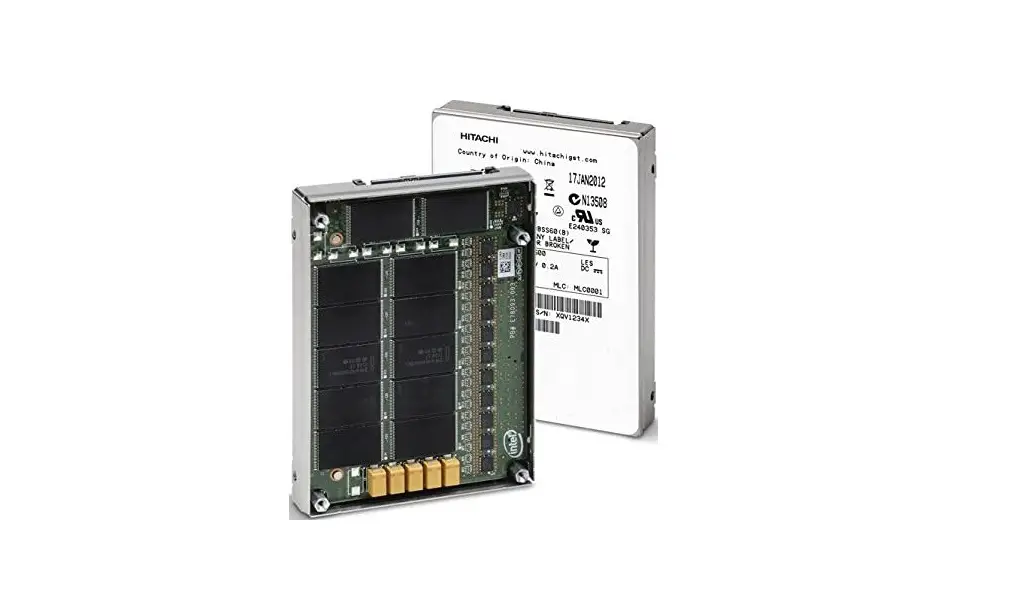
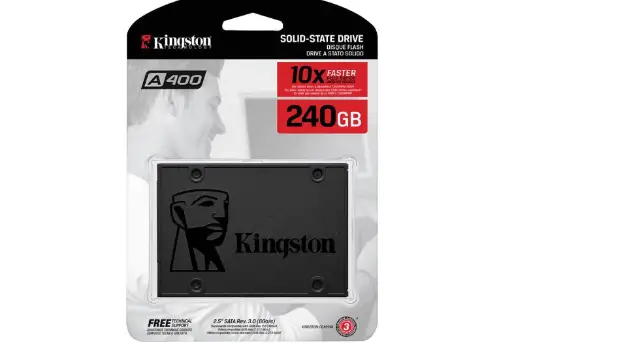
- Gently slide the 2.5″ hard drive onto the SATA connector on the converter.

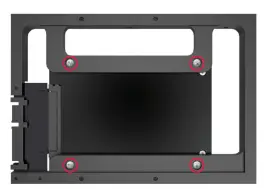
- Use the included screws to mount the hard drive in place.

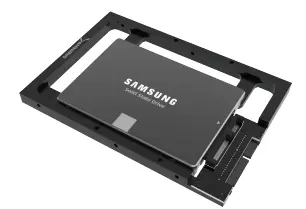
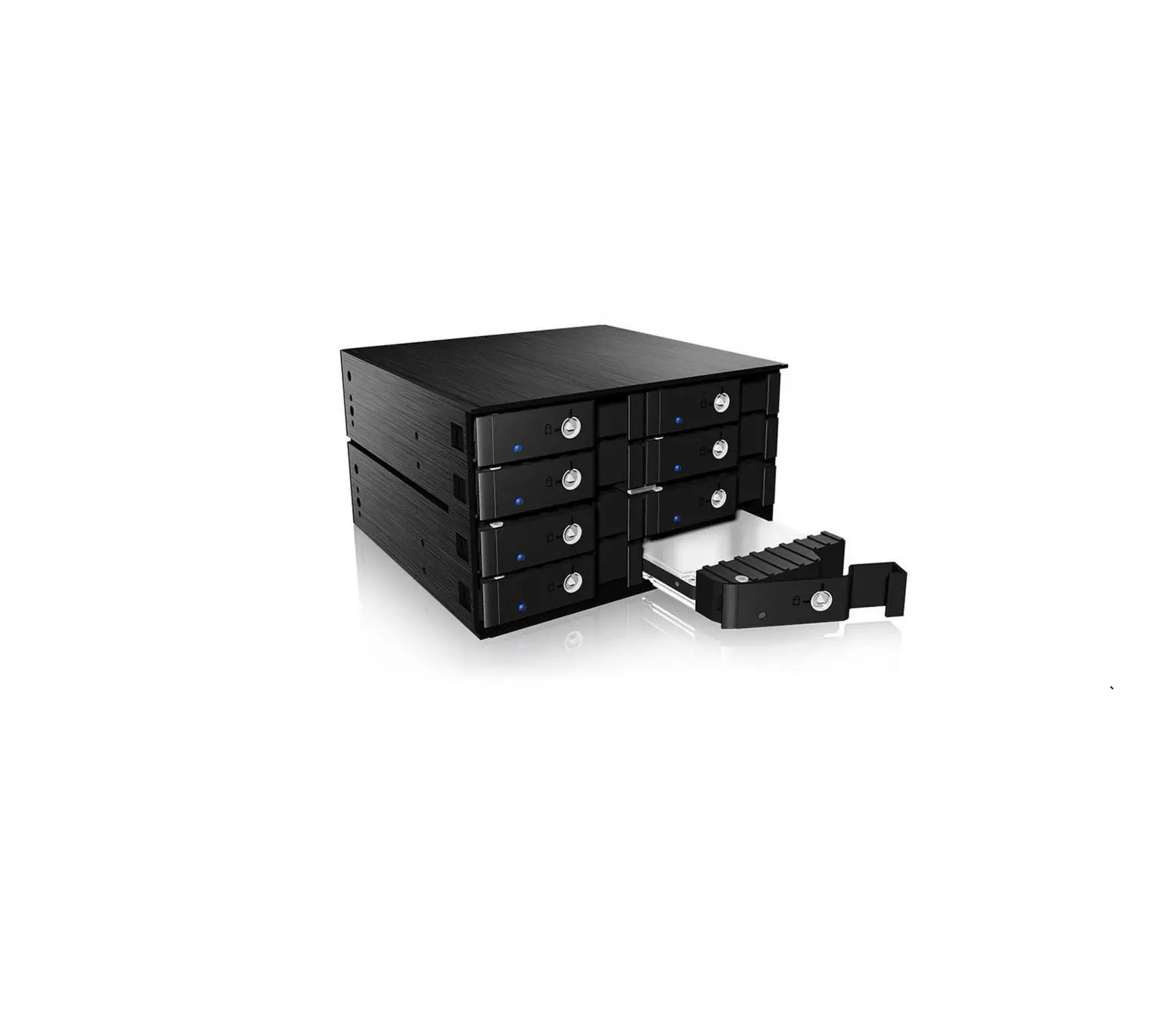
- Insert the Sabrent converter with the mounted hard drive into the computer.