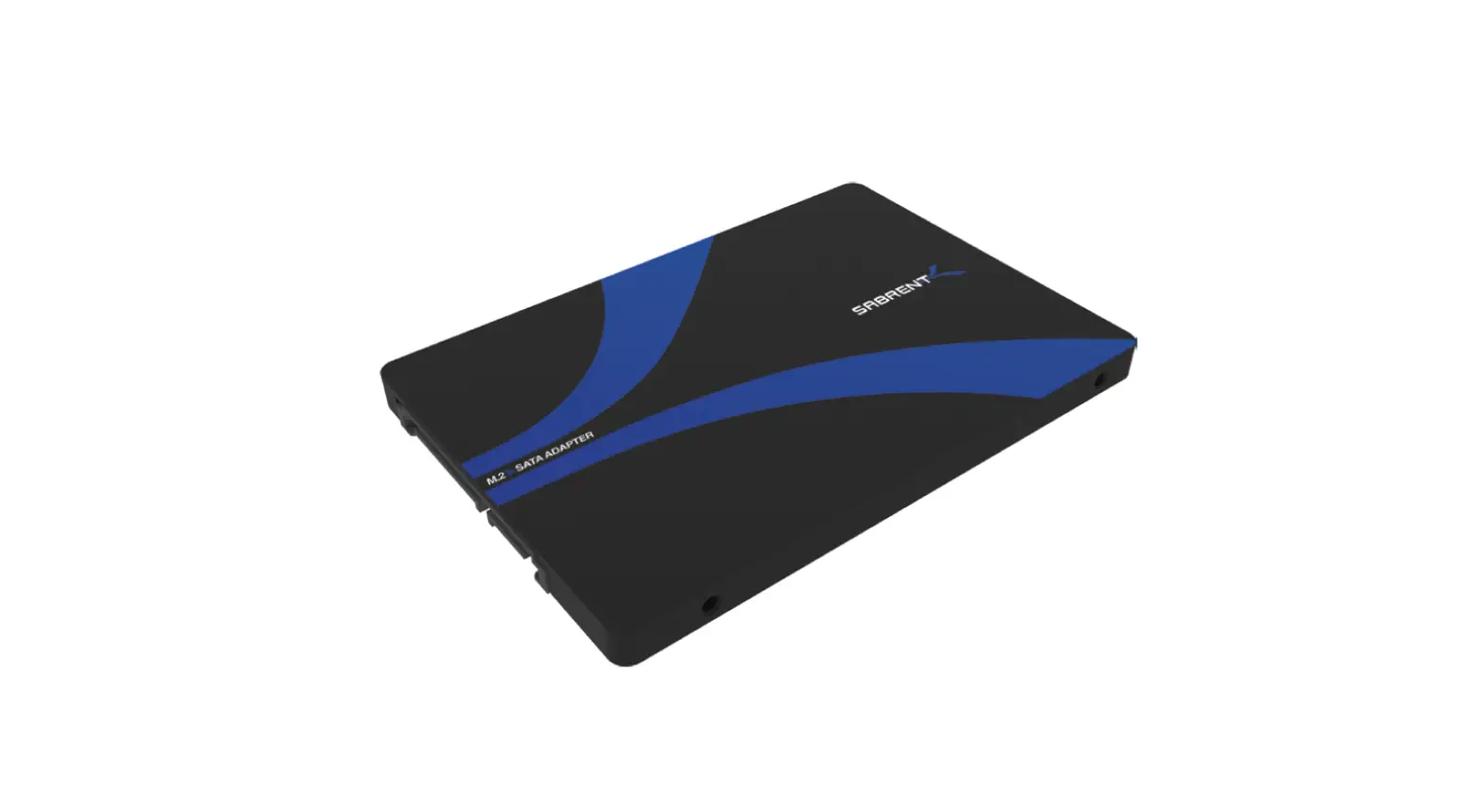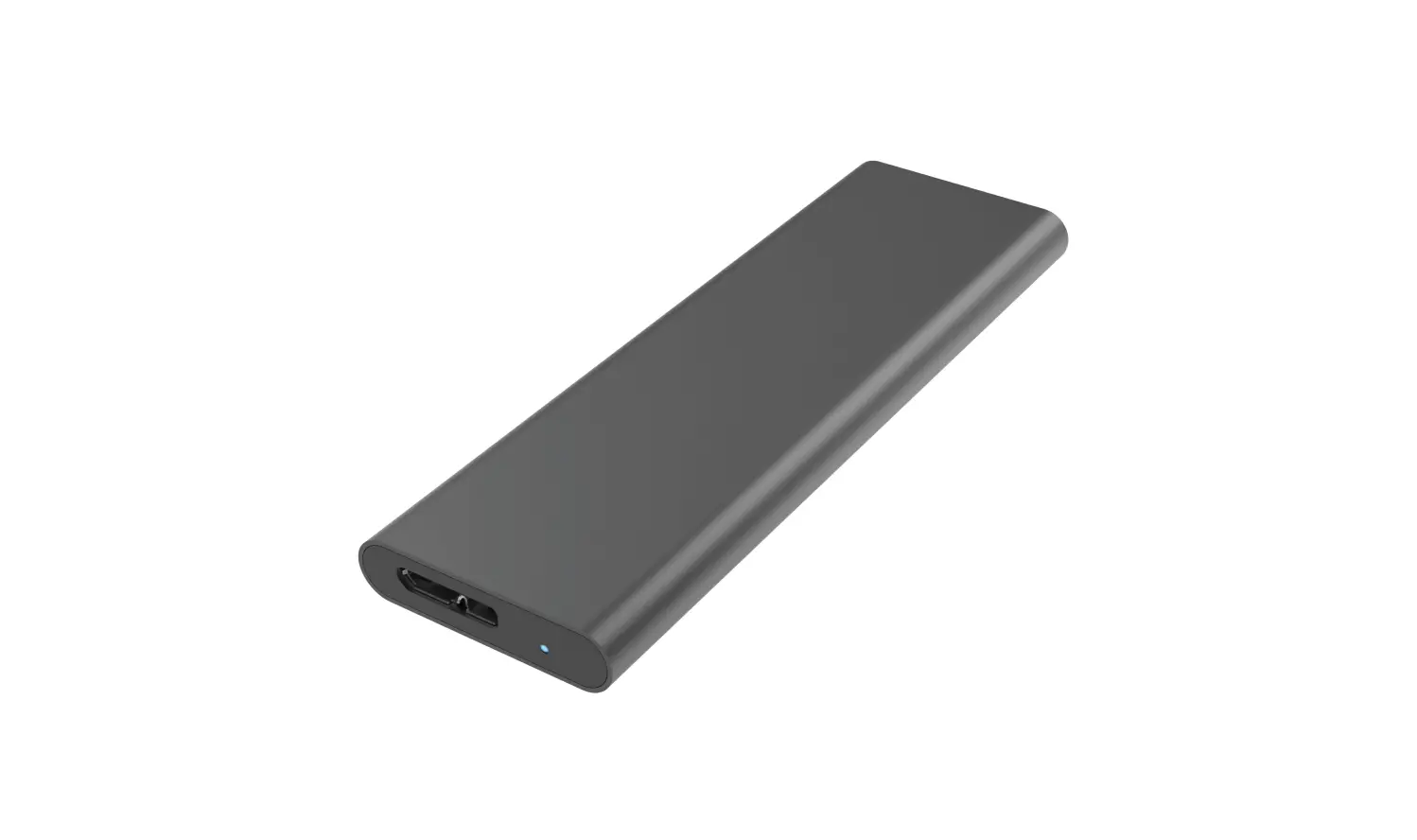

SABRENT EC-M2MC M.2 SSD
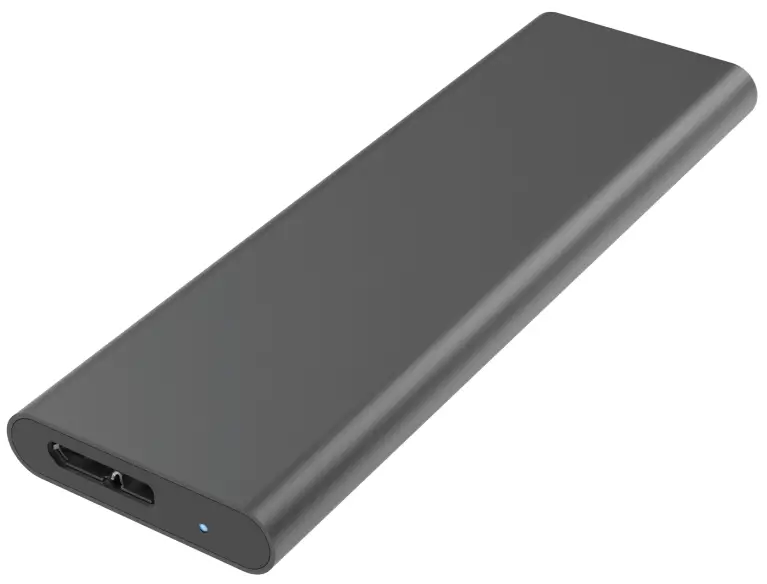
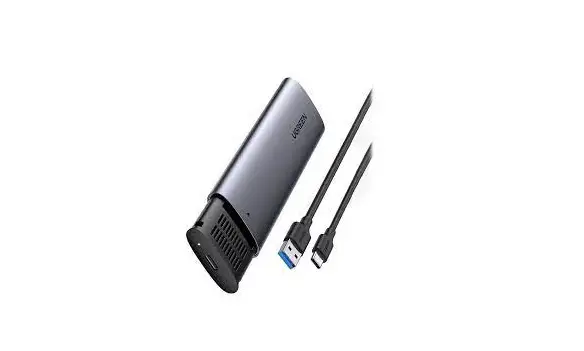
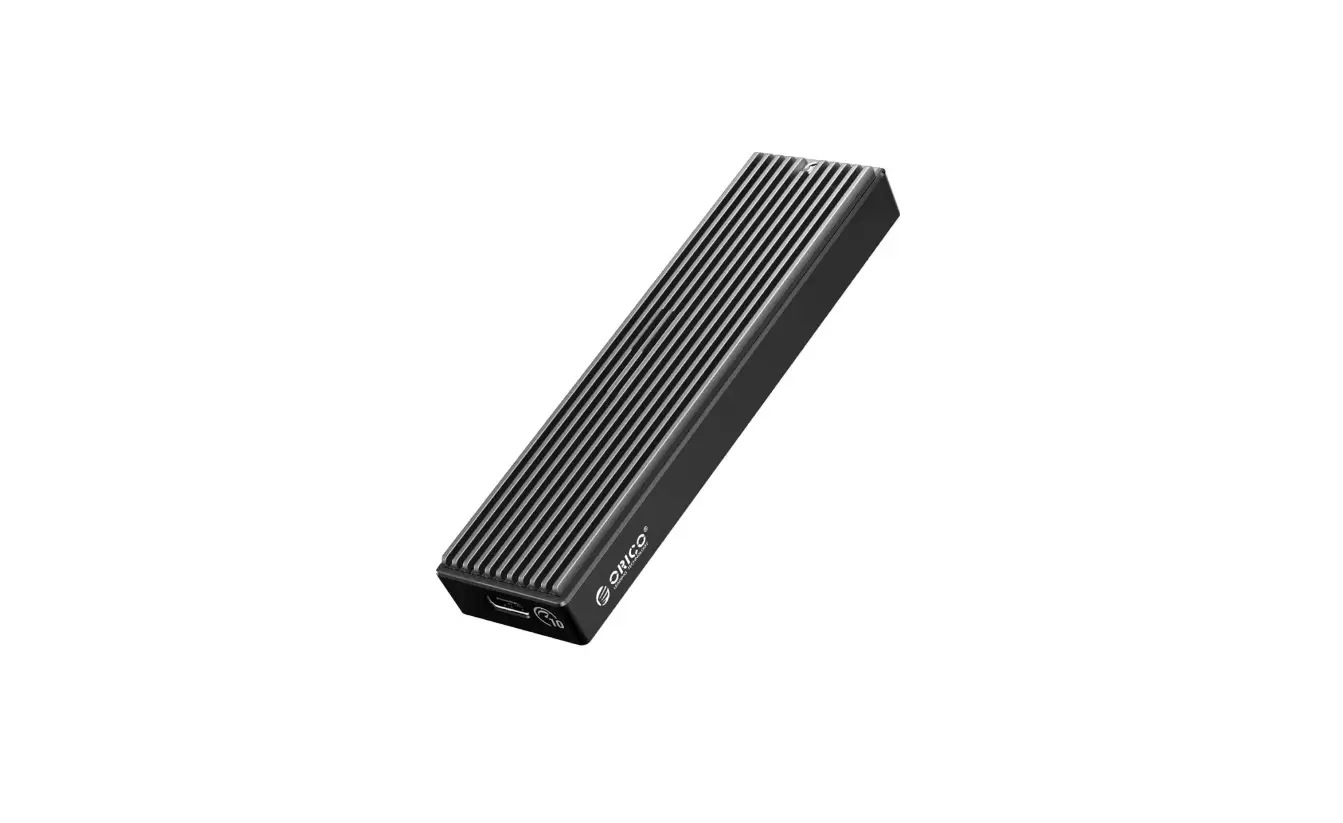
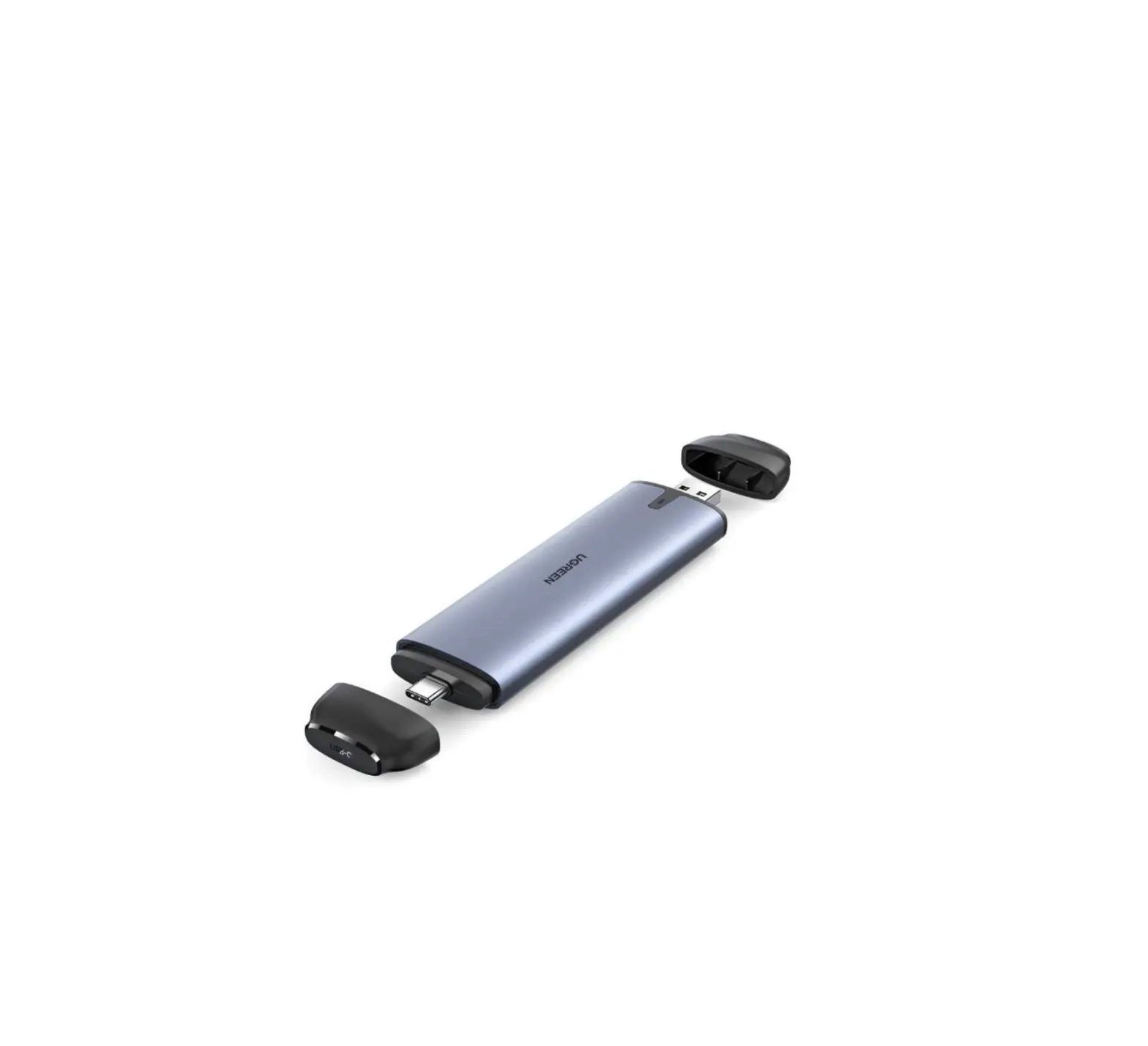
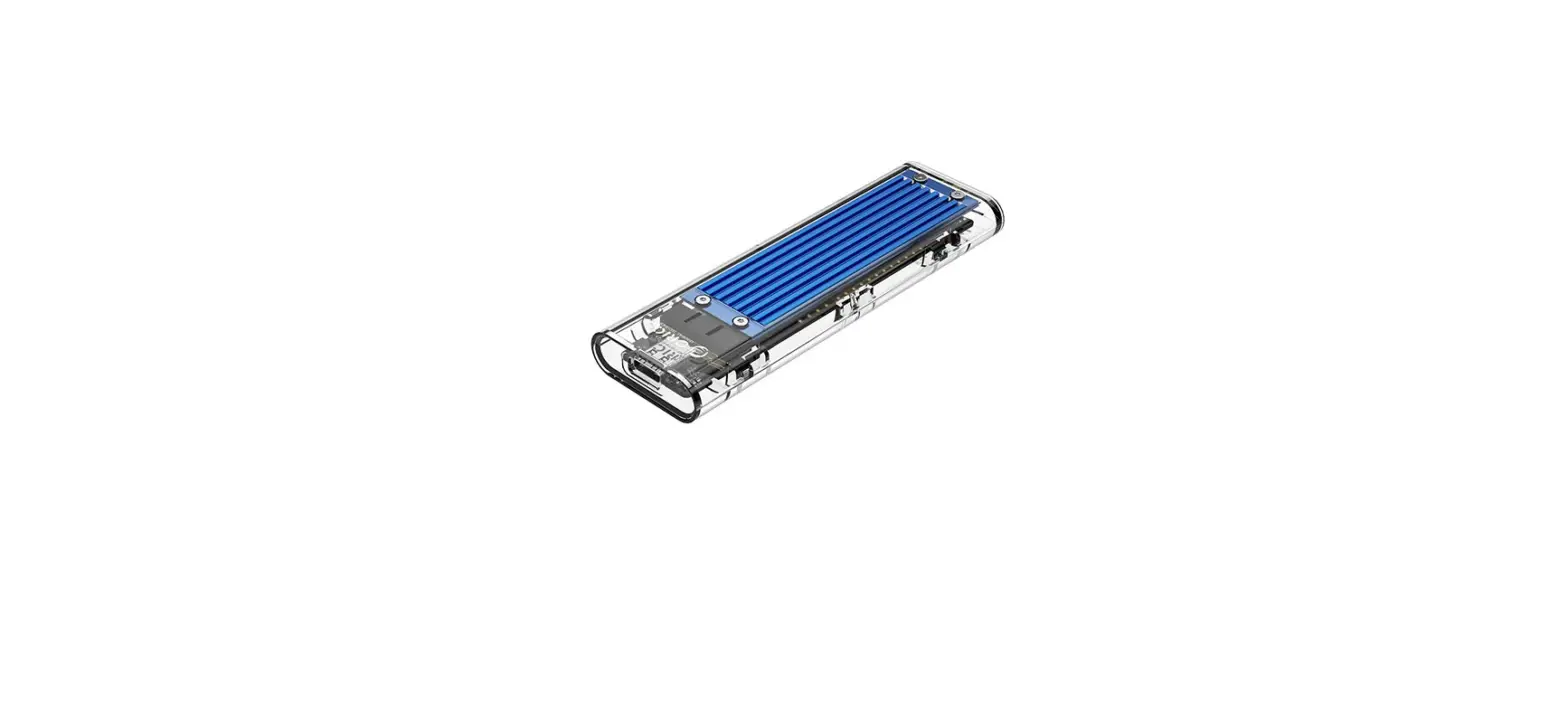
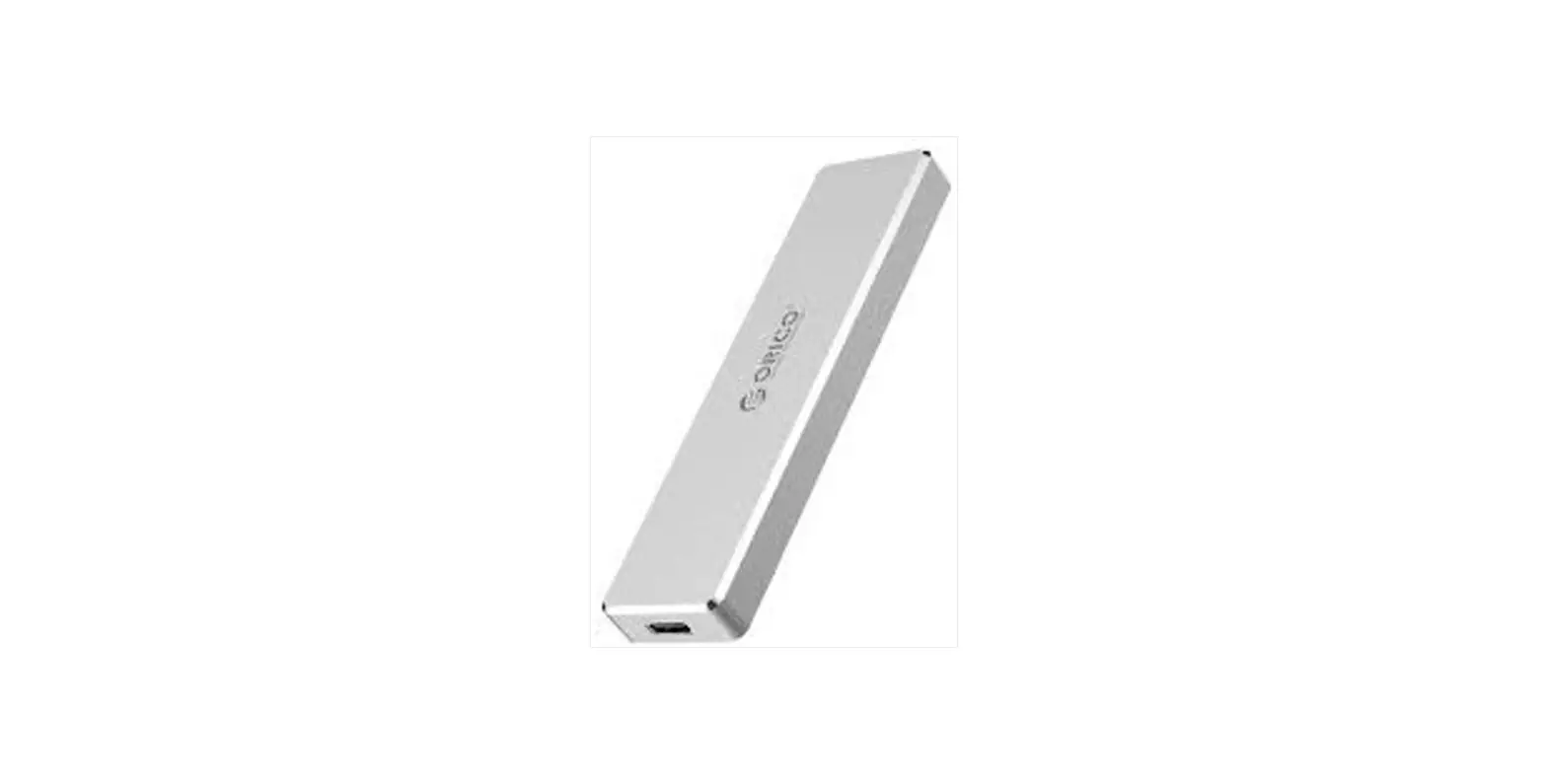
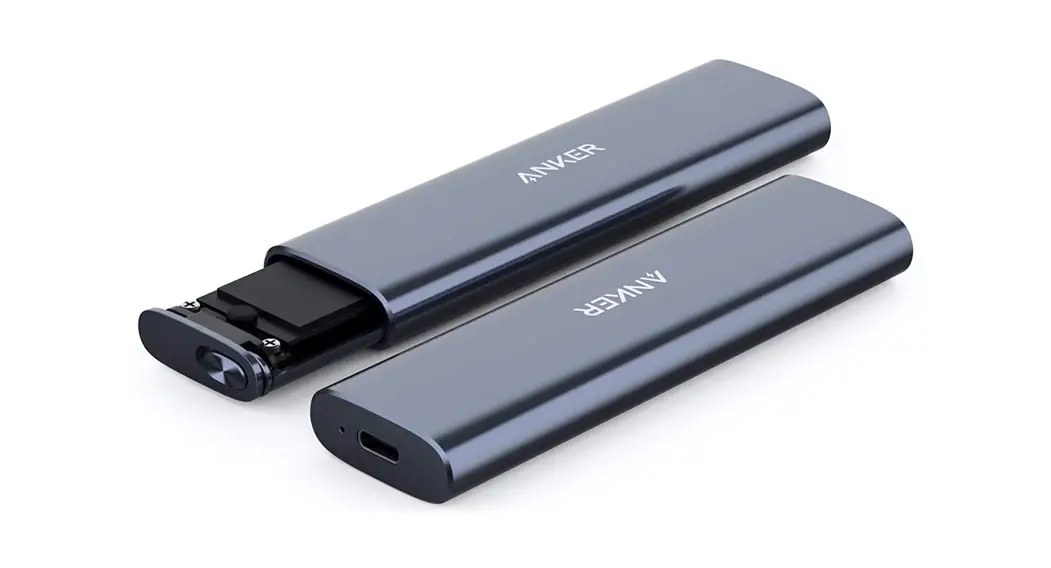
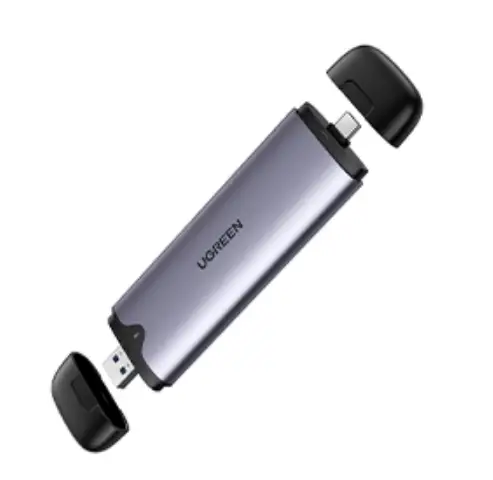
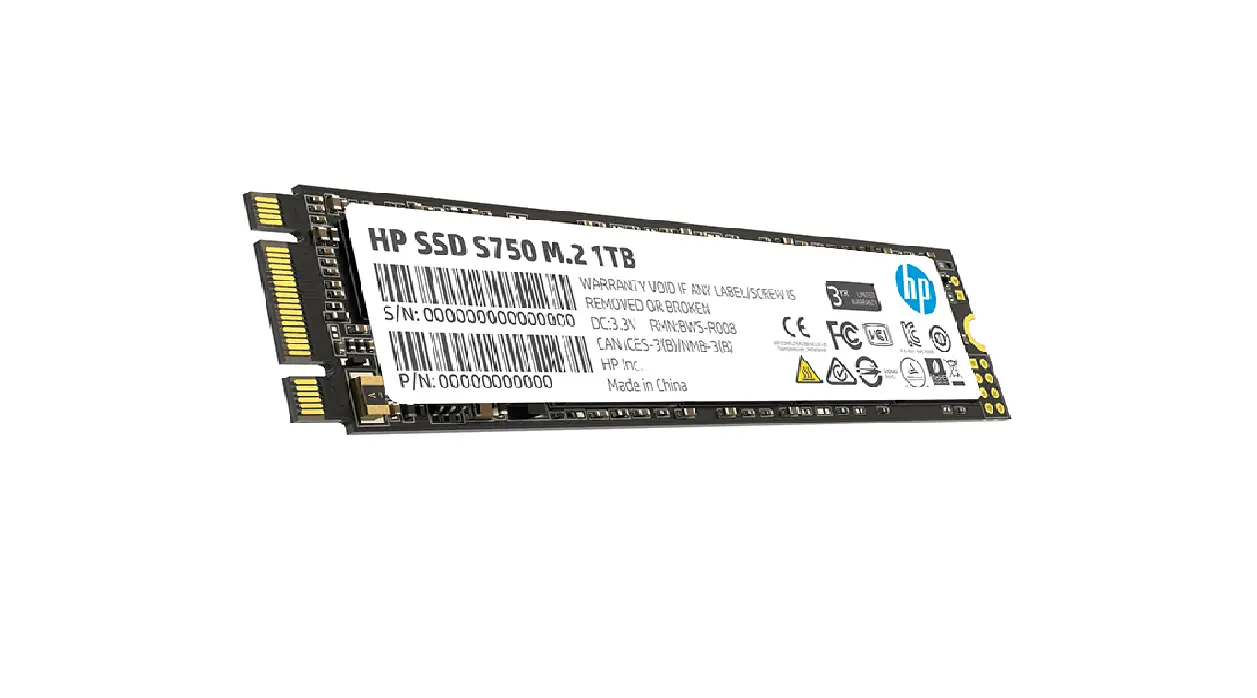
You can now turn your M.2 NGFF SSD drive into an External USB 3.0 Enclosure with the Sabrent EC-M2MC. Exclusively designed for M.2 NGFF SATA SSD B or B+M Key supporting 2242 (42mm), 2260 (60mm), and 2280 (80mm) size drives. Slim Aluminum casing, Plug & Play no driver install required.
INSTALLATION
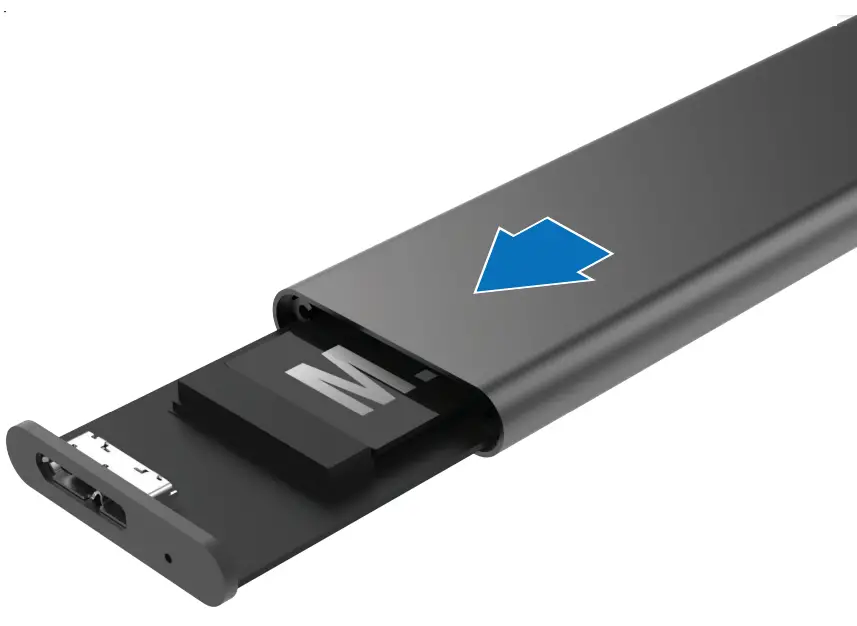
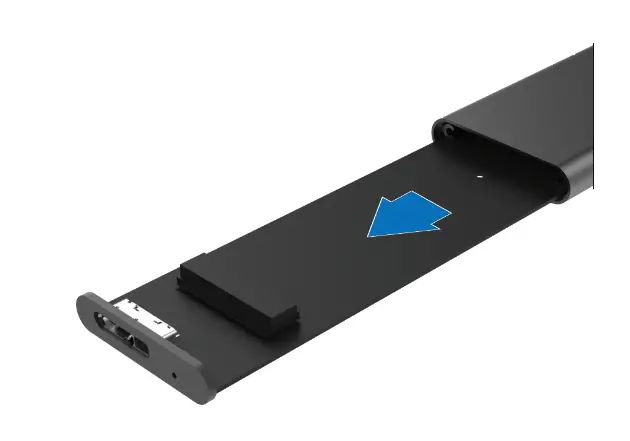
- Slide the enclosure board all the way out of the aluminum case

- Connect your M.2 SSD B or B+M Key to the board
 Note: This is only for NGFF B or B-+M Key
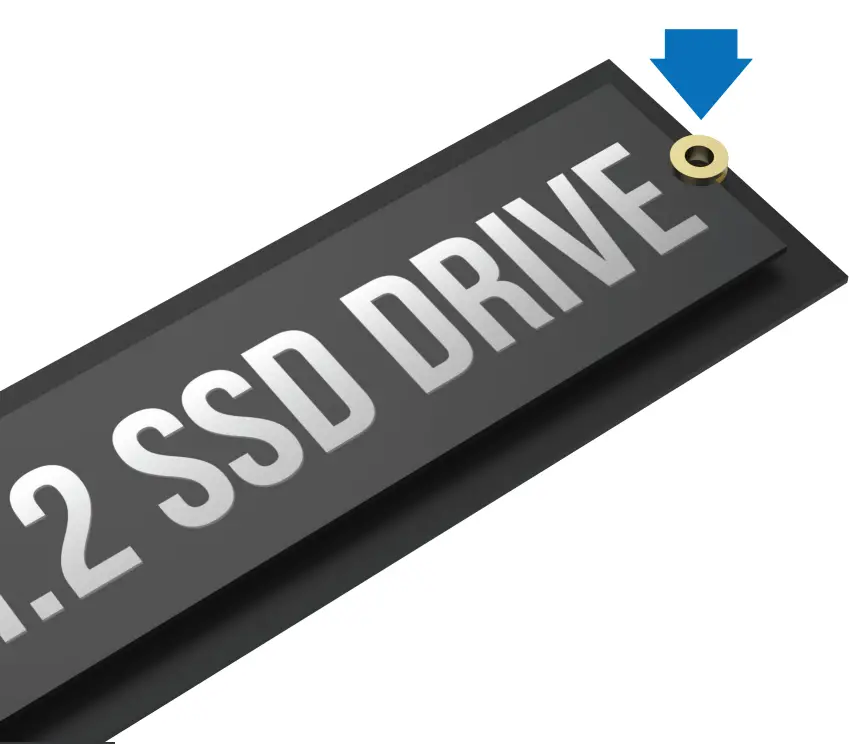
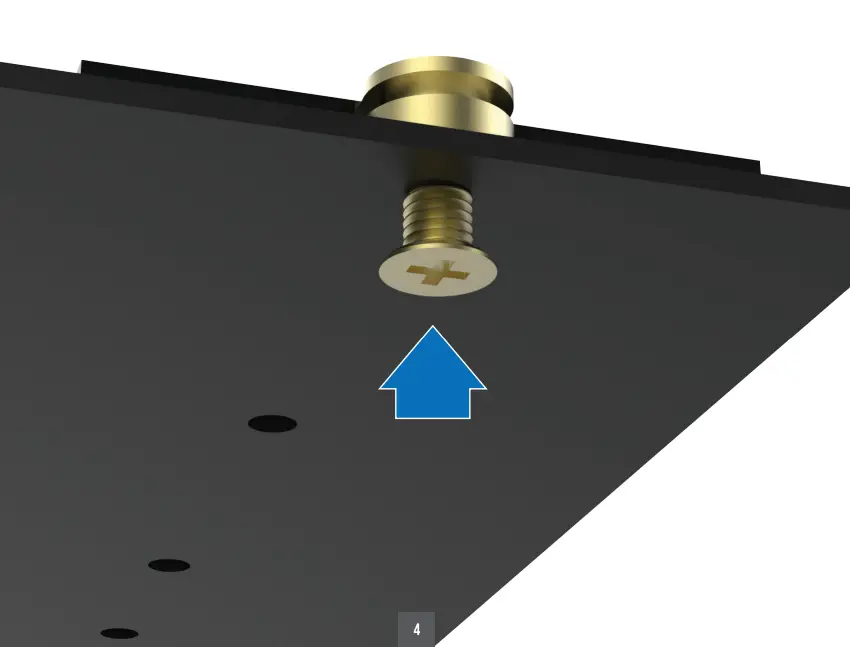
 - Insert the Screw Pin to the top of your SSD drive

- Lay the SSD down and screw it in

- Slide it back into the Aluminum case, Screw it closed

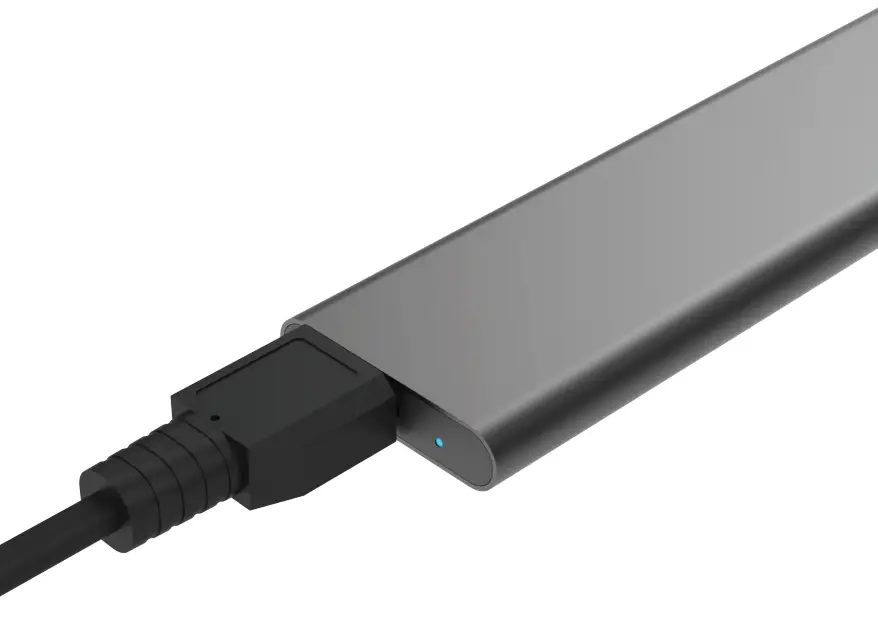
- Connect the USB 3.0 cable to the enclosure and to your computer

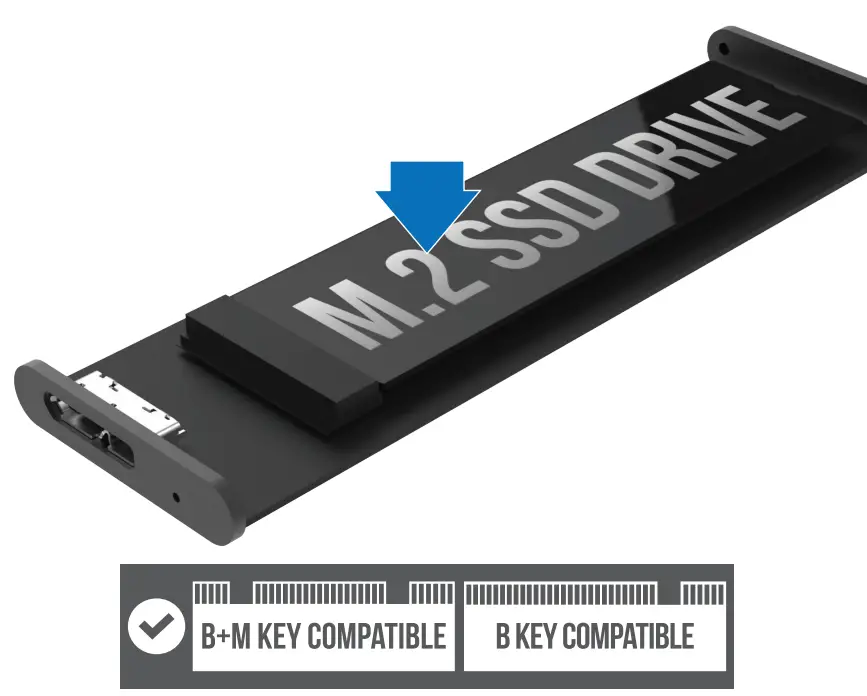 Note: This is only for NGFF B or B-+M Key