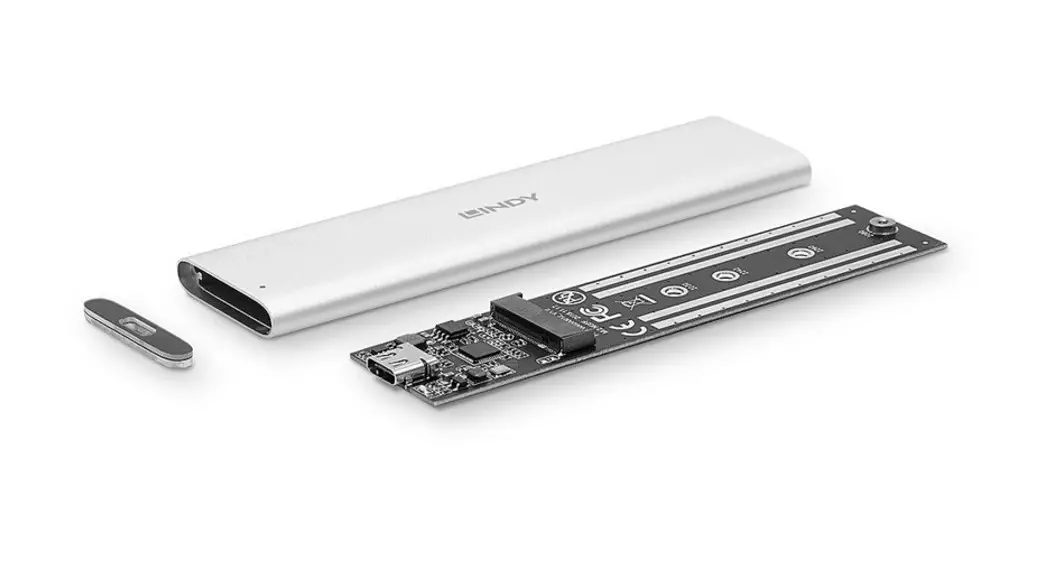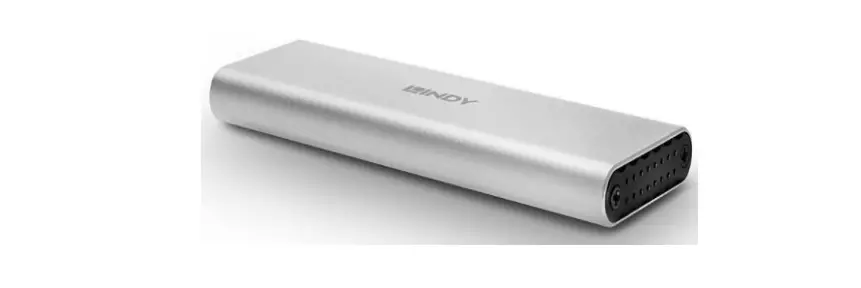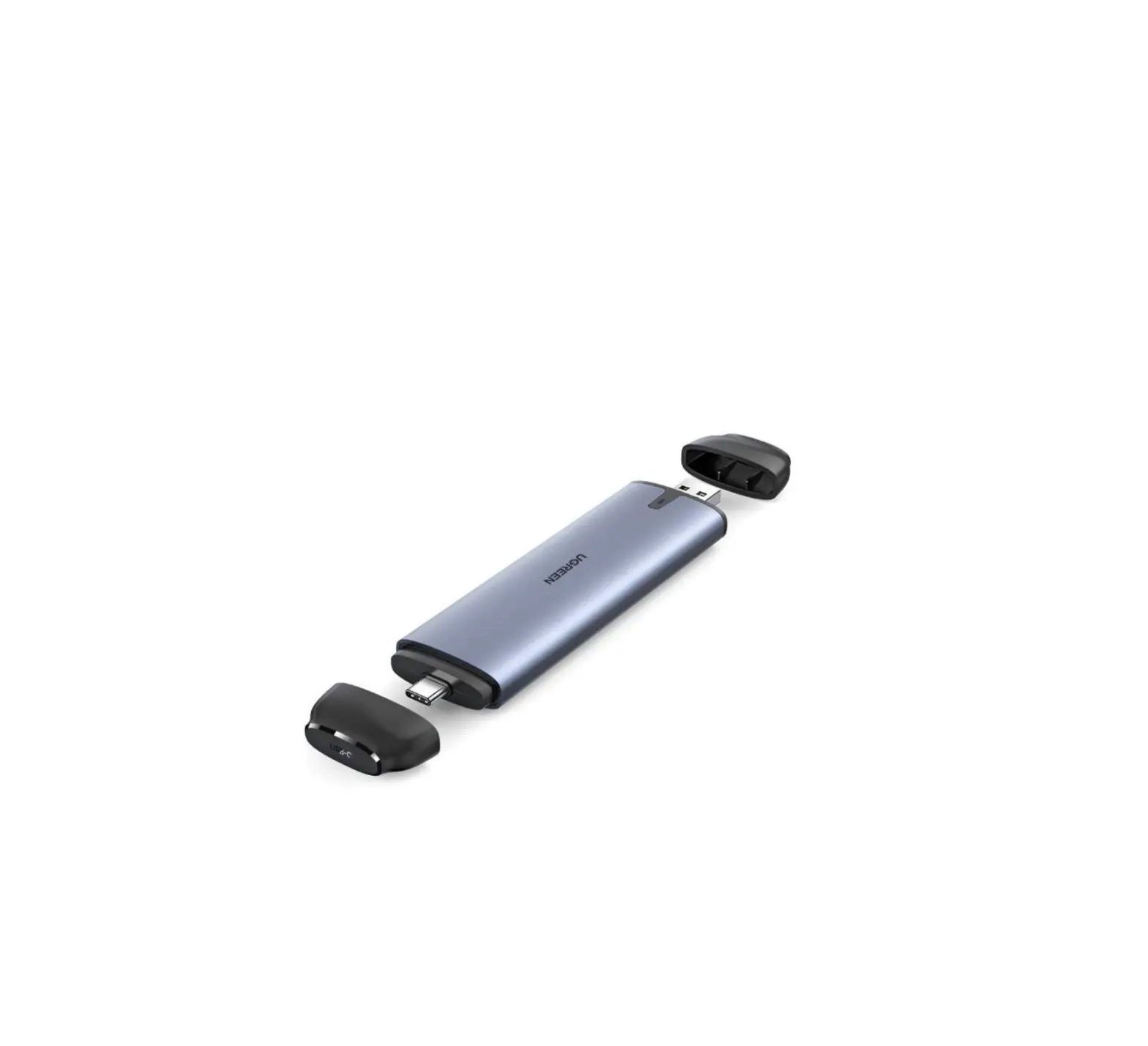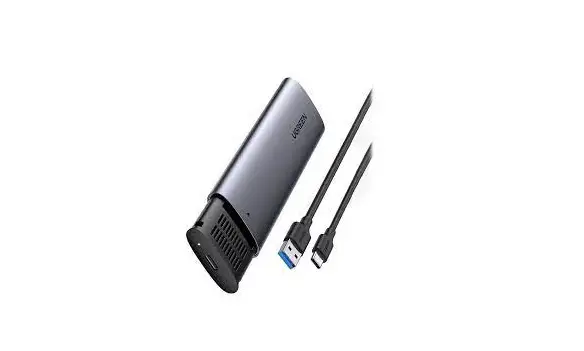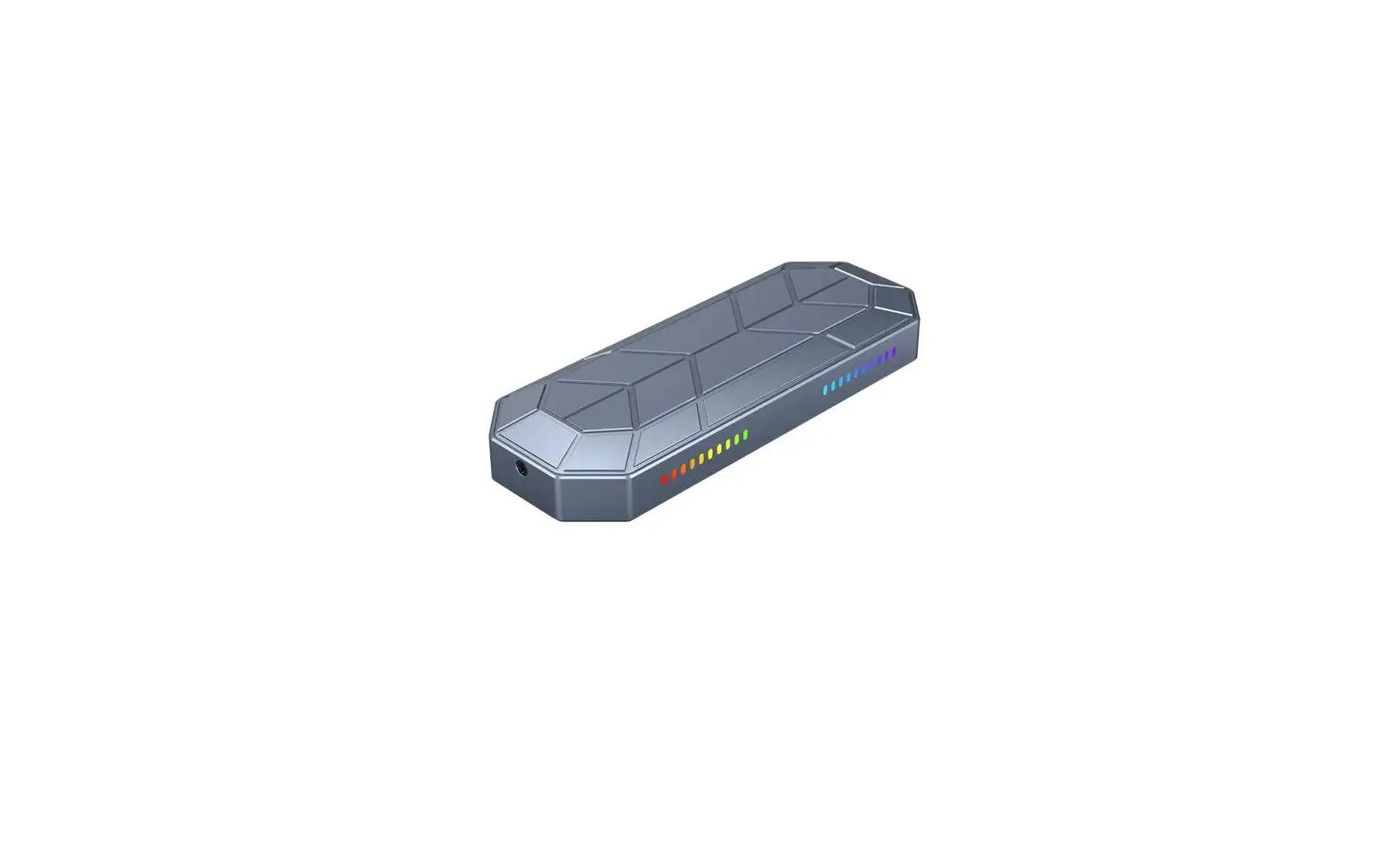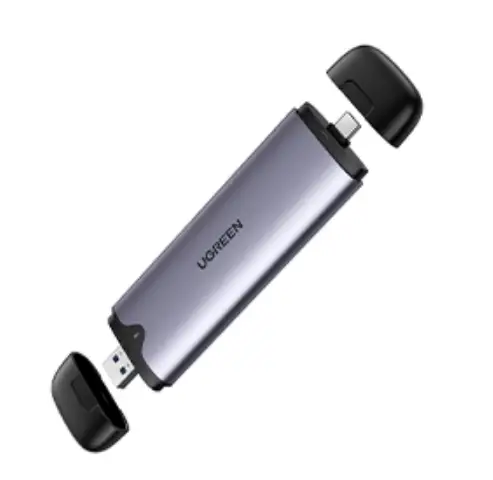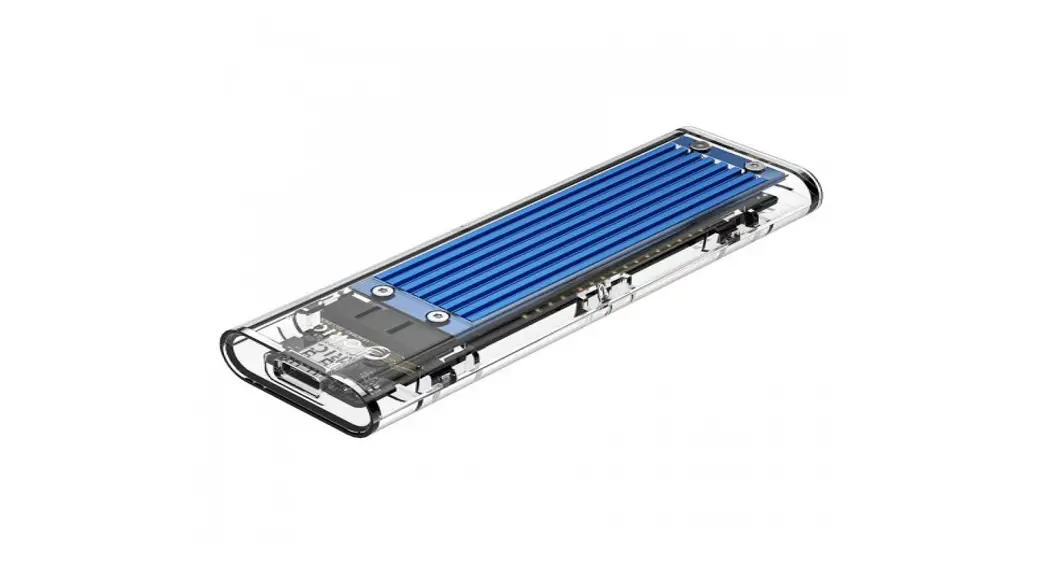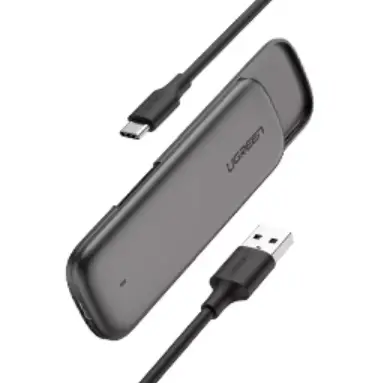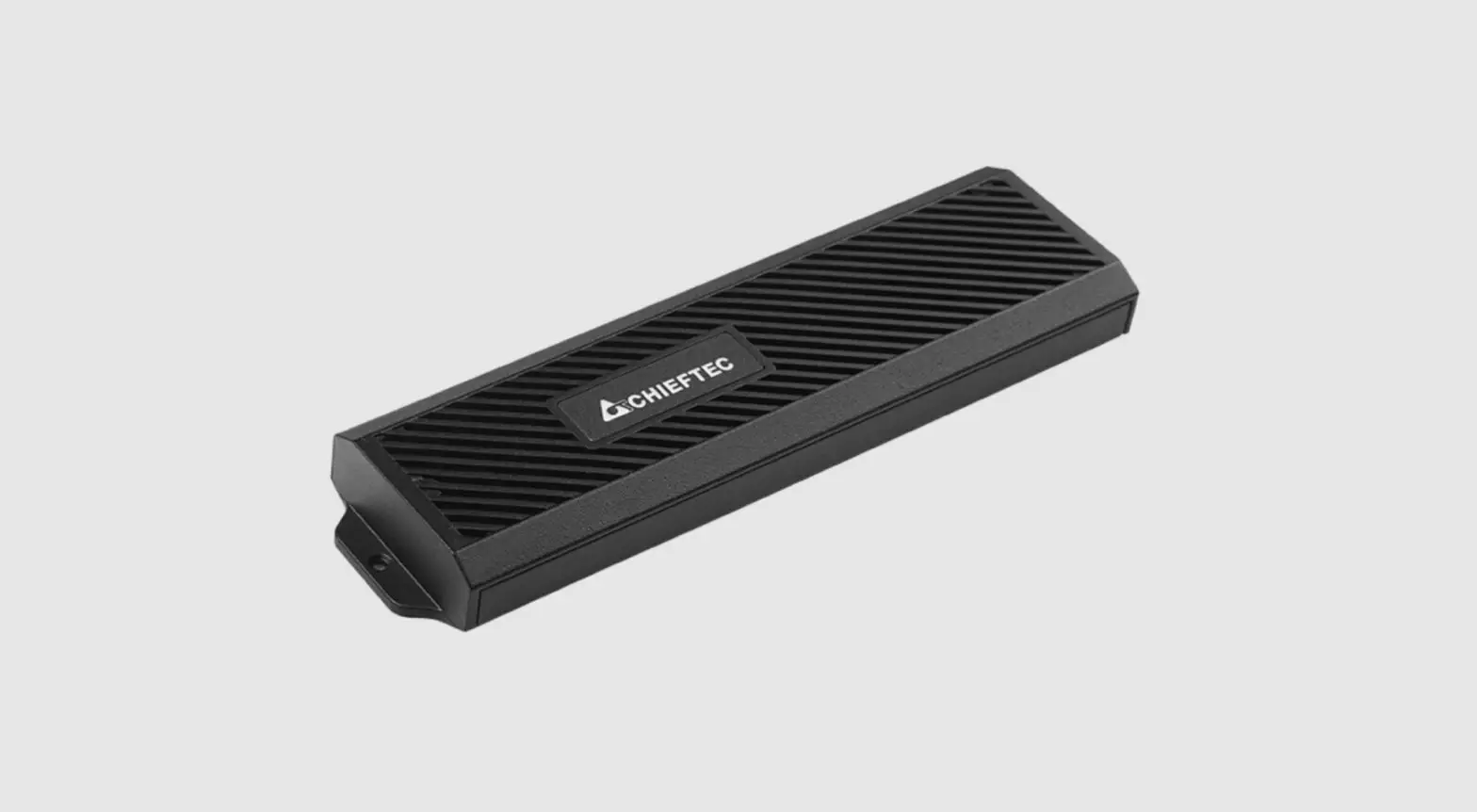

LINDY 43332 USB 3.2 Gen 2 M.2 SSD Enclosure
Introduction
Thank you for purchasing the USB 3.2 Gen 2 M.2 SSD Enclosure This product has been designed to provide trouble-free, reliable operation. It benefits from both a LINDY 2 year warranty and free lifetime technical support. To ensure correct use, please read this manual carefully and retain it for future reference.
Package contents
- Enclosure for M.2 SSD
- USB 3.2 Gen 2 Type C to C cable, approx. 20cm
- Lindy manual
Specification
- USB 3.2 / 3.1 Gen 2 (10 Gbps) standard
- For SATA based M.2 SSDs
- Supports 30mm (2230), 42mm (2242), 60mm (2260), and 80mm (2280) M.2 NGFF form factors with B key
- Chipset: VL716
- Supports SATA 1.5 / 3 / 6Gbps M.2 SSDs
- UASP support
- Durable aluminum casing
- Plug and Play, USB Bus powered
- Operating temperature: 0°C – 60°C (32°F – 140°F)
- Storage temperature: -10°C – 85°C (14°F – 185°F)
- Humidity: 20 – 75% RH (non-condensing)
Installation
Remove the two screws on the connector side of the enclosure. Slide-out the drive tray by gently tapping the connector face of the enclosure. The drive bay has a screw pre-installed for full length drives. Remove the screw, insert a drive into the M.2 connector and secure it in place with the screw. Slide the drive back into the enclosure, secure the connector panel with the two screws originally removed. Connect the included USB 3.2 Gen 2 Type C to C cable to your computer and to the USB 3.2 M.2 SSD Enclosure. The operating system will install necessary drivers automatically and the USB 3.2 Type C M.2 SSD Enclosure is now ready for use.
 Lindy Electronics