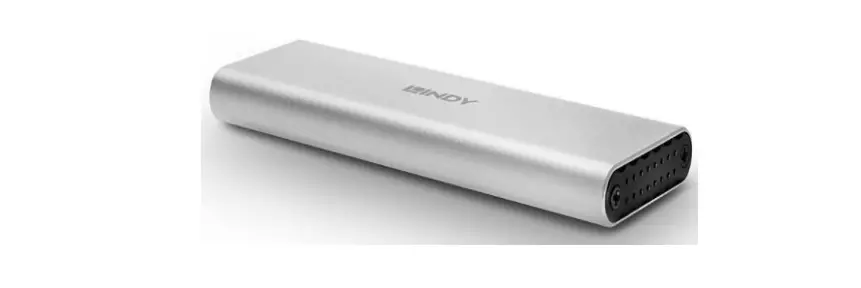
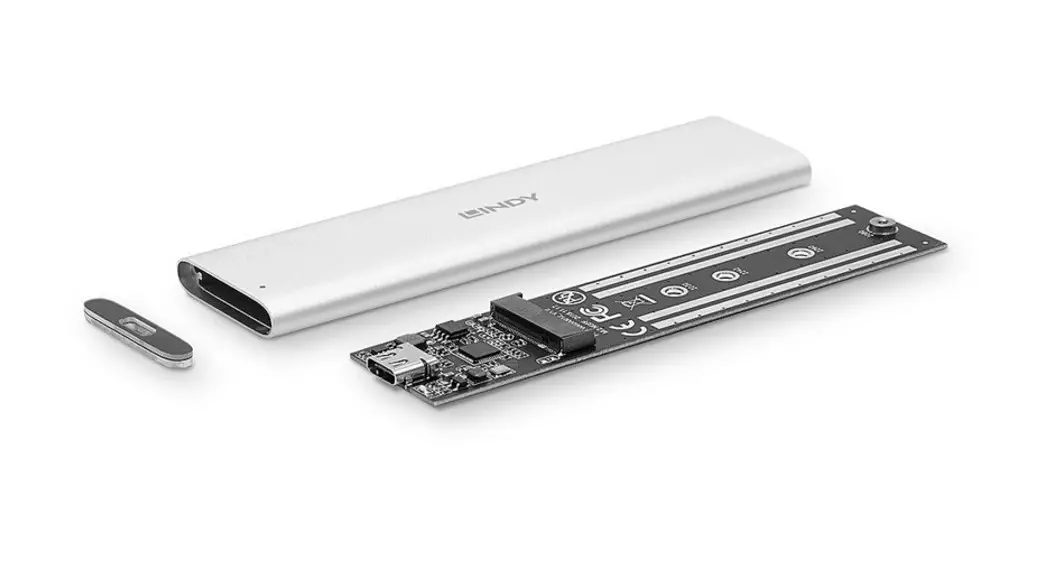
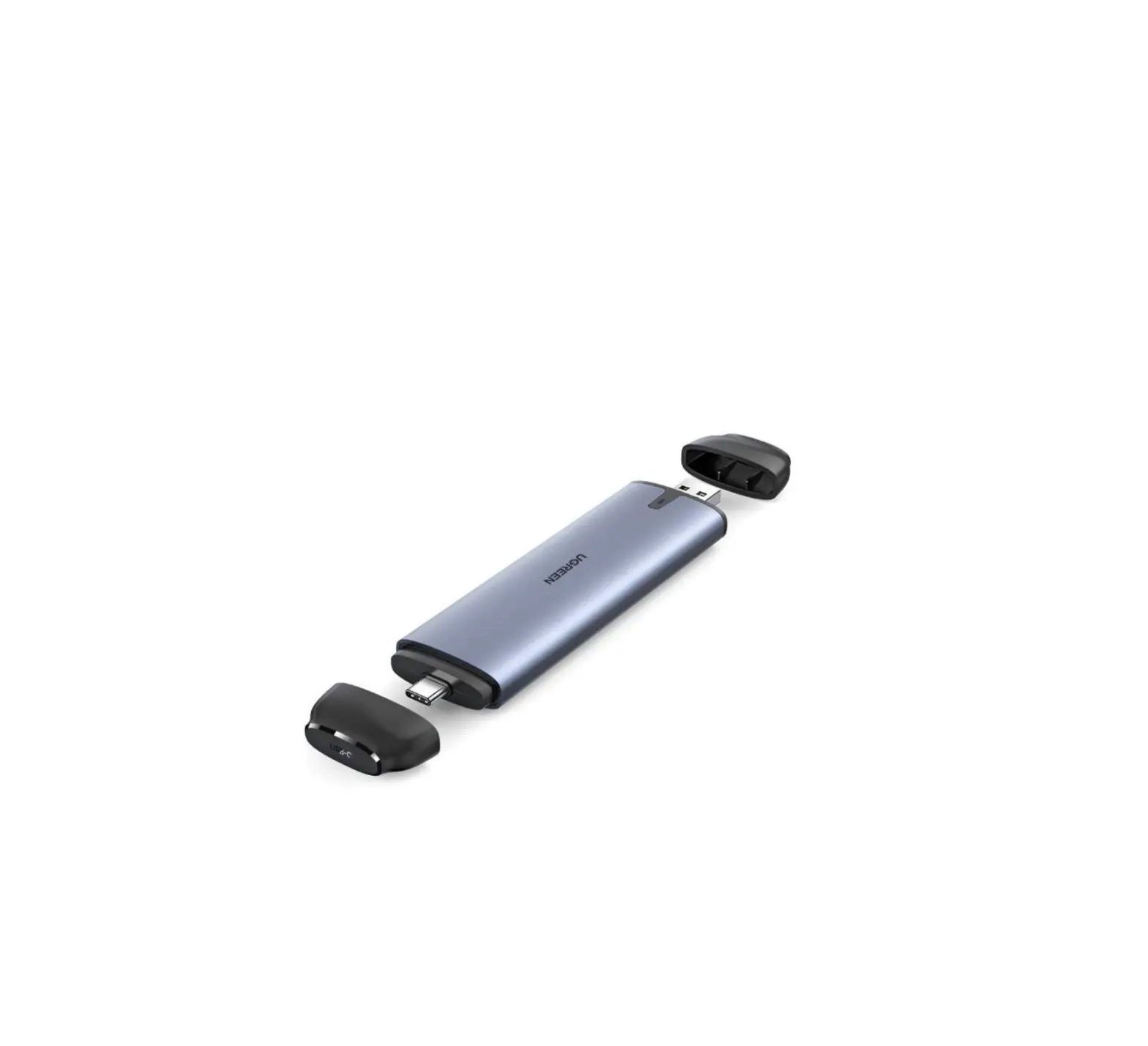
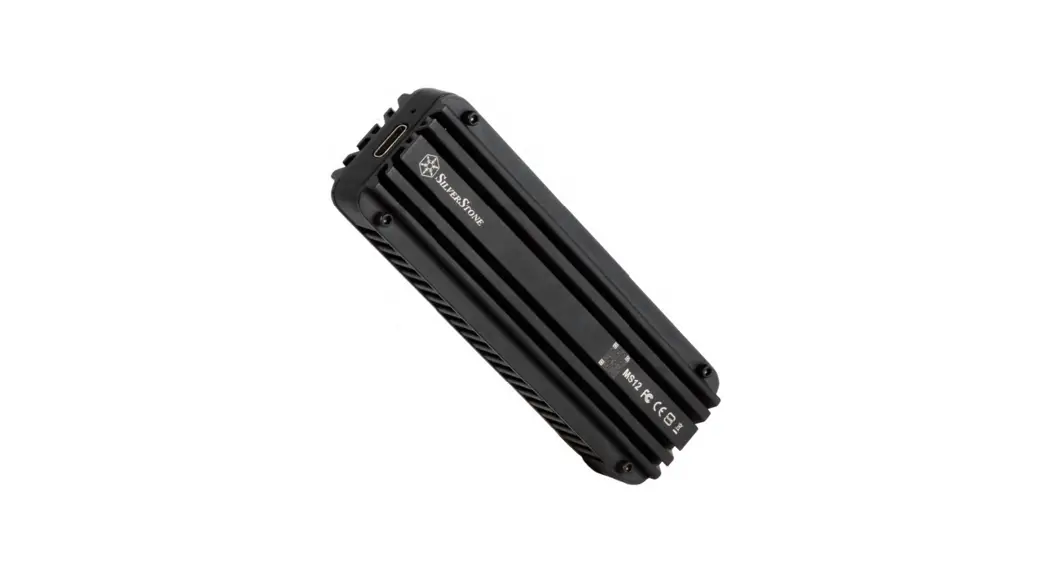
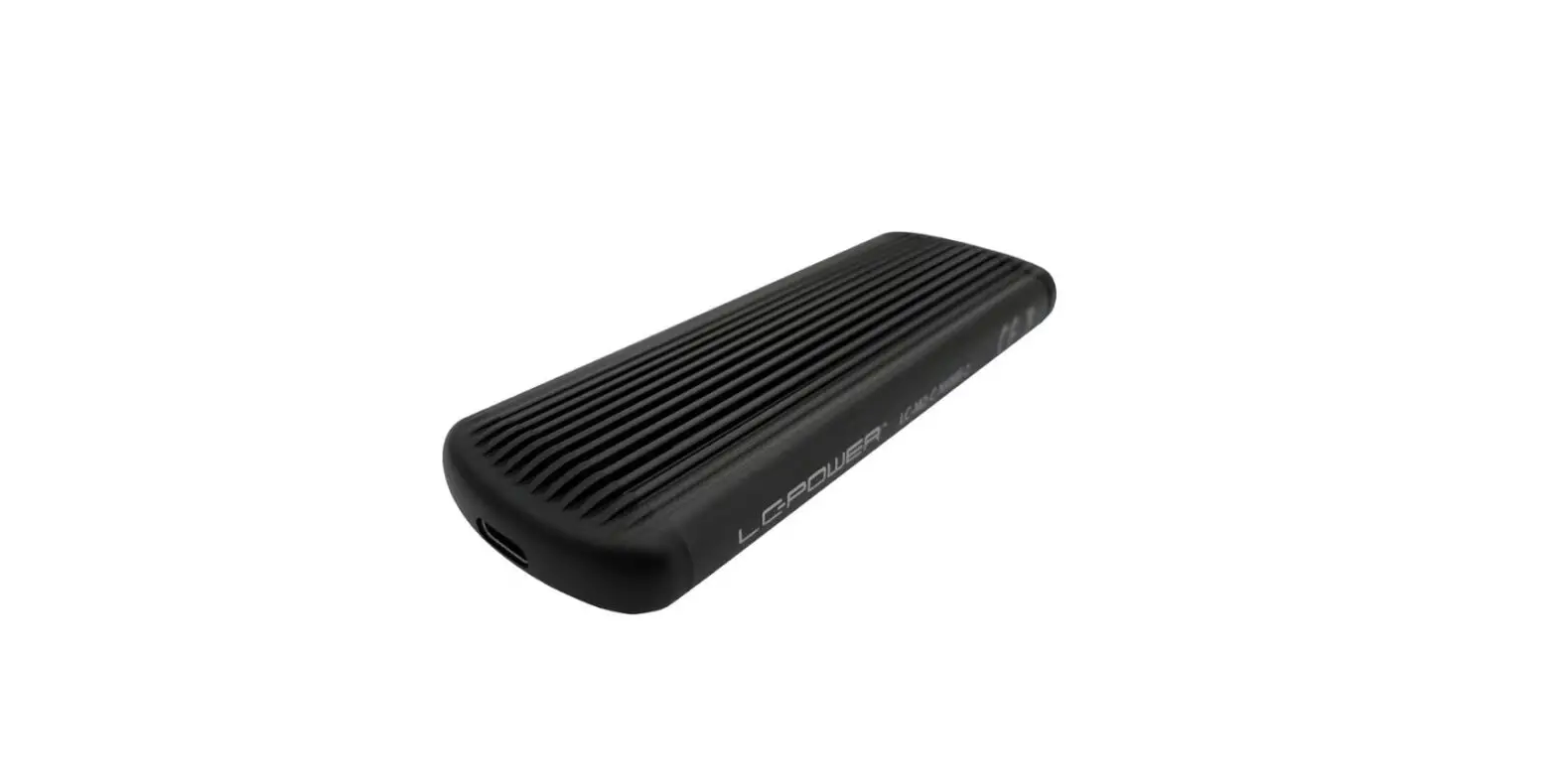
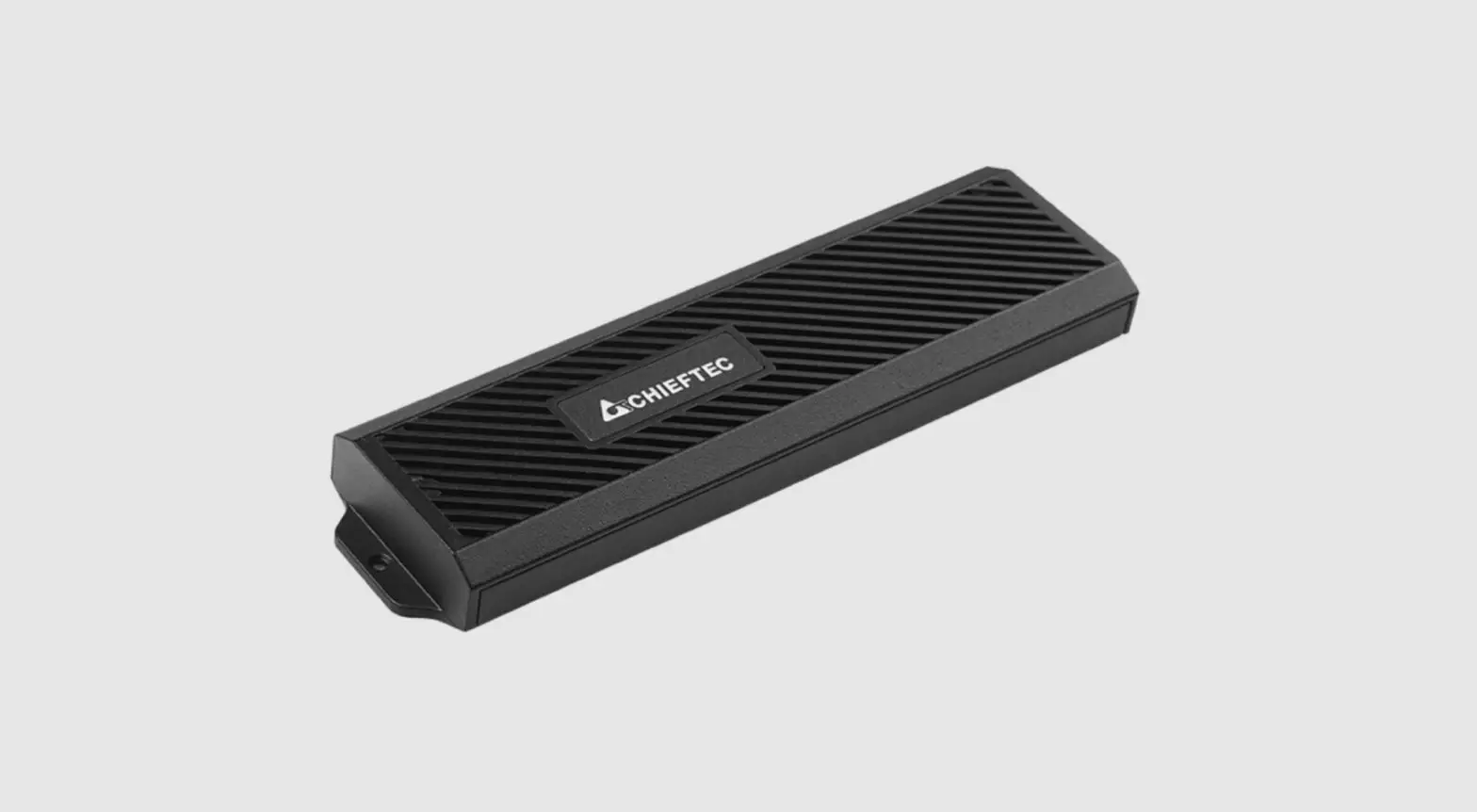
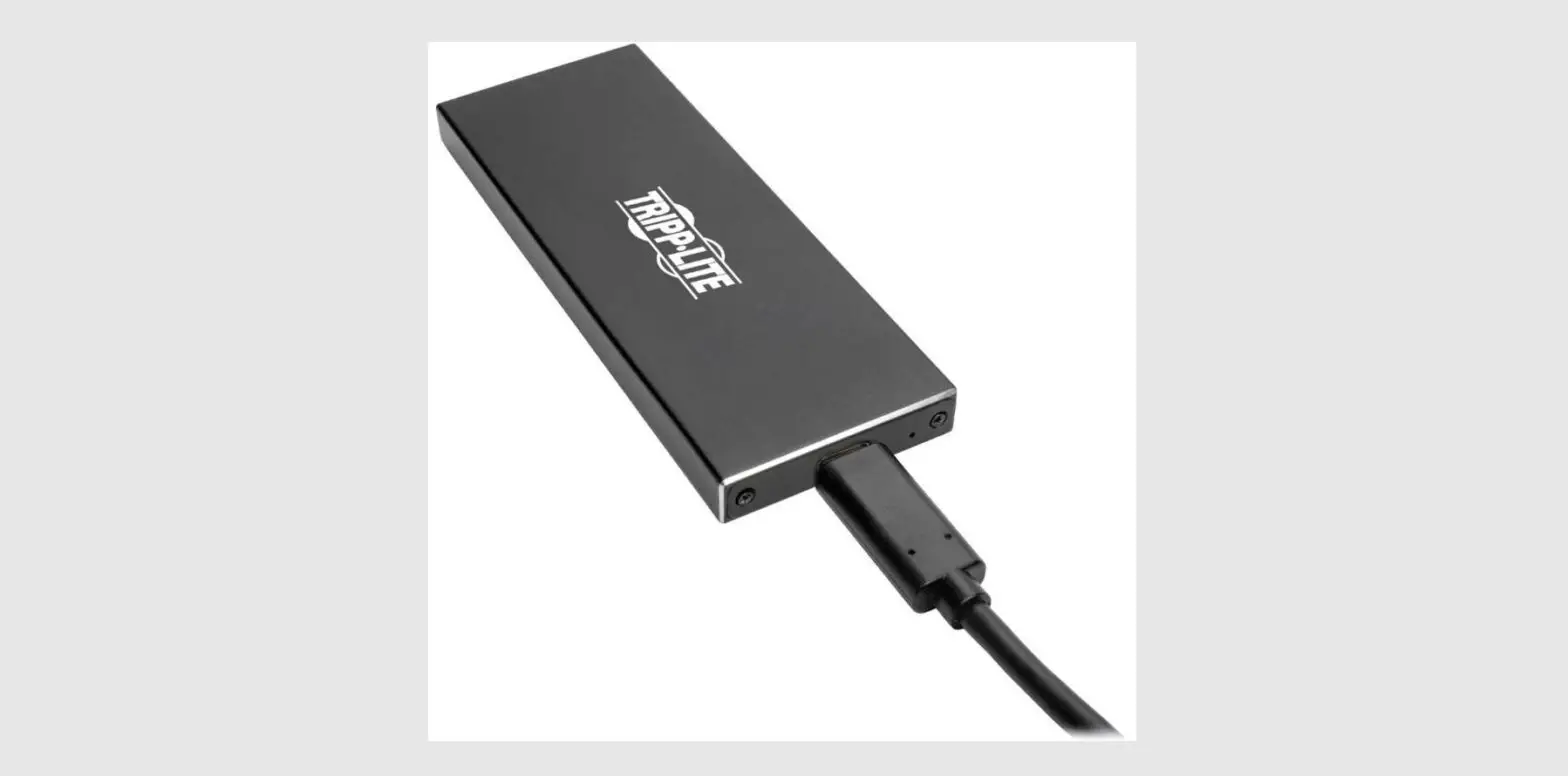
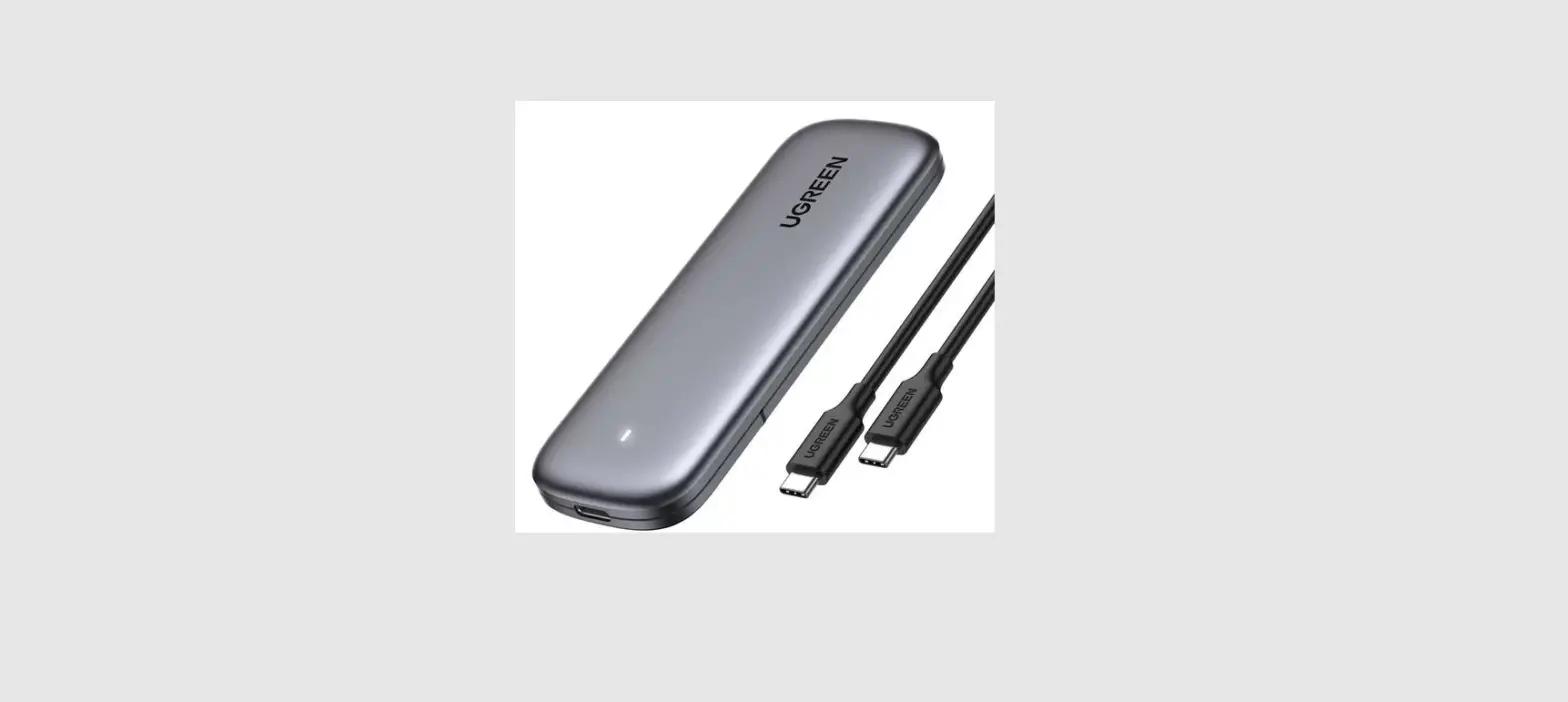
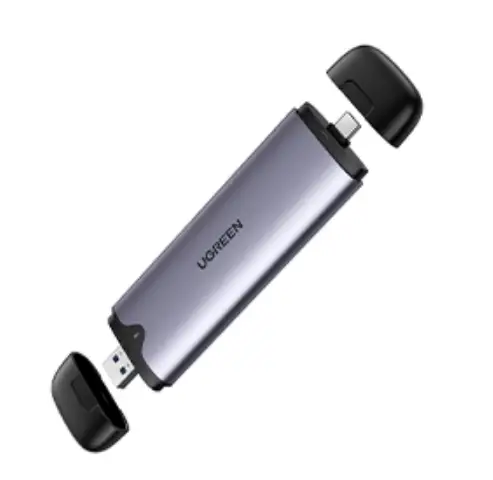
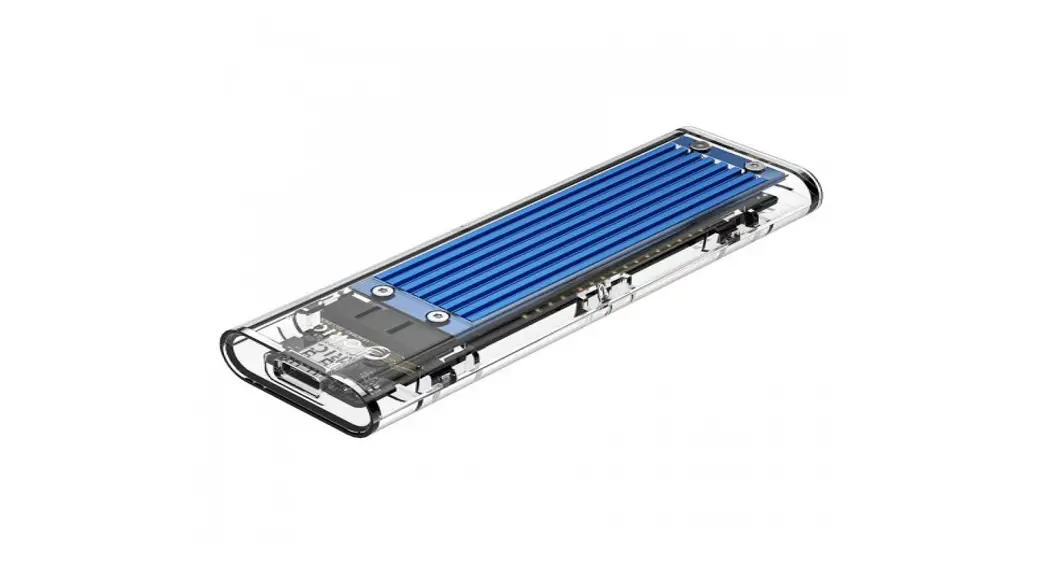
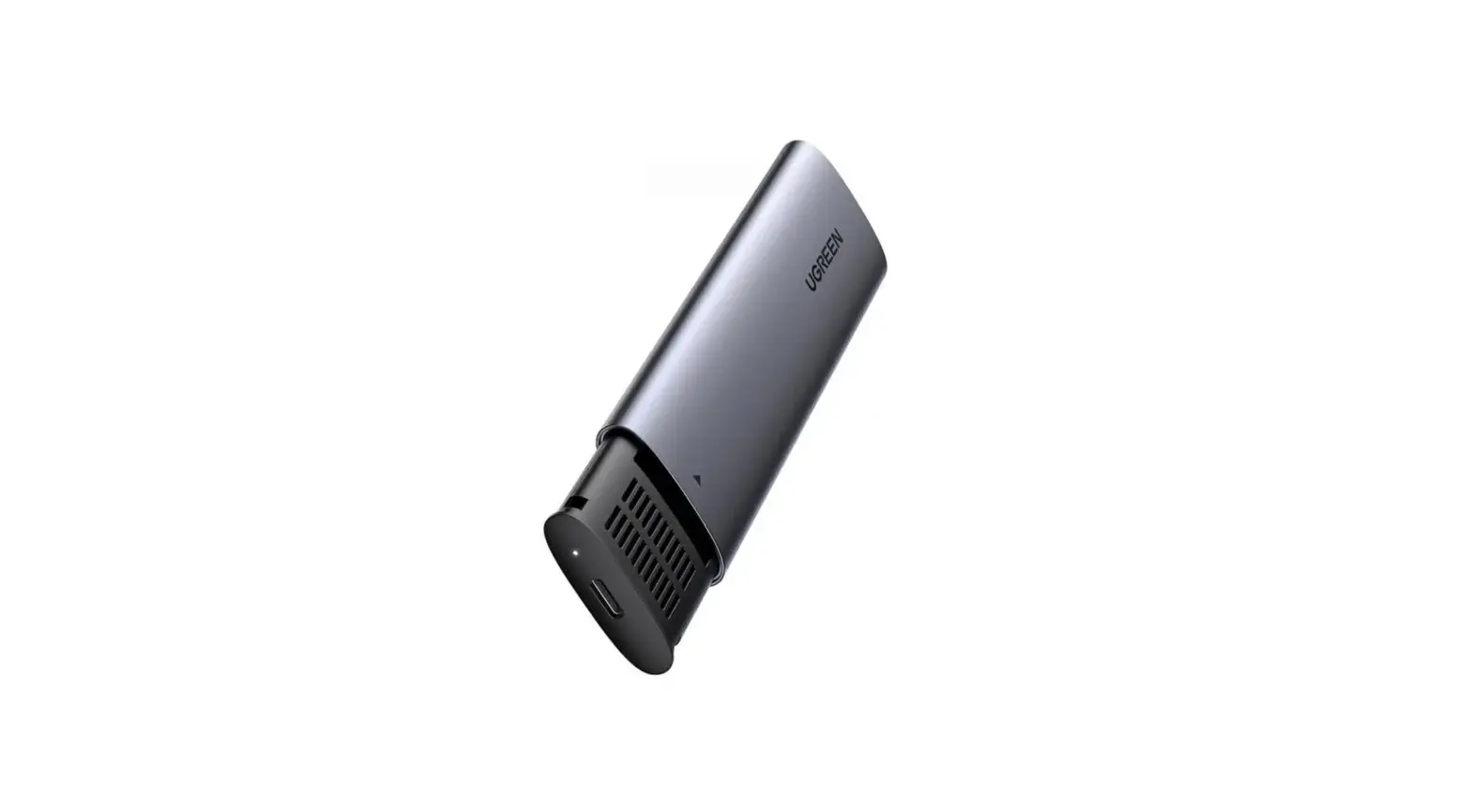
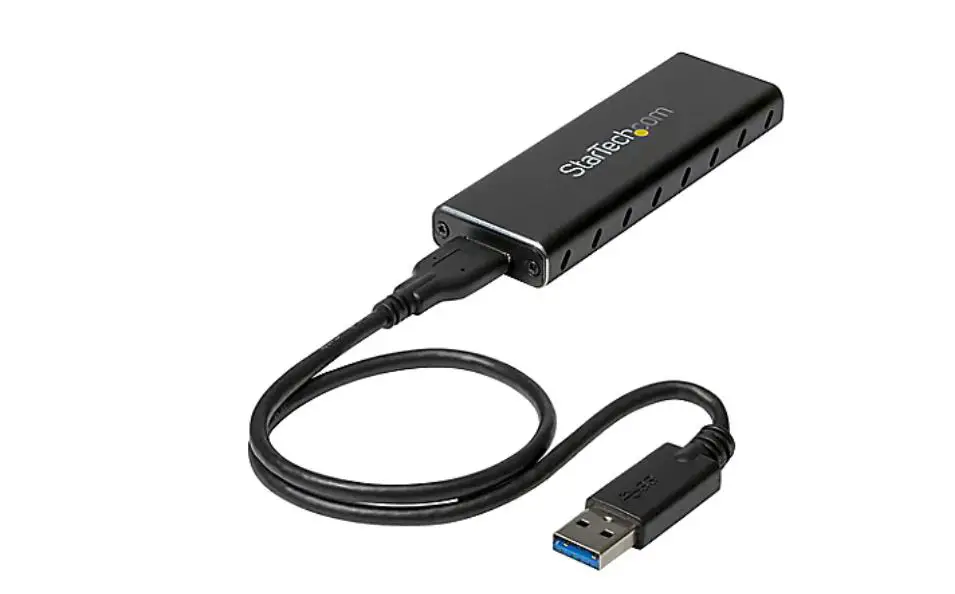
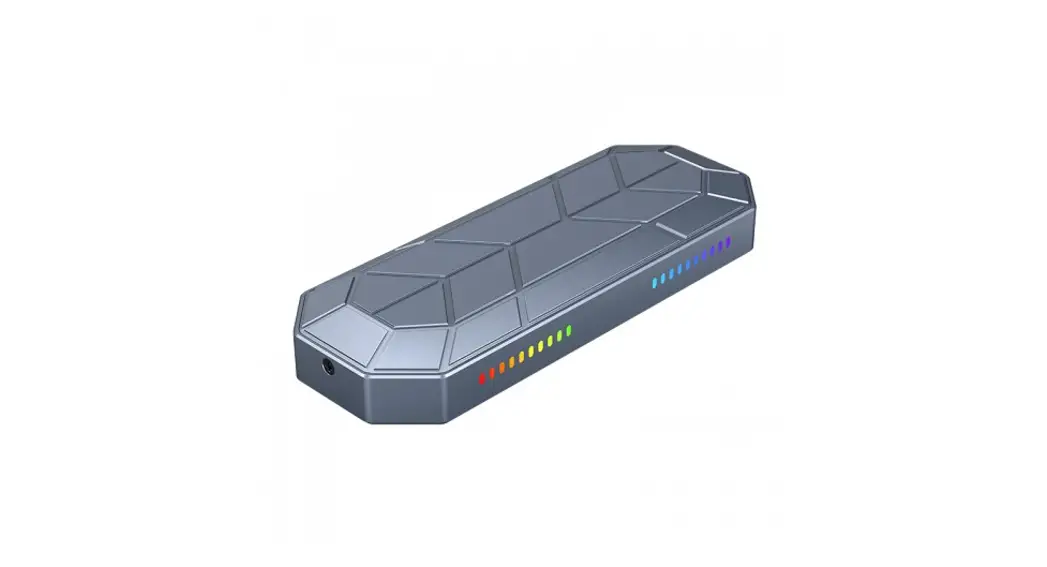
42593 USB 10 Gbps External Enclosure for 1 x M.2 NVMe SSD
Product Information: Product Name: USB 10 Gbps External Enclosure
for 1 x M.2 NVMe SSD Product No: 42593 User Manual No: 42593-a
Manufacturer: Delock Website:
[www.delock.com](https://www.delock.com) Support Email:
[email protected] CE Certification: The product fulfills the EMC
directive (2014/30/EU) and RoHS directive
(2011/65/EU+2015/863+2017/2102). Declaration of conformity can be
downloaded
[here](https://www.delock.de/produkte/G_42593/merkmale.html).
Importer in the EU: Tragant Handels- und Beteiligungs GmbH,
Beeskowdamm 13/15, 14167 Berlin, Germany Product Usage
Instructions: 1. Hardware Installation: – Open the enclosure by
gently pressing the top cover to the back. – Insert your M.2 SSD
(SATA) into the slot. – Use screws to secure the module. – Close
the enclosure. – Plug the enclosure into a free USB port. 2. Driver
Installation: – Turn on your computer. – The external drive will be
automatically recognized, and you can start using the device
immediately. Note: The product information provided is subject to
change without prior notice. For further questions or support,
please contact Delock customer support at [email protected].
Support Delock If you have further questions, please contact our customer support [email protected] You can find current product information on our homepage: www.delock.com
Final clause Information and data contained in this manual are subject to change without notice in advance. Errors and misprints excepted.
Copyright No part of this user manual may be reproduced, or transmitted for any purpose, regardless in which way or by any means, electronically or mechanically, without explicit written approval of Delock.
Edition: 02/2023
Declaration of conformity Products with a CE symbol fulfill the EMC directive (2014/30/EU) and RoHS directive (2011/65/EU+2015/863+2017/2102), which were released by the EU-comission. The declaration of conformity can be downloaded here: https://www.delock.de/produkte/G_42593/merkmale.html
WEEE-notice The WEEE (Waste Electrical and Electronic Equipment)-directive, which became effective as European law on February 13th 2003, resulted in an all out change in the disposal of disused electro devices. The primarily purpose of this directive is the avoidance of electrical waste (WEEE) and at the same time the support of recycling and other forms of recycling in order to reduce waste. The WEEE-logo on the device and the package indicates that the device should not be disposed in the normal household garbage. You are responsible for taking the disused electrical and electronical devices to a respective collecting point. A separated collection and reasonable recycling of your electrical waste helps handling the natural resources more economical. Furthermore recycling of electrical waste is a contribution to keep the environment and thus also the health of men. Further information about disposal of electrical and electronical waste, recycling and the collection points are available in local organizations, waste management enterprises, in specialized trade and the producer of the device.
User manual Mode d’emploi Uzivatelská pírucka Manuale utente Manual de utilizare Korisnicki prirucnik
Bedienungsanleitung Manual del usuario Instrukcja obslugi Bruksanvisning Használati utasítás
USB 10 Gbps External Enclosure for 1 x M.2 NVMe SSD
EU Import: Tragant Handels- und Beteiligungs GmbH Beeskowdamm 13/15, 14167 Berlin, Germany
Hrvatski
Sigurnosne upute · Zastitite proizvod od vlage · Zastitite proizvod od izravne sunceve svjetlosti · Izbjegavajte antistaticki elektricitet prilikom postavljanja SSD-a
Ugradnja hardvera 1. Otvorite kuiste laganim pritiskanjem gornjeg poklopca prema natrag. 2. Sada ukopcajte M.2 SSD (SATA) u utor. 3. Vijcima pricvrstite modul. 4. Zatvorite kuiste. 5. Ukopcajte kuiste u slobodni USB prikljucak.
Instalacija upravljackog programa 1. Ukljucite vase racunalo. 2. Vanjski pogon e se prepoznati i moi ete odmah poceti s upotrebom
ureaja.
Product-No: 42593
User manual no: 42593-a
www.delock.com
English
Safety instructions · Protect the product against moisture · Protect the product against direct sunlight · Avoid anti-static electricity when installing the SSD
Hardware Installation 1. Open the enclosure by gently pressing the top cover to behind. 2. Now you plug your M.2 SSD (SATA) into the slot. 3. Fix the module with the help of the screws. 4. Close the enclosure. 5. Plug the enclosure to a free USB port.
Driver Installation 1. Switch on your computer. 2. The external drive will be recognized and you can start using the device
immediately.
· · · SSD
1. . 2. M.2 SSD (SATA) . 3. . 4. . 5. USB.
1. . 2.
.
Deutsch
Sicherheitshinweise · Produkt vor Feuchtigkeit schützen · Produkt vor direkter Sonneneinstrahlung schützen · Vermeiden Sie antistatische Aufladung beim Einbau der SSD
Hardwareinstallation 1. Öffnen Sie das Gehäuse durch leichtes Drücken der Oberseite nach hinten. 2. Stecken Sie nun Ihre M.2 SSD (SATA) in den Slot. 3. Befestigen Sie das Modul mit Hilfe der vorhandenen Schrauben. 4. Schließen Sie das Gehäuse wieder. 5. Stecken Sie das Gehäuse in eine freie USB Buchse.
Treiberinstallation 1. Schalten Sie den Computer ein. 2. Das externe Laufwerk wird sofort erkannt und Sie können das Gerät sofort
verwenden.
Français
Instructions de sécurité · Protéger le produit contre l’humidité · Protéger le produit contre la lumière directe du soleil · Eviter l’électricité statique au moment de l’installation de votre SSD
Installation matérielle 1. Ouvrez le boîtier en appuyant délicatement sur le couvercle supérieur vers
l’arrière. 2. Vous pouvez à présent brancher votre SSD M.2 (SATA) dans l’emplacement. 3. Fixez le module à l’aide des vis. 4. Fermez le boîtier. 5. Branchez le boîtier à un port USB libre.
Installation du pilote
1. Allumez votre ordinateur. 2. Le lecteur externe
est reconnu et vous
pouvez immédiatement commencer à l’utiliser.
Cet appareil se recycle
Points de collecte sur www.quefairedemesdechets.fr
Español
Instrucciones de seguridad · Proteja el producto contra el polvo · Proteja el producto contra la luz solar directa · Evite la electricidad estática cuando instale la unidad de estado sólido
Hardware Instalación 1. Abra la carcasa presionando suavemente la tapa superior hacia atrás. 2. Ahora enchufe la unidad de estado sólido M.2 (SATA) en la ranura. 3. Fije el módulo con la ayuda de los tornillos. 4. Cierre la carcasa. 5. Enchufe la carcasa a un puerto USB disponible.
Instalación del controlador 1. Encienda su PC. 2. La unidad externa será reconocida y podrá comenzar a utilizar el dispositivo
inmediatamente.
Italiano
Istruzioni per la sicurezza · Proteggere il prodotto dall’umidità · Proteggere il prodotto dalla luce solare diretta · Evitare l’elettricità antistatica durante l’installazione dell’SSD
Installazione dell’hardware 1. Aprire l’alloggio premendo delicatamente il coperchio superiore verso il retro. 2. Collegare l’SSD M.2 (SATA) nello slot. 3. Fissare il modulo con l’ausilio delle viti. 4. Chiudere l’alloggio. 5. Inserire l’alloggio in una porta USB disponibile.
Installazione del driver 1. Accendere il computer. 2. L’unità esterna viene riconosciuta ed è possibile iniziare ad utilizzare
immediatamente il dispositivo.
Svenska
Säkerhetsinstruktioner · Skydda produkten mot fukt · Skydda produkten mot direkt solljus · Undvik antistatisk elektricitet när du installerar SSD:n
Hårdvaruinstallation 1. Öppna höljet genom att försiktigt trycka på det övre locket. 2. Koppla in din M.2 SSD (SATA) i facket. 3. Fixera modulen med hjälp av skruvarna. 4. Stäng höljet. 5. Anslut höljet till en ledig USB-port.
Installation av drivrutiner 1. Slå på datorn. 2. Den externa enheten kommer att hittas och du kan börja använda enheten
omedelbart.
Ceské
Bezpecnostní pokyny · Chrate produkt ped vlhkostí · Chrate produkt ped pímým slunecním svtlem · Vyhnte se anti-statické elektin pi instalaci SSD
Instalace hardware 1. Otevte pouzdro jemným stiskem horního krytu. 2. Nyní pipojte do slotu vás M.2 SSD (SATA). 3. Pipevnte modul pomocí sroub. 4. Zavete pouzdro. 5. Pipojte pouzdro k volnému portu USB.
Instalace ovladace 1. Zapnte pocítac. 2. Je rozpoznán externí disk a mzete jej zacít pouzívat.
Român
Instruciuni de siguran · Protejai produsul împotriva umiditii · Protejai produsul împotriva luminii directe a soarelui · Evitai electricitatea antistatic atunci când instalai SSD
Instalarea componentelor hardware 1. Deschidei incinta apsând cu atenie în partea din spate a capacului superior. 2. Acum putei conecta unitatea SSD M.2 (SATA) la fant. 3. Fixai modulul cu ajutorul uruburilor. 4. Închidei incinta. 5. Conectai incinta la un port USB liber.
Instalarea driverului 1. Pornii computerul. 2. Unitatea extern va fi recunoscut i putei începe s utilizai imediat
dispozitivul.
Polsku
Instrukcje bezpieczestwa · Produkt naley zabezpieczy przed wilgoci · Produkt naley zabezpieczy przed bezporednim wiatlem slonecznym · Podczas instalowania SSD naley unika elektrycznoci statycznej
Instalacja sprztu 1. Otwórz obudow poprzez delikatne nacinicie górnej oslony do tylu. 2. Podlcz dysk M.2 SSD (SATA) do gniazda. 3. Przymocuj modul za pomoc rubek. 4. Zamknij obudow. 5. Wcinij obudow do wolnego portu USB.
Instalacja sterownika 1. Wlcz komputer. 2. Napd zewntrzny zostanie wykryty automatycznie i od razu mona korzysta
z urzdzenia.
Magyar
Biztonsági óvintézkedések · Óvja a terméket a nedvességtl. · Óvja a terméket a közvetlen napsugárzástól. · Kerülje az elektrosztatikus kisüléseket az SSD beszerelése közben
Hardvertelepítés 1. Nyomja hátra finoman a fels burkolatot a merevlemezház kinyitásához. 2. Csatlakoztassa az M.2 SSD-t (SATA) a nyílásba. 3. Rögzítse a modult a csavarok segítségével. 4. Zárja vissza a ház burkolatát. 5. Csatlakoztassa a merevlemezházat egy szabad USB-portba.
Illesztprogram telepítése 1. Kapcsolja be a számítógépet. 2. Megtörténik a küls meghajtó felismerése, és azonnal használatba veheti az
eszközt.
 Delock Home
 Info-tri | Ministères Écologie Énergie Territoires
 Delock Produkte 42593 Delock Externes Gehäuse M.2 Key B 80 mm SSD > USB 3.1 Gen 2 Typ-A Stecker