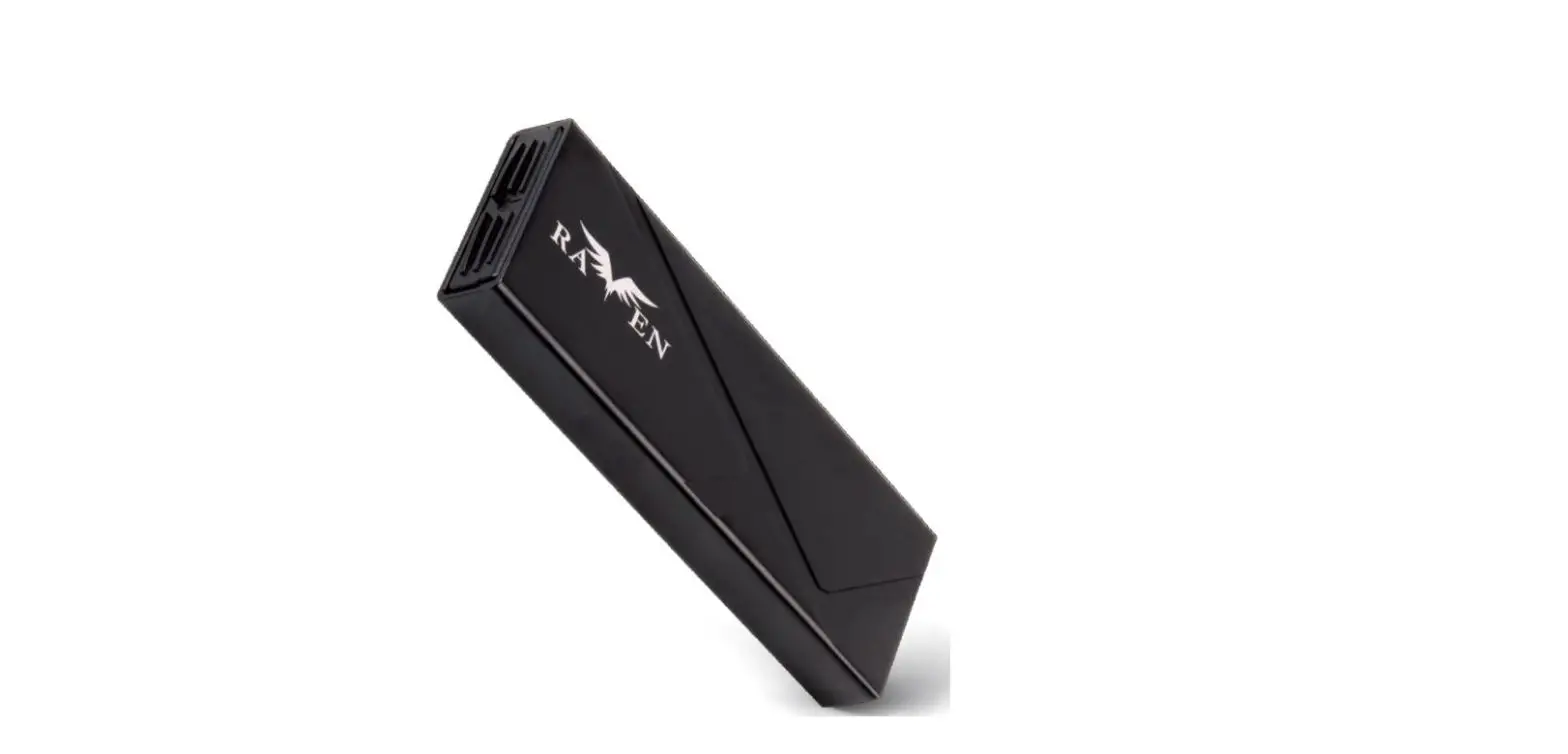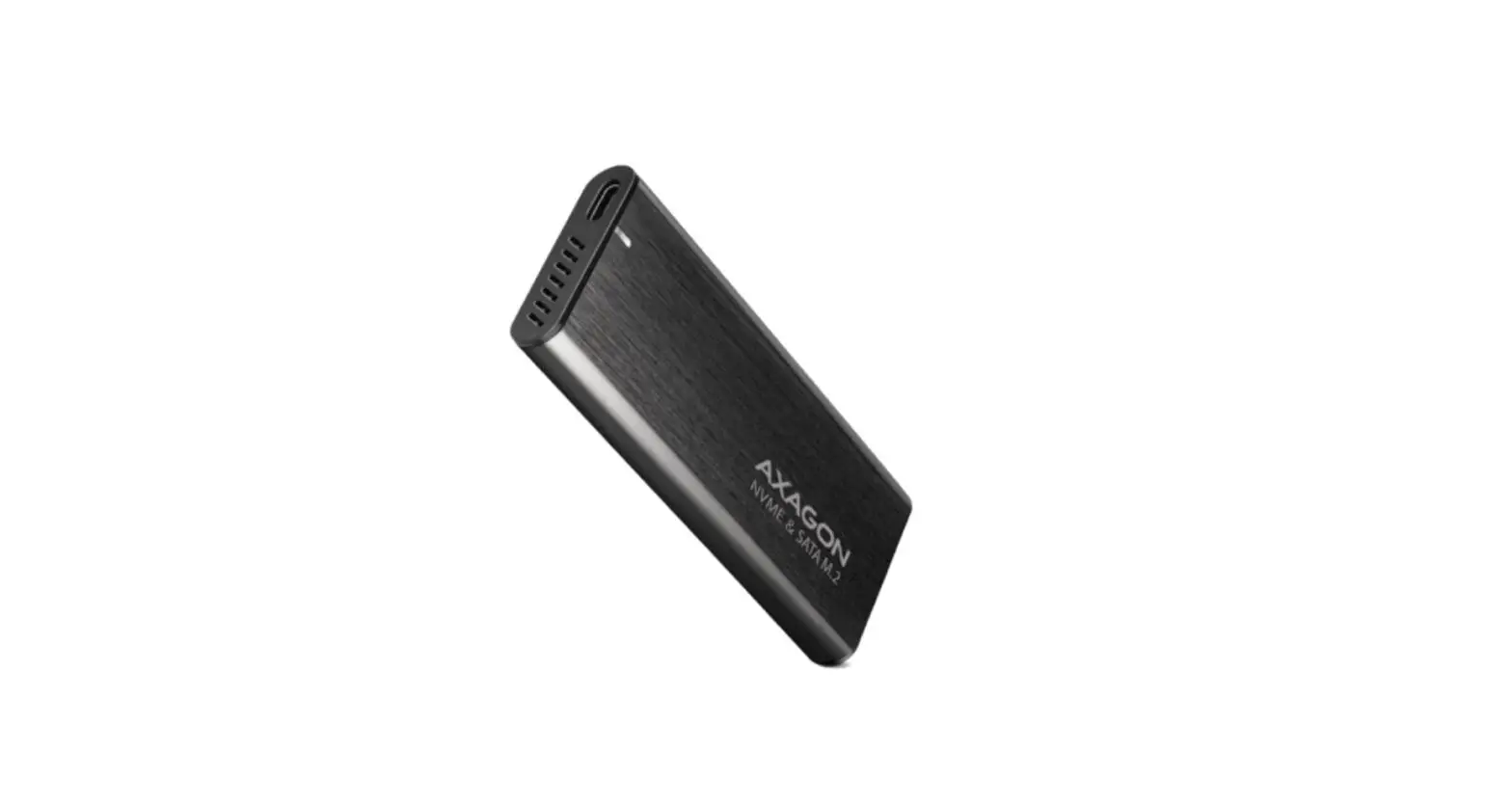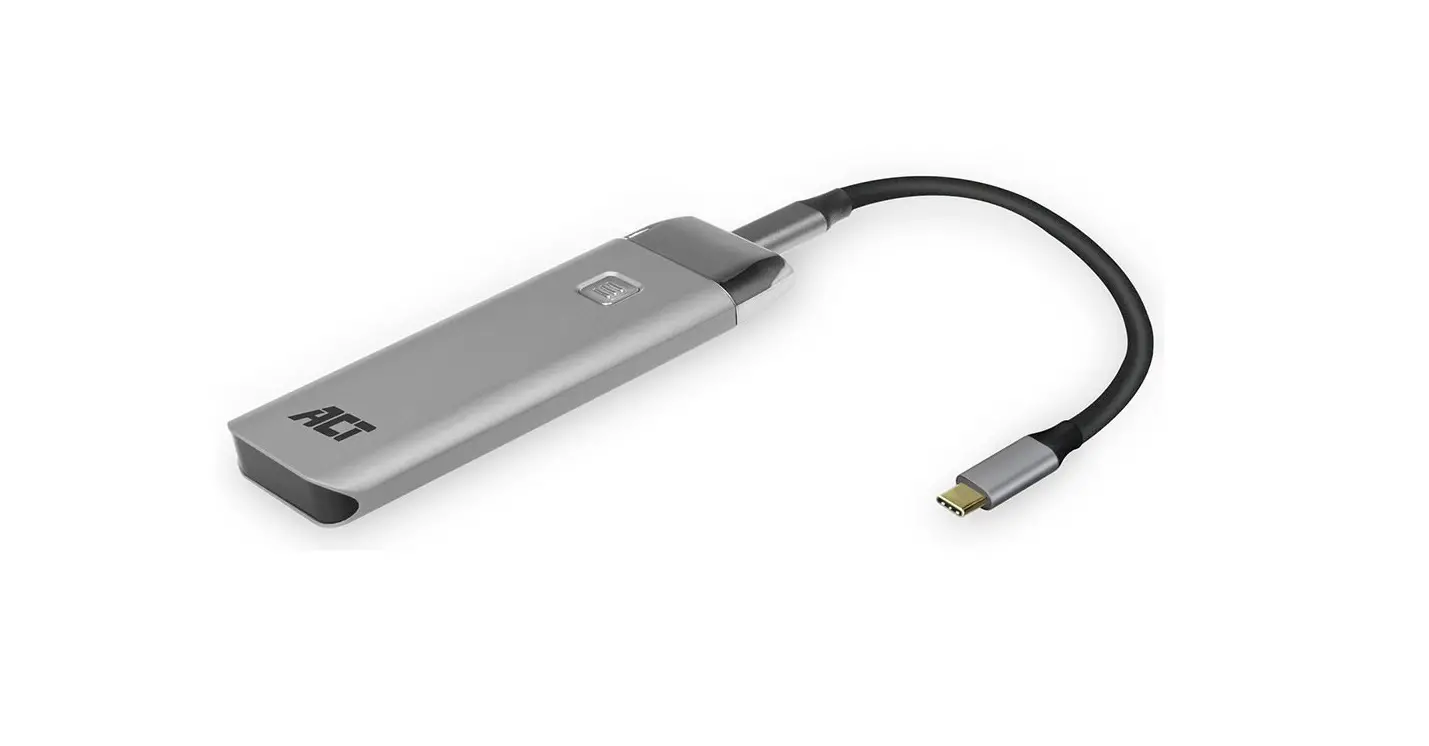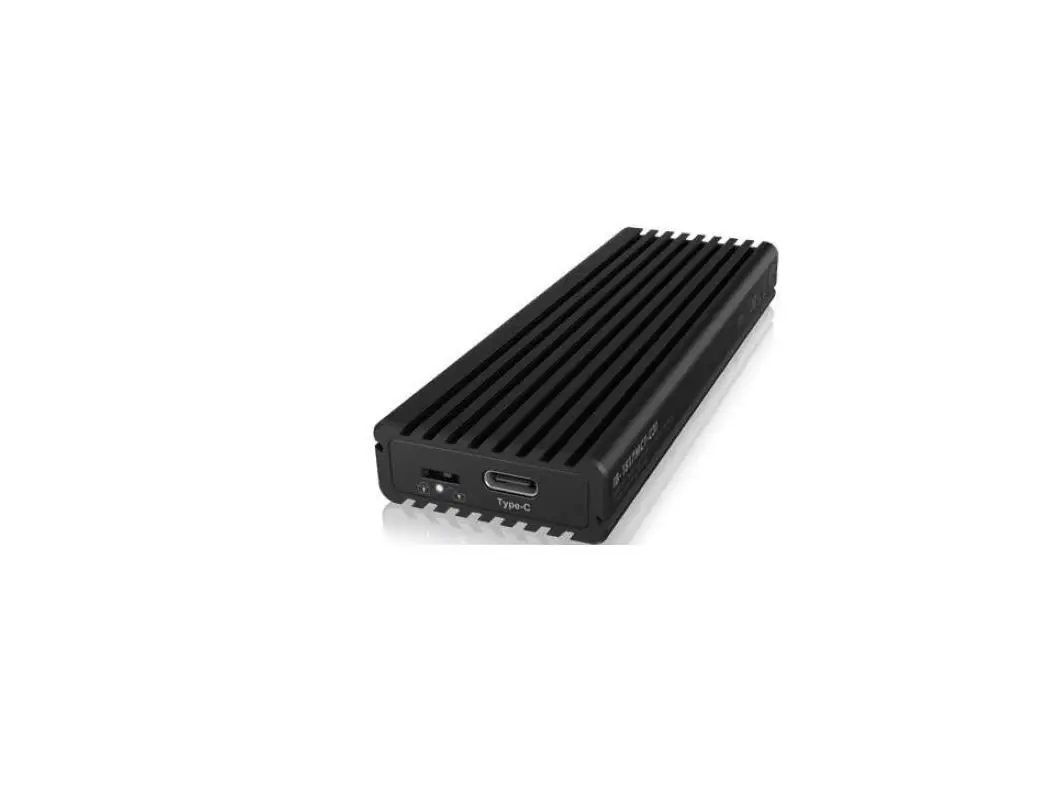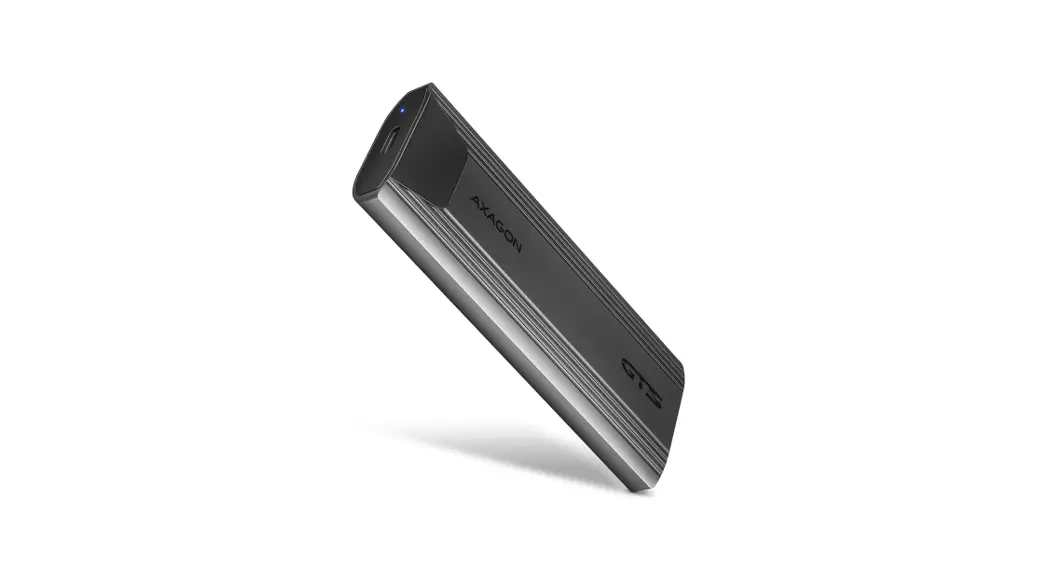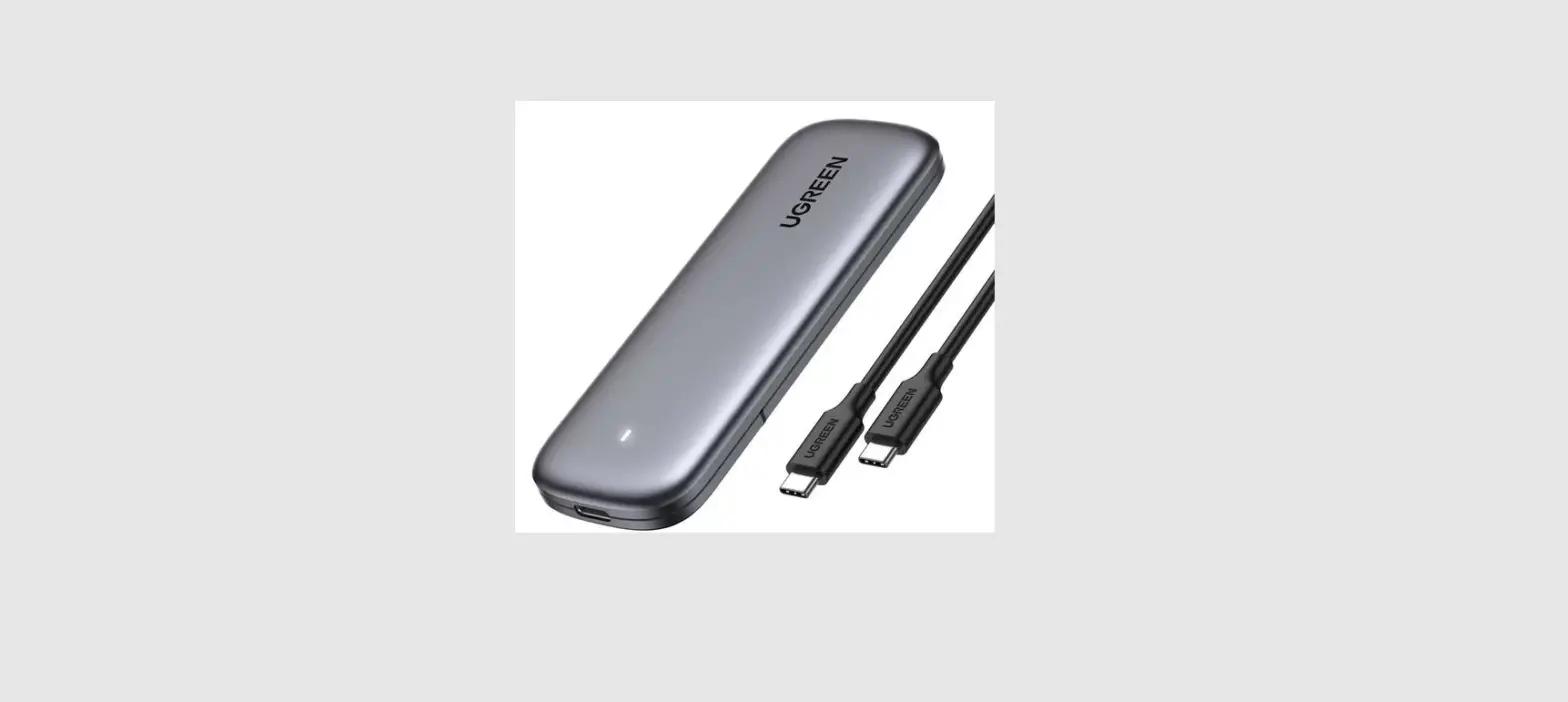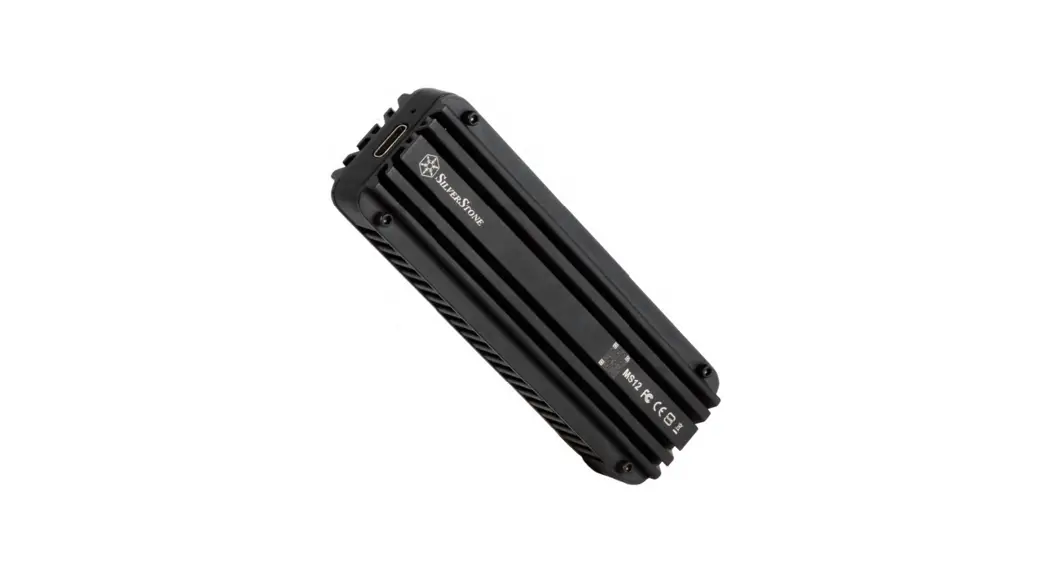

MS12 20Gbps SuperSpeed USB 32 Type C to NVMe M 2 SSD Enclosure
Installation Guide
20Gbps SuperSpeed+ USB 3.2 Type-C to NVMe M.2 SSD enclosure
M S12 www.silverstonetek.com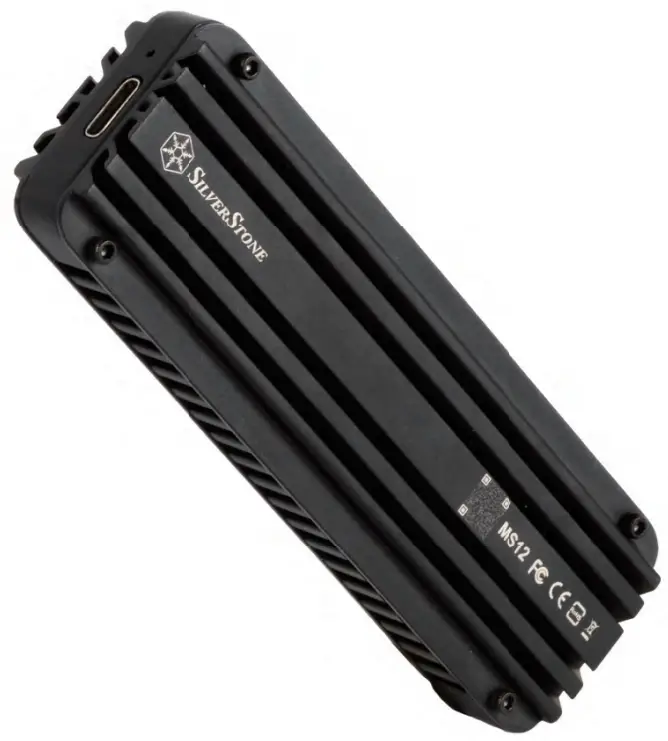
Installation Guide
Warranty terms & conditions
Read before use
Warning!
MS12’s aluminum exterior has the ability to quickly soak up heat generated from the installed NVMe SSD and its built-in controller, so please allow some time for it to cool down after a prolonged period of high-performance activity before touching the MS12.
Preparation
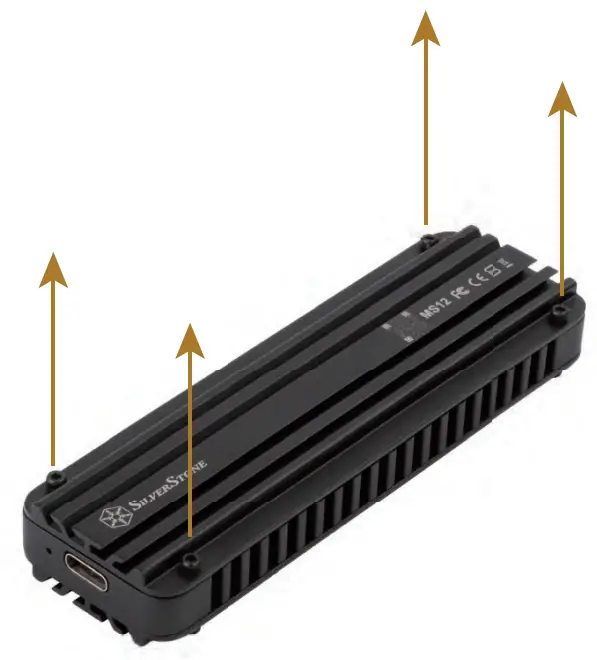
Remove the top cover (with the SilverStone logo printed) from the MS12 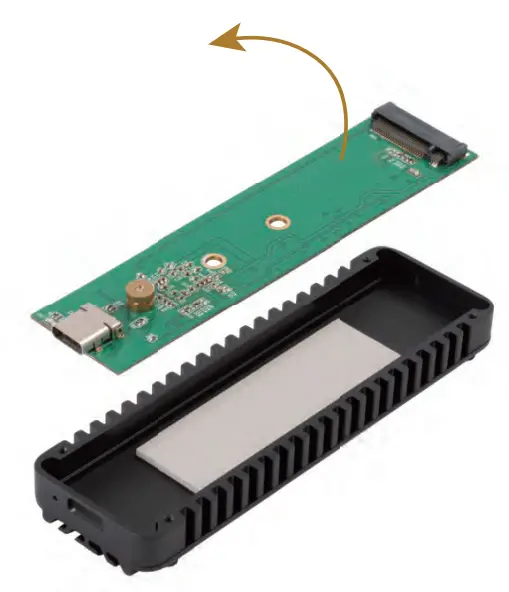
Take out the PCB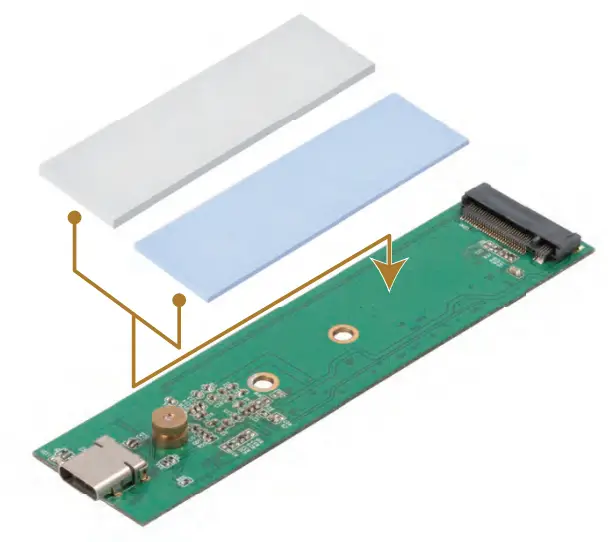
Stick the thermal pad on the PCB. For single-sided M.2 SSD (flat back without component), please use a 2mm thick grey pad. For double-sided M.2 SSD (both sides with components), please use a 1mm thick blue pad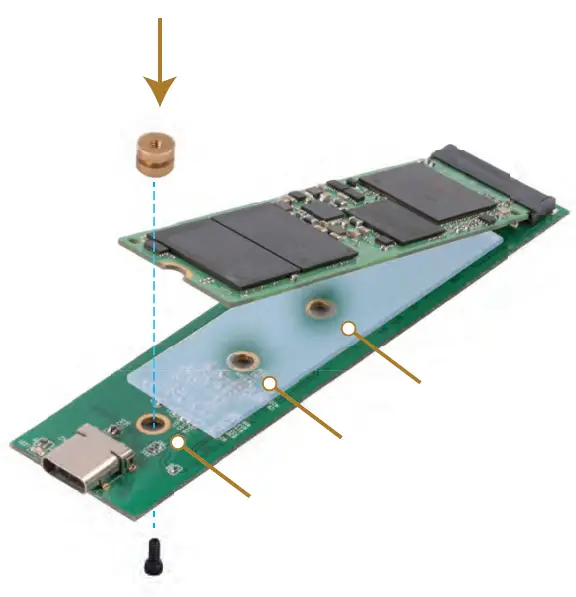
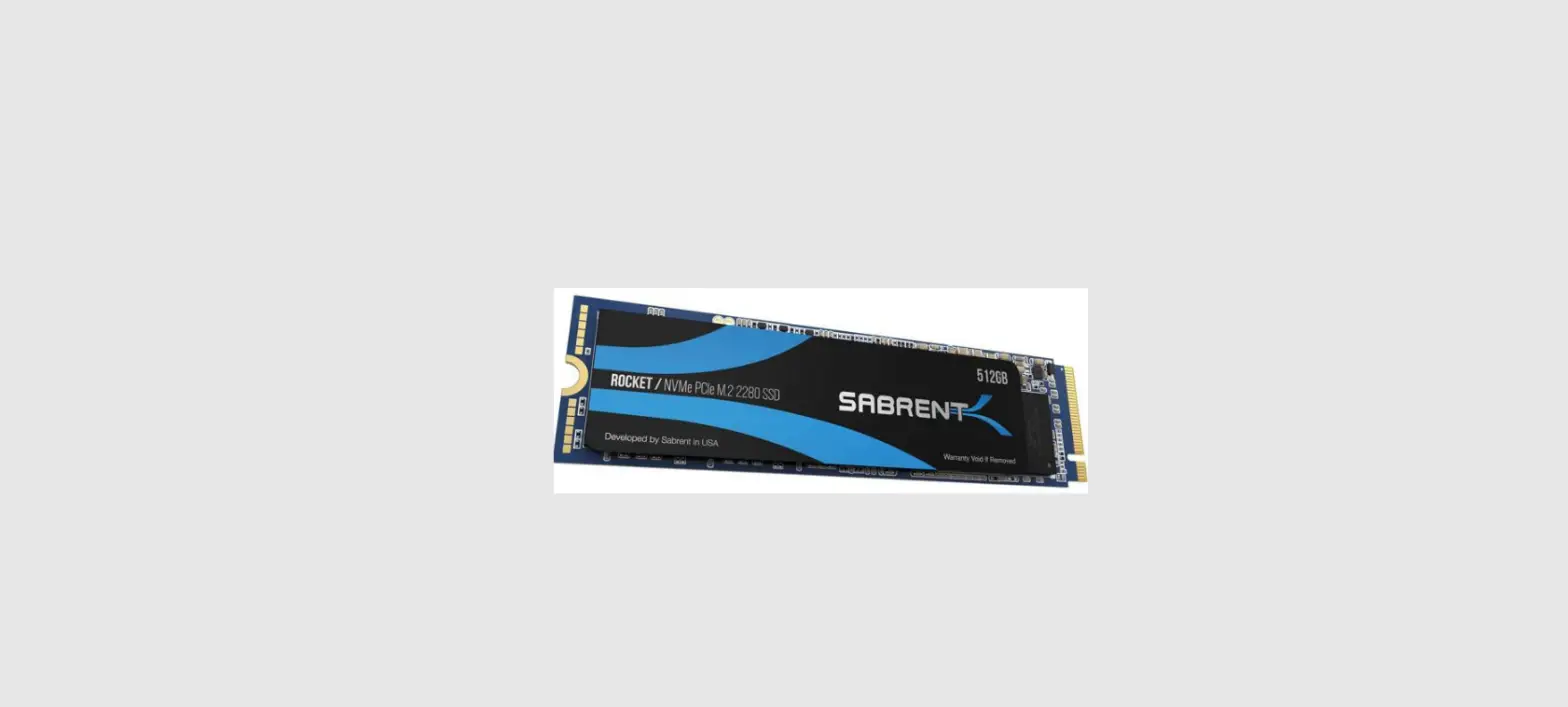
Install M.2 NVMe SSD and secure screws to suitable mounting hole depending on the length of M.2 NVMe SSD used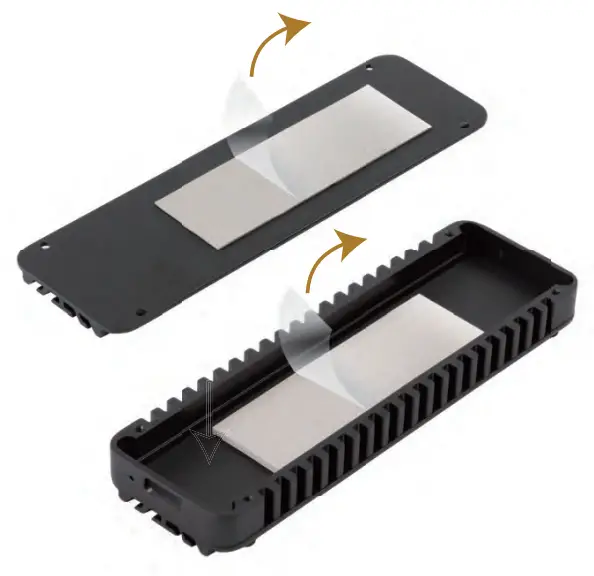 Remove the release film which is installed on the up & down side cover
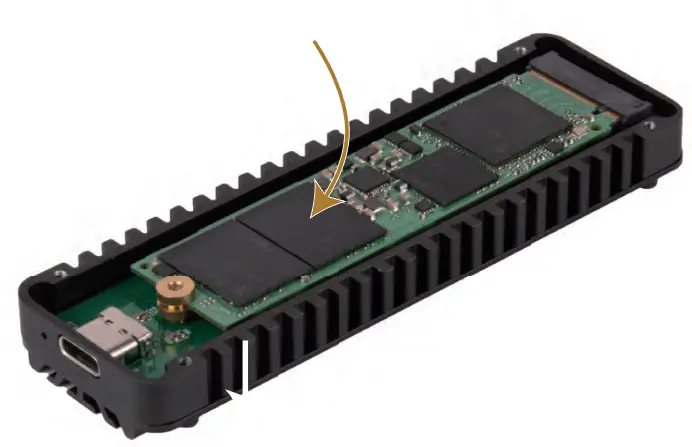 Place the assembled MS12 PCB back into the enclosure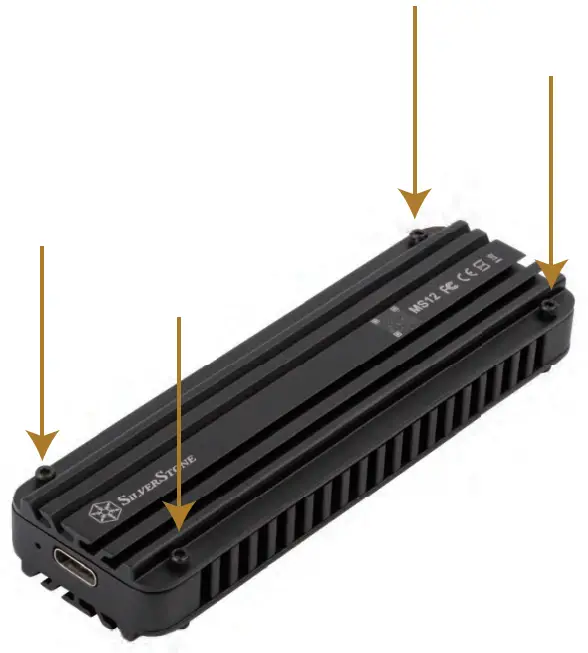
Secure the top cover to the enclosure with screws to finish installation
Warranty terms & conditions
Warranty Information
Warranty terms & conditions
- Product component defects or damages resulting from defective production is covered under warranty. Defects or damages with the following conditions will be fixed or replaced under SilverStone Technology’s jurisdiction.
a) Usage in accordance with instructions provided in this manual, with no misuse, overuse, or other inappropriate actions.
b) Damage not caused by natural disaster (thunder, fire, earthquake, flood, salt, wind, insect, animals, etc…)
c) Product is not disassembled, modified, or fixed. Components are not disassembled or replaced.
d) Warranty marks/stickers are not removed or broken.
Loss or damages resulting from conditions other than the ones listed above are not covered under warranty. - Under warranty, SilverStone Technology’s maximum liability is limited to the current market value for the product (depreciated value, excluding shipping, handling, and other fees). SilverStone Technology is not responsible for other damages or losses associated with the use of the product.
- Under warranty, SilverStone Technology is obligated to repair or replace its defective products. Under no circumstances will SilverStone Technology be liable for damages in connection with the sale, purchase, or use including but not limited to loss of data, loss of business, loss of profits, loss of use of the product or incidental or consequential damage whether or not foreseeable and whether or not based on breach of warranty, contract or negligence, even if SilverStone Technology has been advised of the possibility of such damages.
- The warranty covers only the original purchaser through authorized SilverStone distributors and resellers and is not transferable to a second-hand purchaser.
- You must provide a sales receipt or invoice with a clear indication of the purchase date to determine warranty eligibility.
- If a problem develops during the warranty period, please contact your retailer/reseller/SilverStone authorized distributors or SilverStone http://www.silverstonetek.com.
Please note that:
(i) You must provide proof of original purchase of the product by a dated itemized receipt;
(ii) You shall bear the cost of shipping (or otherwise transporting) the product to SilverStone authorized distributors. SilverStone authorized distributors will bear the cost of shipping (or otherwise transporting) the product back to you after completing the warranty service;
(iii) Before you send the product, you must be issued a Return Merchandise Authorization (“RMA”) number from SilverStone. Updated warranty information will be posted on SilverStone’s official website.
Please visit http://www.silverstonetek.com for the latest updates.
Additional info & contacts
For North America ([email protected])
SilverStone Technology in North America may repair or replace the defective product with a refurbished product that is not new but has been functionally tested.
Replacement products will be warranted for the remainder of the warranty period or thirty days, whichever is longer. All products should be sent back to the place of purchase if it is within 30 days of purchase, after 30 days, customers need to initiate the RMA procedure with SilverStone Technology in the USA by first downloading the “USA RMA form for end-users” form from the below link and follow its instructions.http://silverstonetek.com/contactus.php
For Australia only ([email protected])
Our goods come with guarantees that cannot be excluded under the Australian Consumer Law.
You are entitled to a replacement or refund for a major failure and for compensation for any other reasonably foreseeable loss or damage.
You are also entitled to have the goods repaired or replaced if the goods fail to be of acceptable quality and the failure does not amount to a major failure.
Please refer to the above “Warranty terms & conditions” for further warranty details.
SilverStone Technology Co., Ltd.
12F No. 168 Jiankang Rd.
Zhonghe Dist., New Taipei City 235 Taiwan R.O.C.
+ 886-2-8228-1238 (standard international call charges apply)
For Europe ([email protected])
For China ([email protected])
For all other regions ([email protected])
 SilverStone
 SilverStone