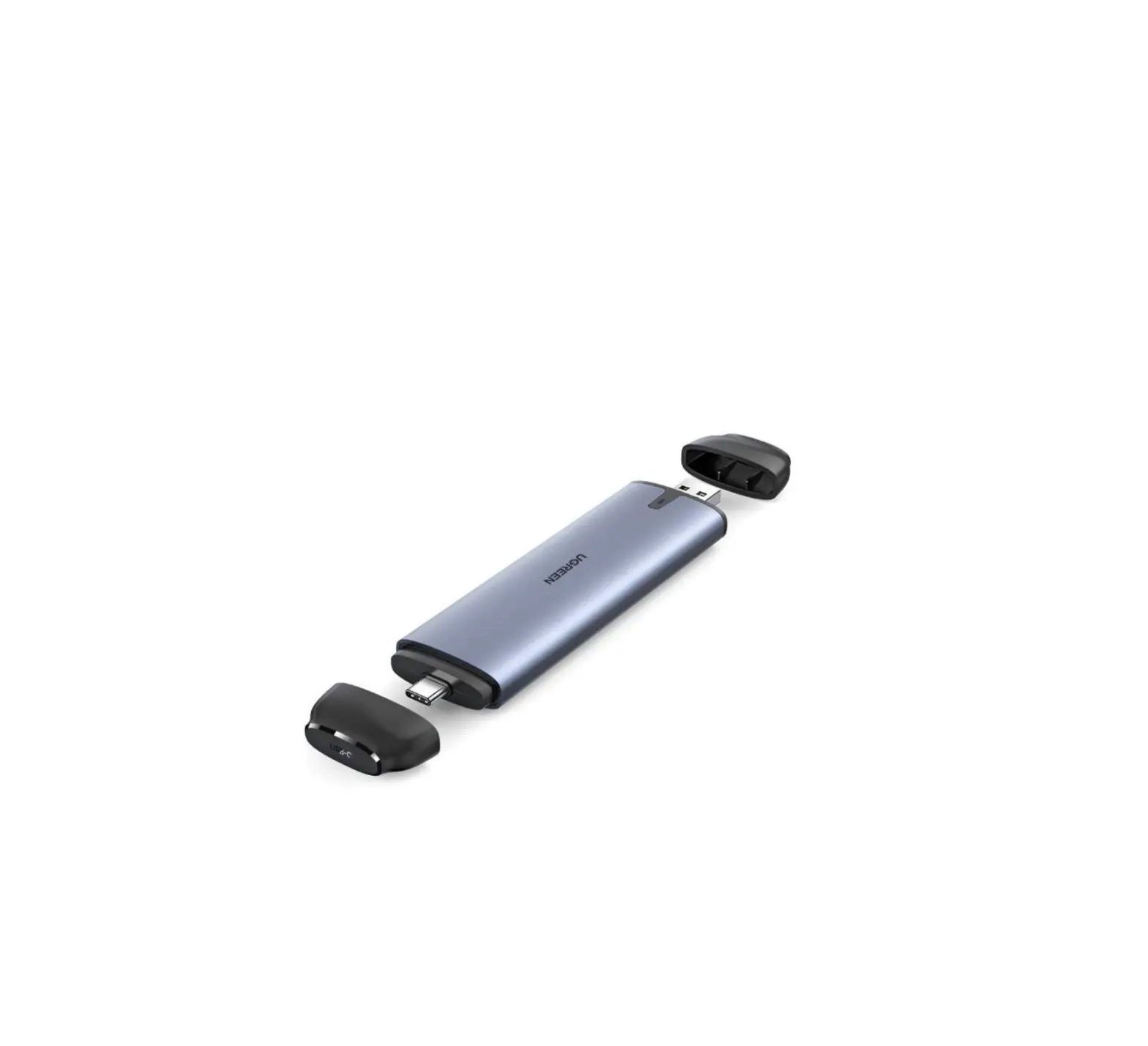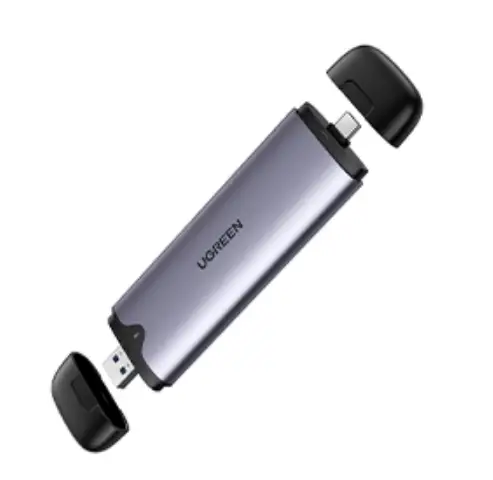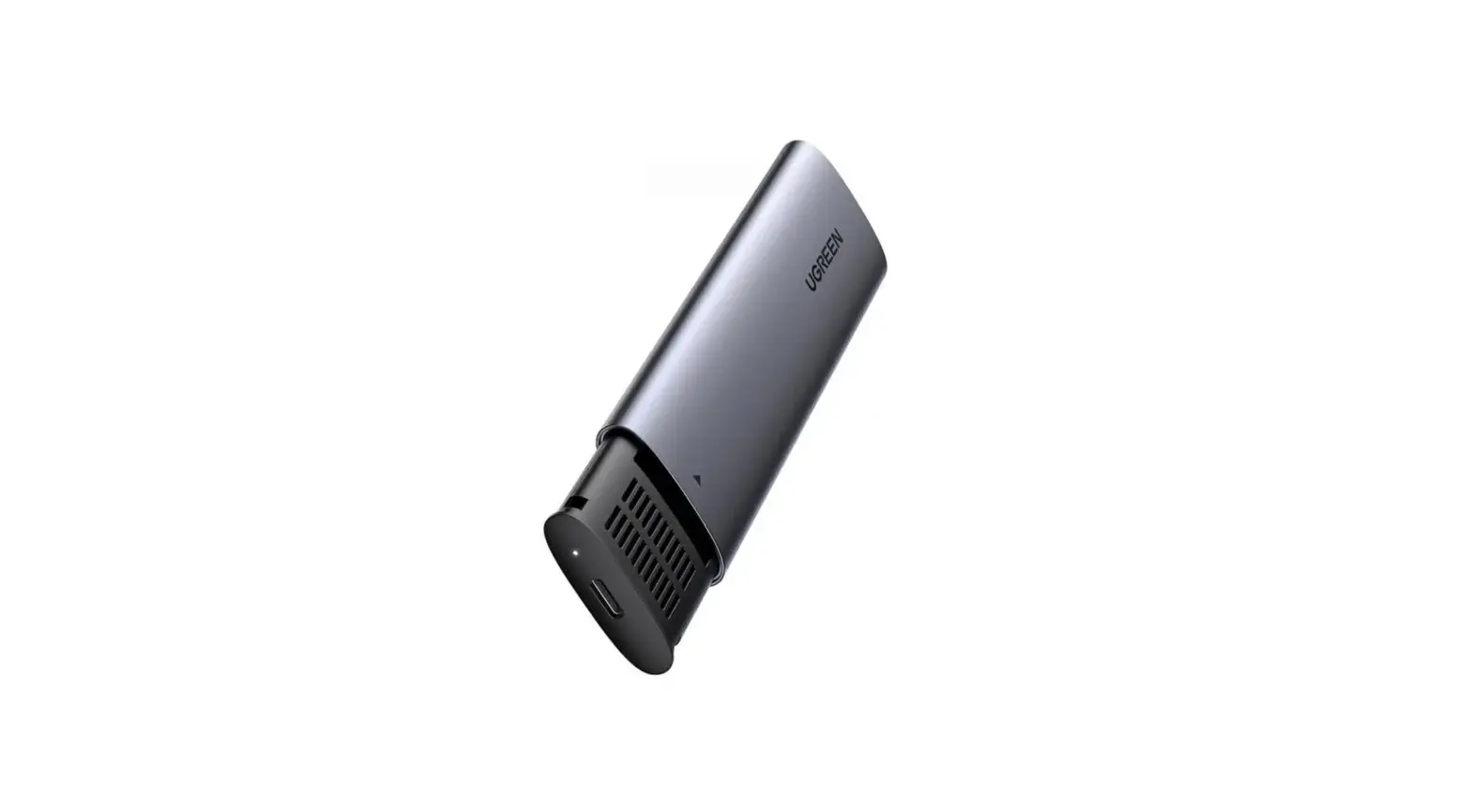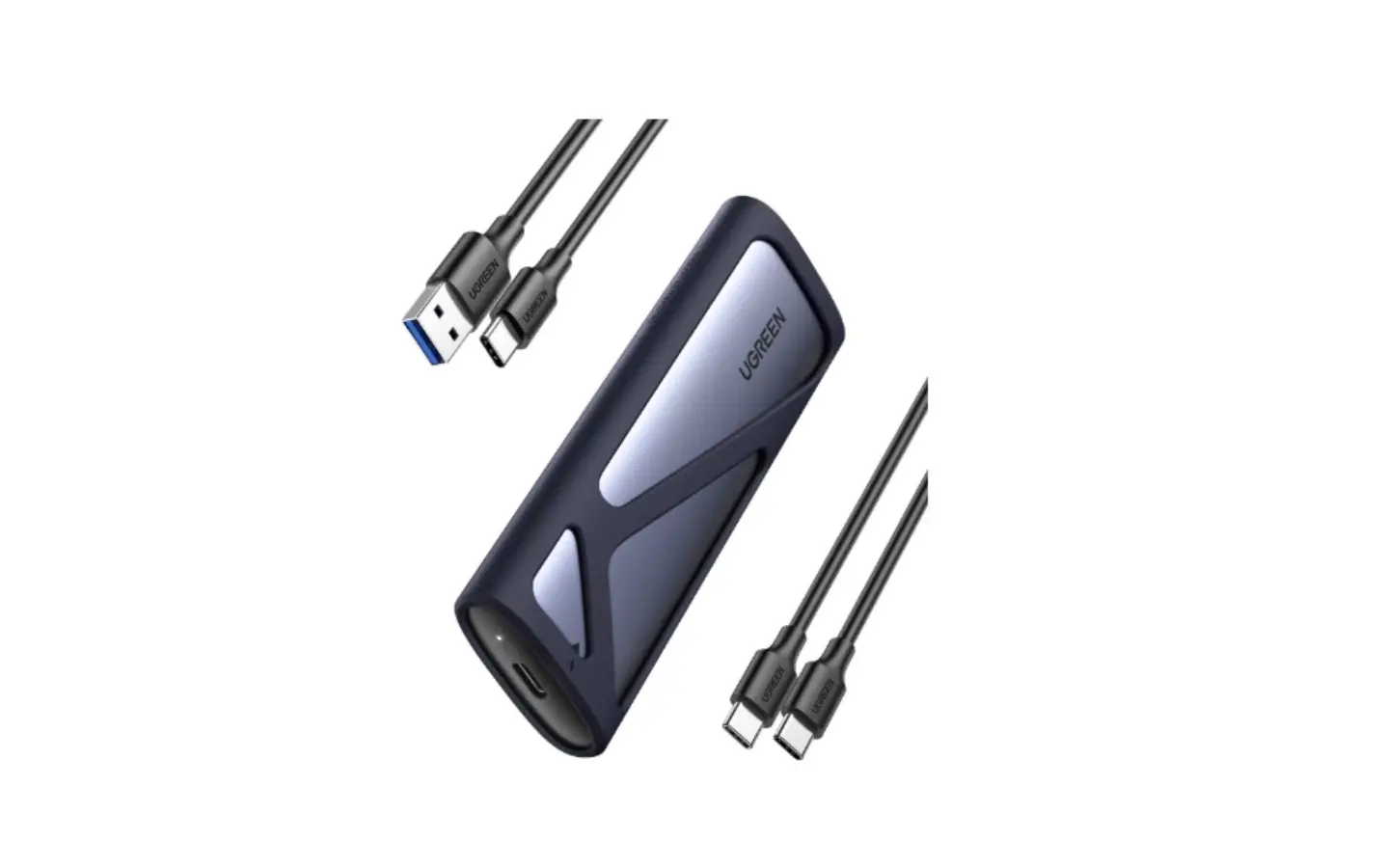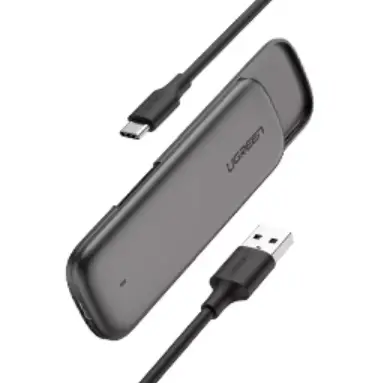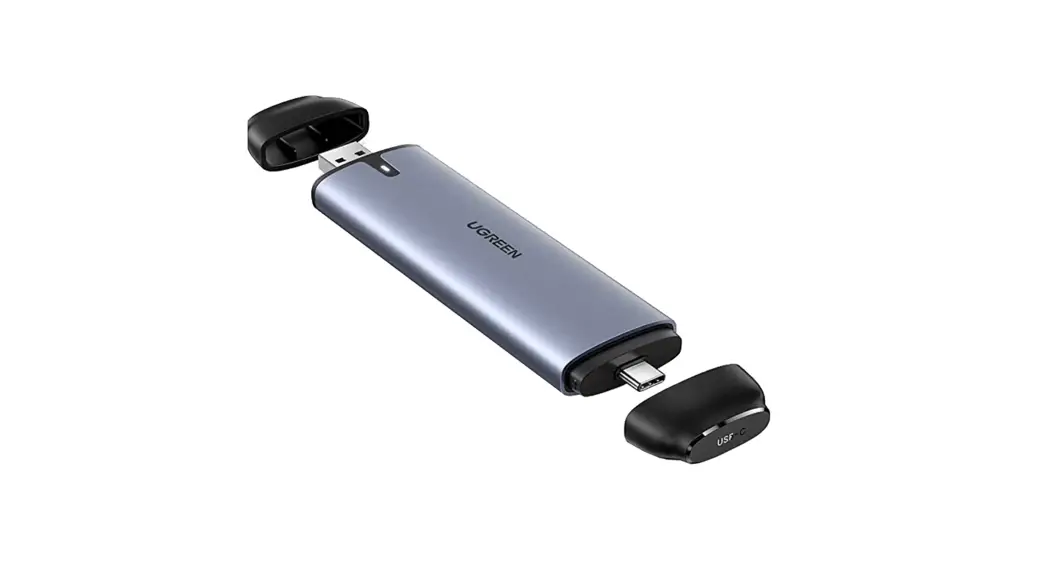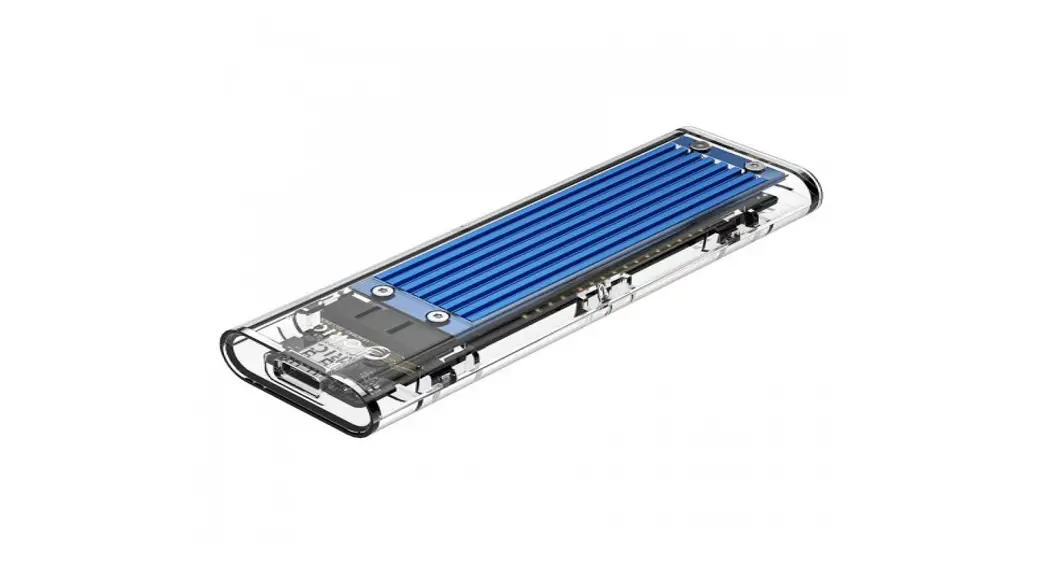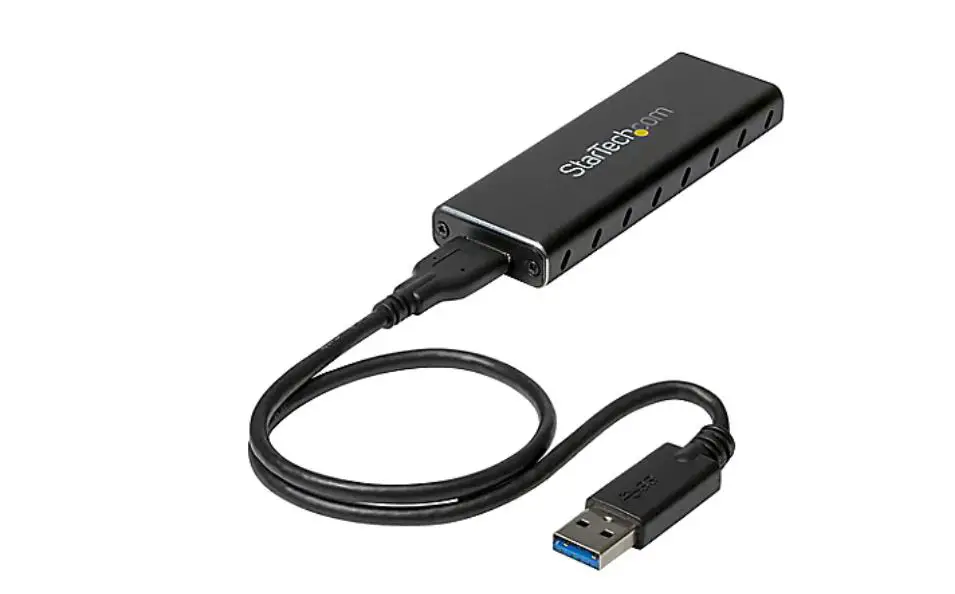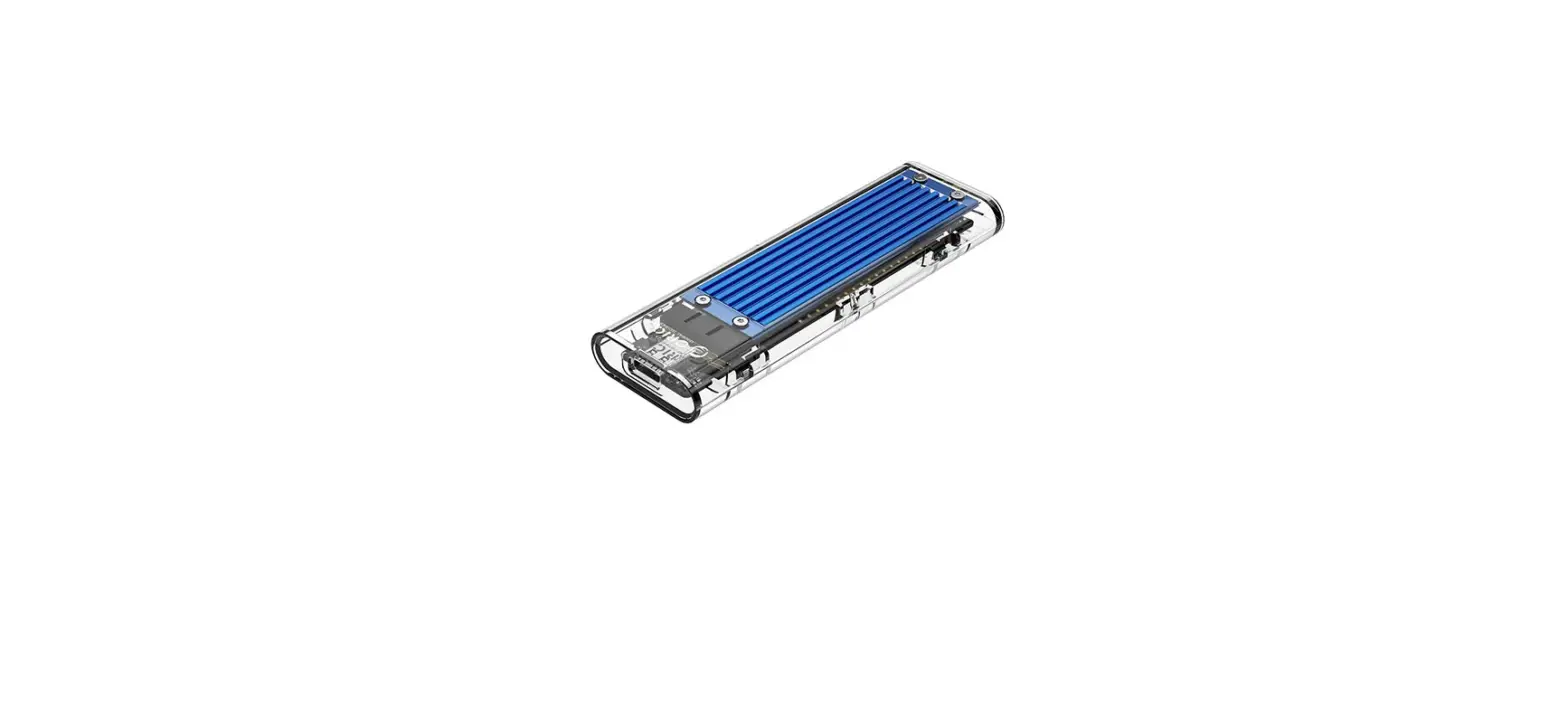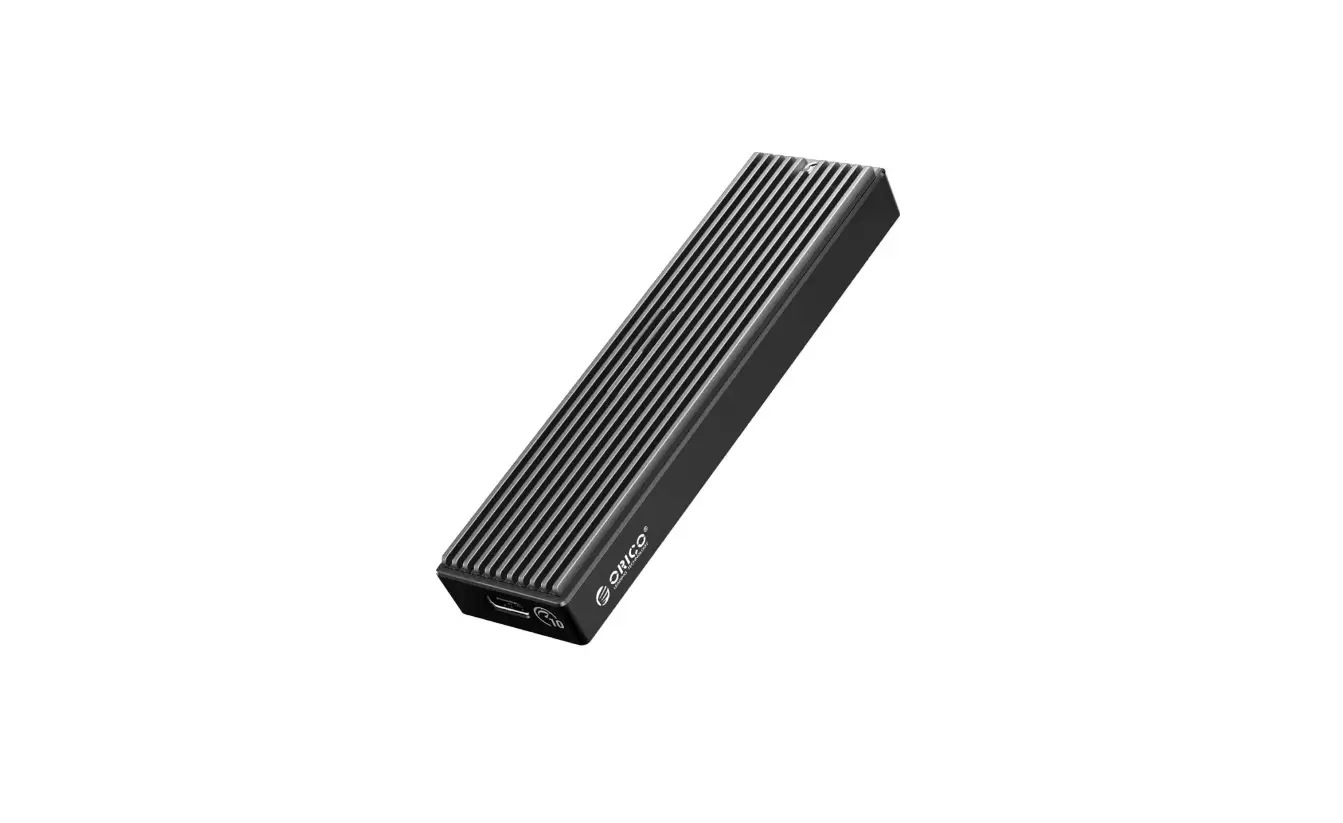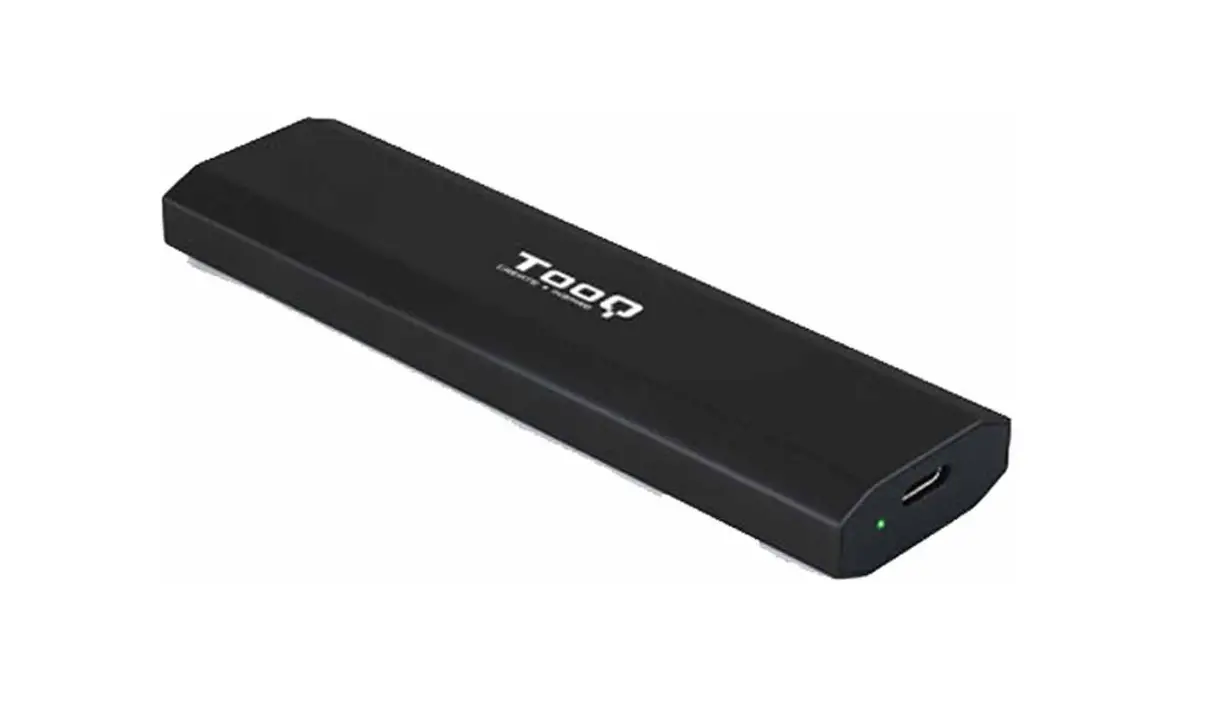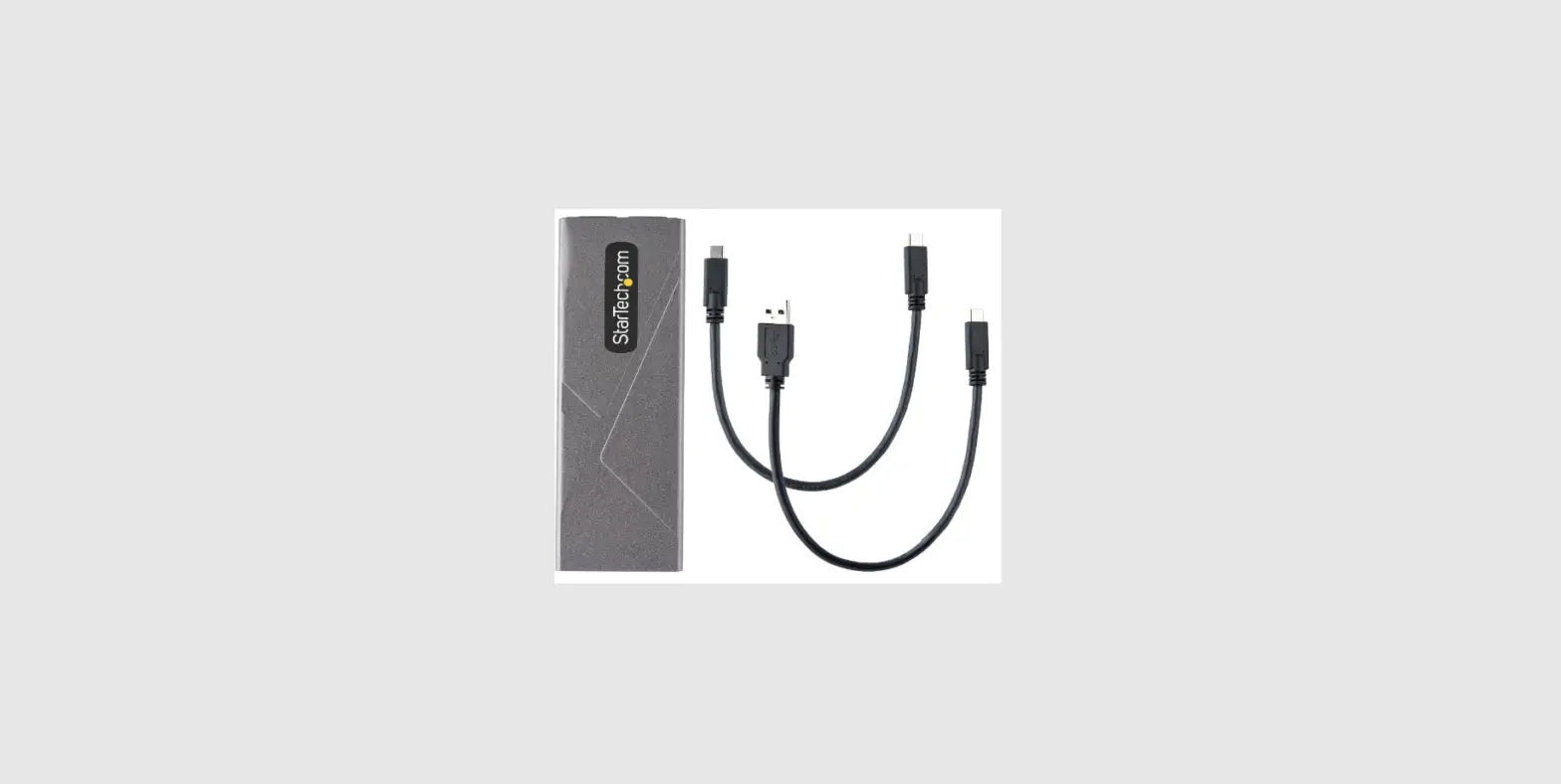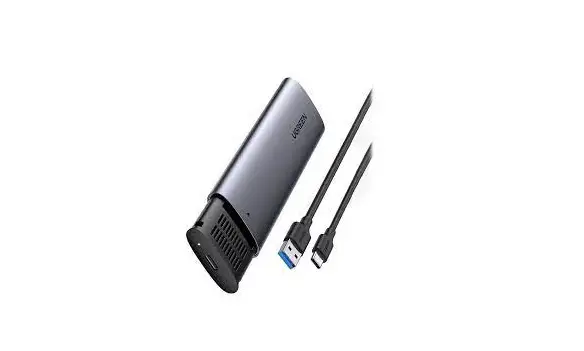
UGREEN CM400 M.2 NVMe SSD Enclosure User Manual
Package Content
- 1 x USB Cable

- 1 x Spare Fixing Clip

- 1 x M.2 NVMe SSD Enclosure

- 1 x User Manual


Product Detail
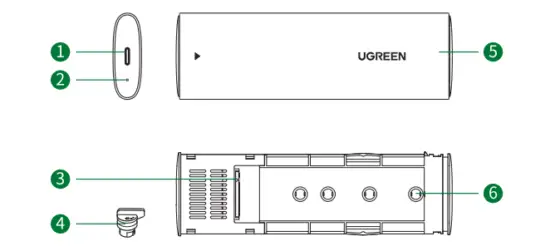
- 1 X USB-C female
- Working status indicator
- 1 X M.2 socket
- Drive fixing clip
- Slide Case
- Drive fixing position
How it Work
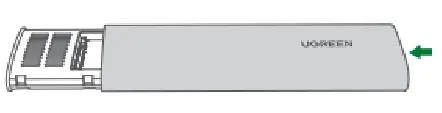
Step 1: Press the button to open the case.
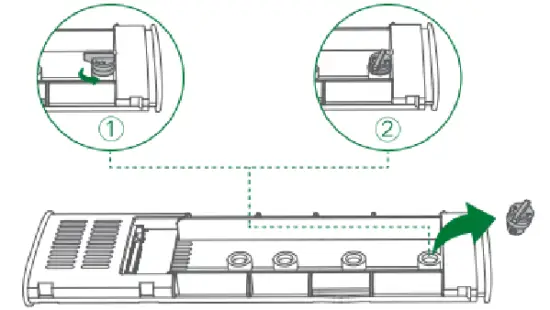
Step 2: As shown, rotate anticlockwise to remove the fixing clip
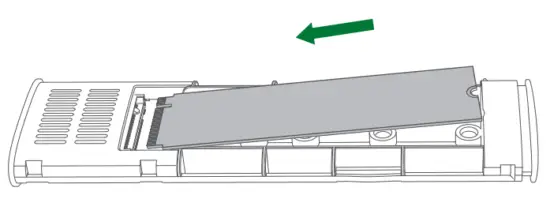
Step 3: Aim at the M.2 pin connector and push in all the way.
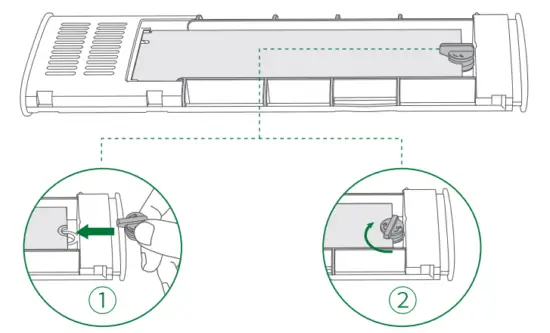
Step 4: Put the fixing clip and rotate clockwise to fasten the product.
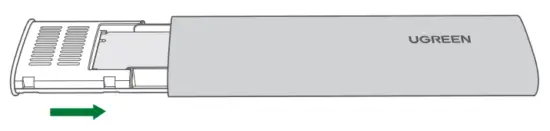
Step 5: Attach the slide case.
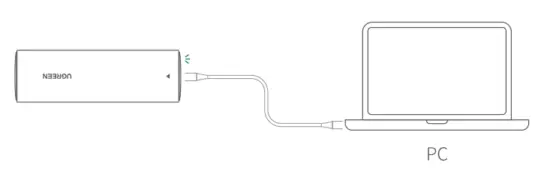
Step 6: Connect the product to the host like PC. The blinking white indicator means normal working.
Specifications
| Model | CM400 |
| Input | USB-C female |
| Output | M.2 M-Key |
| USB standard | USB 3.1 Gen 2; 10 Gbps |
| Supported SSD type | M.2 PCI-E NVMe SSD |
| Supported SSD size | 2230, 2242, 2260, 2280 |
| Case material | aluminum alloy |
| Compatible systems | Windows/macOS/Linux |
| Dimension | L119 xW37 x H12(mm) |
Notes:
- Activate the “Safely Remove” from the computer setting before removing the drive.
- Do not extract the drive while copying data. The improper operation may damage the drive, resulting in data loss.
- Do not operate hot swapping frequently in case of damage.
- Remember to backup any important data before using the product. UGREEN will not accept any claim for data loss or data recovery.
- The operating voltage of the connected port should be within the range of 5V±5%.
- Do not drop, crush, shock or throw the product.
- In order to avoid short-circuit fault in interior, please do not operate in a humid environment.
- For the purpose of disassembly, please contact UGREEN after-sales service only or such other service providers designated by UGREEN.