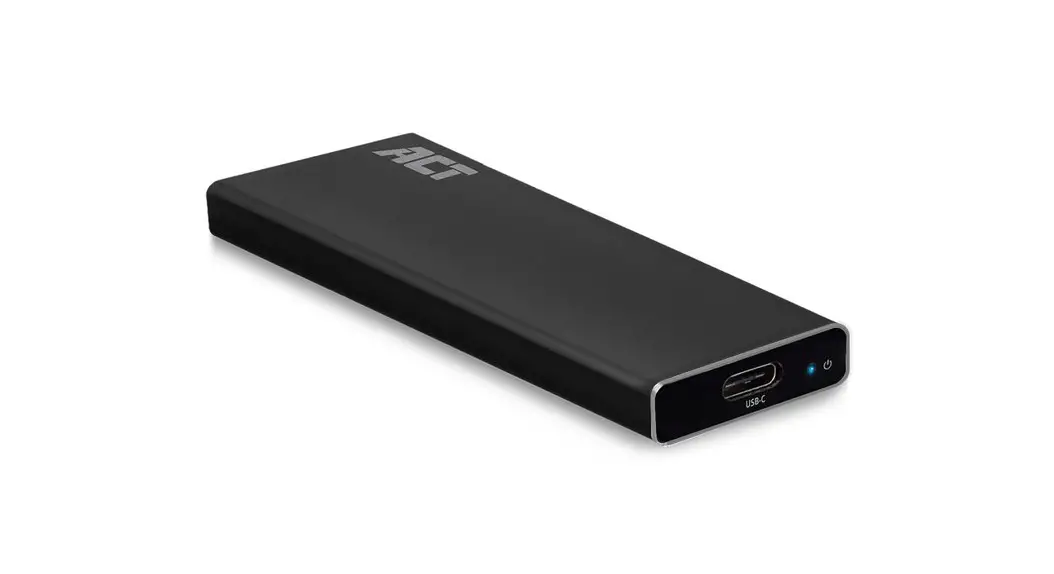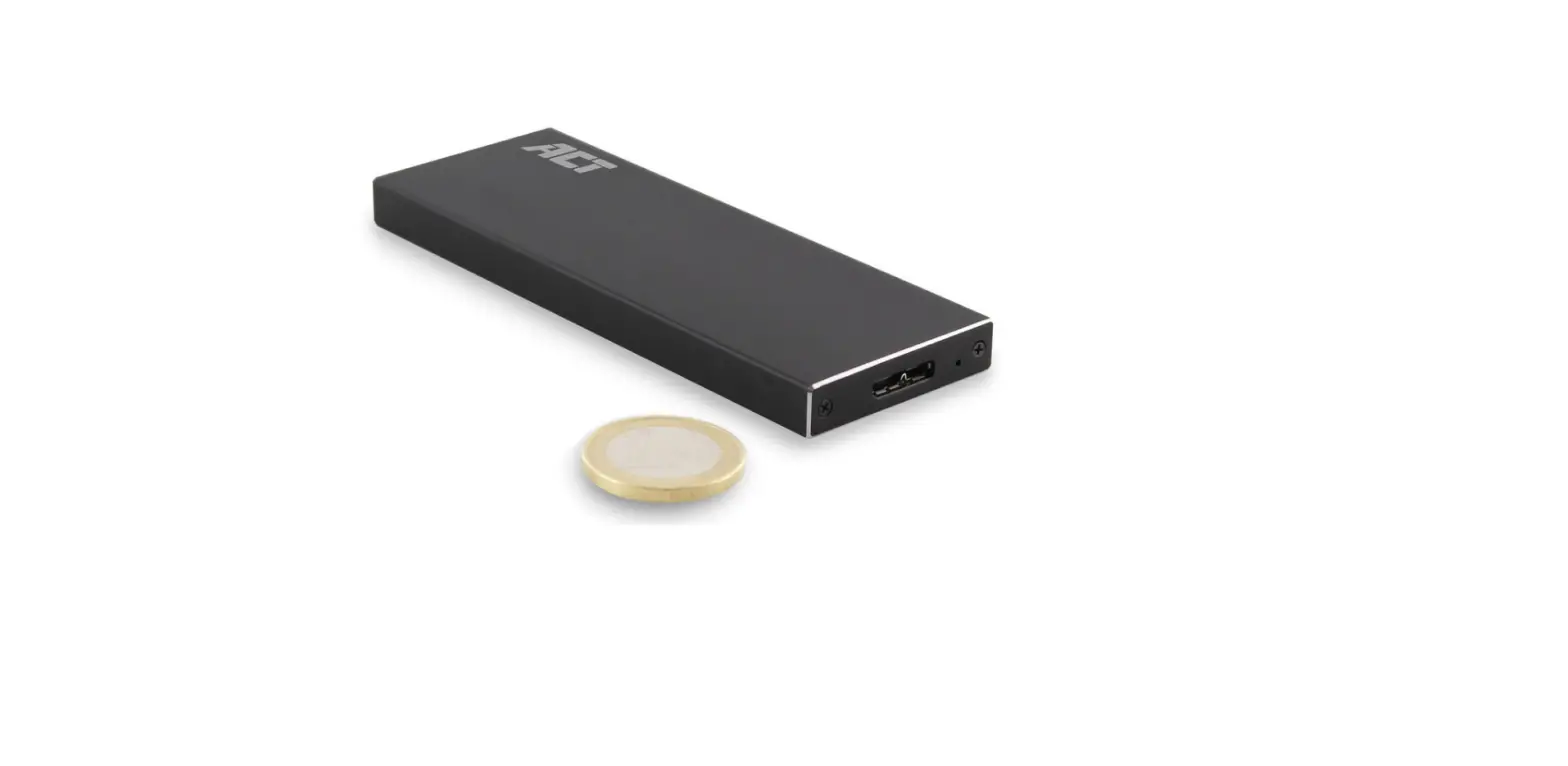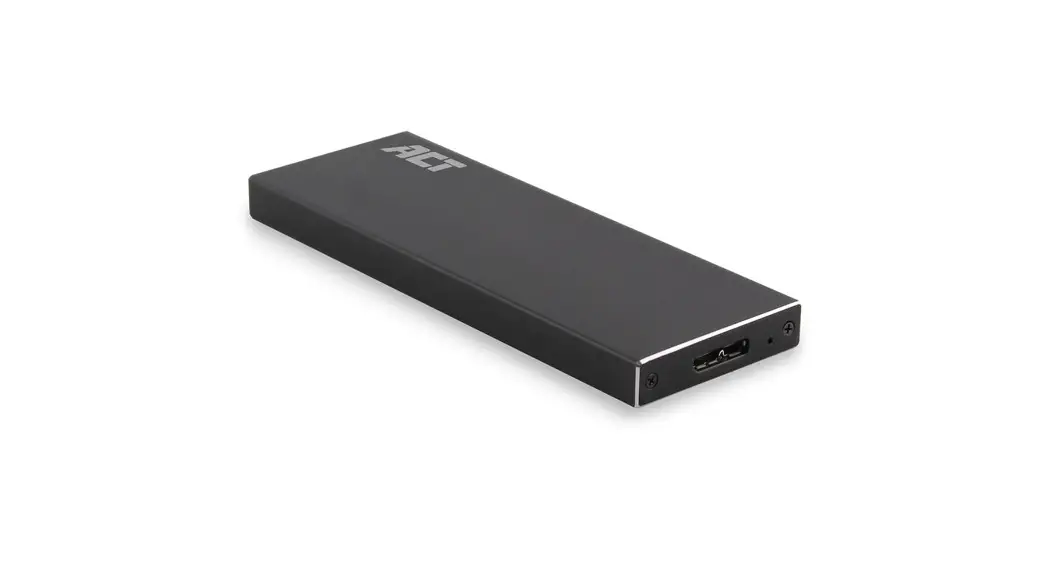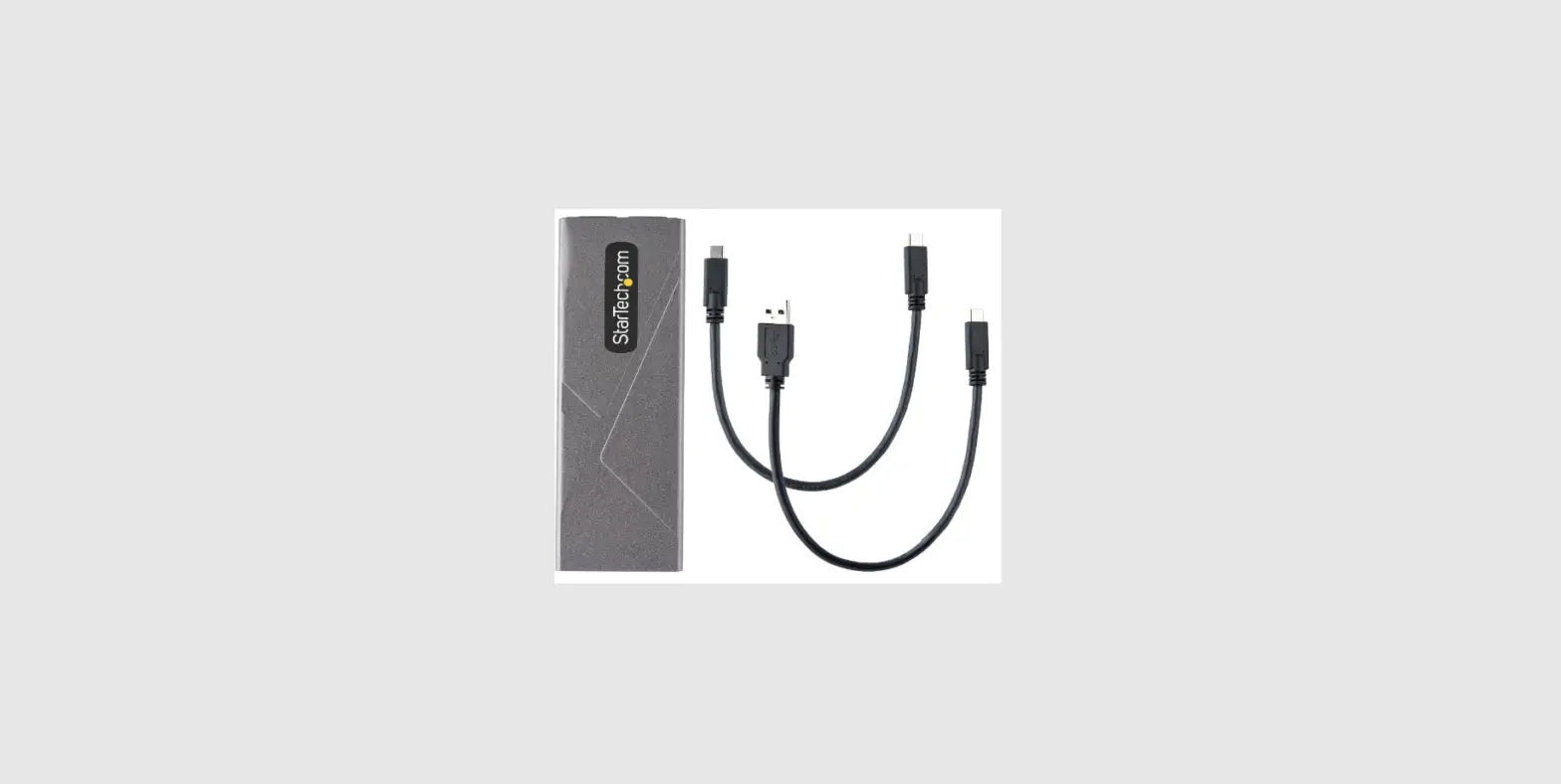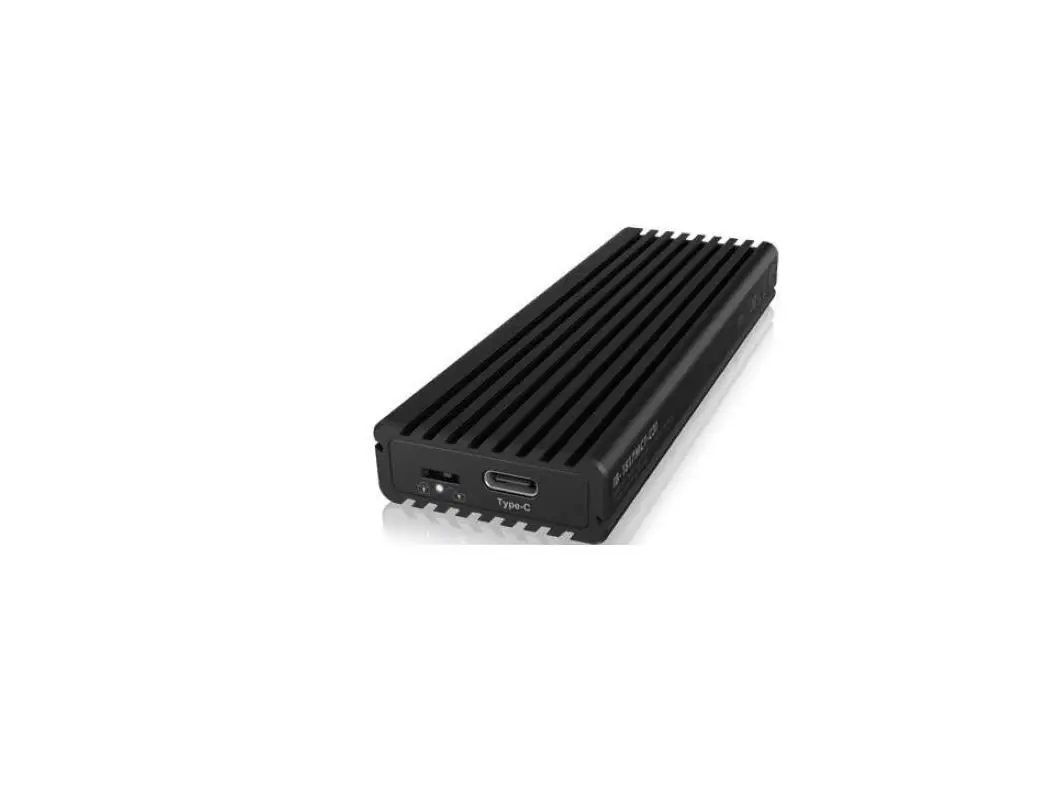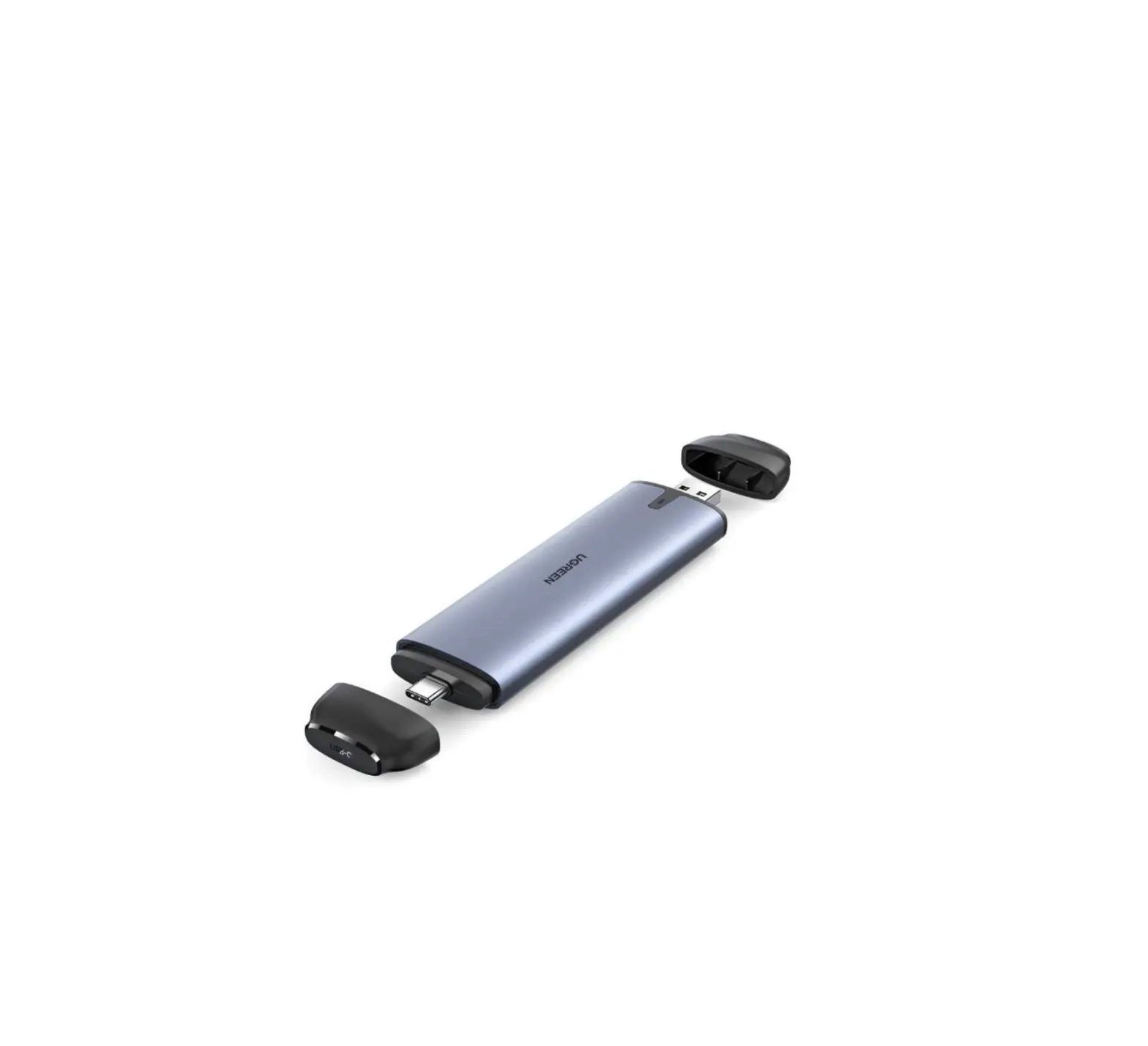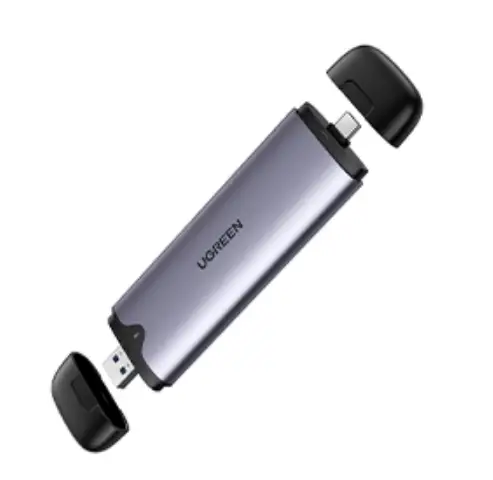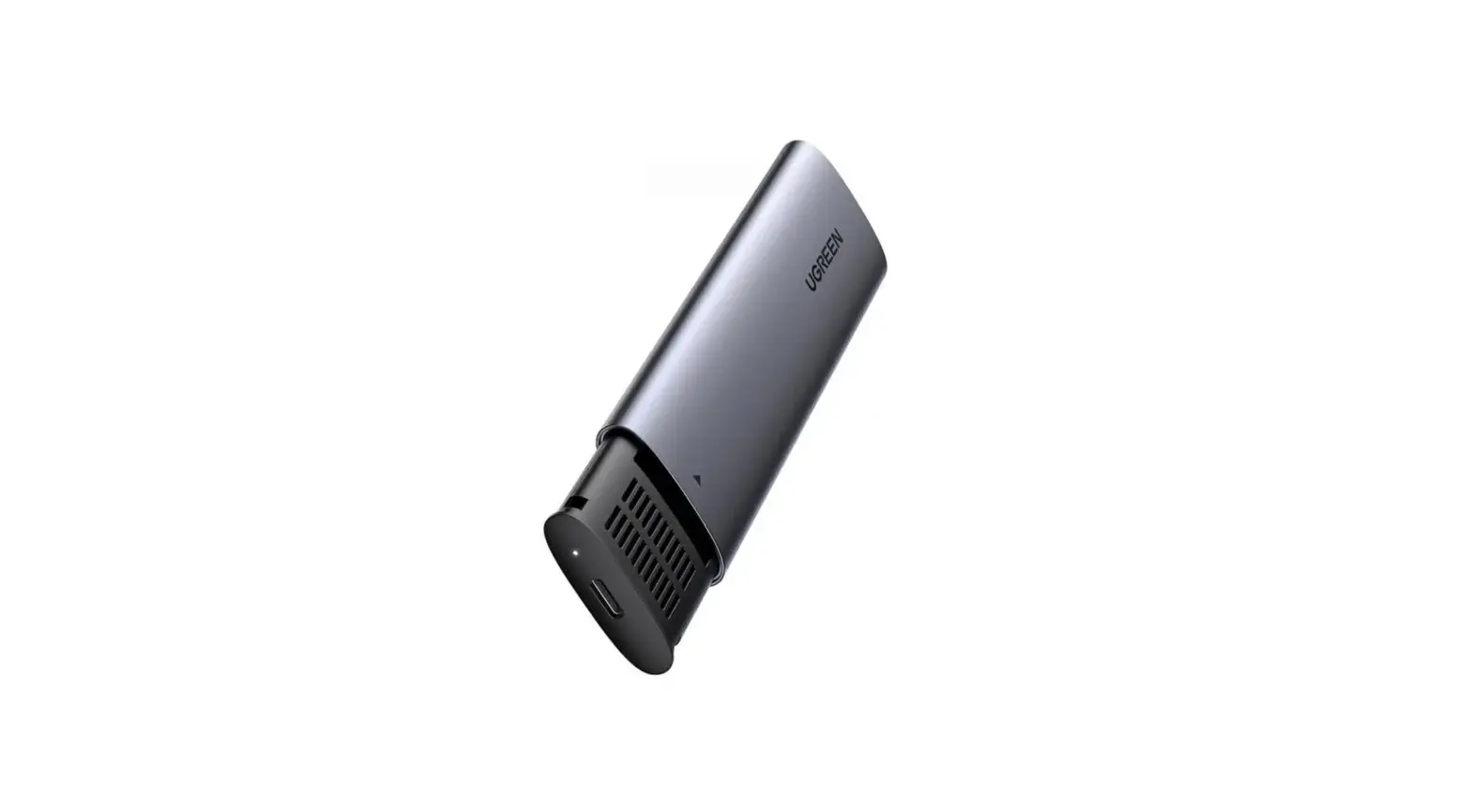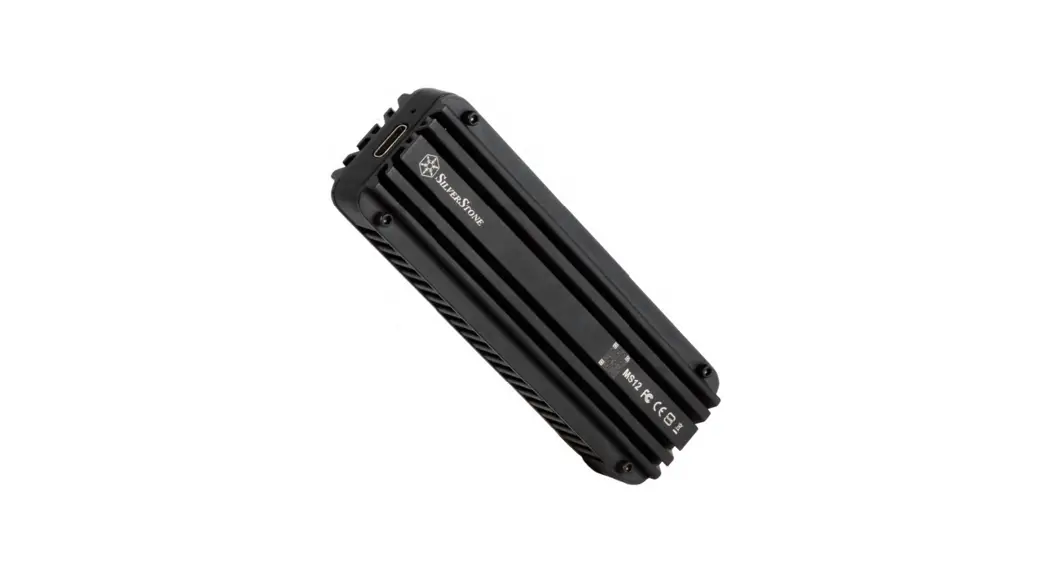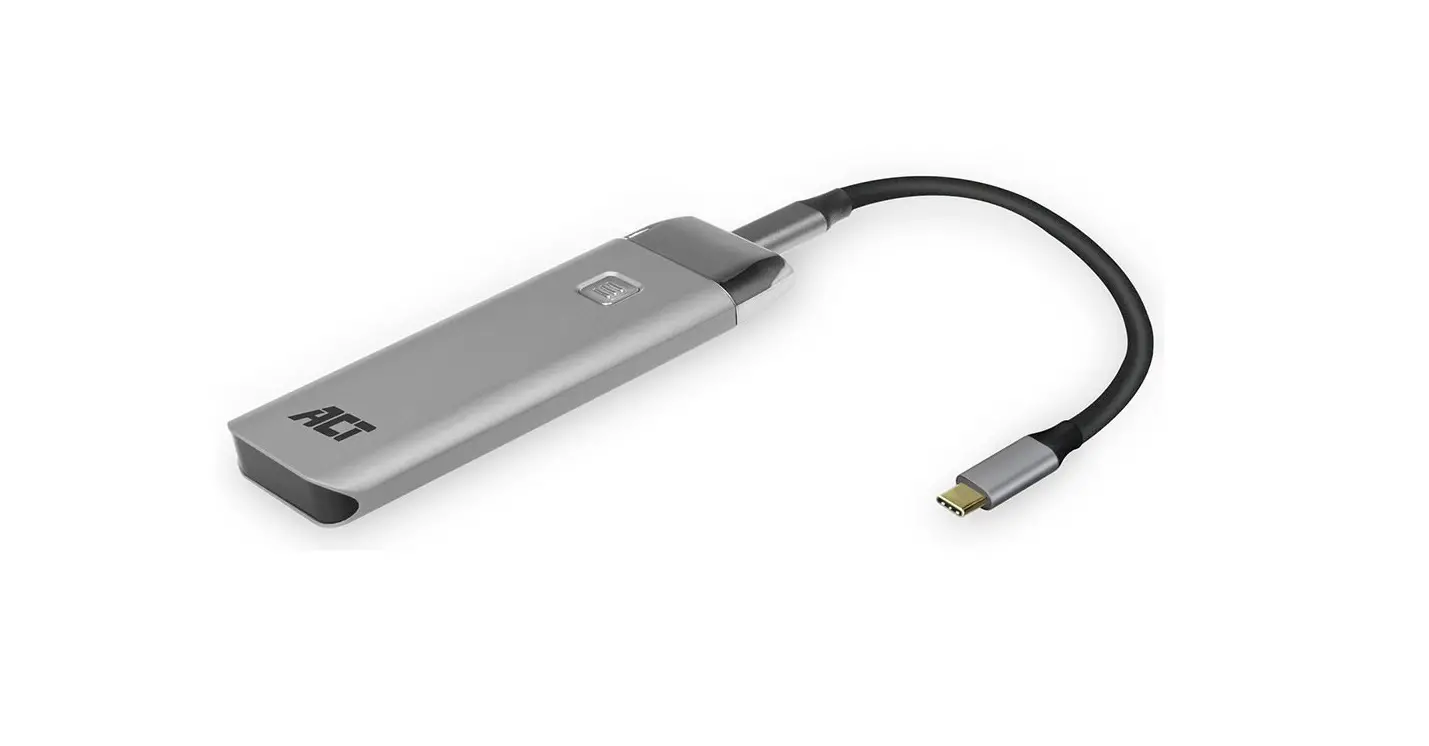
ACT AC7090 USB-C SSD Enclosure M.2 NVMe Installation Guide
Installation Instructions
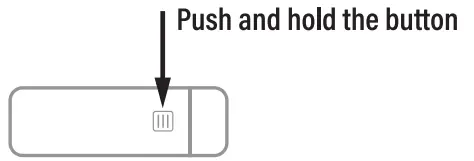
- Push and hold the button to open the casing

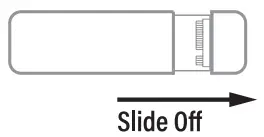
- Slide off the aluminium

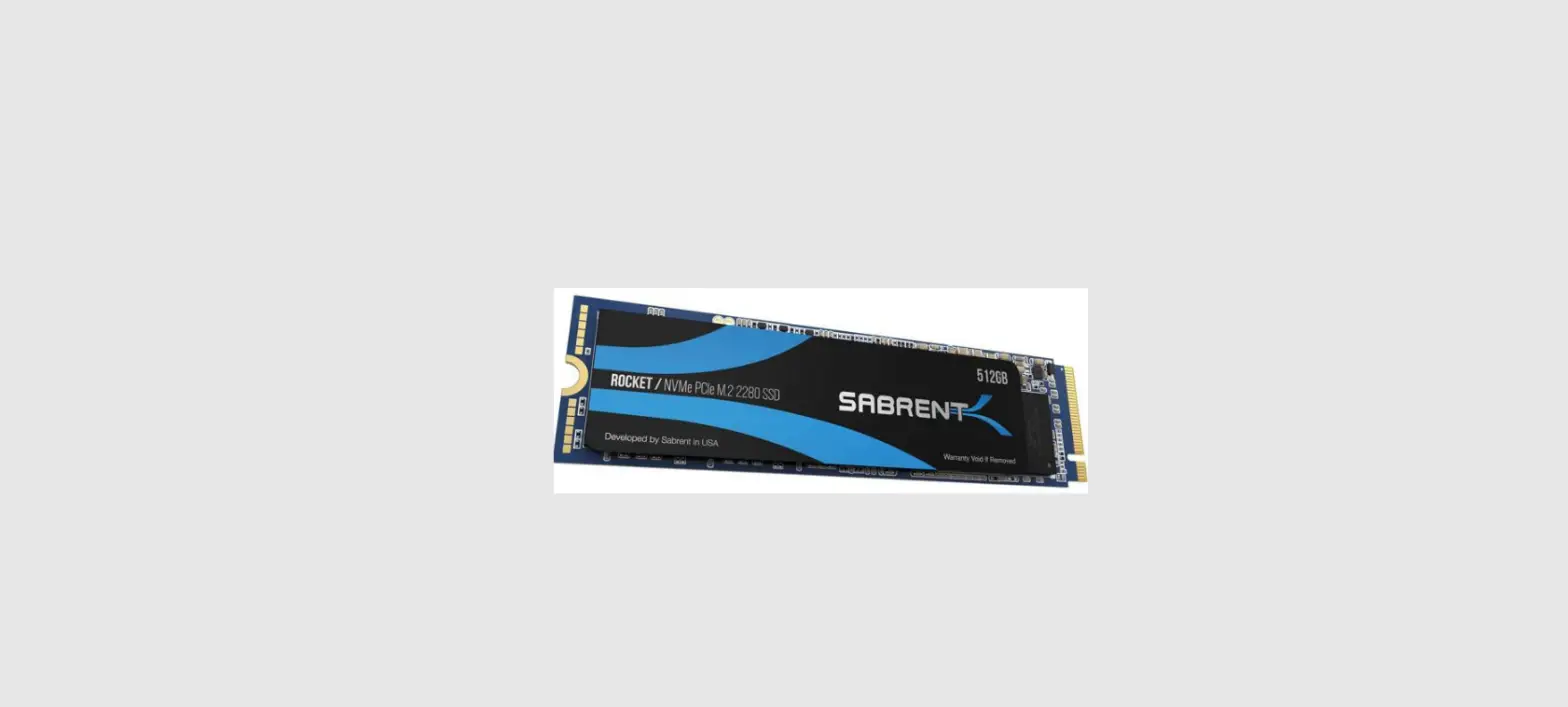
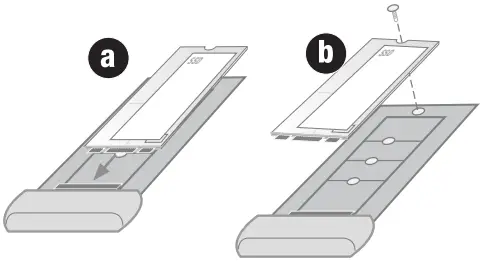
- a) Mount the SSD on the M.2 connectors
b) Turn the screw in the mounting-nut to hold the M.2 SSD in place
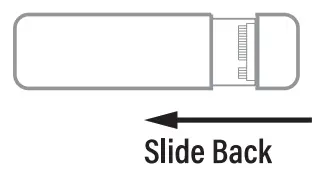
- Slide back the aluminium case

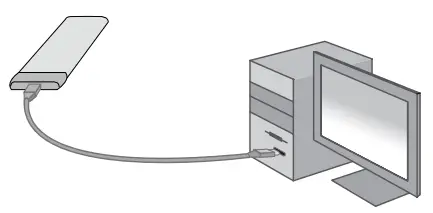
- Attach the SSD with the included cables to your computer

For service, manuals, firmware updates or support visit
www.act-connectivity.com
Multilingual manual
 Home | ACT
 Online Review & Business Listing Management | Connectivity
 Home | ACT