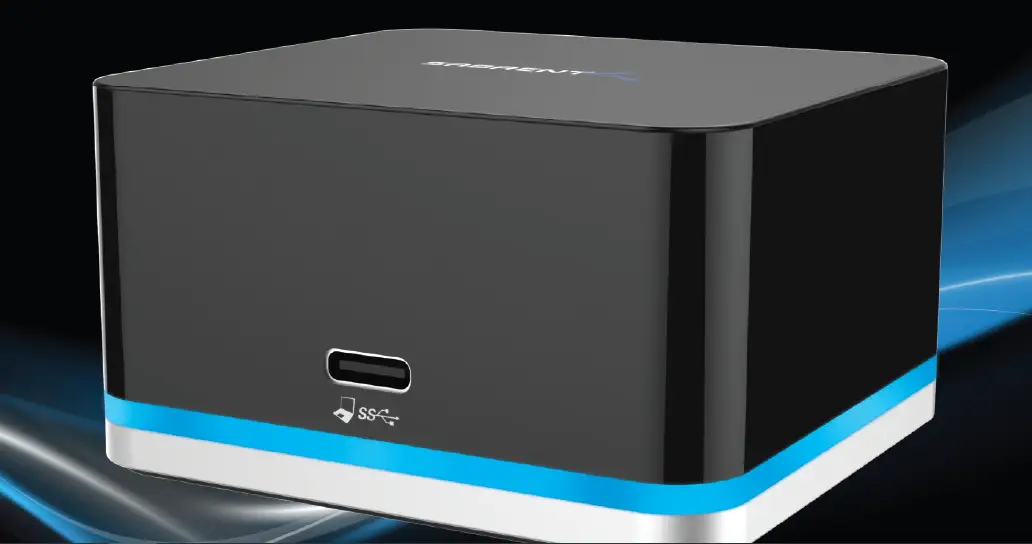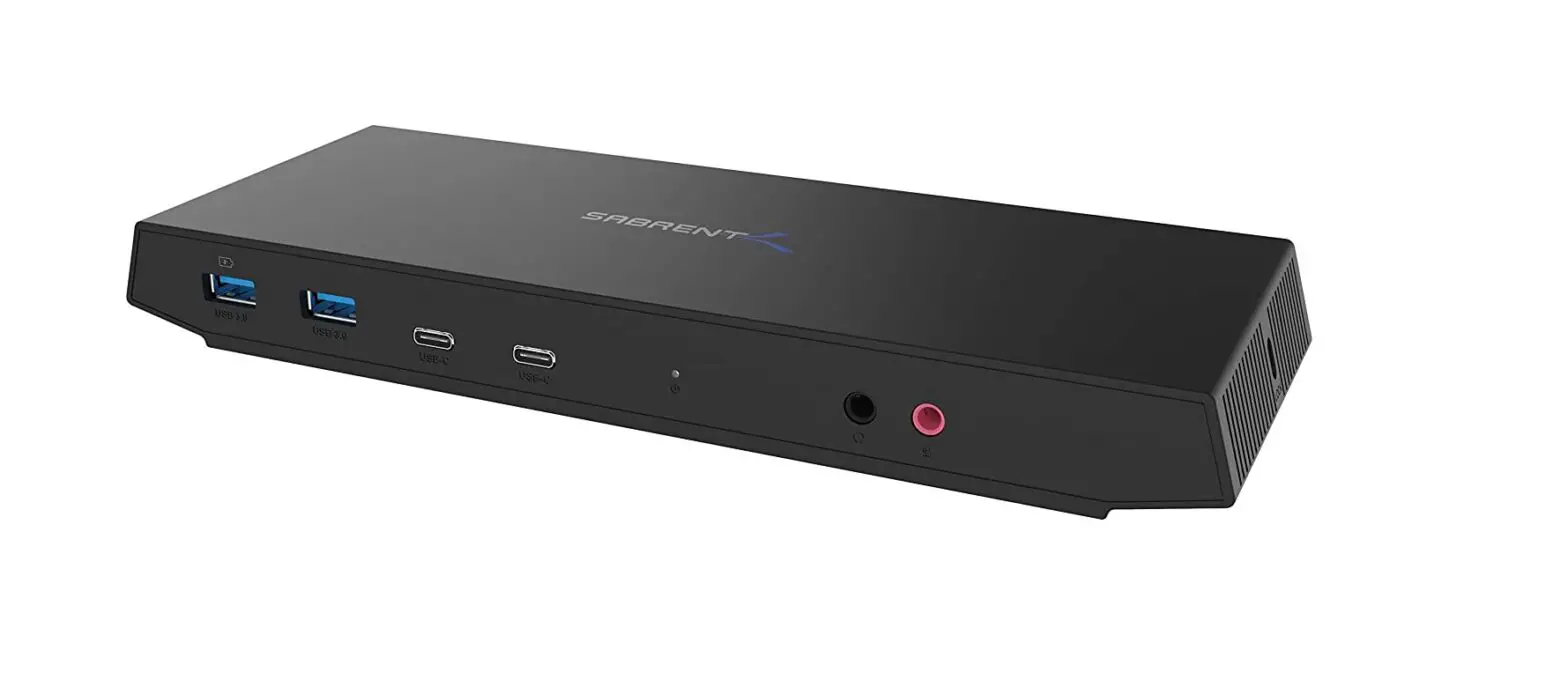
DS-WSPD USB Type-C Dual 4K Universal Docking Station
SABRENT
Connecting Differently
USB TYPE-C DUAL 4K
UNIVERSAL DOCKING STATION
WITH USB POWER DELIVERY
USER MANUAL
SABRENT
GENERAL SYSTEM REQUIREMENTS:
- USB–C or Thunderbolt 3 System
- Windows or Mac OS
SPECIFIC SYSTEM REQUIREMENTS:
Recommended For 4K Workstation:
Processor: Intel Core i5 2GHz with SSE2 support (equivilant or better) Memory: 4GB Graphics processor: Integrated or discreet Intel HD 4000, ATI Radeon HD7xxx, NVidia GeForce 5xXM graphics processors or better.
Recommended For 4K Video Playback:
Processor: Intel Core i7 2GHz with SSE2 support (equivilant or better) Memory: 8GB Graphics processor: Integrated or discreet Intel HD 4000, ATI Radeon HD 8650, NVidia GeForce 7xxM graphics processors or better.
Recommended For Any 5K Usage:
Processor: Intel Core i7 2GHz with SSE2 support (equivilant or better) Memory: 8GB Graphics processor: Integrated or discreet Intel HD 4000, ATI Radeon HD 8650, NVidia GeForce 7xxM graphics processors or better.
PACKAGE CONTENTS:
- USB 3.0 Type-C Dual 4K Universal Docking Station
- USB 3.0 Type-C to USB 3.0 Type-C cable (E-mark Chip) (1 meter)
- USB 3.0 Type-A to USB 3.0 Type-C cable (1.8 meter)
- User Manual
- Display link Software CD
- Power Supply
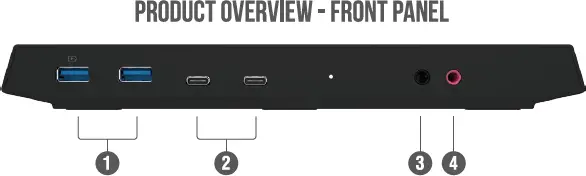
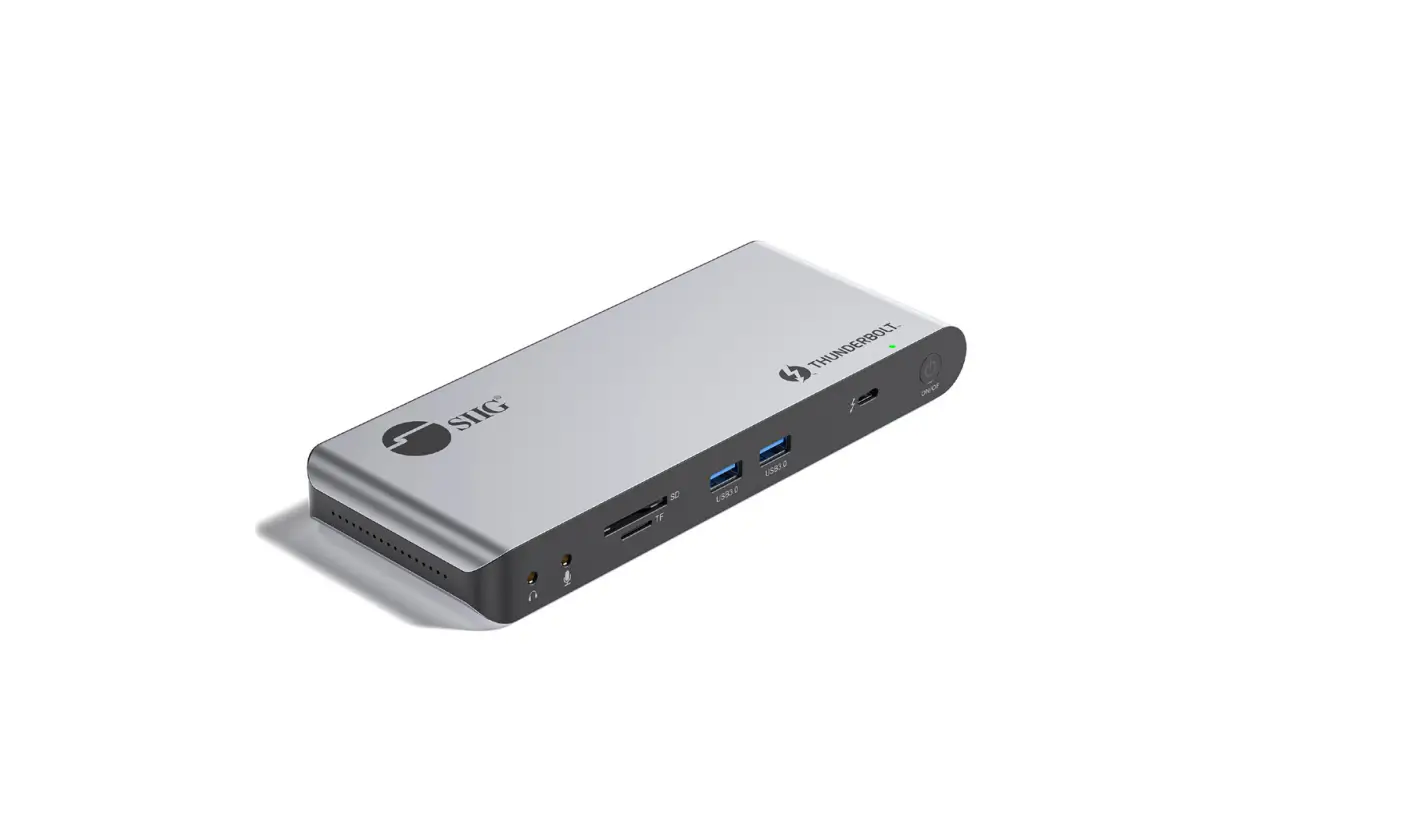
- Two USB Type-A Ports
- Two USB Type-B Ports (non-charging)
- 3.5mm AUX Audio output (speakers/headphones)
- 3.5mm AUX Audio input (microphone/sound capture)
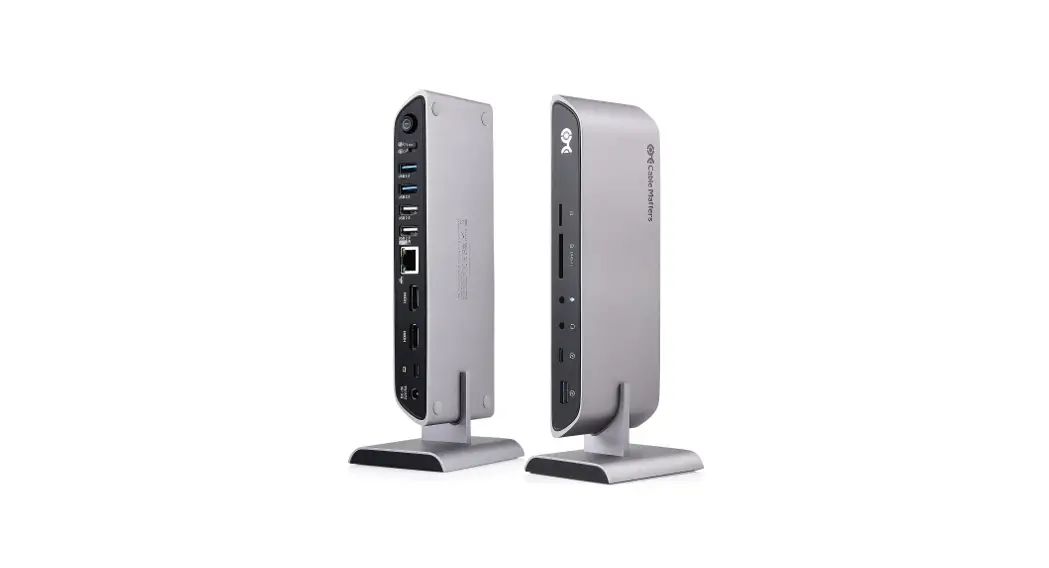
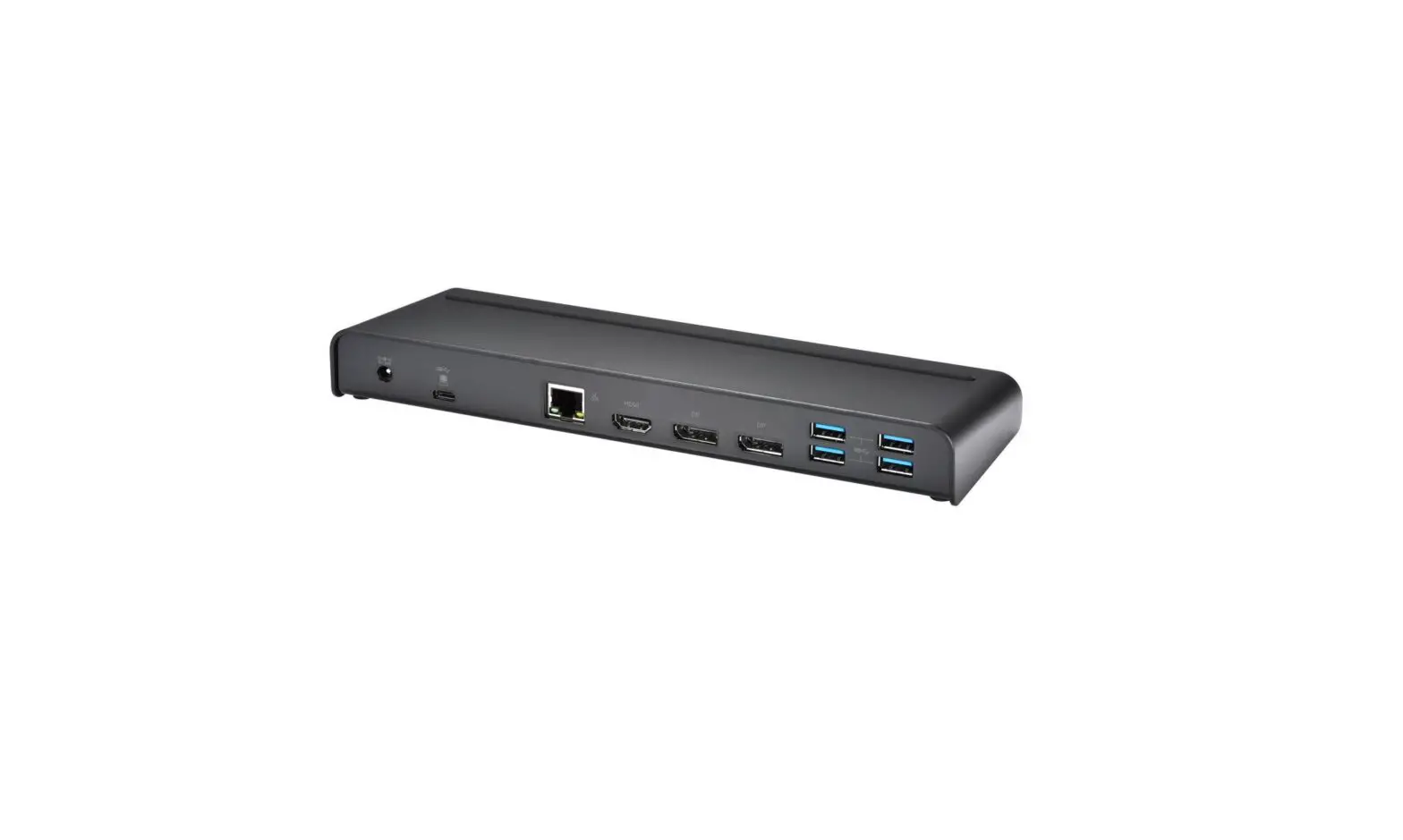
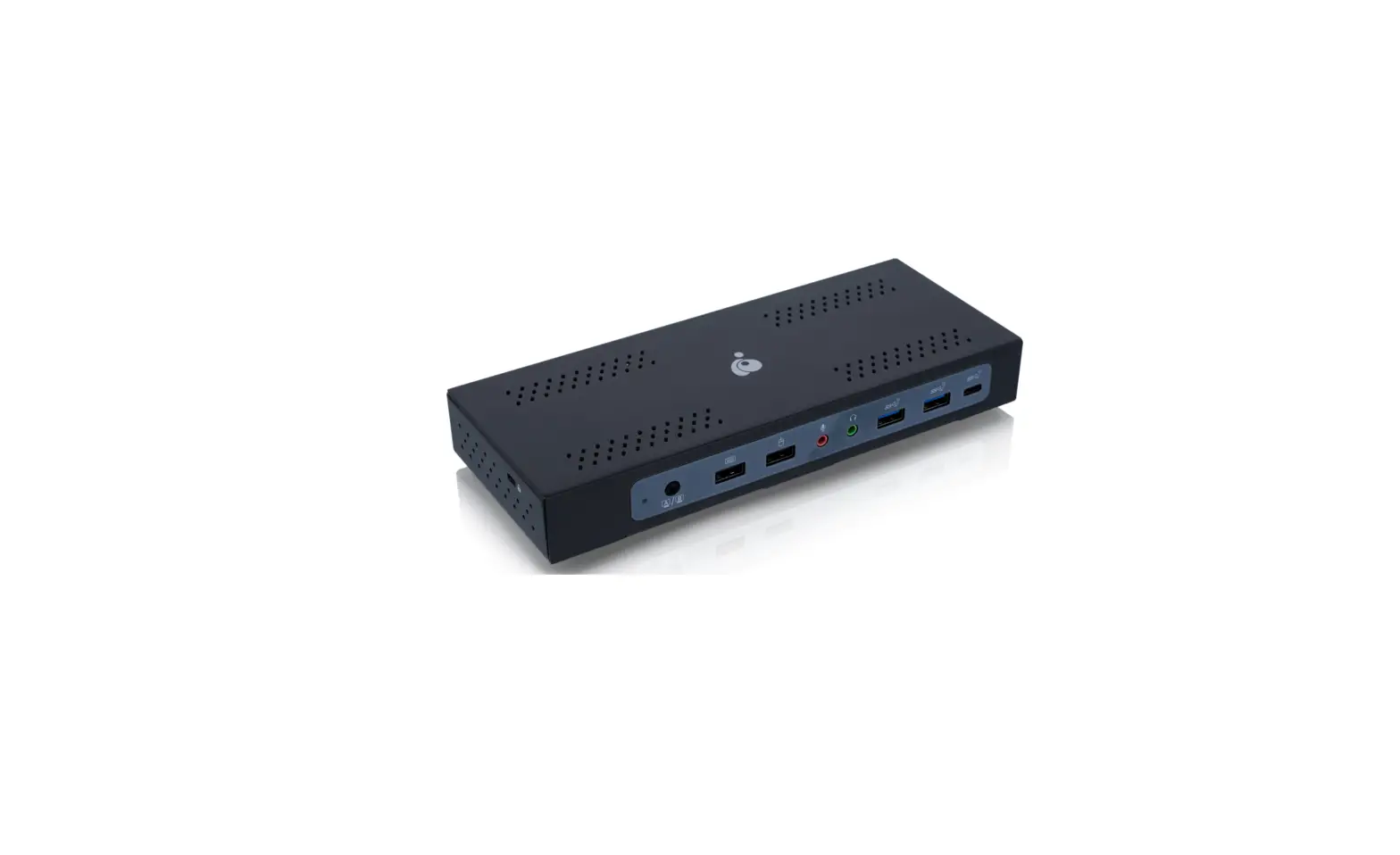
PRODUCT OVERVIEW – REAR PANEL
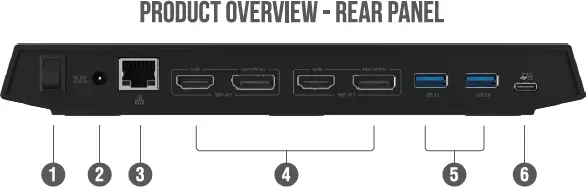
- ON/OFF Power Switch
- Power Supply Port
- 10/100/1000Mbps Ethernet Port
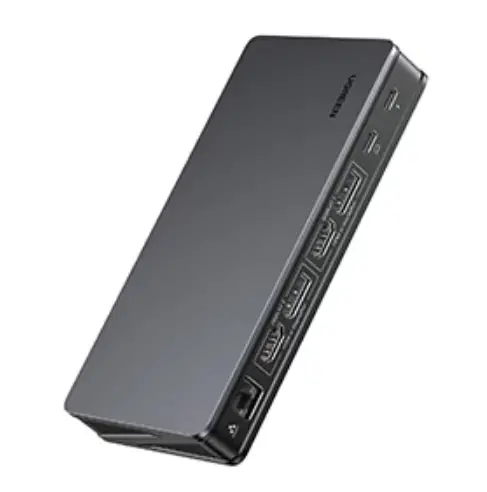
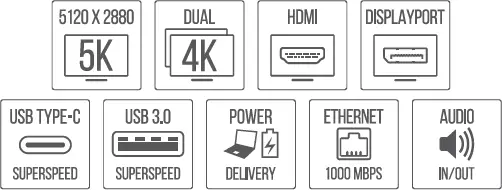
- Video out: 2x HDMI, 2x DisplayPort
- Two USB 3.0 Type–A Ports
- USB 3.0 Type-C Port (host PC charging capable)
NOTE Only one type of port is able to be used per DISPLAY for a monitor connection. You may choose either HDMI or DISPLAYPORT from both DISPLAY 1 and DISPLAY 2. If monitors are plugged into both ports within one DISPLAY, DISPLAYPORT will take priority.
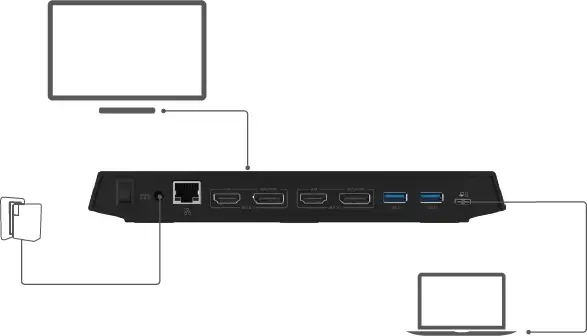
FOR 5K USAGE
- Connect to a compatible PC or laptop with the included USB 3.0 Type–C cable.
- Using two DisplayPort cables, connect one end of each cable to the Powered Dock and the other two ends to a compatible monitor, screen, or projector.
- Refer to your Operating System to set the resolution to 5K (5120×2880.)
NOTE
The dock is compatible with most 5K enabled monitors on the market. Please refer to www.displaylink.com/downloads to download the latest driver for better compatibility.
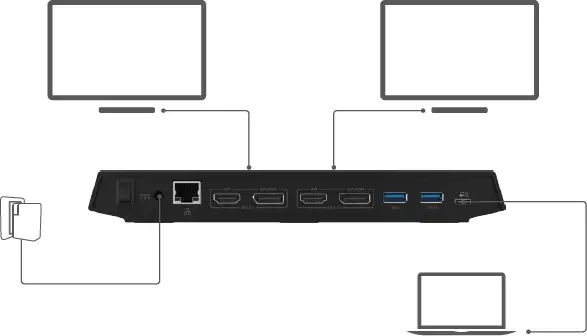
FOR MULTIPLE MONITORS WITH 4K RESOLUTION OR LOWER
- Connect to a compatible PC or laptop with the included USB 3.0 Type-C cable.
- Connect monitor(s) with desired cable(s) to either the HDMI or DisplayPort connections of the Powered Dock.
PLEASE NOTE
This device only enables one monitor connection per DisplayPort. If two monitors are plugged into one DisplayPort, only ONE will function. This USB 3.0 Type–C Dual 4K Universal Docking Station can support up to two displays by itself. For additional displays, another unit must be connected. 3-Refer to your Operating System to set the resolution to 4K (3840×2160).
SABRENK
FOR HELP, COMMENTS, QUESTIONS OR CONCERNS PLEASE CONTACT OUR TECH SUPPORT TEAM VIA OUR WEBSITE
SABRENK
FOR HELP, COMMENTS, QUESTIONS OR CONCERNS PLEASE CONTACT OUR TECH SUPPORT TEAM VIA OUR WEBSITE