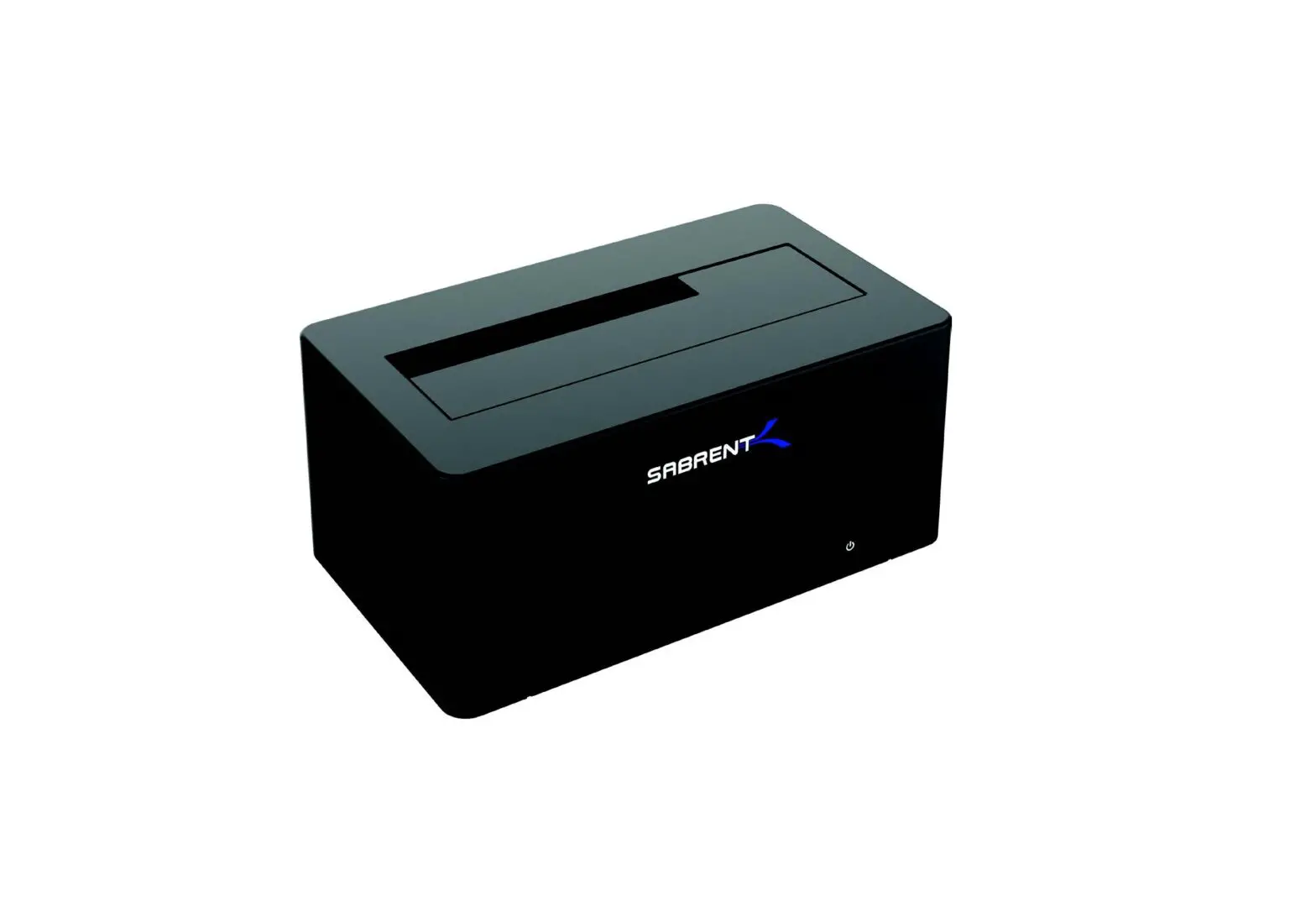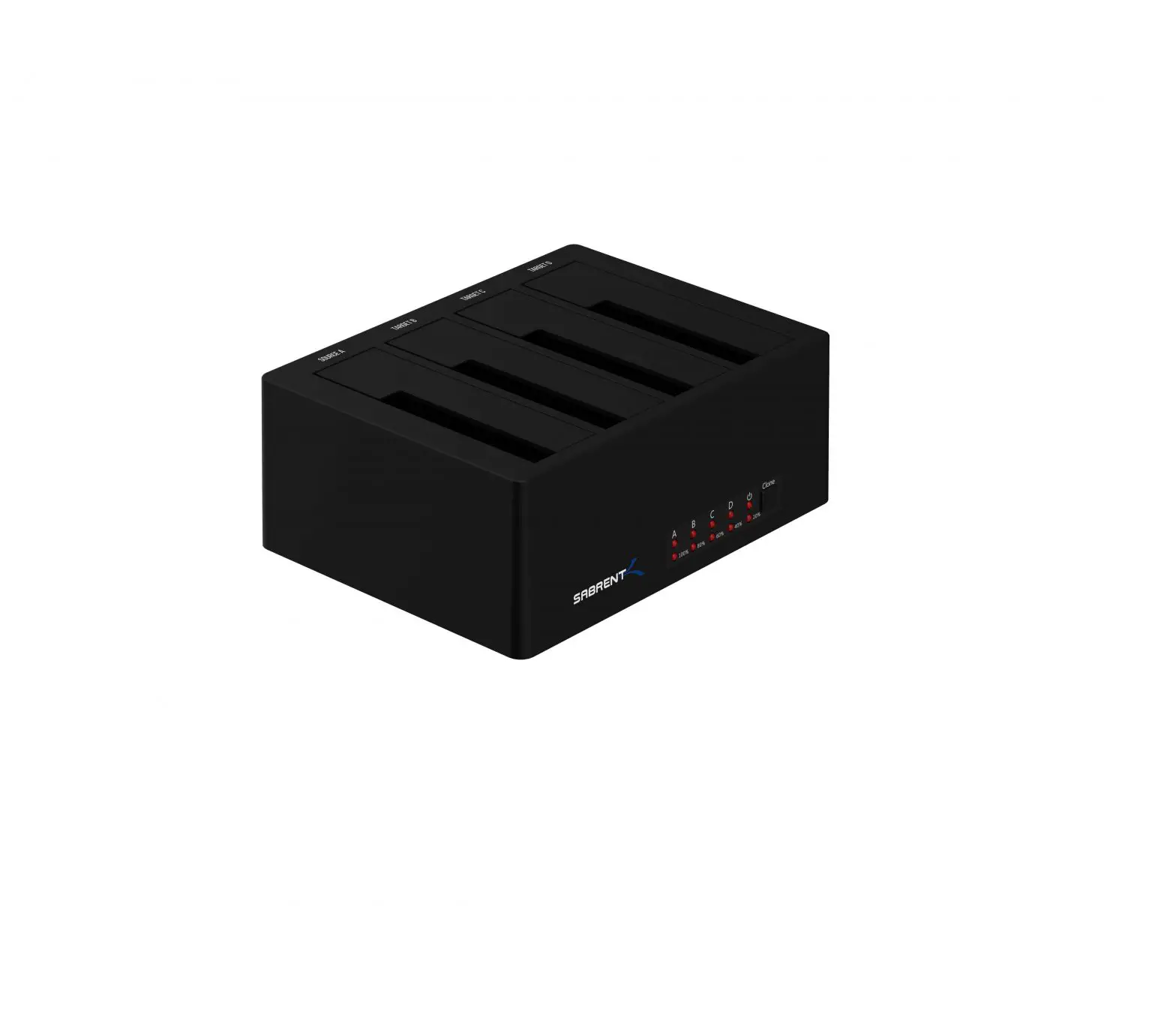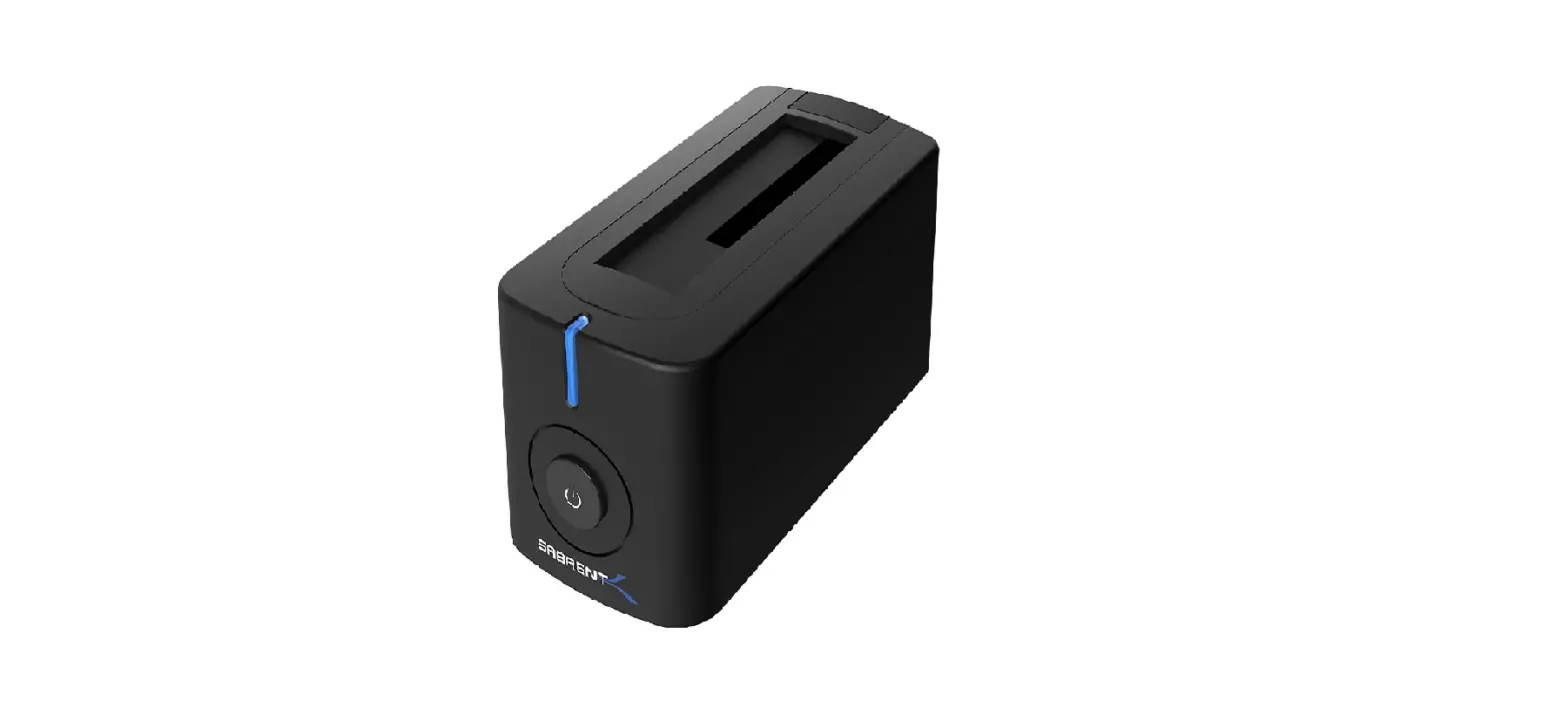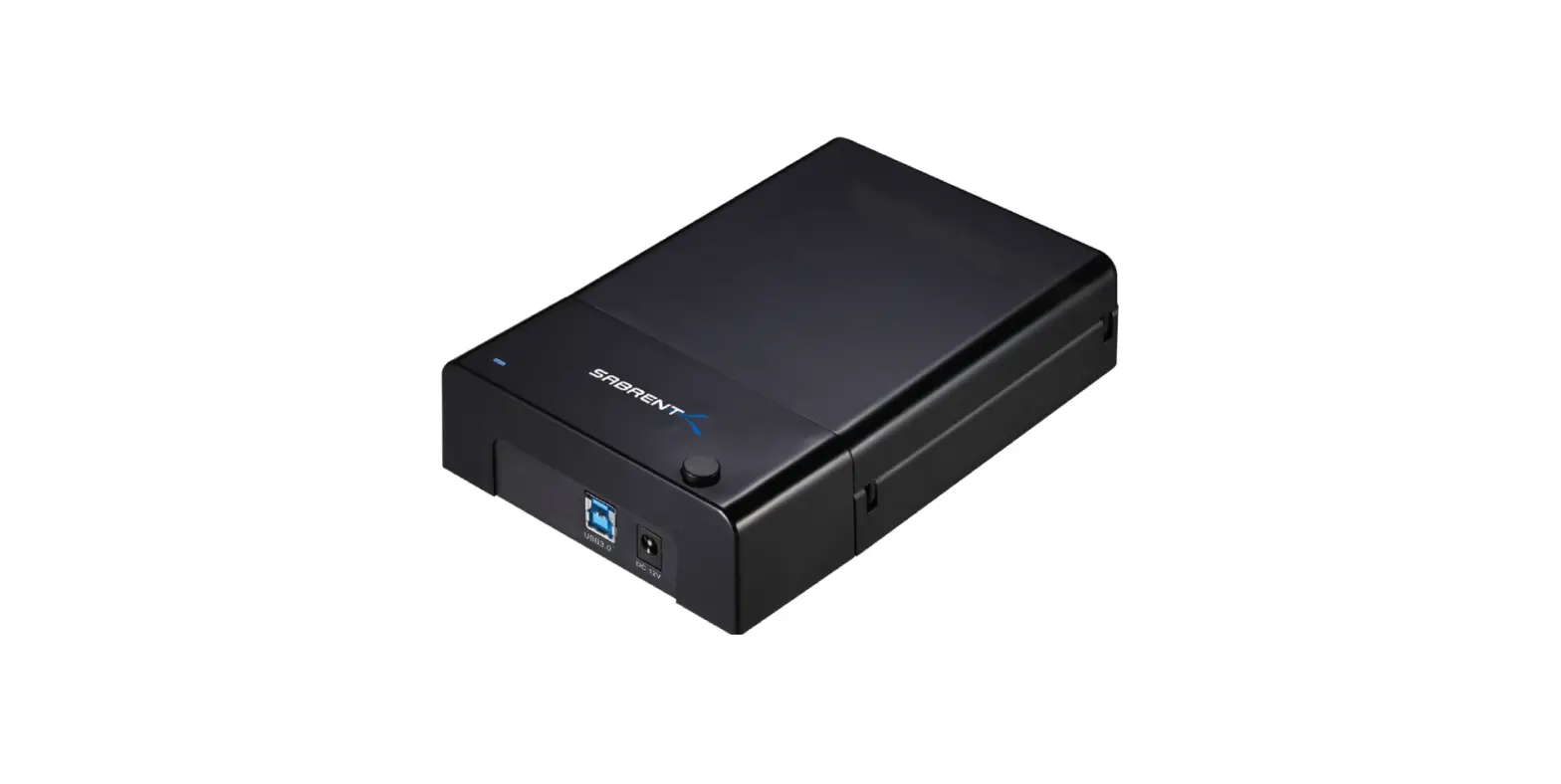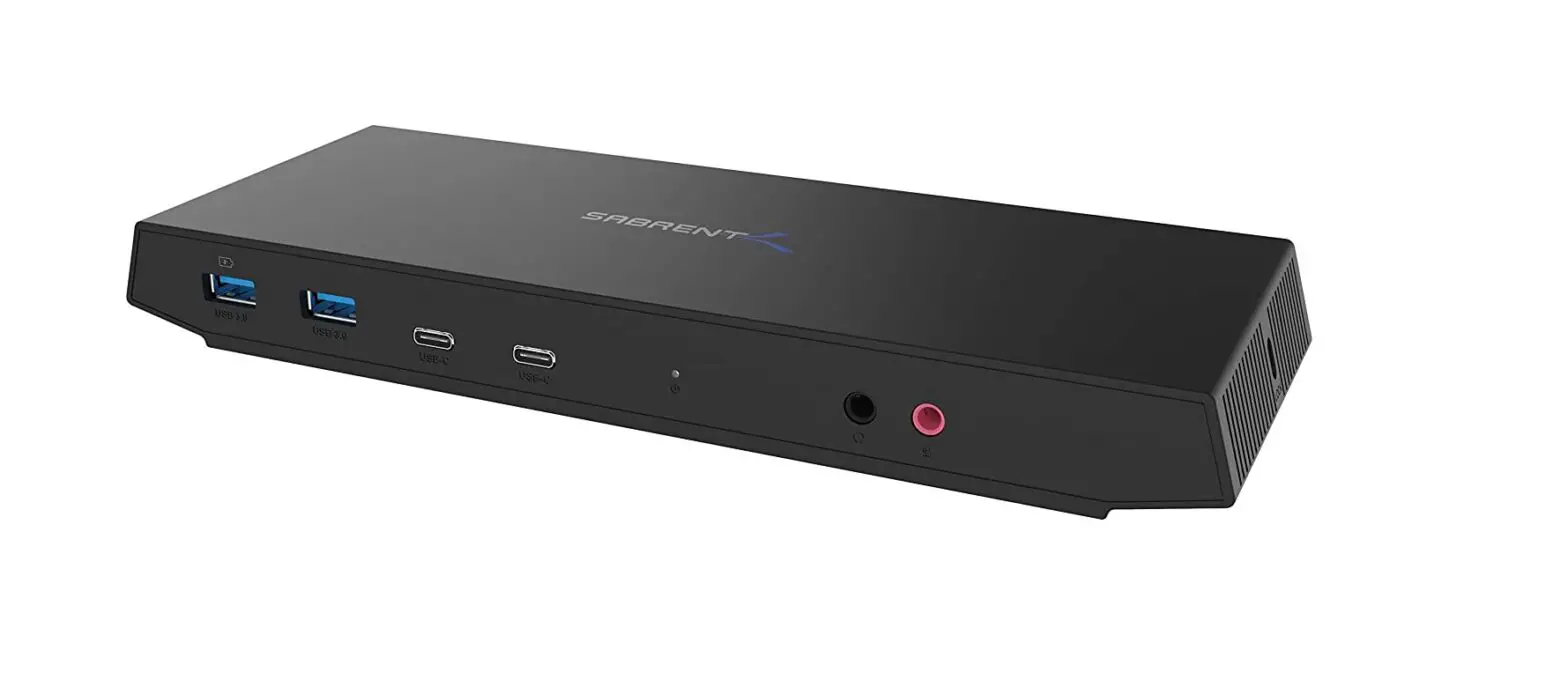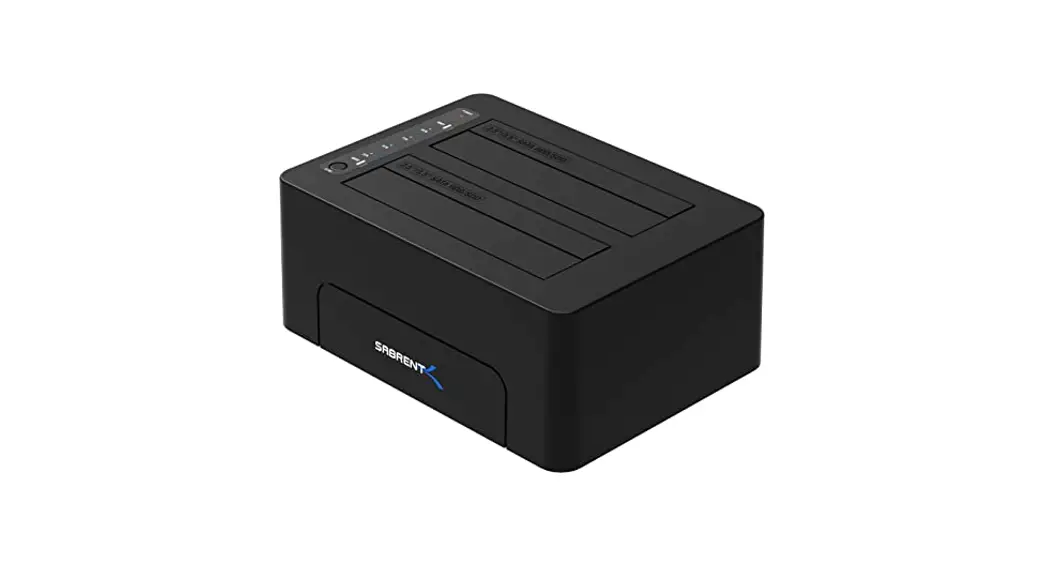
Sabrent DS-U301 HDD DOCKING STATION+USB
PORTS User Manual
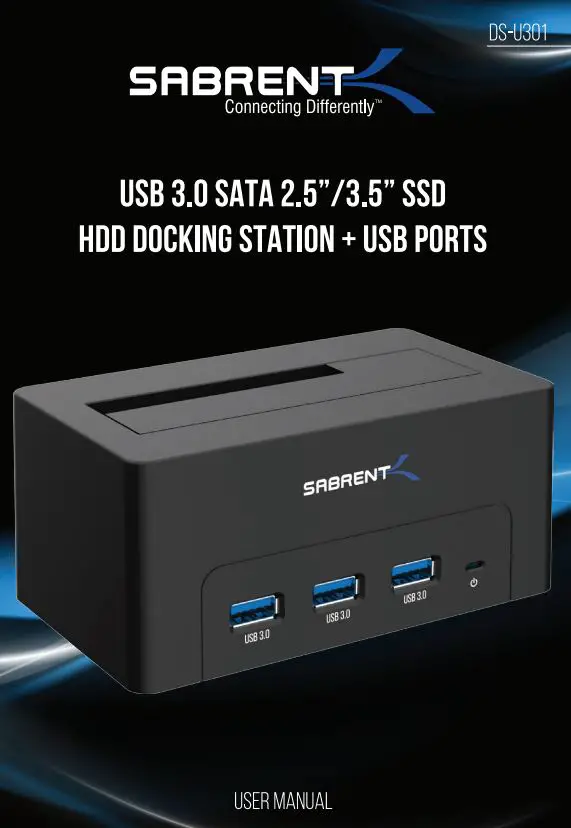
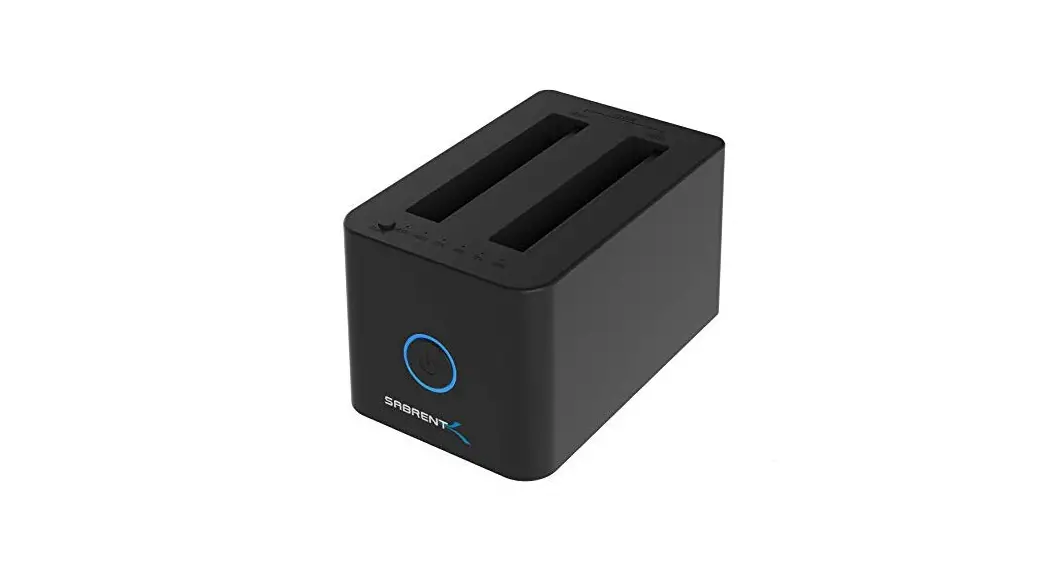
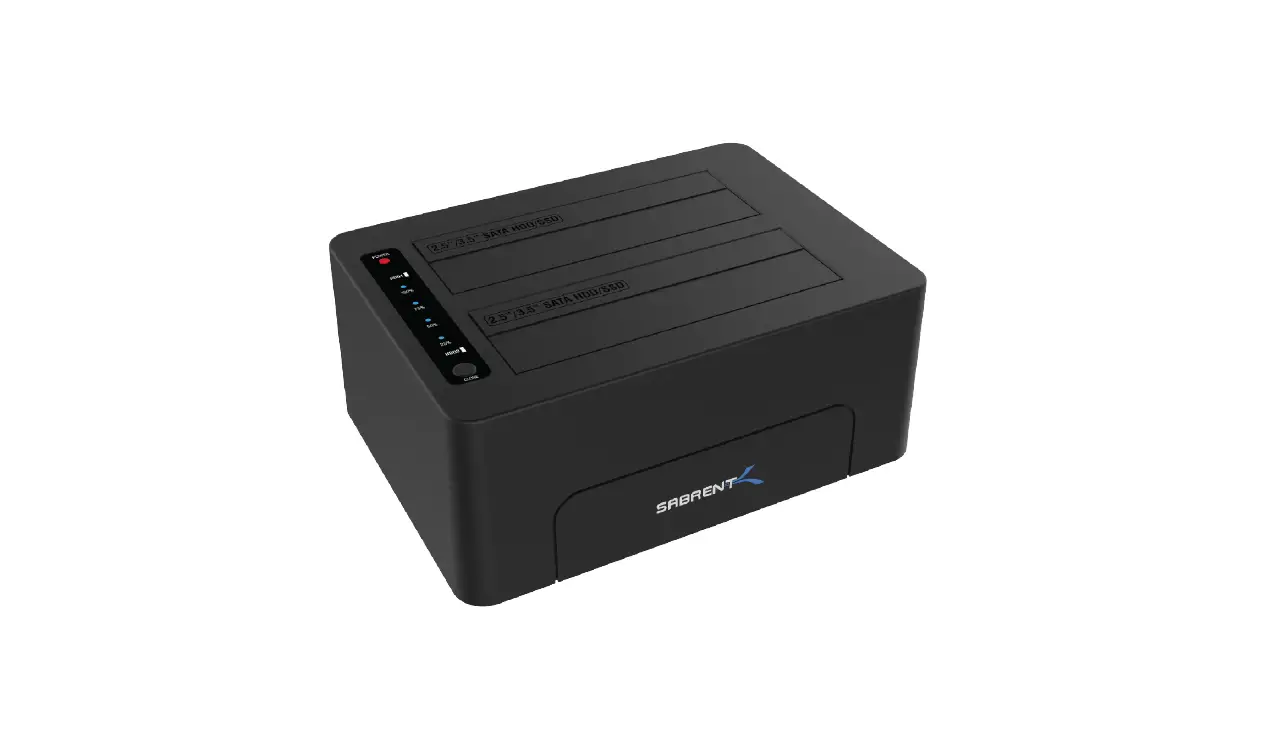
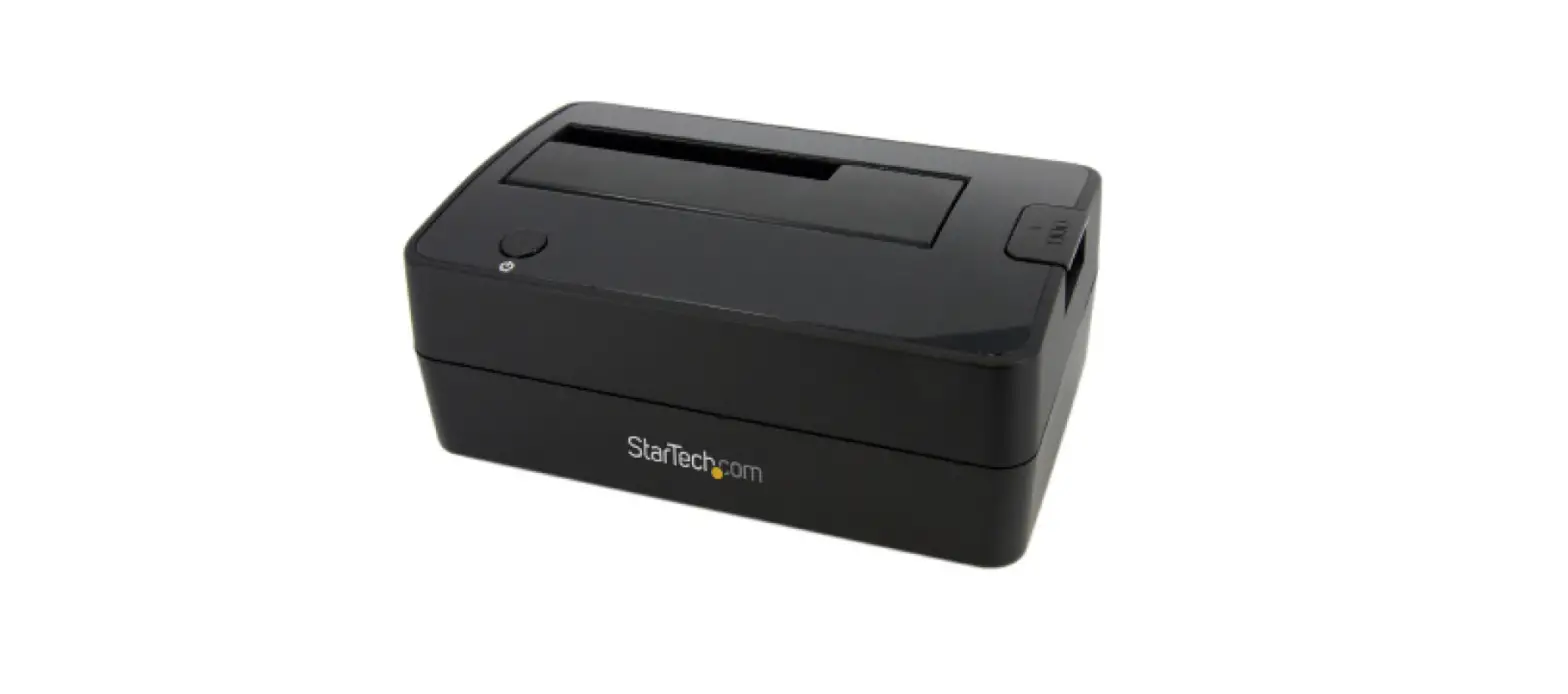
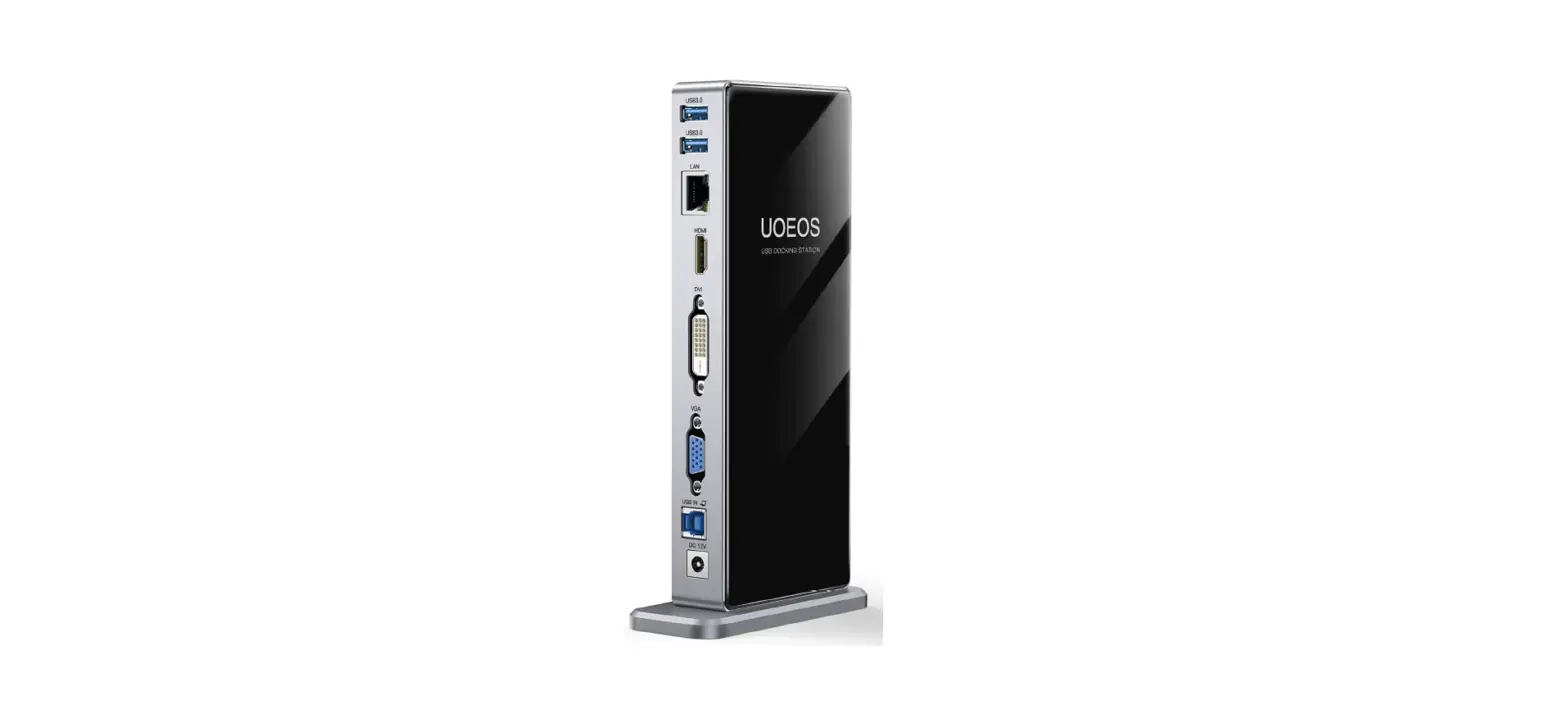
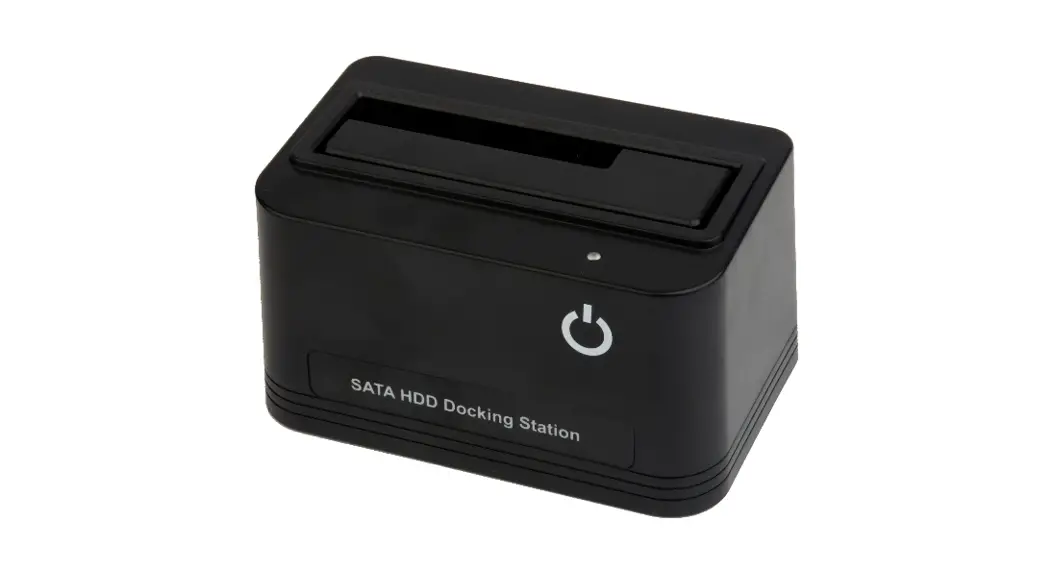
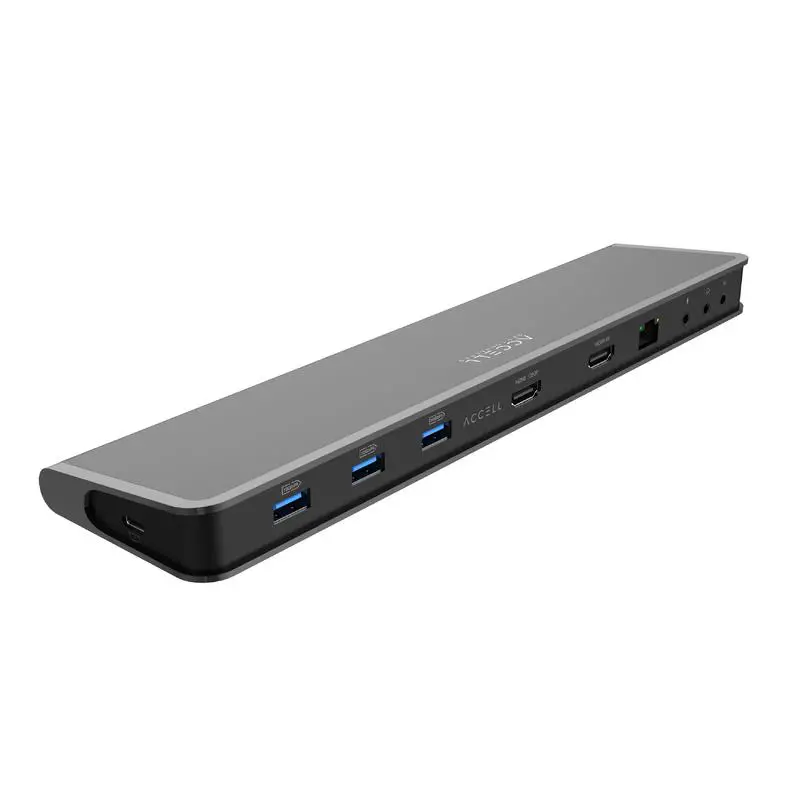
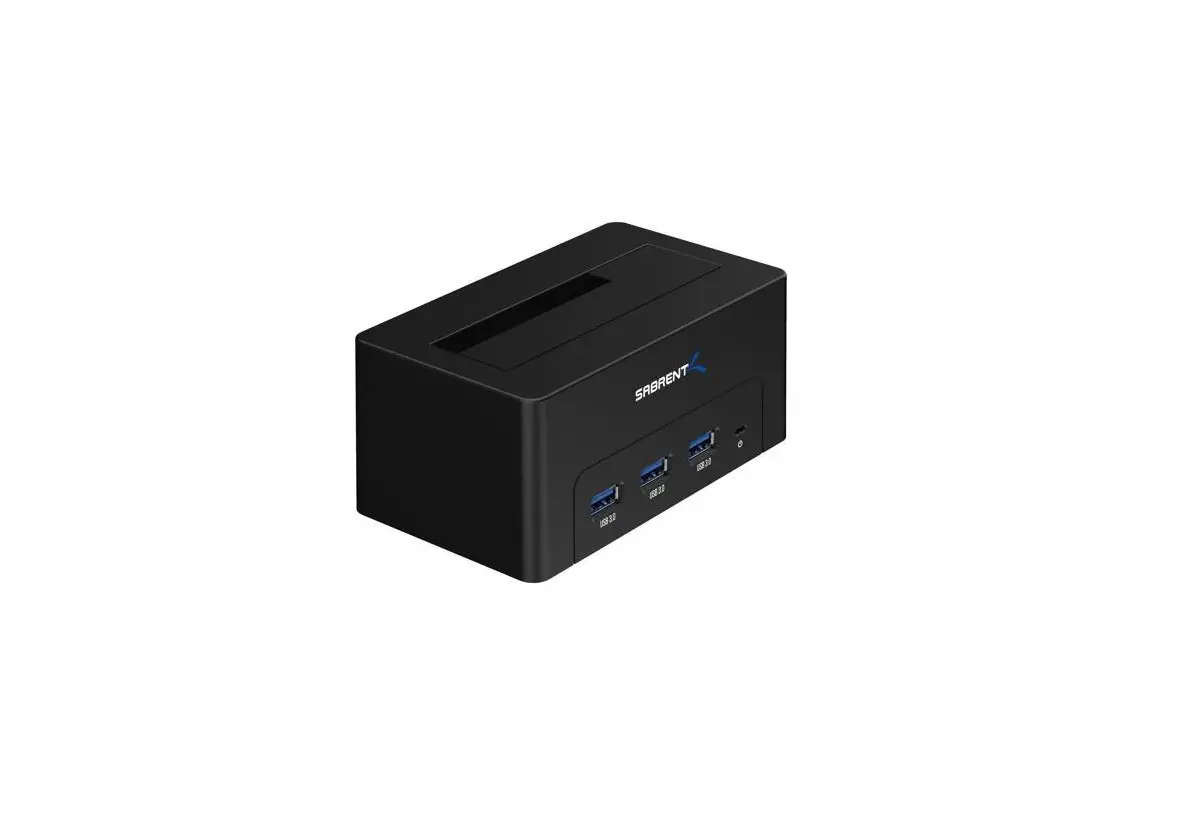
With a Sabrent USB 3.0 SATA 2.5″/3.5″ SSD/HDD Docking Station + USB Ports you can Hot-Swap 2.5″/3.5″ SATA Hard Drives when connected to your Desktop or Notebook. Tool free Plug & Play installation makes for an easy setup. You can now transfer data quickly and easily through USB Type-A 3.0 at high speeds up to 5Gbps. Featuring three USB 3.0 Type-A ports you can simultaneously connect your other devices with transfer speeds of 5Gbps.
System requirements
- Windows OS
- Mac OS
Package contents
- HOD Docking Station + USB Ports
- Type-A USB cable
- Power adapter
- User Manual
PRODUCT OVERVIEW
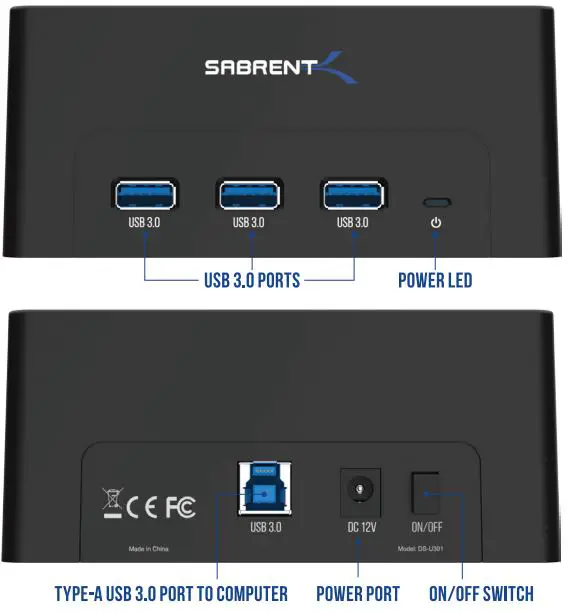
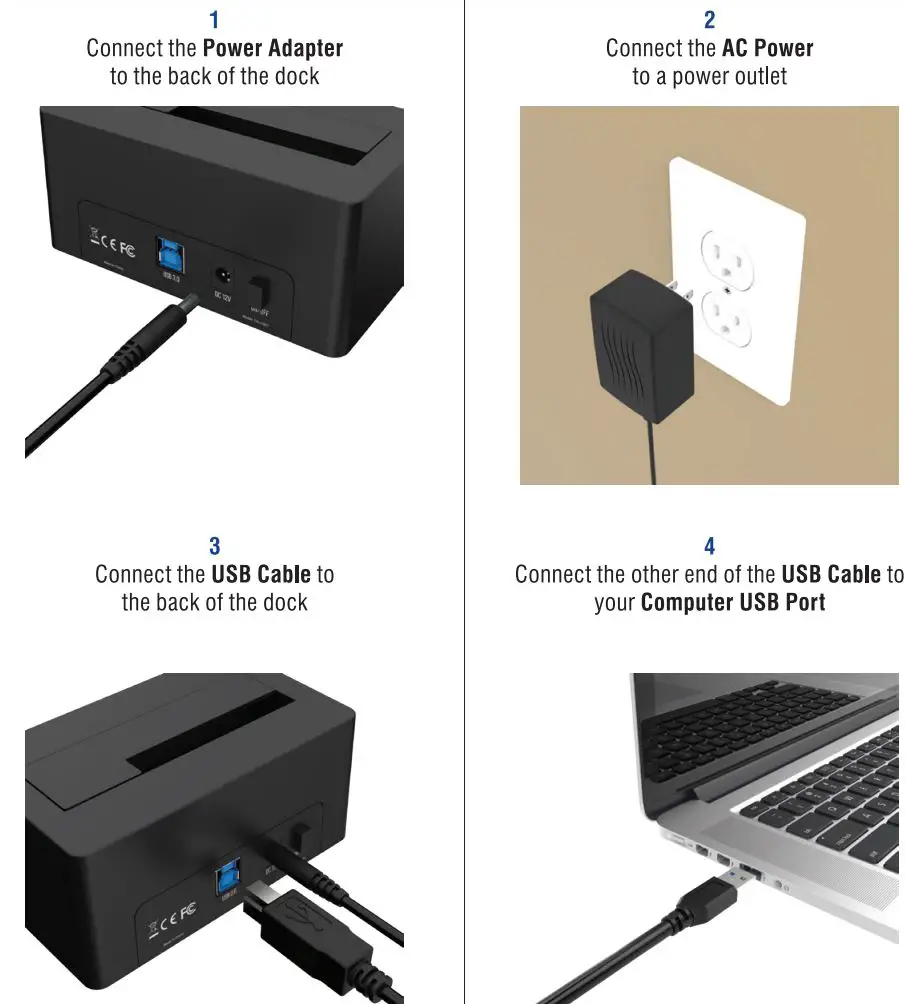
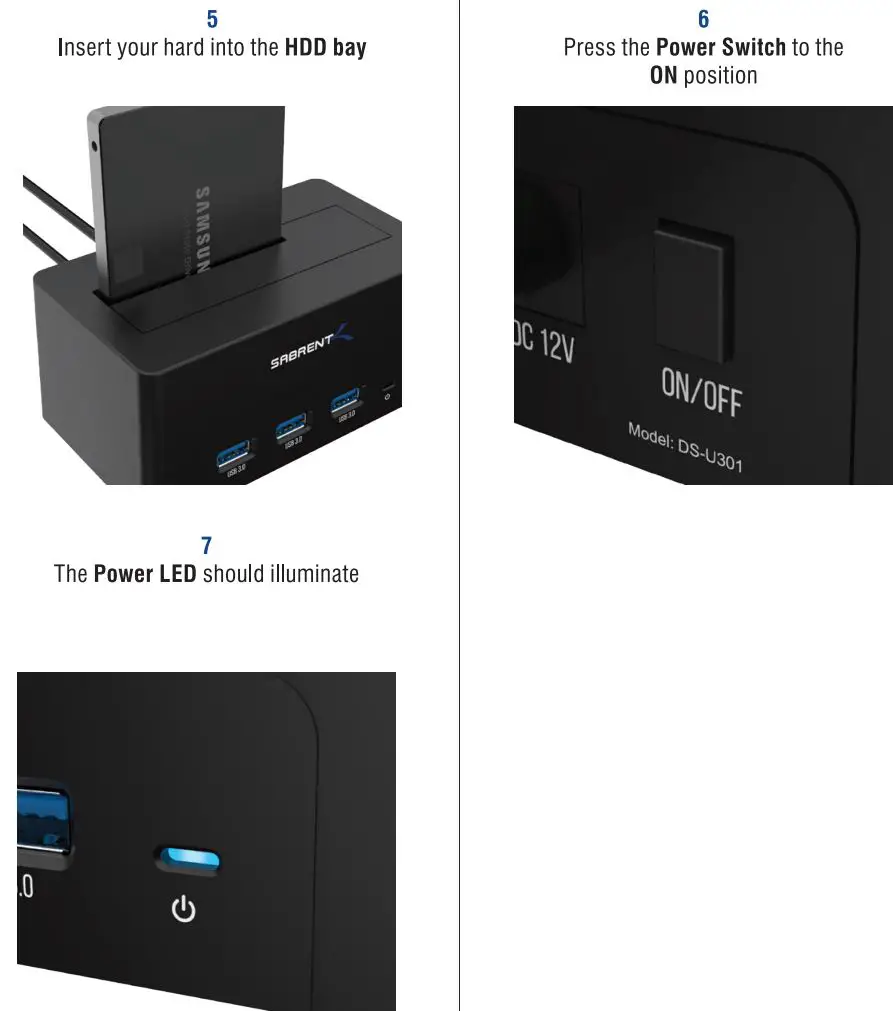
WINDOWS PC HARD DRIVE WITH DATA/FILES
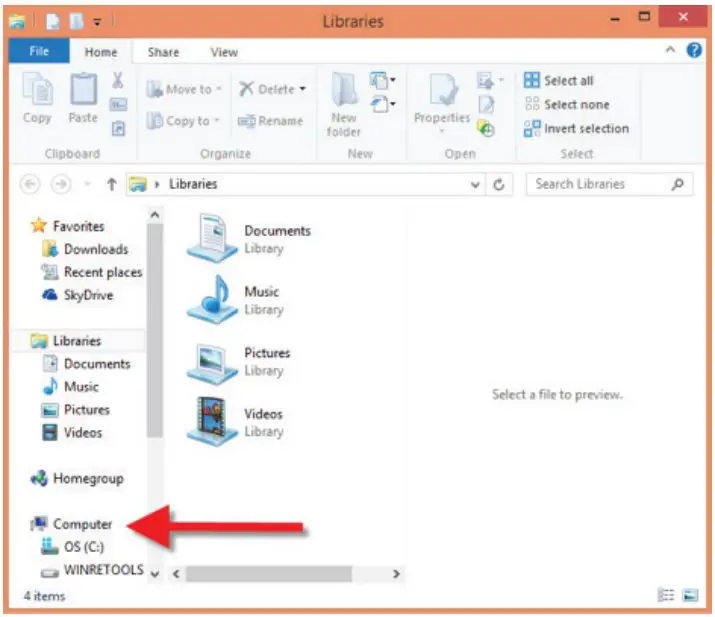
Click on the Start Icon located on the bottom left of the screen and then click on Computer
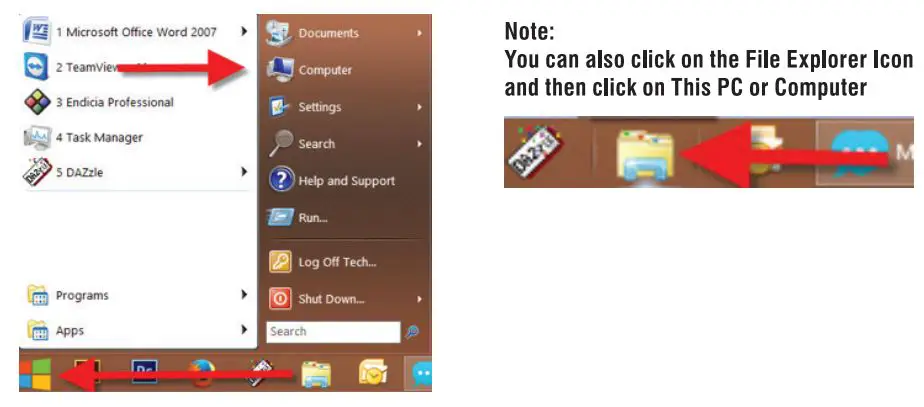
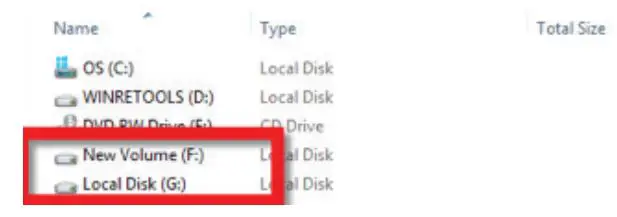
You should get a new drive letter every time you insert a hard drive with data/files
WINDOWS PC NEW HARD DRIVE SETUP CHARD DRIVE WITH NO DATA/FILES
Click on the Start Icon located on the bottom left of the screen and then RIGHT click on Computer
Click on Manage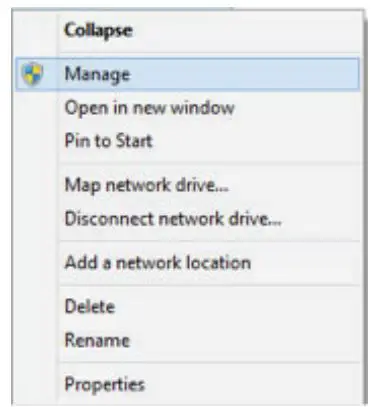
Click on Disk Management
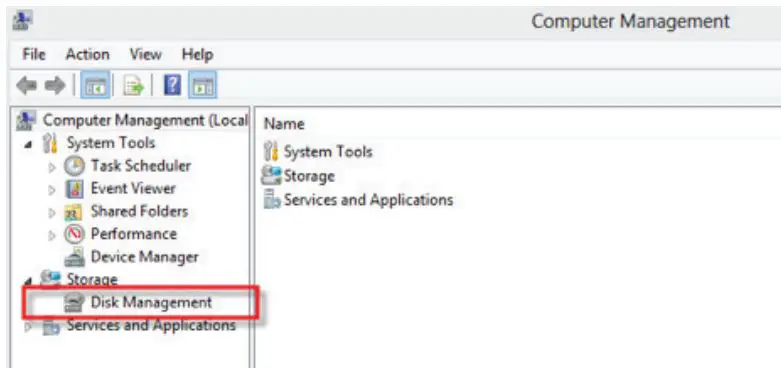
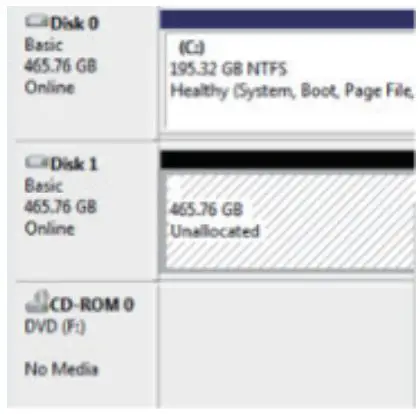
Note: Disk O should be your internal hard drive
Disk 1 should be your external hard drive but SETUPS MAY DIFFER
RIGHT click on Unallocated and click on New Simple Volume
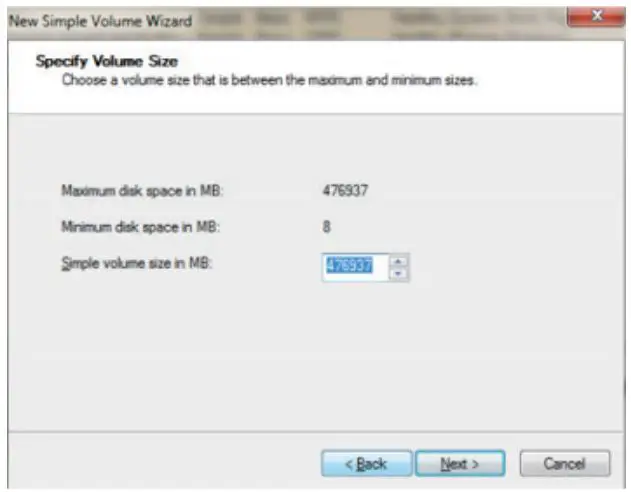
Go through the Setup Wizard to assign a drive letter
MAC OS HARD DRIVE WITH DATA/FILES
A new Icon should pop up on your main screen each time you insert a hard drive with DATA/Files
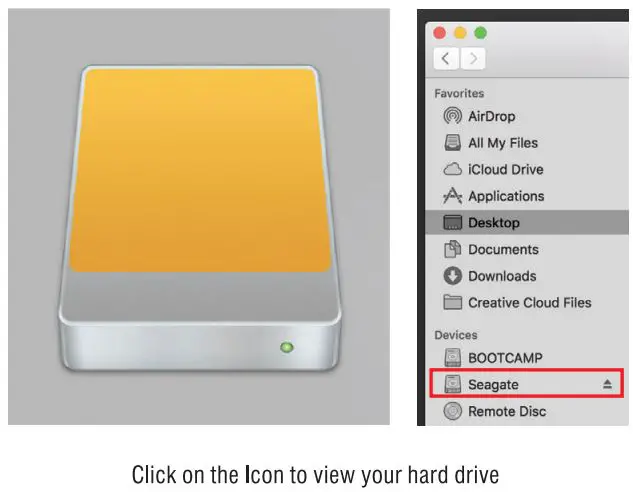
Note: You can also click on the Finder icon and select your hard drive under Devices
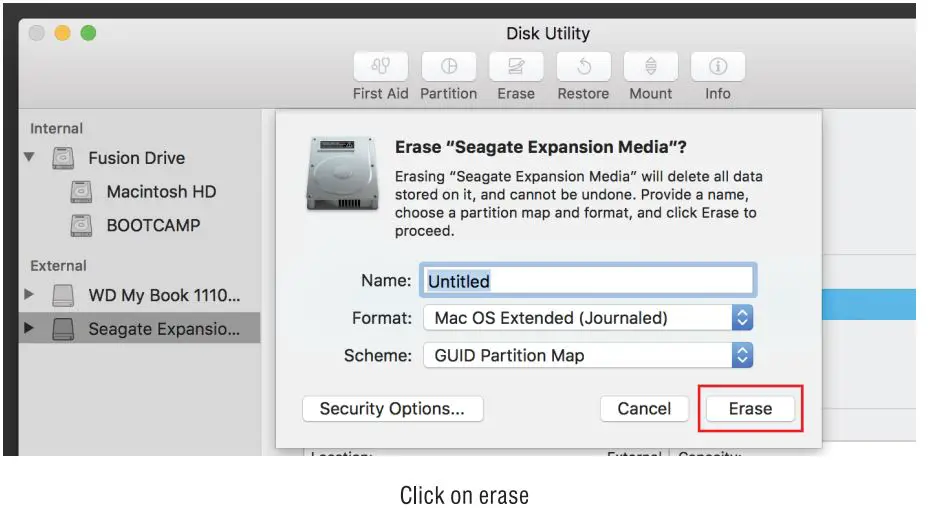
MAC OS NEW HARD DRIVE SETUP CHARD DRIVE WITH NO DATA/FILES
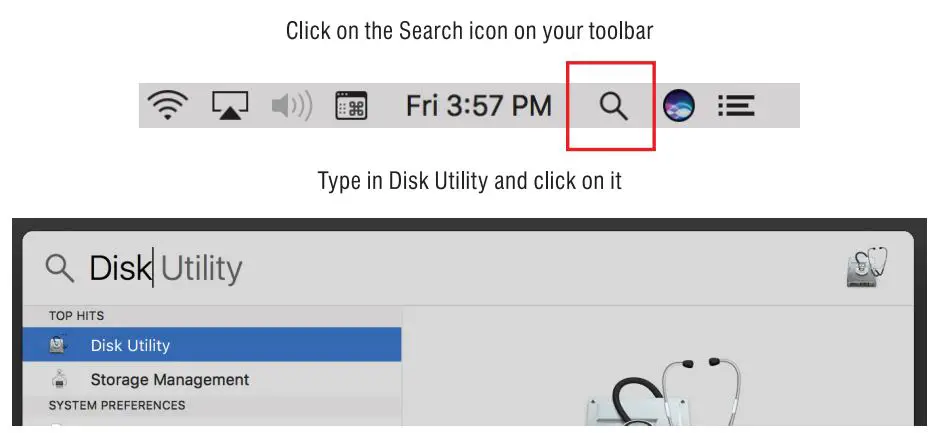
Click the icon for your external hard drive located in the sidebar on the left Click on the Erase tab at the top of the window
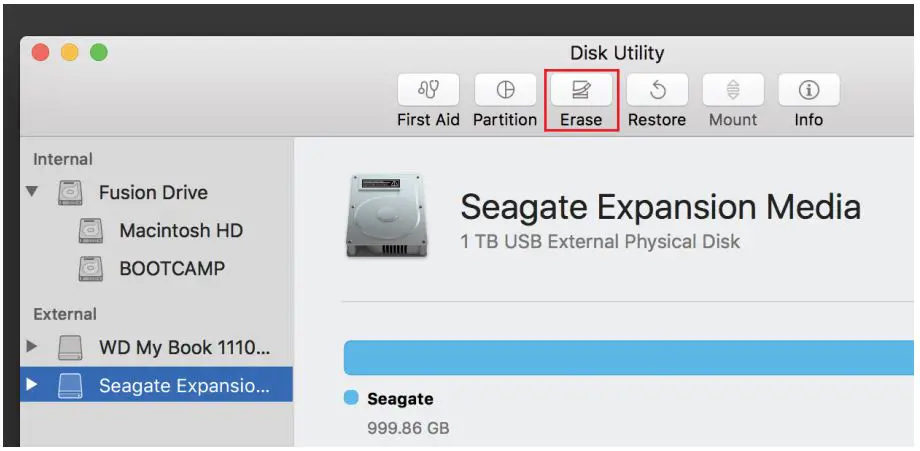
Select the volume format you want and give it a name