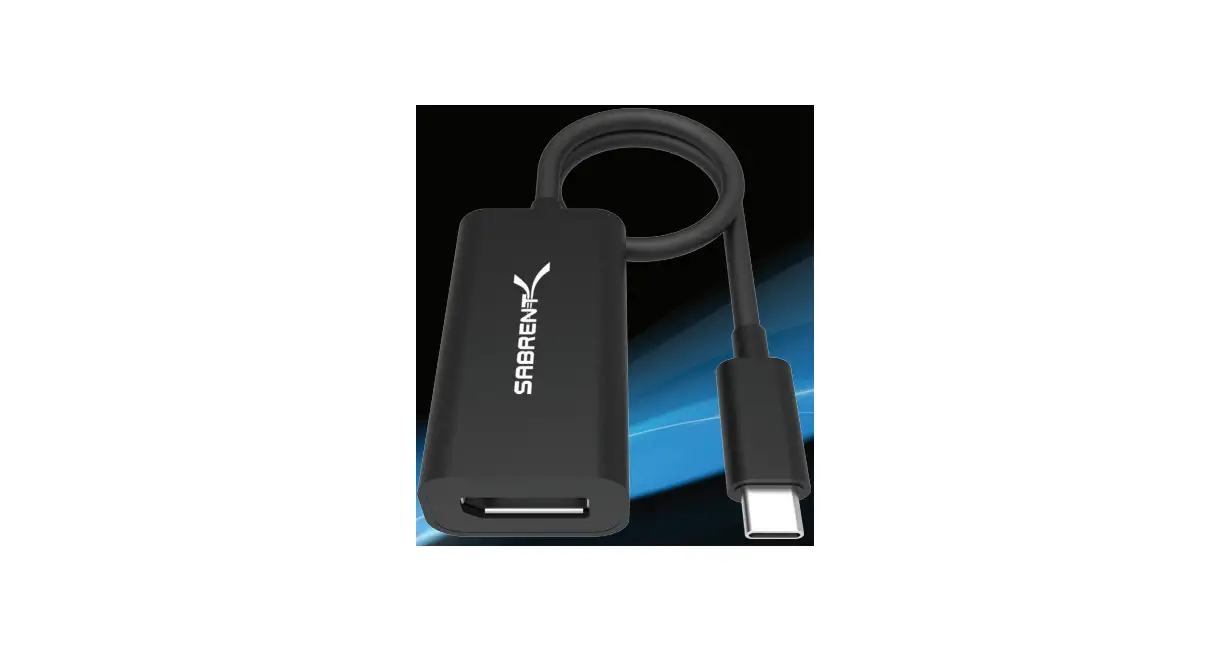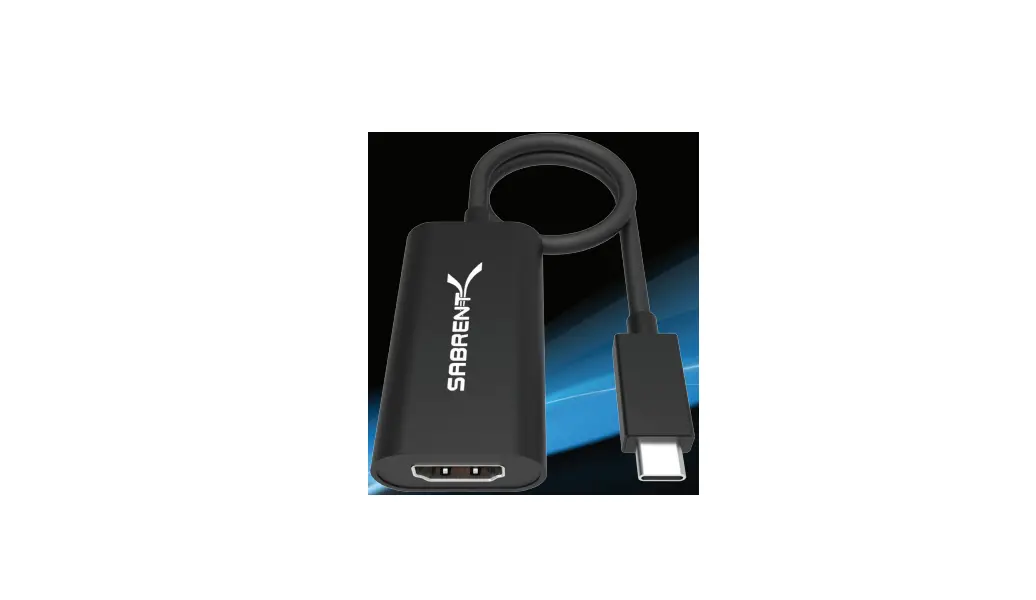

SABRENT DA-DPUC USB 3.1 Type-C

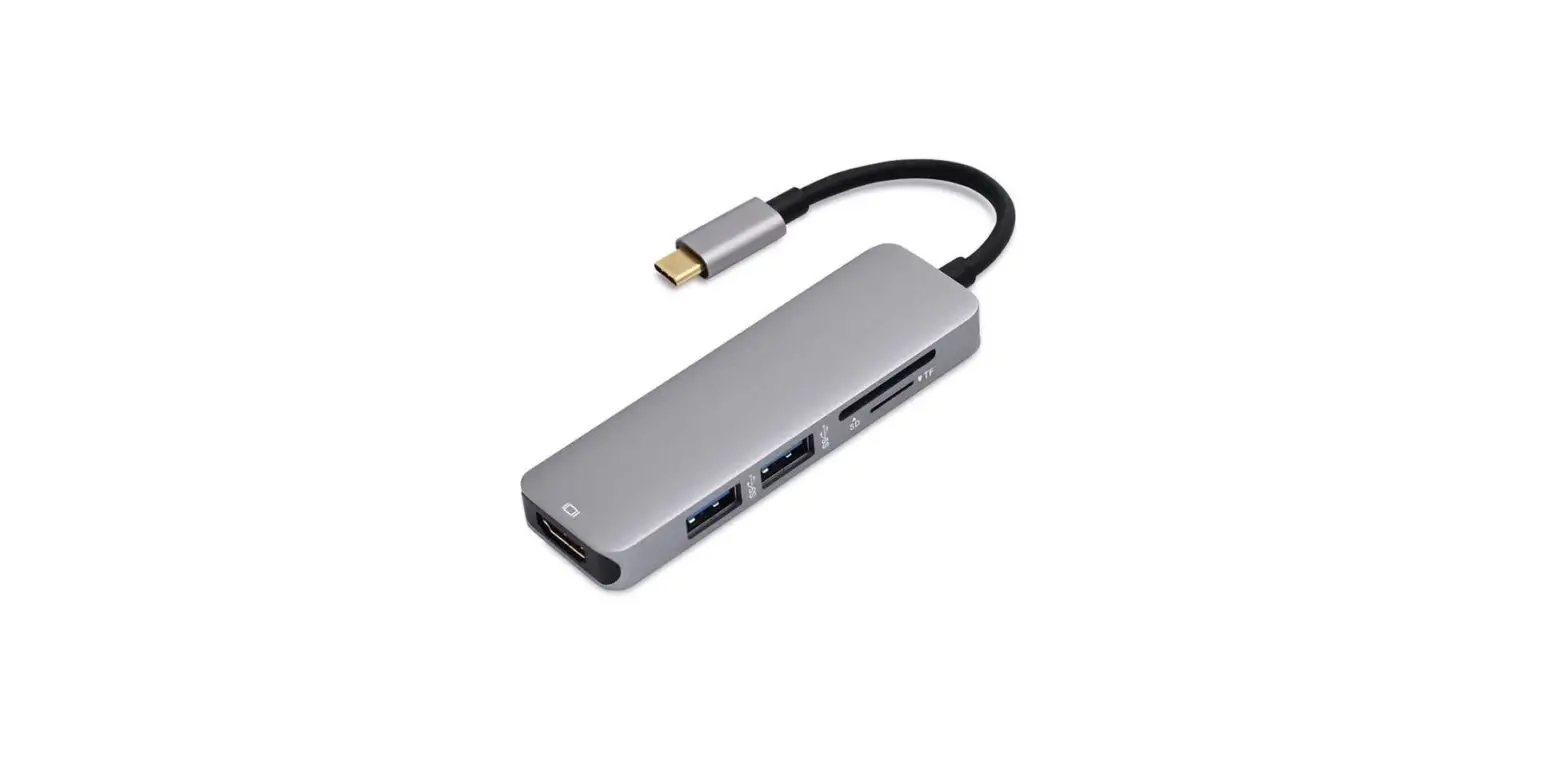
Your Desktop or Notebook with USB-C now has the luxury of connecting to a DisplayPort display with the Sabrent USB Type-C to DisplayPort Adapter. Plug & Play, no driver installation or external power required. Easily connect the Sabrent USB Type-C to DisplayPort Adapter to your computer then to a DisplayPort display, and take pleasure of high-end resolutions.
HOW TO USE
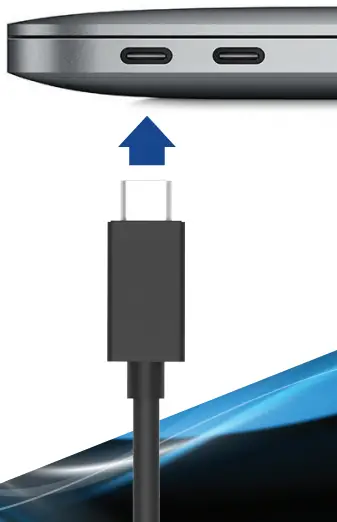
- Connect this to an available USB Type-C port on your computer

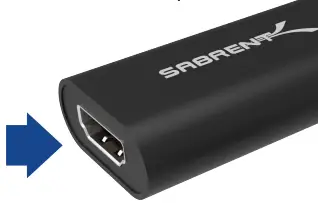
- Connect your display to the DP port on this adapter

- Your display should automatically extend

- Go into your display settings to customize your screens

Notes
Resolutions up to 3160 X 2480 HD Backward compatible with your HD1080p displays Make sure that your Display is set to the correct Input Source
Please contact our Technical Support Team for additional troubleshooting
WWW.SABRE NT.COM