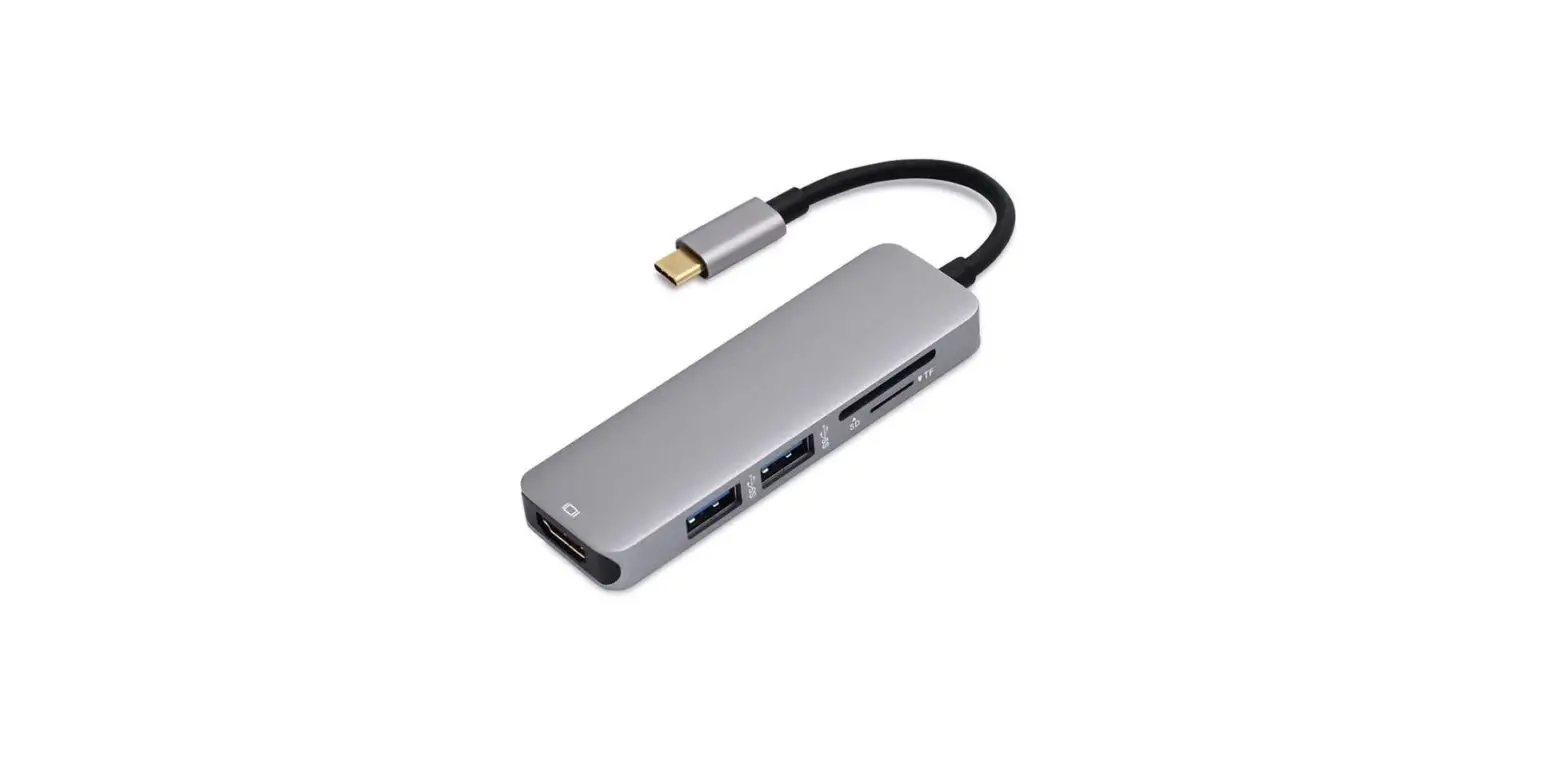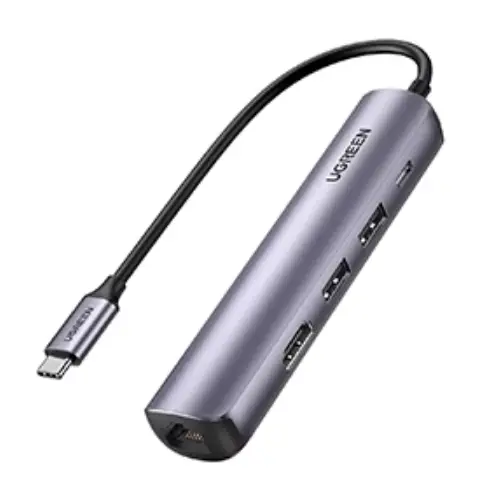
 UHCR 8port USB Type-c HuB
User Manual
DS-UHCR / USER MANUAL
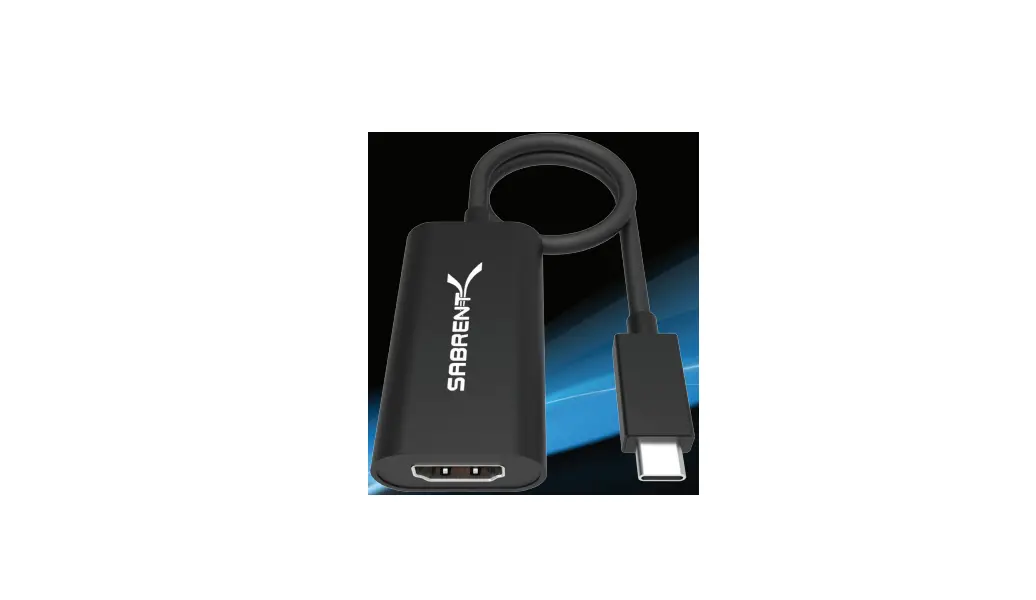
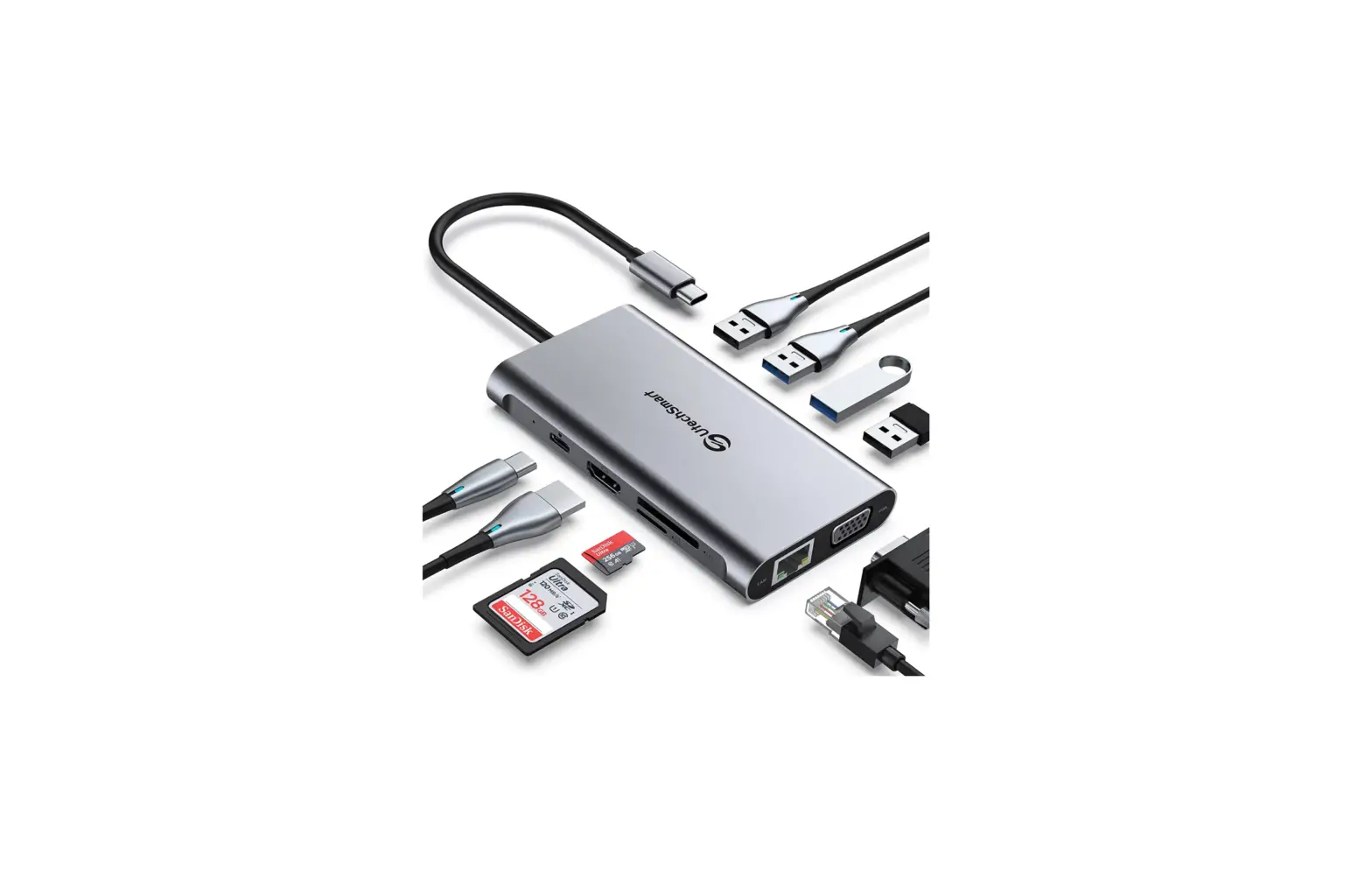
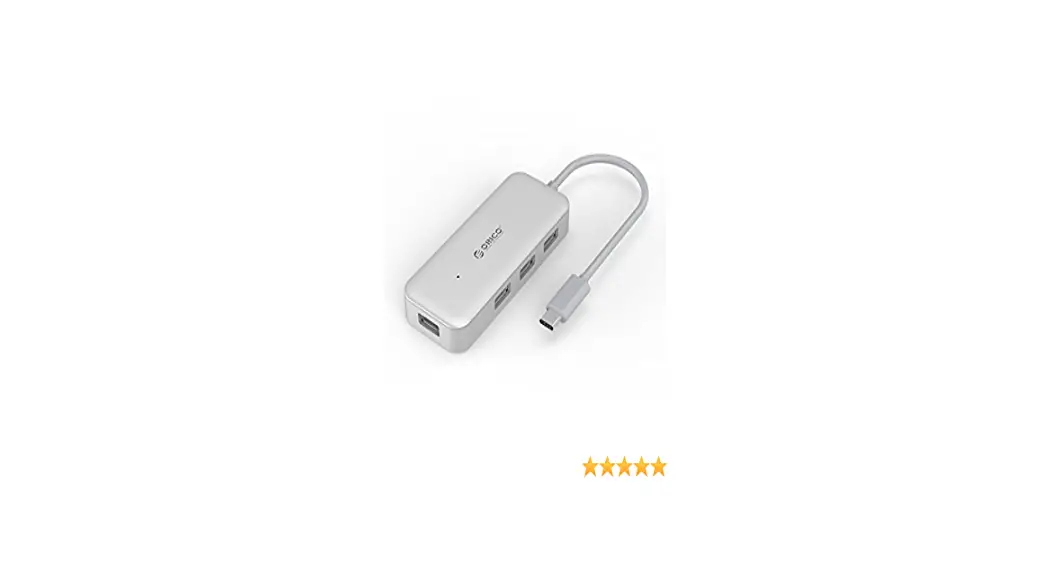
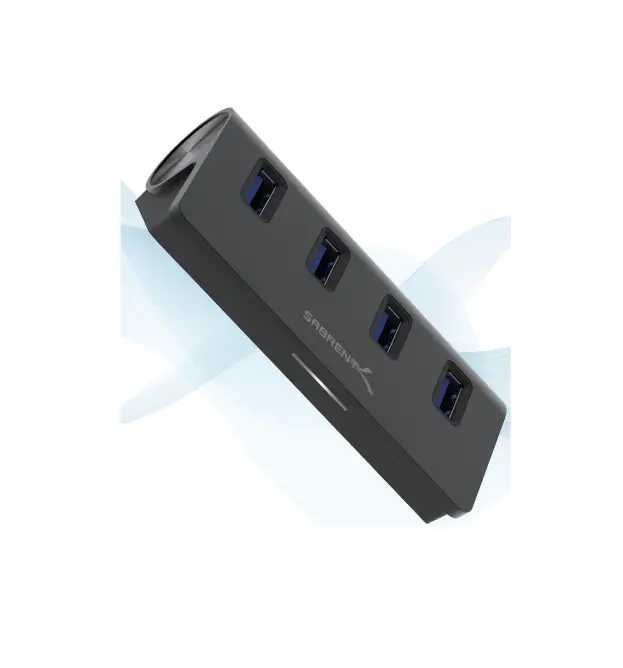
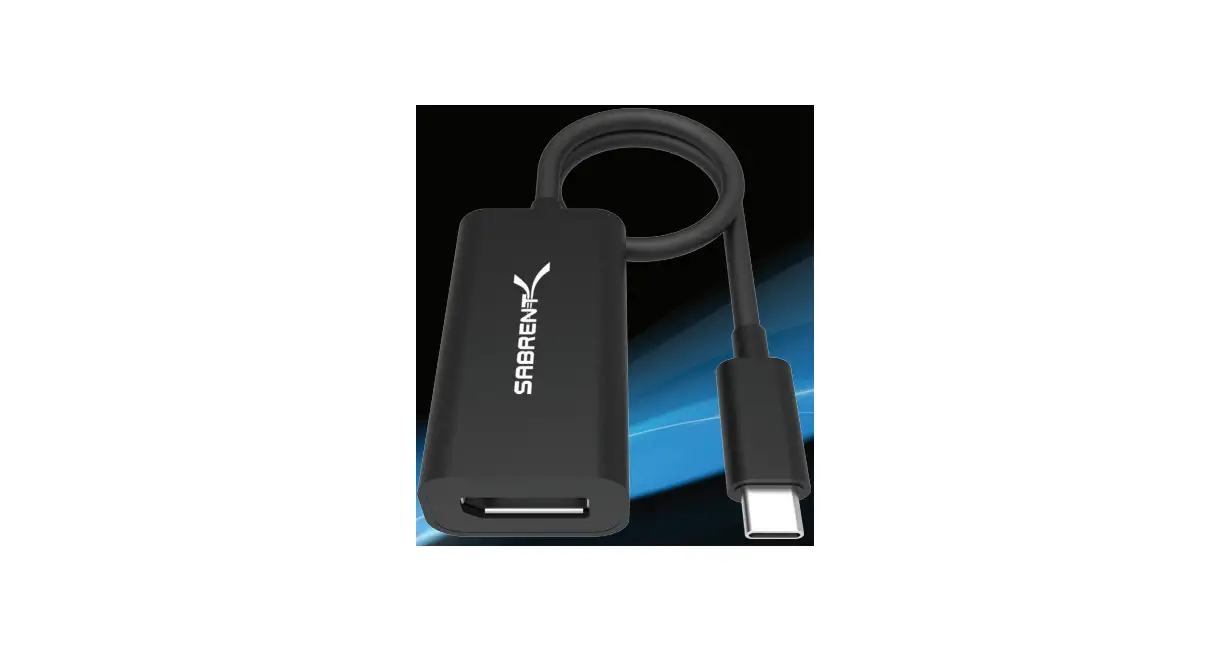
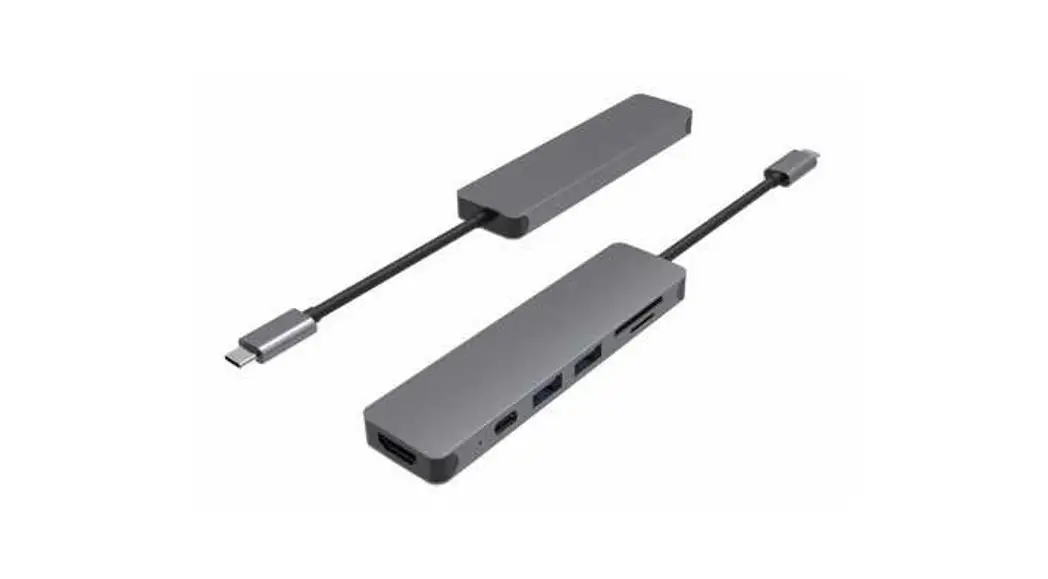
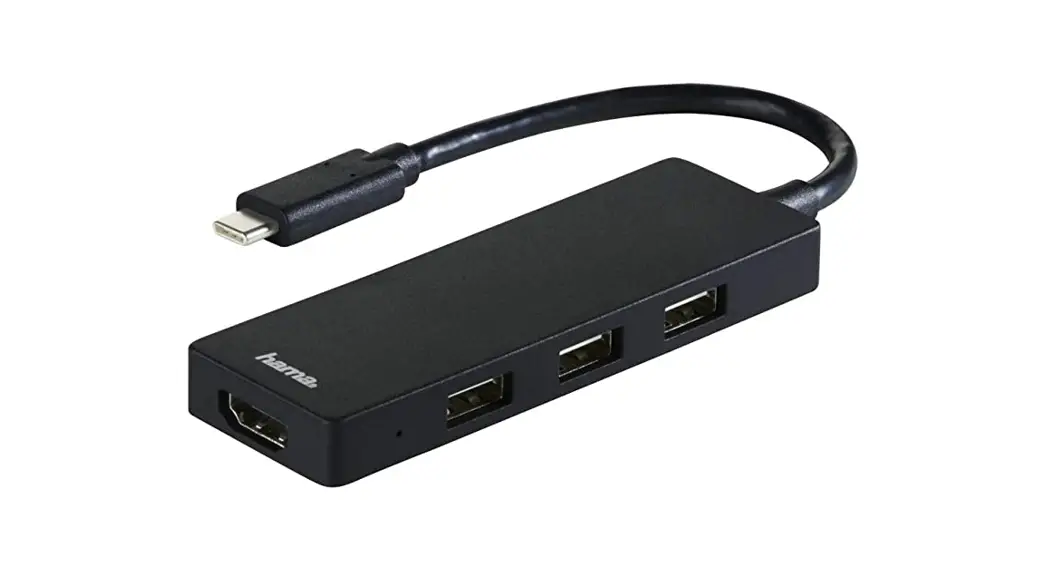
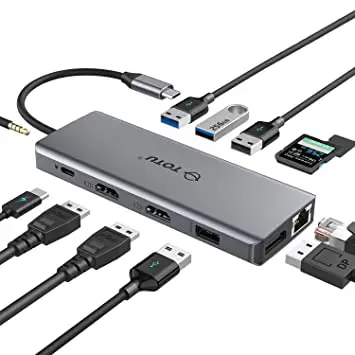
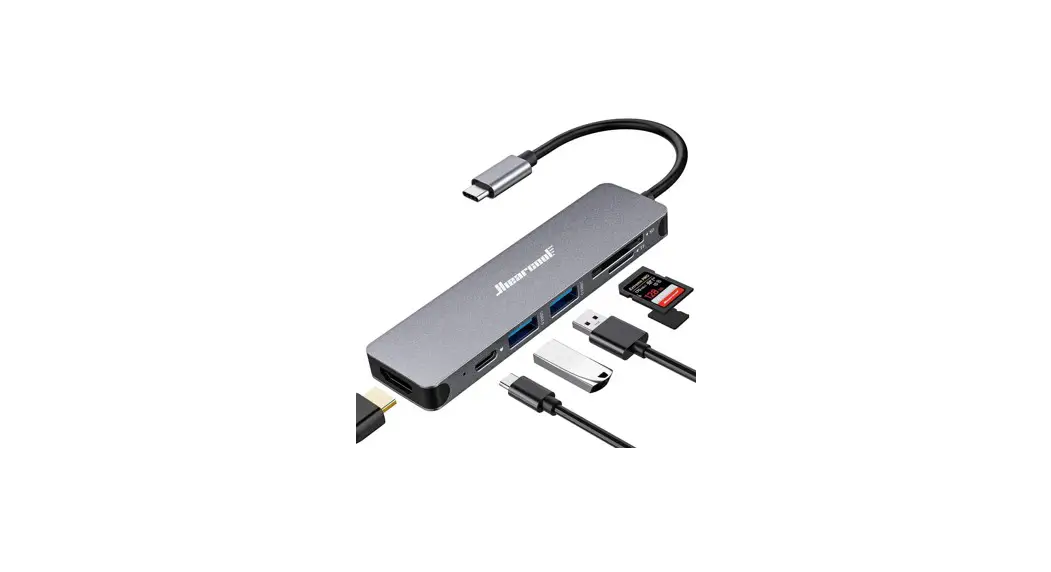
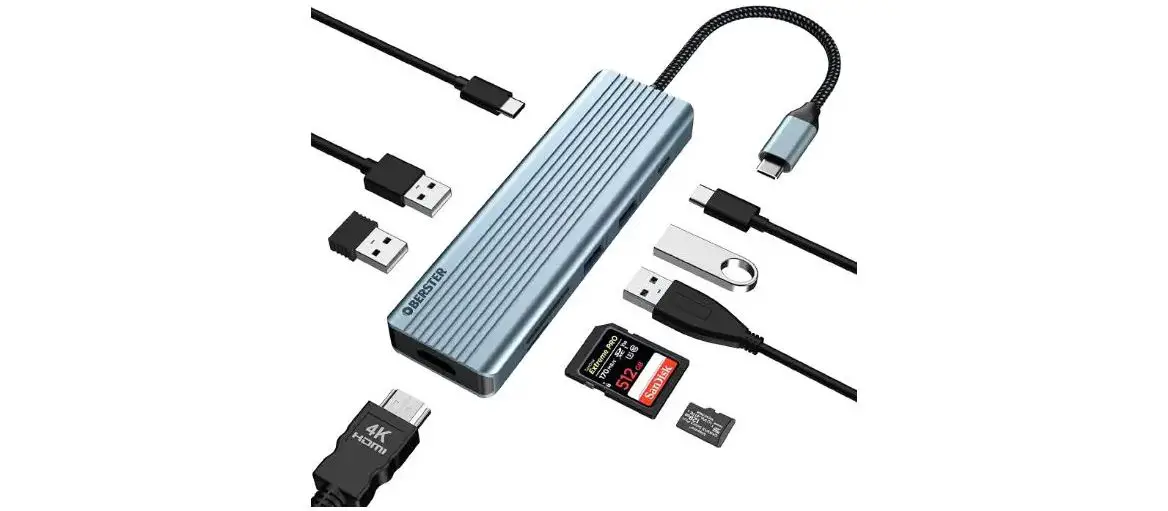
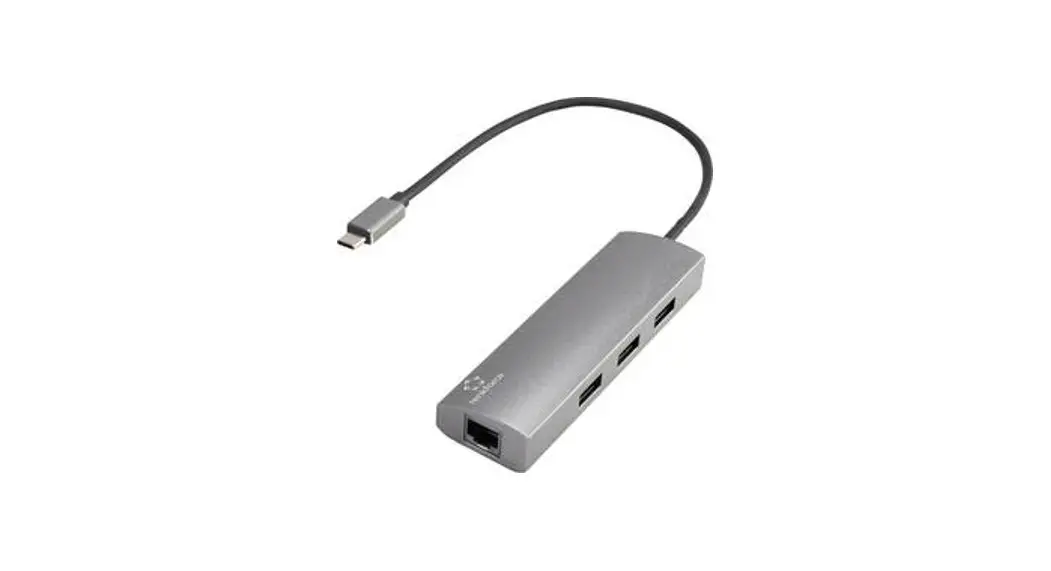
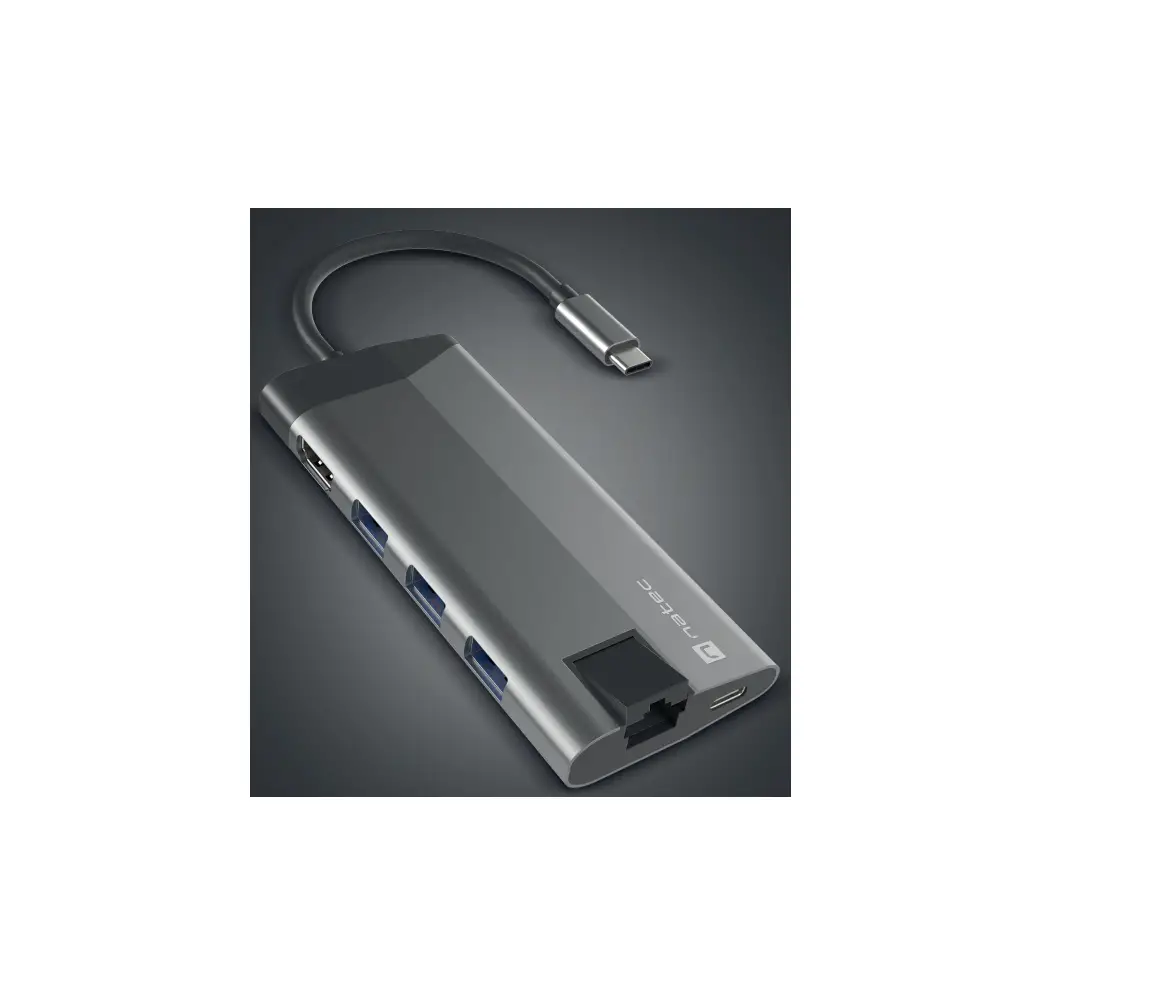
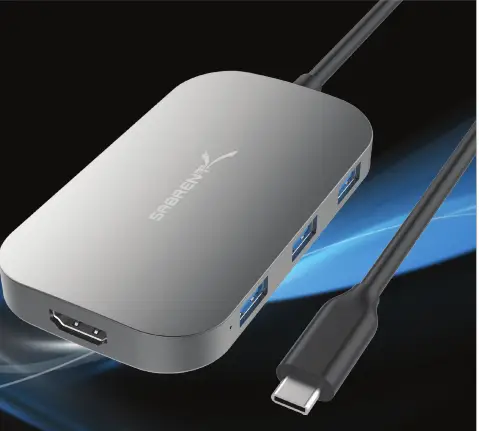
With the Sabrent 8 Port USB Type-C Hub, you can now connect your laptop or PC to multiple USB devices. The Type-C connection enables you to transfer data at Super-Speed, extend your display, and much more with one single cable connected to your computer. Featuring three USB 3.0 Type-A ports allow Super-Speed file transfers up to 5Gbps. USB 2.0 Type-A port allows you to transfer data between your peripherals and offers a great mouse or keyboard connection. With the HDMI port you can expand your displays with an additional monitor at resolutions up to 3840×2160@30Hz. Two Card Readers for SD and MicroSD cards.
Features
- HDMI Resolution up to 3840×2160@30Hz.
- Sleek Aluminum Design Ideal For on the go or minimal workspace
- 1 USB 2.0 Type-A port ideal for additional peripherals
- 3 USB 3.0 Type-A ports for data transfer up to 5Gbps
- Multi-Card Readers SD/MicroSD
- Type-C Power input for operating high-powered devices
- Plug & Play (No driver installation needed)
Package Contents
- 8 Port USB Type-C Hub
- USB-C Cable (built-in)
- User Manual
System Requirements
- USB-C Port enabled Laptop / PC
- Windows OS / Mac OS
- USB-C offers full features: USB 3.0 and USB 2.0 Data Transfer, HDMI Extension mode, Multi-Card Reader
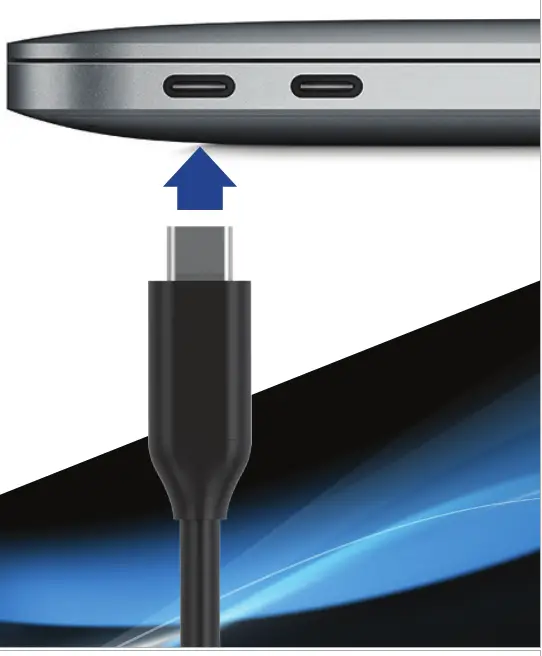 | 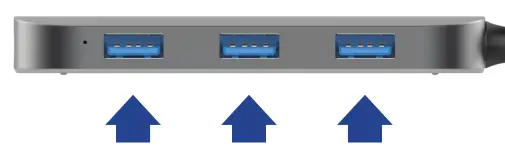 |
| Connect this to an available USB Type-C port on your computer | Connect your USB 3.0 devices to any of the 3 USB 3.0 ports |
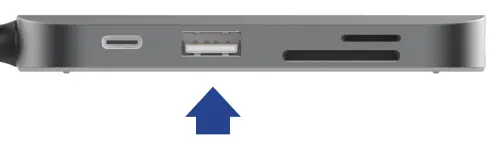 | 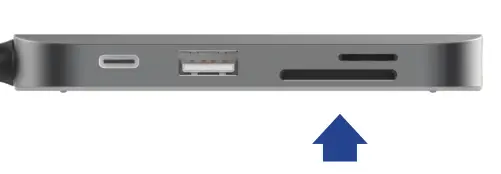 |
| Connect your USB 2.0 devices to the USB 2.0 port | Insert SD/Micro SD card into the card reader slot |
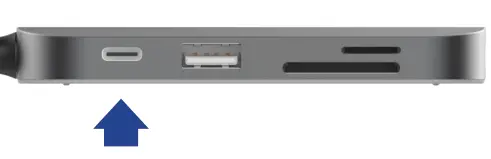 | 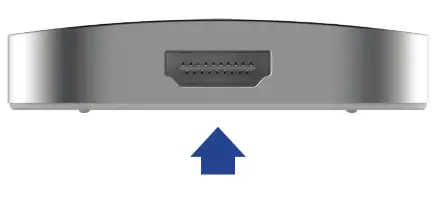 |
| Connect power to the hub when required via the USB Type-C Power Input port | Connect your display to the HDMI port |
 | |
| Your displays should automatically extend | |
Note: Make sure that your Display Is set lo the correct Input Source
Go into your display settings to customize your screens
Notes: Resolutions up to 4Kg30Hz Backward compatible with your HD 1080p displays USB 3.0 ports are reverse compatible with USB 2.0 devices Installing the latest drivers and updates on your computer is recommended
Please contact our Technical Support Team for additional troubleshooting