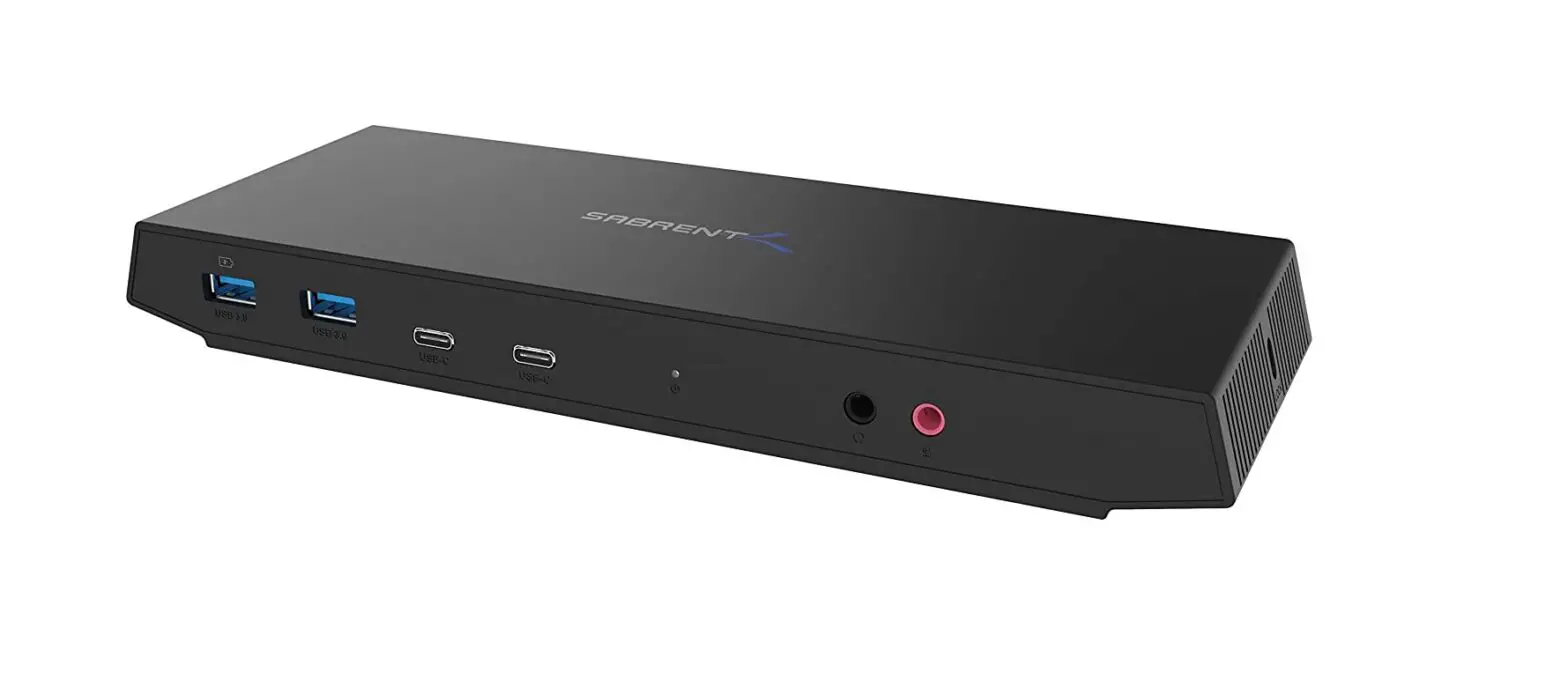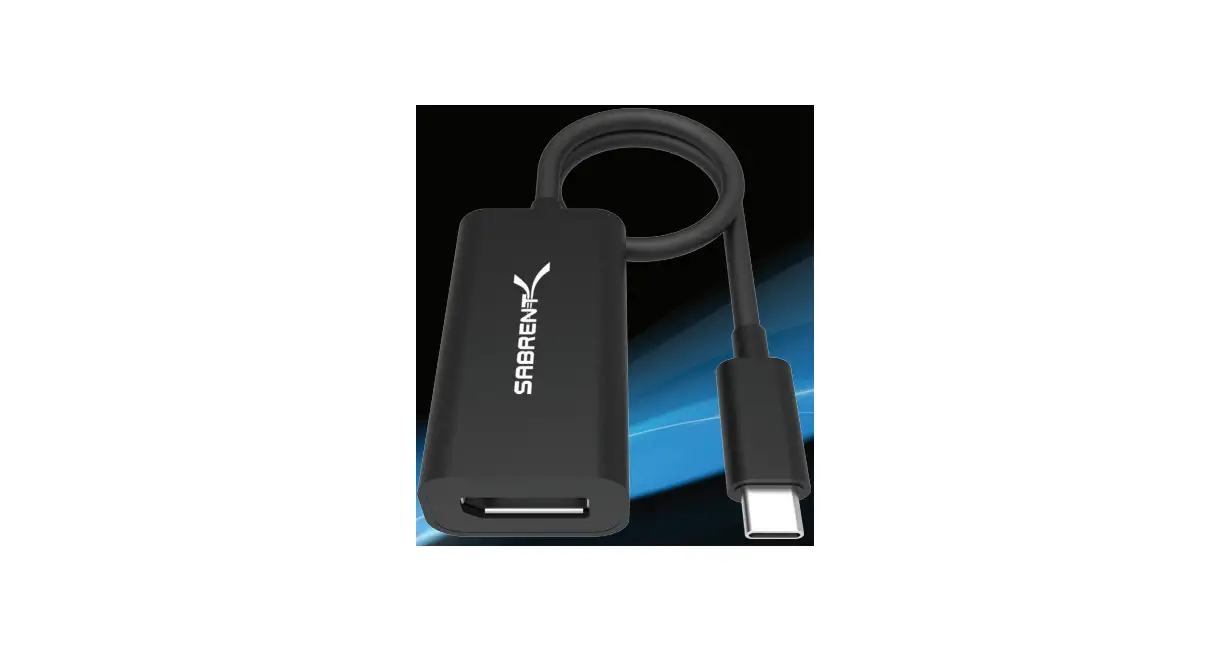

SABRENT DA-DPUC USB 3.1 Type-C

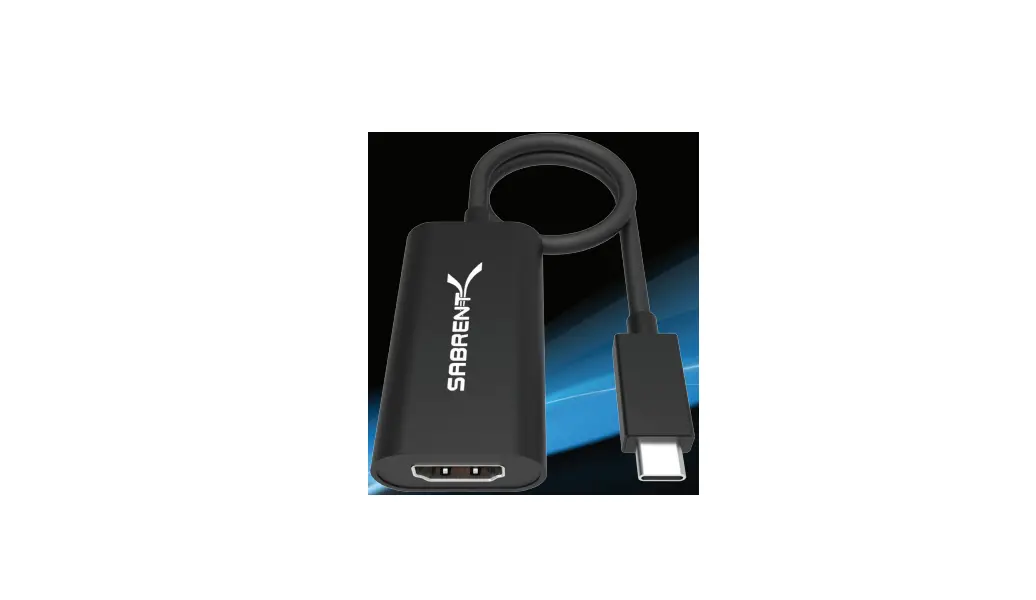
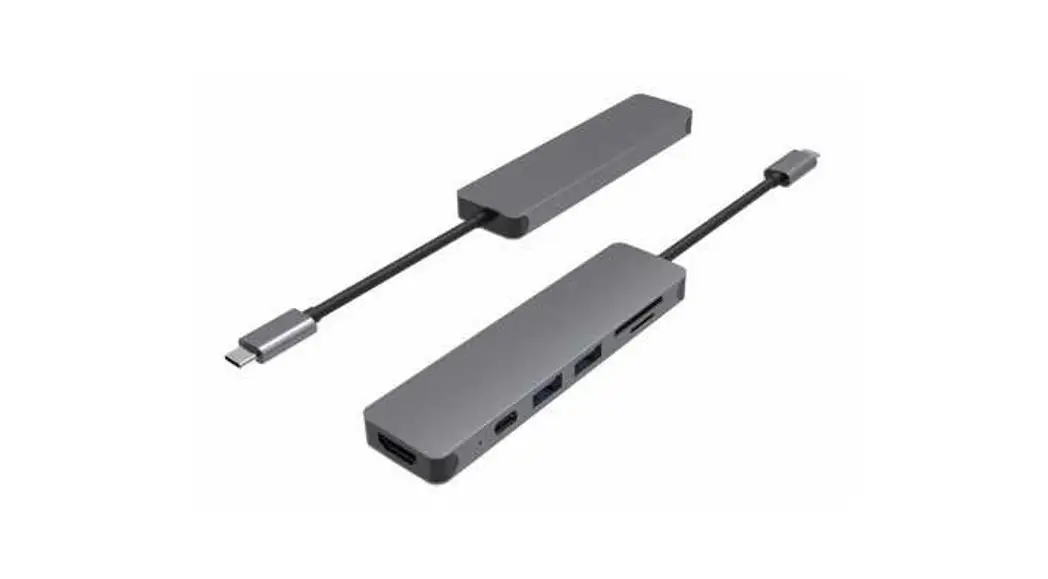
Your Desktop or Notebook with USB-C now has the luxury of connecting to a DisplayPort display with the Sabrent USB Type-C to DisplayPort Adapter. Plug & Play, no driver installation or external power required. Easily connect the Sabrent USB Type-C to DisplayPort Adapter to your computer then to a DisplayPort display, and take pleasure of high-end resolutions.
HOW TO USE
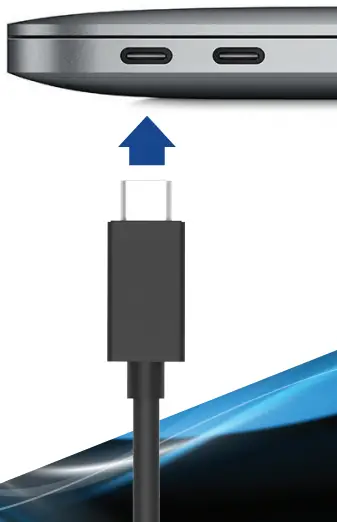
- Connect this to an available USB Type-C port on your computer

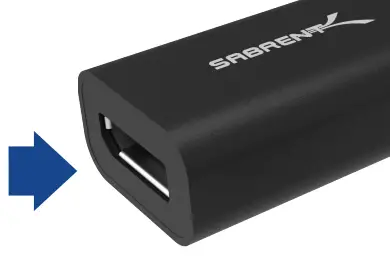
- Connect your display to the DP port on this adapter

- Your display should automatically extend

- Go into your display settings to customize your screens

Notes
4K supported Display is required for a 4K resolution Make sure that your Display is set to the correct Input Source
Please contact our Technical Support Team for additional troubleshooting
WWW.SABRE NT.COM