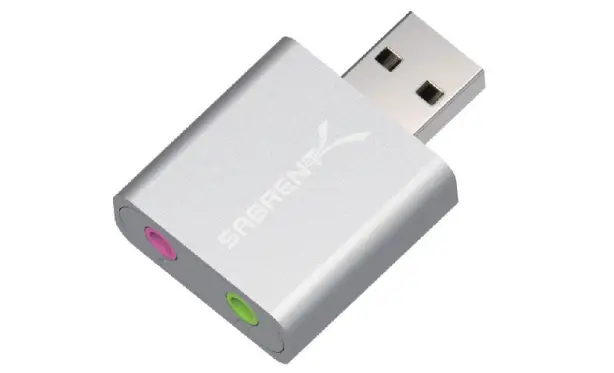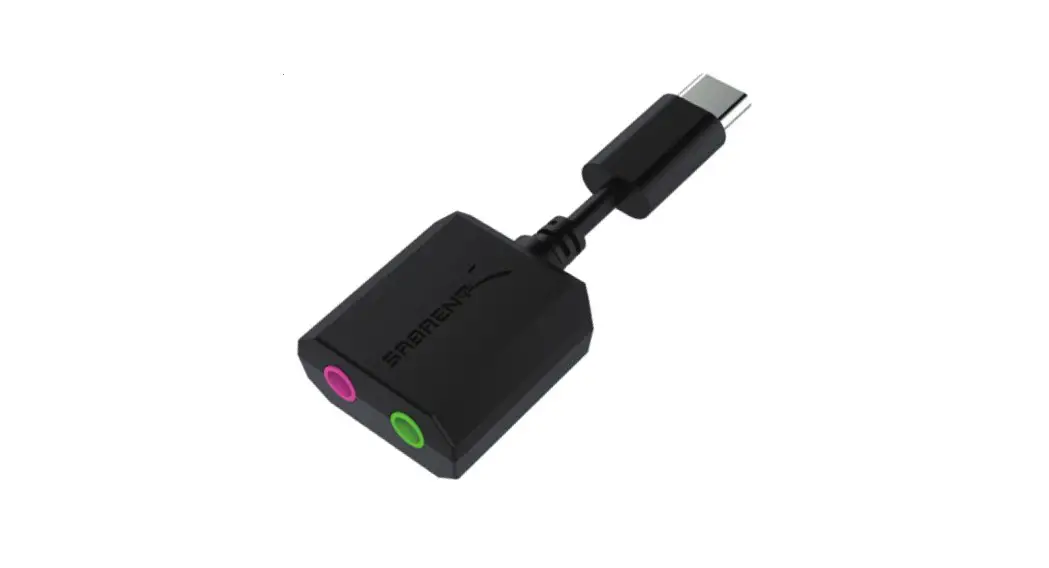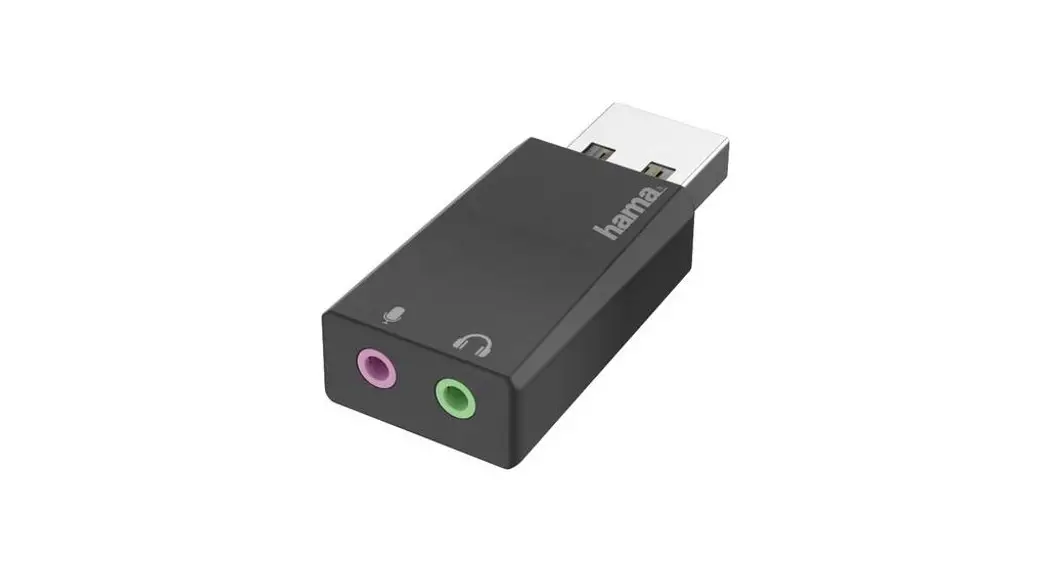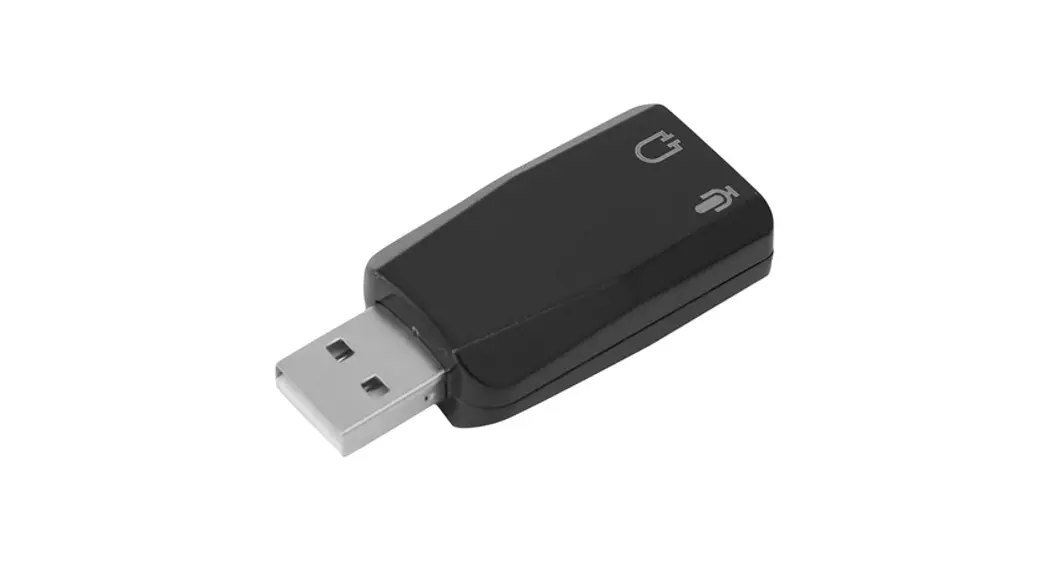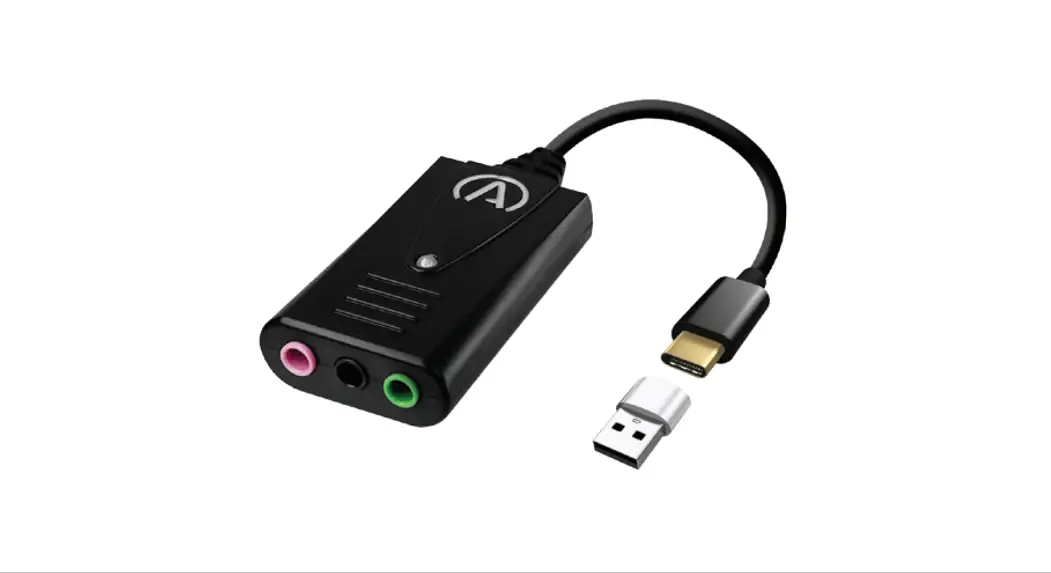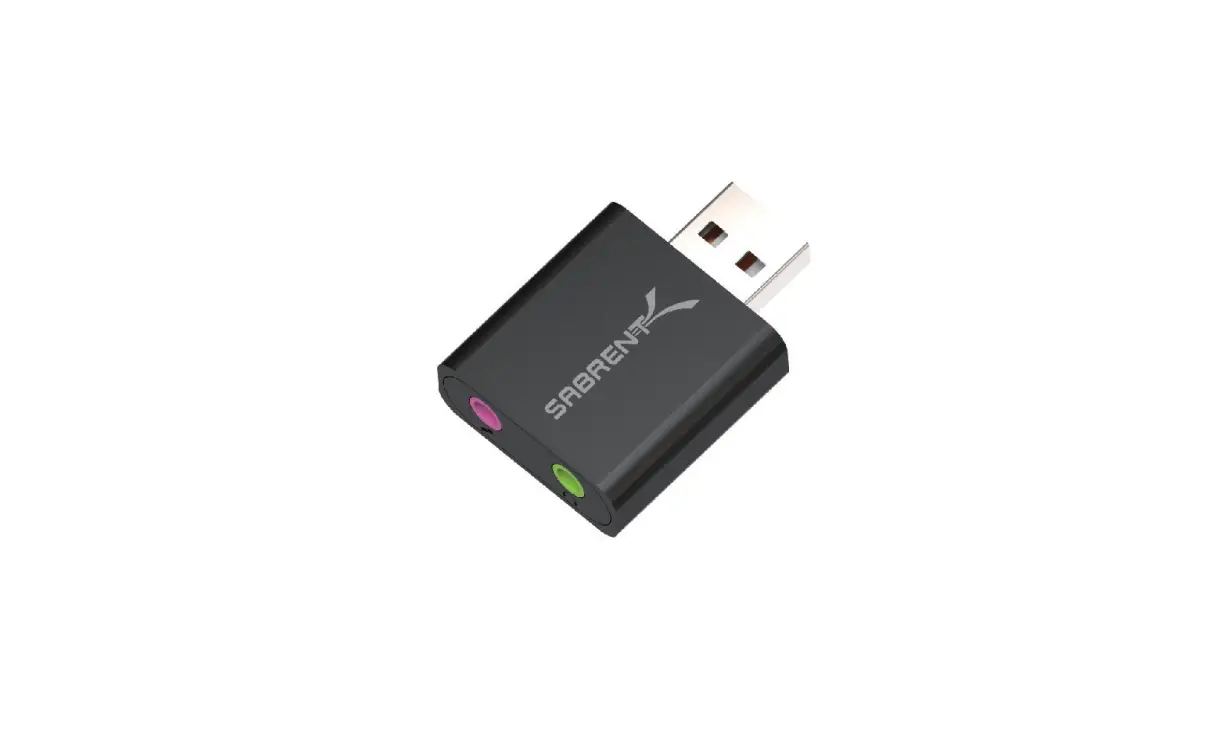

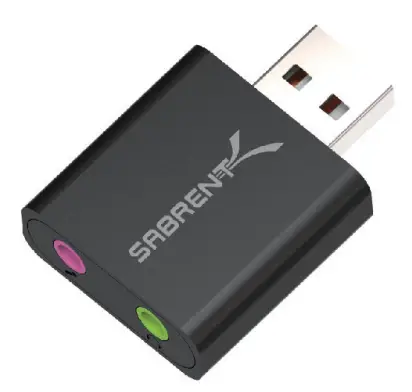
ABRENT AU-EMCB USB Audio Stereo Sound Adapter
INSTRUCTION
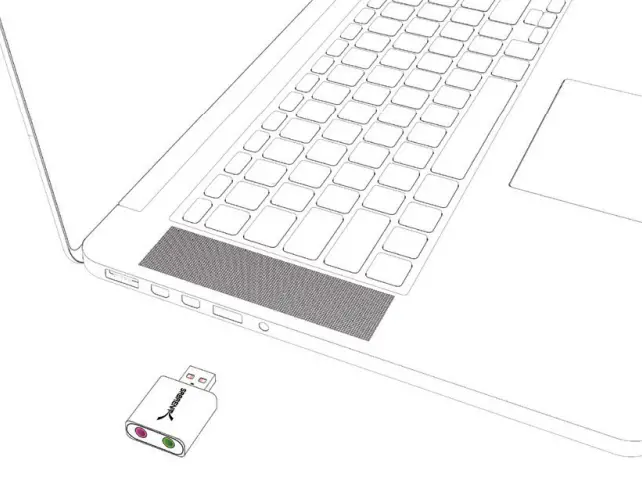
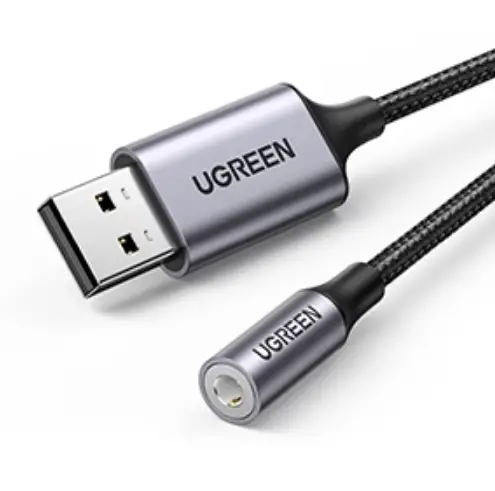
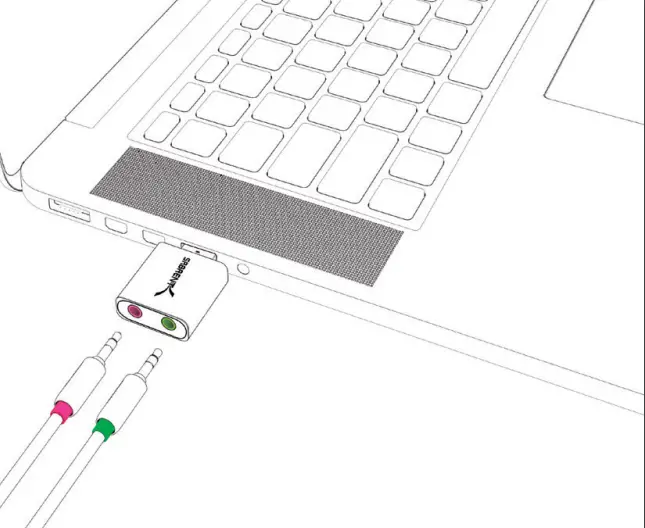
- Plug USB Audio Sound Adapter into USB port of computer or laptop – make sure “SABRENT” text on USB Audio Sound Adapter is face up.

- To use accessories such as headphones, speakers, etc. plug into the green port. To use accessories Such as a microphone, plug into the pink port.

- Control accessories plugged in using the volume and microphone controls directly from your computer or laptop.
Mac
Note: Some systems may require you to activate the sound adapter through the system.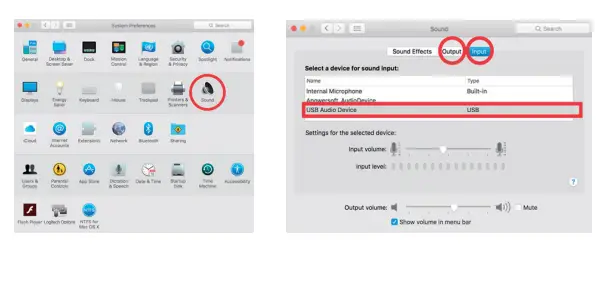
On most Mac Operating systems
- Navigate to System Preferences
- Click on the “Sound” icon
- Select USB Audio Device on both “input” and “Output” tabs
Windows
Note: Some systems may require you to activate the sound adapter through the system settings.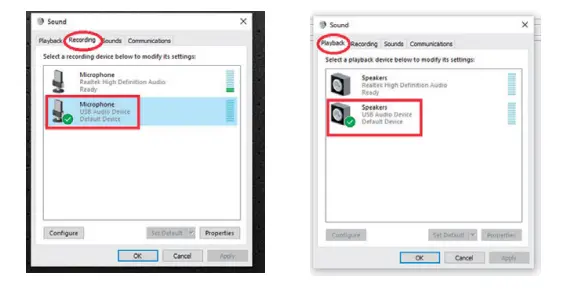
On most Windows Operating systems
- From Control Panel click on sound
- Under the “Recording” Tab select “Microphone USB Audio Device
- Under the “Playback” tab select “Speakers USB Audio Device
- Click Appy”
- Click “OK”