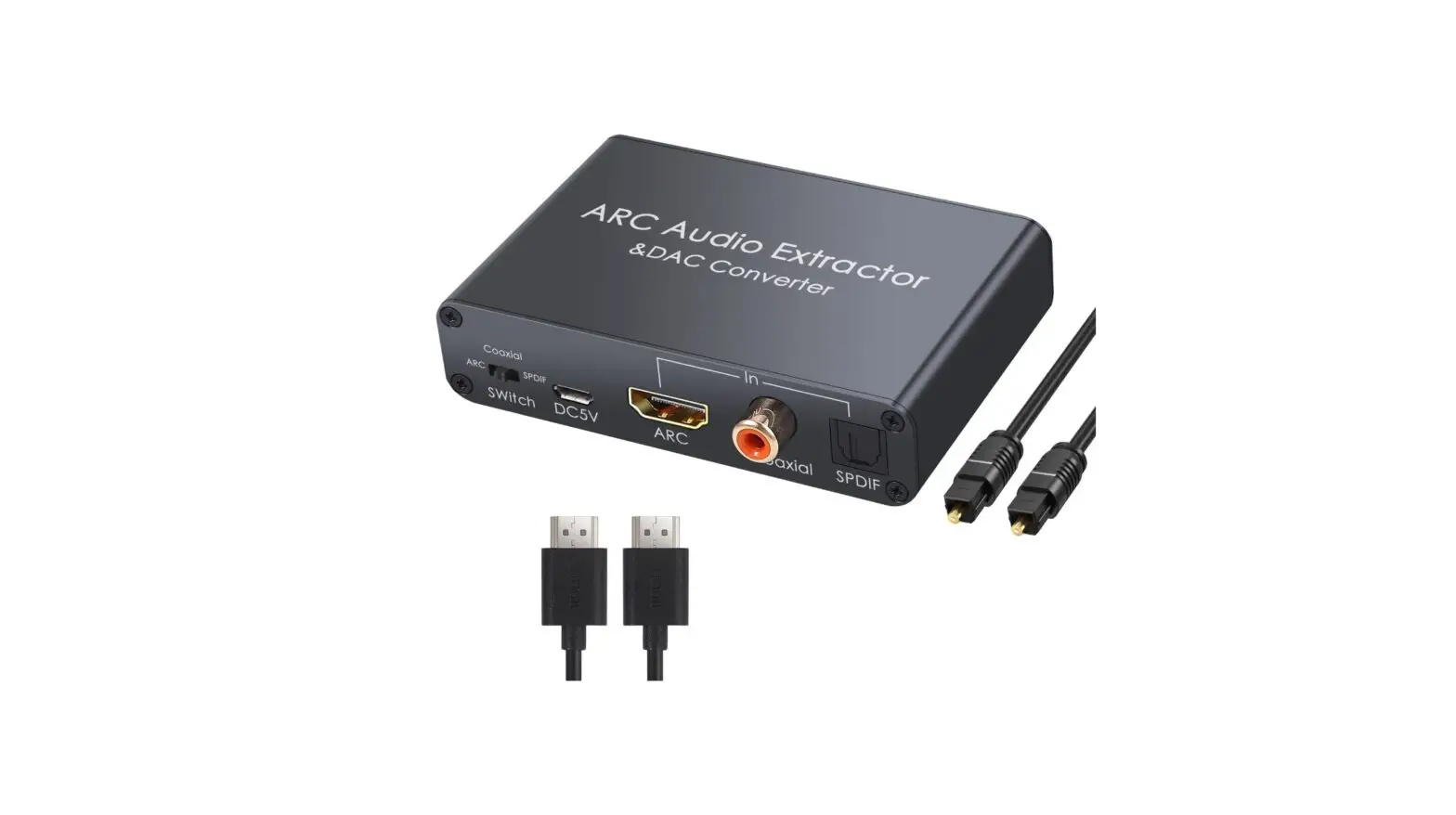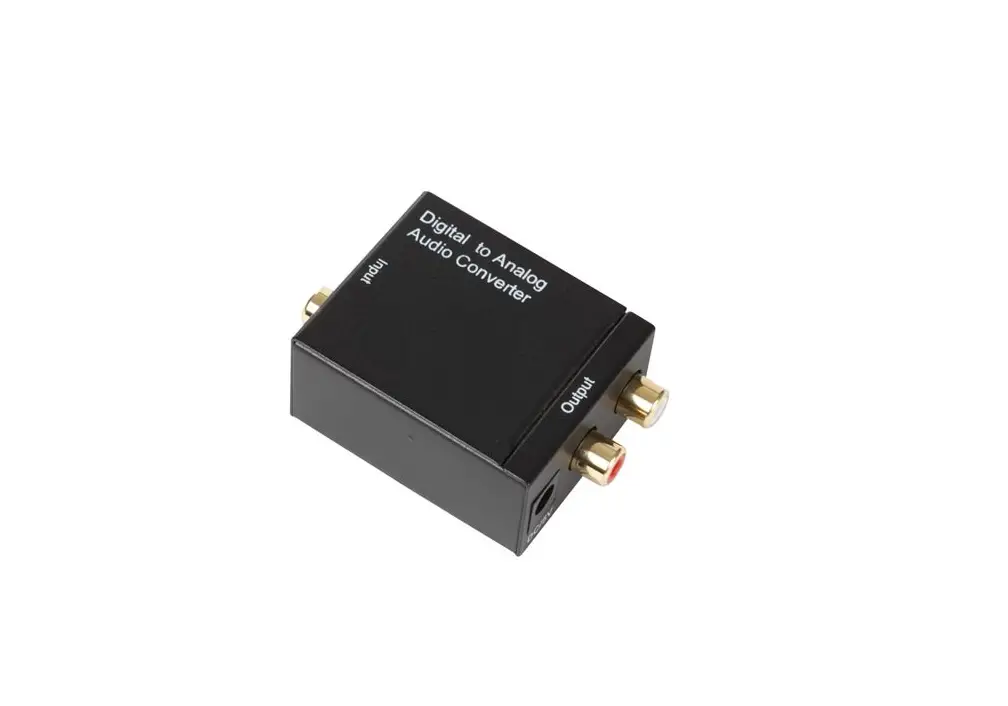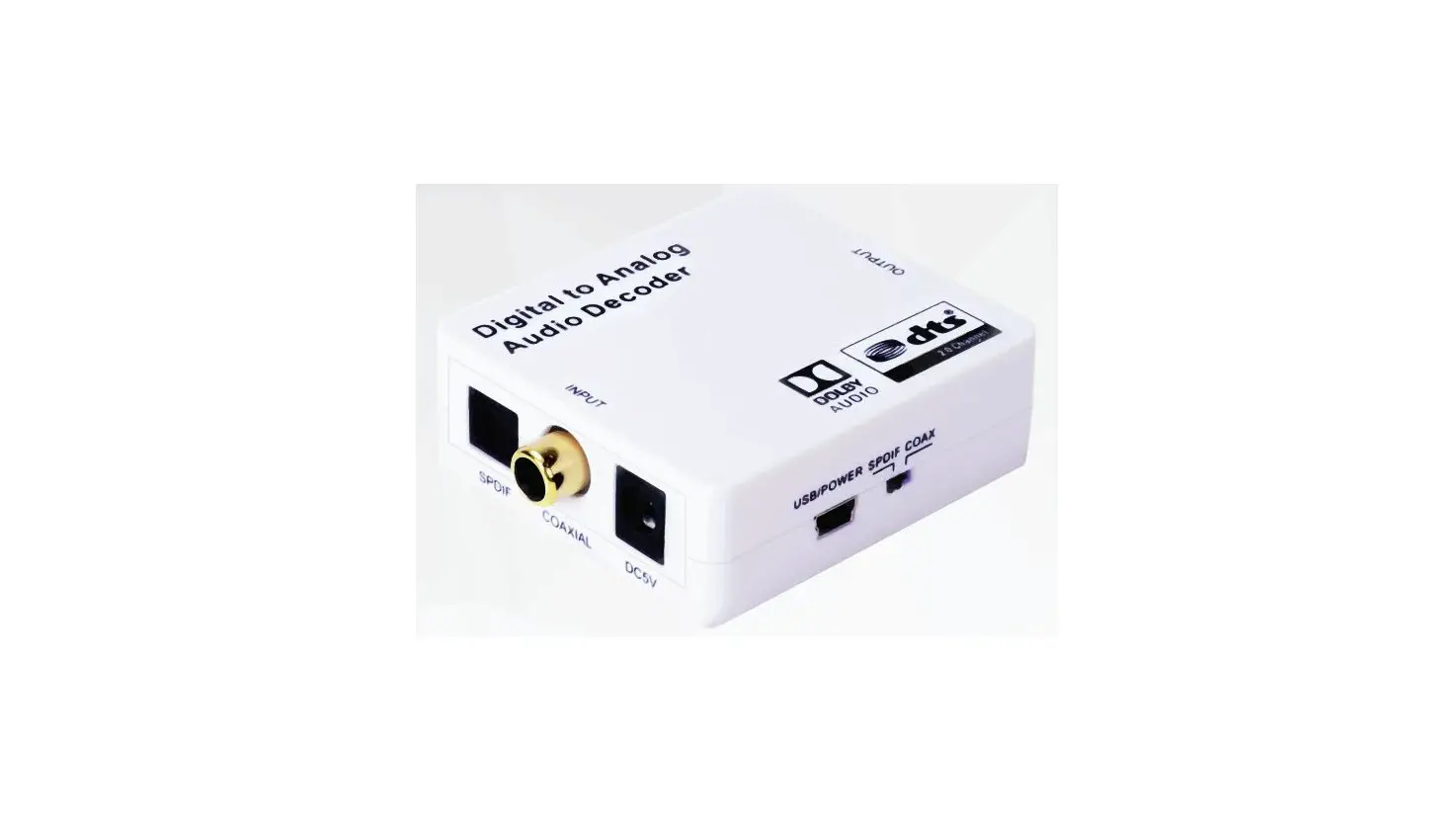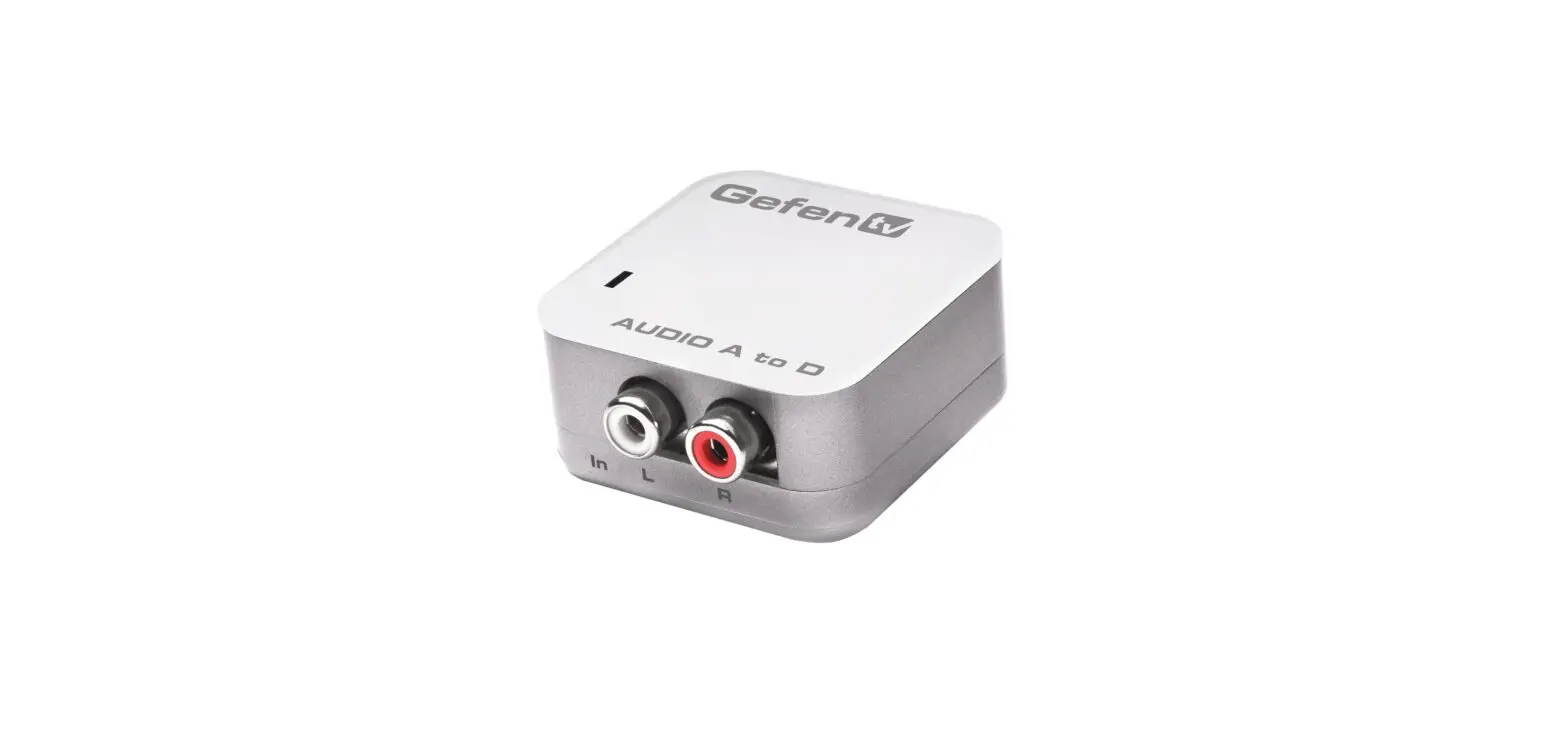

Gefen GTV-DIGAUD-2-AAUD Digital Audio to Analog Adapter
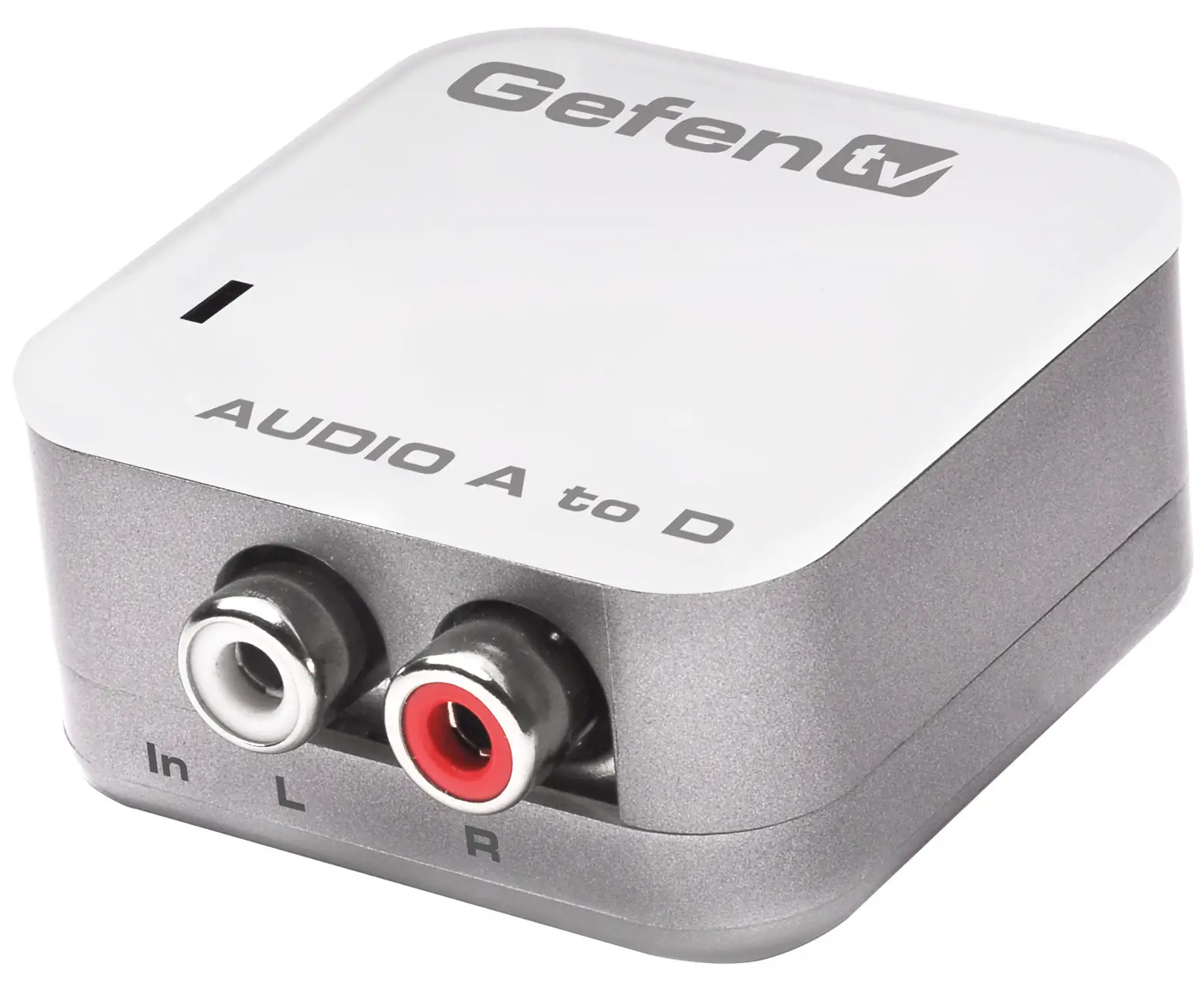
INTRODUCTION
Congratulations on your purchase of the GefenTV Digital Audio to Analog Adapter. Your complete satisfaction is very important to us.
- GefenTV
GefenTV is a unique product line catering to the growing need for innovative home theater solutions. We specialize in total integration for your home theater, while also focusing on going above and beyond customer expectations to ensure you get the most from your hardware. We invite you to explore our distinct product line and hope you find your solutions. - The GefenTV Digital Audio to Analog Adapter
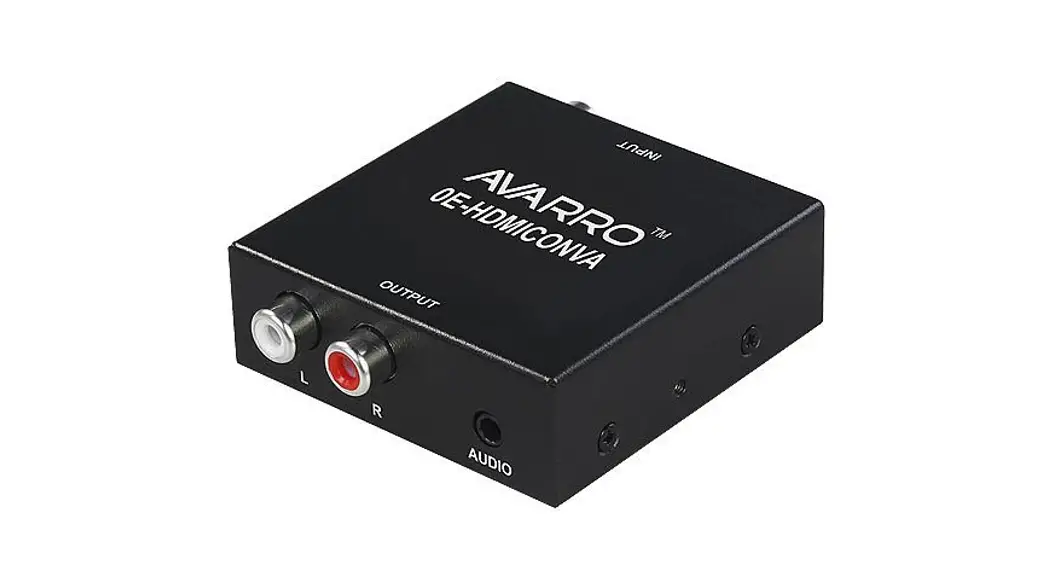
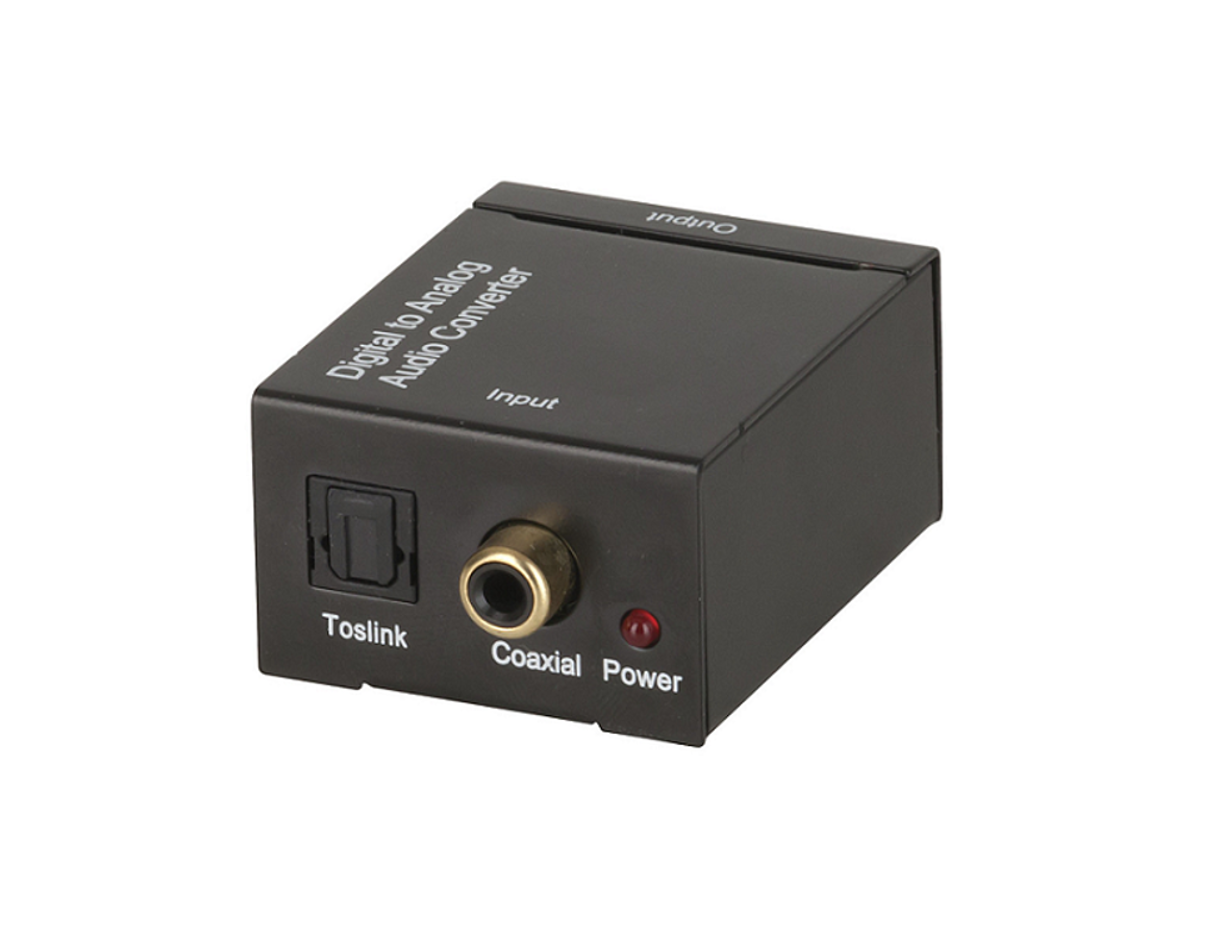
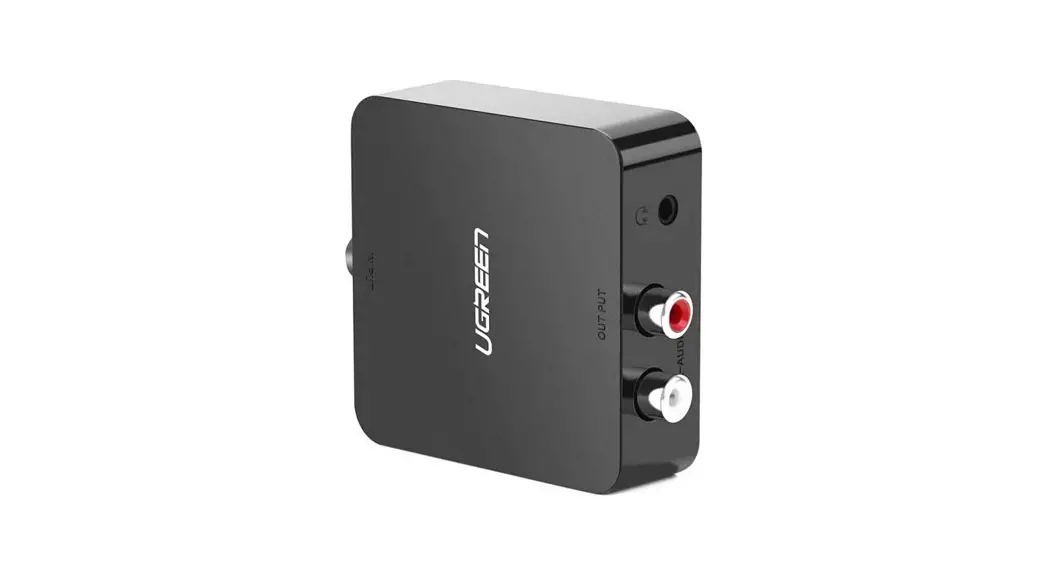
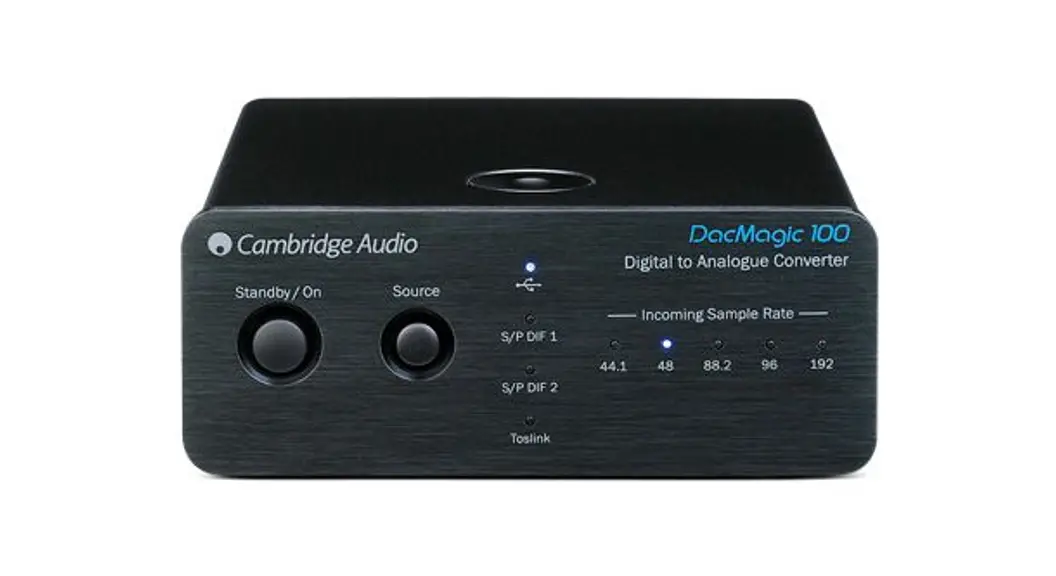
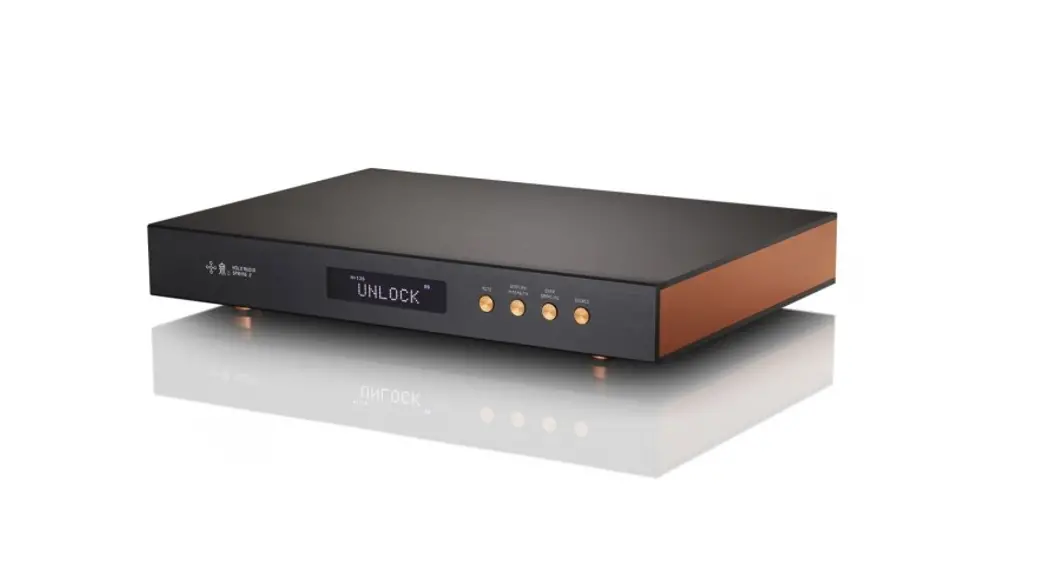
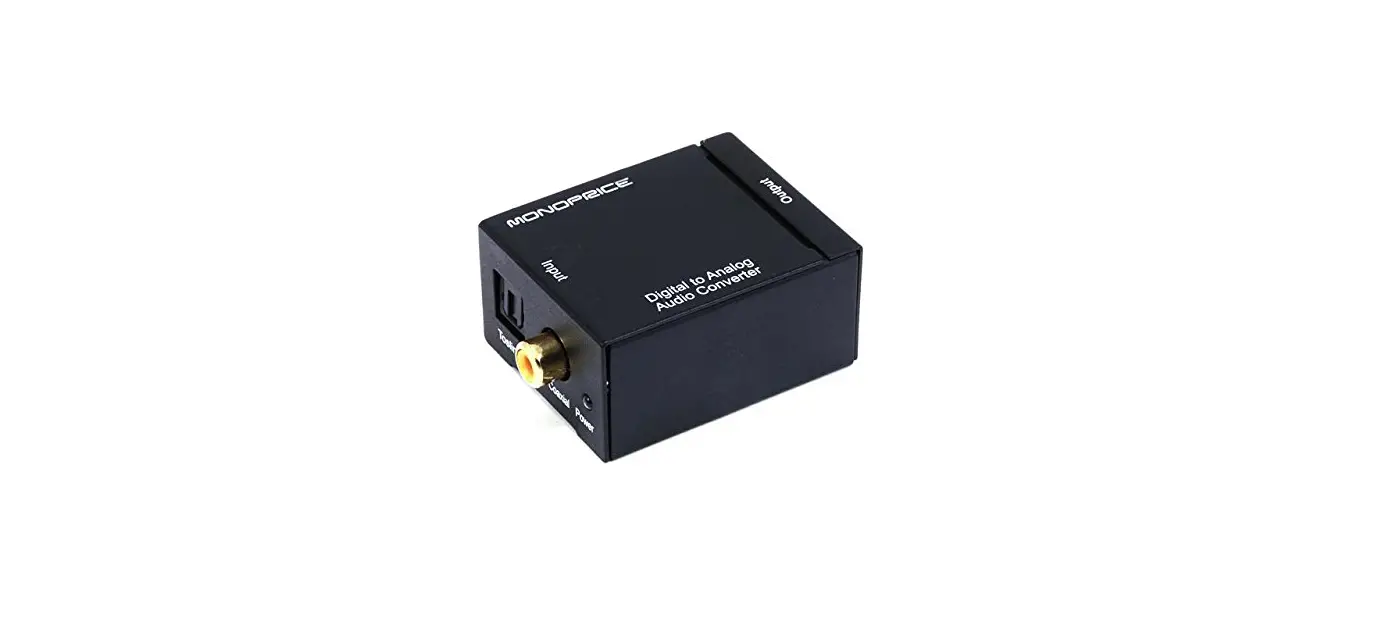
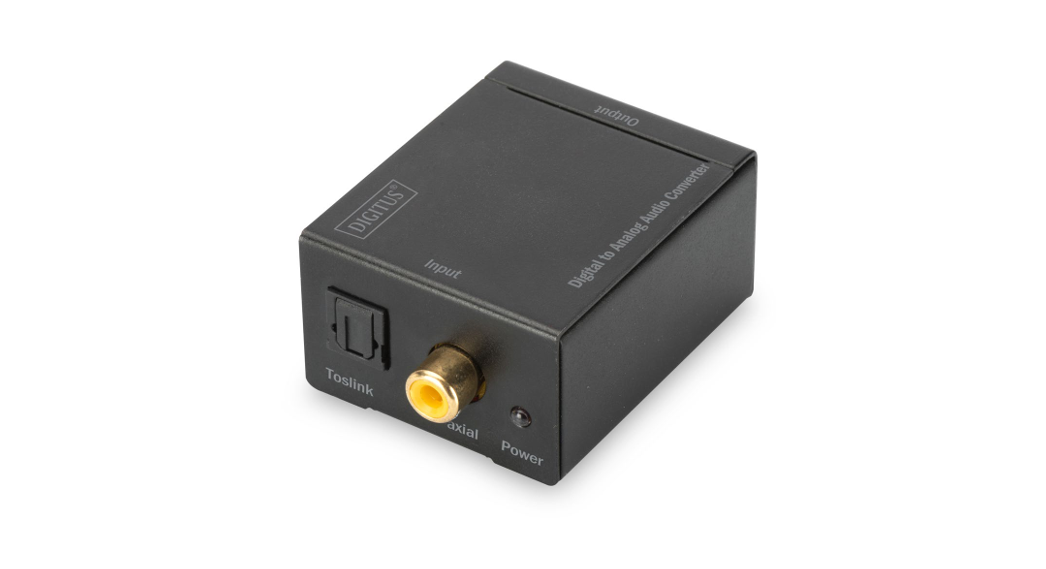
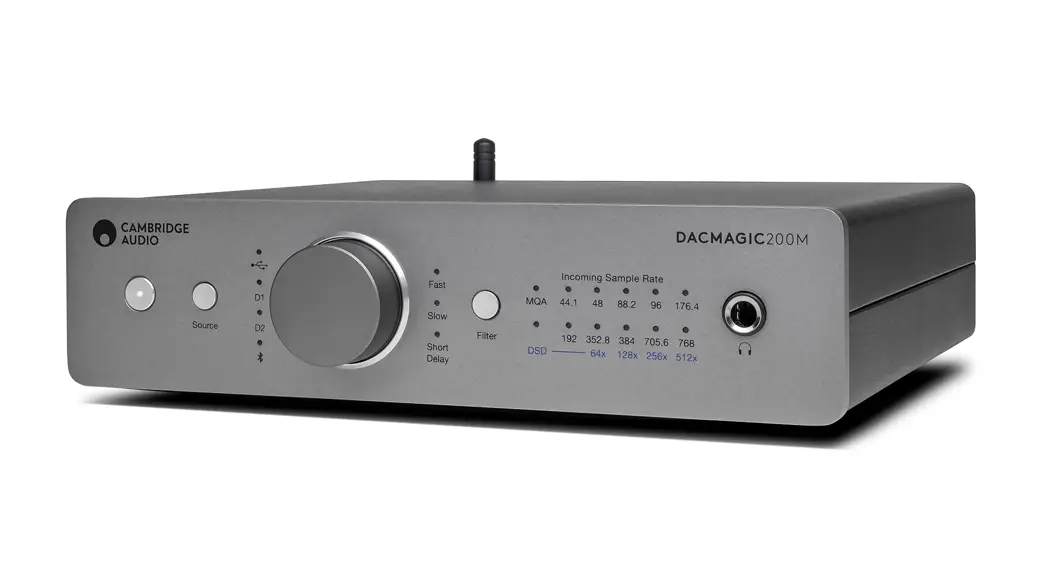
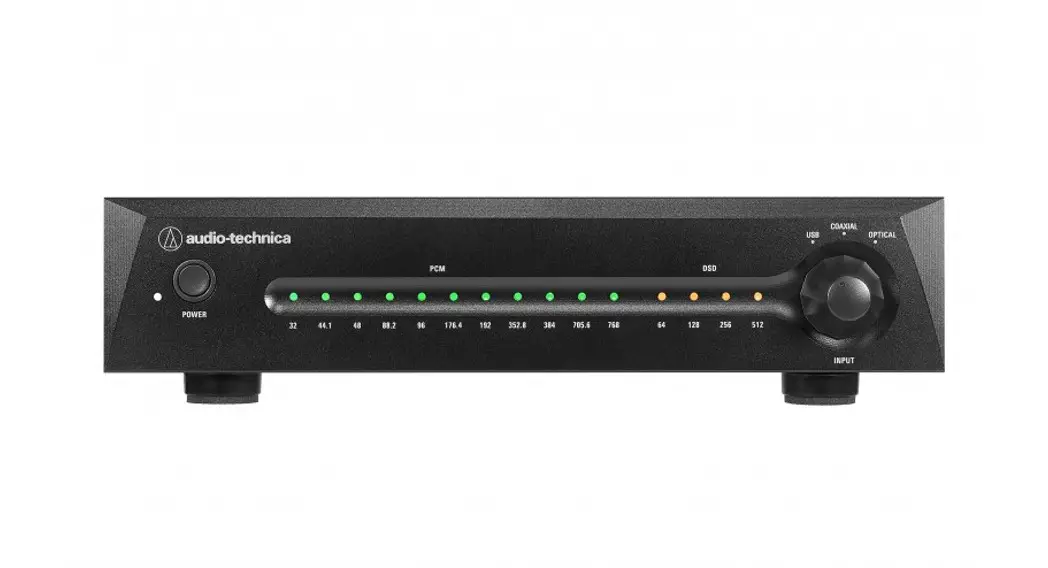
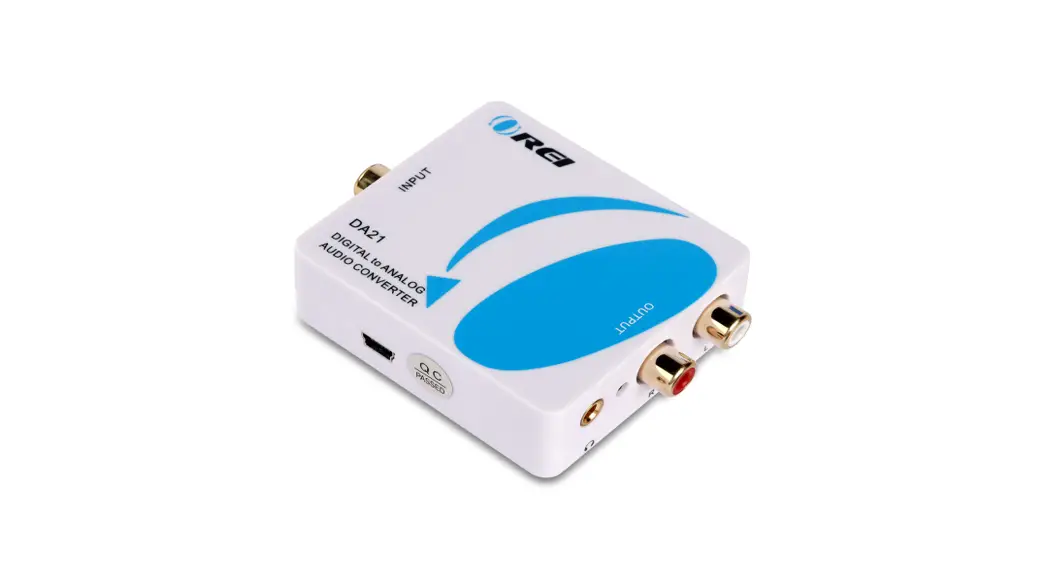
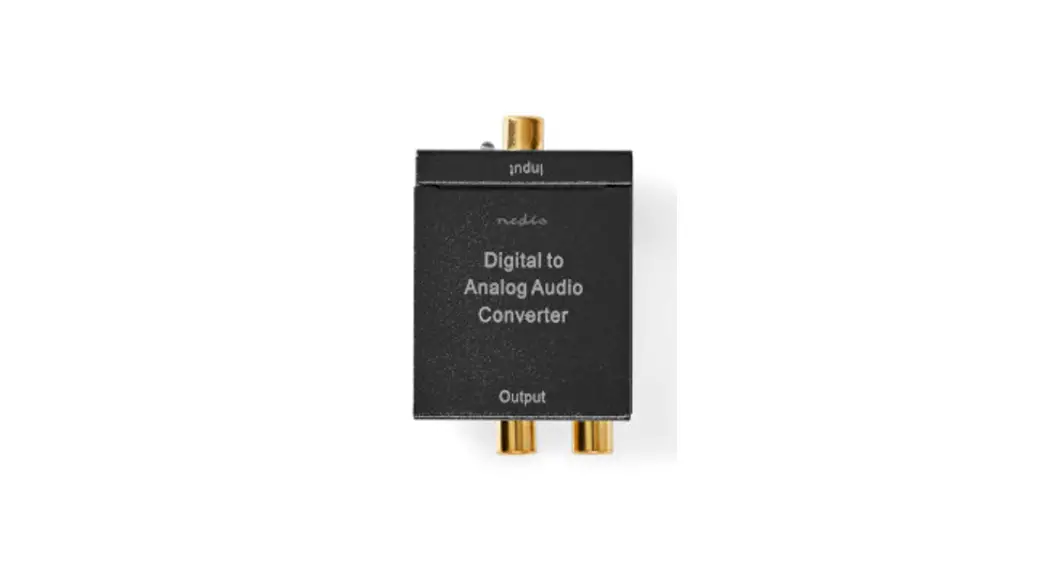
The Digital To Analog Audio converter box takes your coaxial/optical (S/PDIF or TOSLink) digital audio source and converts it to standard analog left/right audio, available for connection to an external device such as an amplifi er or recording deck via standard RCA-style jacks. Now you can bridge your legacy sound system with digital sources such as DVD and CD players that don’t have RCA-style analog outputs. - How It Works
Simply run a short extension cable from an available digital audio output jack on your digital source device to the same type of digital input on the Converter. Select which kind of digital signal (coaxial or optical) is being input with the selector switch on the converter, then hook up your analog RCA-style left and right cables to the Converter’s analog RCA jack outputs and power up all equipment. That’s all there is to it!
FEATURES
- Converts S/PDIF or TOSLink digital audio signals to analog L/R audio
- Digital interpolation filter and digital-to-analog converter (DAC)
- Accepts uncompressed digital audio as input
- Samples at 32, 44.1, 48 and 96 KHz
- 2-channel LPCM (Linear Pulse Code Modulation)
- 24-bit S/PDIF incoming bitstream on left and right channels
- Compact and easy to install
Package Includes
- (1) Digital Audio to Analog Adapter
- (1) 3 ft. Optical cable
- (1) 5V DC Power Supply
- User Manual
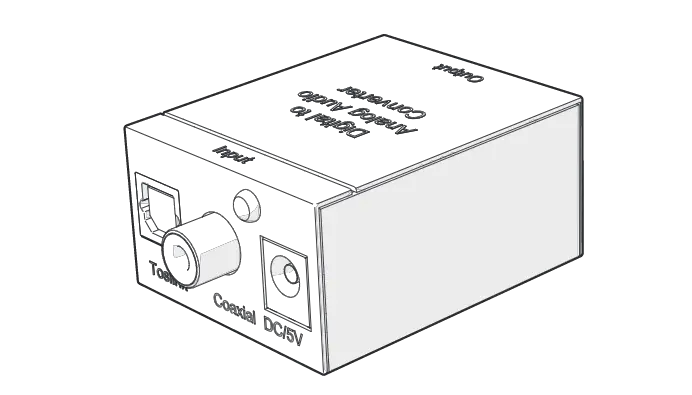
PANEL LAYOUT
Top
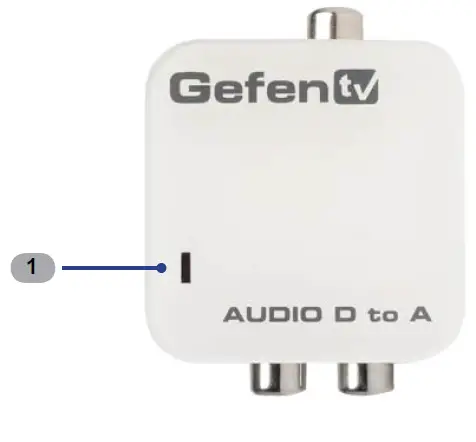
Front
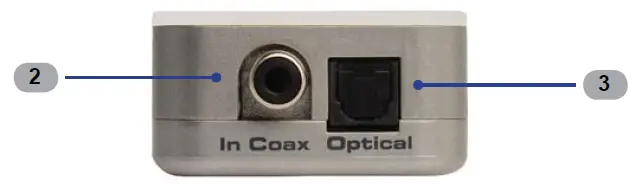
Back
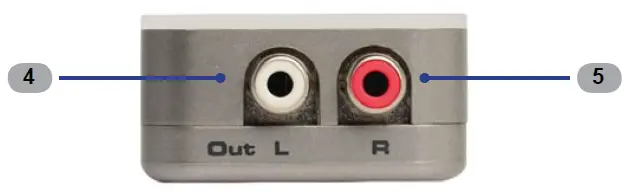
Side
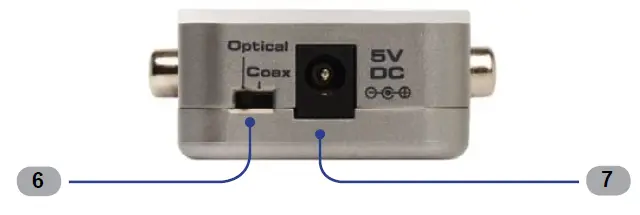
PANEL DESCRIPTIONS
- Power Indicator
This LED indicator will glow bright red once the included 5V DC power supply has been connected between the Digital Audio to Analog Adapter and an available electrical outlet. - Out L
Connect an RCA cable from this port to the left channel input of the A/V device. - Out R
Connect an RCA cable from this port to the right channel input of the A/V device. - In Coax
Connect a coax cable from the digital audio source to this S/PDIF port. - Optical
Connect an optical cable from the digital audio source to this TOSLINK™ port. - Optical / Coax
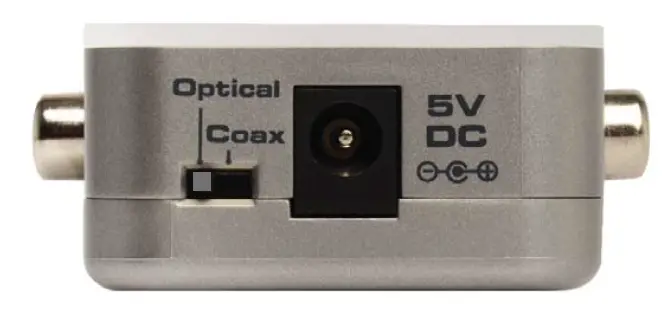
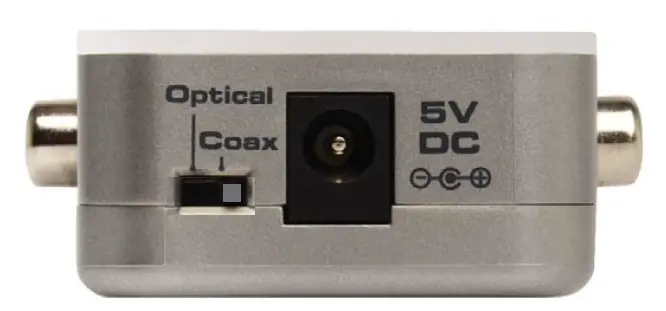
Use this slider switch to select between the Optical input or the Coax input on the Digital Audio to Analog Adapter. - DC 5V
Connect the included power supply to this power receptacle.
CONNECTING THE DIGITAL AUDIO TO ANALOG ADAPTER
How to Connect the Digital Audio to Analog Adapter
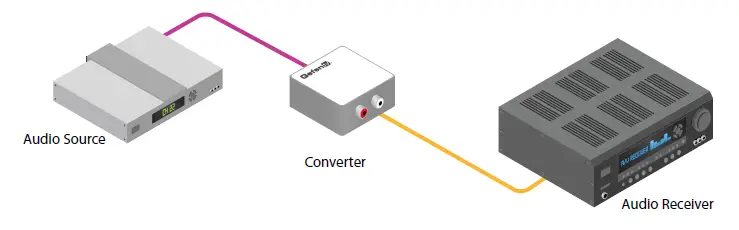
- Connect an Optical and/or Coax cable from the audio source(s) to the Digital Audio to Analog Adapter.
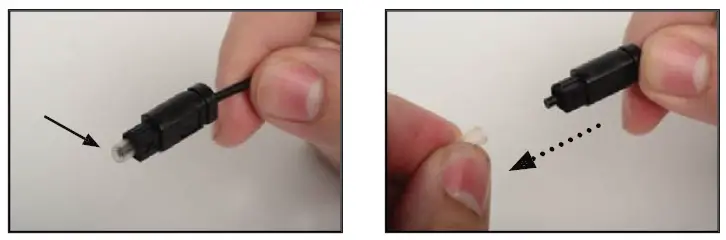
IMPORTANT: Before connecting the included optical cable between the audio source and the Digital Audio to Analog Adapter, be sure to remove the clear plastic protective cover on both end of the TOSLINK™ connectors as shown in the photos below. Use your thumb and index fi nger to pinch the protective cover, then gently pull to remove the cover from the TOSLINK™ connector.
- Connect a set of L/R analog RCA-type audio cables from the Audio L/R output of the Digital Audio to Analog Adapter to the inputs of the A/V equipment.
- Connect the included 5V DC power supply to the power receptacle on the Digital Audio to Analog Adapter and connect the AC adapter to an available electrical outlet.
Wiring Diagram for the Digital Audio to Analog Adapter
- L/R RCA ANALOG AUDIO CABLE

- SPDIF OR TOSLINK DIGITAL AUDIO CABLE