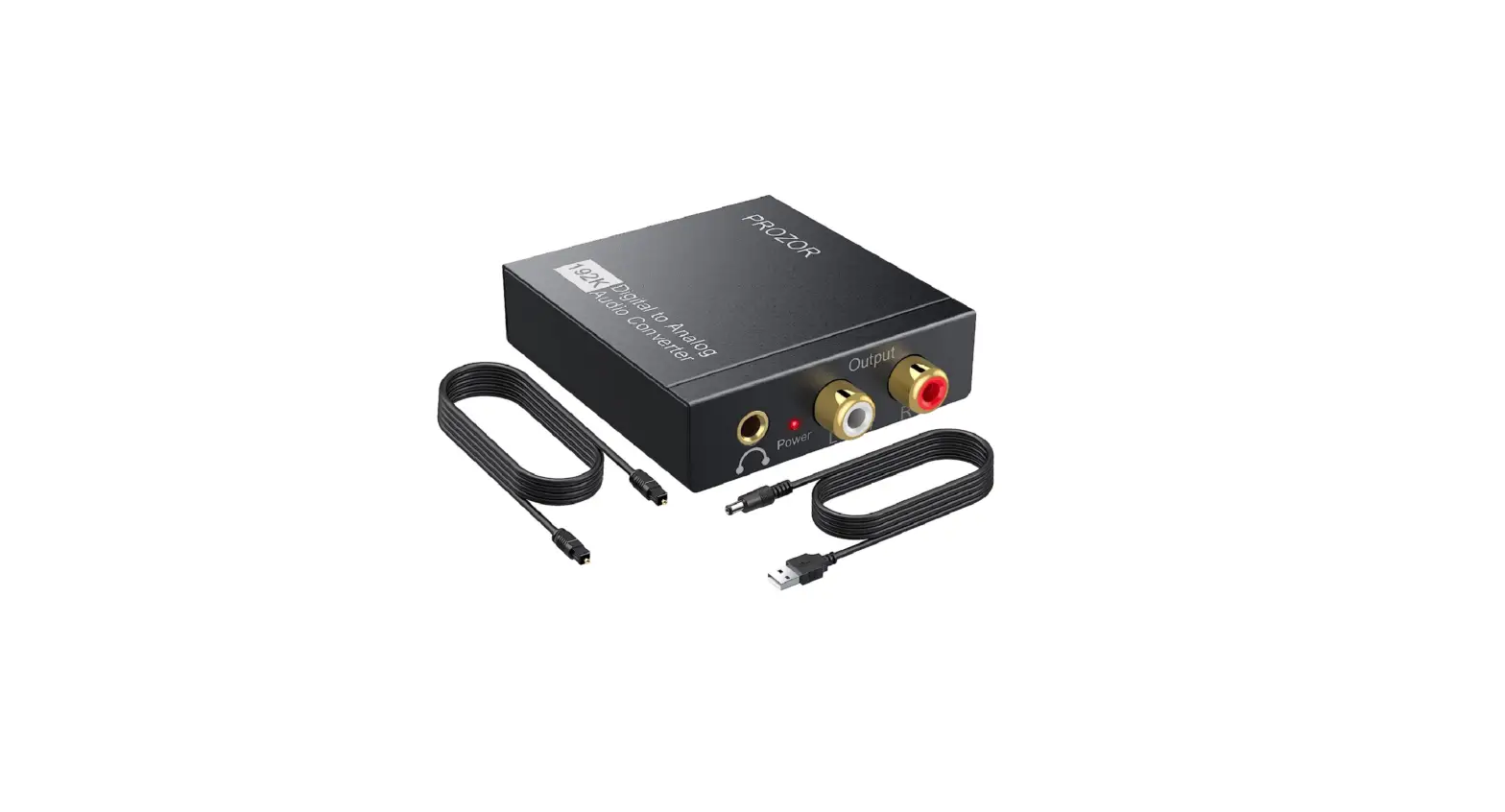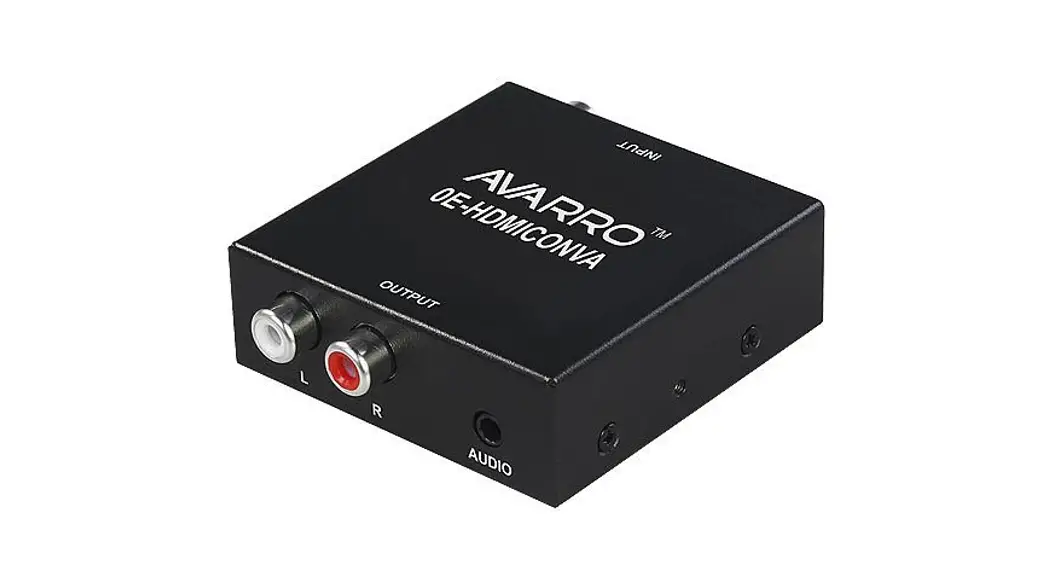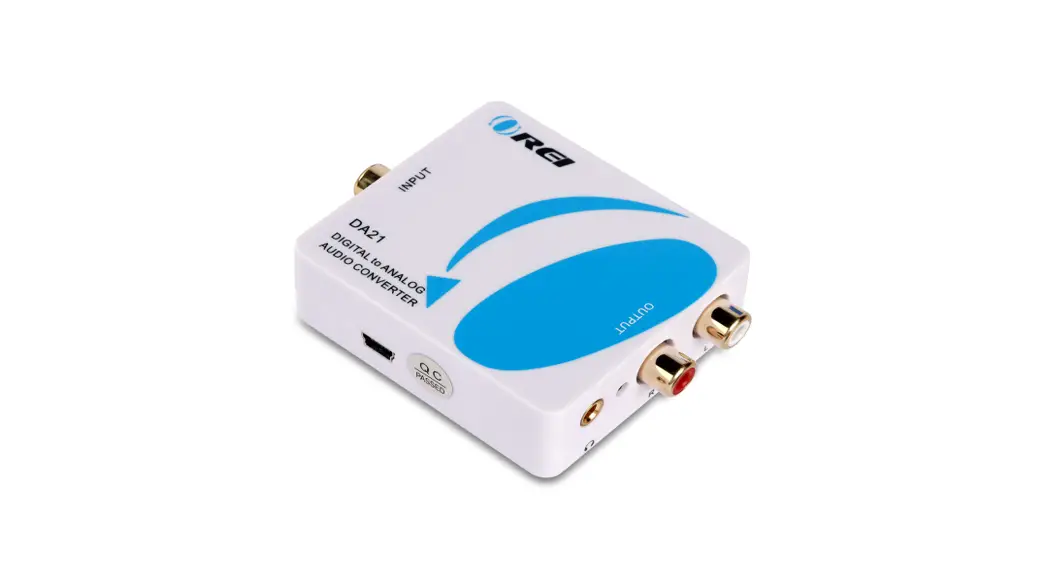

DA21
Digital to Analog Audio Converter
User Manual
Dear Customer
Thank you for purchasing this Audio Converter. For optimum performance and safety, please read these instructions carefully before connecting, operating or adjusting this product. Please keep this manual for future reference
Introduction
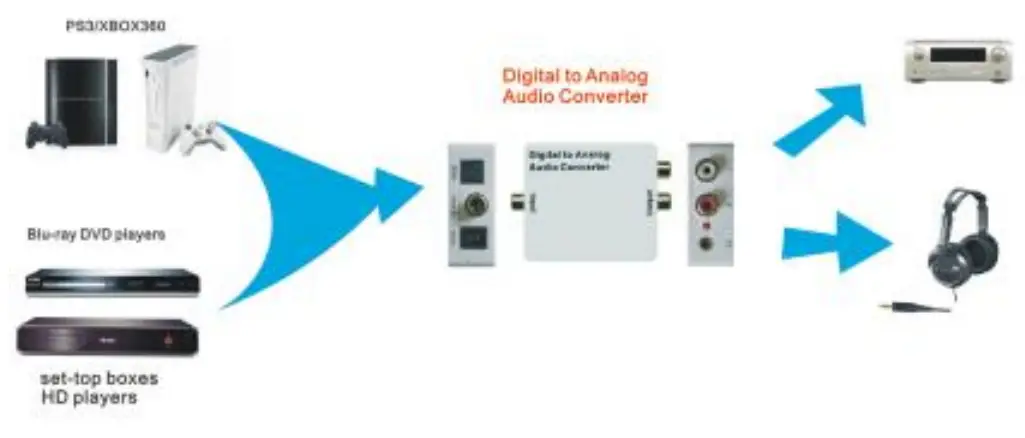
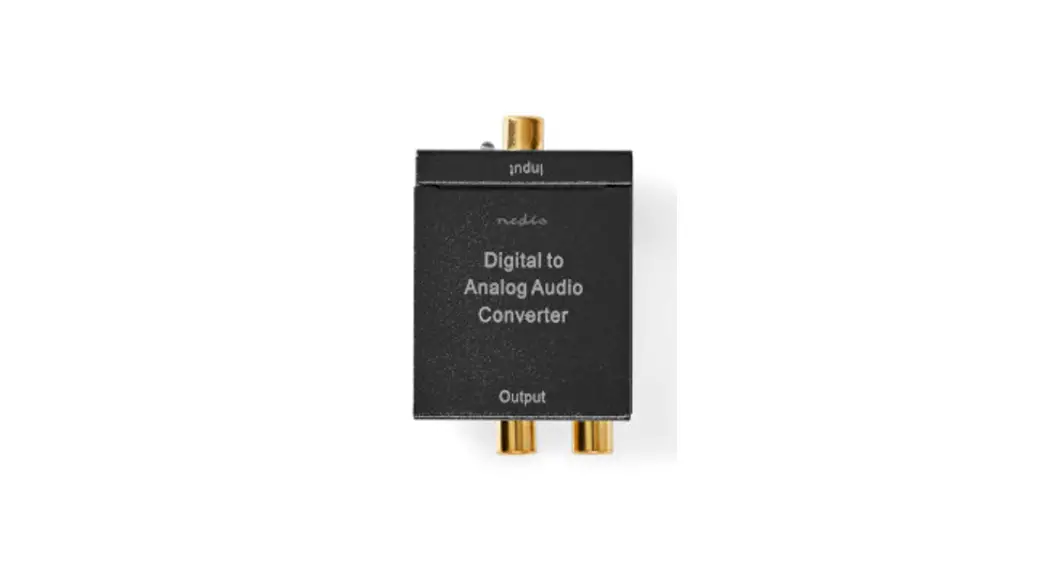
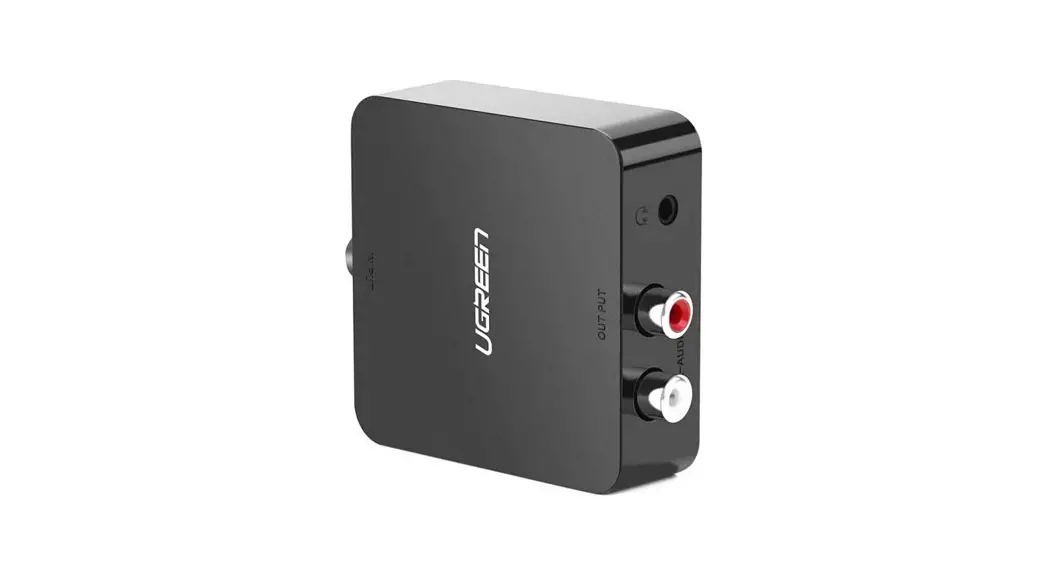
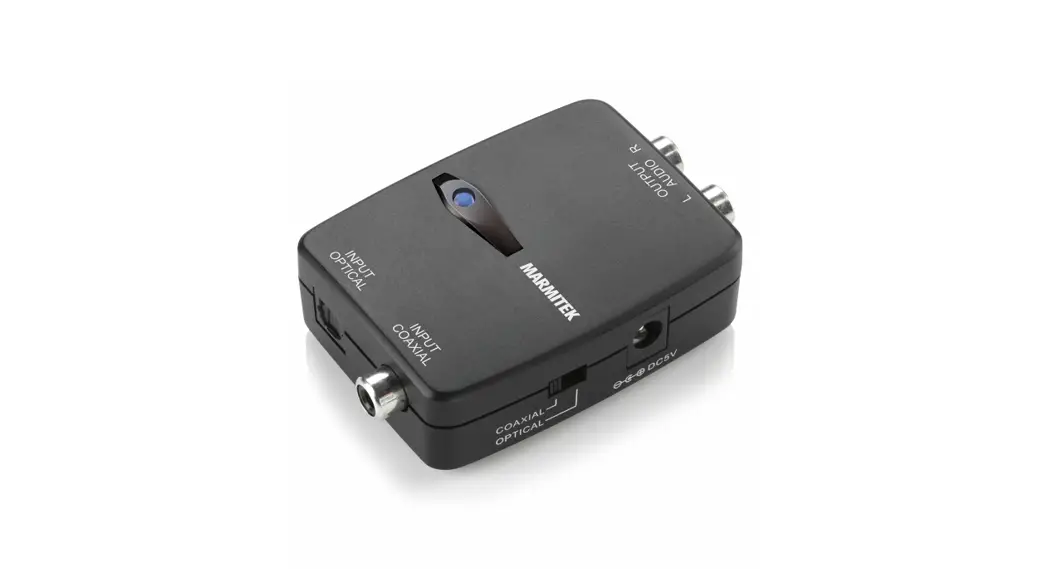
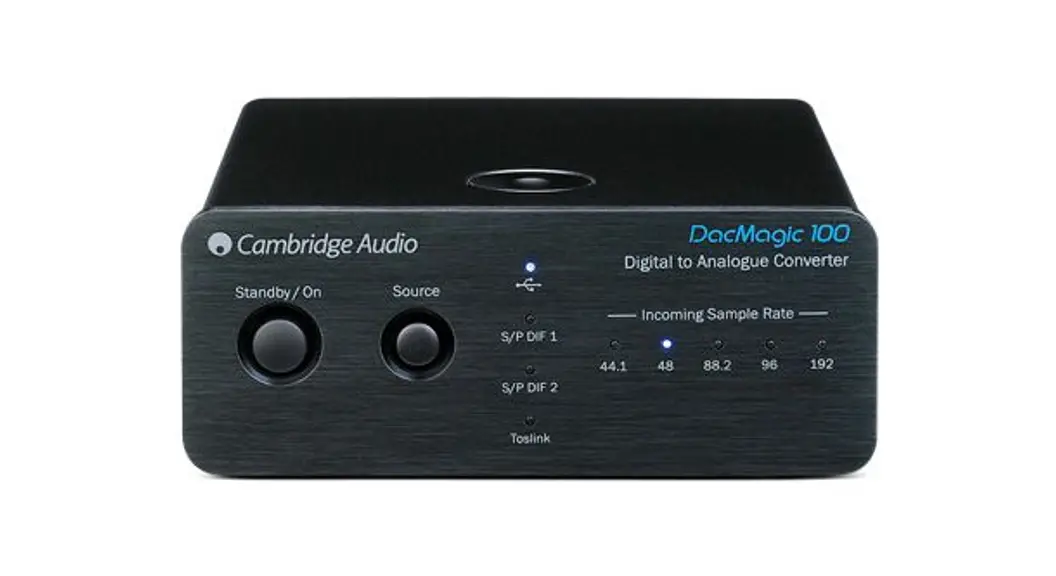
This Digital to Analog Audio Converter is designed for either home or professional audio switching. It converts Coaxial or Toslink digital audio signals to analog L/R audio and is available for connection to an external device such as an amplifier via standard RCA-style jacks. This Converter is small in size and quite easy to install.
1.1 Features
This Converter has many features that enable it to perform in a superior manner. Among those features you will find:
- Converts Coaxial or Toslink digital audio signals to analog L/R audio
- Supports sampling rate at 32, 44.1, 48, and 96 KHz.
- 24-bit SPDIF incoming bit stream on left and right channels
- Provides electromagnetic-noise-free transmission
- Easy to install and simple to operate.
SPECIFICATIONS
| Signal Inputs/Output | |
| Input Audio | Coaxial or Toslink digital audio |
| Output Audio | L/R audio and 3.5mm |
| Connector | |
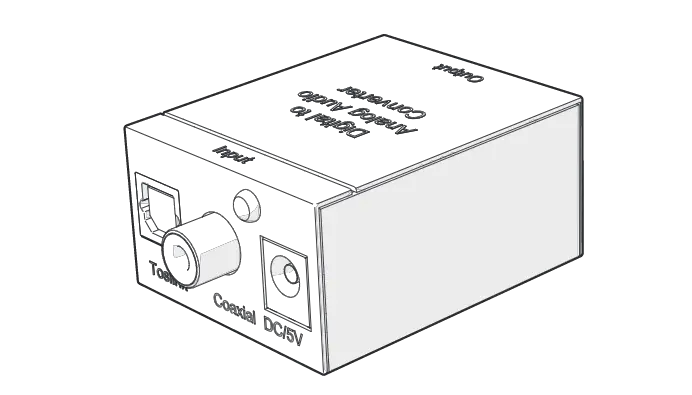
| Input audio connector | Toslink. 1XRCA(Coaxial) |
| Output audio connector | 2XRCA RID + Headphone |
| Sampling rate | 32, 44.1, 48, and 96 KHz |
| Size(L-W-H) | 55X60X2MM |
| Weight (Net) | 78g |
| Power Requirement | |
| External Power Supply | 5V DC@1A |
| Power Consumption | 0.5 watts (max) |
PACKAGE CONTENTS
Before attempting to use this unit, please check the
packaging and make sure the following items are contained in the shipping carton:
- Main unit (Digital to Analog Audio Converter).
- DC 5V Power Supply
- User’s Manual.
PANEL DESCRIPTIONS
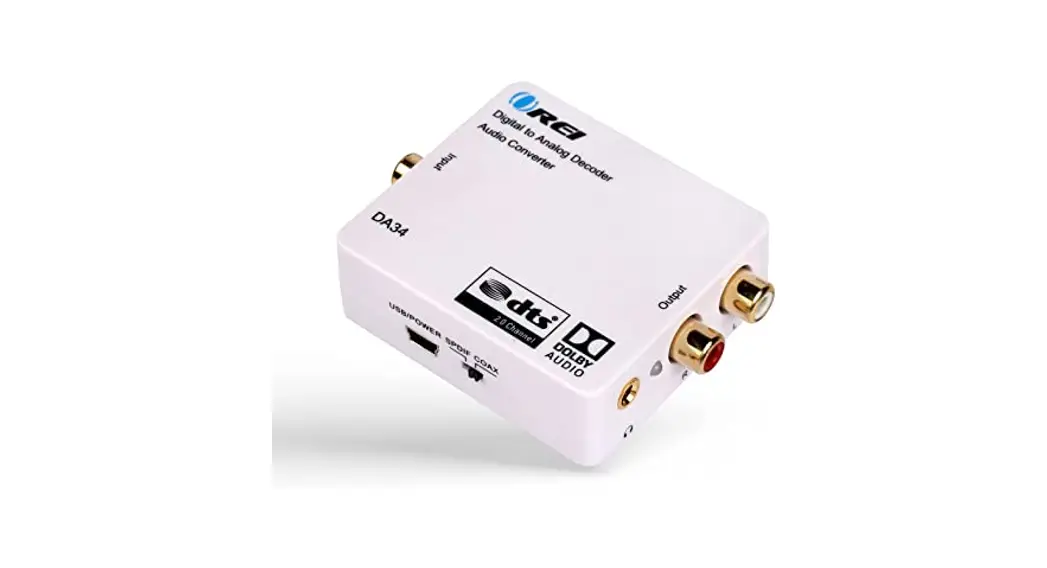
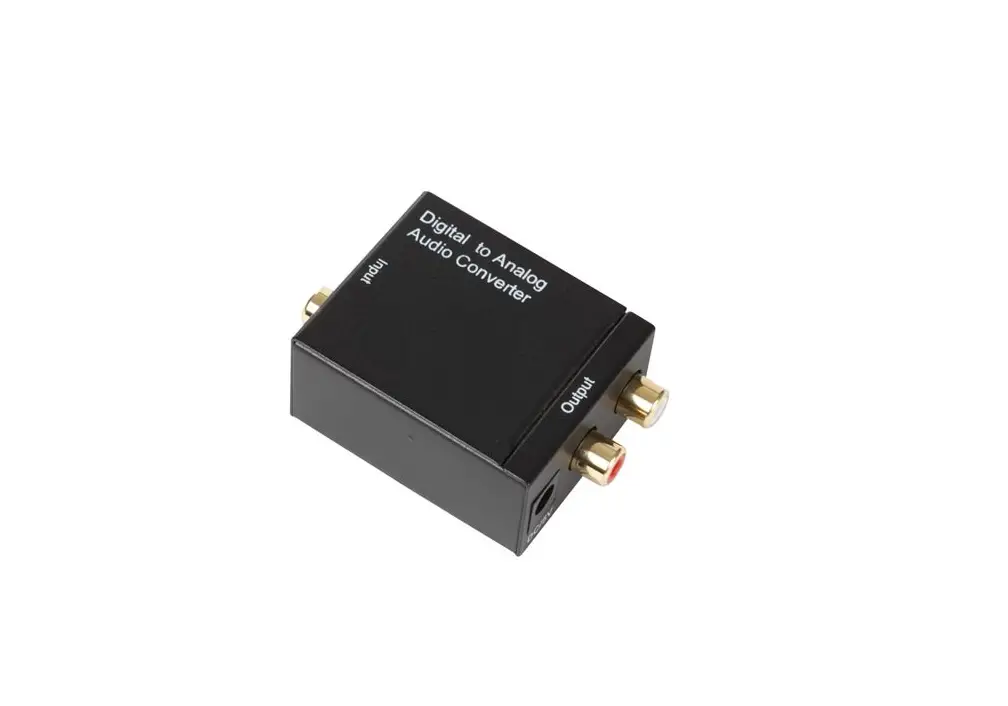
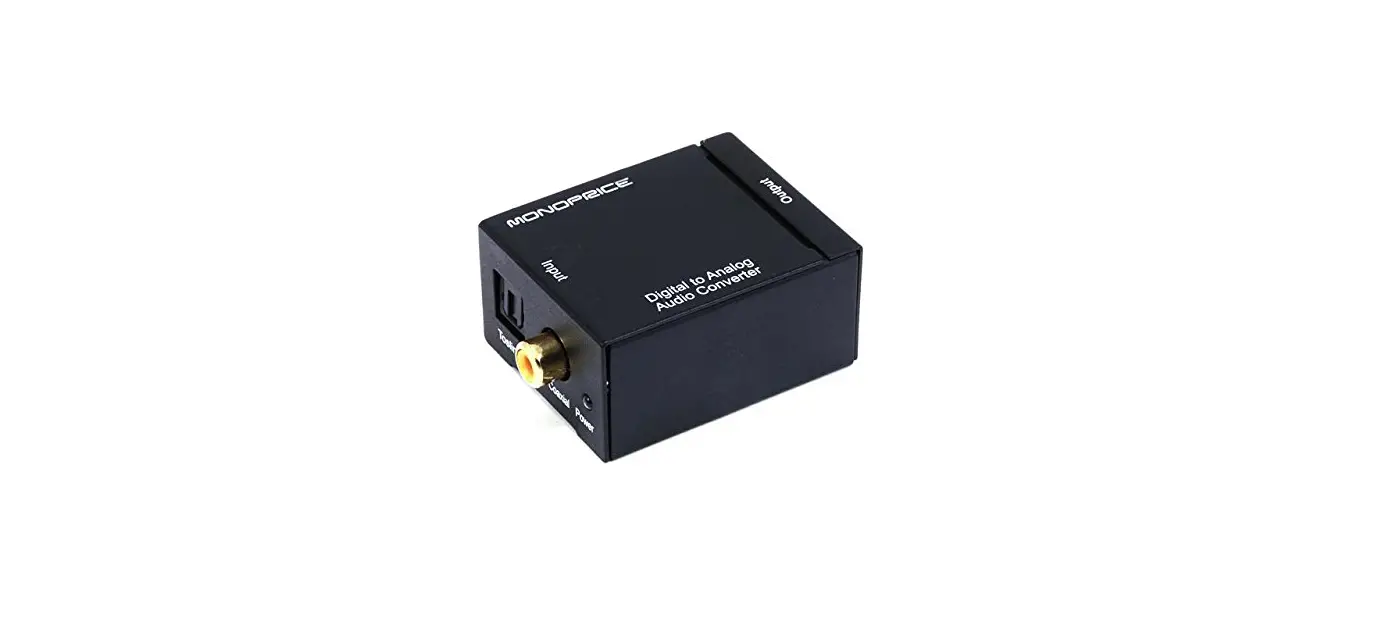
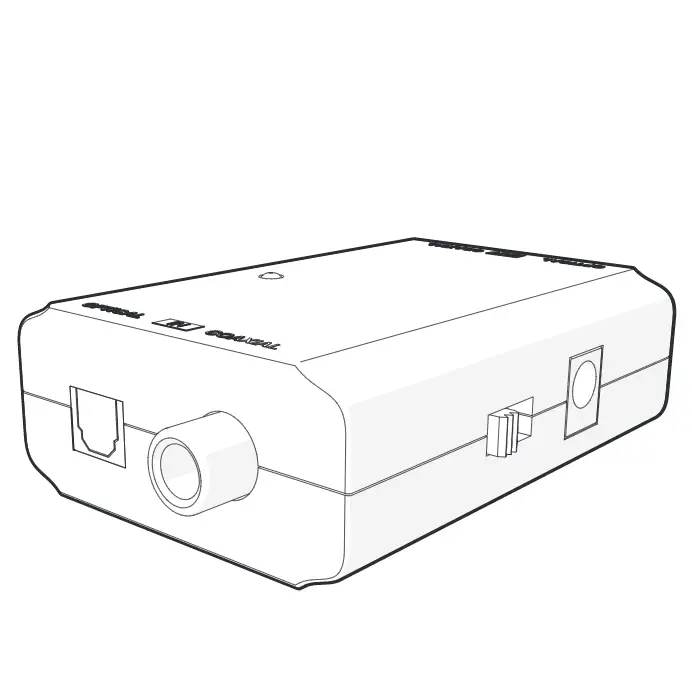
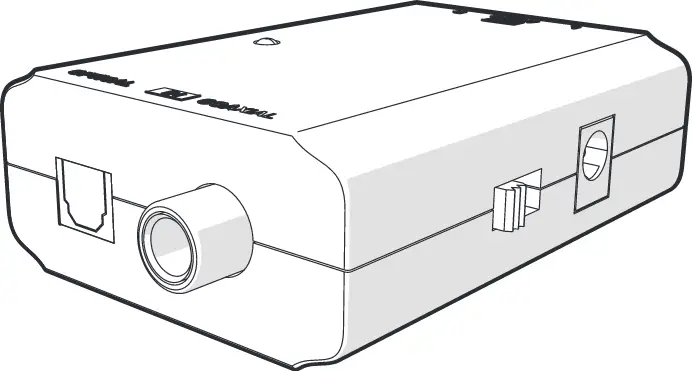
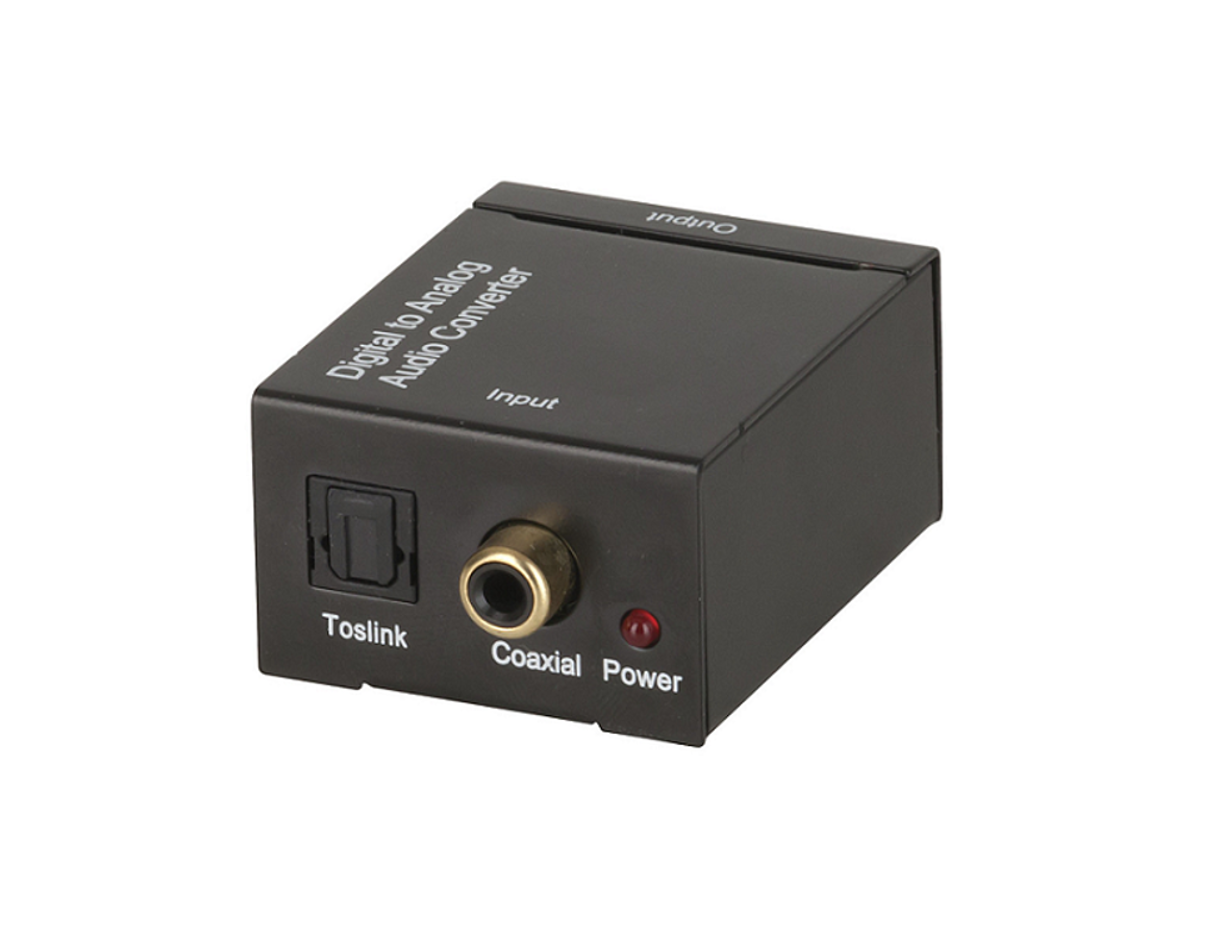
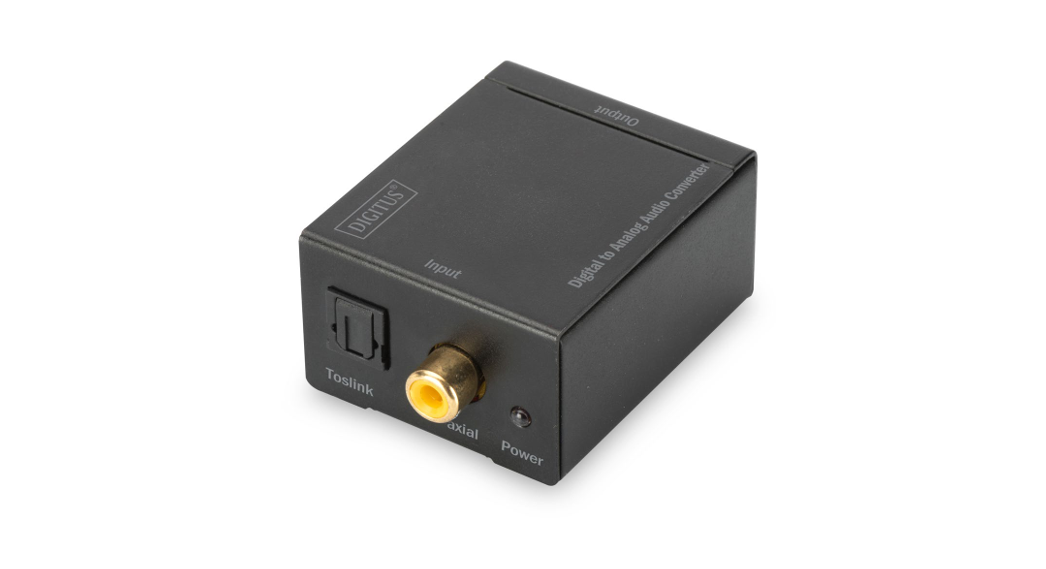
Please study the panel drawings below and become familiar with the signal input(s); output(s) and power requirements.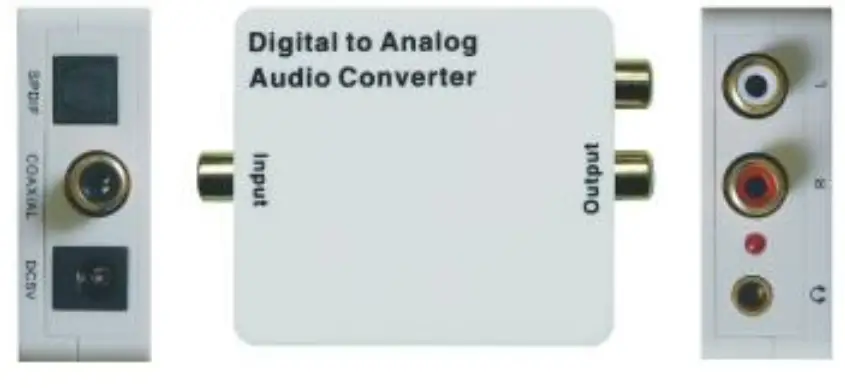
CONNECTION AND OPERATION
Before installation, please make sure all devices you wish to connect have been turned off.
- Connect the audio source device to the Converter using appropriate Toslink or Coaxial cables.
- Connect the A/V Receivers or Amplifiers to the Converter using the appropriate L/R cable.
- Insert the DC side of 5v power supply into the converter and then connect the AC side of the power supply to the wall outlet.
Note: When connected to the Toslink and Coaxial cables at the same, the product will give priority to Toslink input