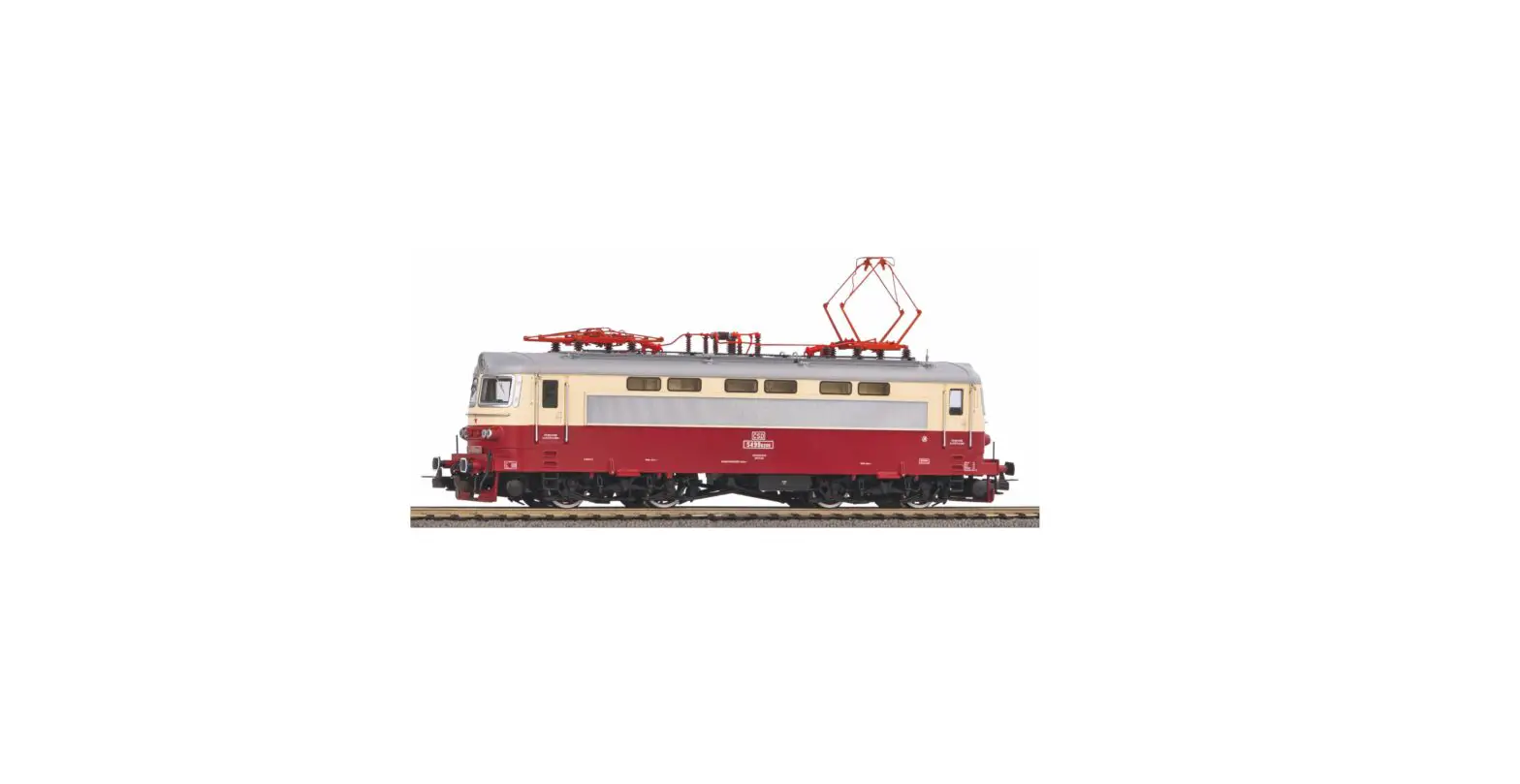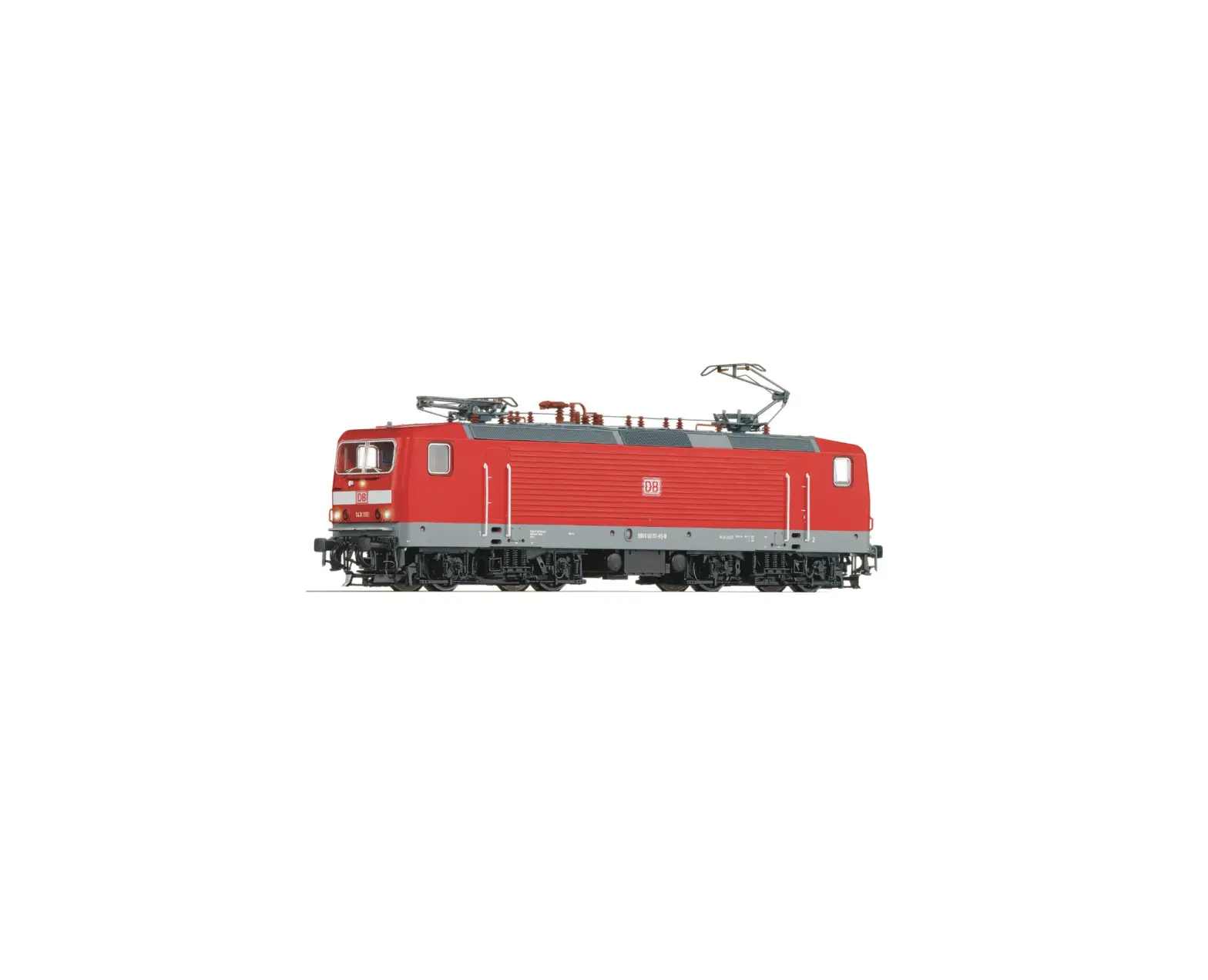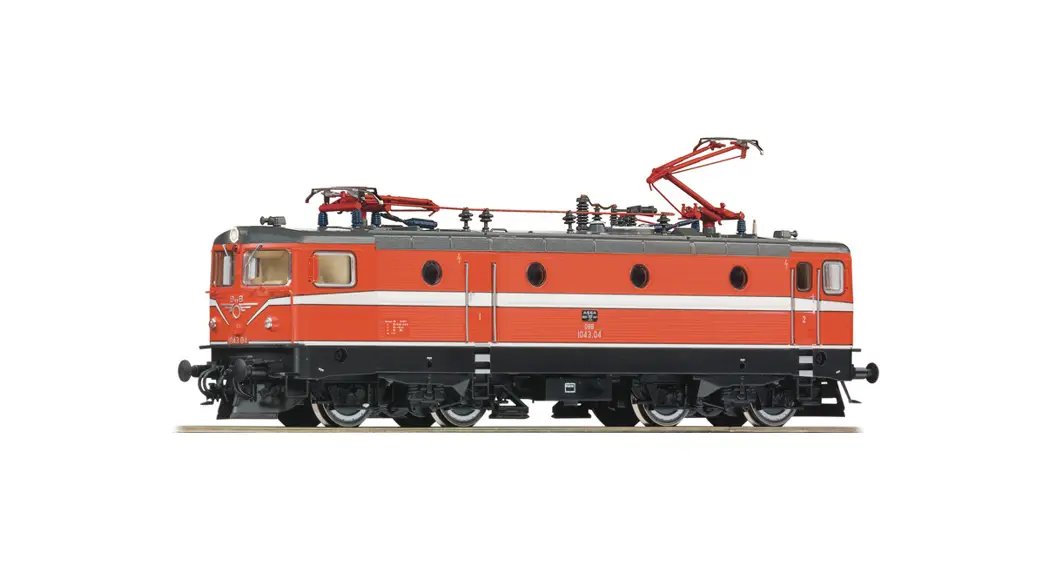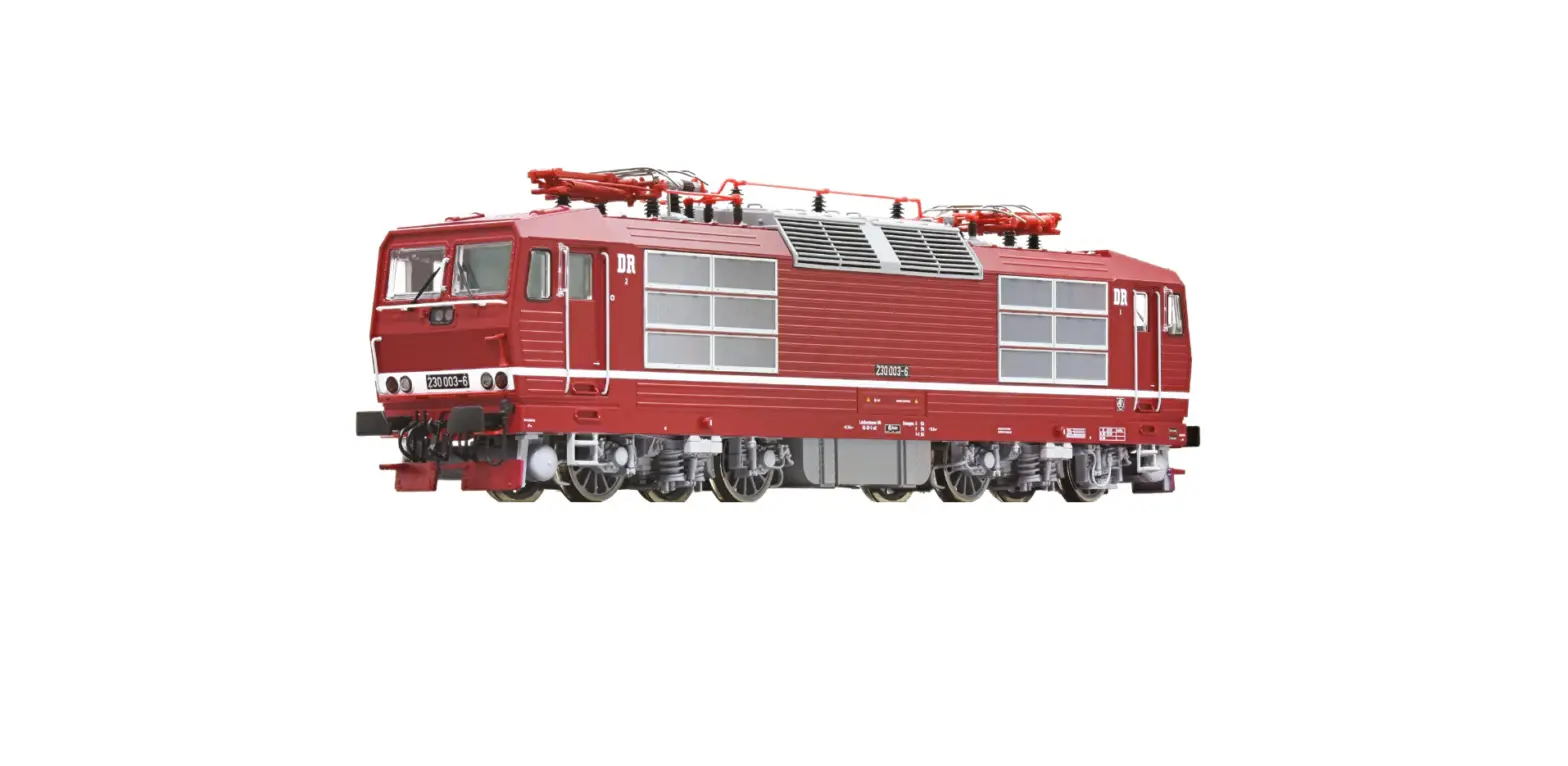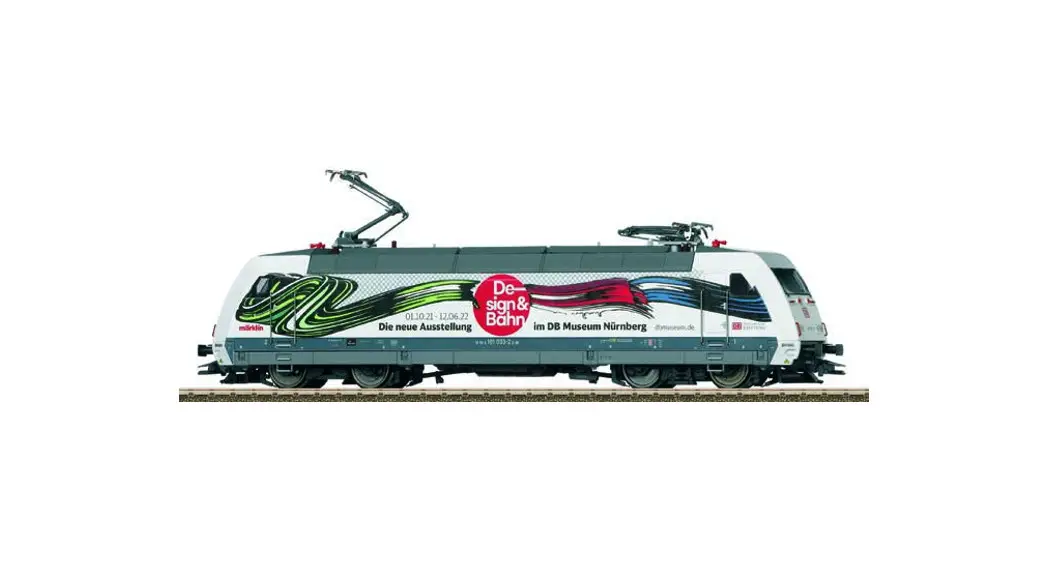
 T25379 BR 101 Electric locomotive
User Manual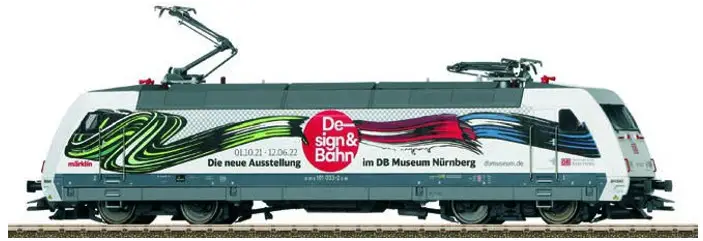
Safety Notes
- This locomotive is only to be used with the operating system it is designed for.
- Analog max. 15 volts DC, digital max. 22 volts AC.
- This locomotive must never be supplied with power from more than one power pack.
- Please make note of the safety notes in the instructions for your operating system.
- The feeder track must be equipped to prevent interference with radio and television reception, when the locomotive is to be run in conventional operation. The E611 655 interference suppression set is to be used for this purpose. The interference suppression set is not suitable for digital operation.
- WARNING! Sharp edges and points required for operation.
- Do not expose the model to direct sunlight, extreme changes in temperature, or high humidity.
- The LEDs in this item correspond to Laser Class 1 according to Standard EN 60825-1.
Important Notes
- The operating instructions and the packaging are a component part of the product and must therefore be kept as well as transferred along with the product to others.
- Please see your authorized Trix dealer for repairs or spare parts.
- The warranty card included with this product specifies the warranty conditions.
- Disposing: www.maerklin.com/en/imprint.html
- The full range of functions is only available under DCC and mfx.
- Built-in headlights that change over with the direction of travel. They can be turned on and off in digital operation.
- The locomotive cannot be switched to operation from catenary.
- Minimum radius for operation is 360 mm/14-3/16“.
Multi-Protocol Operation
Analog Operation
This decoder can also be operated on analog layouts or areas of track that are analog. The decoder recognizes alternating current (DC) and automatically adapts to the analog track voltage. These are all of the functions, with the exception of sound functions, which were set under mfx or DCC for analog operation (see Digital Operation).
Digital Operation
The decoders are multi-protocol decoders. These decoders can be used under the following digital protocols: mfx, DCC or MM.
Address set at the factory: DCC 03/MM 01
The digital protocol with the most possibilities is the highest order digital protocol. The sequence of digital protocols in descending order is:
Priority 1: mfx
Priority 2: DCC
Priority 3: MM
Note: If two or more digital protocols are recognized in the track, the decoder automatically takes on the highest value digital protocol. For example, if mfx & DCC are recognized, the mfx digital protocol is taken on by the decoder. Individual protocols can be deactivated with Parameter CV 50.
Note: Please note that not all functions are possible in all digital protocols. Several settings for functions, which are supposed to be active in analog operation, can be done under mfx and DCC.
Notes on digital operation
- The operating instructions for your central unit will give you exact procedures for setting the different parameters.
- The setting done at the factory does not permit operation with opposite polarity DC power in the braking block. If you want this characteristic, you must do without conventional DC power operation (CV 29/Bit 2 = 0).
mfx Protocol
Addresses
- No address is required; each decoder is given a onetime, unique identifier (UID).
- The decoder automatically registers itself on a Central Station or a Mobile Station with its UID.
- Name set at the factory: 101 003-2 DB AG
Programming
- The characteristics can be programmed using the graphic screen on the Central Station or also partially with the Mobile Station.
- All of the Configuration Variables (CV) can be read and programmed repeatedly.
- The programming can be done either on the main track or the programming track.
- The default settings (factory settings) can be produced repeatedly.
- Function mapping: Functions can be assigned to any of the function buttons with the help of the 60212 Central Station (with limitations) and with the 60213/60214/60215/60216/60226 Central Station (See help section in the Central Station).
DCC Protocol
Addresses
- Possible addresses: short, long, and m.u. address
- Address range:
1 – 127 (short address, m.u. address)
1 – 10239 (long address) - Every address can be programmed manually.
- A short or a long address is selected using the CVs.
- A multiple unit address that is being used deactivates the standard address.
Programming
- The characteristics can be changed repeatedly using the Configuration Variables (CV).
- The CV numbers and the CV values are entered directly.
- The CVs can be read and programmed repeatedly. (Programming is done on the programming track.)
- The CVs can be programmed, as you desire. PoM (Programming on the layout track) is only possible with those CVs marked in the CV table. PoM must be supported by your central controller (see the instructions for your controller).
- The default settings (factory settings) can be produced repeatedly.
- 14 or 28/126 speed levels can be set.
- All of the functions can be controlled according to the function mapping (see CV description).
- See the CV description for the DCC protocol for additional information.
We recommend that in general programming should be done on the programming track.
Logic Functions
Acceleration/Braking Delay
- The acceleration and braking times can be set separately from each other.
- The logical function shut off for ABV (Acceleration/Braking Delay) can be assigned to any function button by means of function mapping.
| Controllable Functions | DC/AC | MS I | MS II ¹ | CS I | CS II/III | |
| Headlights/Red marker light | F0 |  |  |  |  |  |
| Operating sounds ² | F1 | | | | | |
| Sound effect: Low pitched horn | F2 | | | | | |
| Long distance headlights | F3 | | | | | |
| ABV, off | F4 | | | | | |
| Engineer’s cab lighting 3 | F5 | | | | | |
| Headlights Engineer’s Cab 2 off 3,4 | F6 | | | | | |
| Sound effect: High pitched horn | F7 | | | | | |
| Headlights Engineer’s Cab 1 off 3,4 | F8 | | | | | |
| Sound effect: Squealing brakes off | F9 | | | | ||
| Sound effect: Station announcements | F10 | | | | ||
| Sound effect: Conductor whistle | F11 | | | | ||
| Sound effect: Blower | F12 | | | | ||
| Sound effect: Compressor | F13 | | | | ||
| Sound effect: Letting off air | F14 | | | | ||
| Low speed switching range | F15 | | | | ||
| Sound effect: Sanding | F16 | | | |||
| Sound effect: SIFA warning | F17 | | | |||
| Switching light + Low speed switching range | F18 | | | |||
| Sound effect: Coupling | F19 | | | |||
| Sound effect: Uncoupling | F20 | | | |||
| Pantograph sound (up/down) | F21 | | |
¹ Functions starting at F16 are not possible until you have Software Version 3.55 in the MS2.
² with random sounds
³ only in conjunction with Headlights/marker lights
4 switched together: „Double A“ switching lights
| CV | Description | DCC Value | Factory-Set | ||
| 1 | Address | 1 – 127 | 3 | ||
| 2 | PoM | Minimum Speed | 0 – 255 | 5 | |
| 3 | PoM | Acceleration delay | 0 – 71 | 14 | |
| 4 | PoM | Braking delay | 0 – 71 | 14 | |
| 5 | PoM | Maximum speed | 0 – 255 | 240 | |
| 8 | Factory Reset / Manufacturer Recognition | 8 | 131 | ||
| 13 | PoM | Functions F1 – F8 in analog operation | 0 – 255 | 0 | |
| 14 | PoM | Functions F9 – F15 and lights in analog operation | 0 – 255 | 1 | |
| 17 | Extended address (upper part) | CV 29, Bit 5 =1 | 192 | ||
| 18 | Extended address (lower part) | CV 29, Bit 5 =1 | 128 | ||
| 19 | Multiple Unit Address | 0 – 255 | 0 | ||
| 21 | PoM | Functions F1 – F8 on Multiple Unit | 0 – 255 | 0 | |
| 22 | PoM | Functions F9 – F15 and lights on Multiple Unit | 0 – 255 | 0 | |
| 29 | PoM | Bit 0: Reversing direction of travel Bit 1: Number of speed levels 14 or 28/128* Bit 2: DCC operation with a braking area (no analog operation possible) Bit 5: short / long address | 0 / 1 0 / 2 0 / 4 0 / 32 | 0 – 7 32 – 39 | 6 |
| 50 | PoM | Alternative Protocols (DCC cannot deactivate itself) Bit 0 : Analog AC off = 0 / Analog AC on = 1 Bit 1 : Analog DC off = 0 / Analog DC on = 1 Bit 2 : fx (MM) off = 0 / fx (MM) on = 1 Bit 3 : mfx off = 0 / mfx on = 1 | 0 / 1 0 / 2 0 / 4 0 / 8 | 0 – 15 | 15 |
| 63 | PoM | Volume | 0 – 255 | 248 | |
* The speed levels on the locomotive decoder and on the controller must agree with each other; otherwise, you may have malfunctions.
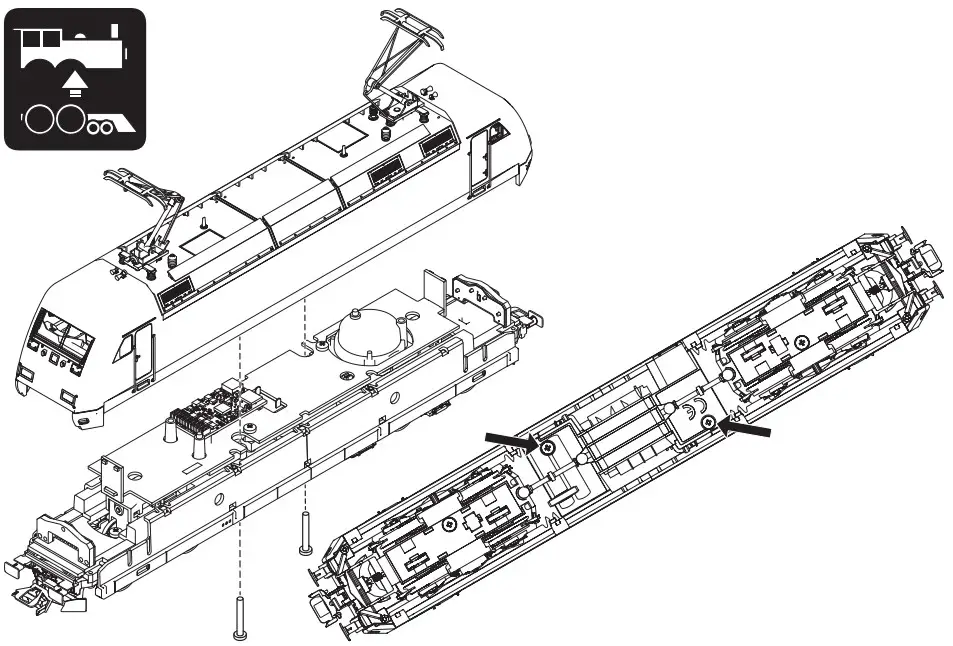 | 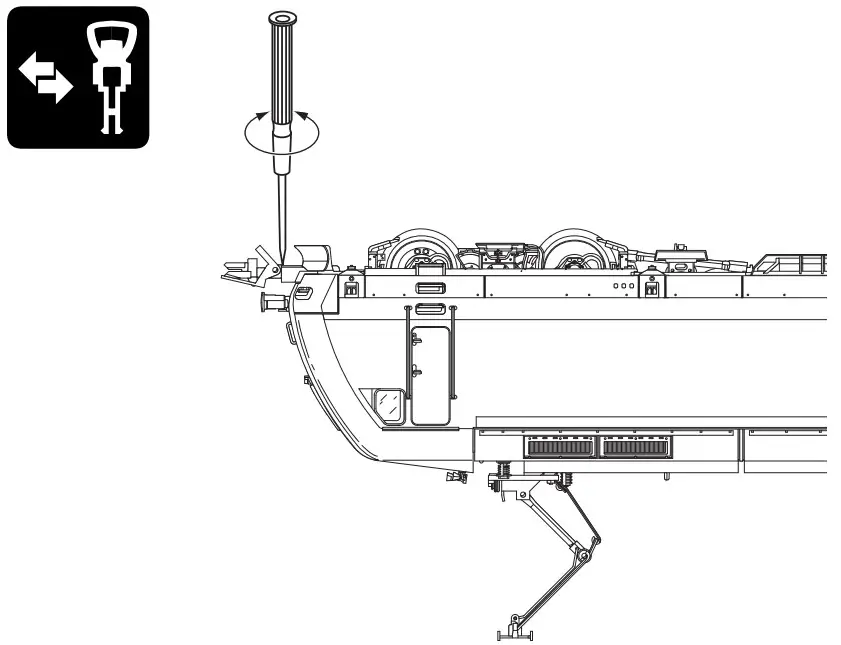 |
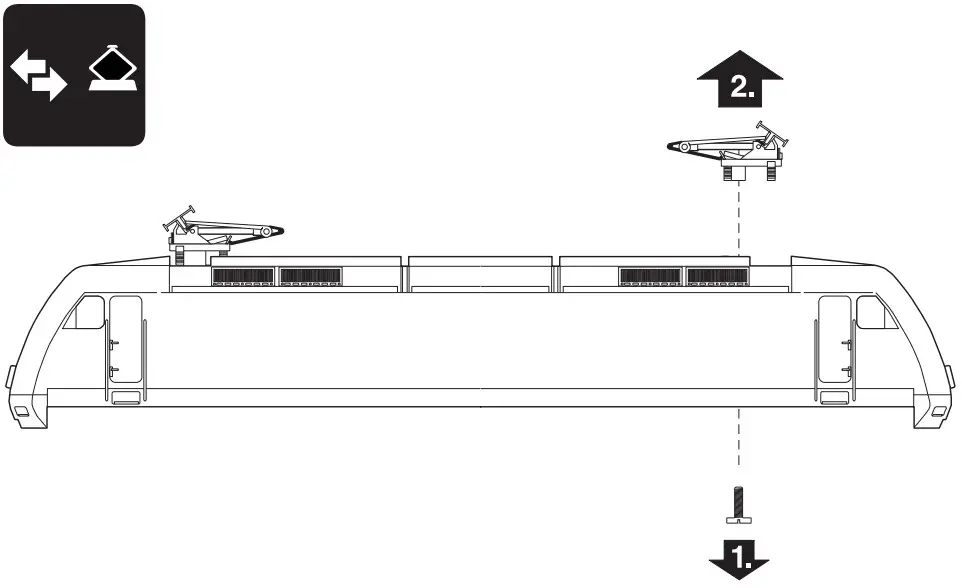 |  |
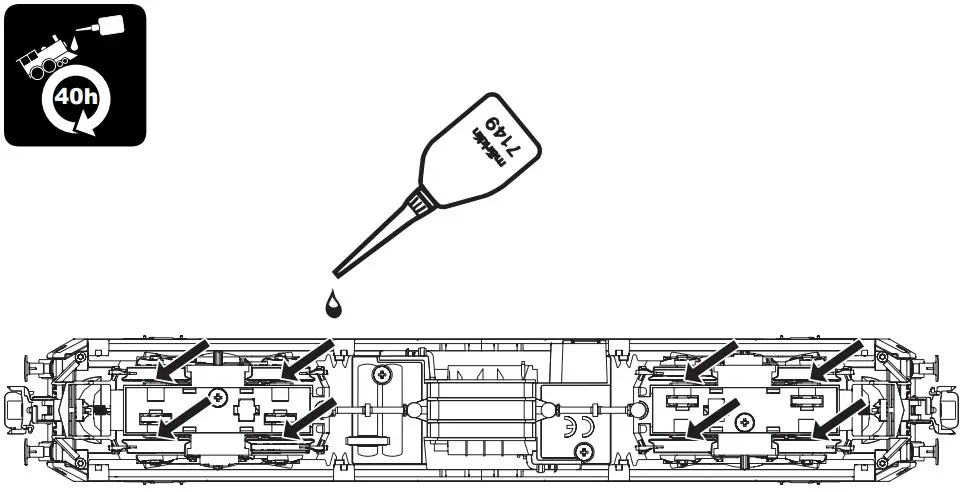 | 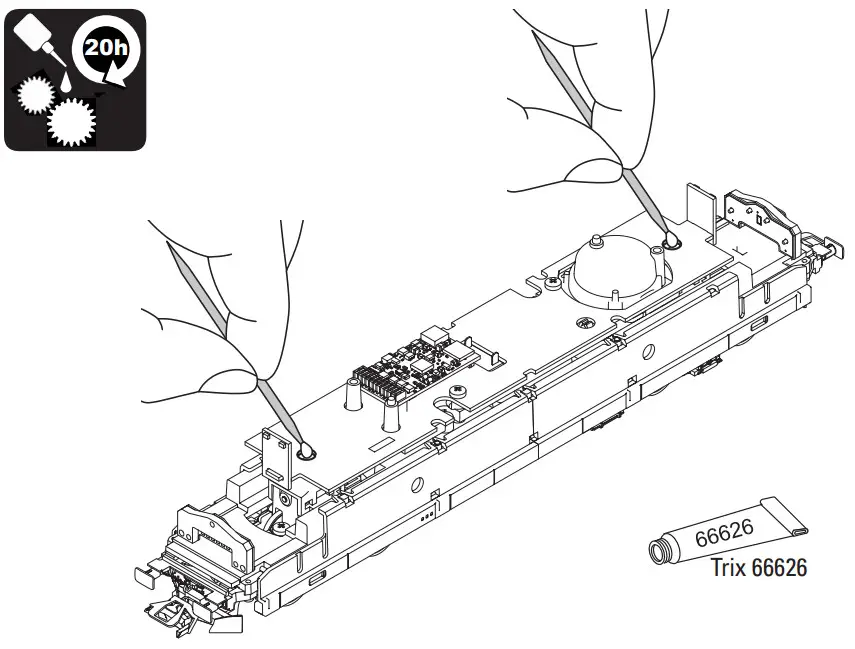 |
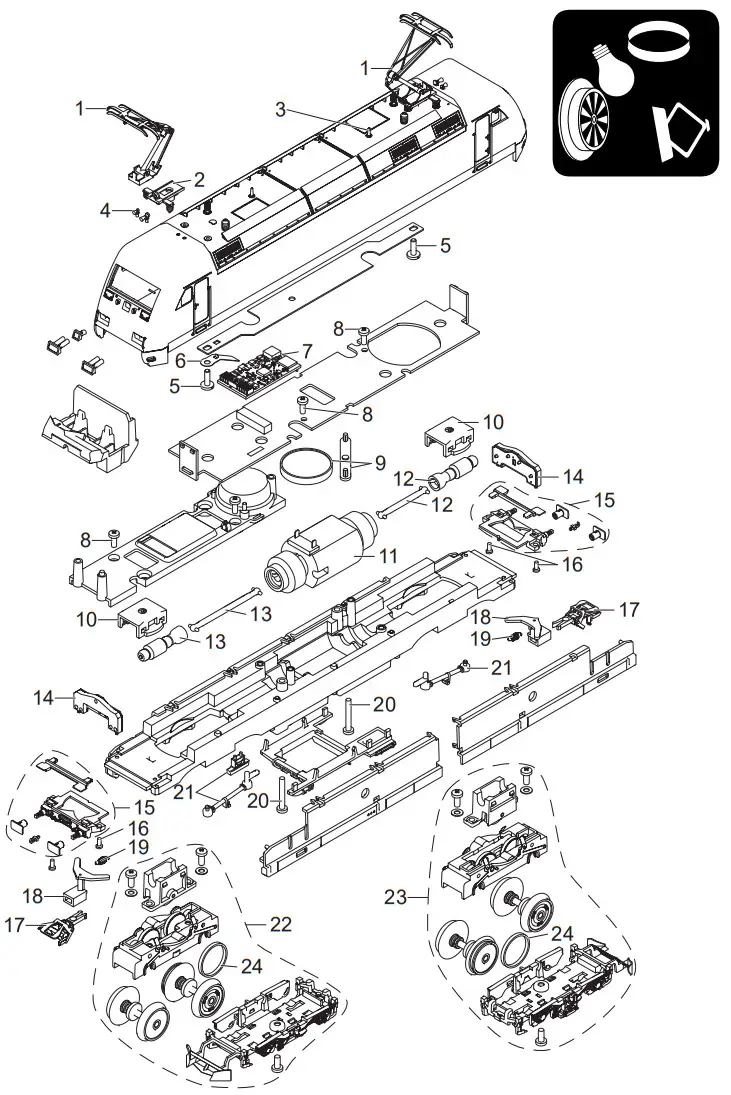
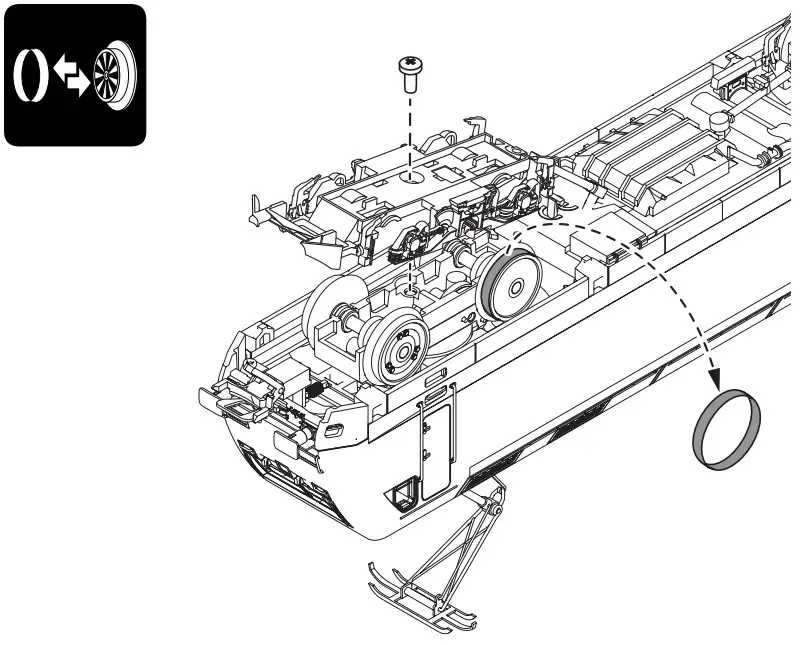
Details of the presentation can be obtained from the model differ.
| 1. single-arm pantograph | E610 677 |
| 2. carrier insulation brown | E339 839 |
| 3. antenna | E374 720 |
| 4. bugles | E177 524 |
| 5. cylinder screw | E750 250 |
| 6. contact spring | — |
| 7. decoders | 368 589 |
| 8. button head screw | E786 750 |
| 9. speakers | E182 576 |
| 10. retaining clip | E230 561 |
| 11. engine | E367 515 |
| 12. augers, cardan shaft | E369 592 |
| 13. worms, cardan shaft | E353 184 |
| 14. lighting unit | E351 259 |
| 15. buffer beam complete | E353 185 |
| 16. button head screw | E277 543 |
| 17. short coupling | E701 630 |
| 18. hitch drawbar | E125 810 |
| 19. tension spring | E372 328 |
| 20. button head screw | E786 430 |
| 21. dummy, push bar, radar device | E168 901 |
| 22. driving gear in front | E352 126 |
| 23. rear engine | E351 632 |
| 24. traction tires | 7 153 |
Note: Several parts are offered unpainted or in another color. Parts that are not listed here can only be repaired by the Märklin repair service department.
 www.maerklin.com/en/imprint.html
Gebr. Märklin & Cie. GmbH
Stuttgarter Strasse 55 – 57
73033 Goeppingen
Germany
www.trix.de
 Imprint | Märklin Website DE
 Trix Modellbahnen | Für Einsteiger, Profis & Sammler