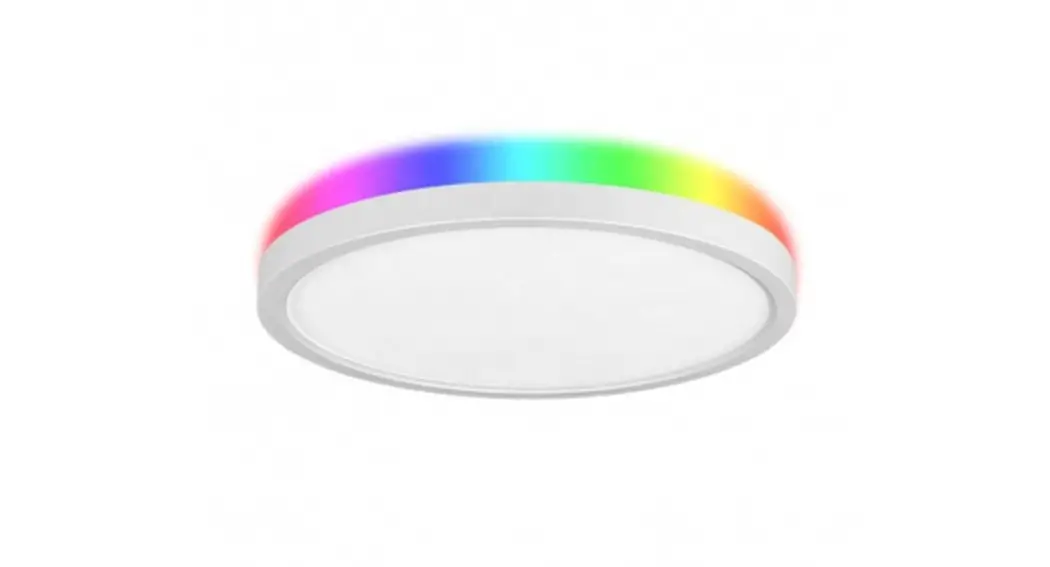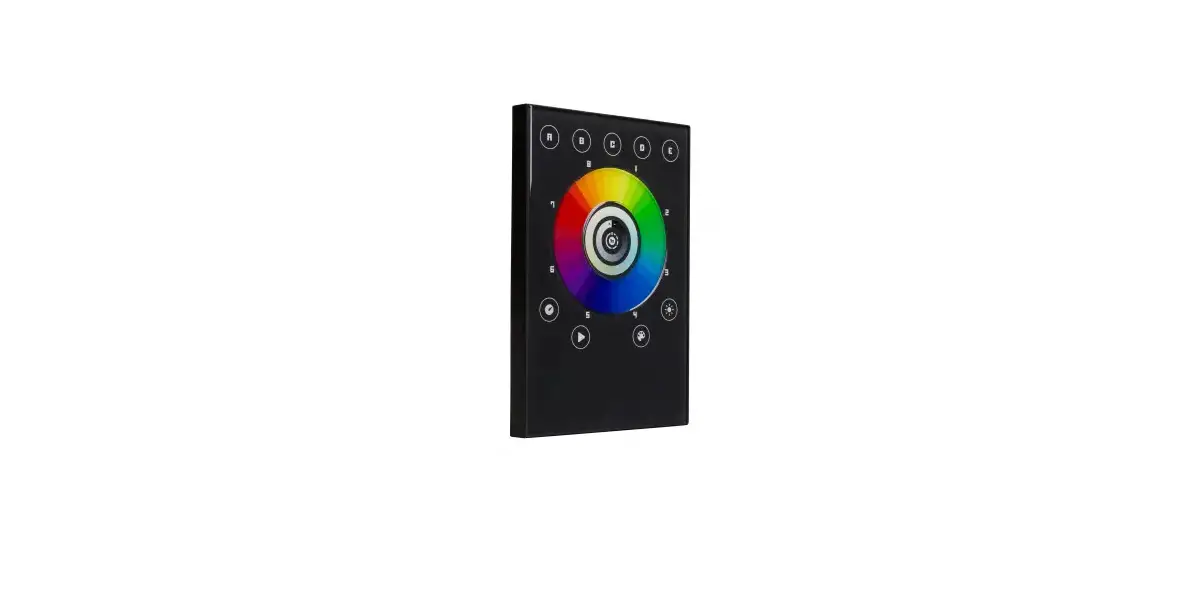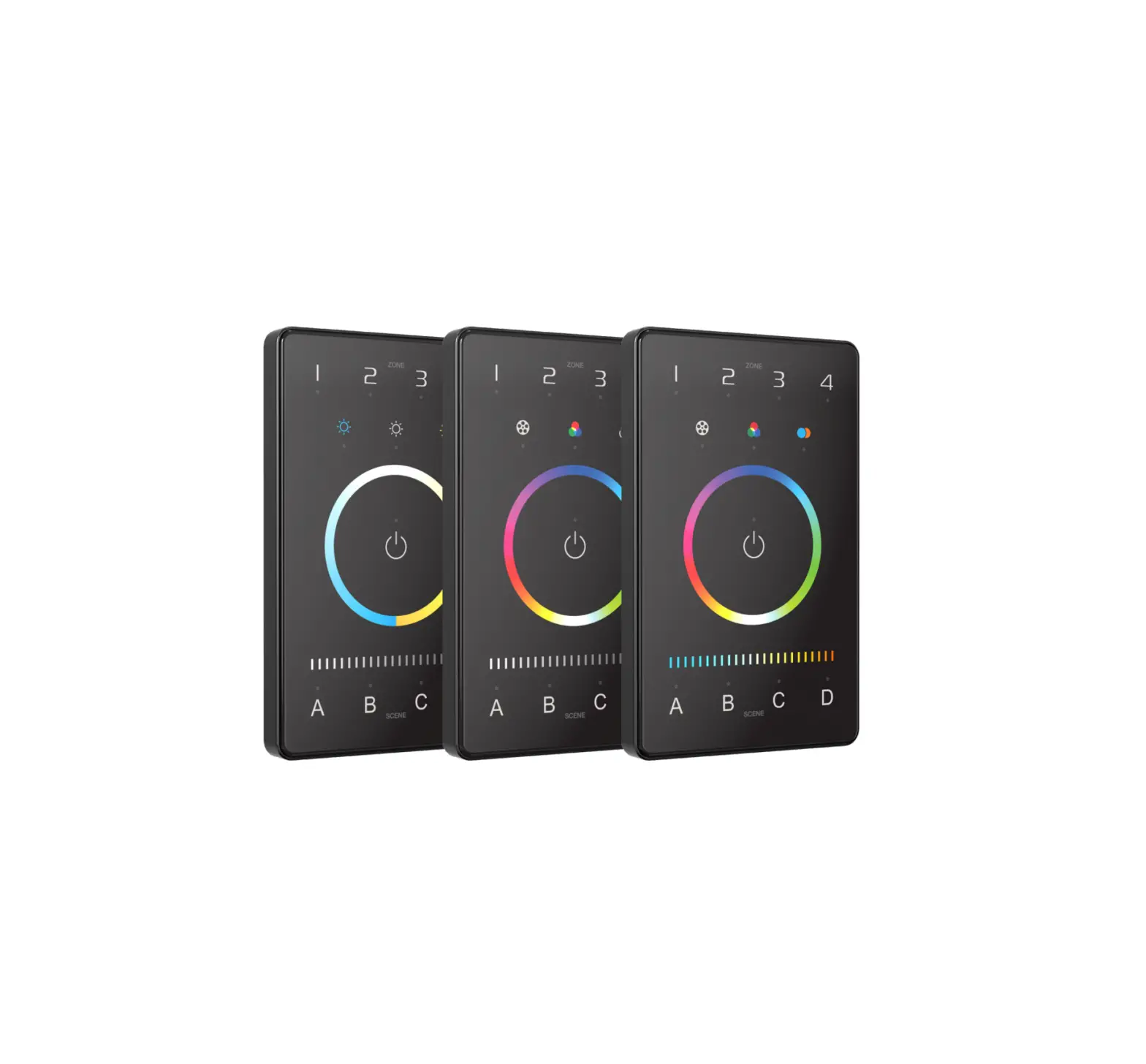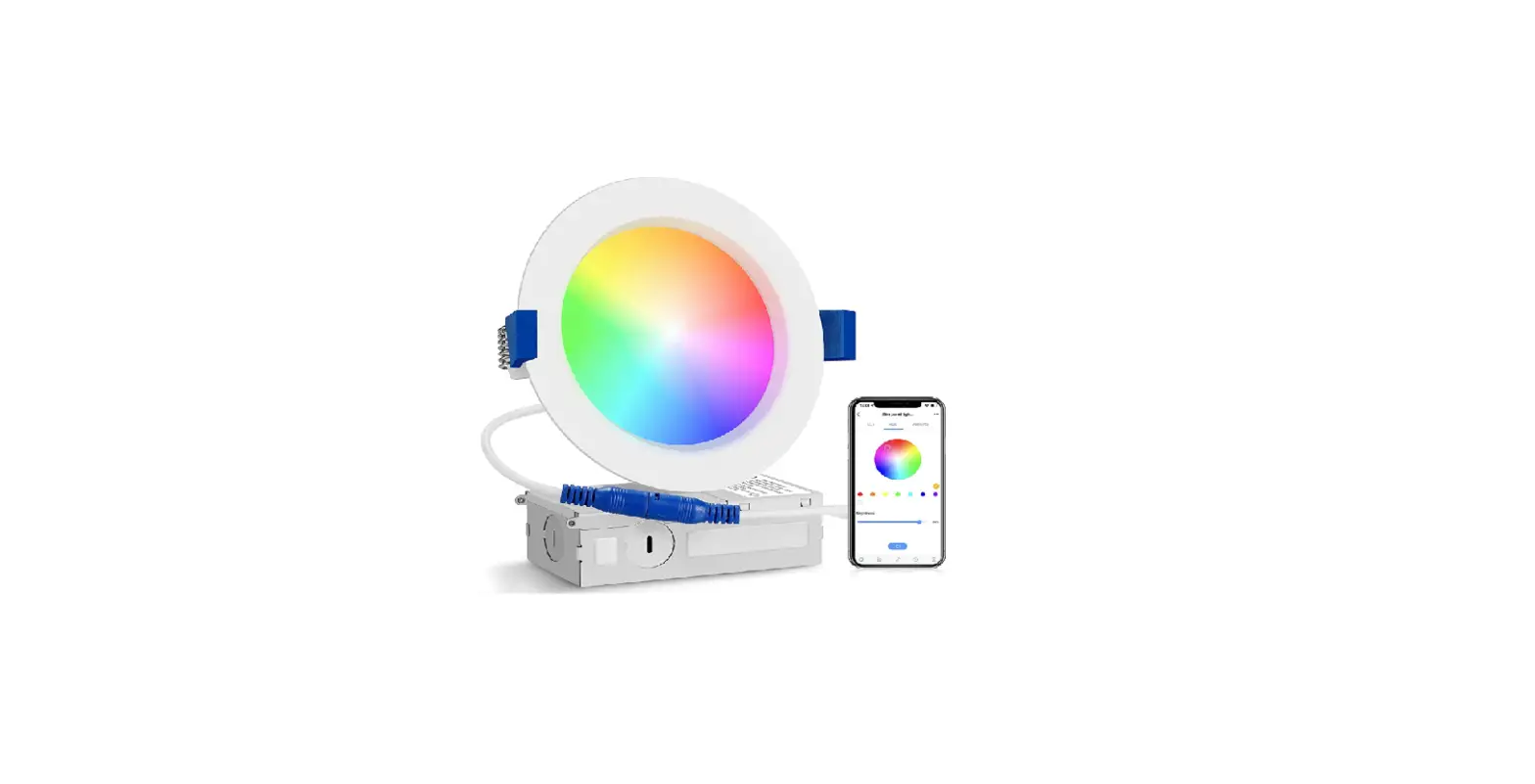

Simply 4 Inch Smart RGB Slim Panel App

Instructions for Software Use
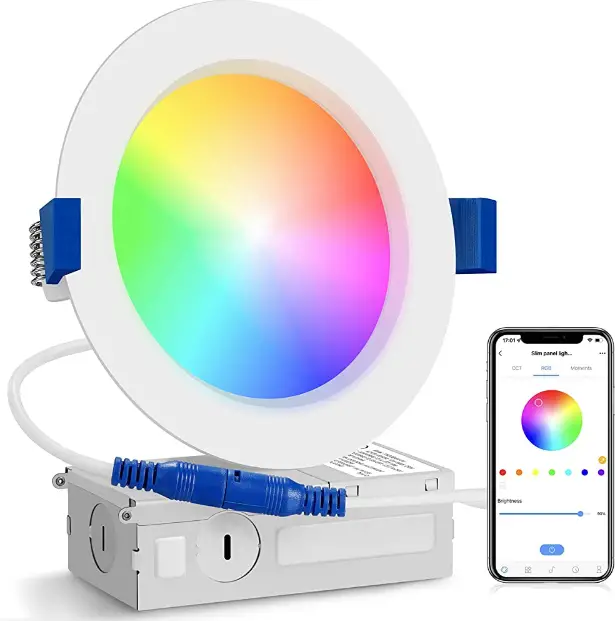
Step 1 Download App
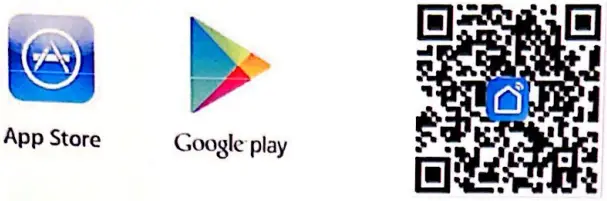
- Download “Smart Life” from App Store or Google Play Store or Scan the QR code below
Step 2 Registration
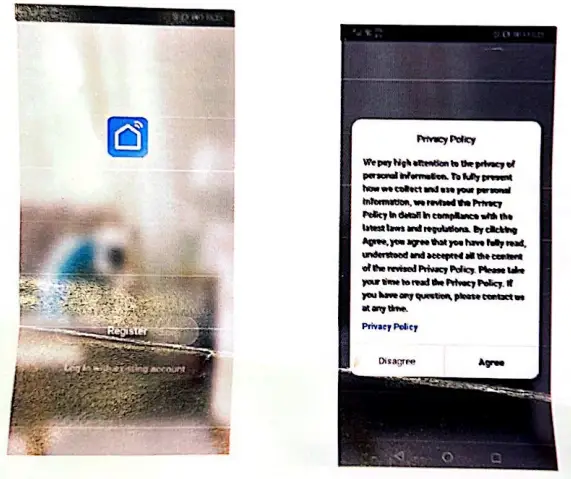
- Tap “Register” and “Agree” .follow the instruction and finish registration.
Step 3 Make the light blink
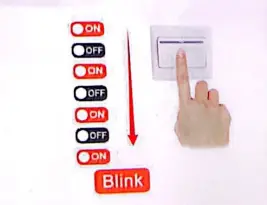
- Turn on and turn off the lamp 3 times, then turn it on, after 4 seconds, the lamp will blink rapidly.
Step 4 Add Devices
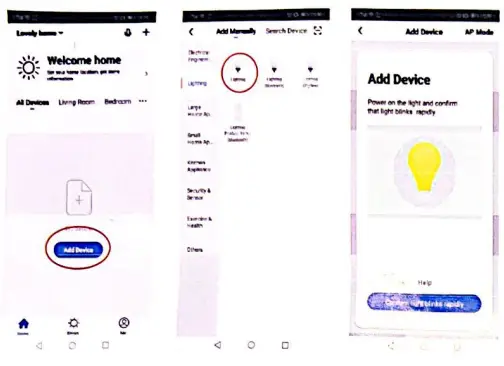
- Tap in the corner, choose to light” as the following pictures showed.
Step 5
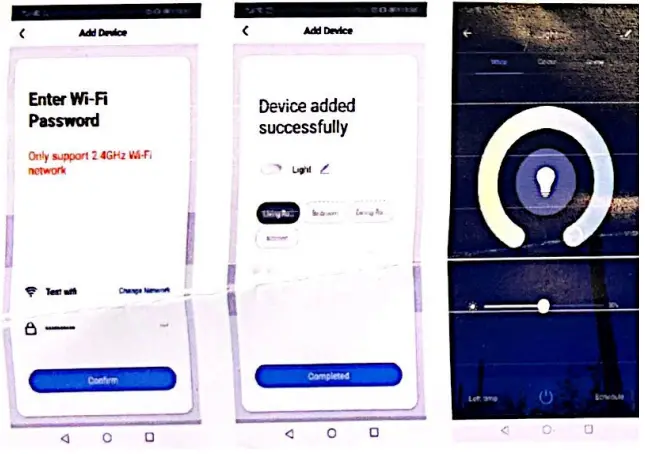
- Confirm light blinks rapidly Enter Wifi Password Connection finish.
Device detail/other settings
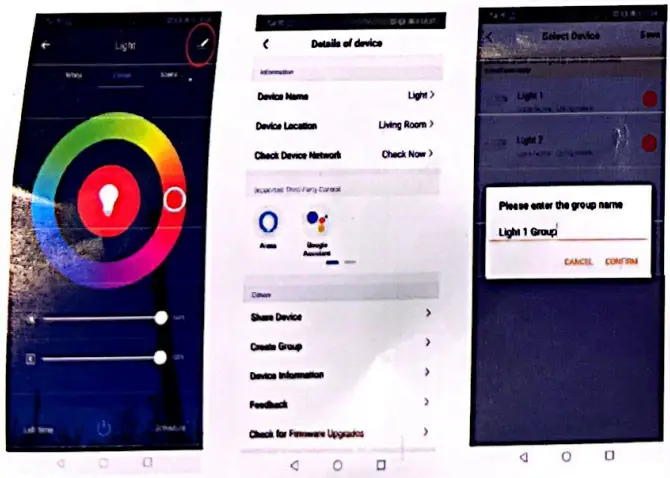
- Tap the top-right button to view more functions.
- Such as setting device name, changing device location and creating group etc.
Access to Voice Control Device Echo Dot/Alexa
- This smart lamp works with many third-party platforms such as Google Assistant and Amazon Alexa.To configure Amazon Alexa. please refer fo the Alexa manual.
- Please download the relevant APP such as Alexa from the APP store or Google Ploy.
Step
Steps to authorize Smart life on Alexa app:
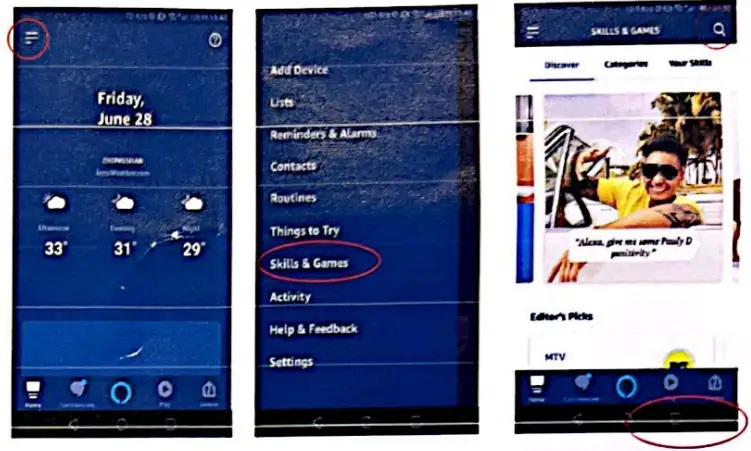
- Tap on Skils & Games, type “Smart life” and search.
Step 2
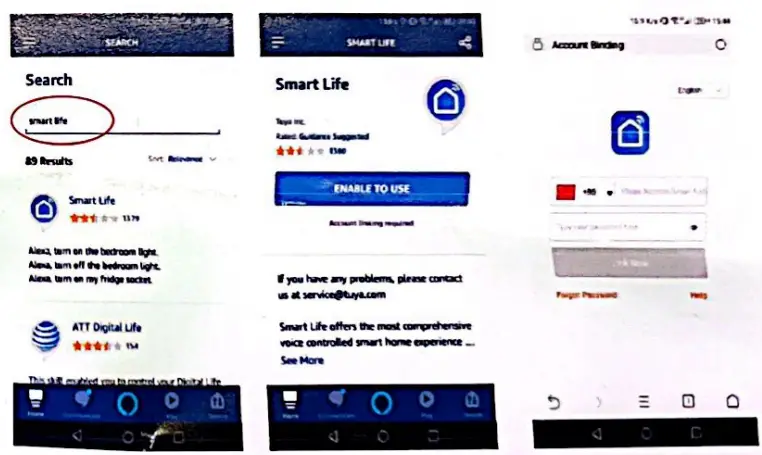
- Tap ENASLE TO USE, login Smart Lite account.
Step 3
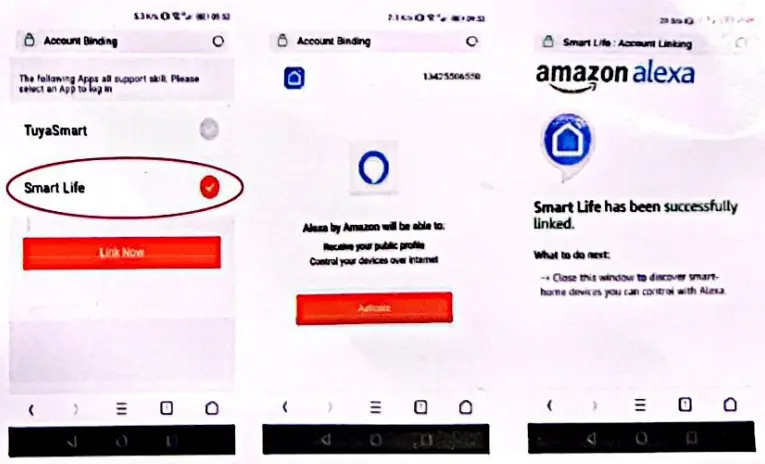
- Link Smart Life, Authorize and close this page.
Step 4
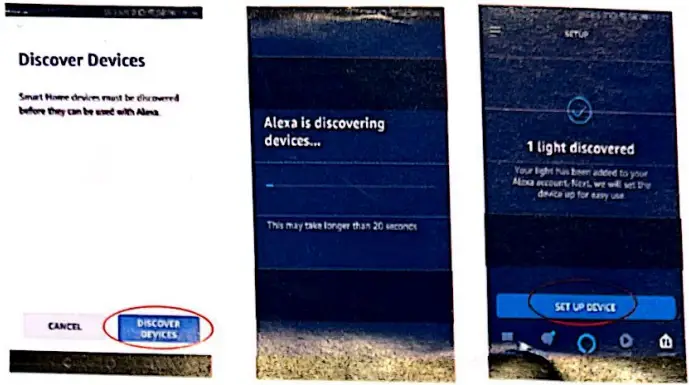
- Go back Alexa app. tap DISCOVER DEVICES.
Step 5
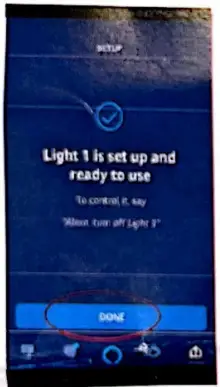
- Set up the device, done.
Try to speak to Alexa
- Alexa, turn on light 1.
- Alexa, change light 1 to cool white.
- Alexa set light 1 to warm white.
- Alexa, decrease the light 1 to 10 percent brightness.