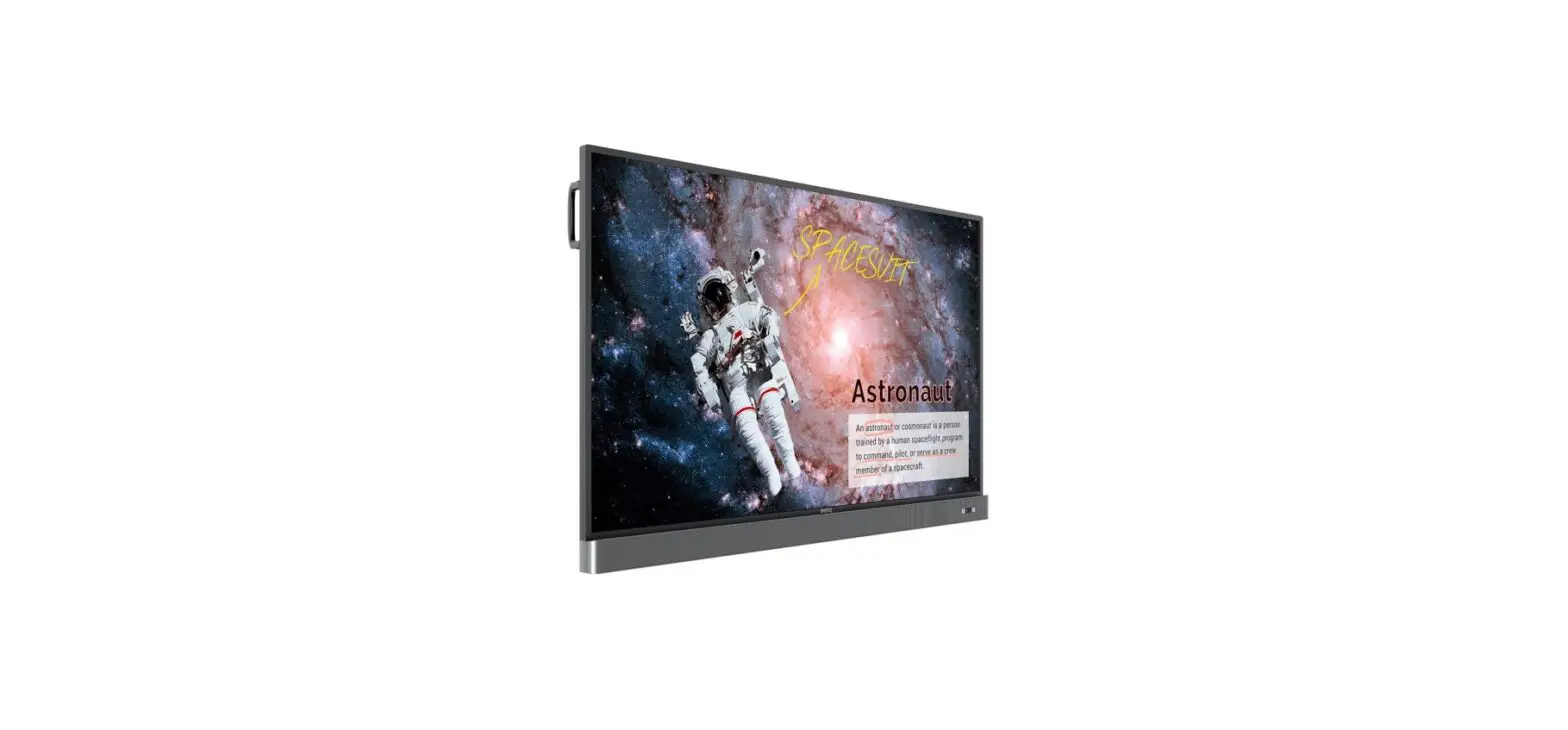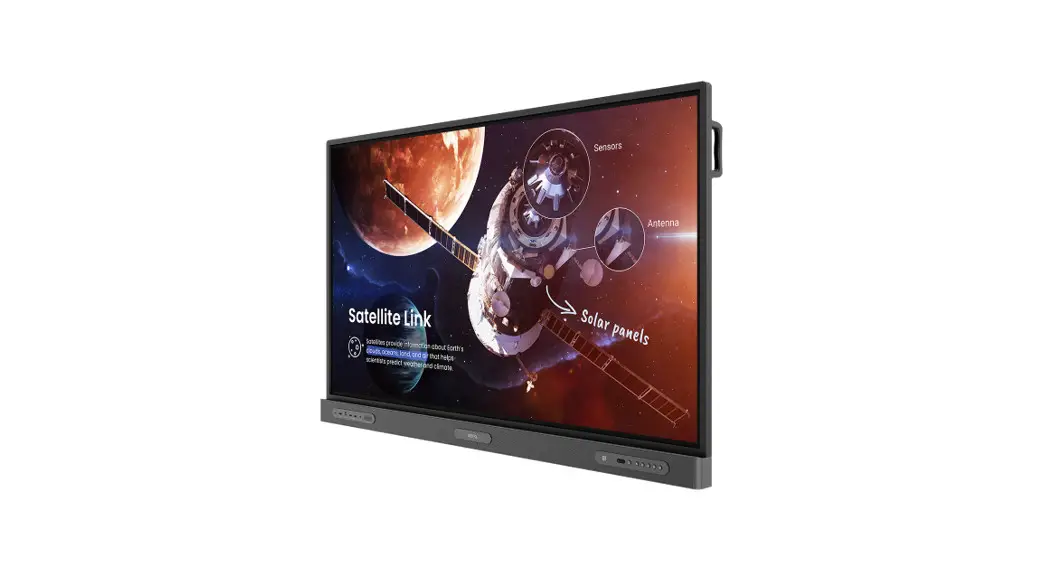

RP6502 / RP7502 / RP8602
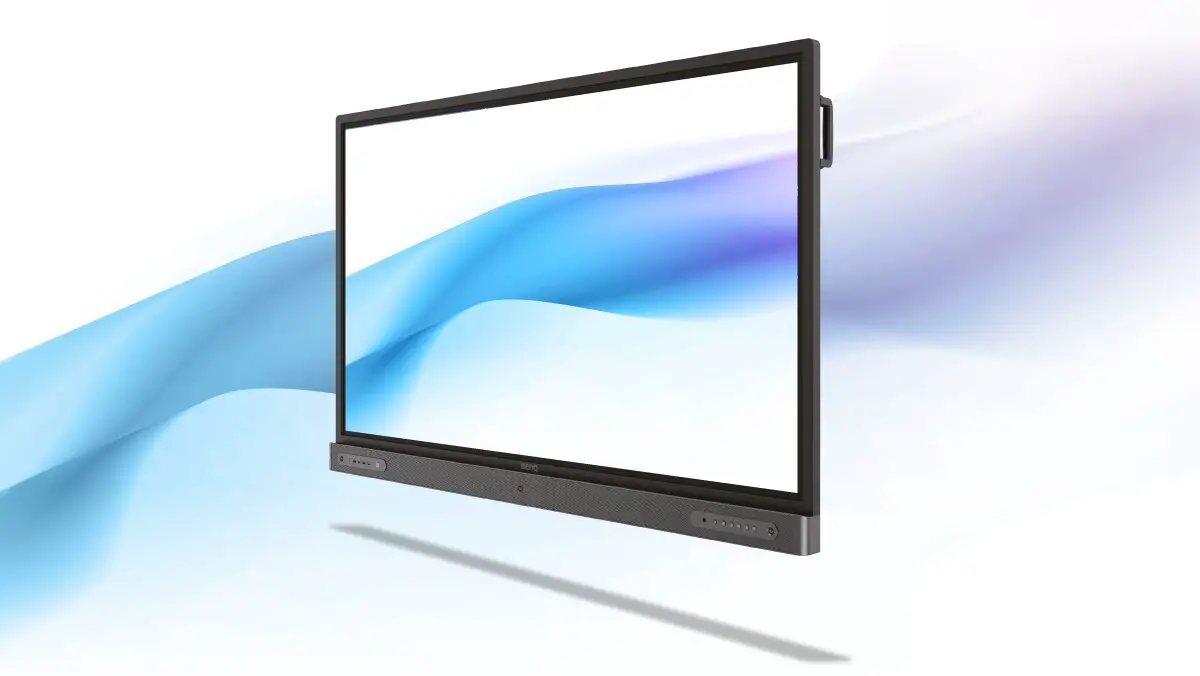
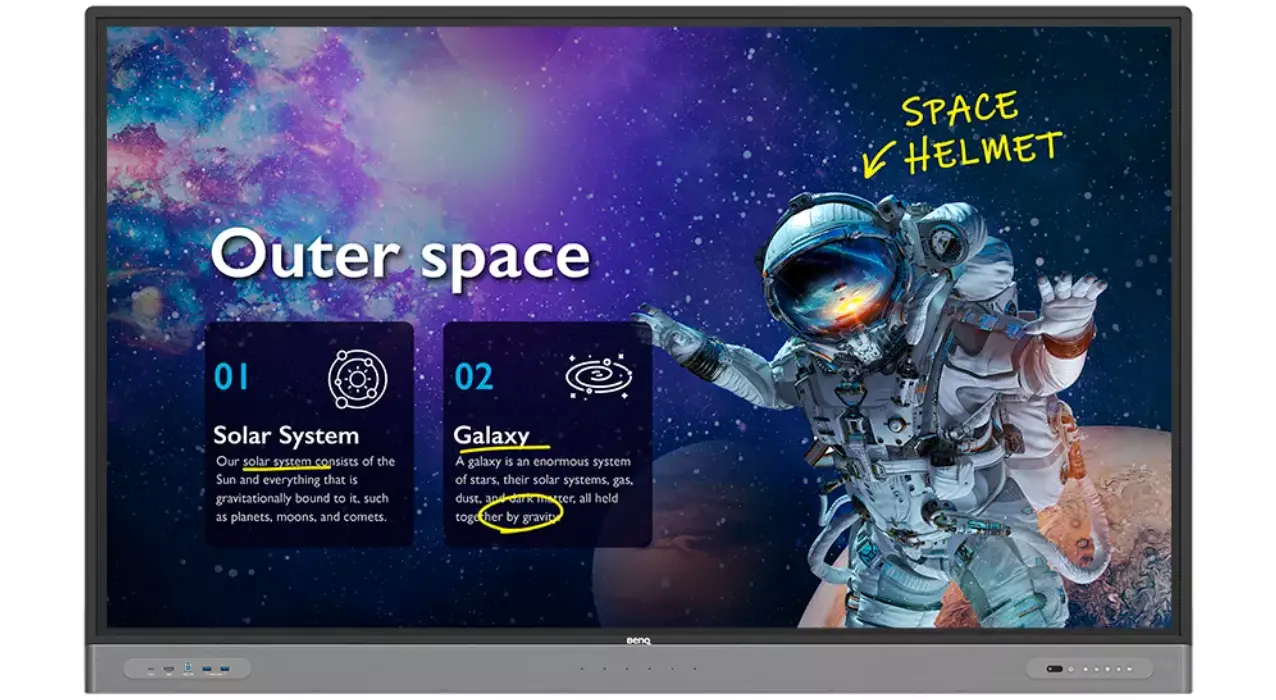
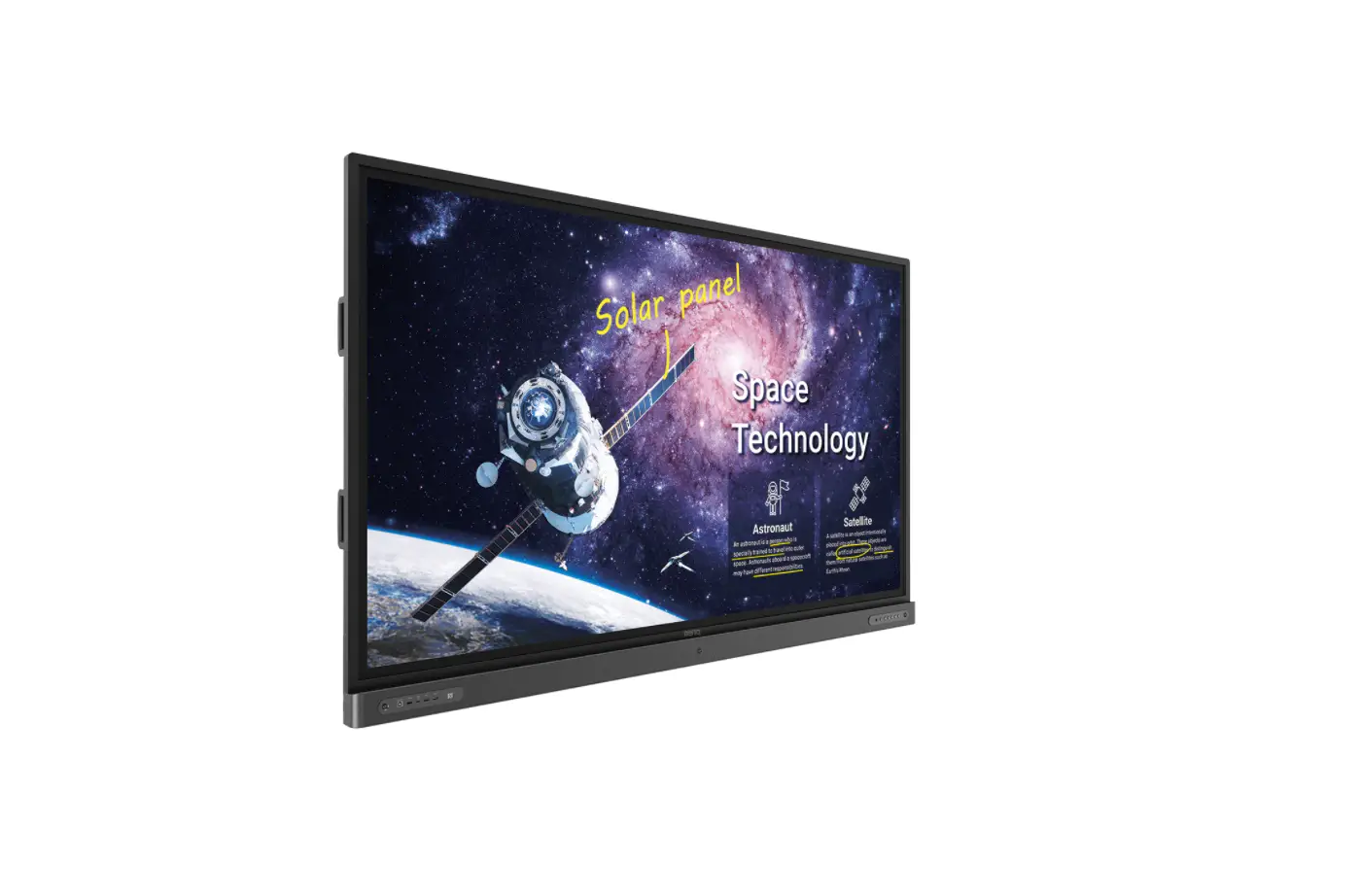
Interactive Flat Panel
Quick Start Guide
Package contents
Open the sales package and check the contents. If any item is missing or damaged. please contact your dealer immediately.
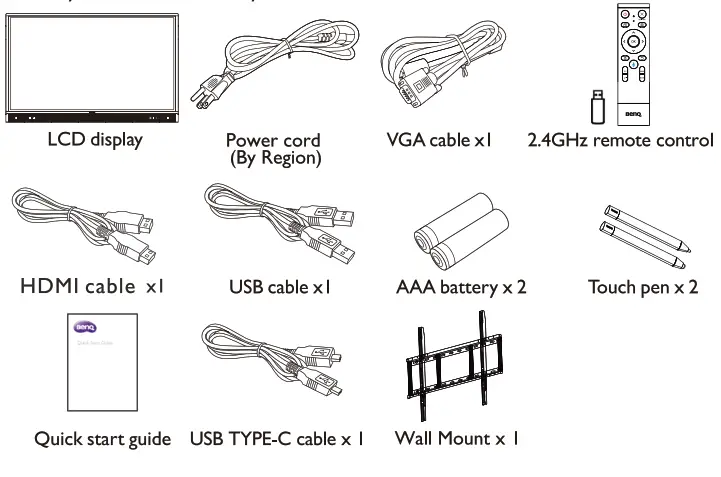
 Available accessories and the pictures are shown here may Meer from the actual contents and the ‘411. product supplied for your region.
PN: 4J.F6M01.001
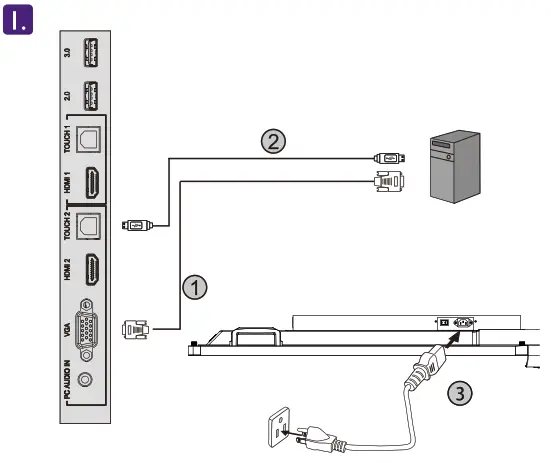
 Connecting the display to a computer. Connecting power.
1. VGA (I 5-pin) cable
2. Toucthe h USB cable
3. Power cord- Control panel

1. Power
2. Home
3. Return4. Menu
5. Volume down
6. Volume up
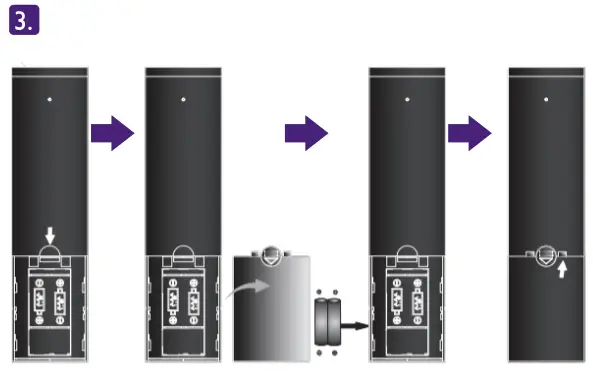
- Installing remote control batteries

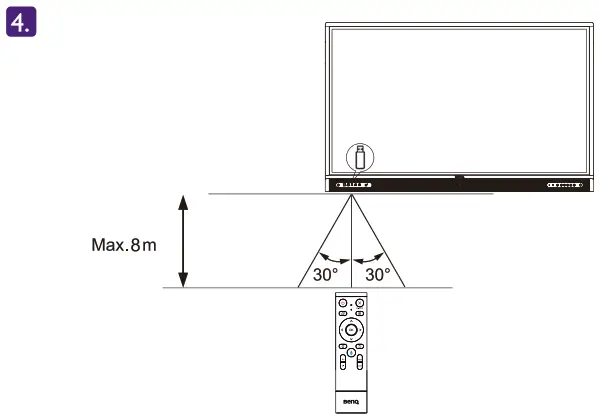
- Using the remote control For the user manual, visit http://wv.w.BenQ.com.
 To prevent personal Injuries. mounting the display or installing desktop stands is required before use.
Native Resolution 3840 x 2160
 Connecting the display to a computer. Connecting power.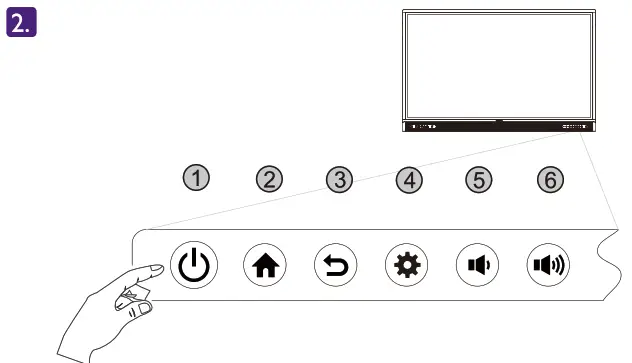
 To prevent personal Injuries. mounting the display or installing desktop stands is required before use.