
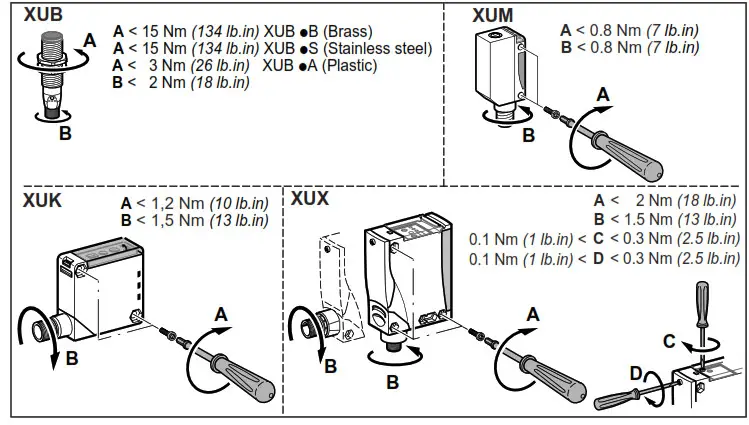
XUB
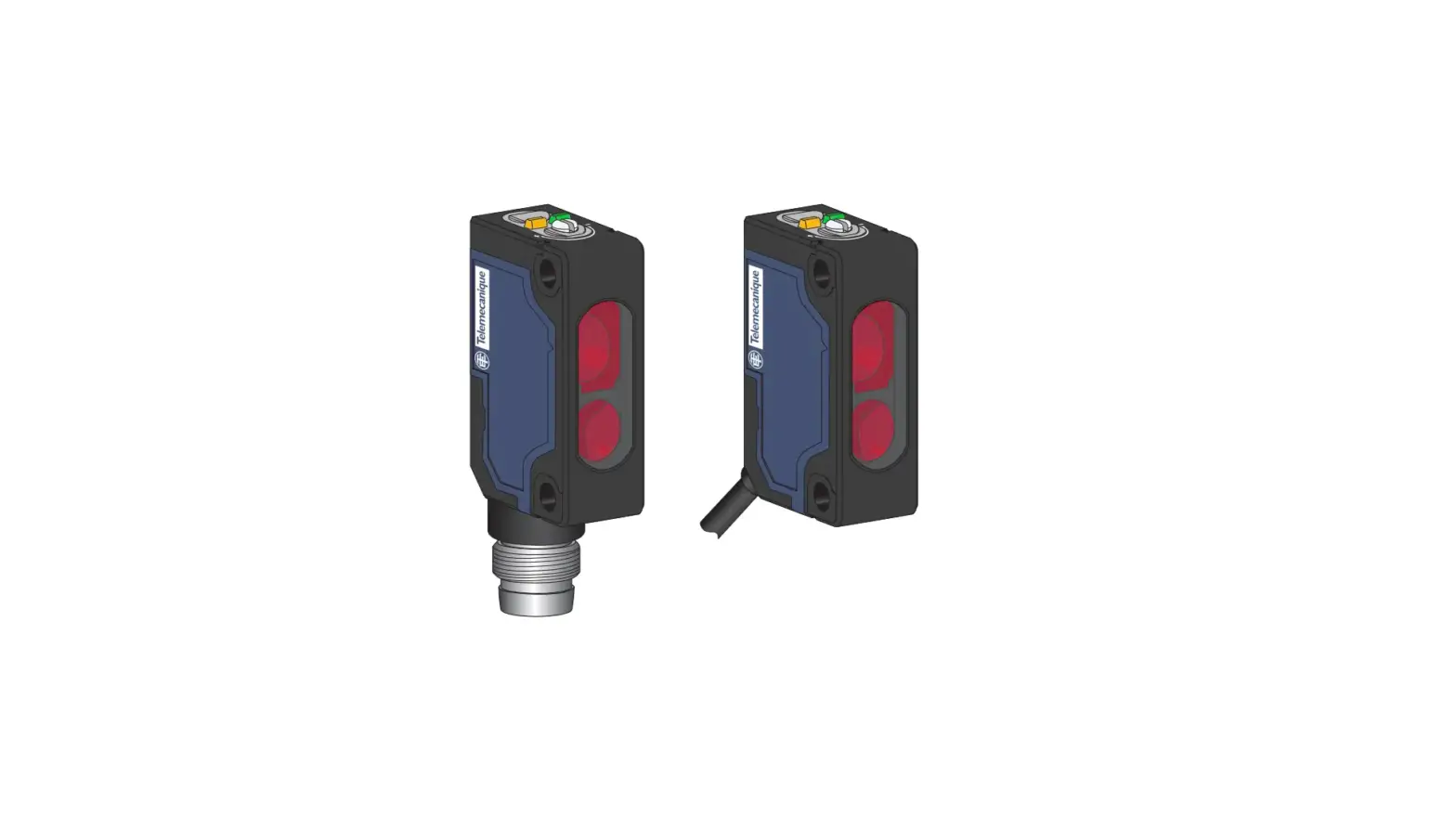
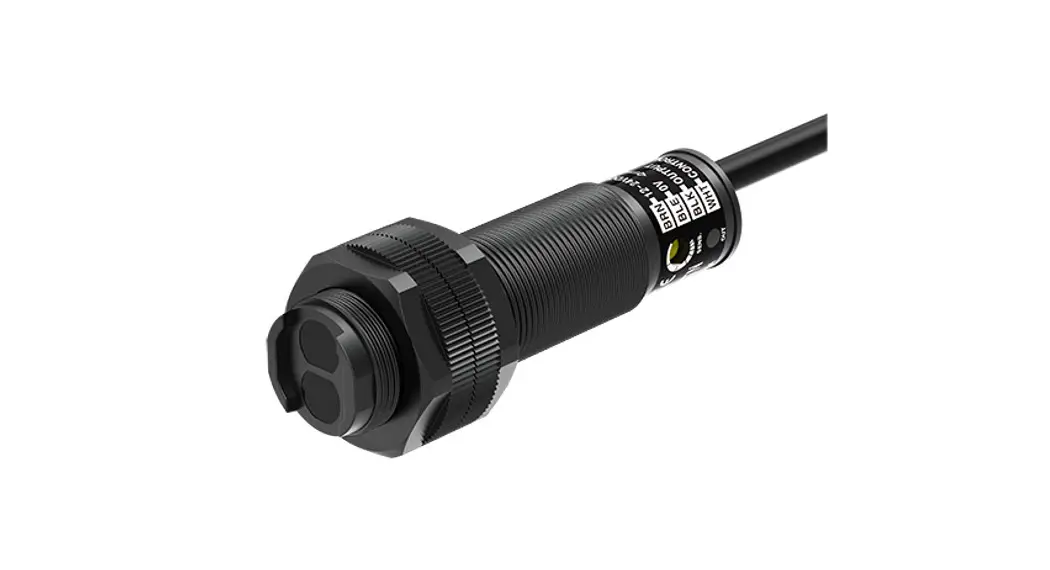
Osiconcept photo-electric sensors
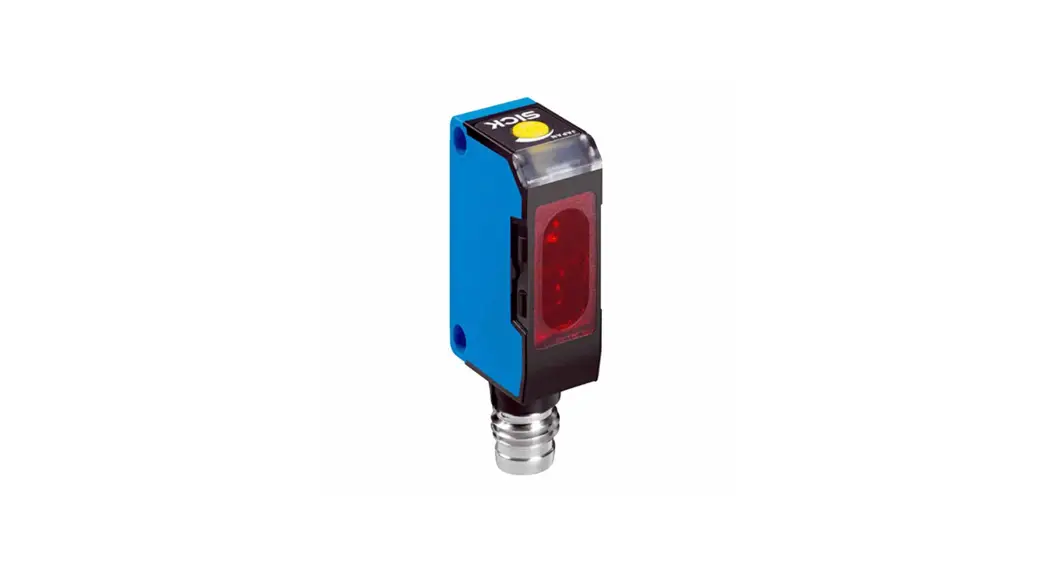
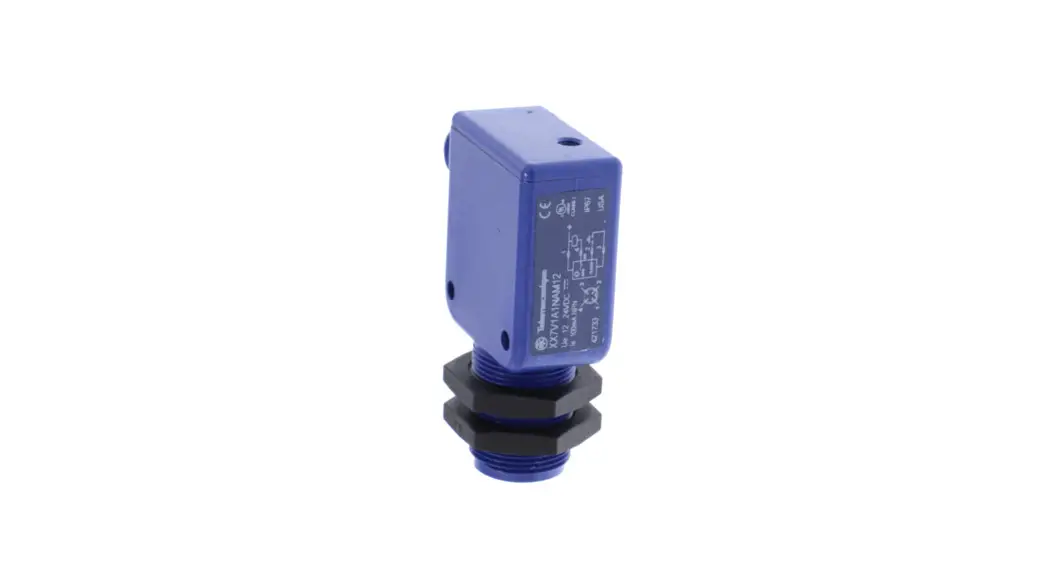
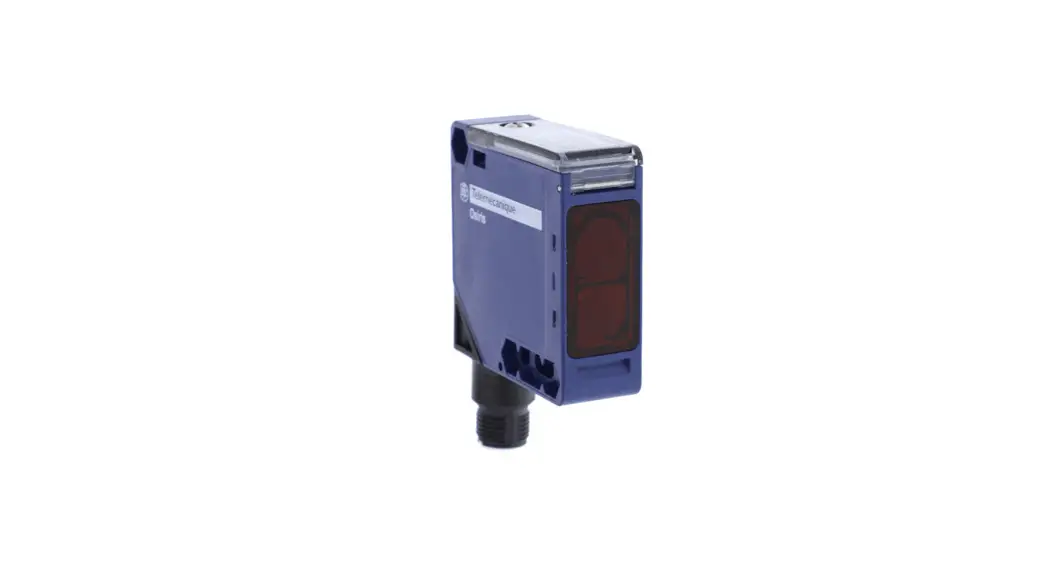
XUK0AKSAM12 Photo Electric Sensor
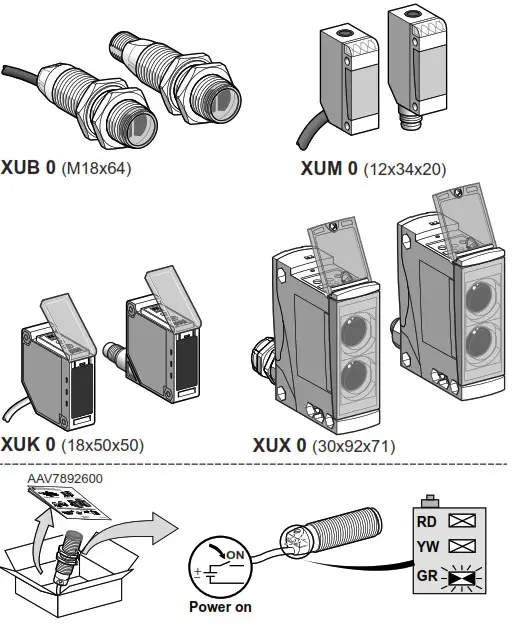
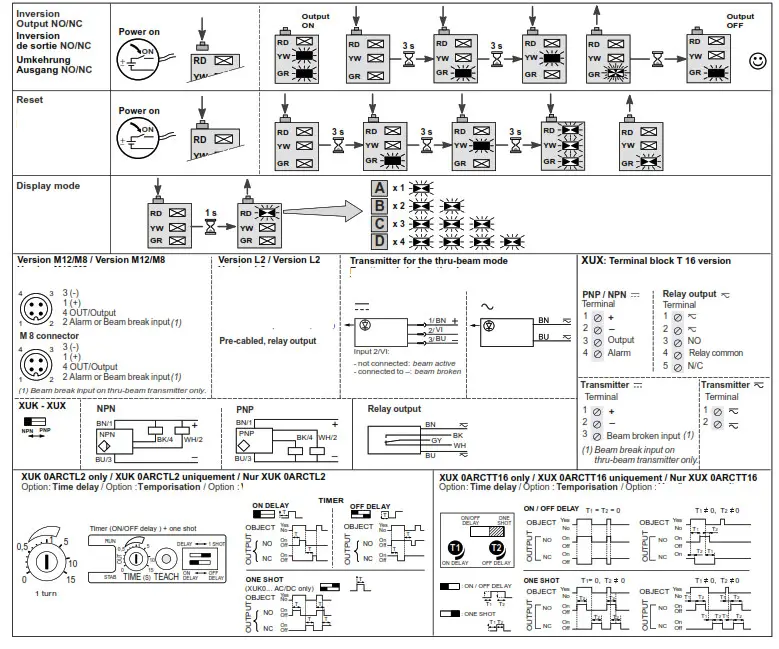
Key
| RD | Red | Rouge | Rot |
| YW | Yellow | Jaune | Gelb |
| GR | Green | Vert | Grün |
RD-Fault
YW-Output
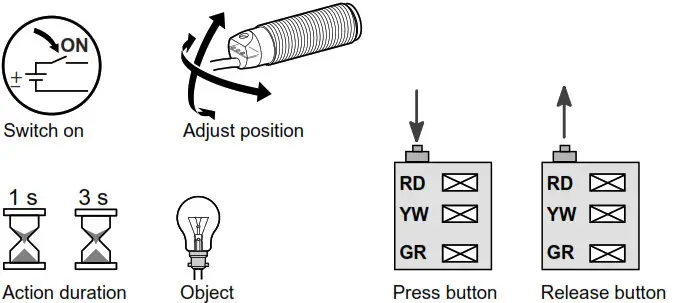
GR-Power supply (teach status)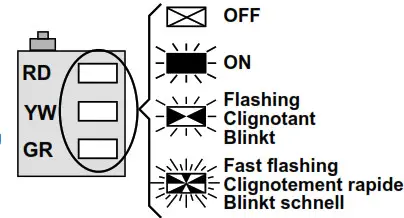
 DANGER
HAZARD OF ELECTRIC SHOCK, EXPLOSION OR ARC FLASH
– Disconnect all power before servicing equipment. Failure to follow these instructions will result in death or serious injury.
Electrical equipment should be installed, operated, serviced, and maintained only by qualified personnel. No responsibility is assumed by Schneider Electric for any consequences arising out of the use of this material.
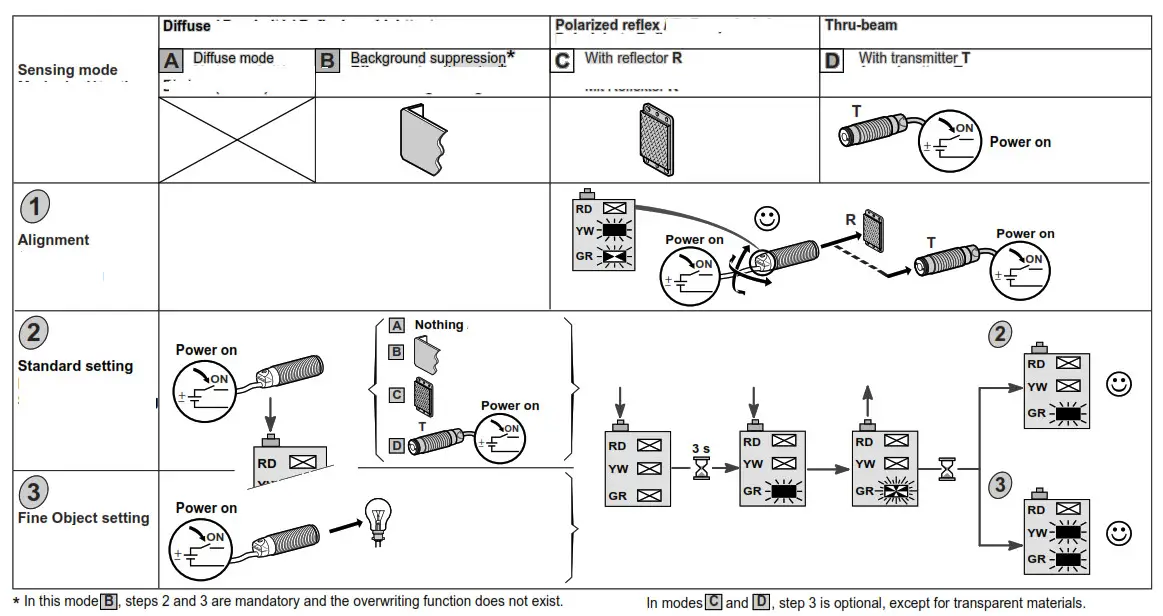
Troubleshooting help Defects – Causes – Remedies
| Status | Diagnostic | I Causes (Actions | |
| Setting | |||
Green | (nit mode or press < 3 s | — | Press > 3 s |
Red | Environment is incorrect | Range limit (Reflex, obstacle) | Review the alignment conditions + restart learning (press > 3 s) |
Red | Alignment is incorrect | Off limit | Review the setting |
| Setting limit | Range limit | Review the setting | |
| Operation | |||
| Red | Fine setting failed | Object is absent | Position the object or reset (press > 9 s) |
| Fine setting failed | Object is too clear | Reset (press > 9 s) | |
| Fine EFFAR setting failed | Too close to background | Reset (press > 9 s) | |
| Fine direct REFLEX setting failed (Proxi) | Insufficient threshold level | Reset (press > 9 s) | |
Red | Clogging | “Lens polluted” | Optical cleaning; preventive maintenance |
 Schneider Electric Global | Global Specialist in Energy Management and Automation