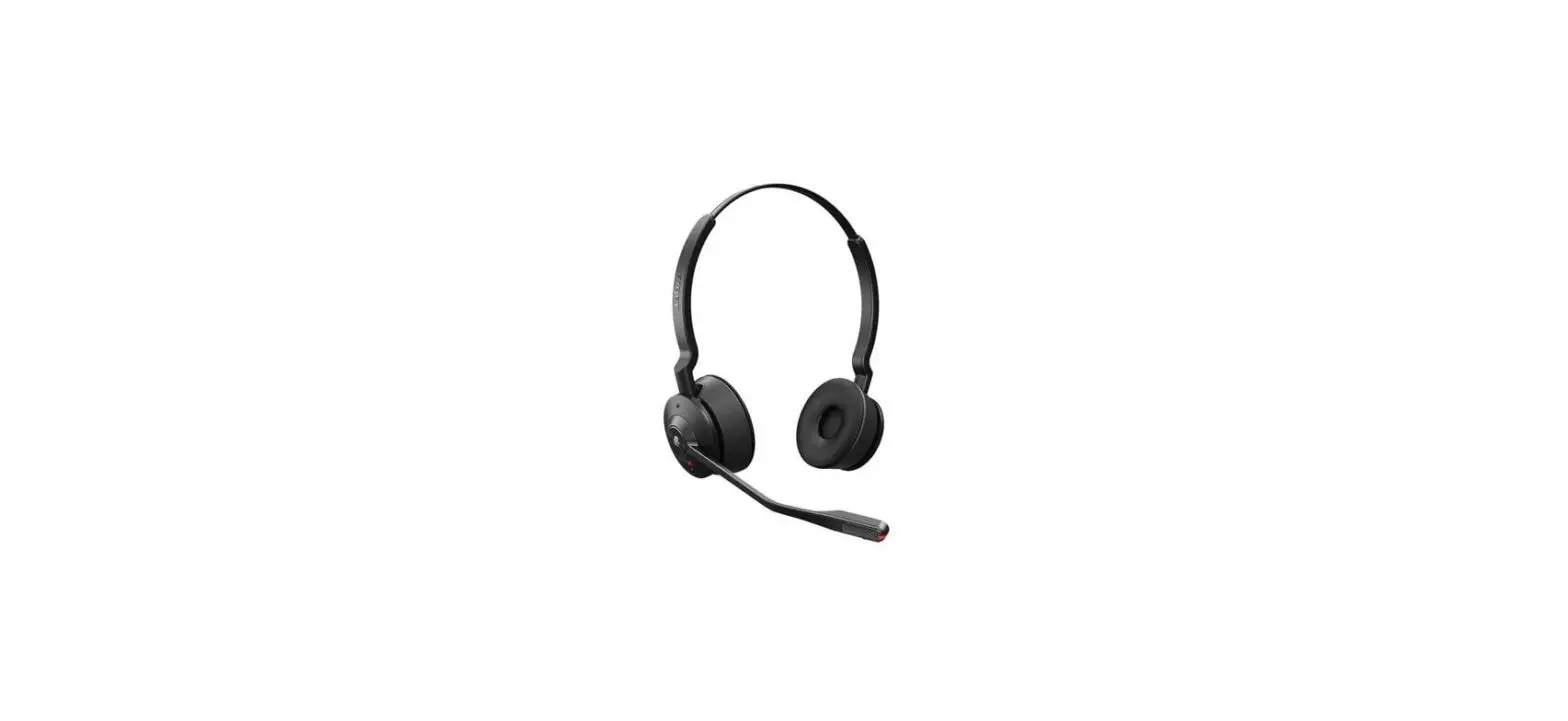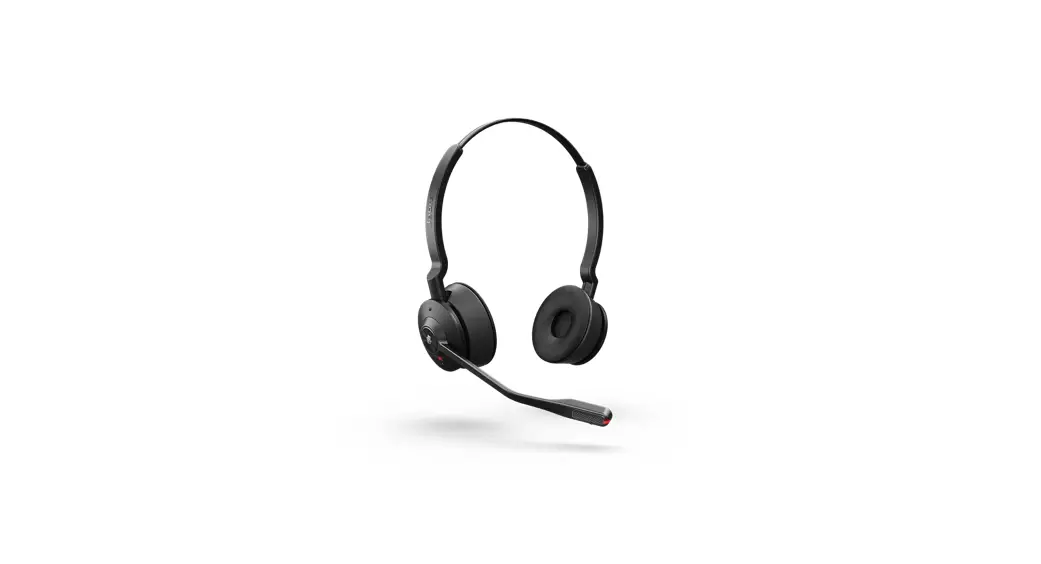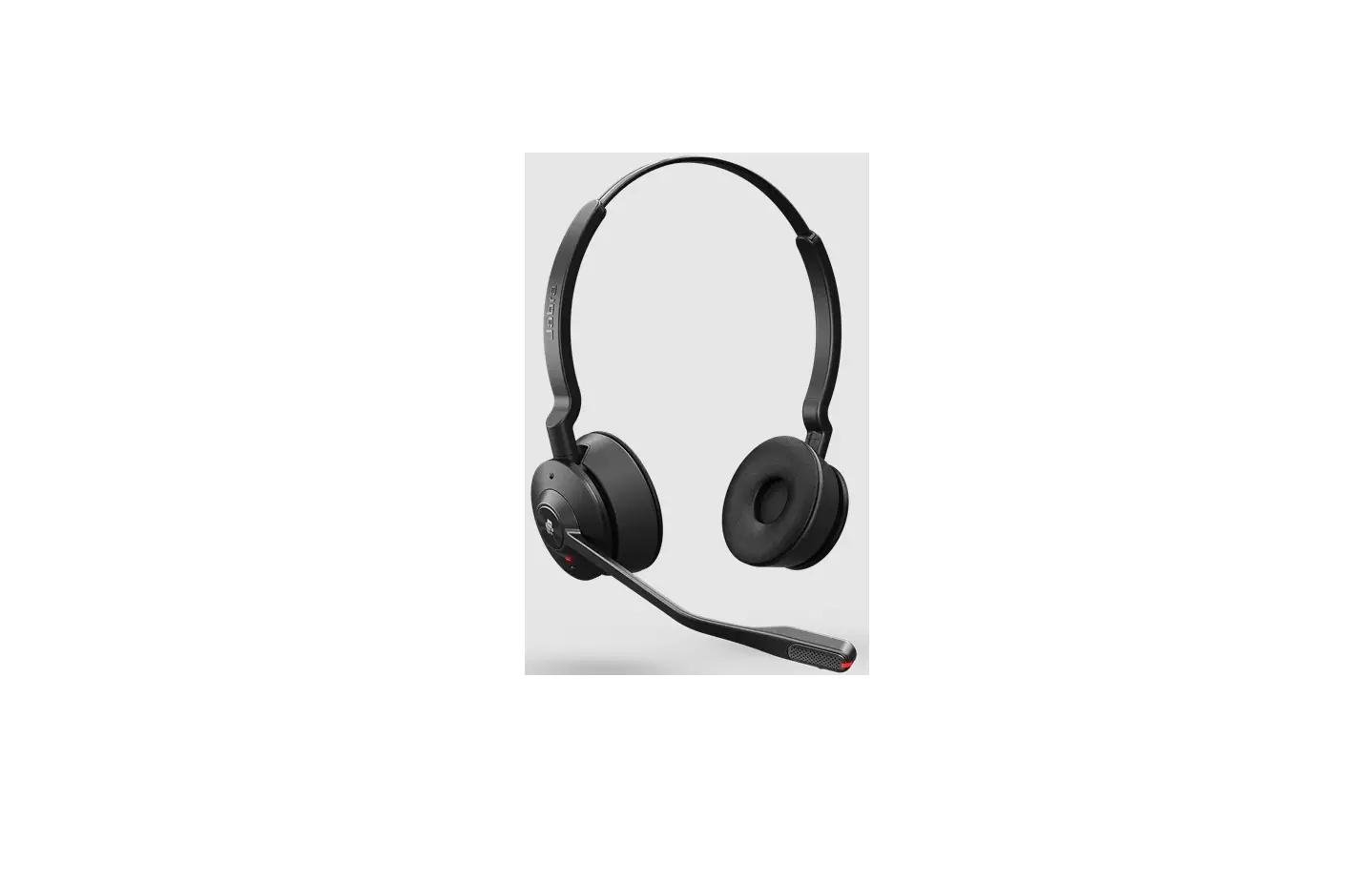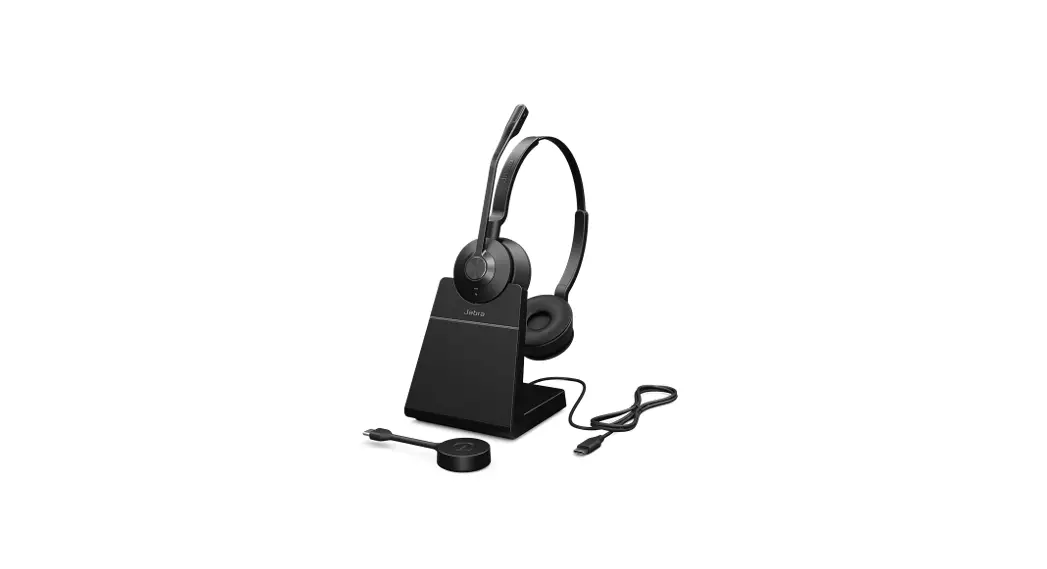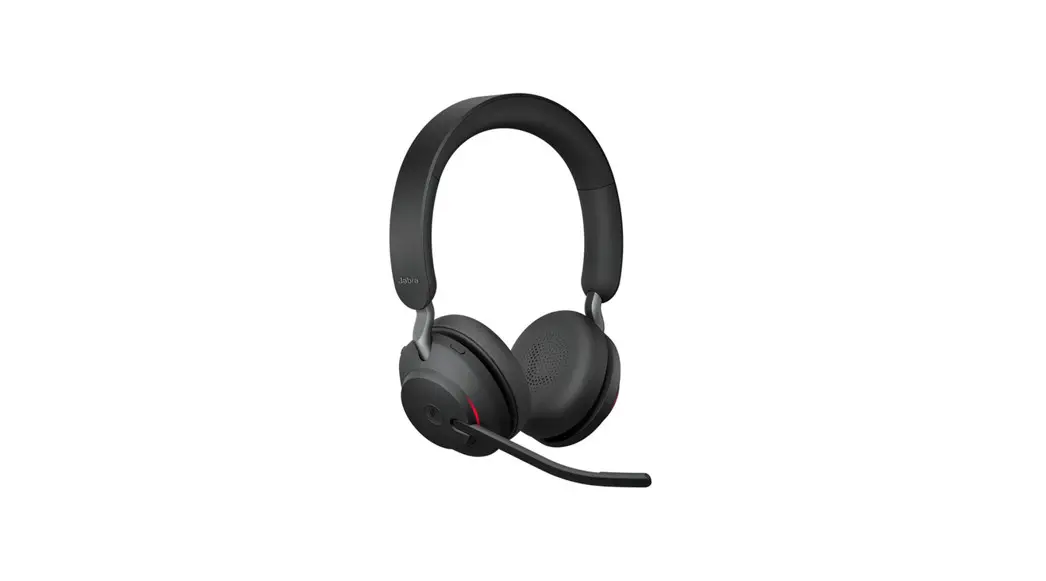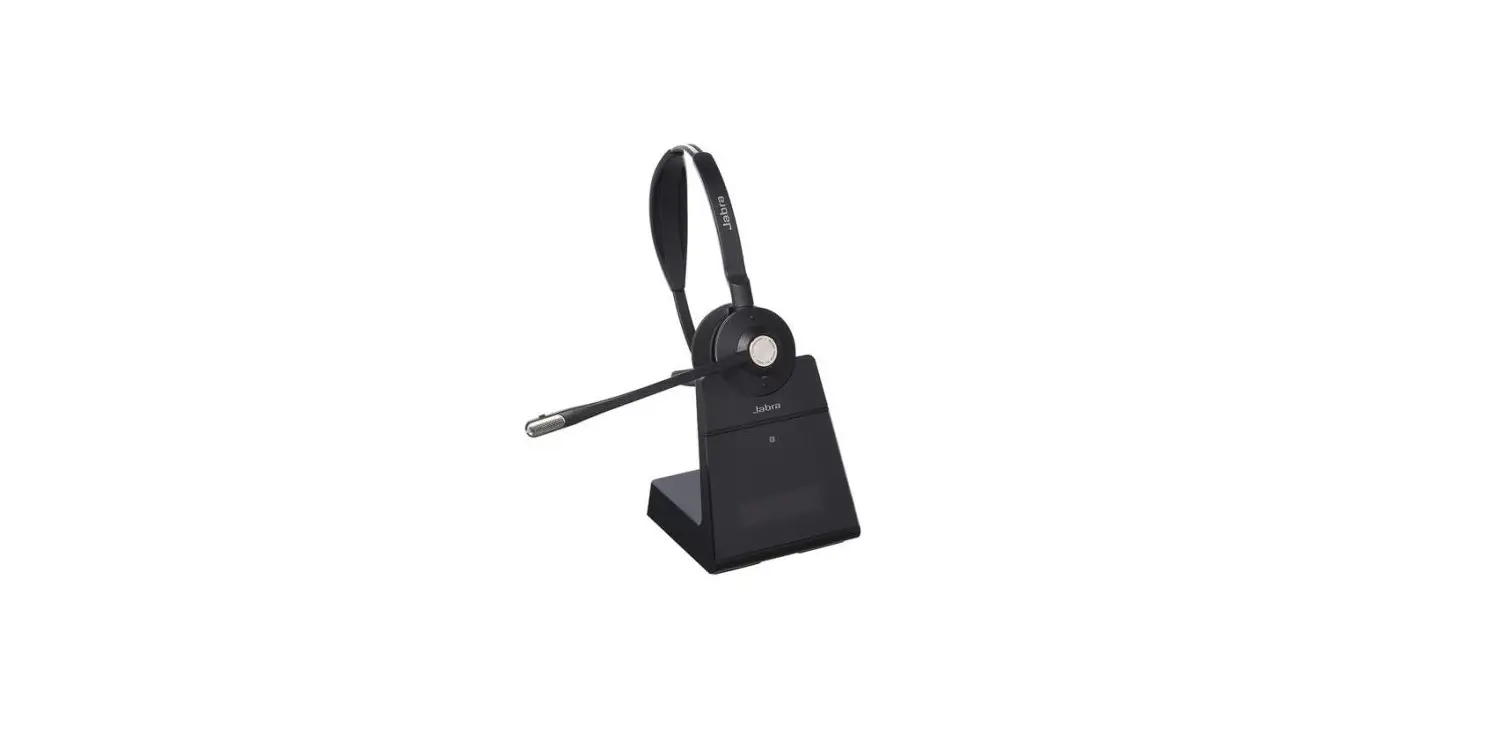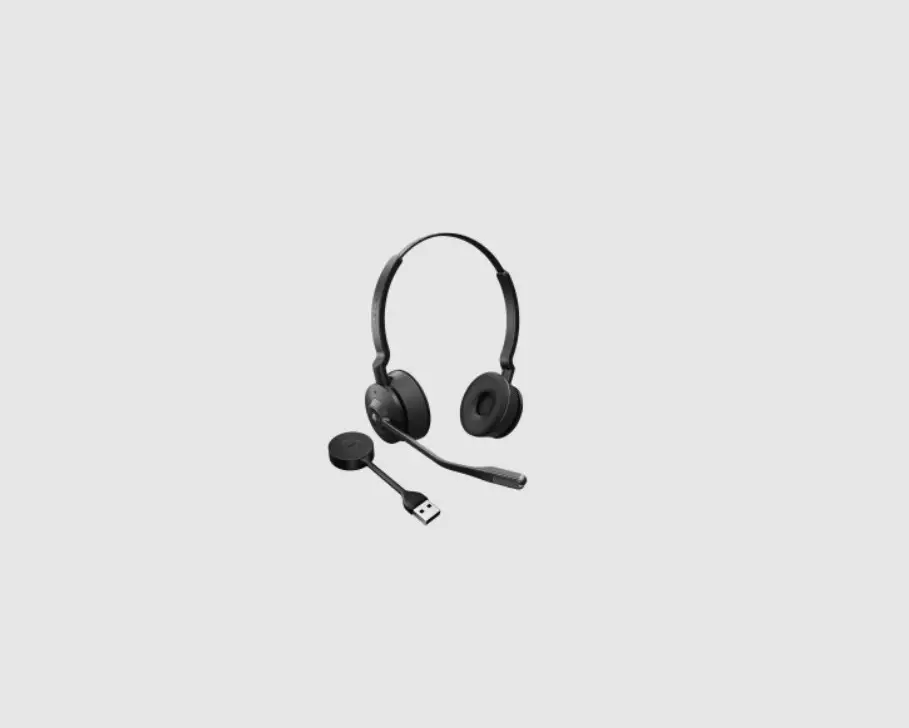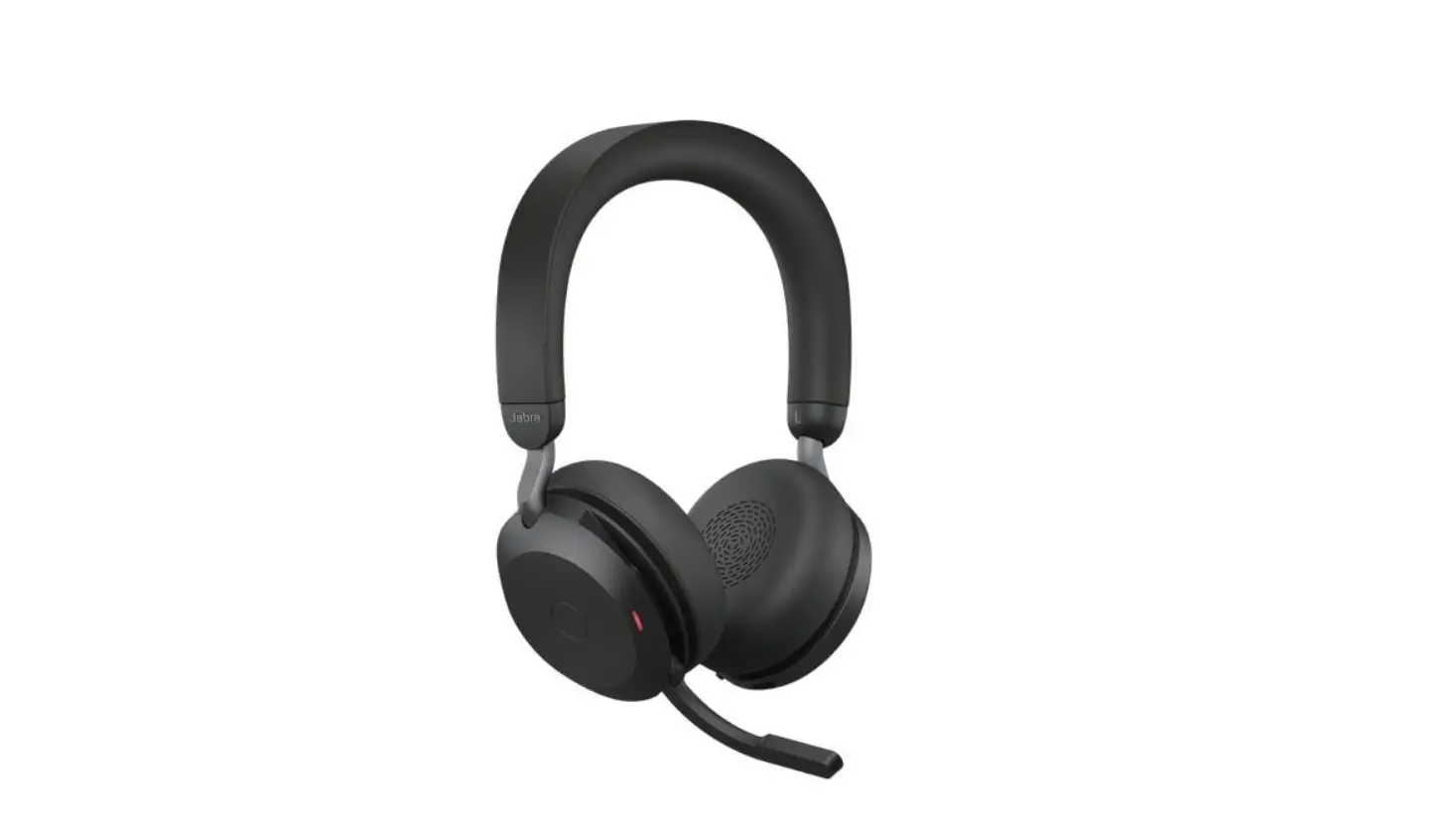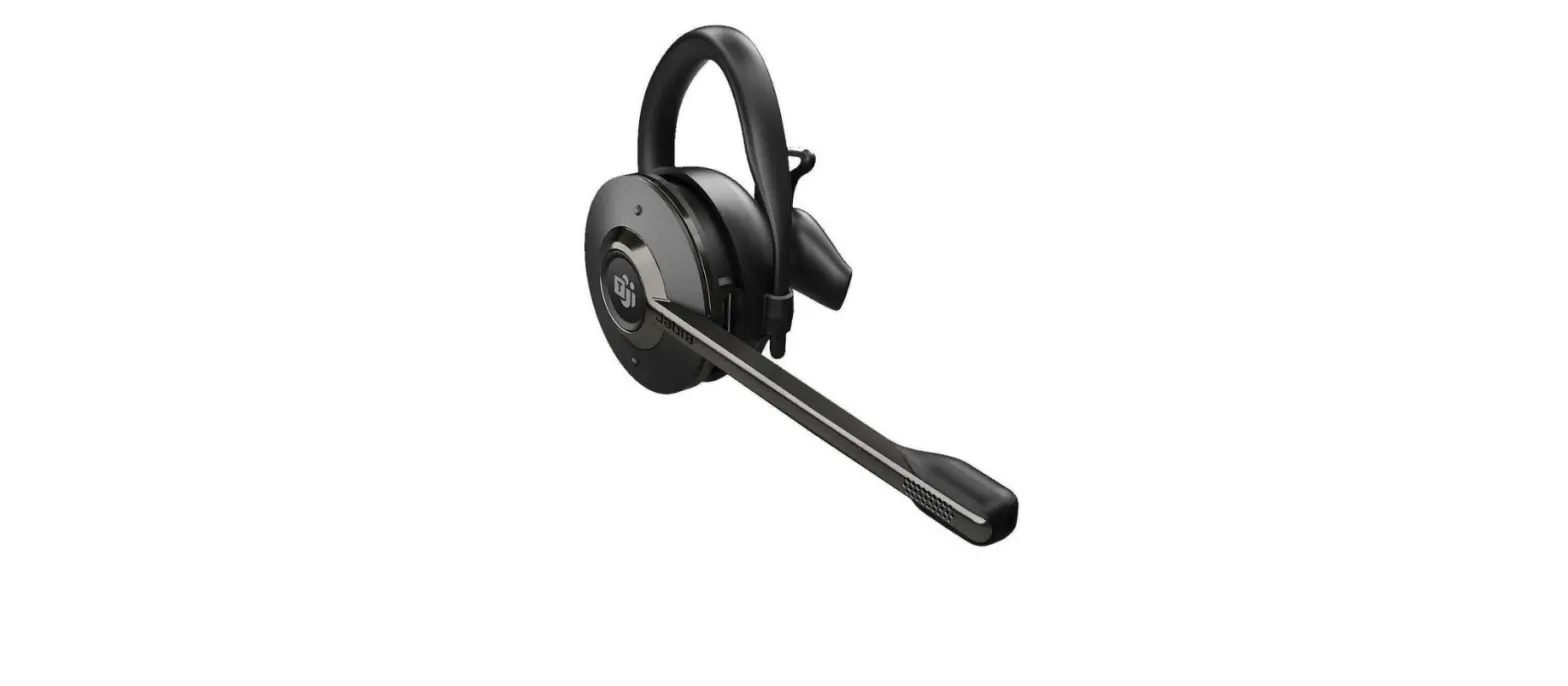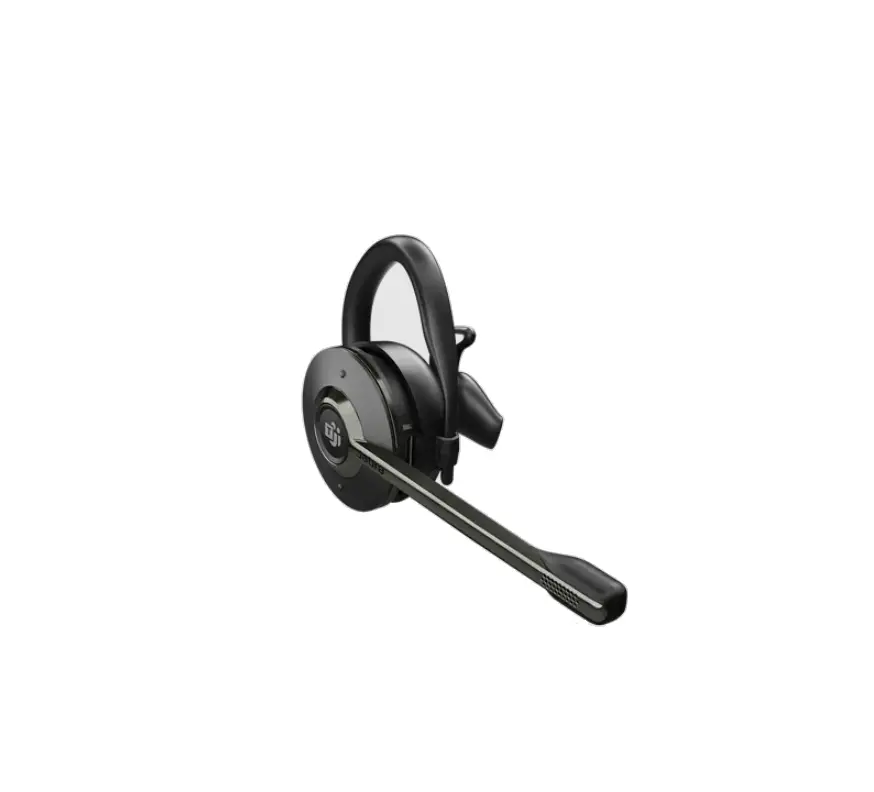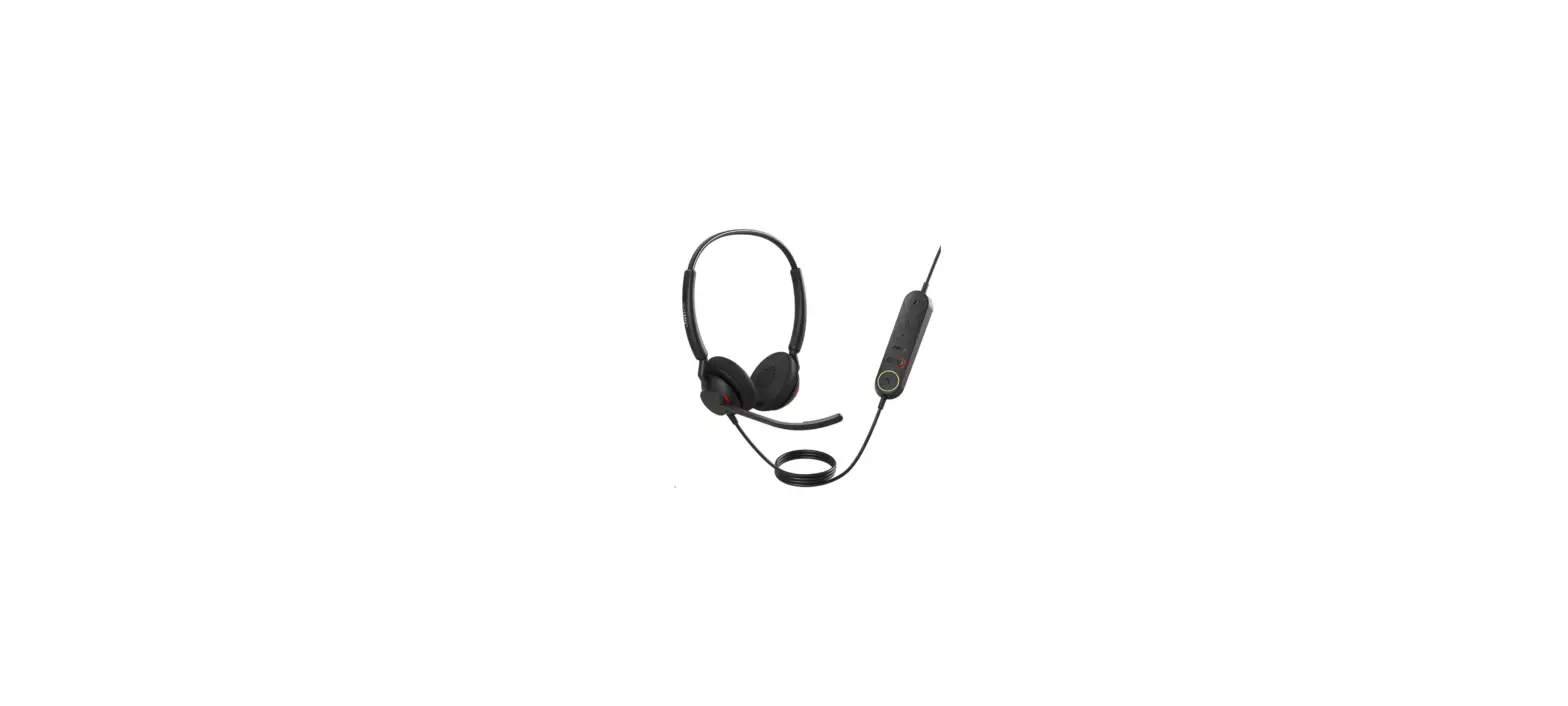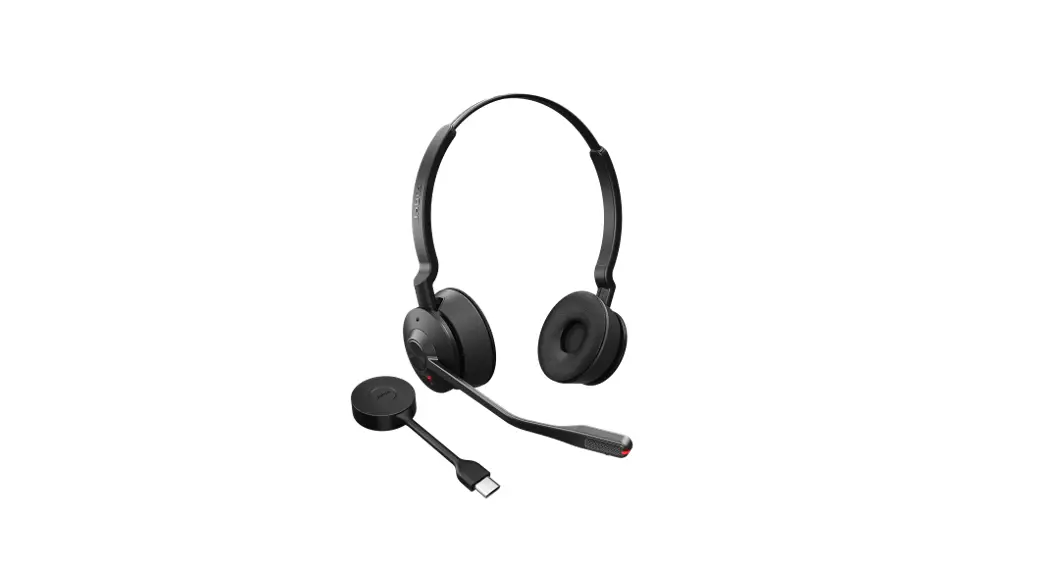
 Jabra Engage 55 – USB-C MS Stereo
User Guide
Engage 55 USB C MS Stereo
What do the LEDs on the Jabra Link 400 mean?
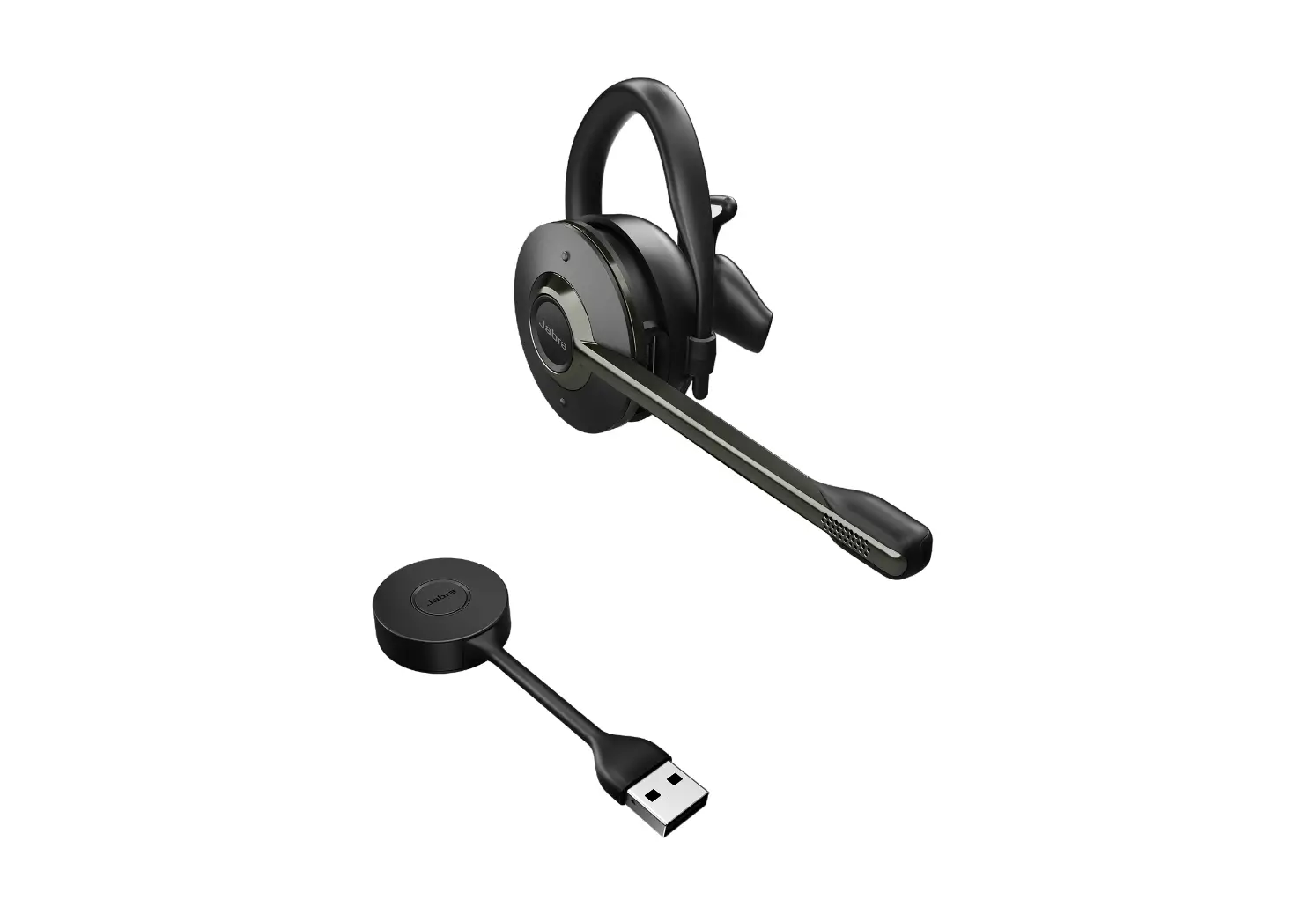
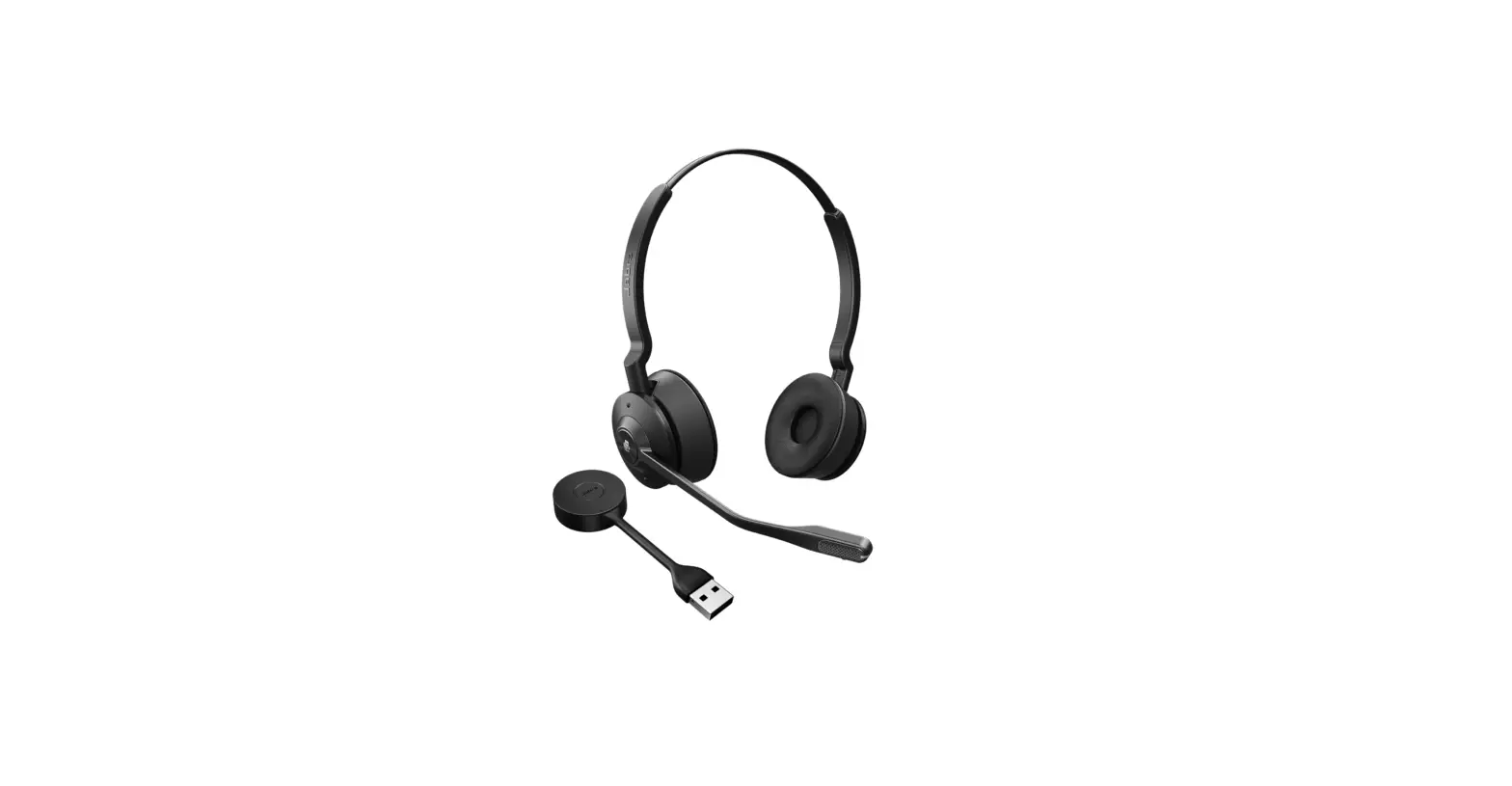
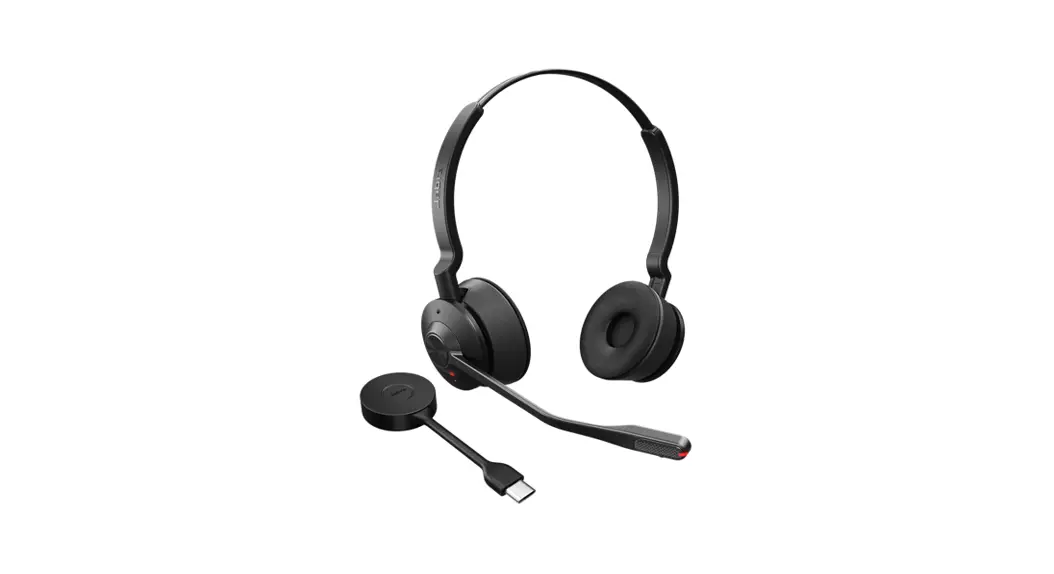
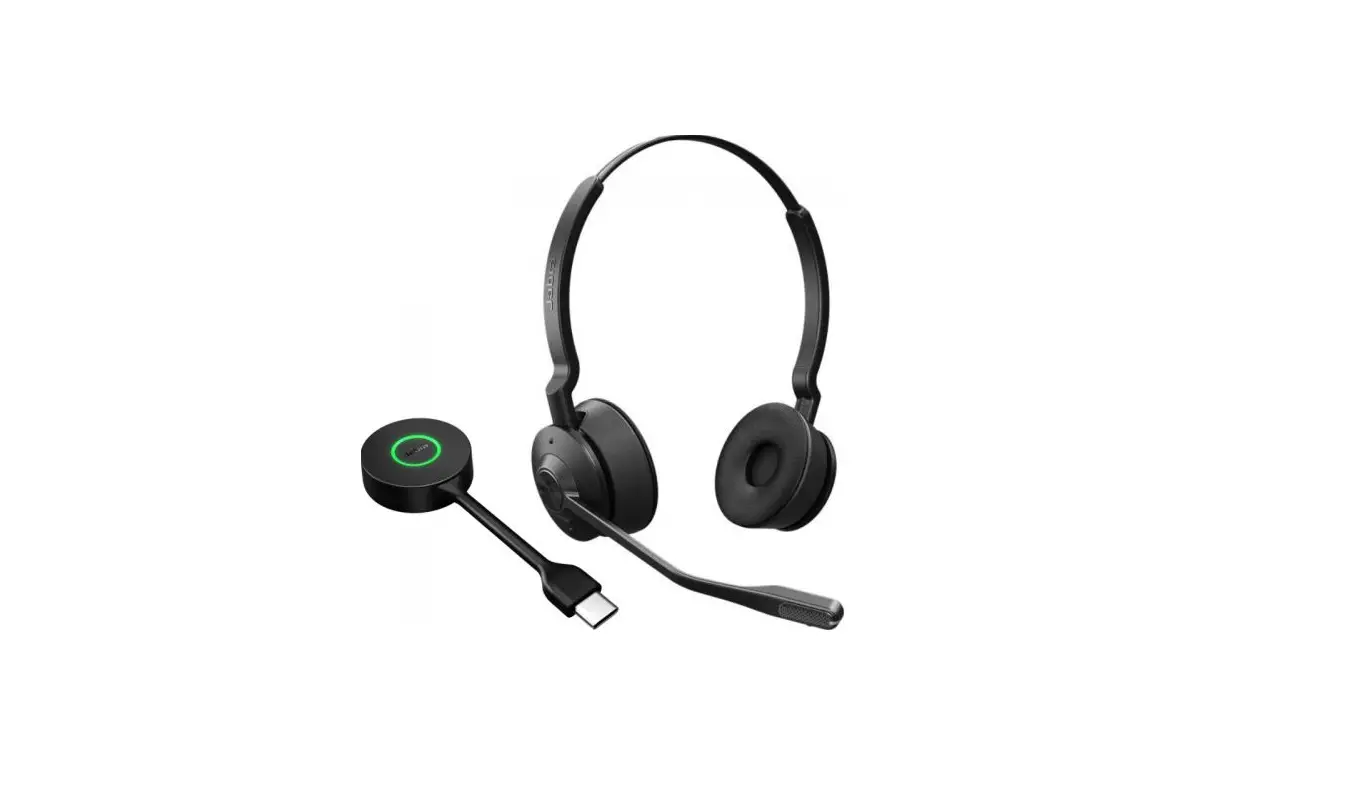
Here is an overview of the Jabra Link 400 DECT adapter and an explanation of the LED colors and corresponding statuses.
The explanation is in English. For translated versions, check the available languages of the user manual in the Product documents section.
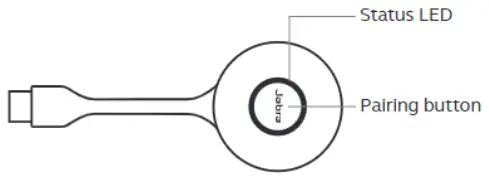
 Connected to headset
Active call
Music playback
Microphone muted
Call on hold
Connected to Microsoft Teams*
Firmware updating
Microsoft Teams notification*
Incoming call
Pairing mode
Voice guided settings menu
Connected to multiple headsets
Conference mode active
* Microsoft Teams headset variants only
 [FAQTitle] | Jabra Engage 55 - USB-C MS Stereo | FAQ | Jabra Support