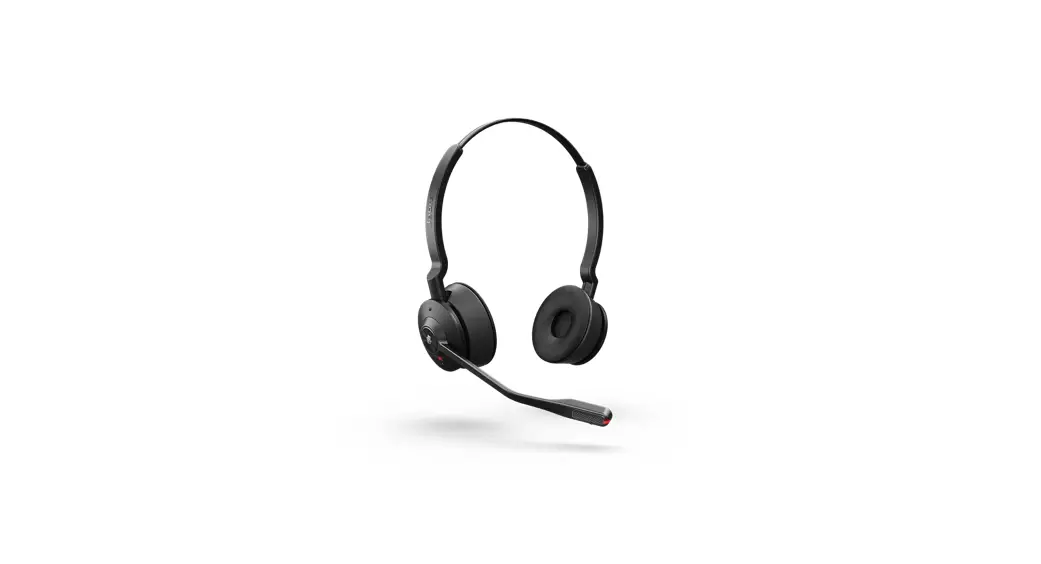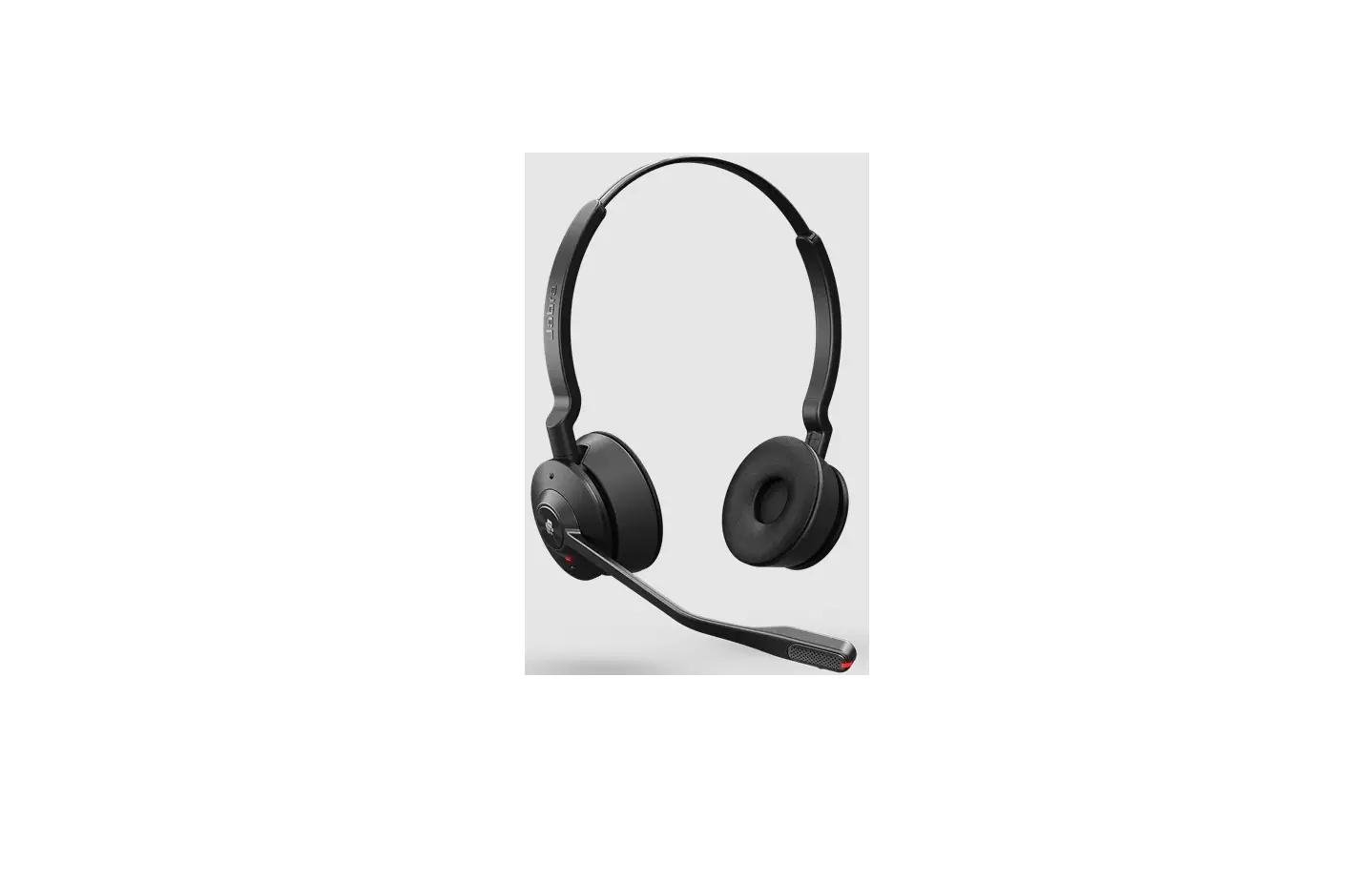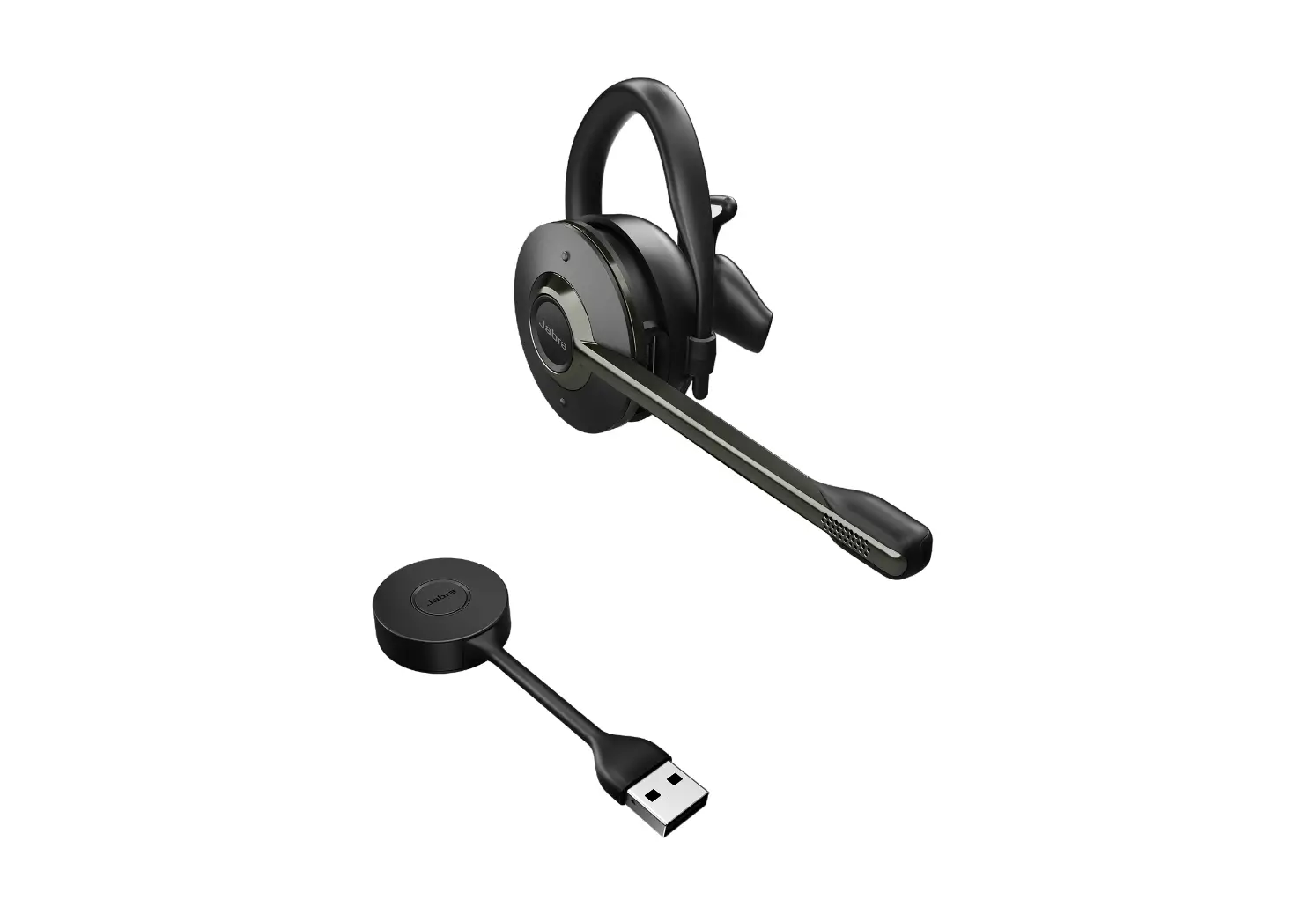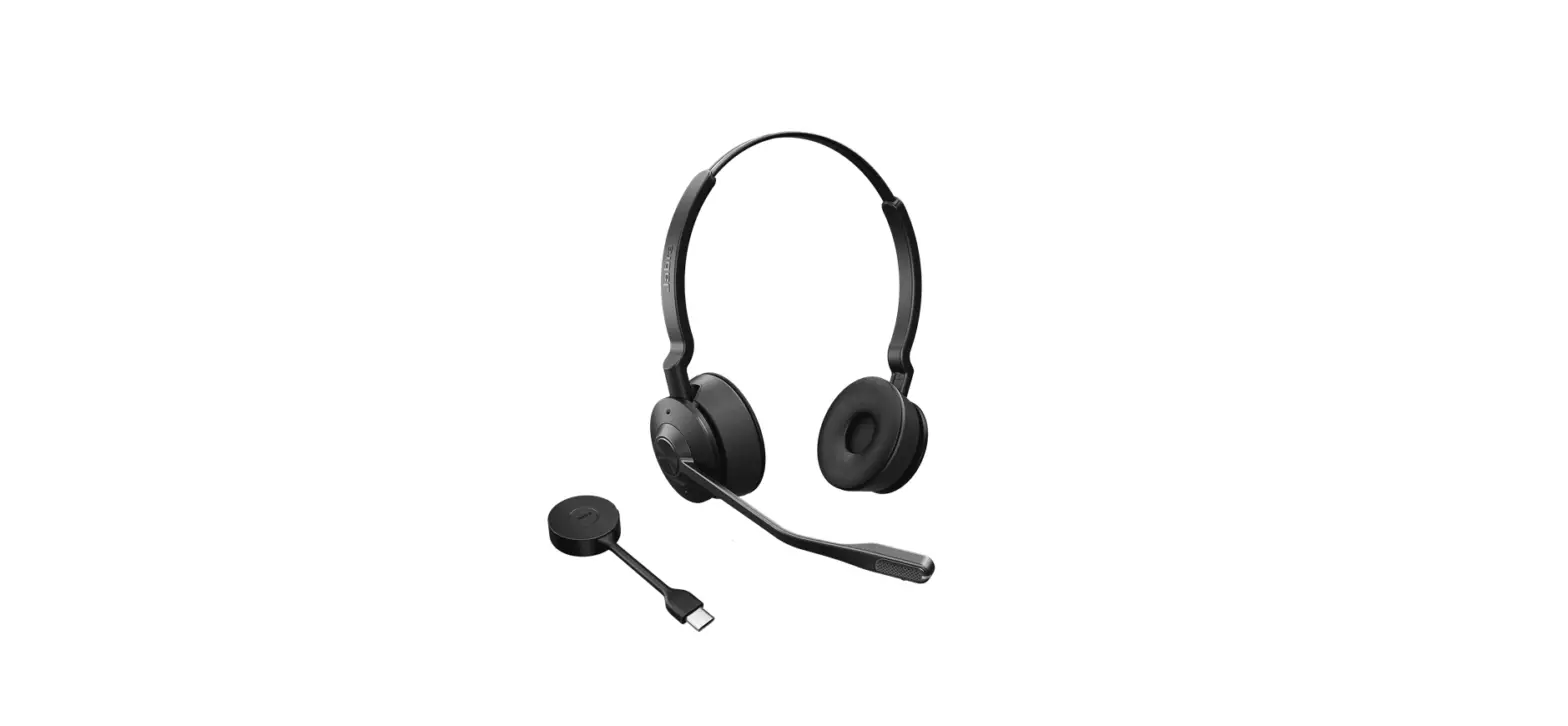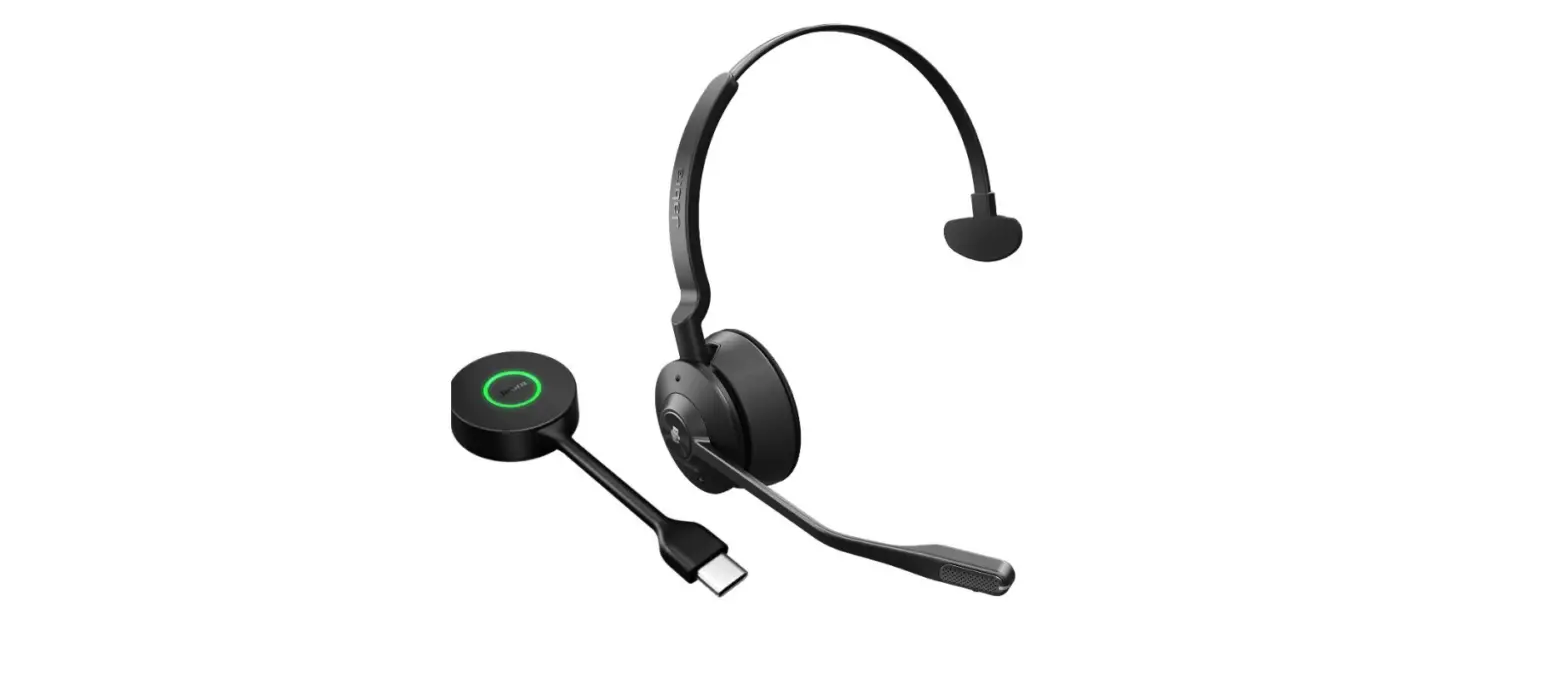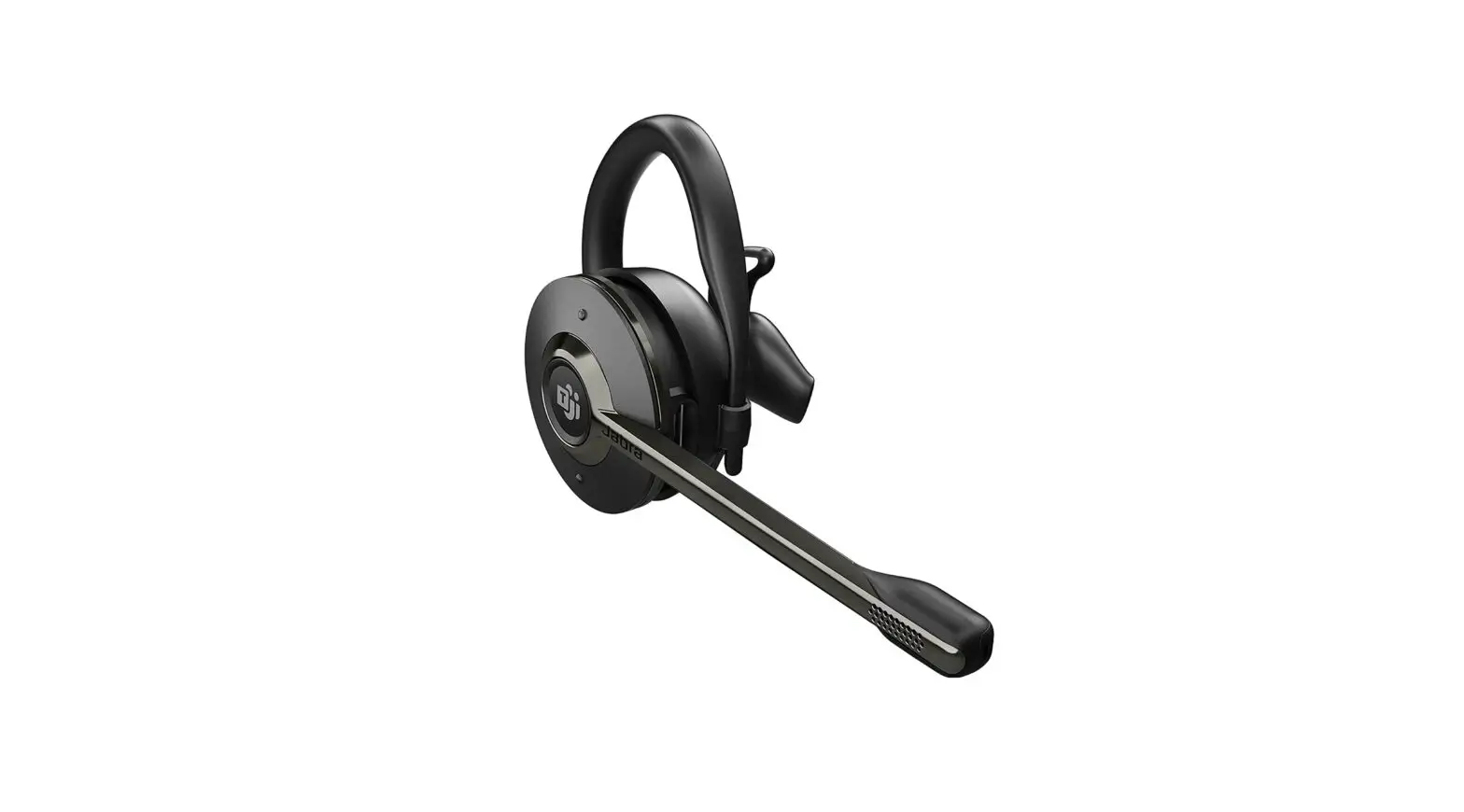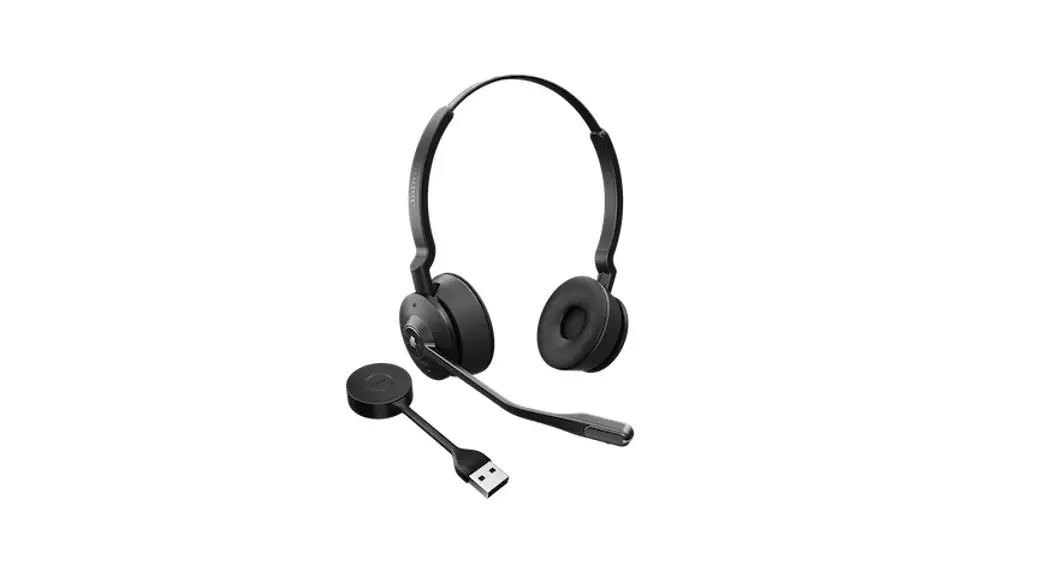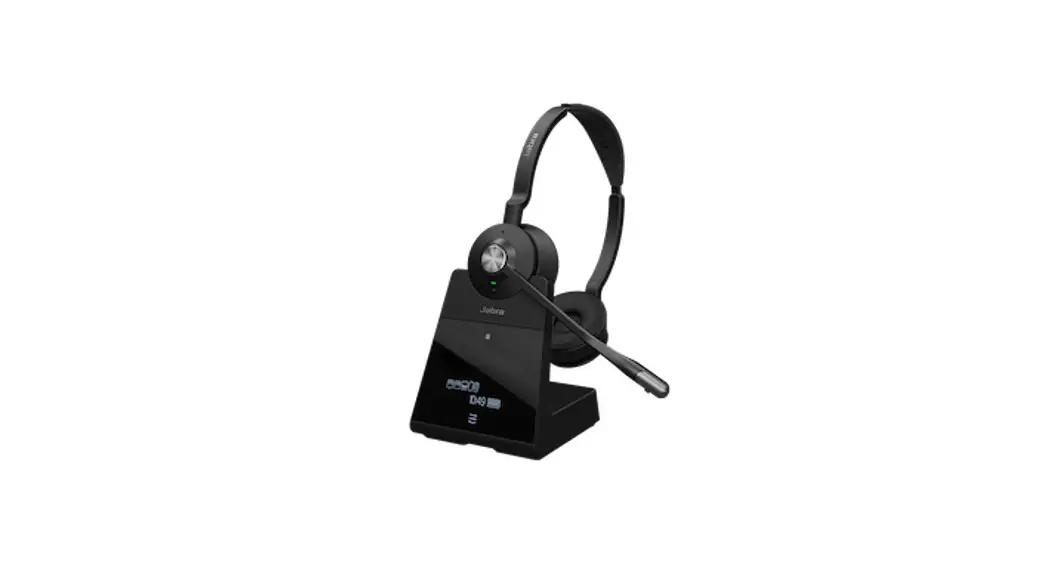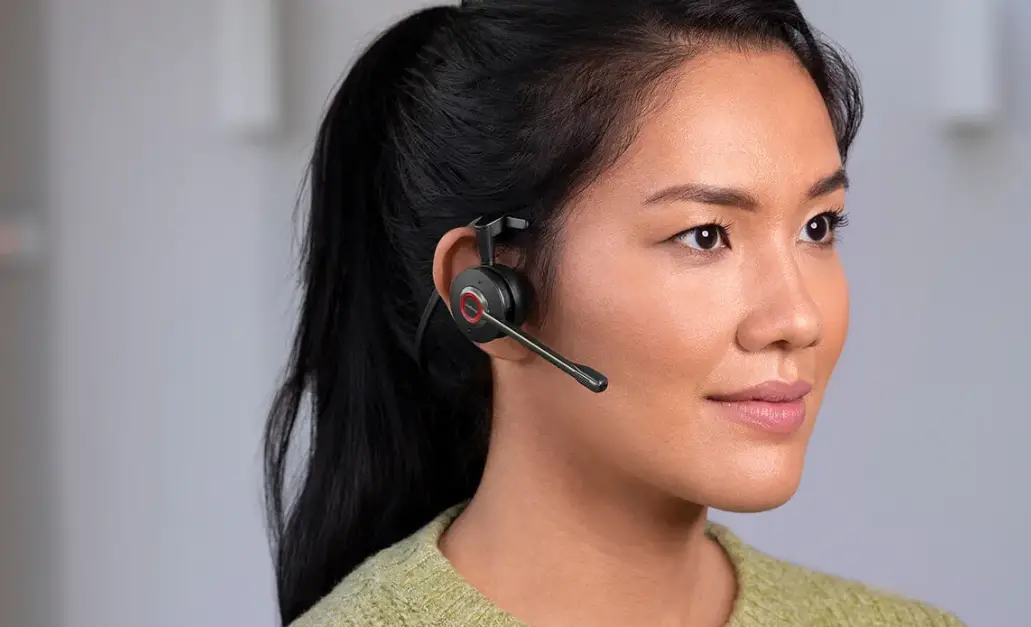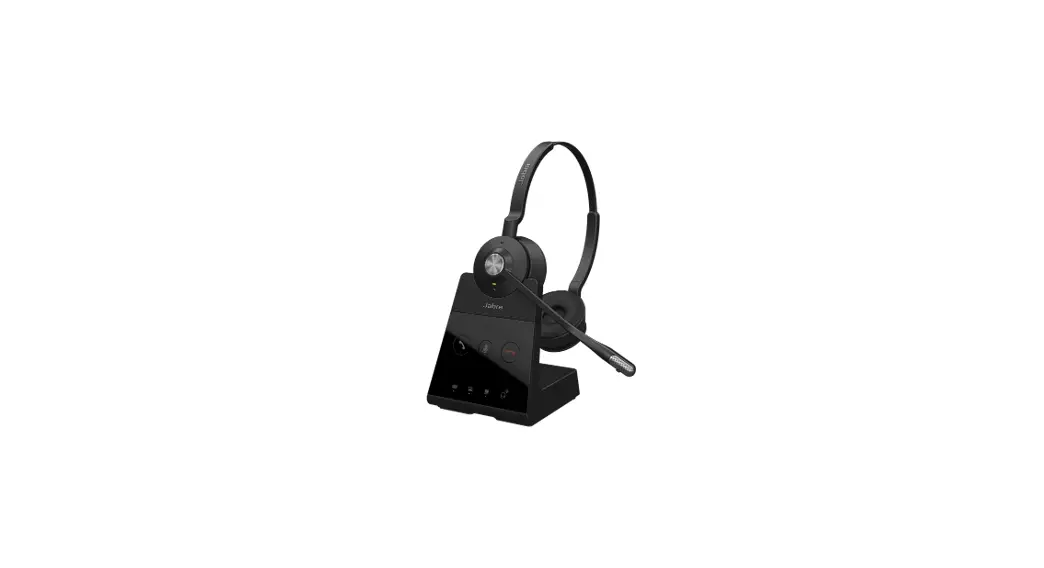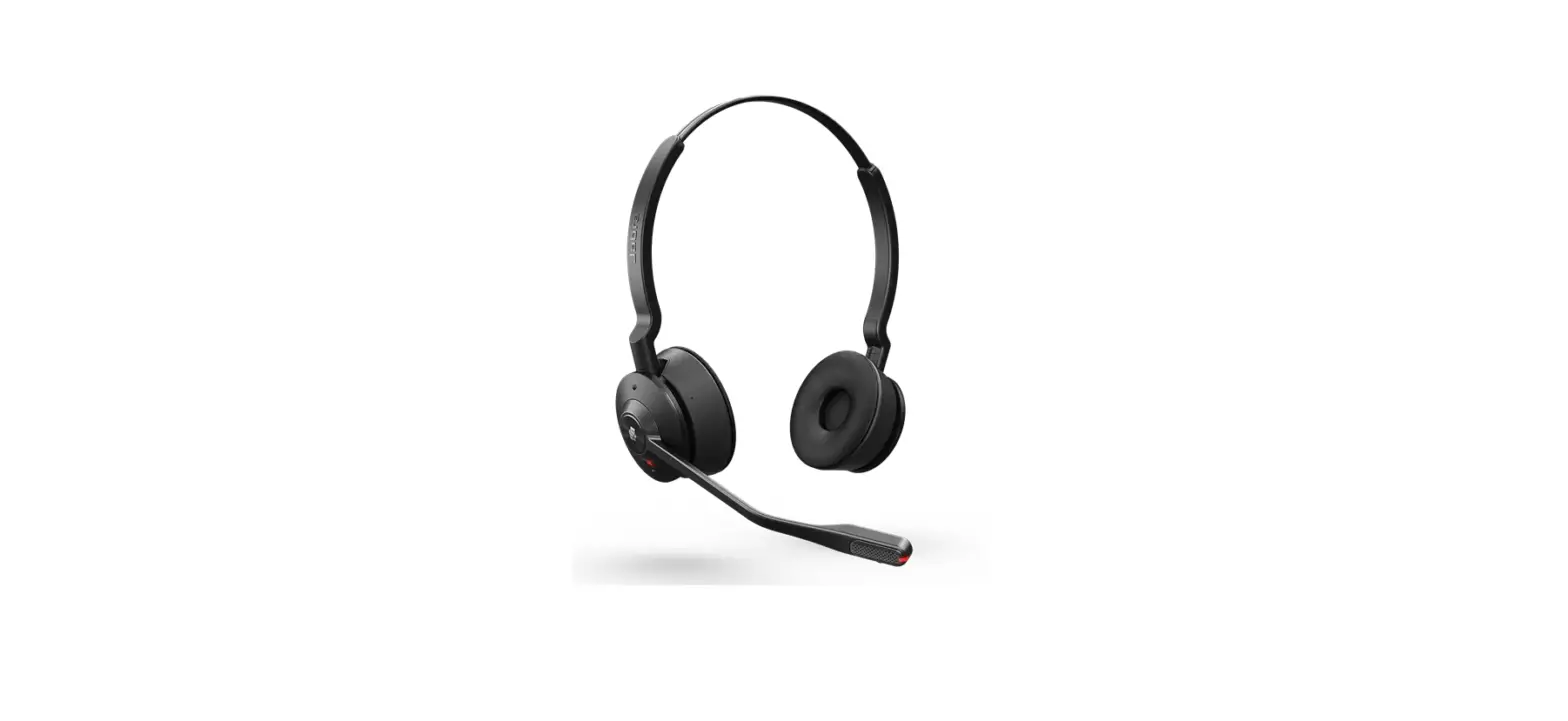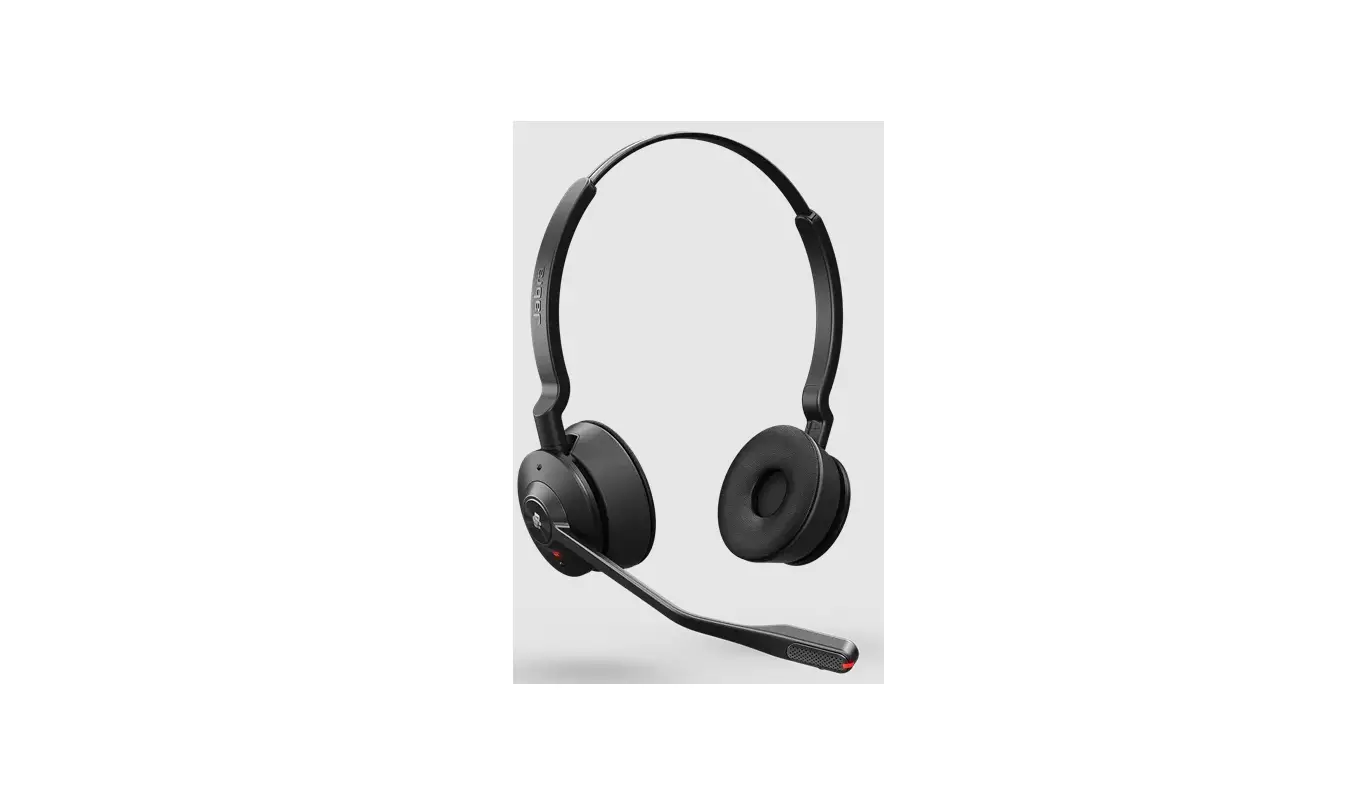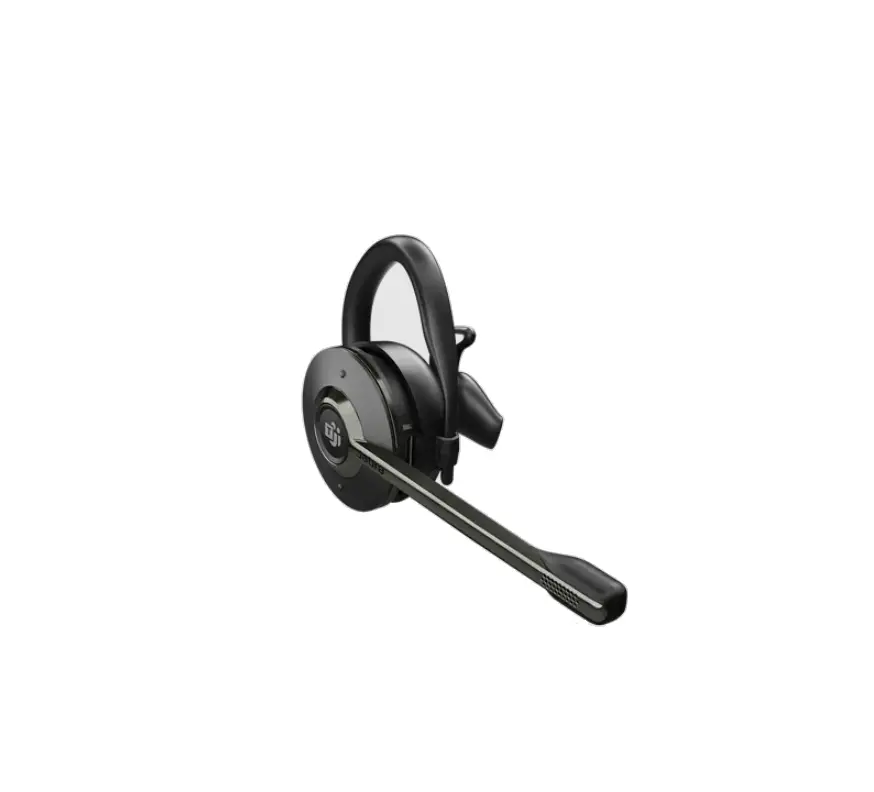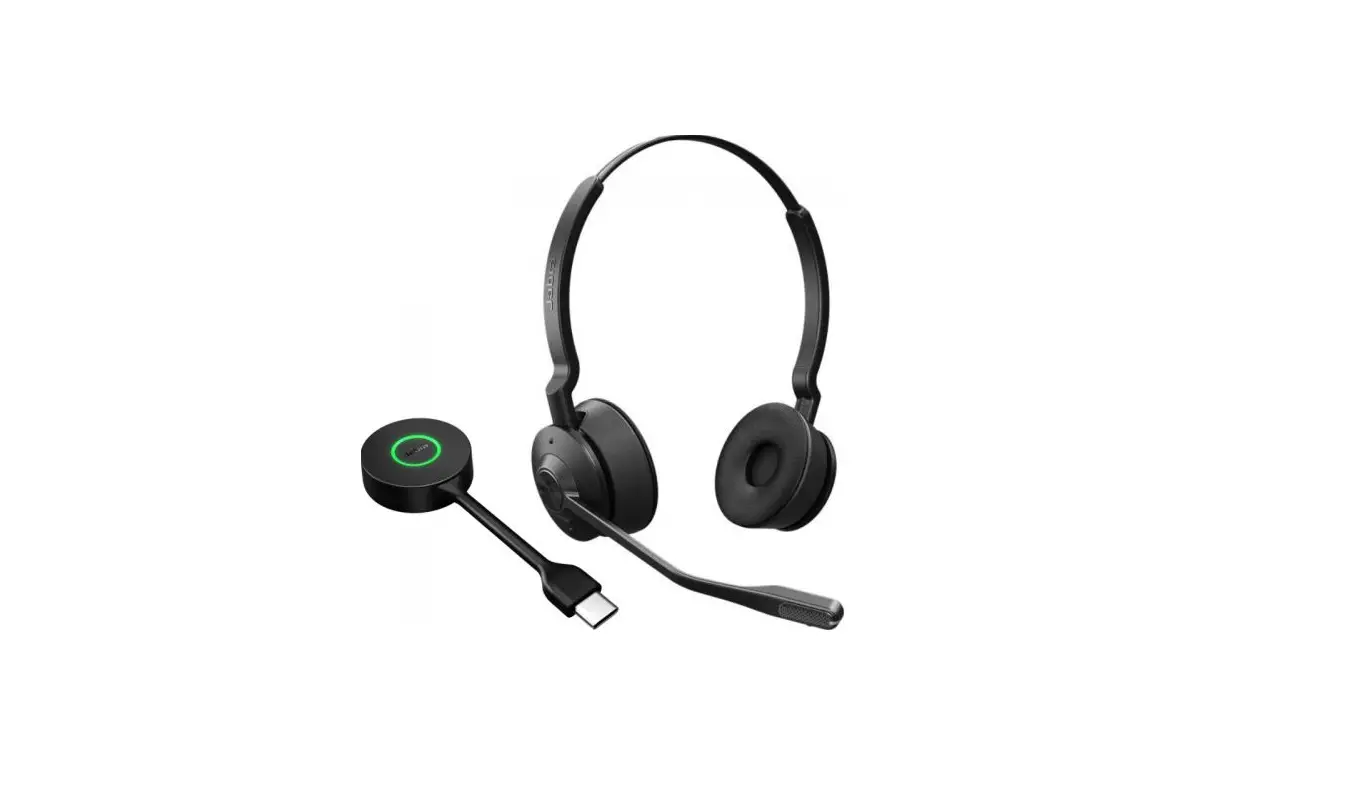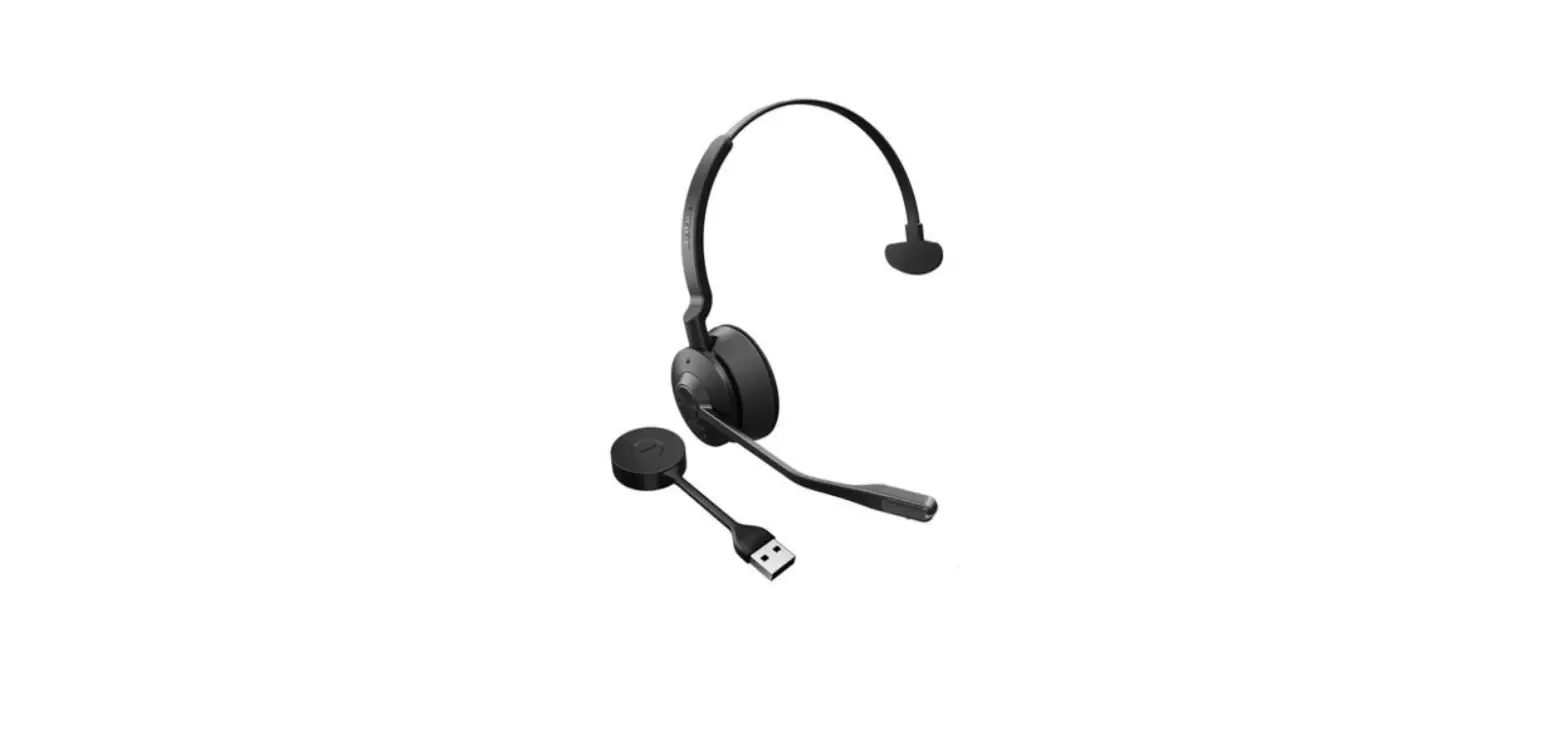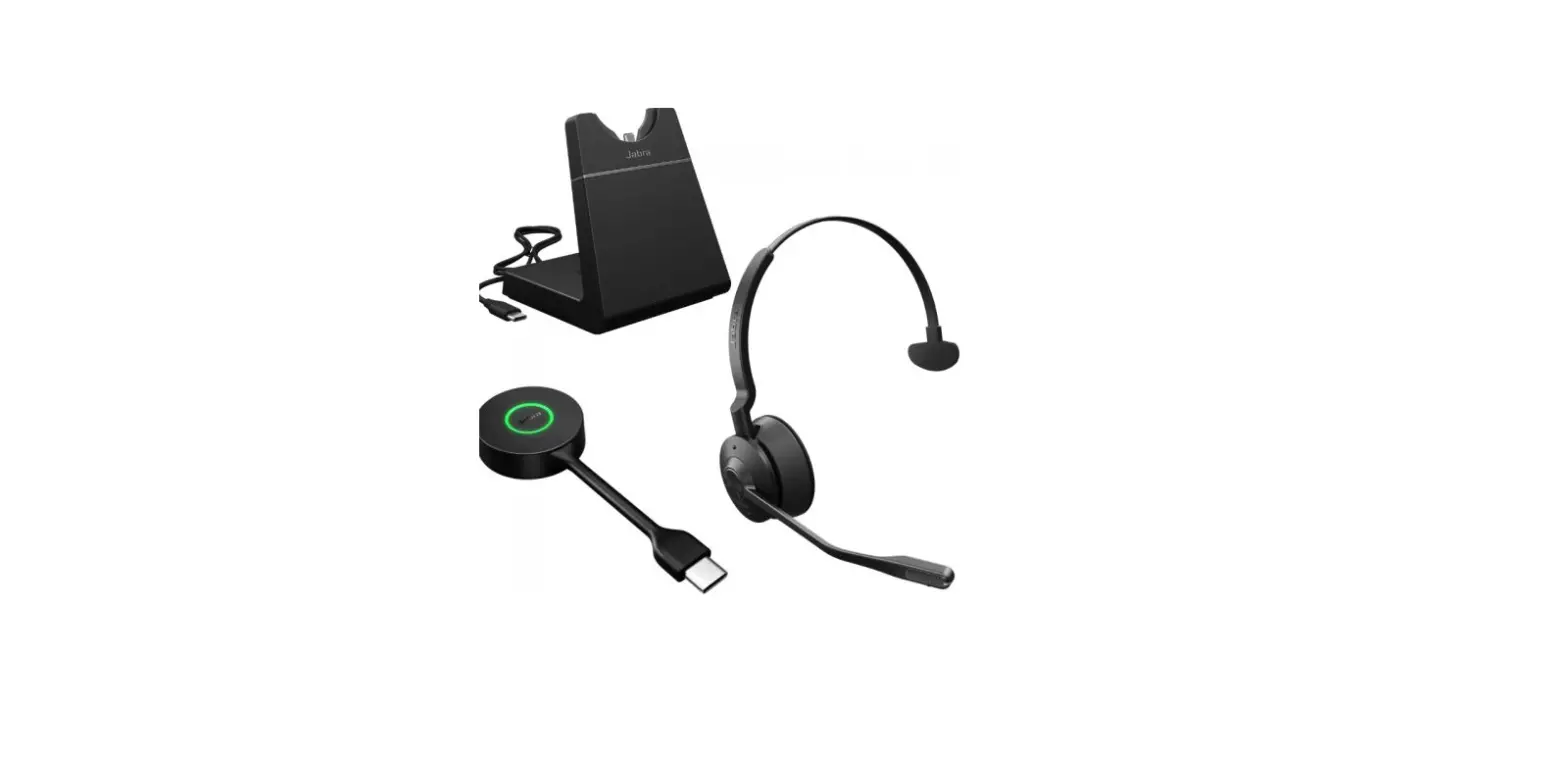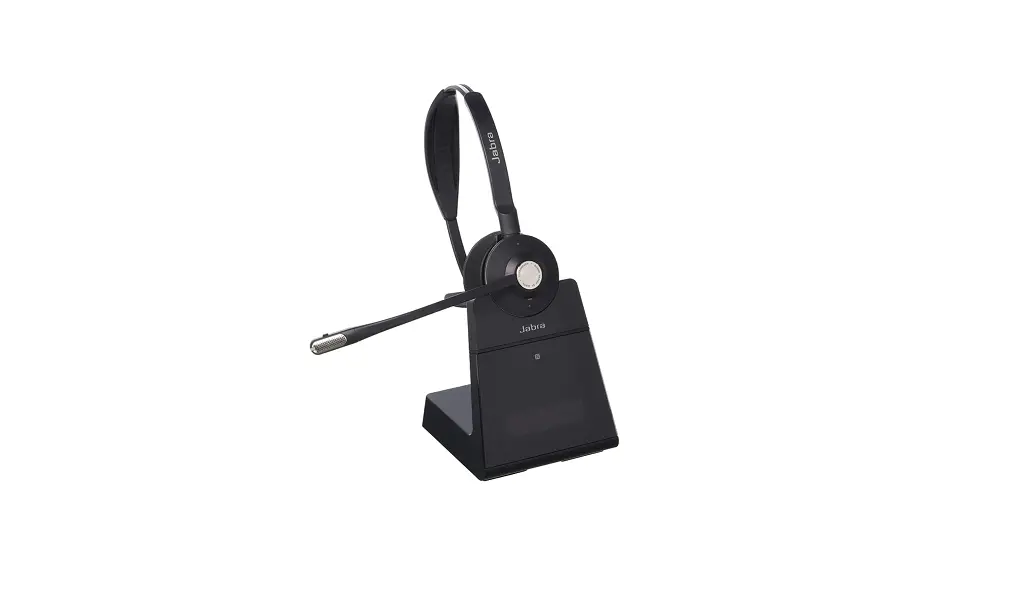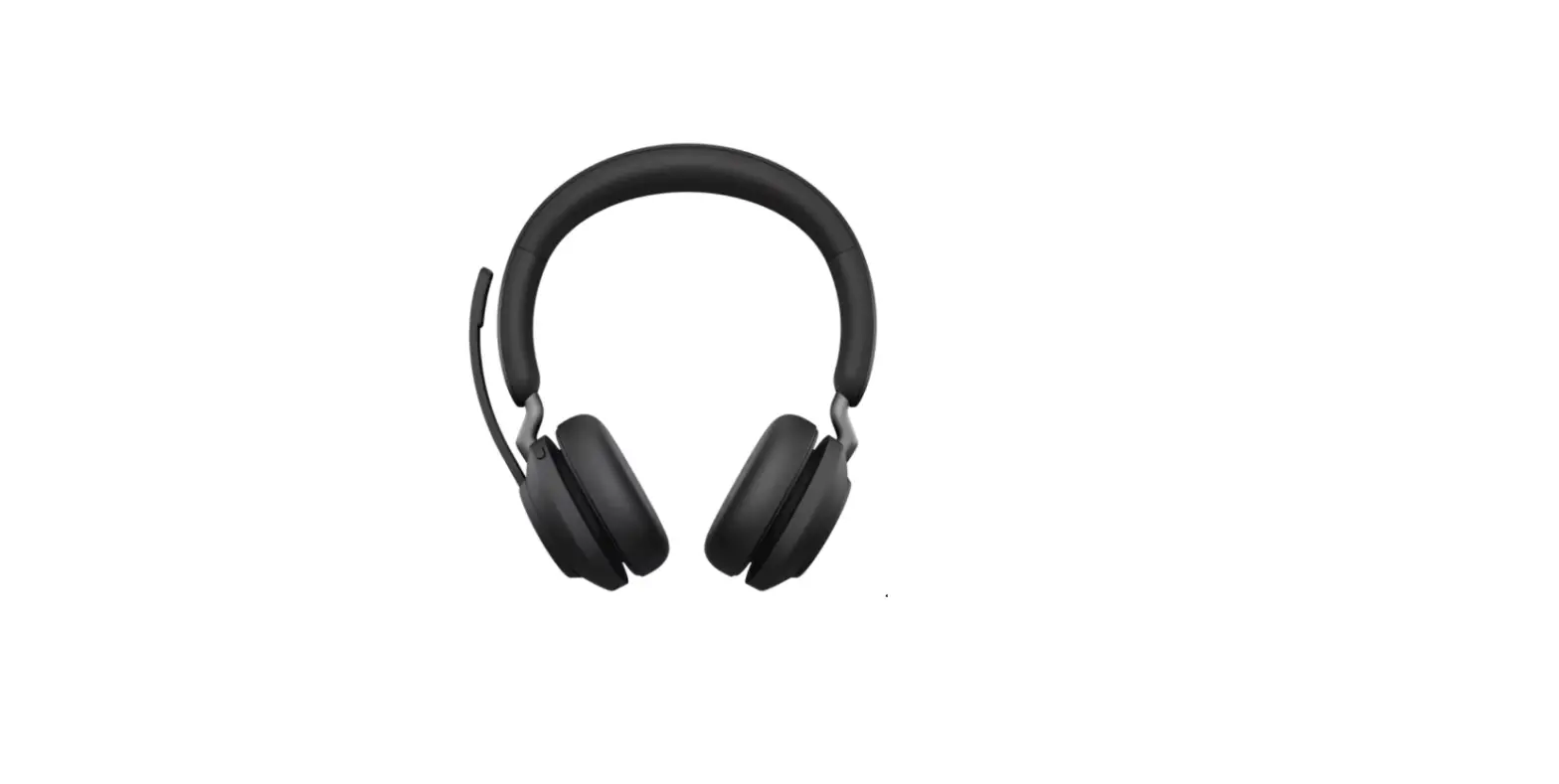

Jabra Engage 55 USB A MS Stereo Wireless Headset
 How do I manually reset my Jabra Evolve2 75 to the default settings
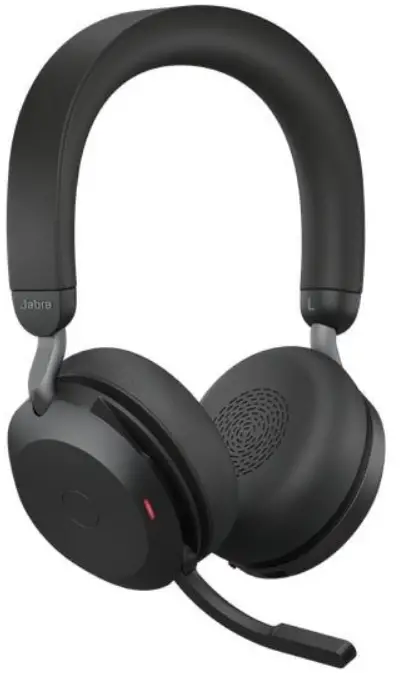
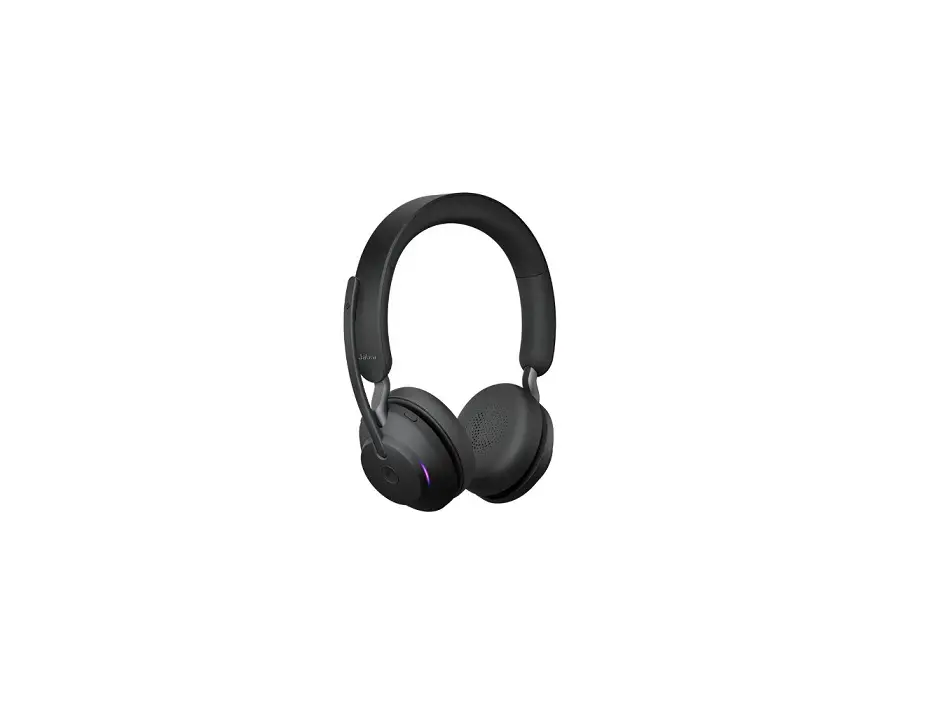
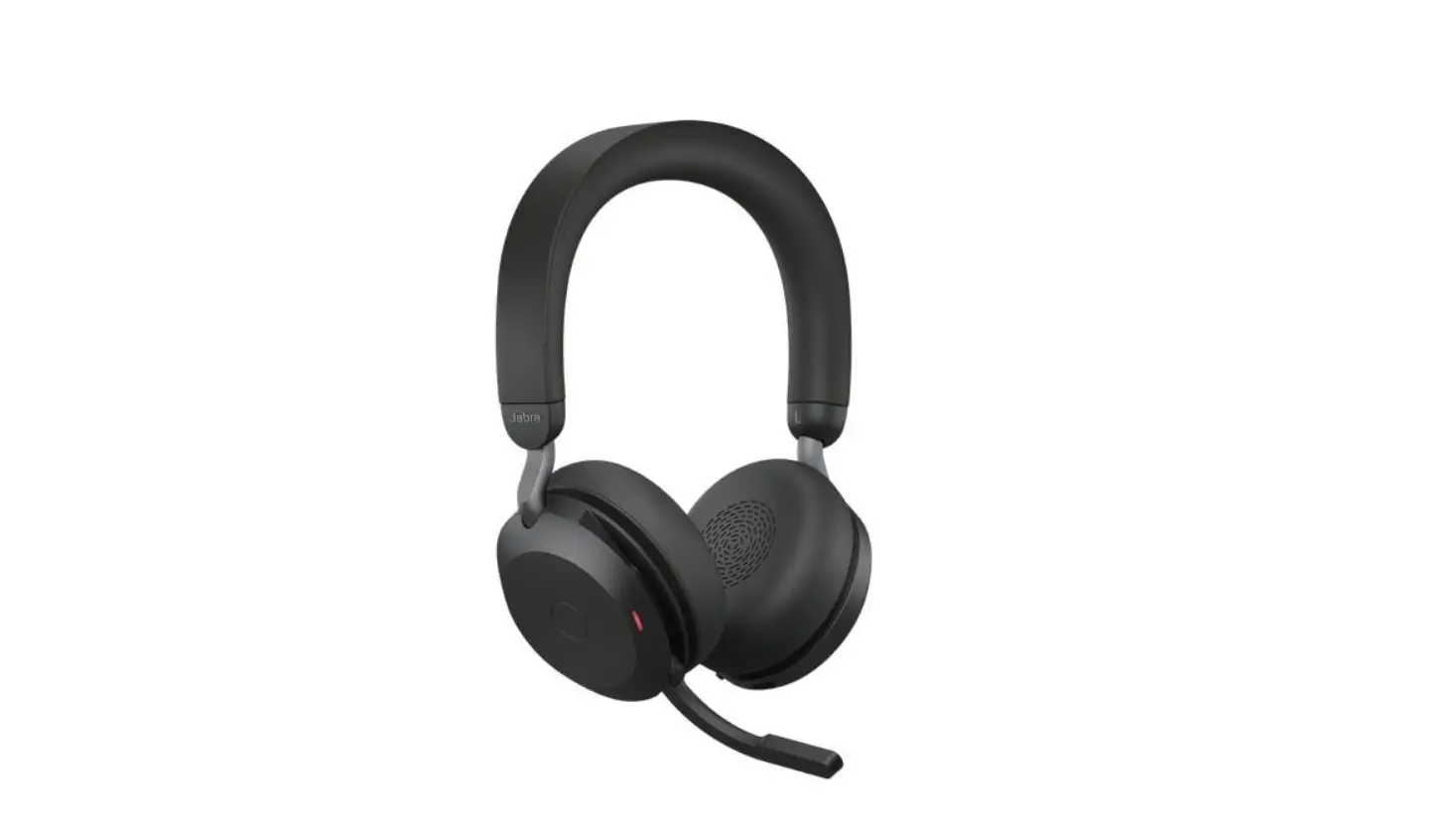
When you reset your Jabra Evolve2 75 headset, previously paired devices and settings will be cleared. To reset, ensure that the headset is turned on, and you are not on a call. Then simultaneously press and hold (3 seconds) the Answer/End call and Volume up buttons on the right earcup, until the LED lights pink and you hear an announcement in the headset.
Right earcup 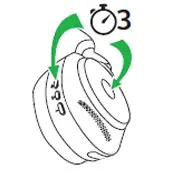
Note
After resetting, you will need to re-pair the headset with your smartphone and with the Jabra Link Bluetooth adapter. Images are for guidance purposes only. The image displayed may differ slightly from your device, however the content is still relevant and accurate.
References
 [FAQTitle] | Jabra Engage 55 - USB-A MS Stereo | FAQ | Jabra Support
-
How do I manually pair a headset with the Jabra Link 400? | Jabra Engage 55 - USB-A MS Stereo | FAQ | Jabra Support
-
Jabra Direct - Engineered to optimize and personalize your headset
-
[FAQTitle] | Jabra Engage 55 - USB-A MS Stereo with Charging Stand | FAQ | Jabra Support
-
How do I manually update the firmware on my Jabra device using Jabra Direct? | Jabra Engage 55 - USB-A MS Stereo with Charging Stand | FAQ | Jabra Support
 [FAQTitle] | Jabra Engage 55 - USB-A MS Stereo | FAQ | Jabra Support
 Jabra Direct - Engineered to optimize and personalize your headset
 [FAQTitle] | Jabra Engage 55 - USB-A MS Stereo with Charging Stand | FAQ | Jabra Support