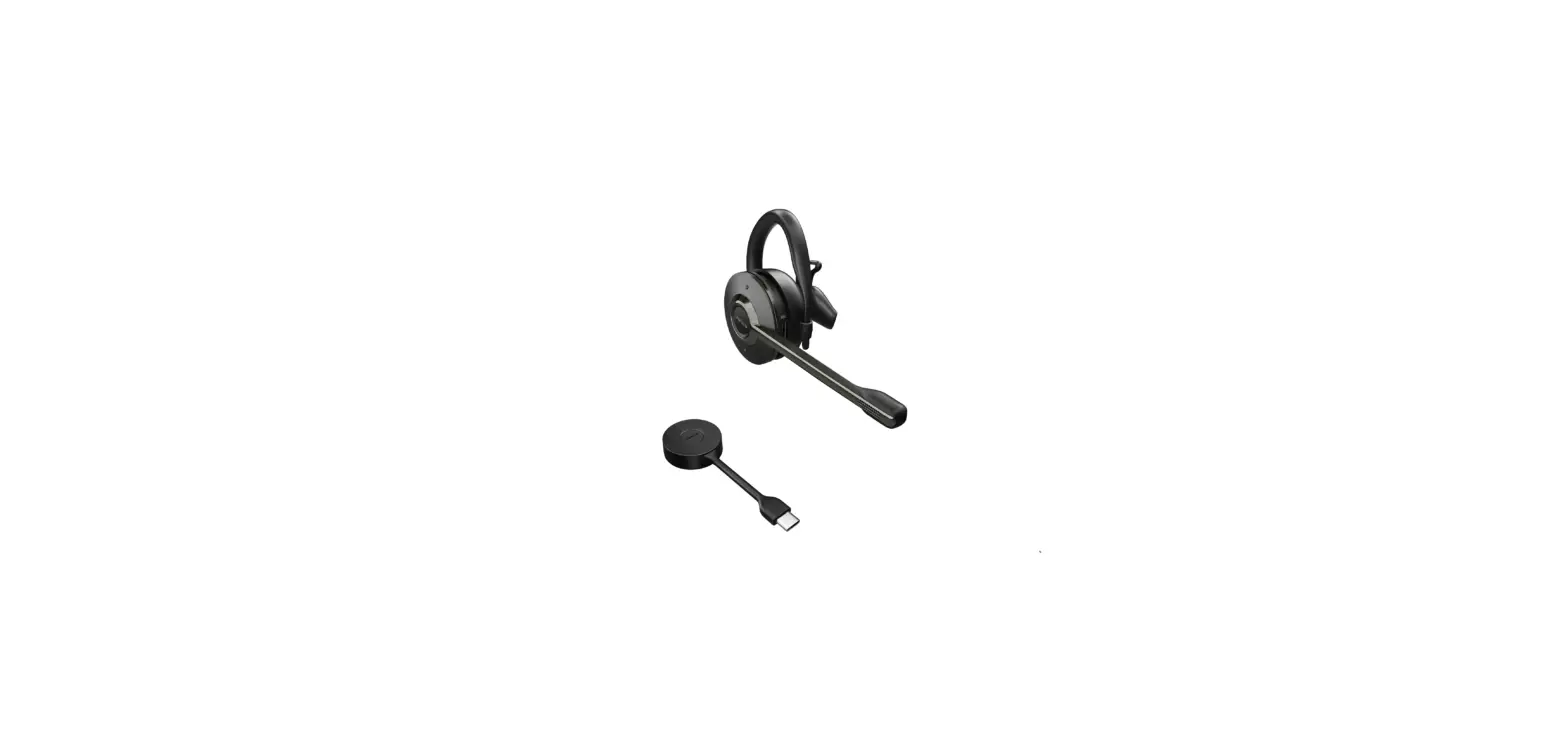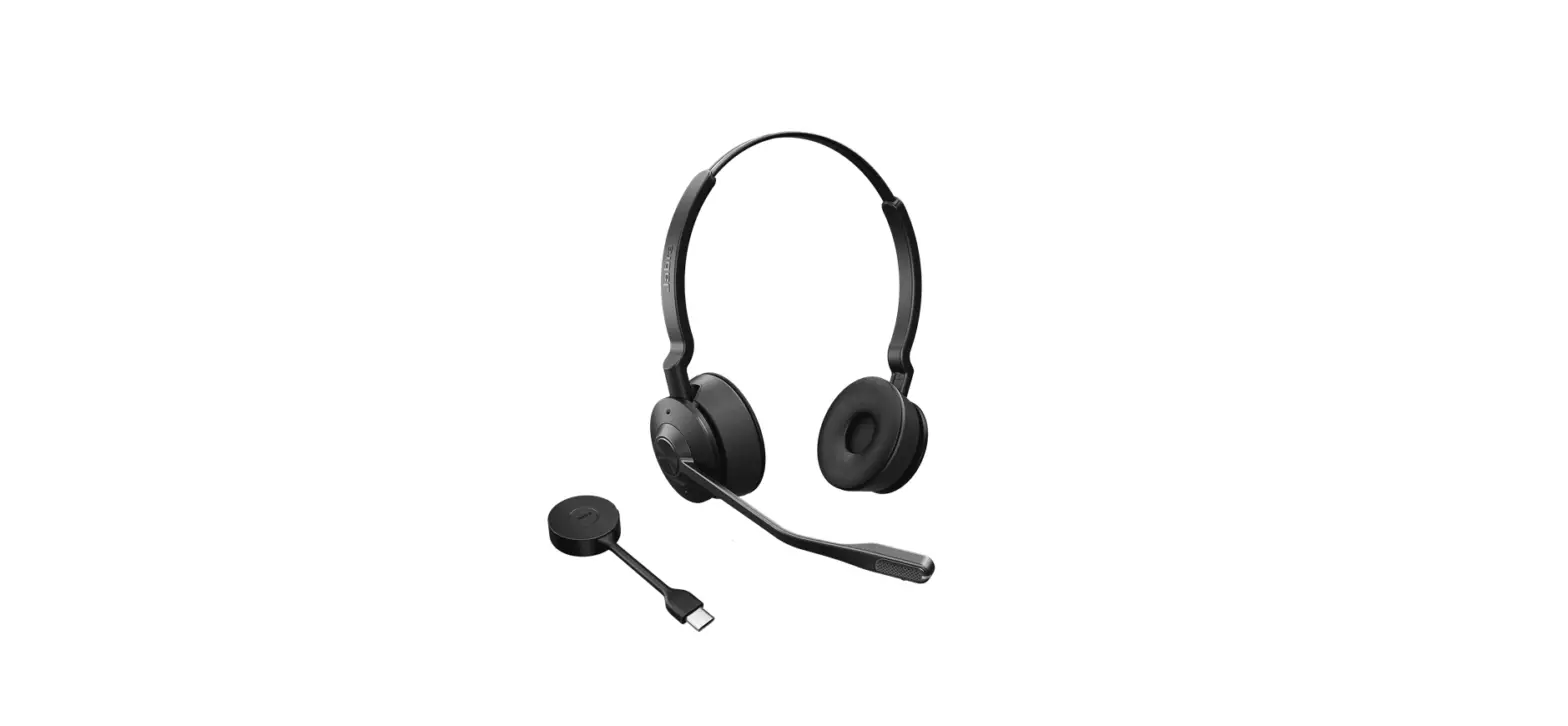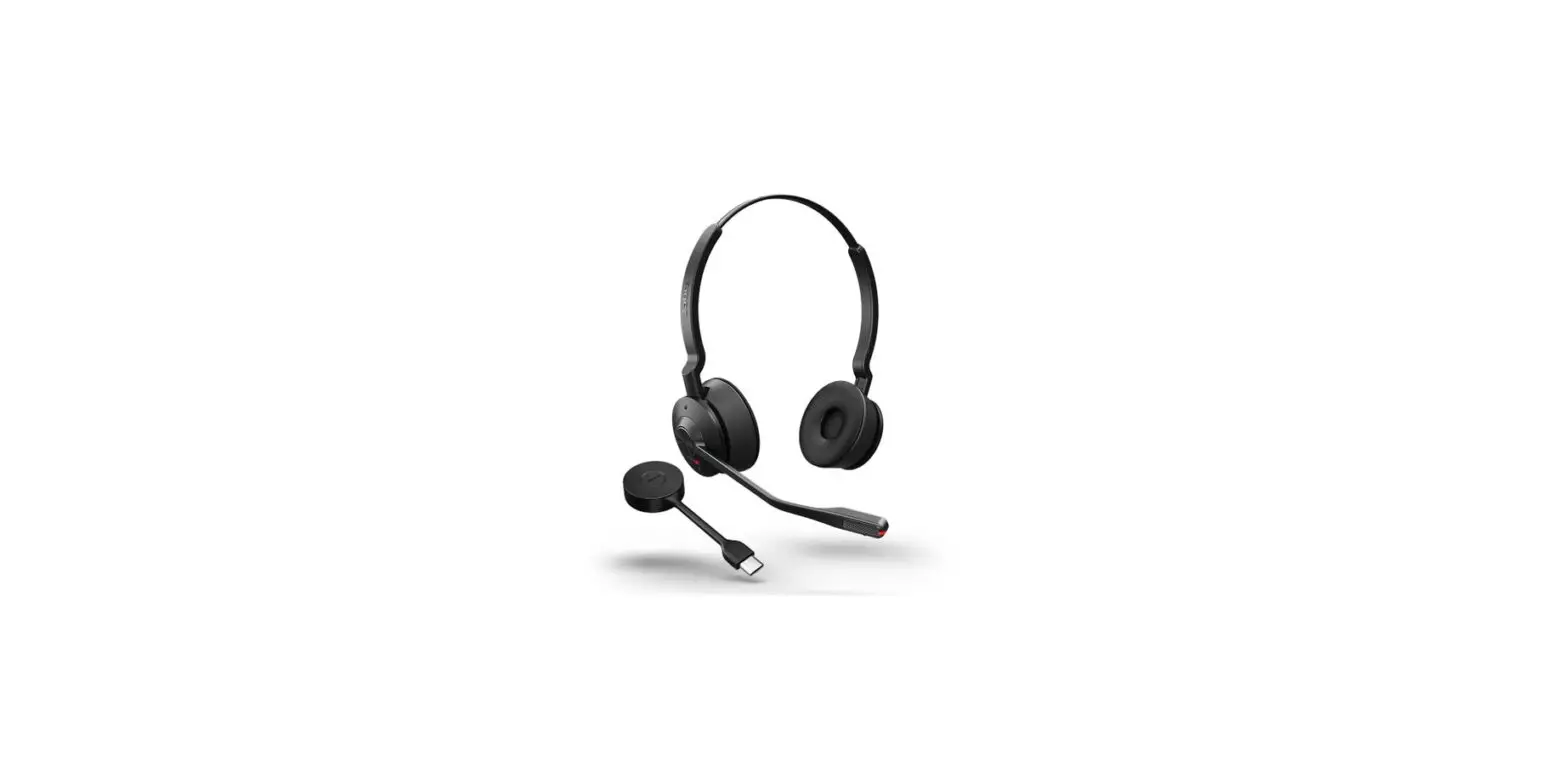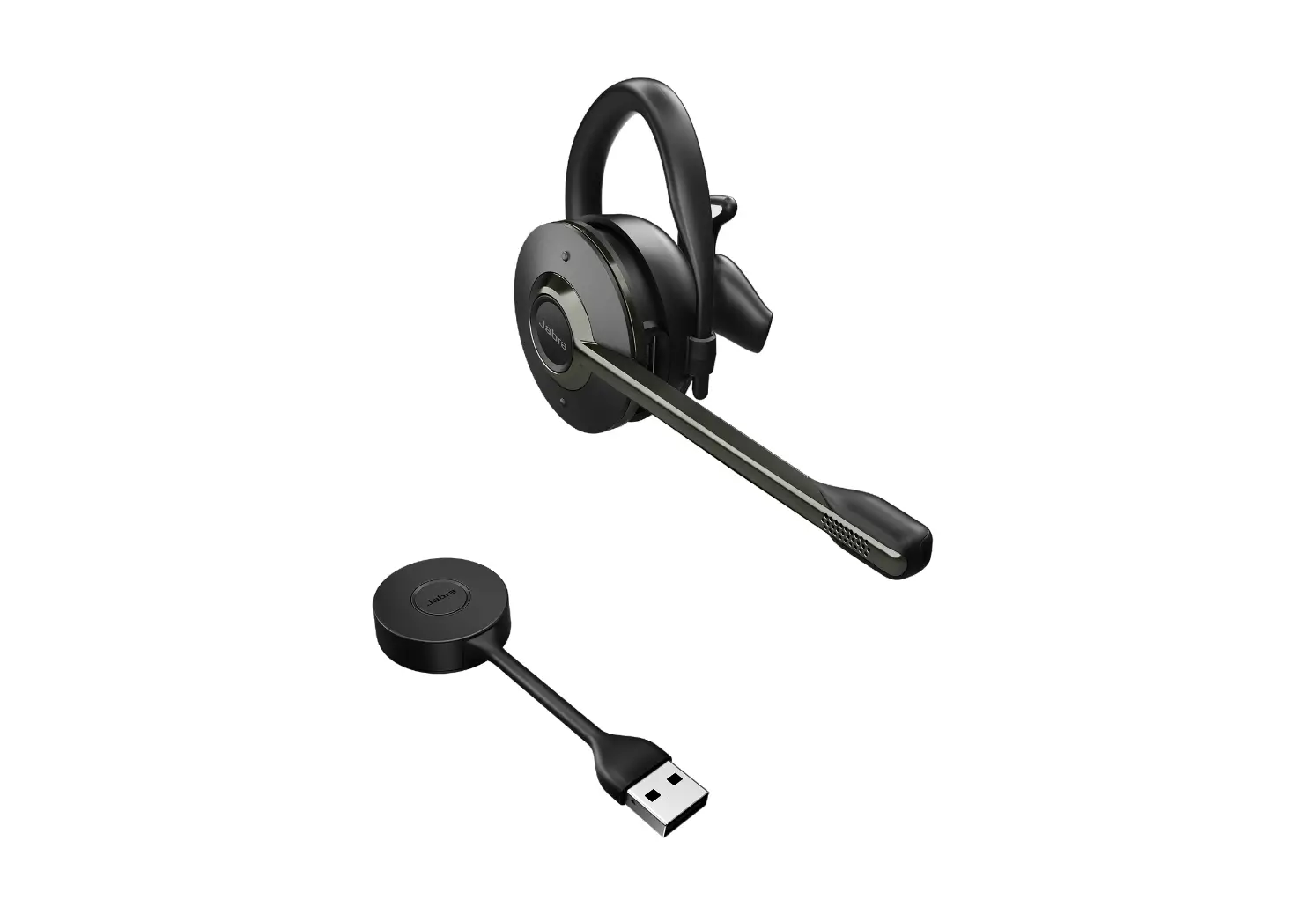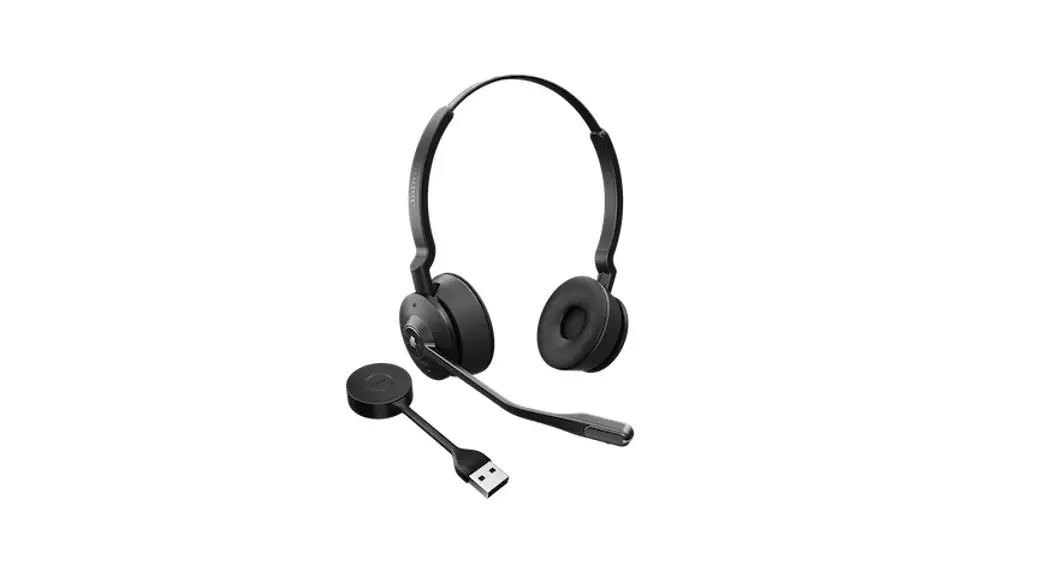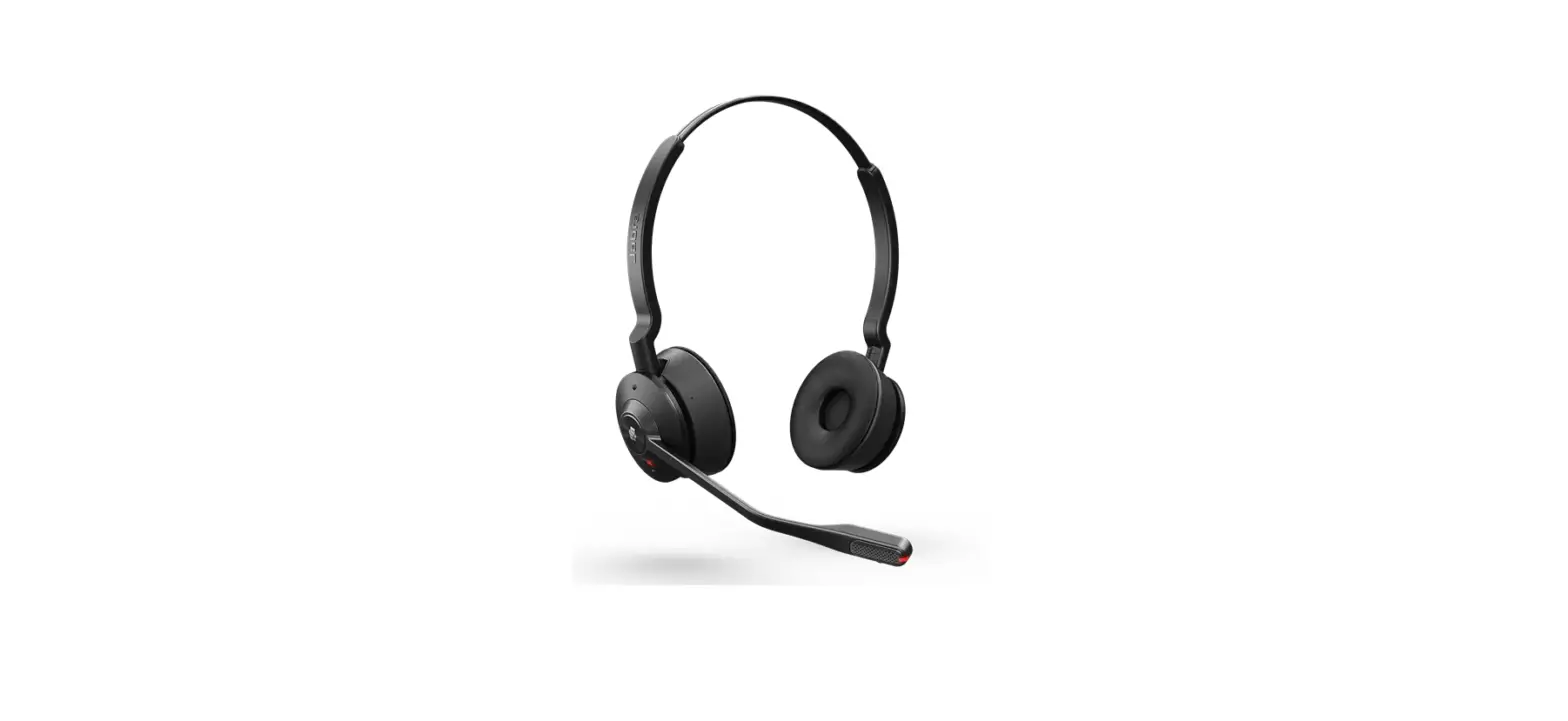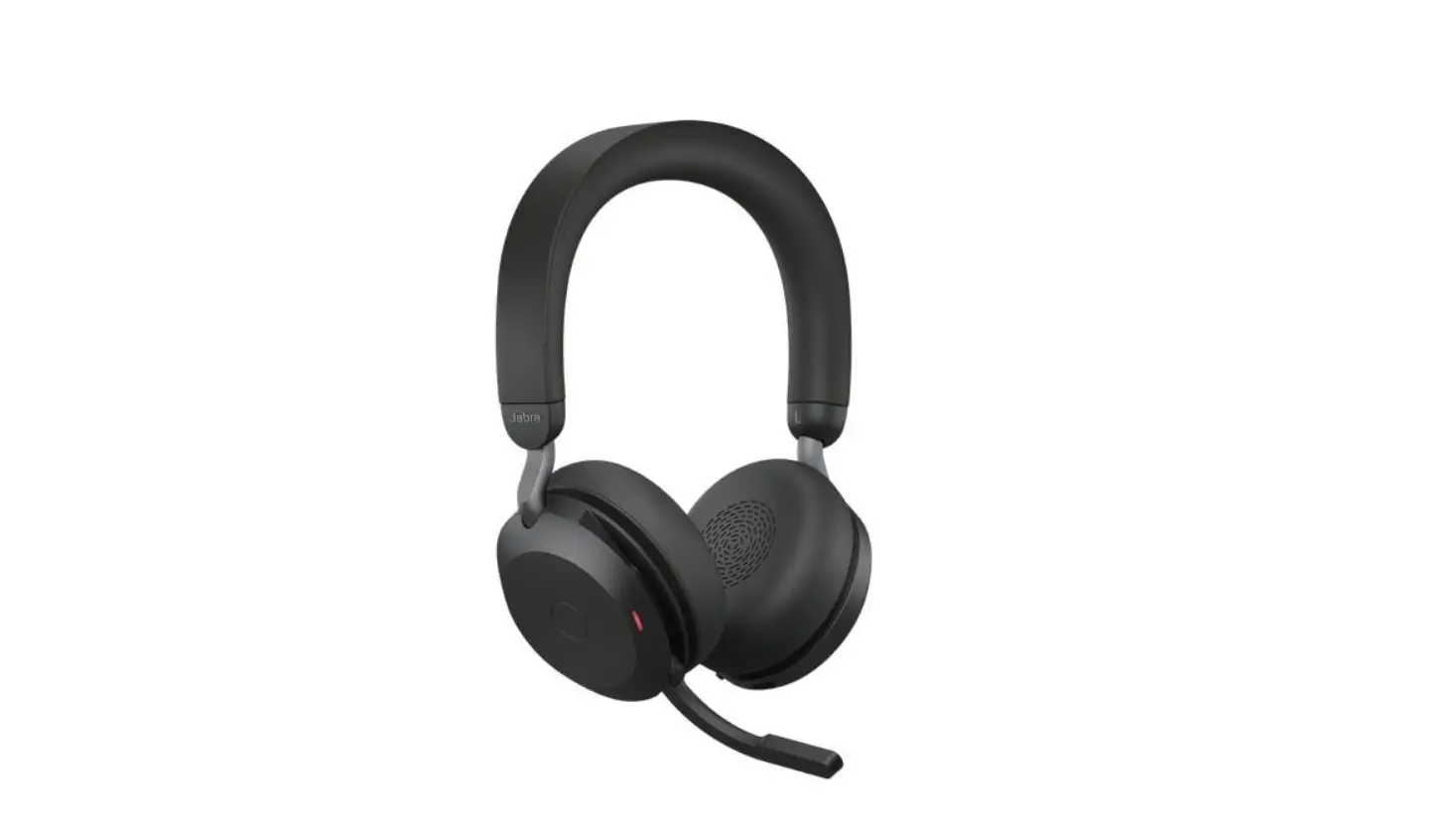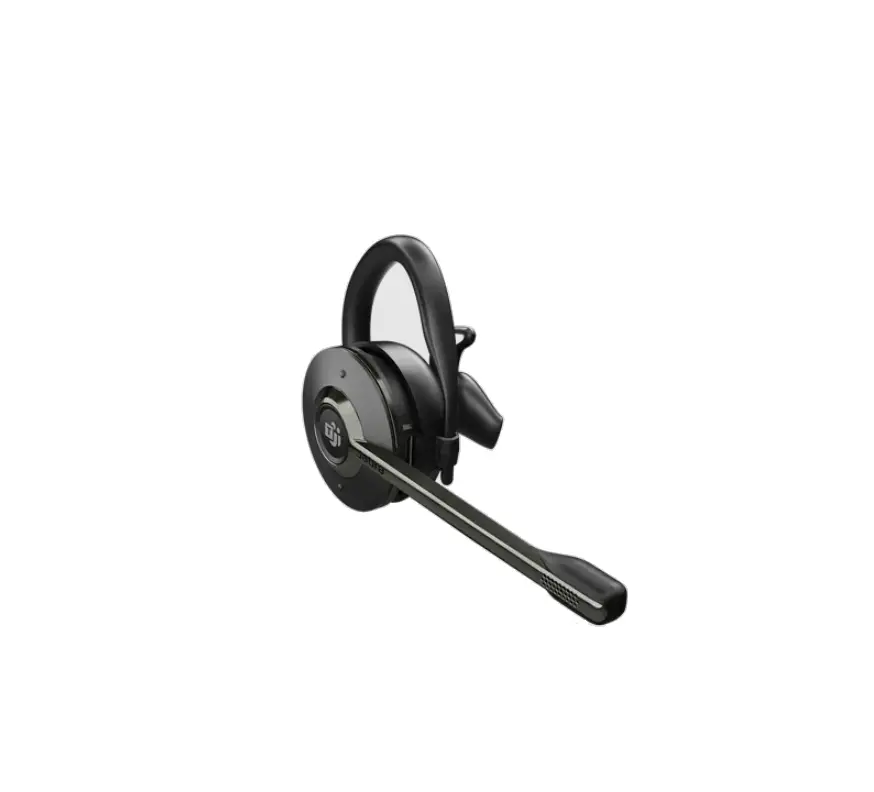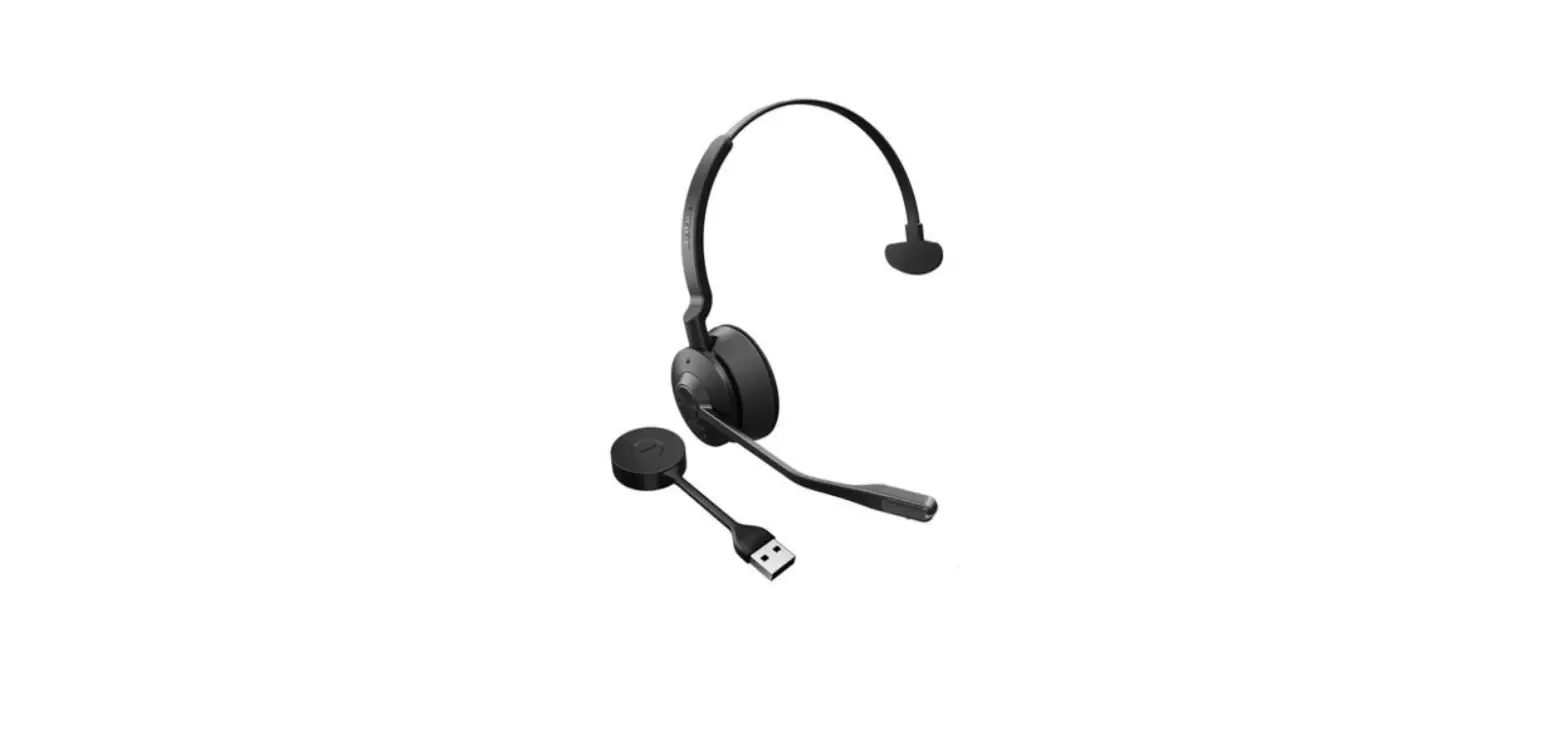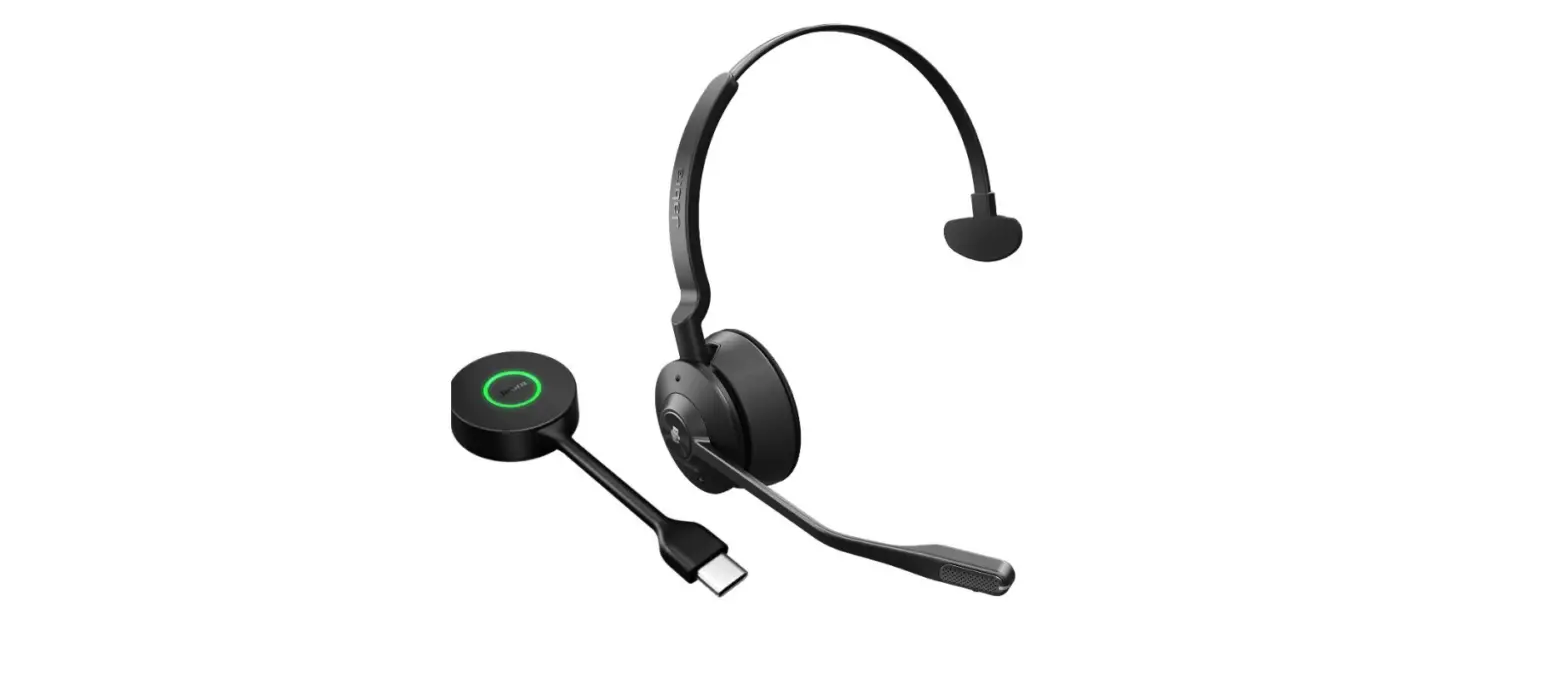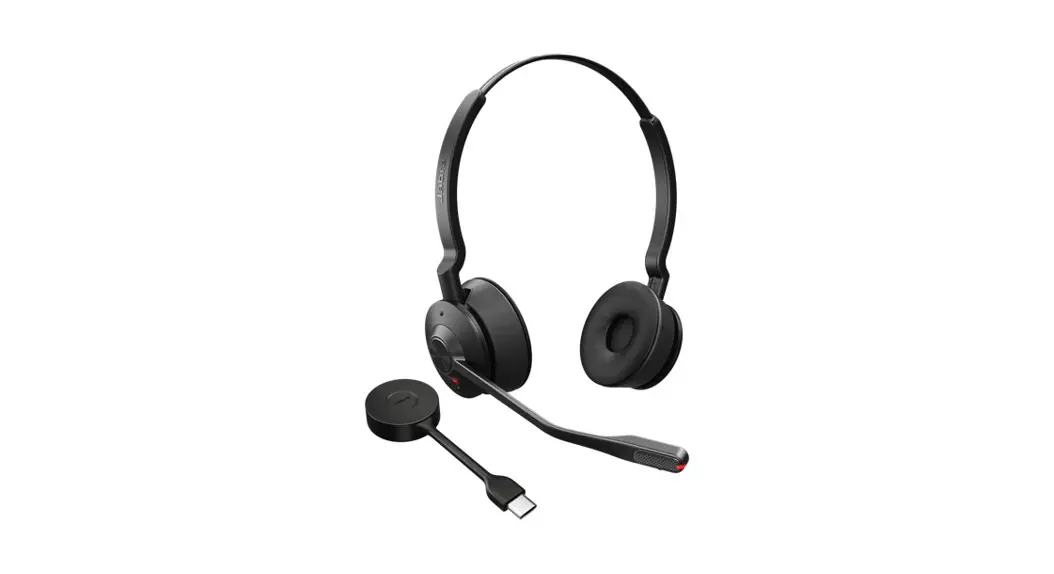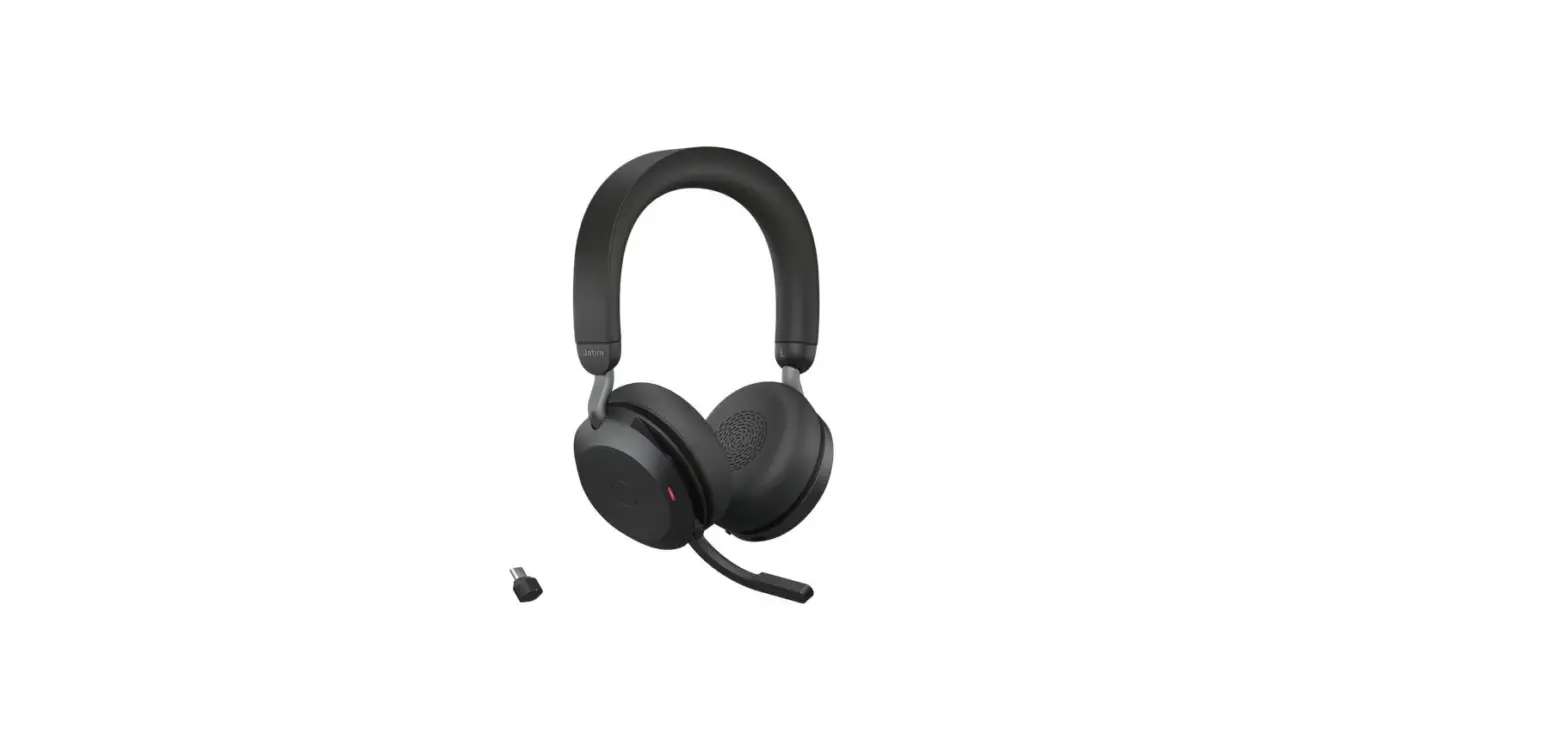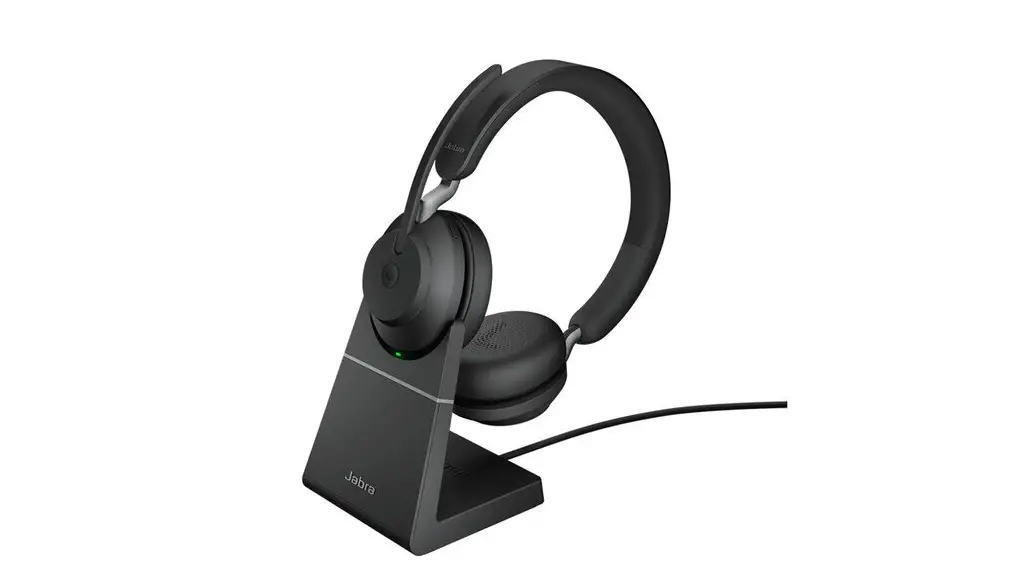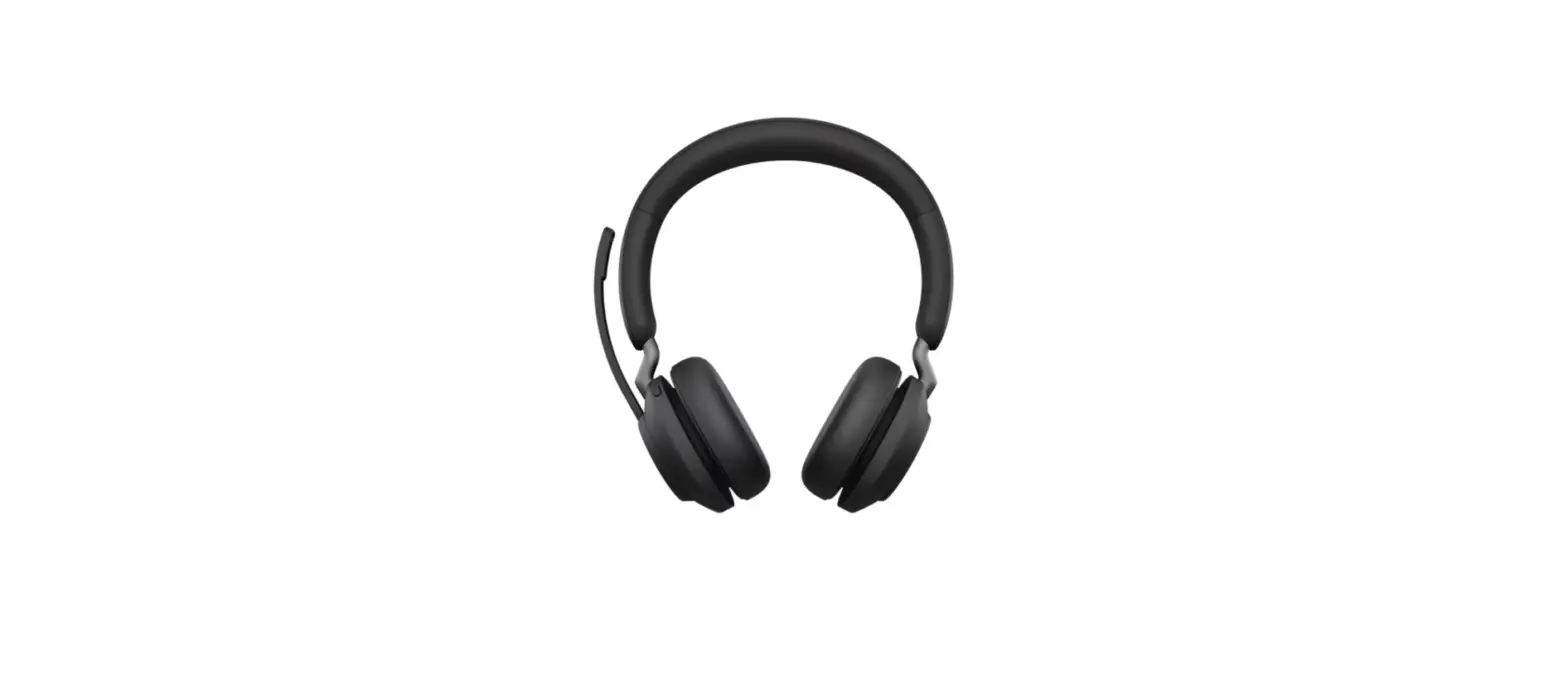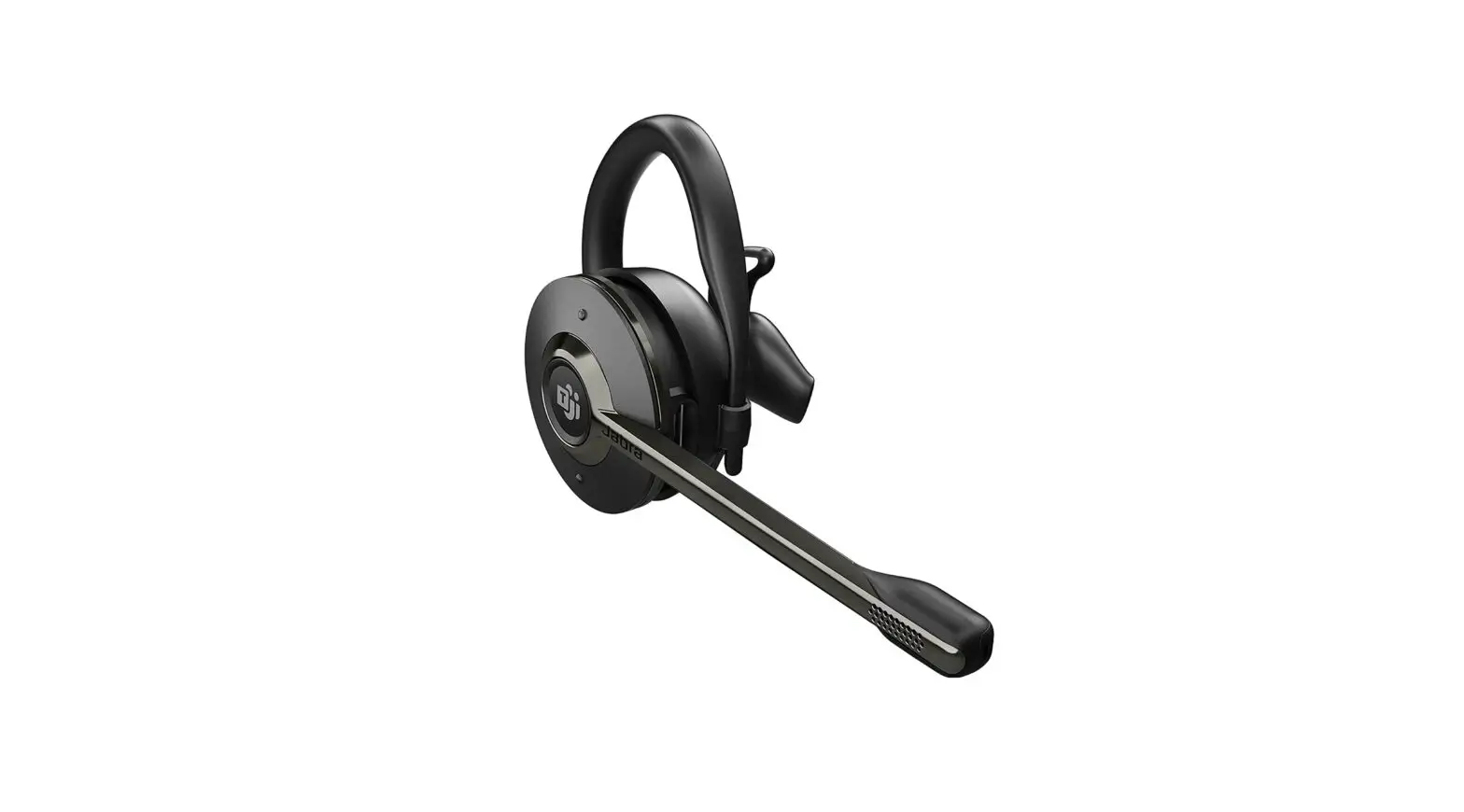
Jabra Engage 55 USB-A UC Convertible Wireless Headset Instructions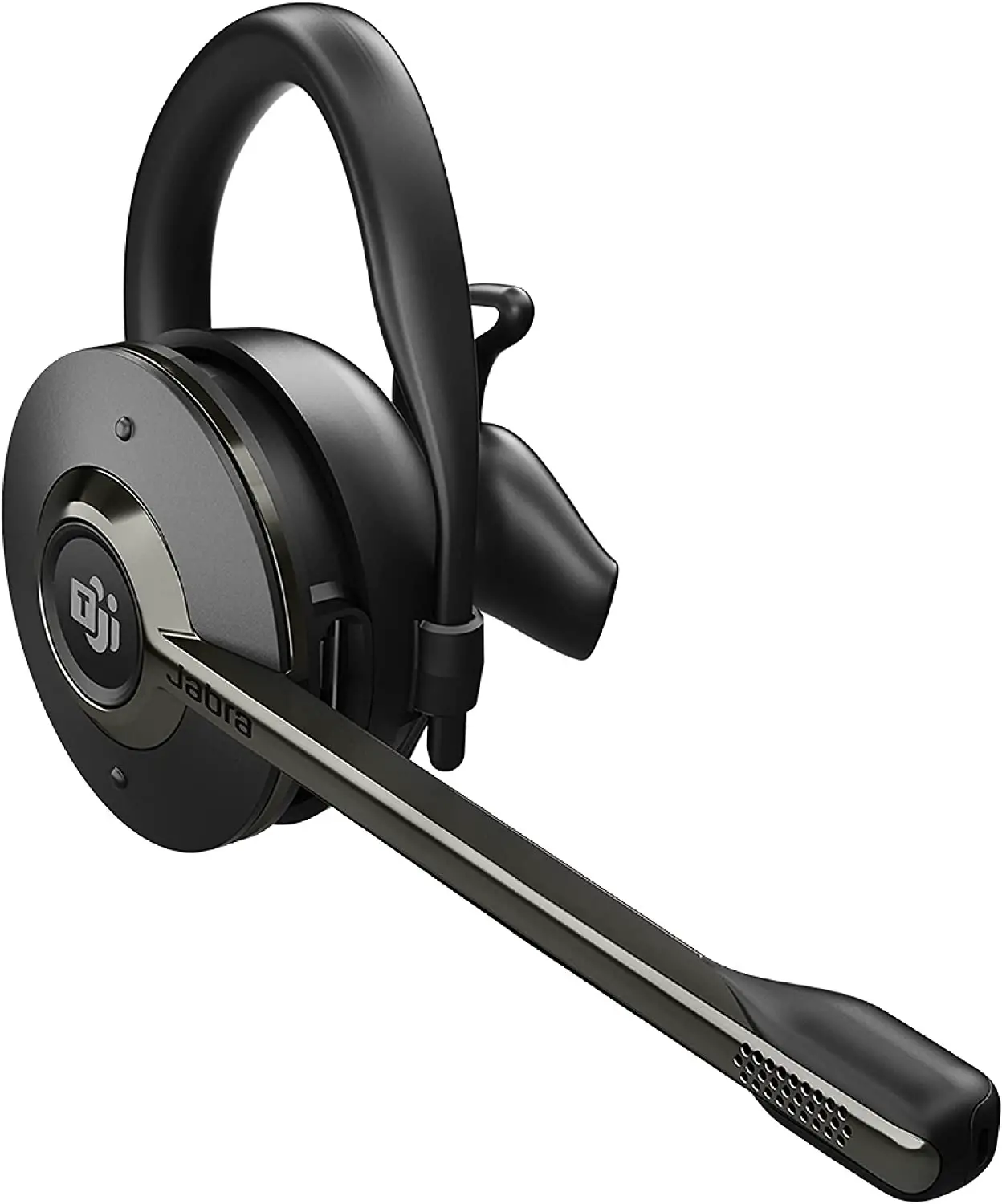
How do I manually change the voice guidance language on my Jabra Engage 55?
To change the voice guidance language, follow these steps.
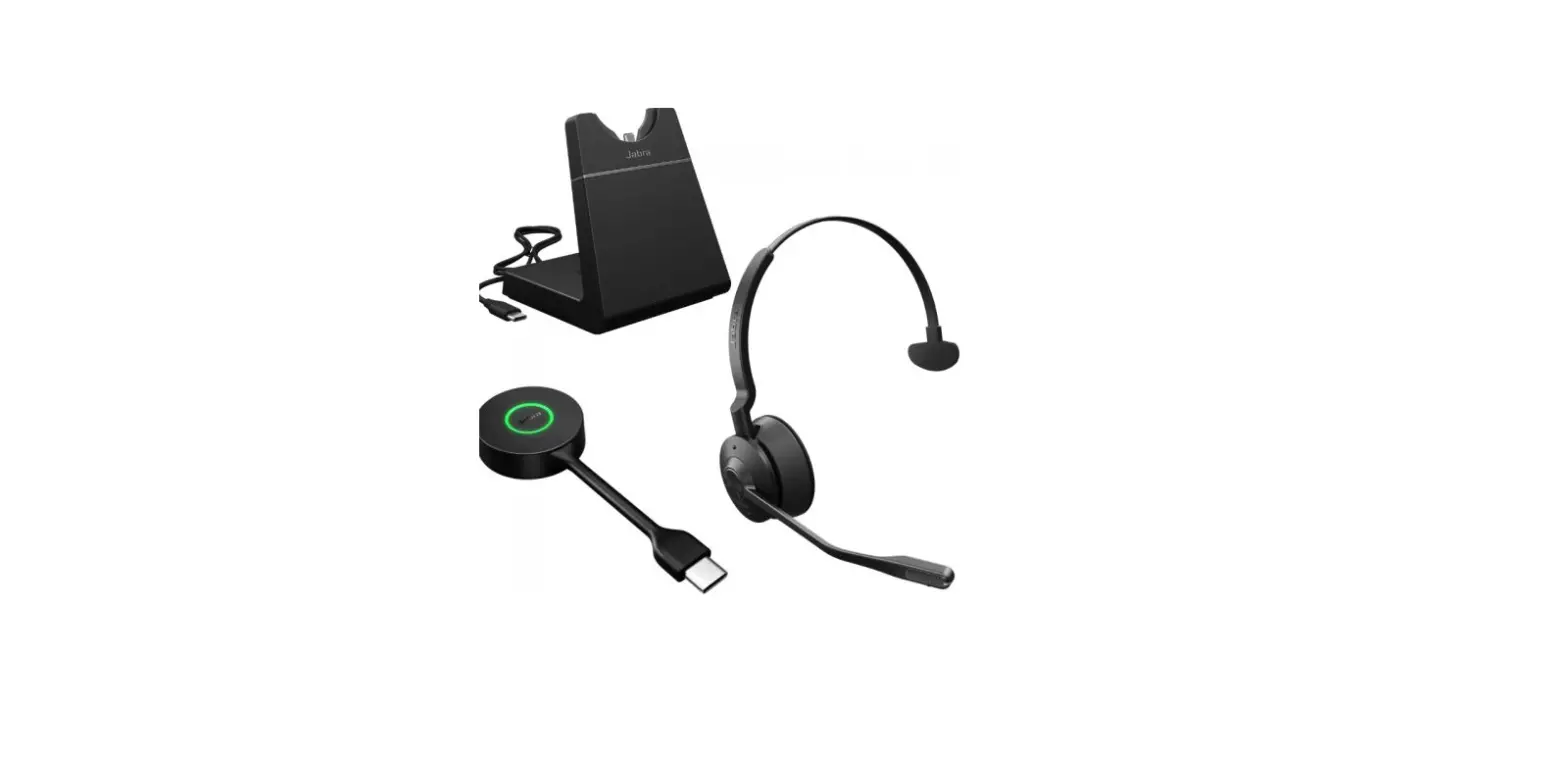
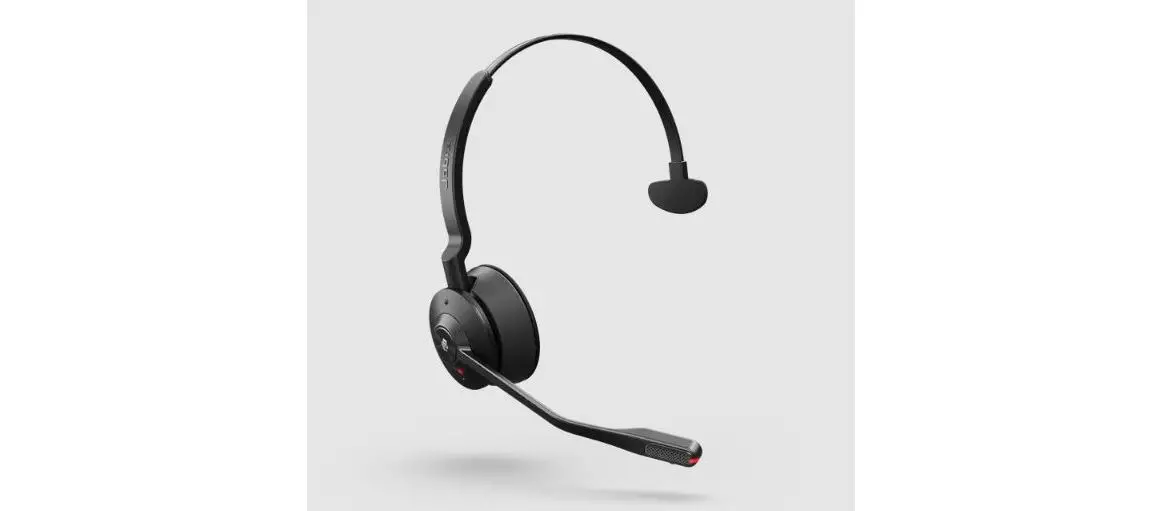
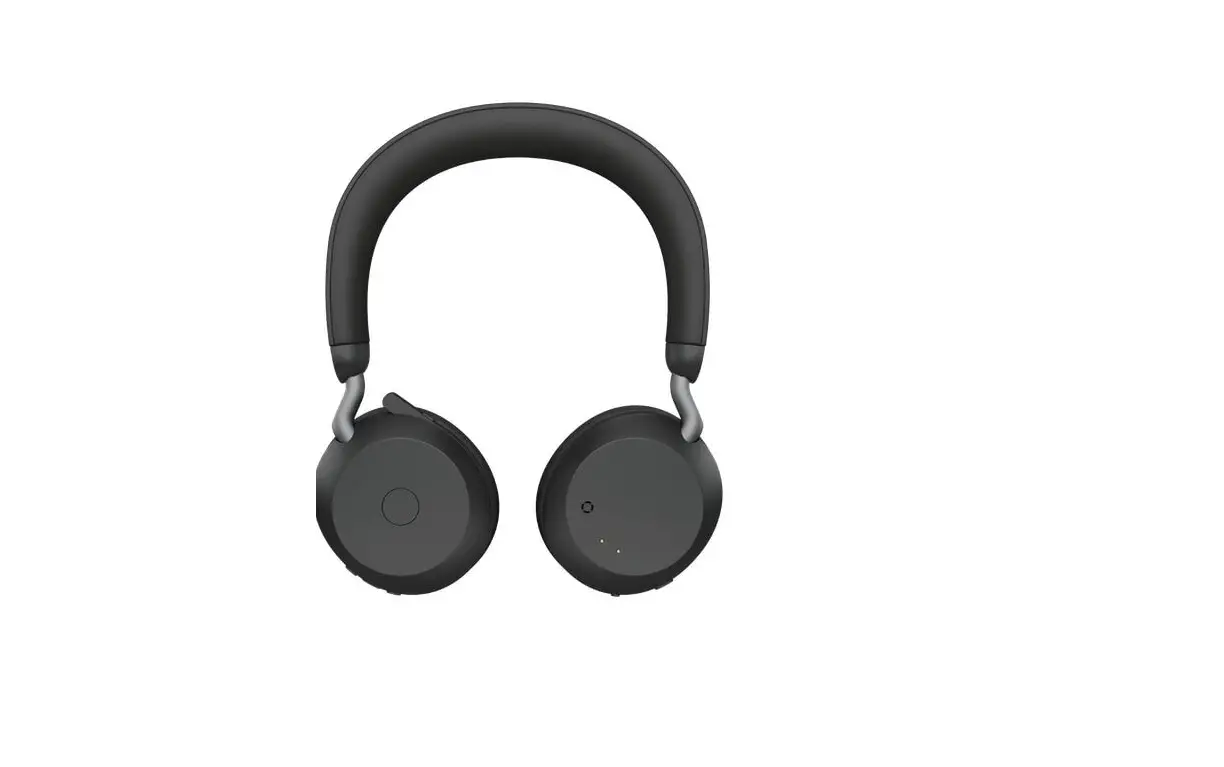
- When not on a call, press and hold (2 seconds) both Volume buttons on the headset to access the voice guided settings menu. The first available setting is for voice guidance language.
- Press the Volume buttons to cycle through the available languages:
English, German, French, Japanese, and Spanish. - Press the Call button to accept the preferred language.
- Press and hold (2 seconds) both Volume buttons on the headset to exit the voice guided settings menu. The Jabra Link 400 will reboot and the new setting will be saved.
References
 Jabra Direct - Engineered to optimize and personalize your headset
-
[FAQTitle] | Jabra Engage 55 - USB-A UC Convertible | FAQ | Jabra Support
-
How do I manually pair a headset with the Jabra Link 400? | Jabra Engage 55 - USB-A UC Convertible | FAQ | Jabra Support
-
[FAQTitle] | Jabra Engage 55 - USB-A UC Convertible | FAQ | Jabra Support
-
How do I set a preferred softphone in Jabra Direct? | Jabra Engage 55 - USB-A UC Convertible | FAQ | Jabra Support
-
[FAQTitle] | Jabra Engage 55 - USB-A UC Convertible | FAQ | Jabra Support
-
How do I manually change the voice guidance language on my Jabra Engage 55? | Jabra Engage 55 - USB-A UC Convertible | FAQ | Jabra Support
 Jabra Direct - Engineered to optimize and personalize your headset
 [FAQTitle] | Jabra Engage 55 - USB-A UC Convertible | FAQ | Jabra Support