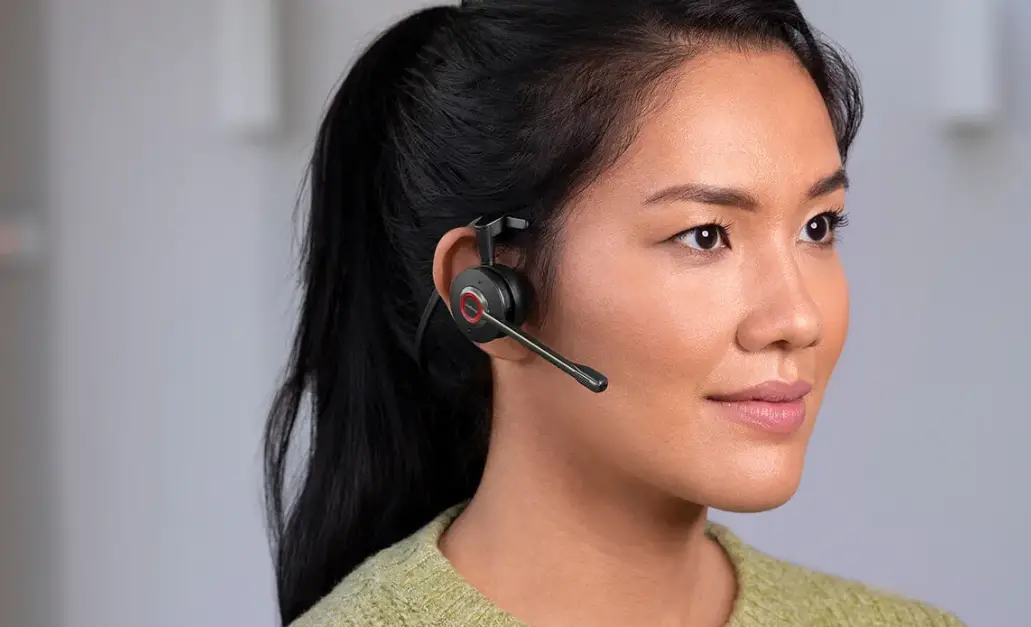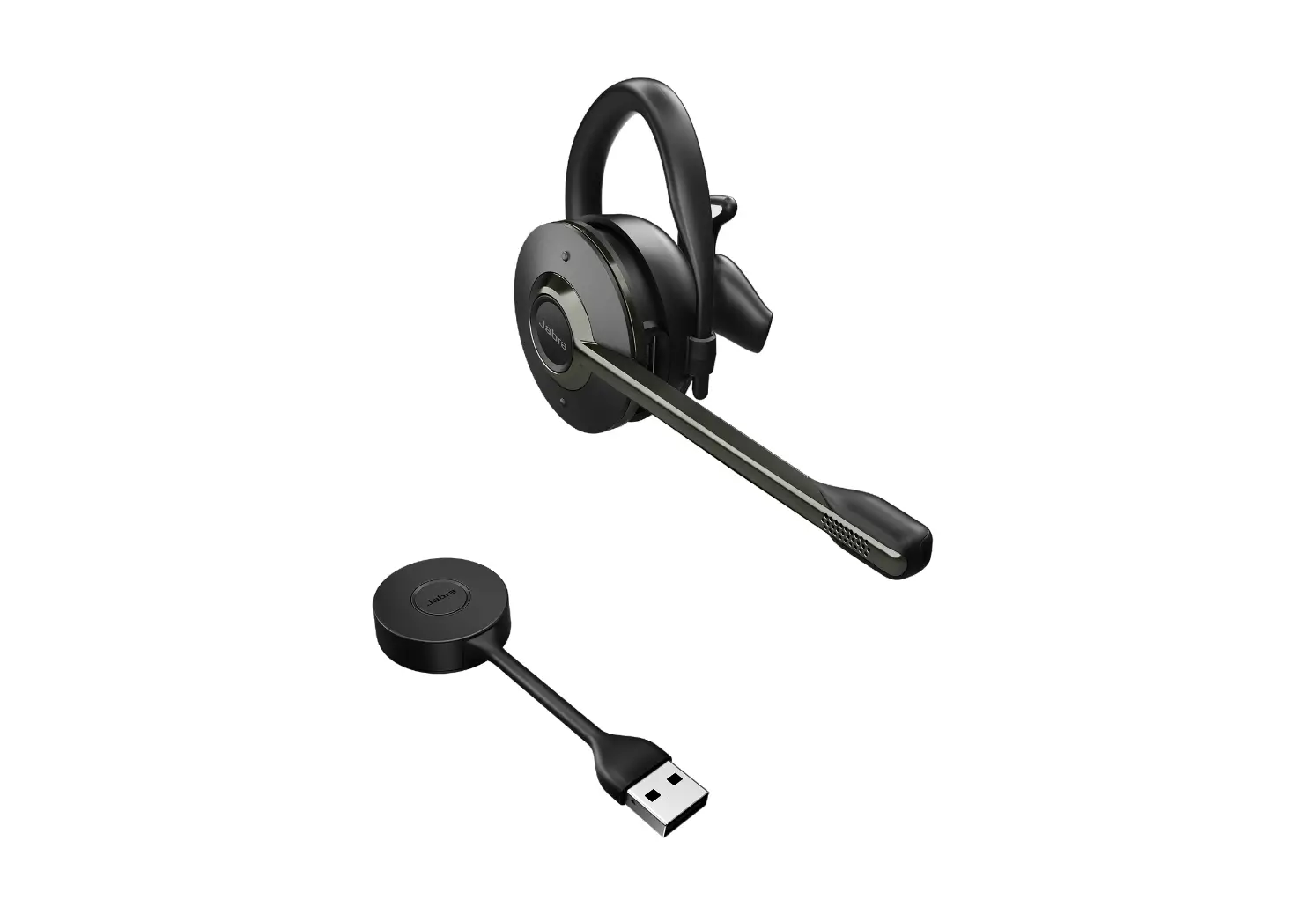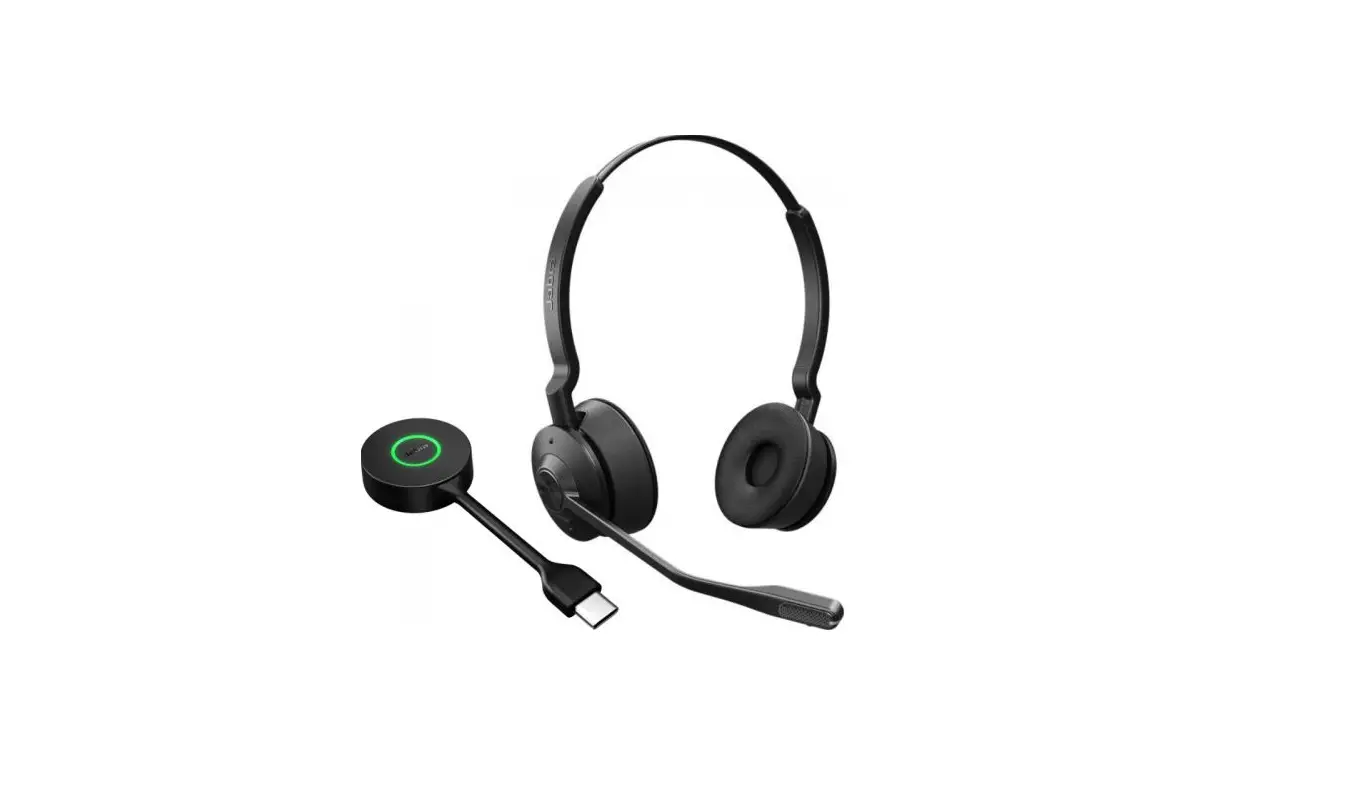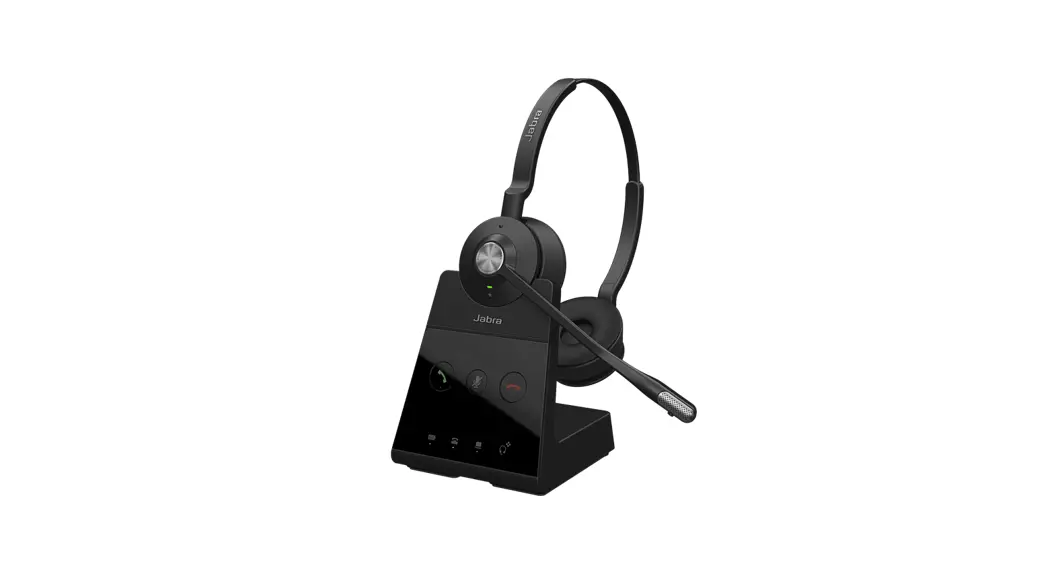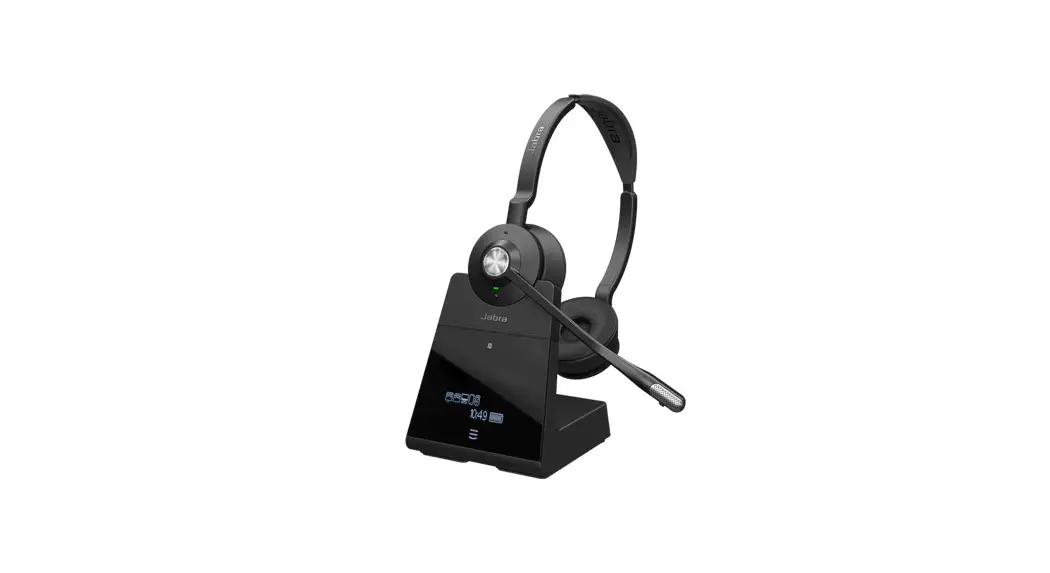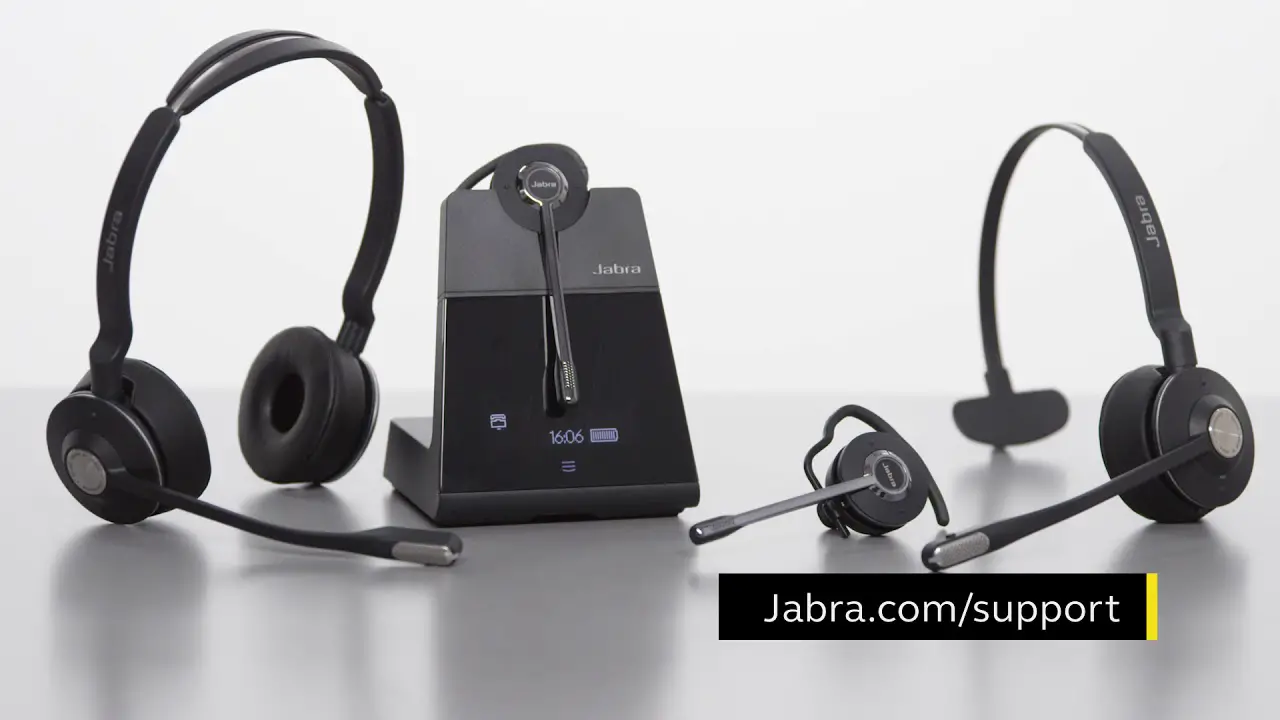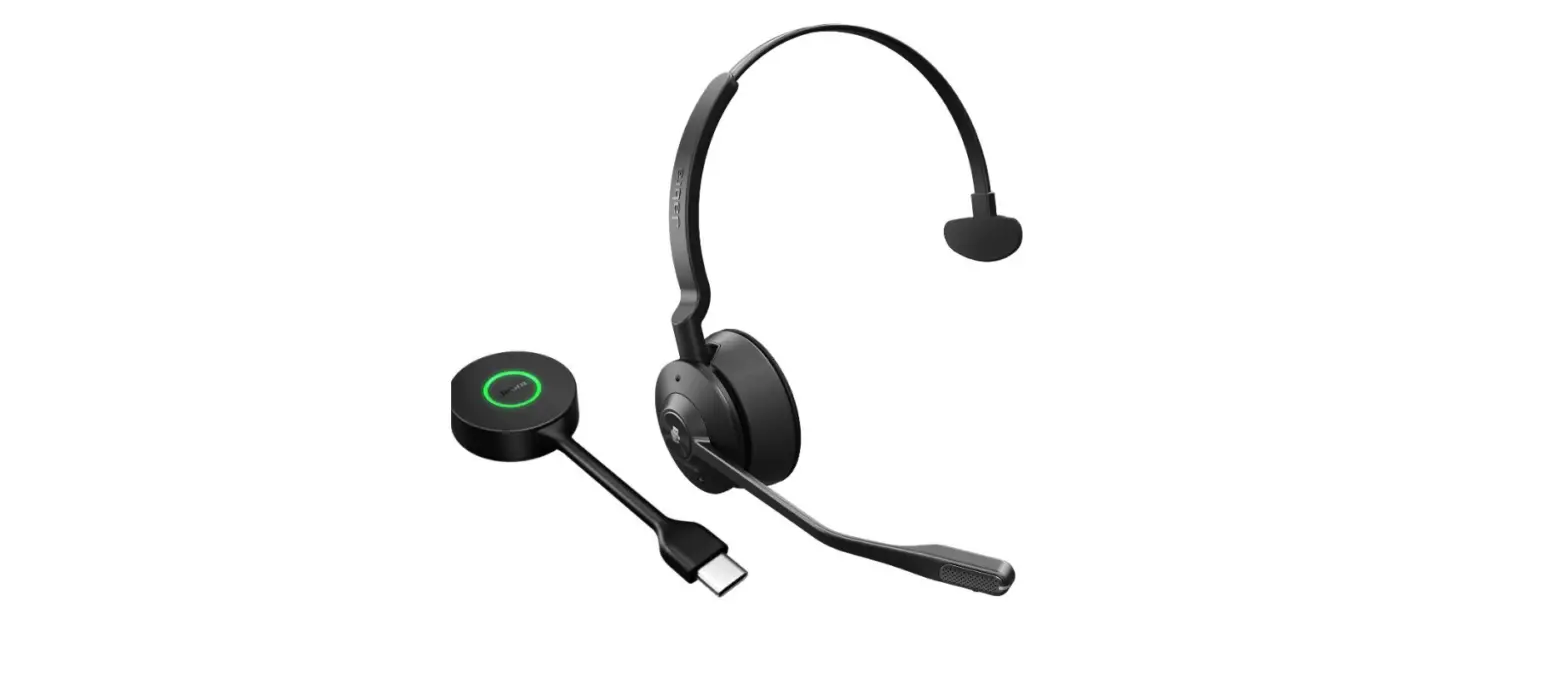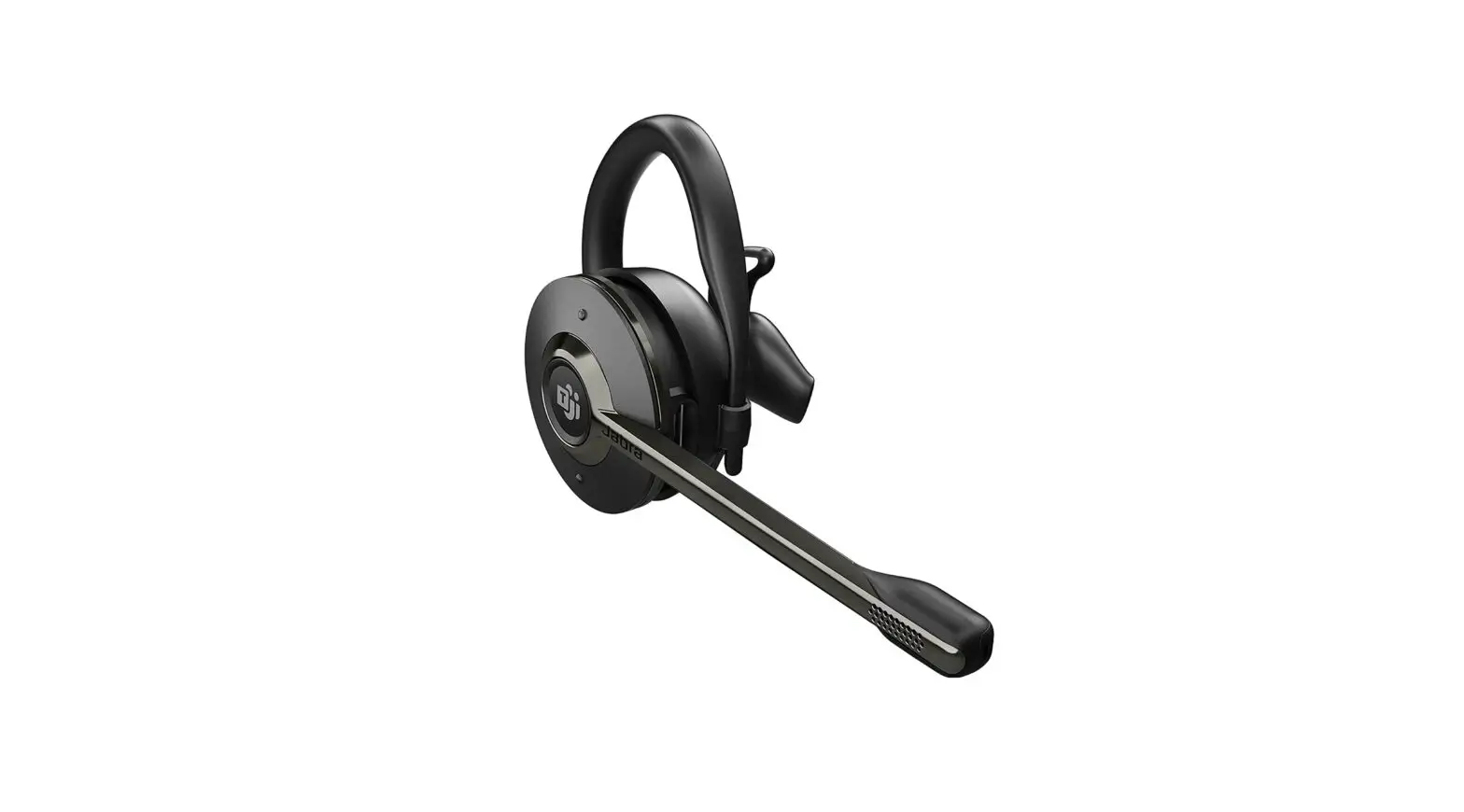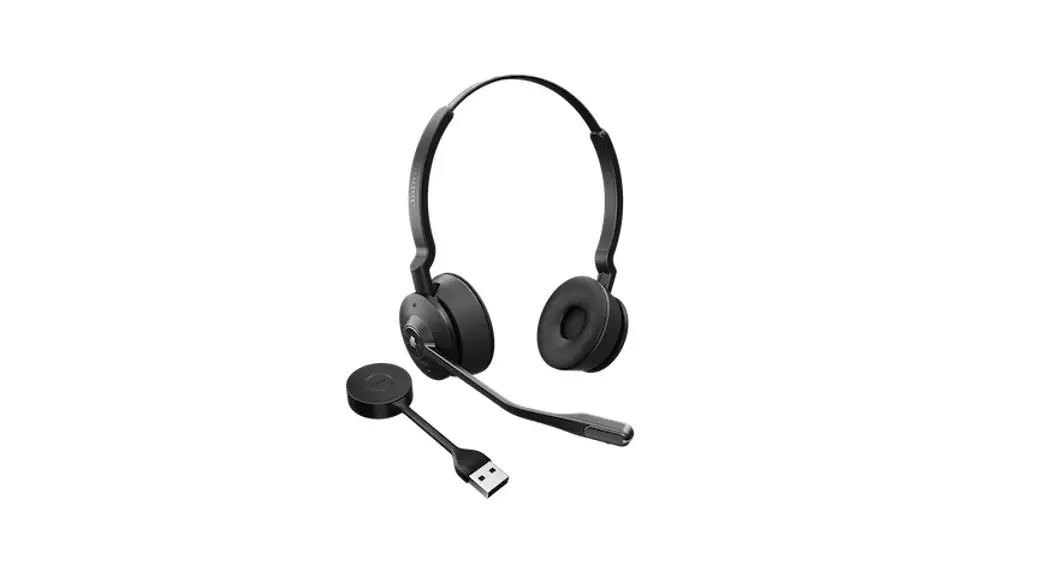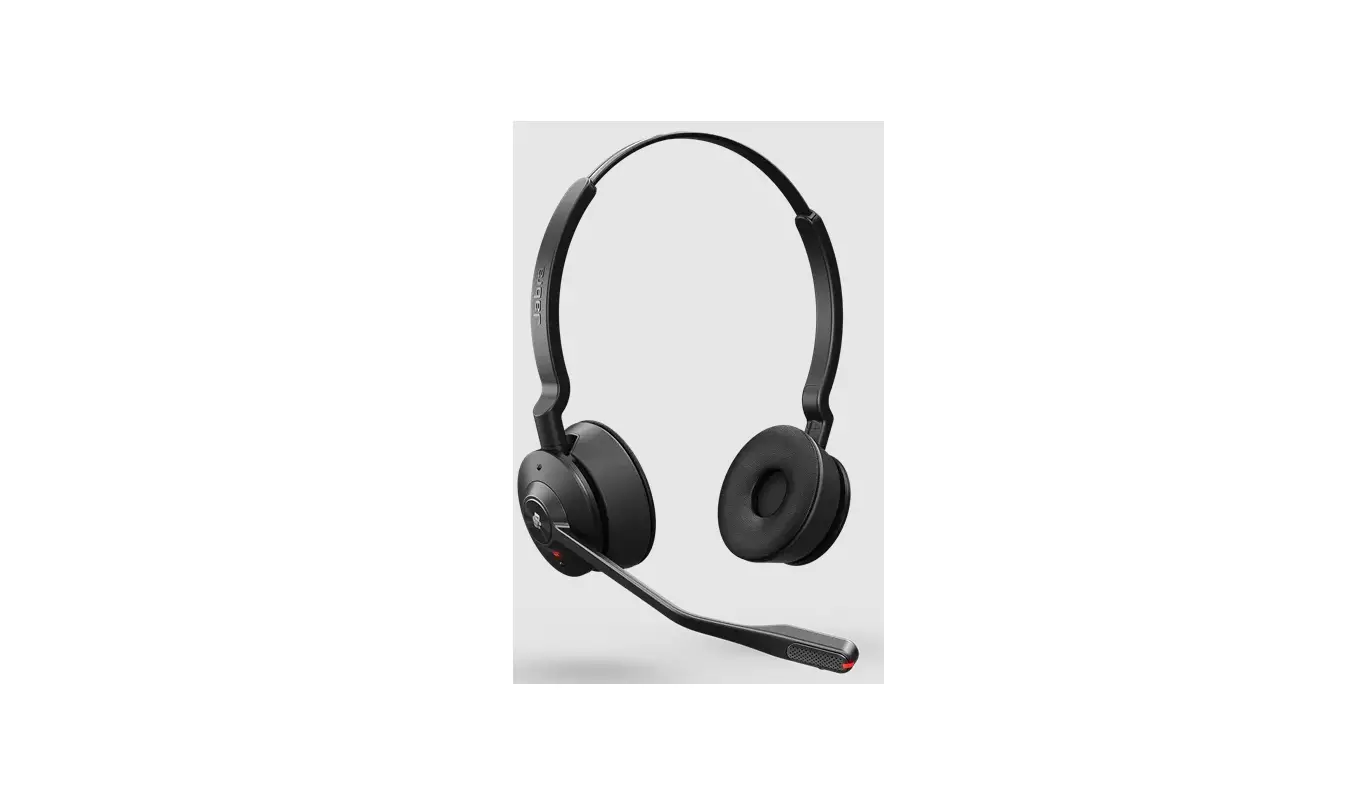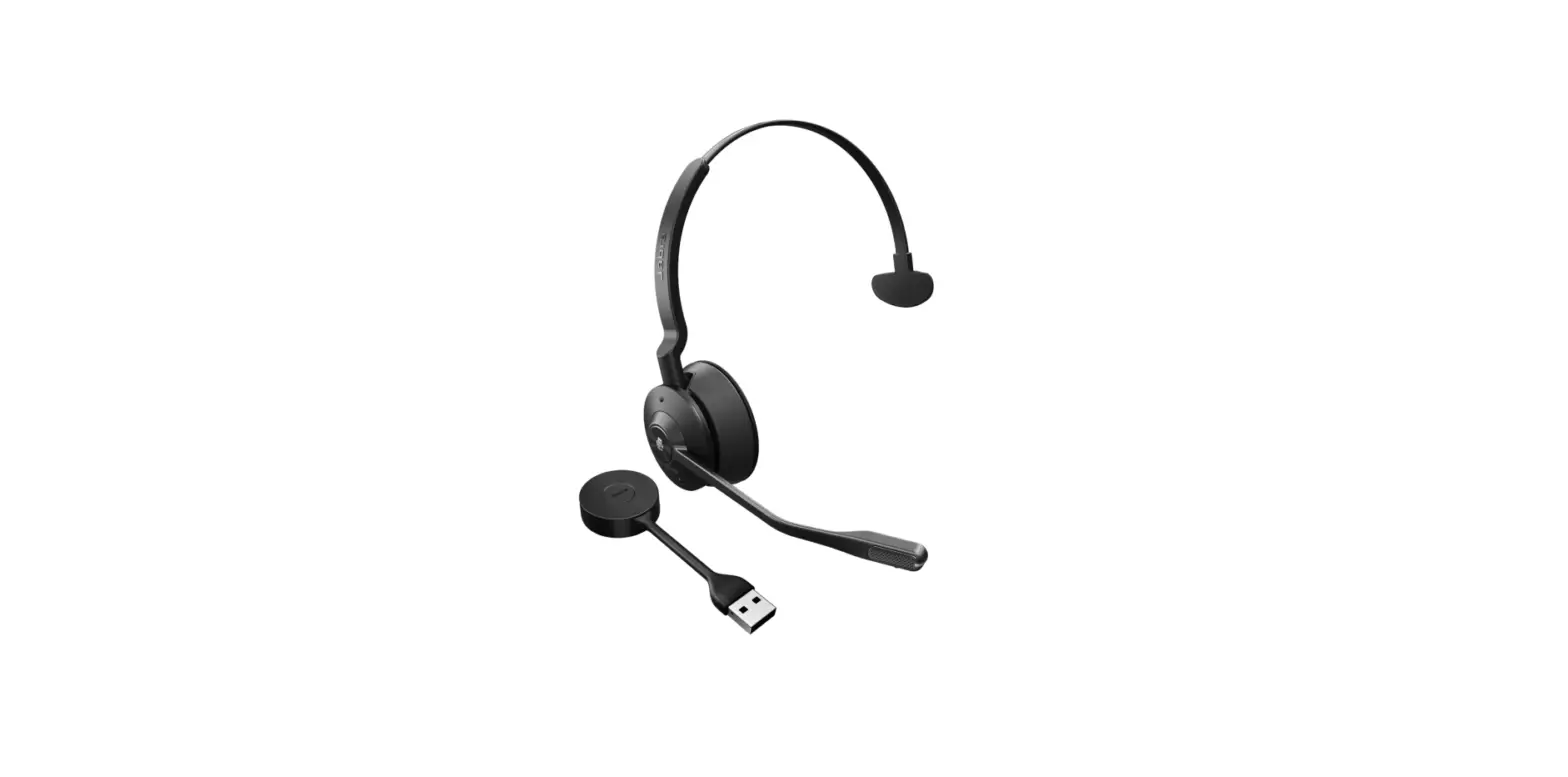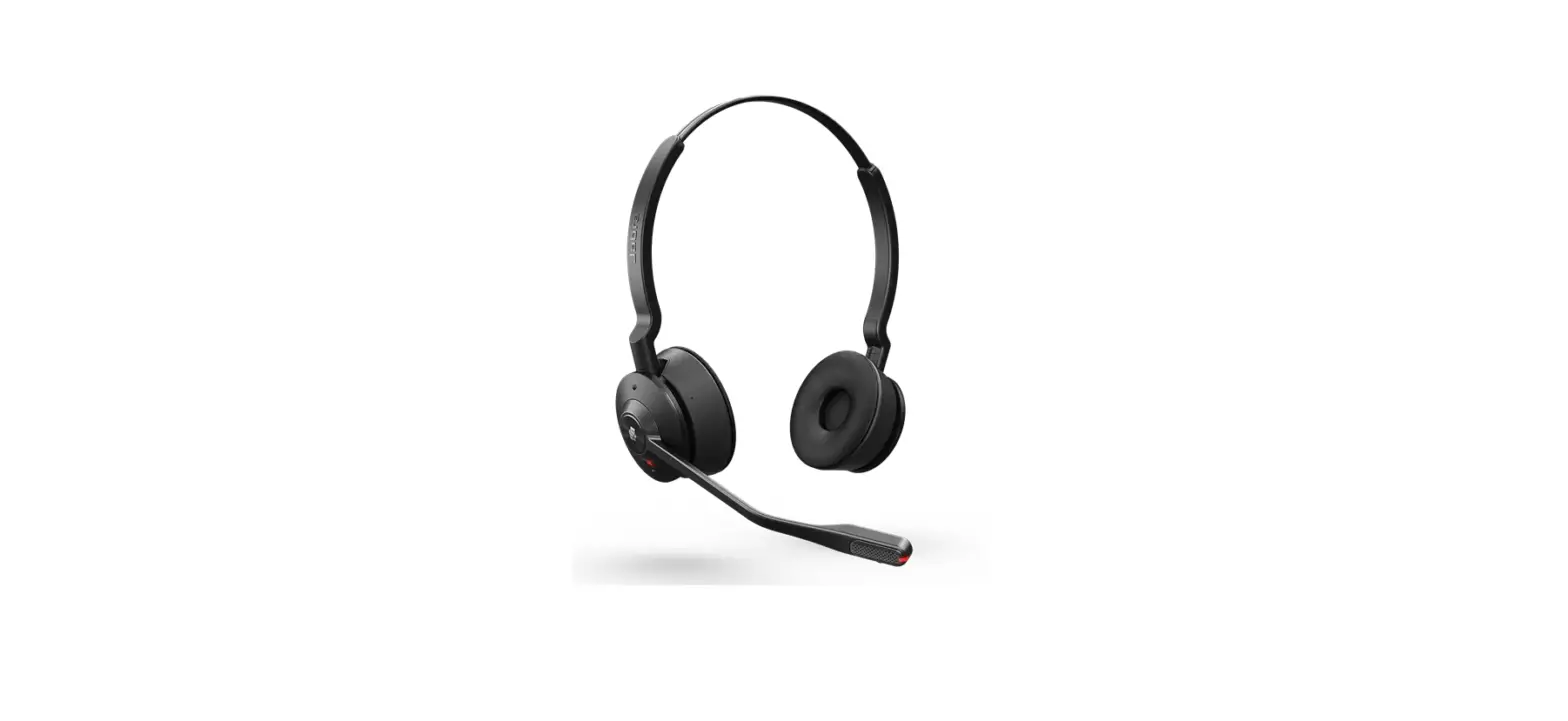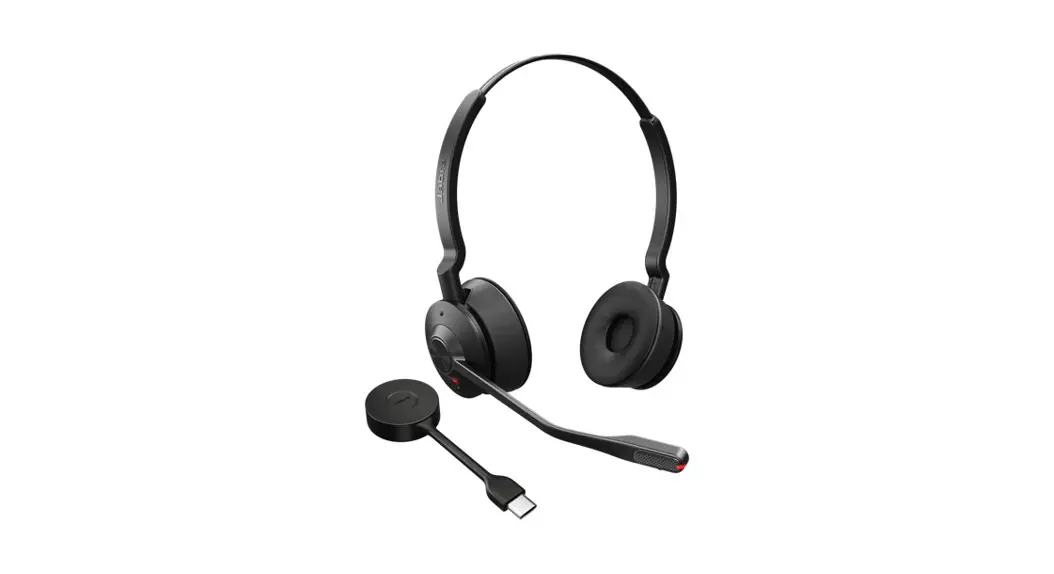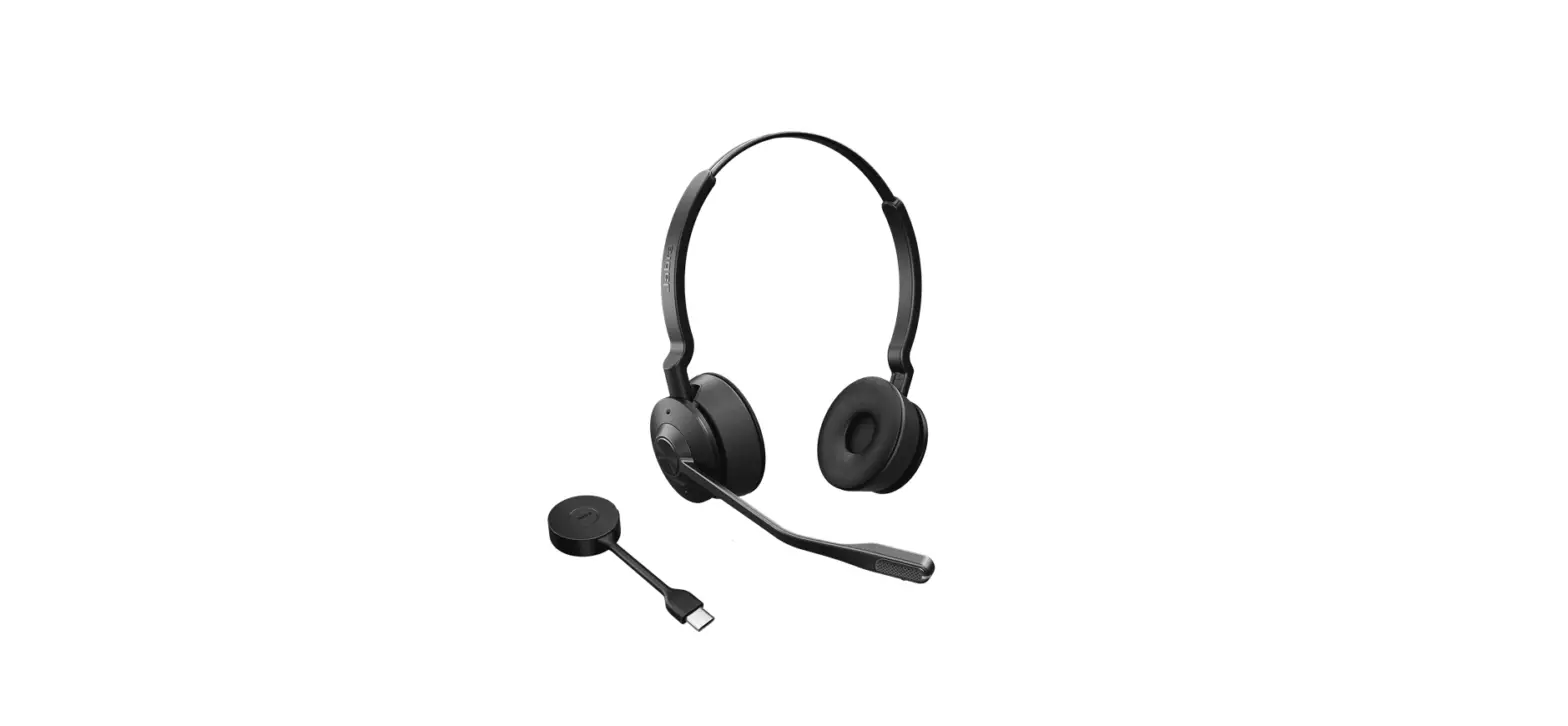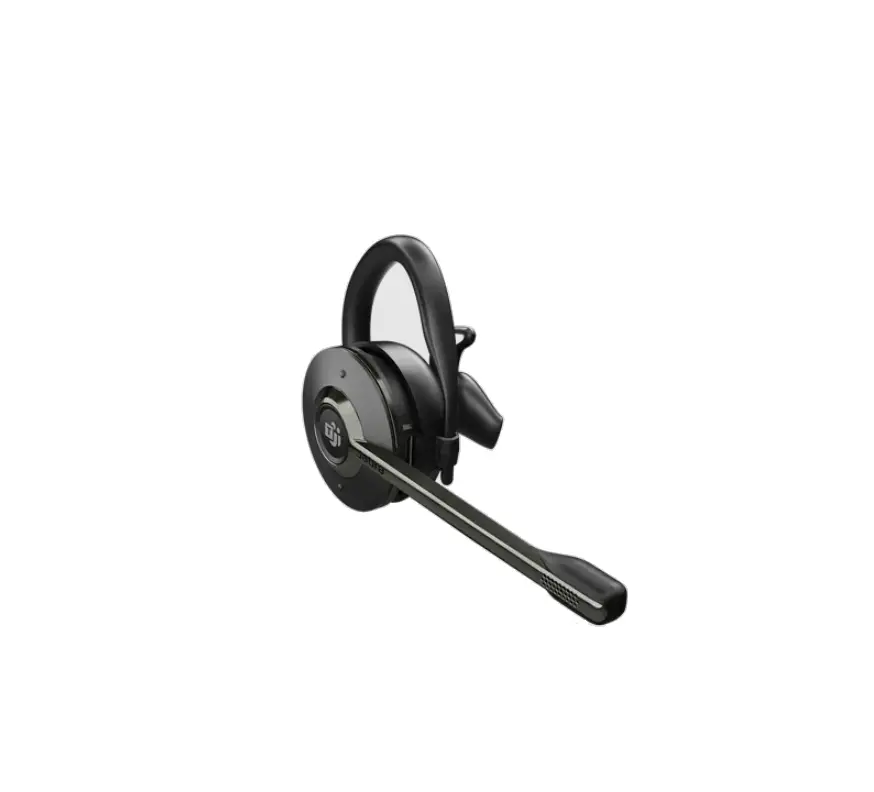
Jabra Engage 55 USB-C MS Convertible Wireless Headset
How do I manually pair a headset with the Jabra Link 400
To manually pair a headset with the Jabra Link 400, follow these steps.
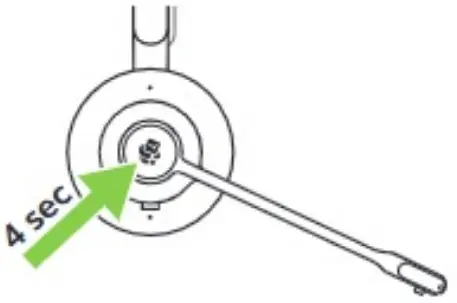
- Ensure the headset is turned off. To turn off the headset, press and hold (4 seconds) the Call button.

- Press and hold (4 seconds) the Call button until the LED flashes blue and you hear a tone. The headset is now ready to pair.

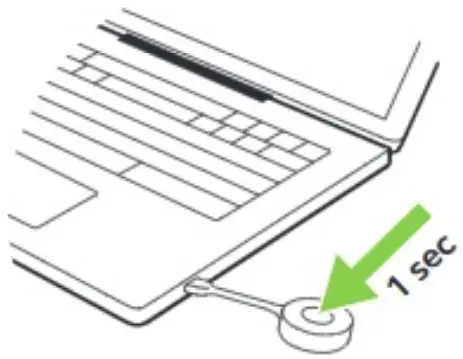
- Press and hold the button on the Jabra Link 400 DECT adapter until the LED turns solid blue. It may take up to 20 seconds for the pairing to complete.

 [FAQTitle] | Jabra Engage 55 - USB-C MS Convertible | FAQ | Jabra Support