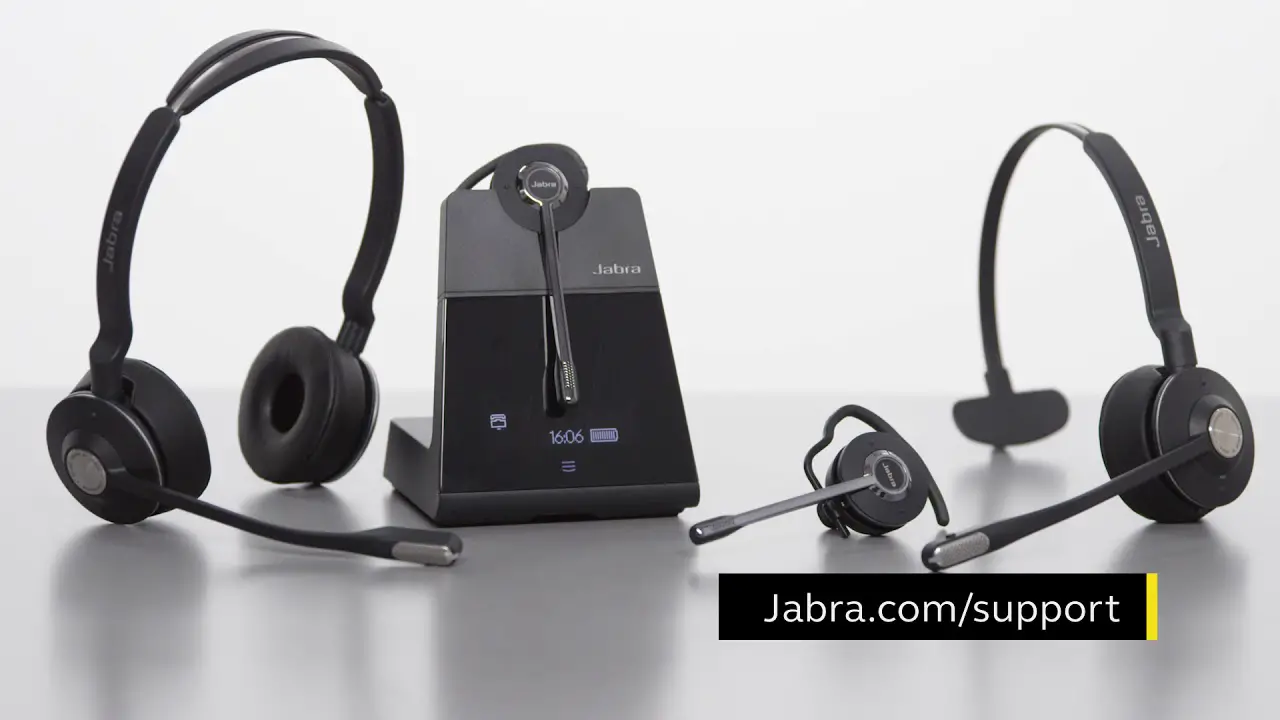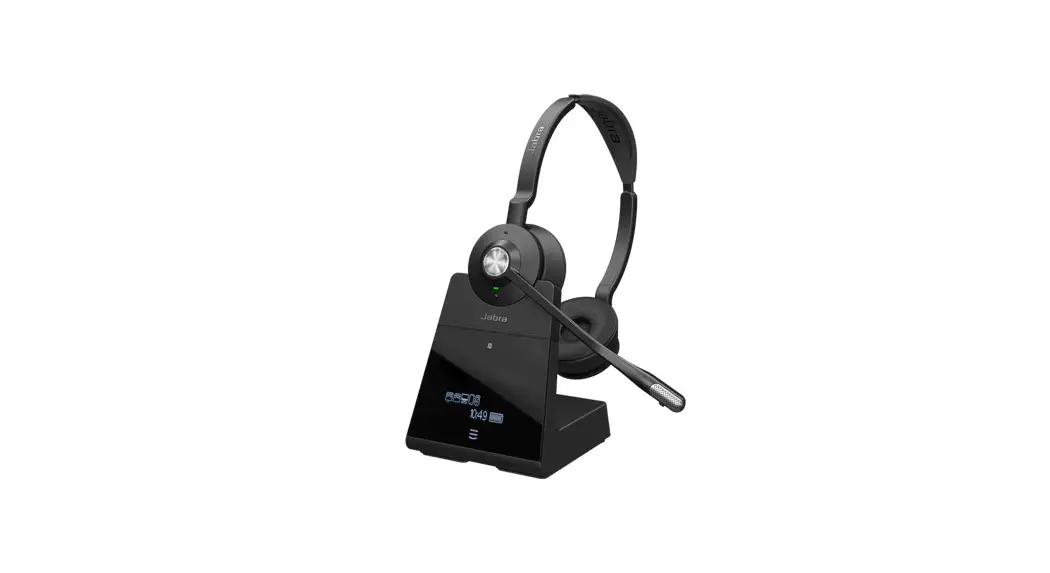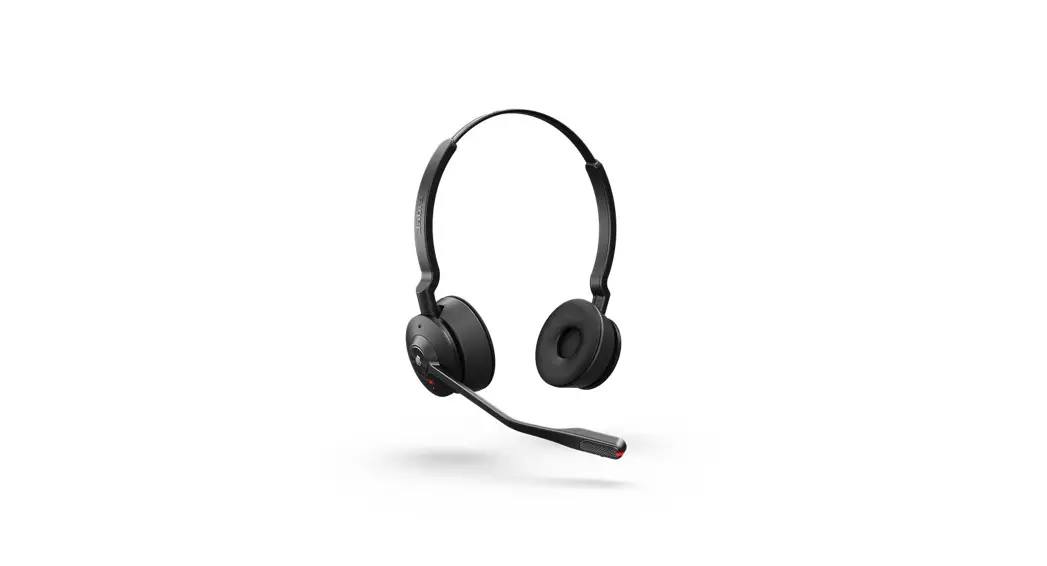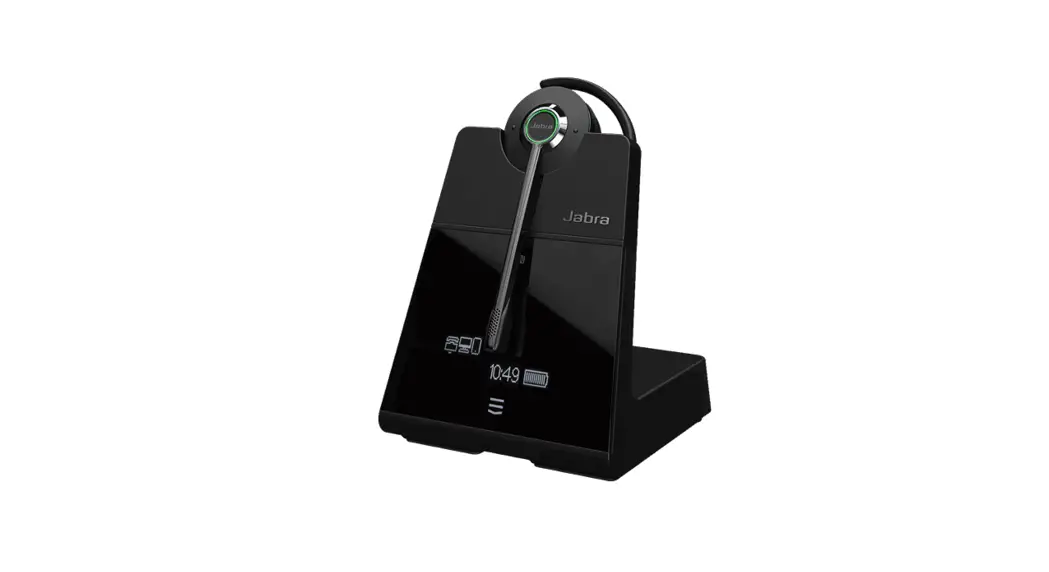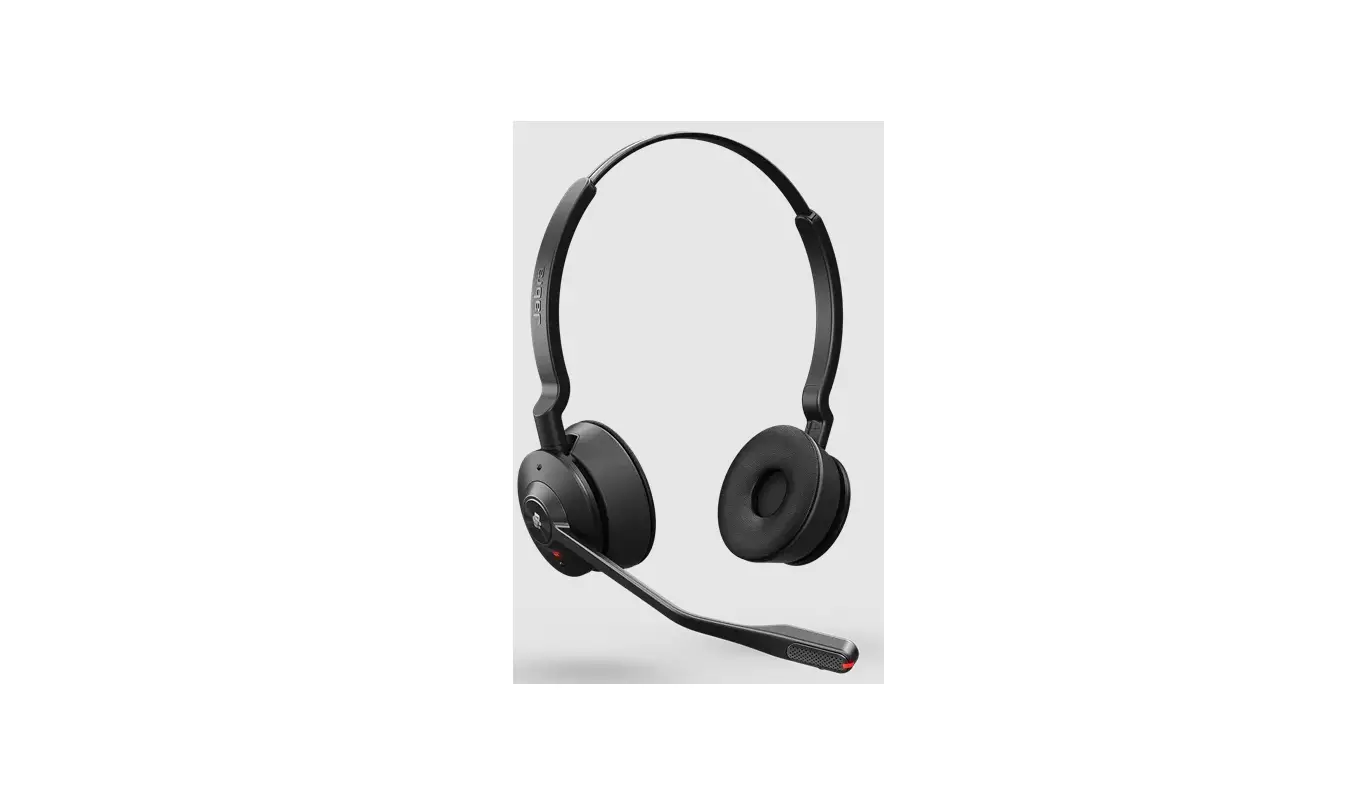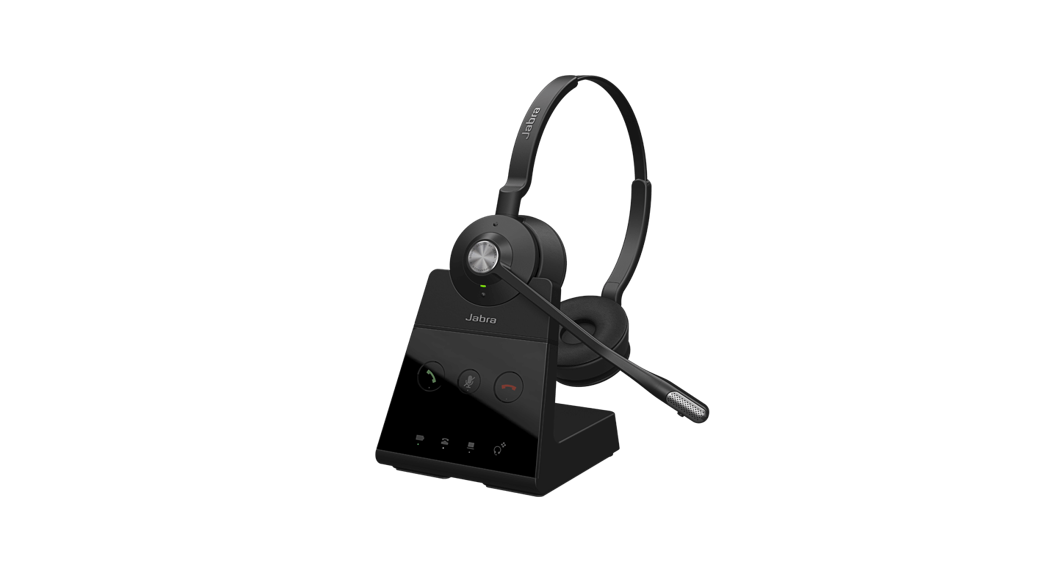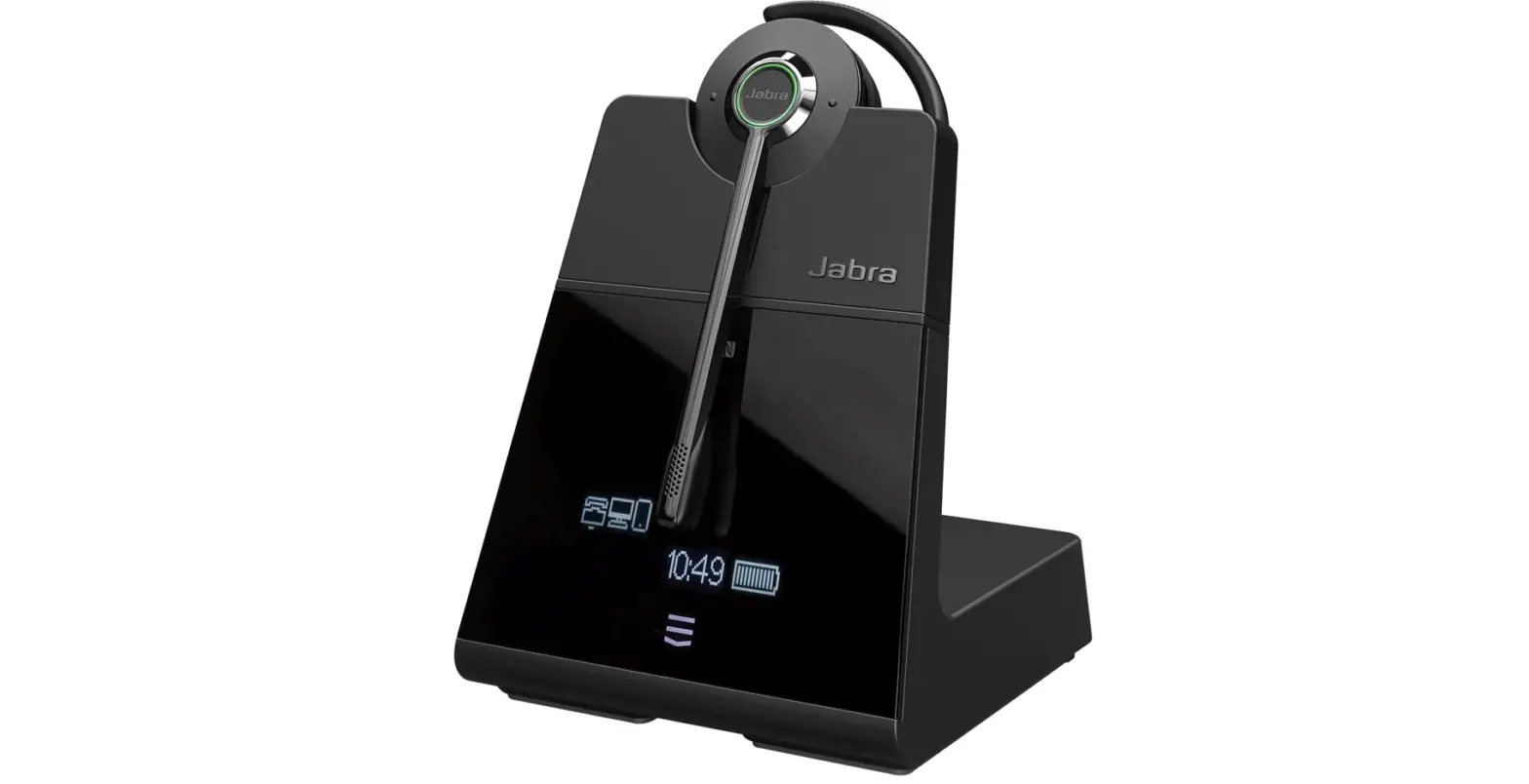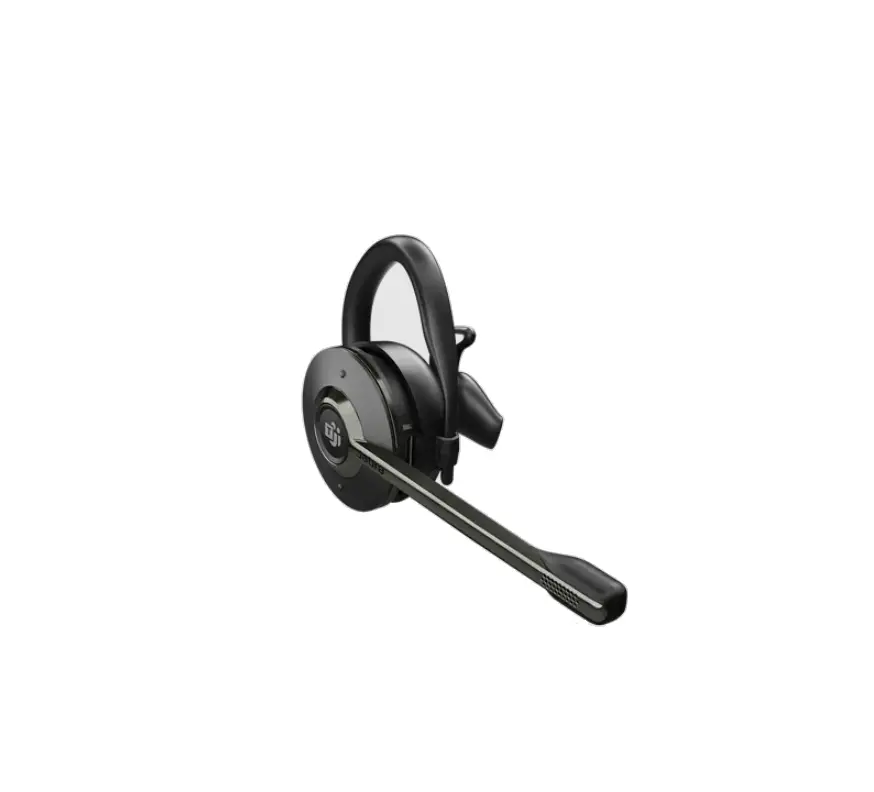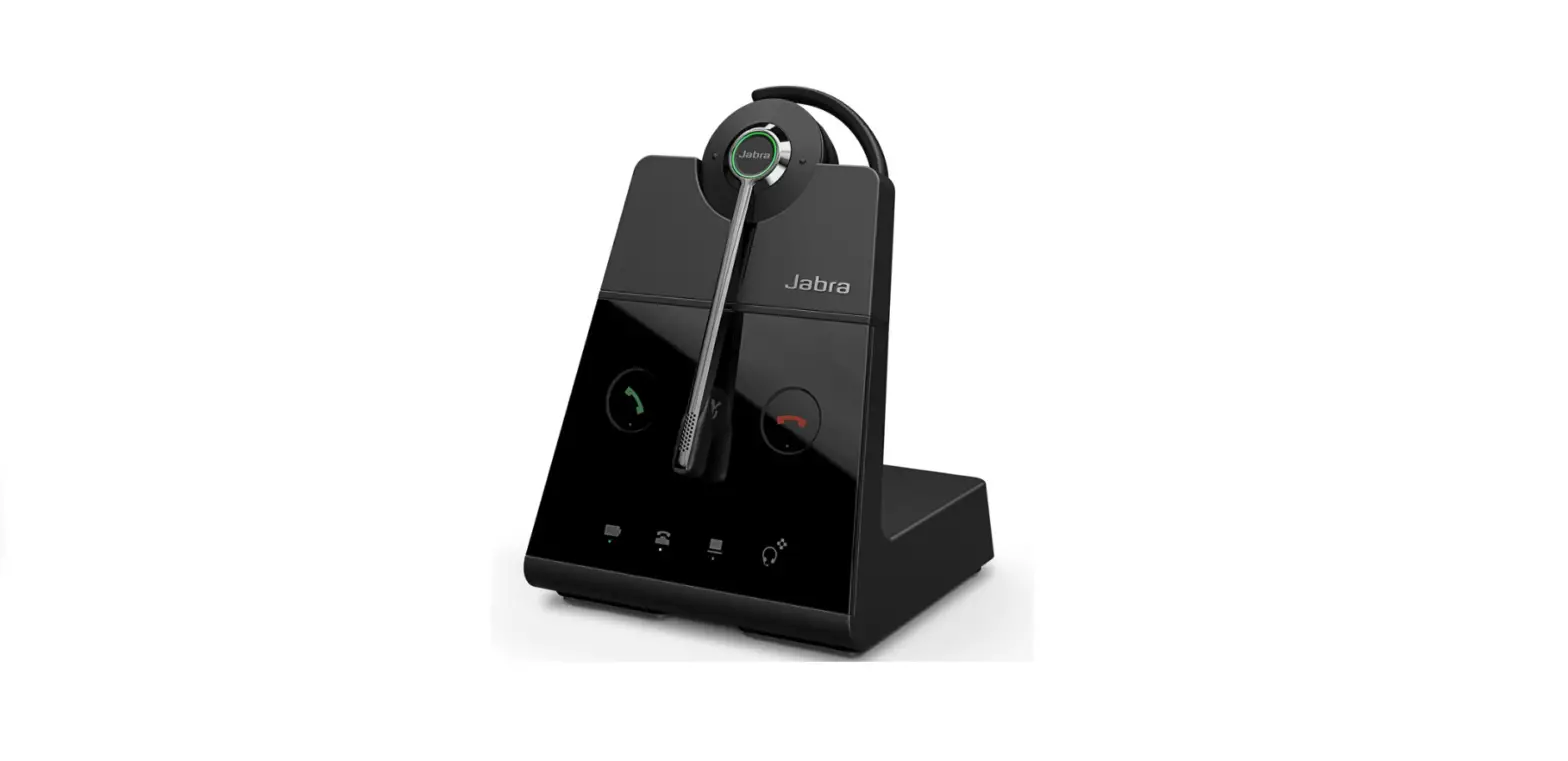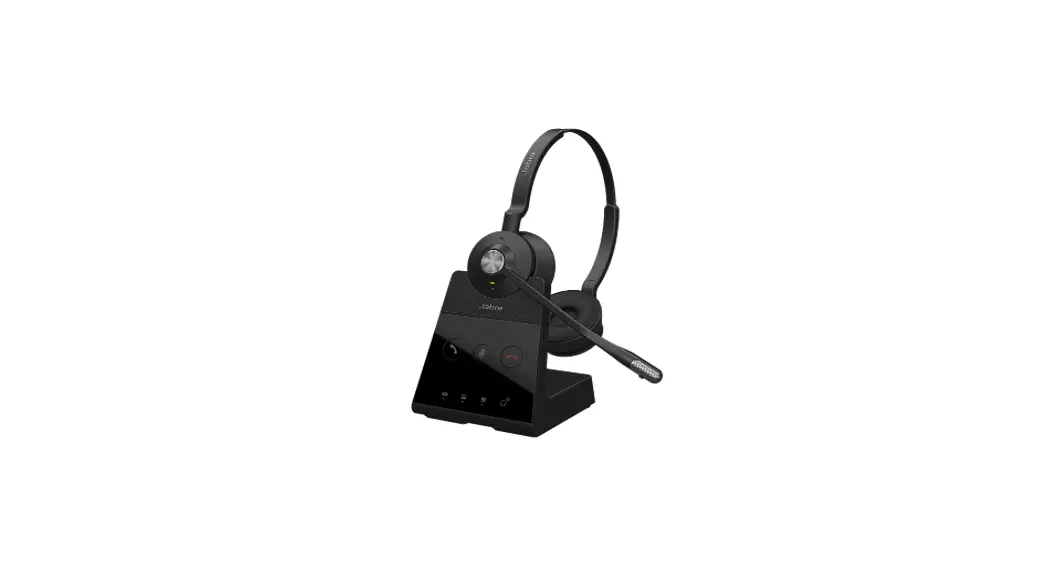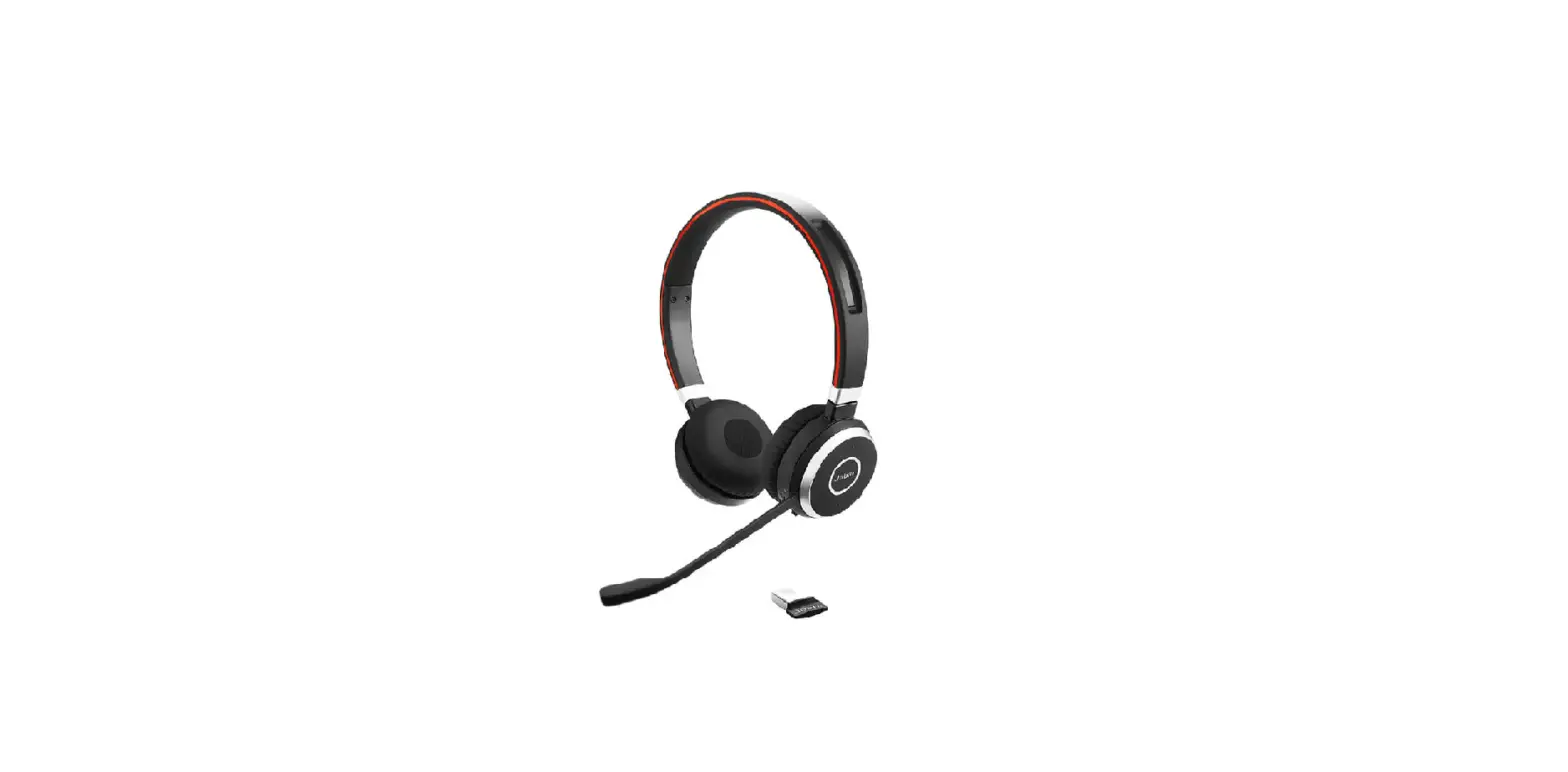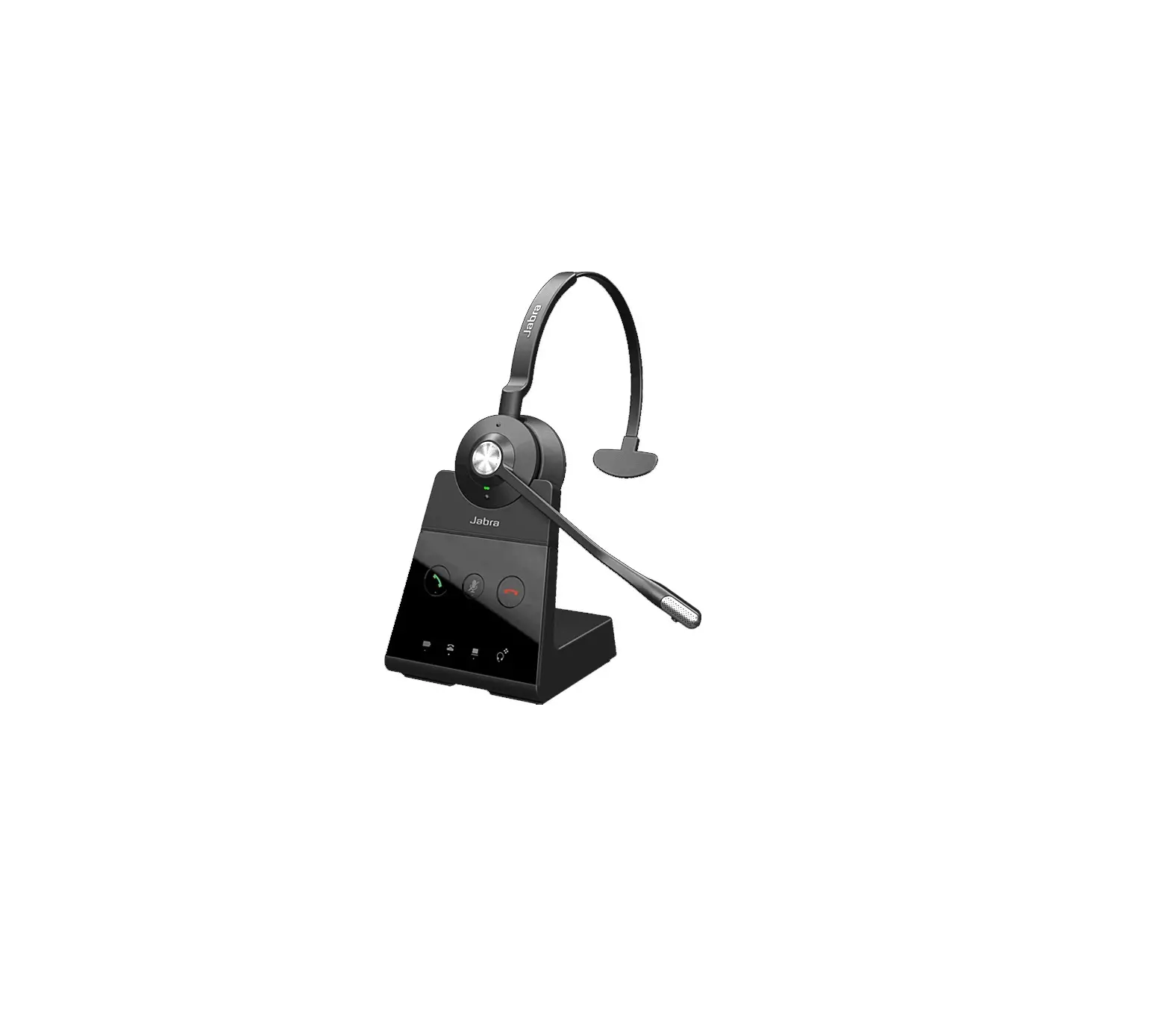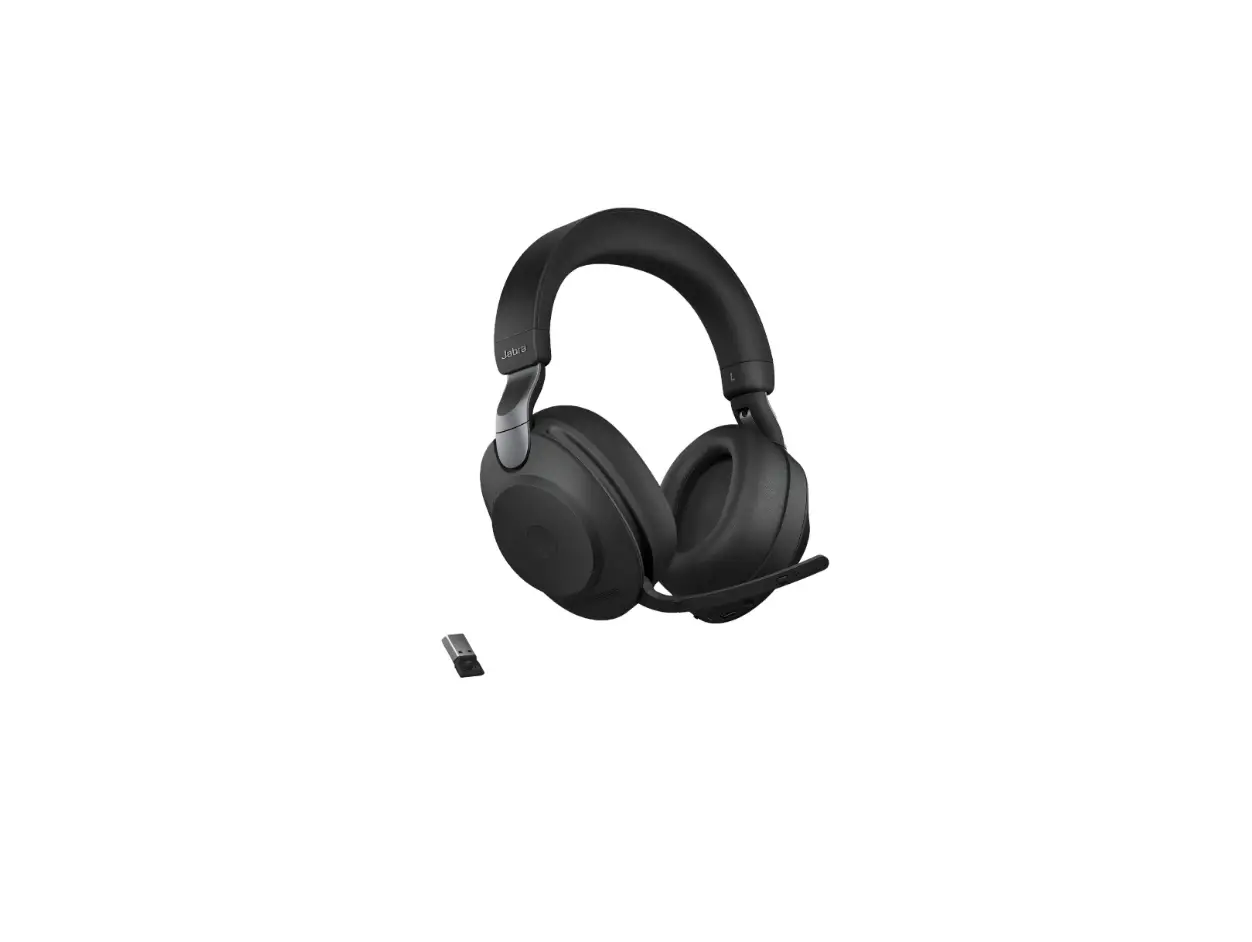
 Jabra Engage 65 Convertible
Engage 65 Convertible Wireless Headset
How do I connect my Jabra Engage with my Nortel IP 1120E, 1140E, 1150E, 1165E desk phone so I have remote call control using my headset?
Prerequisites
- Jabra Link 14201-32 electronic hook switch (EHS) cable
- One of the following Nortel IP phones: 1120E, 1140E, 1150E, 1165E
To connect your headset:
- Connect the USB plug of the Jabra EHS adapter into the USB port of your desk phone.
- Connect the 2-sided end of the Jabra EHS adapter into the Jabra base by plugging the RJ10 (small) plug into the port marked with a blue phone icon, and the RJ45 (wide) plug into the base port marked AUX.
To configure your headset when connecting to a desk phone for the first time:
- For the Jabra Engage 75, follow the onscreen setup wizard on the base.
- For the Jabra Engage 65, the initial setup is complete after connecting the cables.
See the user manual located in the Technical Documents section for more details about setting up the desk phone.
Use Jabra Direct, the computer application that is available free of charge, to learn more about your Jabra product. Use Jabra Direct to adjust features and functions according to personal preference or company requirements. Also ensure your Jabra product is updated to get the latest performance. Visit jabra.com/direct for more information.
Additional setup information for your Jabra products:
- EHS cable/adapter type: DHSG.
- Clear dial tone switch: set to position “A”.
- We recommend setting the microphone volume to “7” out of 13.
Phone settings:
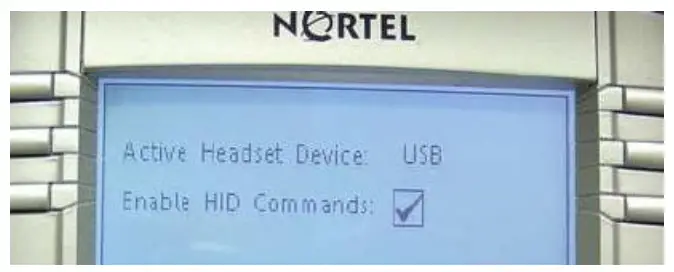
Press the Service button twice and then navigate to Preset >Headsets>USB. In addition, you must activate the menu option Enable HID Commands as illustrated.
https://www.jabra.com.au/supportpages/jabra-engage-65/9555-553-
117/faq/1fbb9a2773f3-49c0-8496-ef9e57110e1b
05/07/2022 19:42
References
 Jabra Direct - Engineered to optimize and personalize your headset
-
[FAQTitle] | Jabra Engage 65 Convertible | FAQ | Jabra Support
-
How do I connect my Jabra Engage with my Nortel IP 1120E, 1140E, 1150E, 1165E desk phone so I have remote call control using my headset? | Jabra Engage 65 Convertible | FAQ | Jabra Support
-
[FAQTitle] | Jabra Engage 65 Convertible | FAQ | Jabra Support
-
What do the buttons and icons on the Jabra Engage 65 base mean? | Jabra Engage 65 Convertible | FAQ | Jabra Support
-
[FAQTitle] | Jabra Engage 65 Convertible | FAQ | Jabra Support
-
How do I use the conference call mode with my Jabra Engage 65? | Jabra Engage 65 Convertible | FAQ | Jabra Support
 Jabra Direct - Engineered to optimize and personalize your headset
 [FAQTitle] | Jabra Engage 65 Convertible | FAQ | Jabra Support
 [FAQTitle] | Jabra Engage 65 Convertible | FAQ | Jabra Support