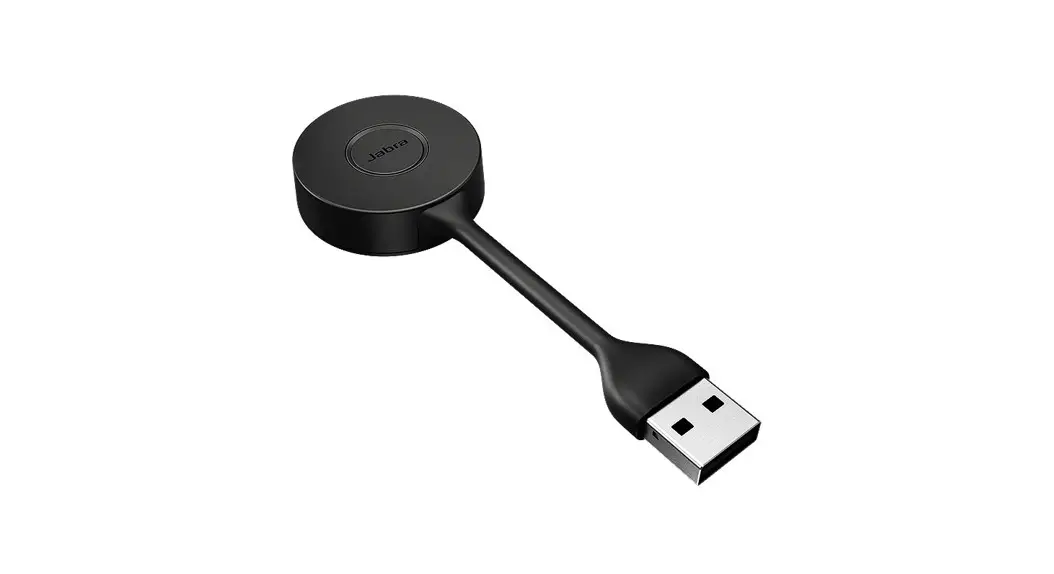
Jabra Engage Link USB-A UC Control Unit User Manual
Prerequisites
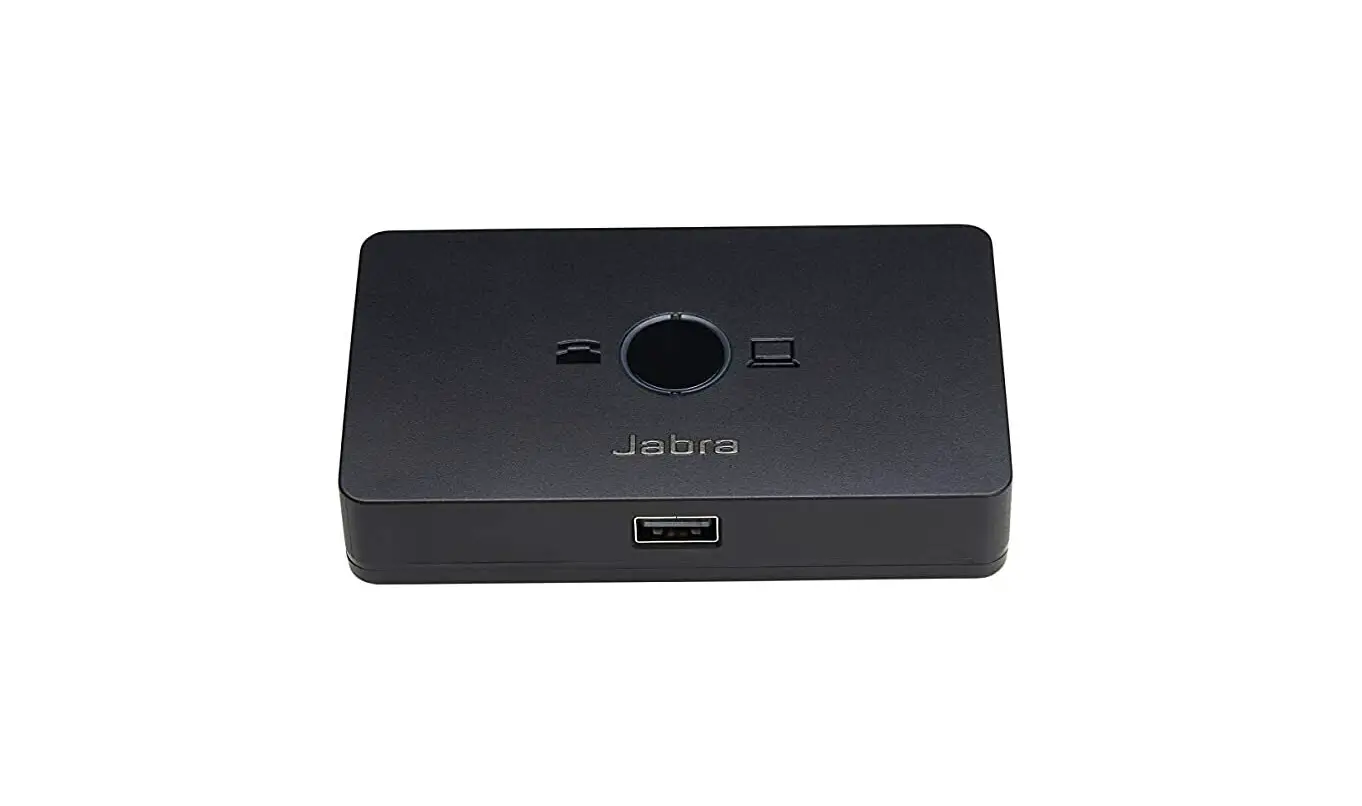
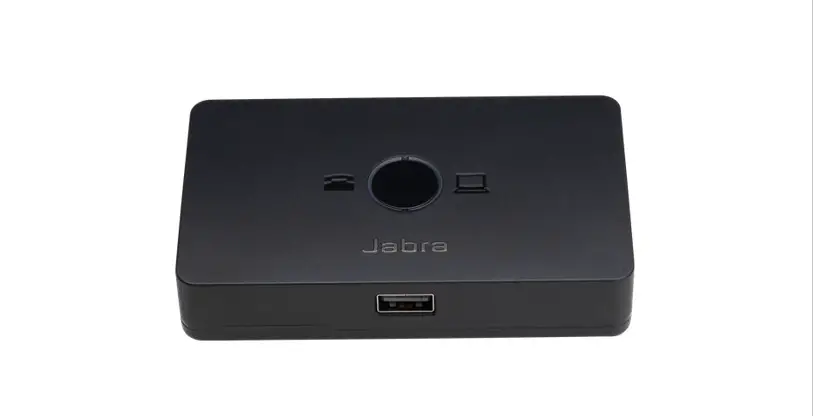
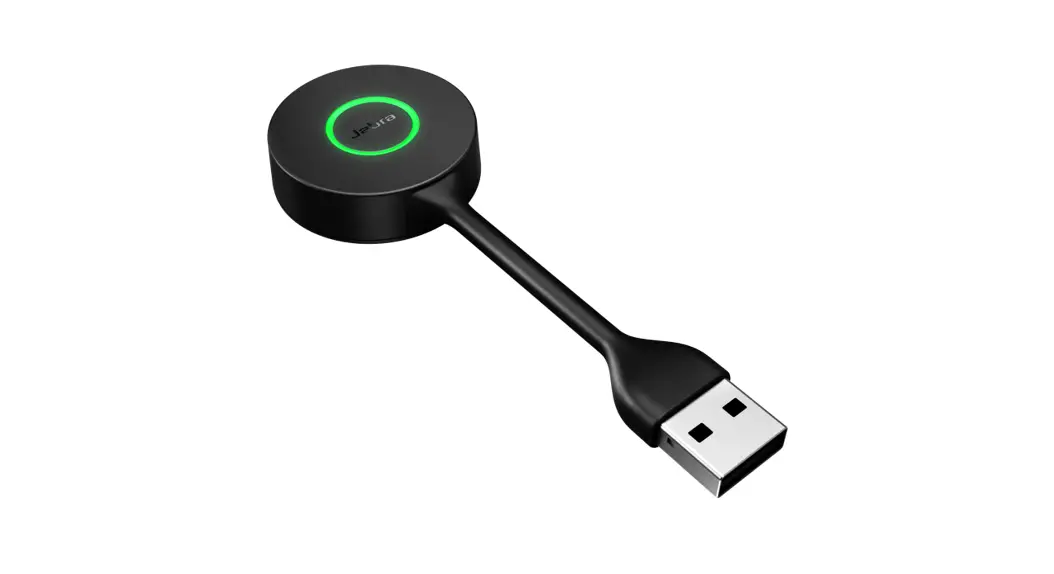
Jabra Engage Link
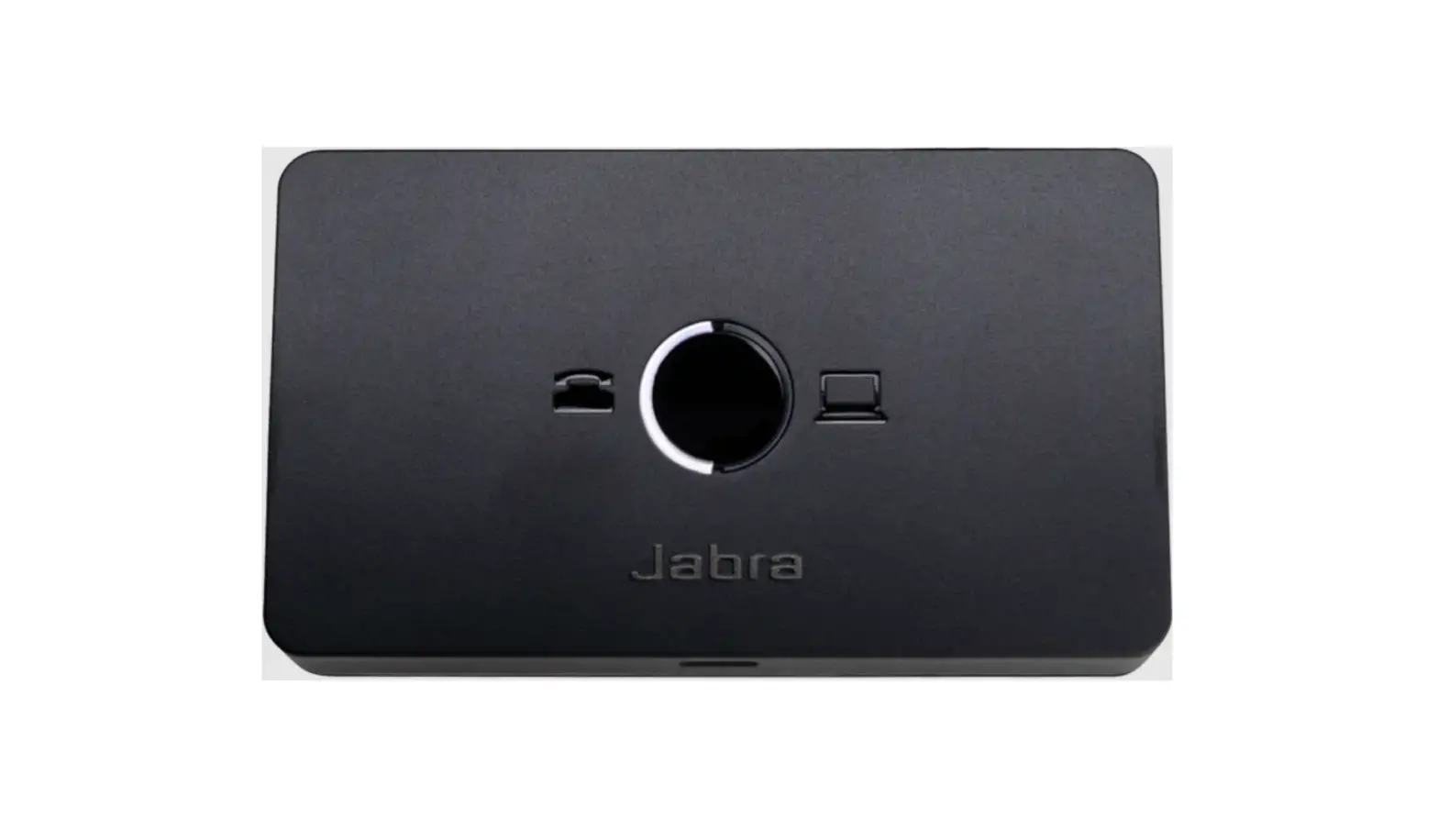
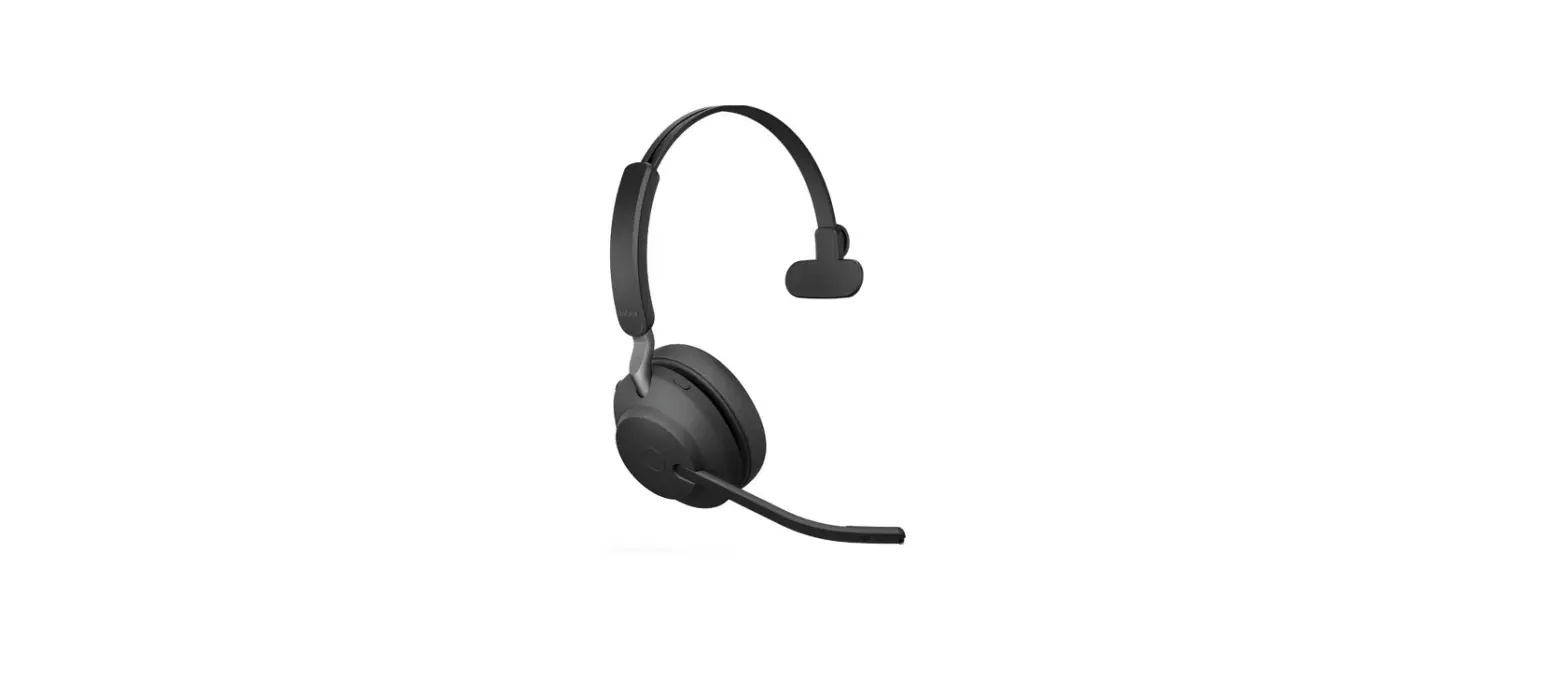
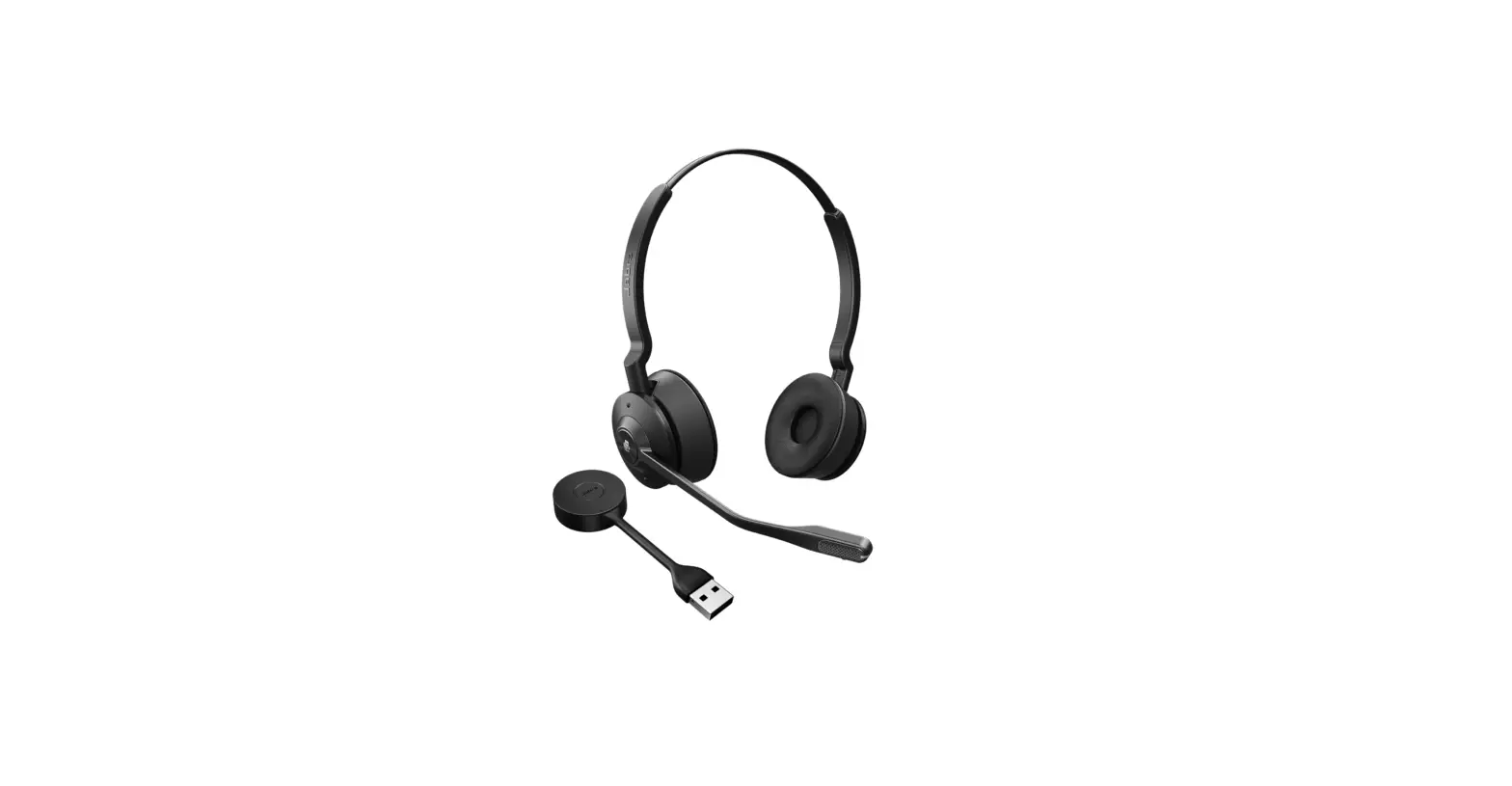
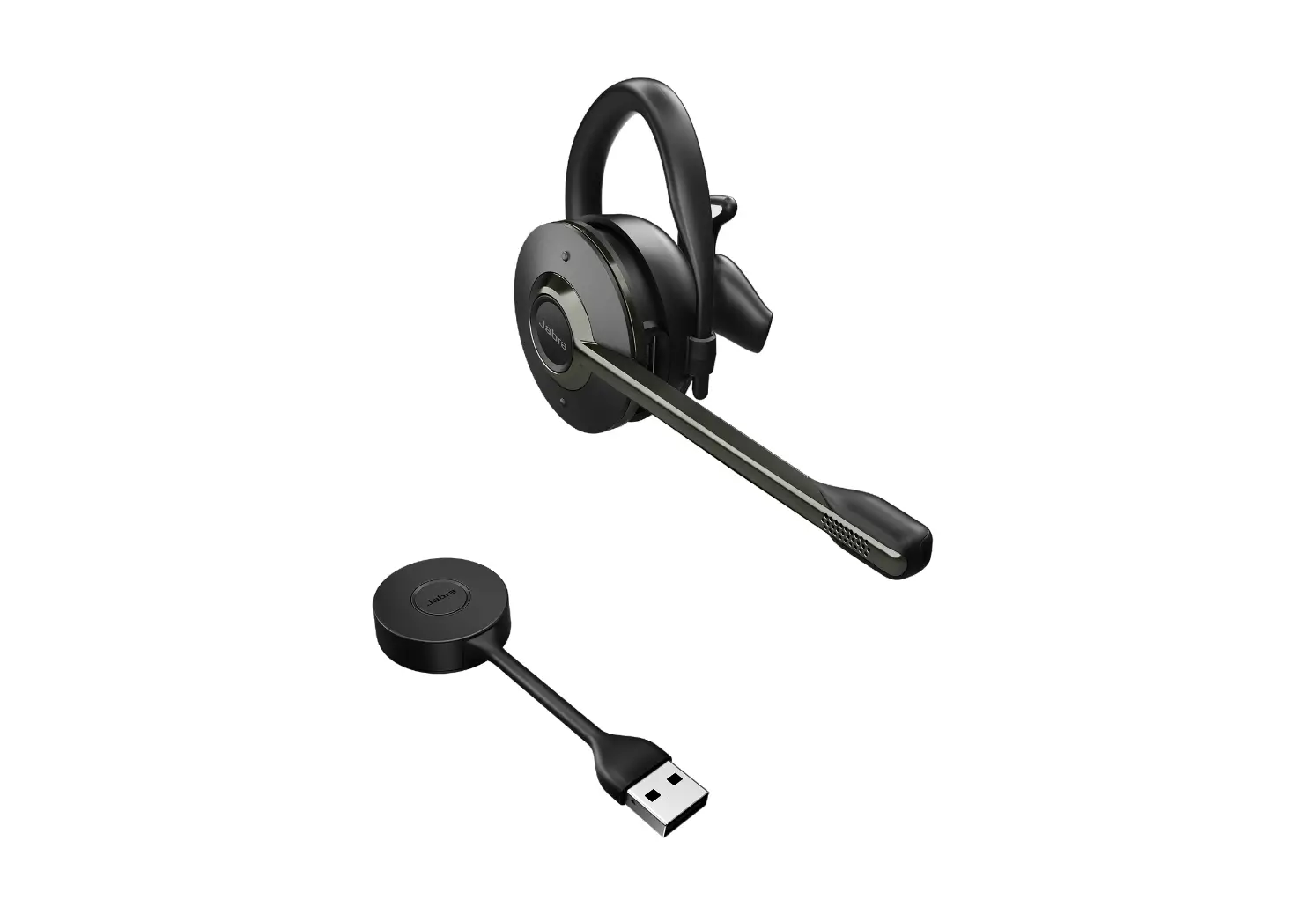
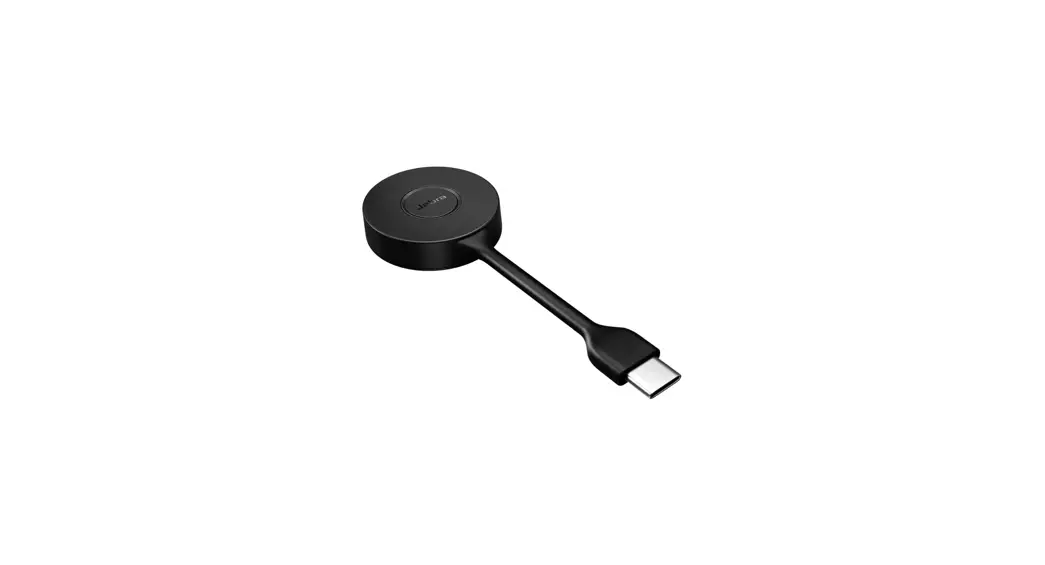
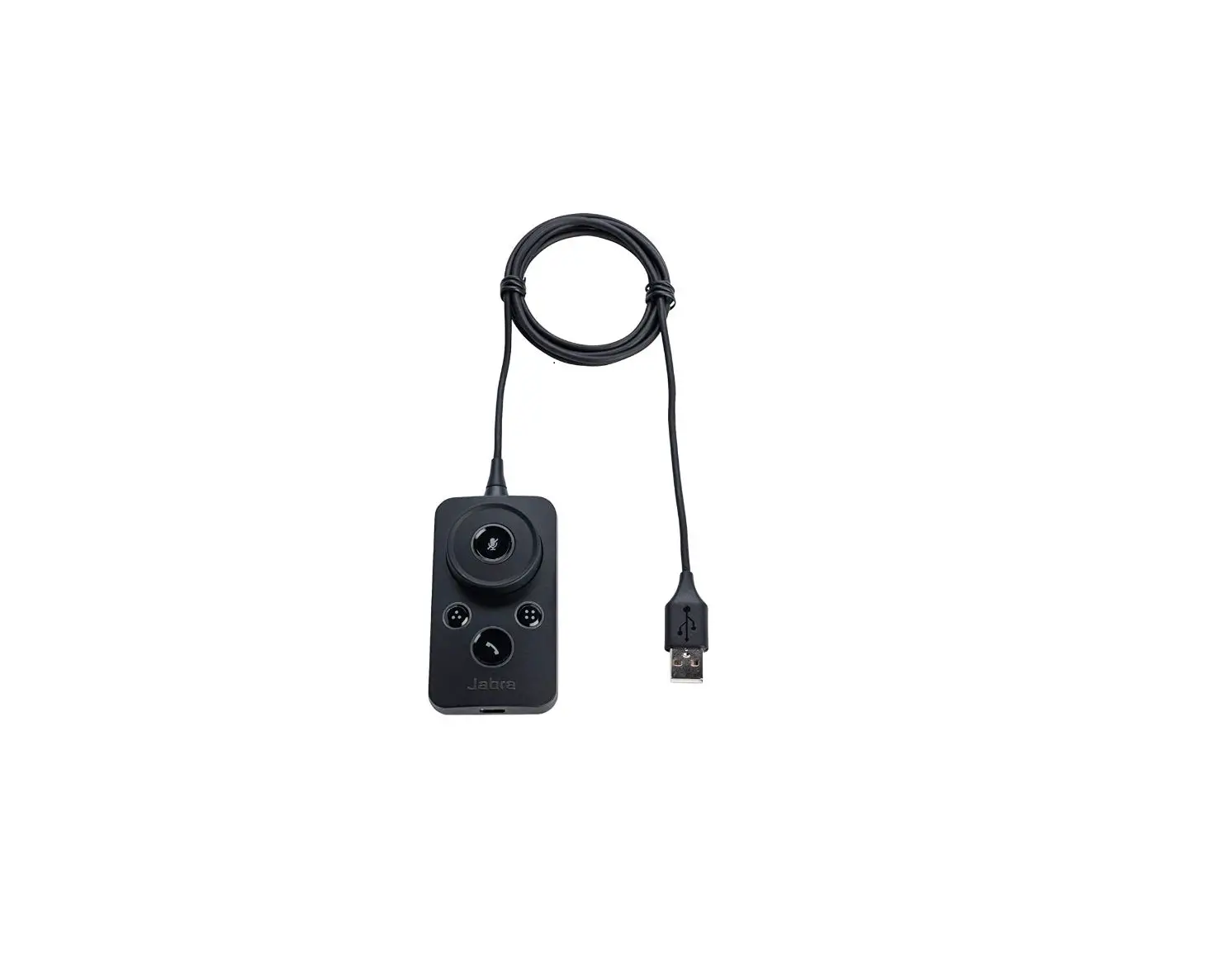
You can manually control the status light using the optional Jabra Engage Link control unit. You can, for example, change the status light to red to show others you are busy. The Jabra Engage Link also enables call control with many different softphone applications. For information about acquiring the Jabra Engage Link, go to Jabra Accessories.
Note You can turn off the status light function using Jabra Direct. Click Device Settings, Headset, and click Headset busy-light to turn the status light function off/on.
References
 Need an accessory for your Jabra headset ? or speakerphone ??
-
[FAQTitle] | Jabra Engage Link – USB-A UC | FAQ | Jabra Support
-
How do I manually control the status light on my Jabra Engage 50? | Jabra Engage Link – USB-A UC | FAQ | Jabra Support
-
Jabra Direct - Engineered to optimize and personalize your headset
 Need an accessory for your Jabra headset ? or speakerphone ??
 [FAQTitle] | Jabra Engage Link – USB-A UC | FAQ | Jabra Support