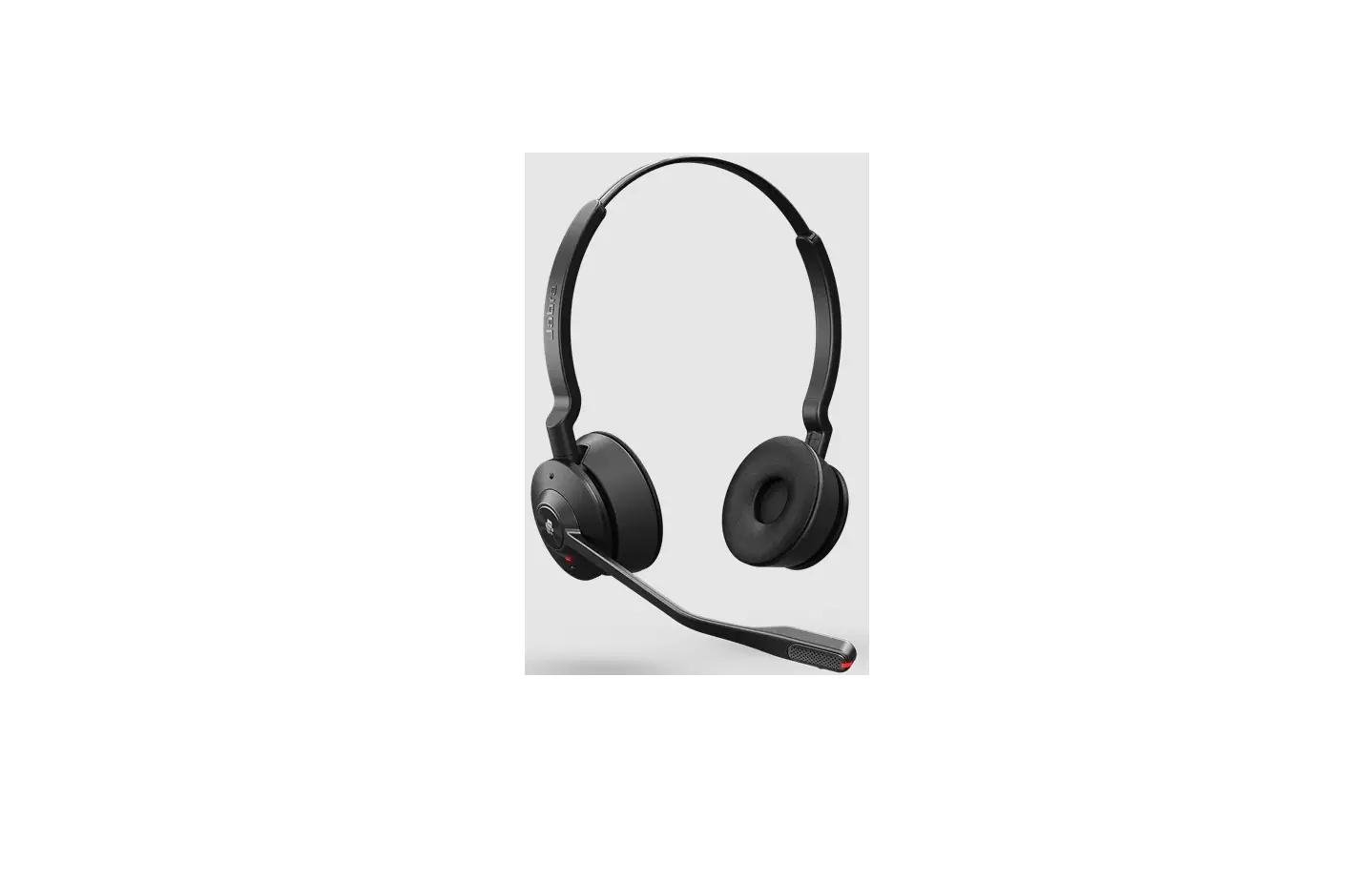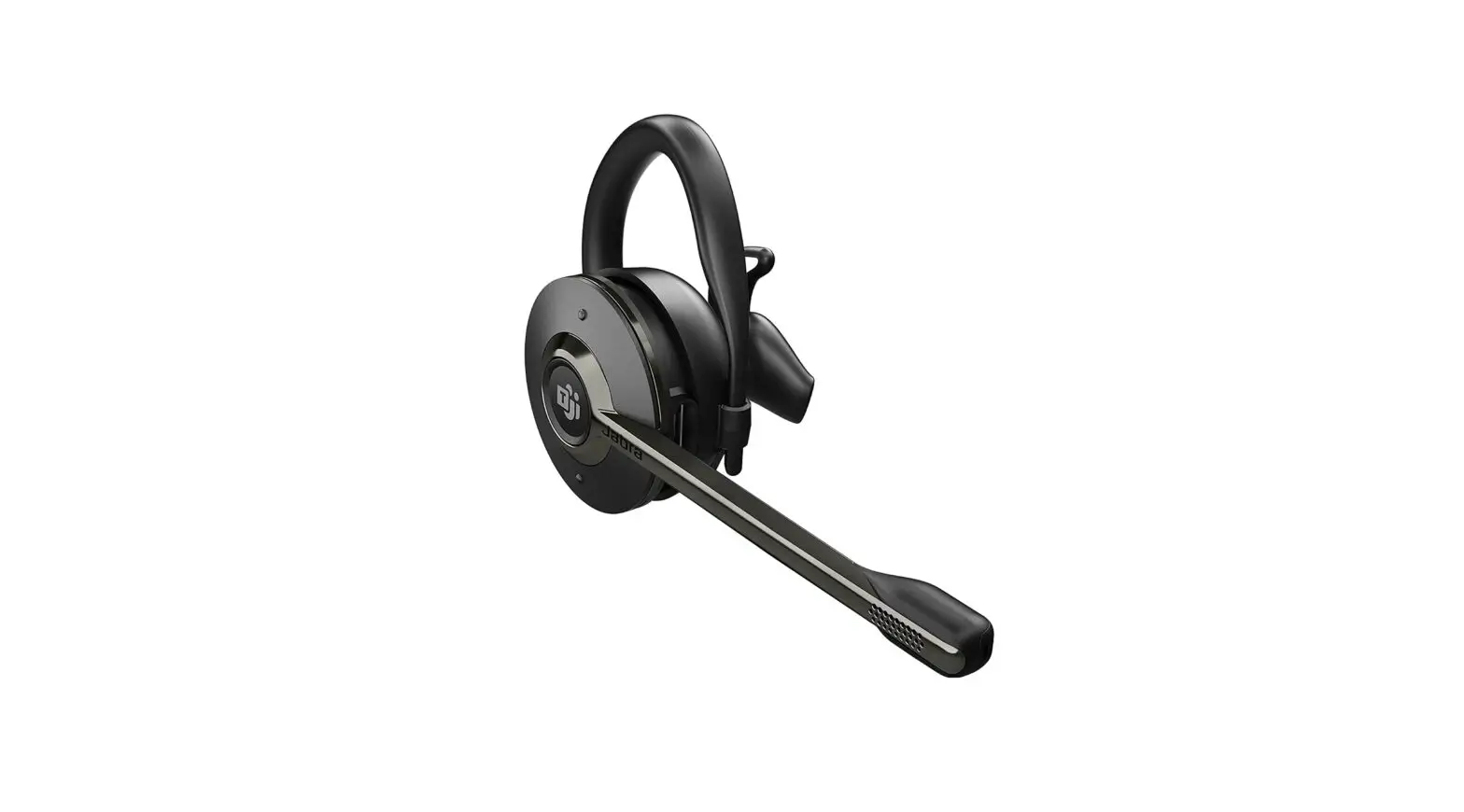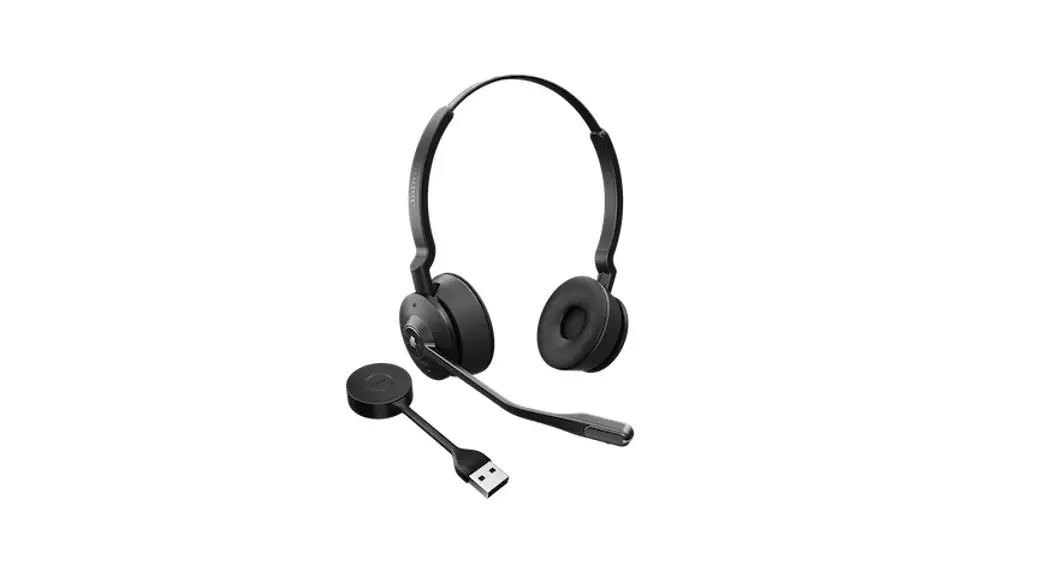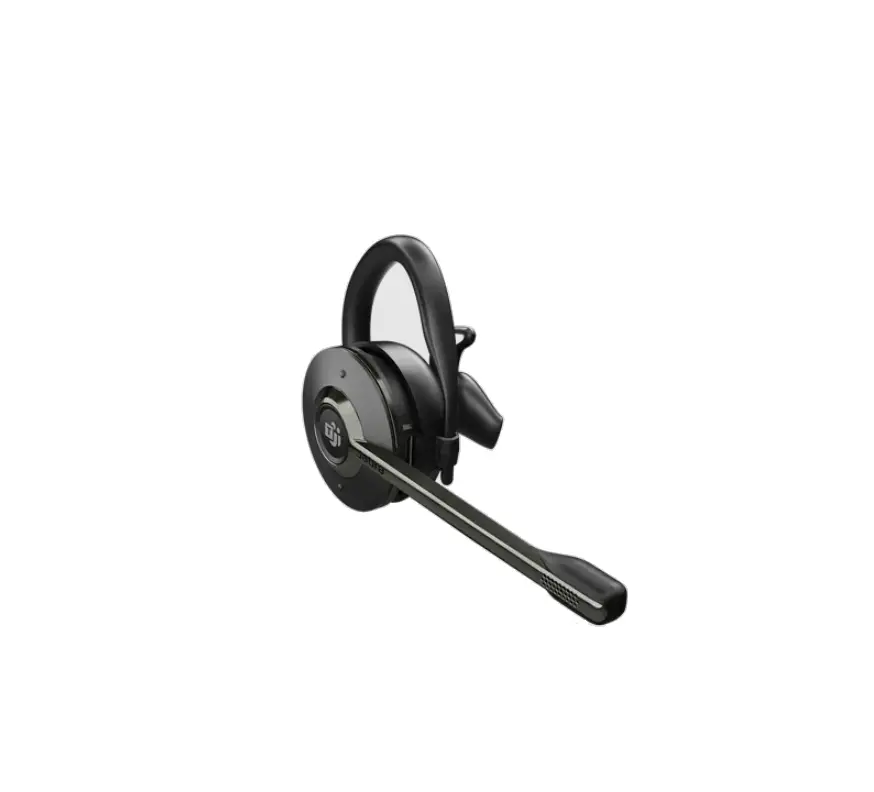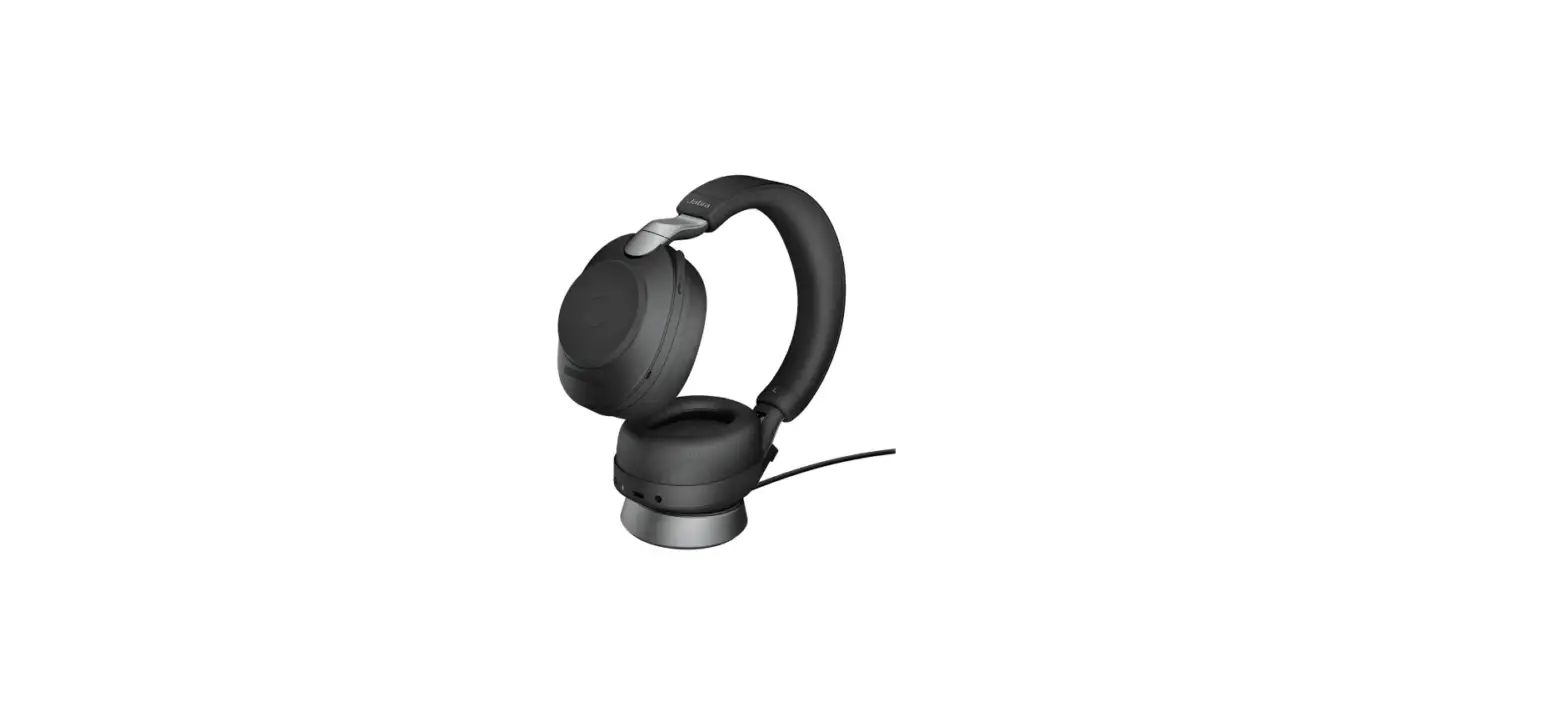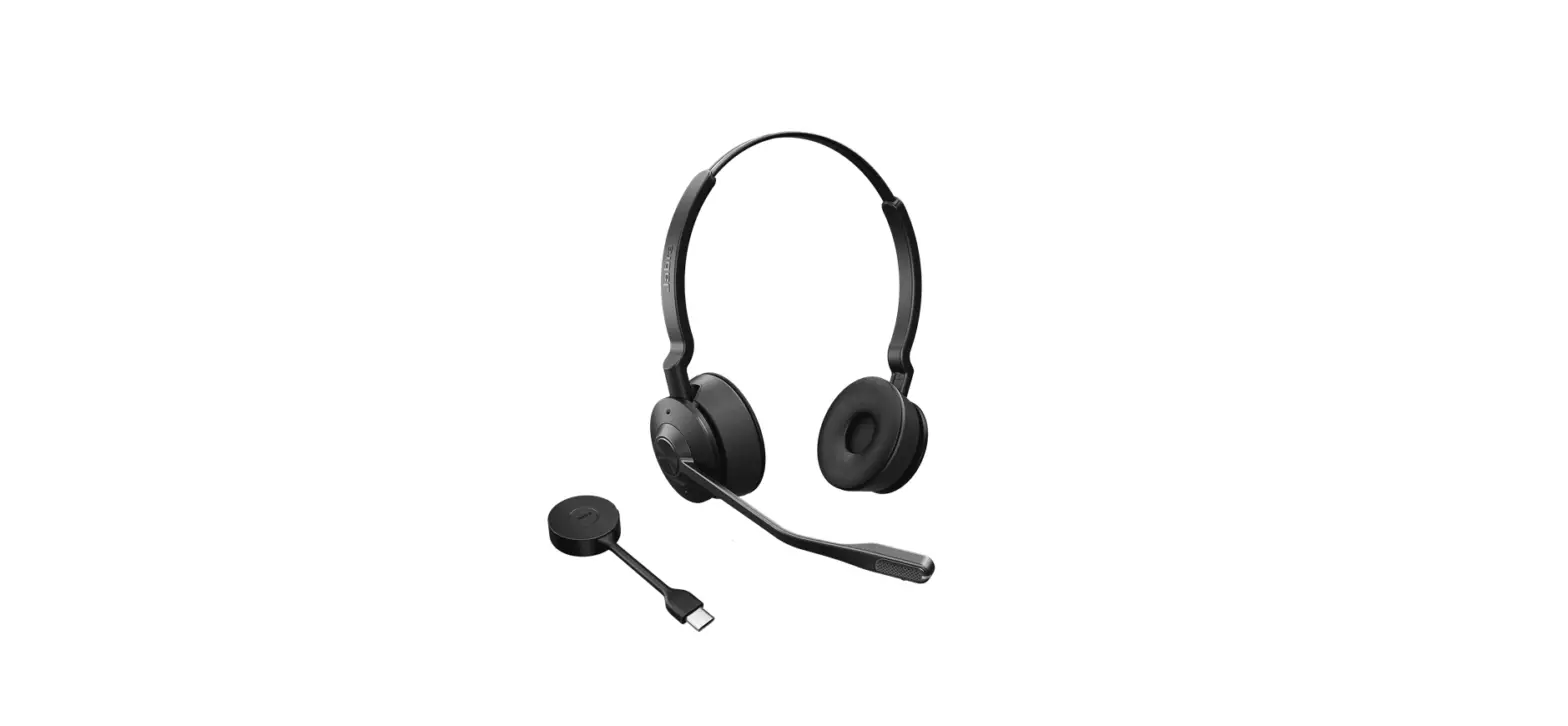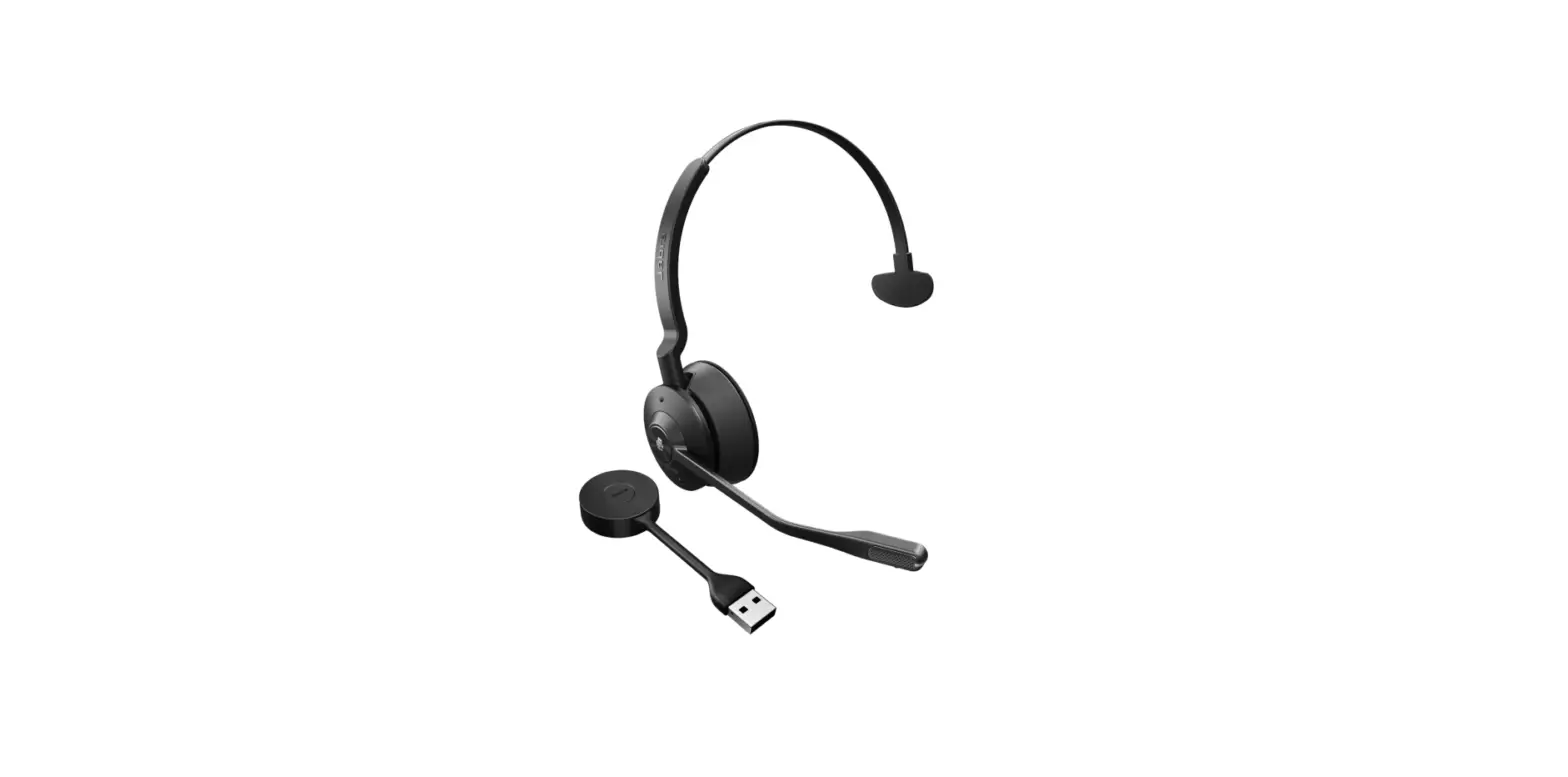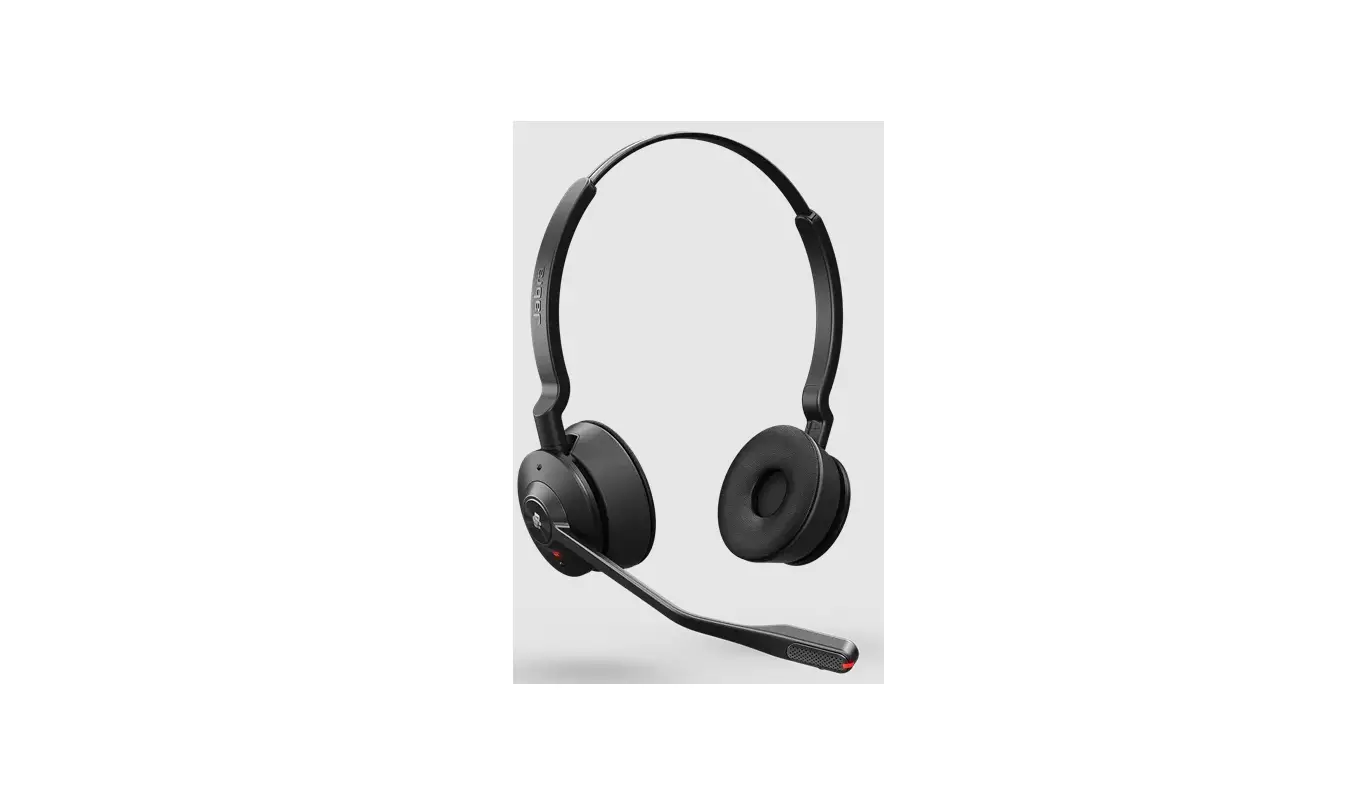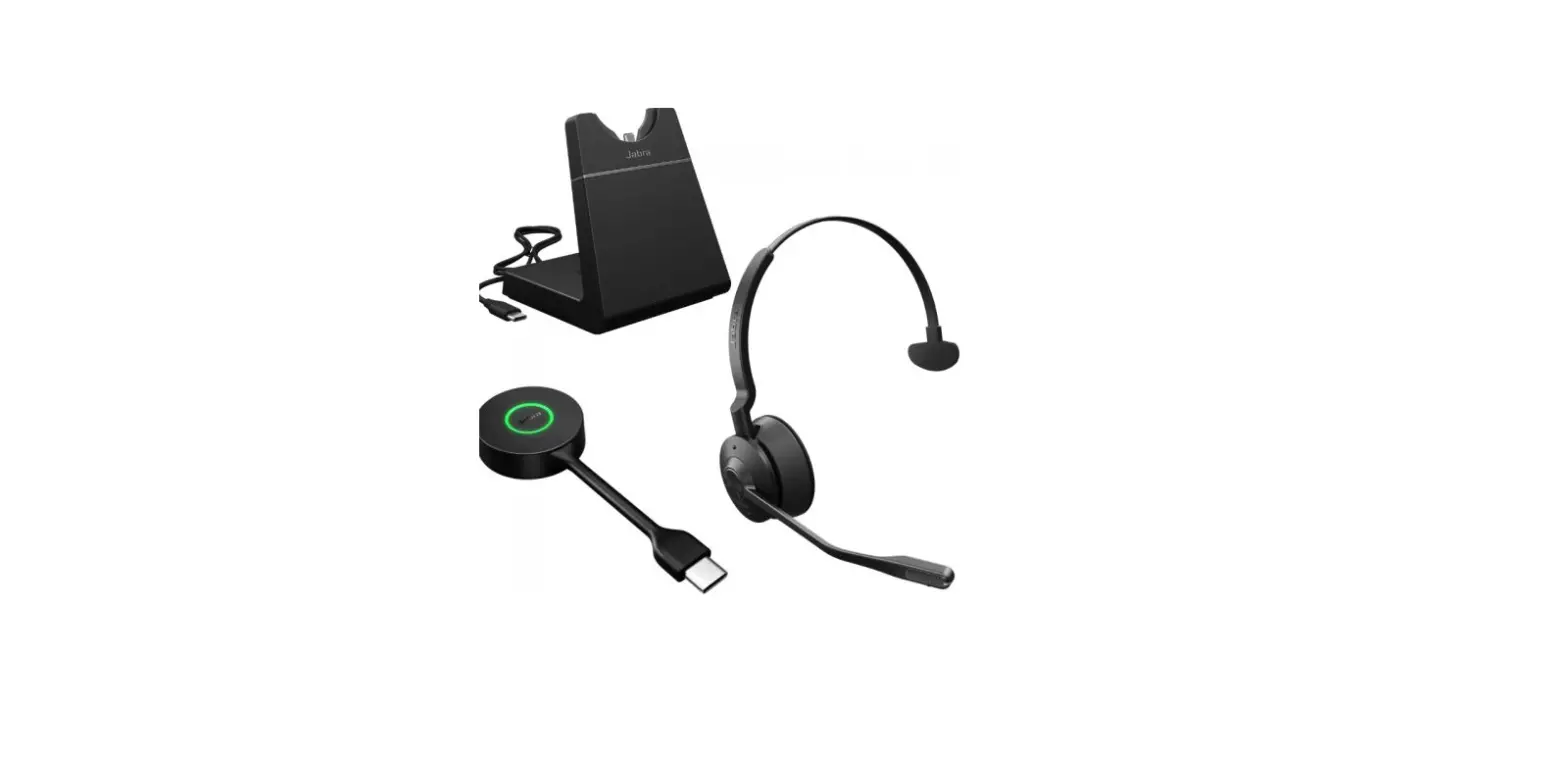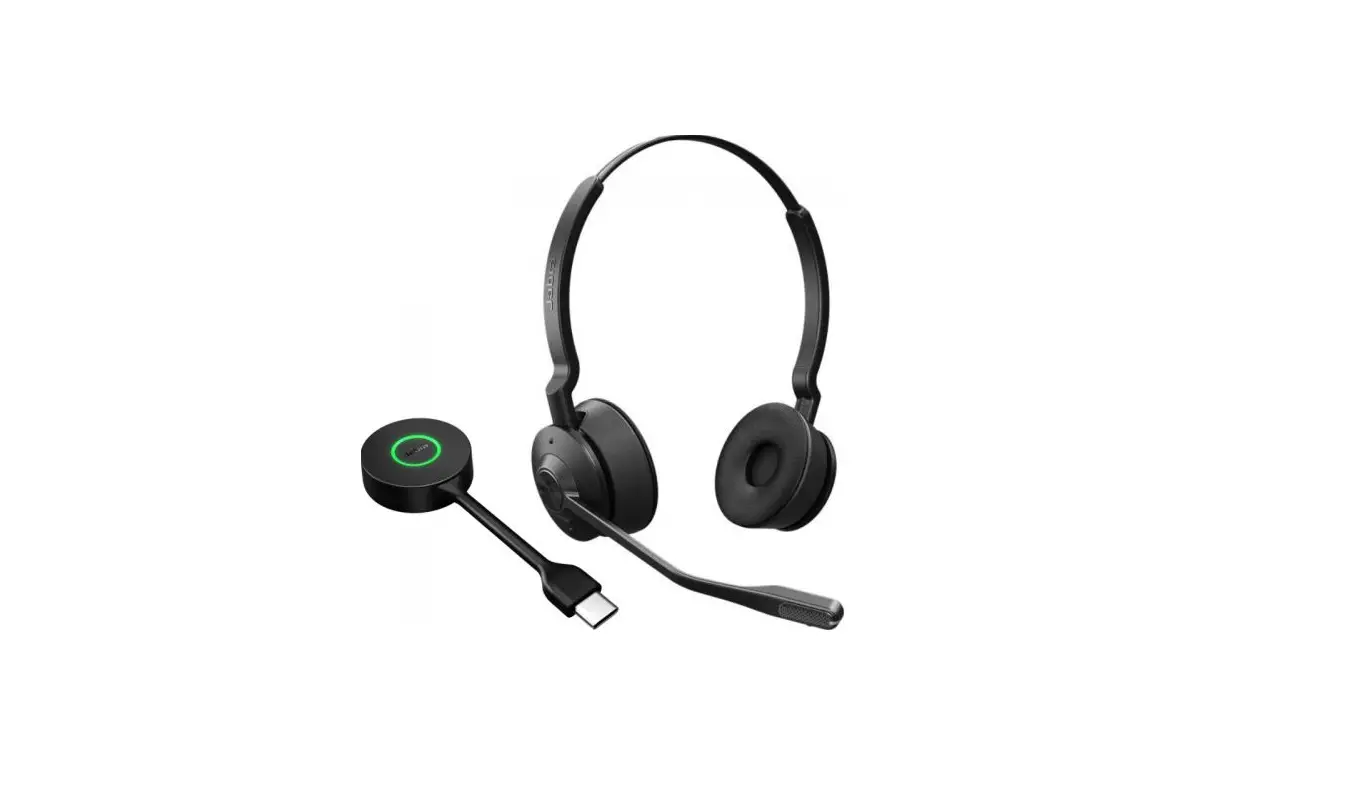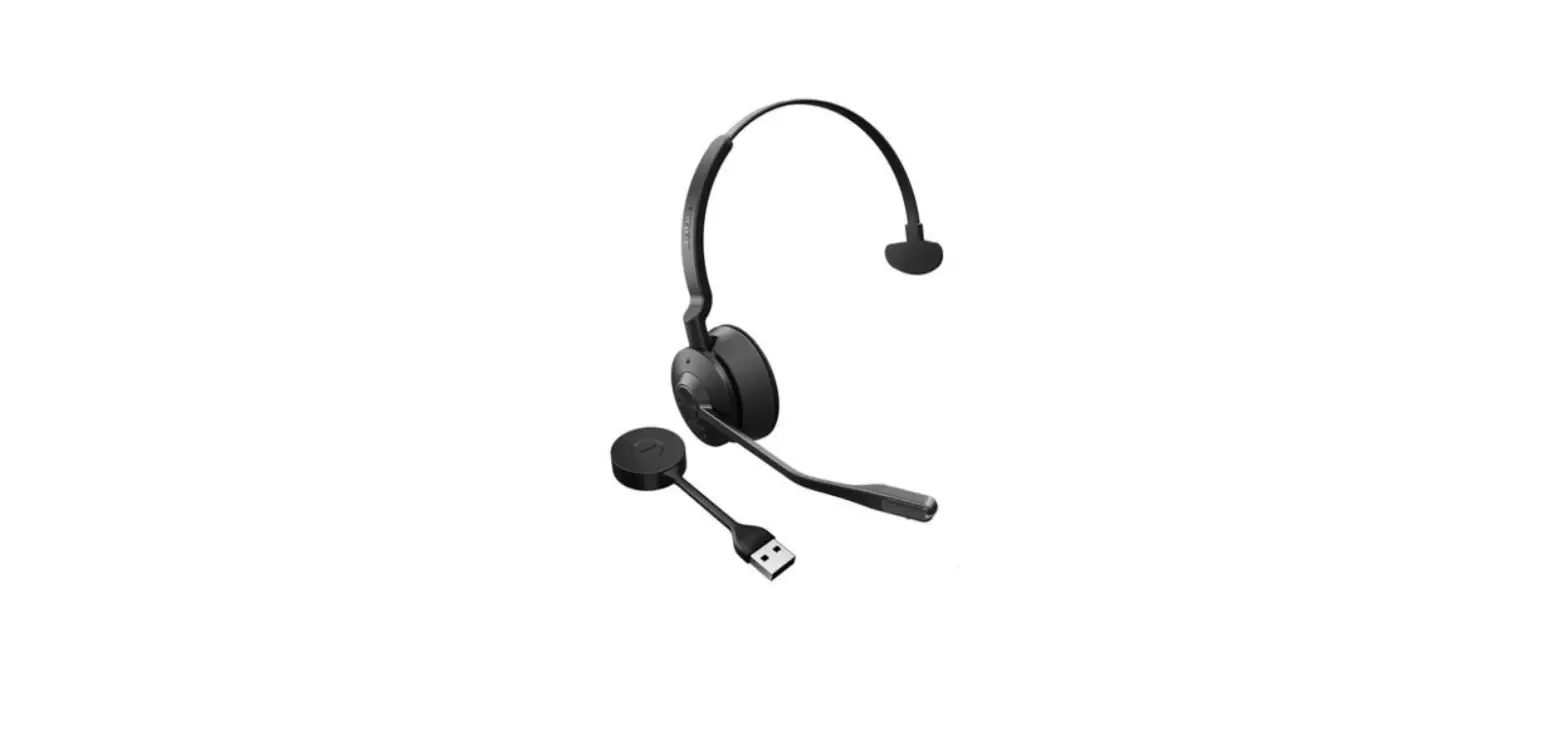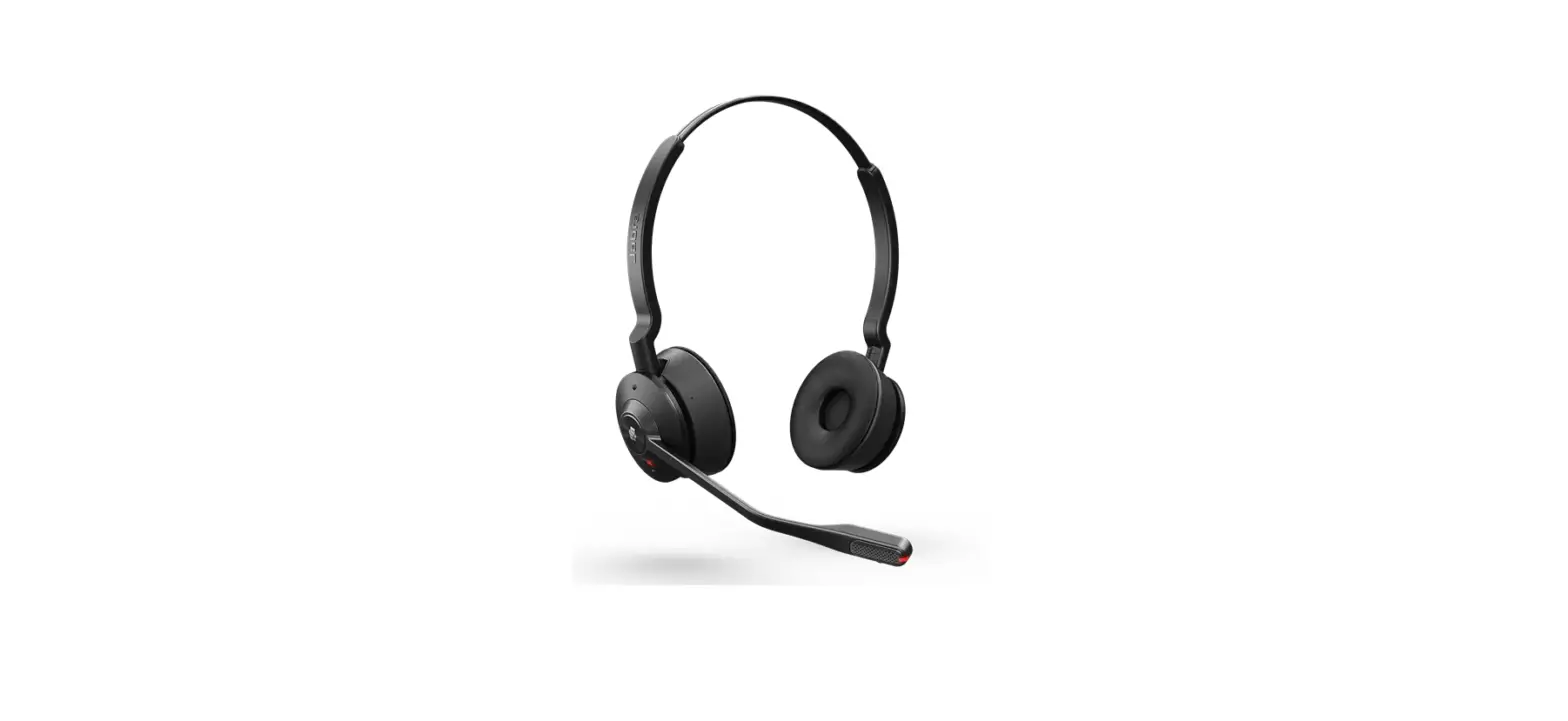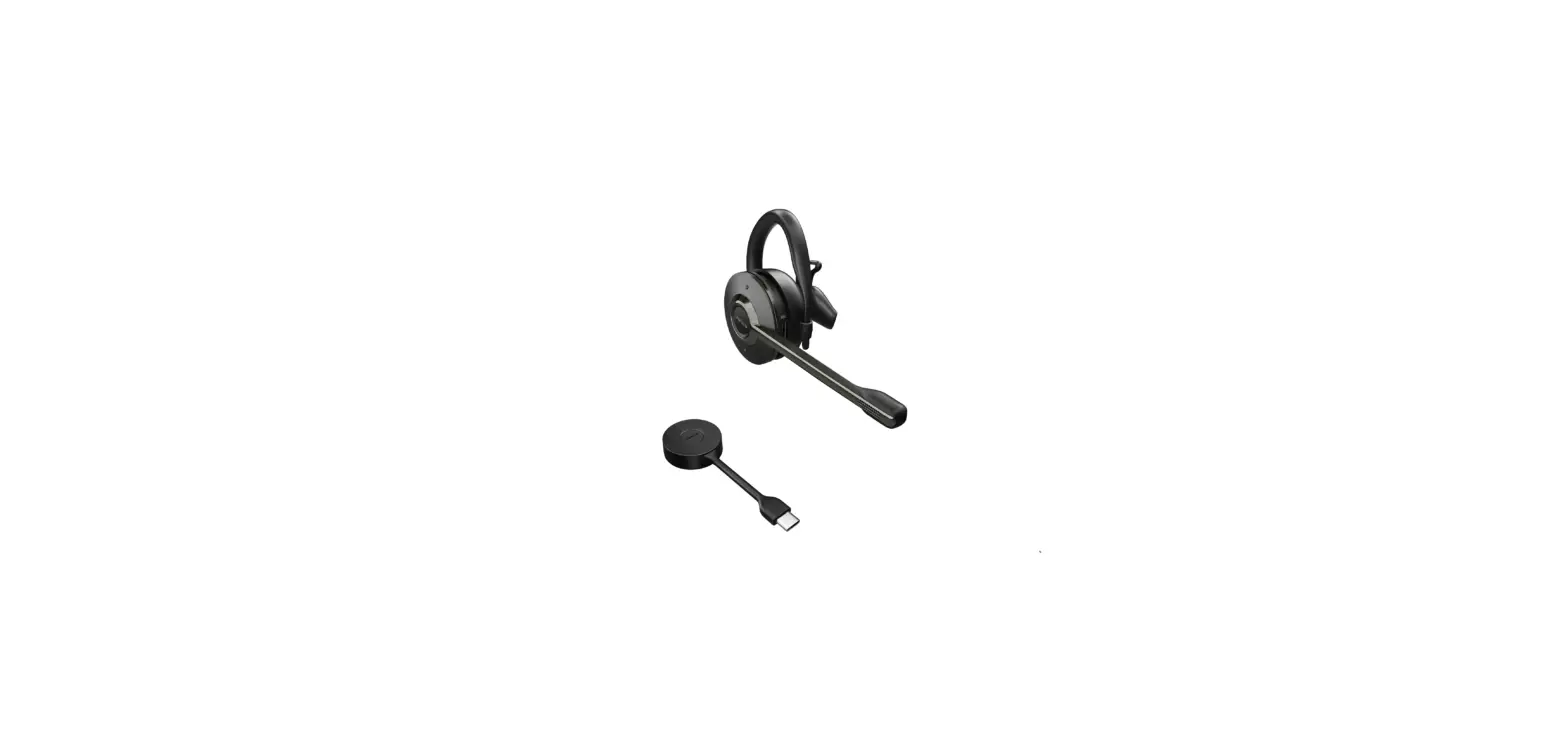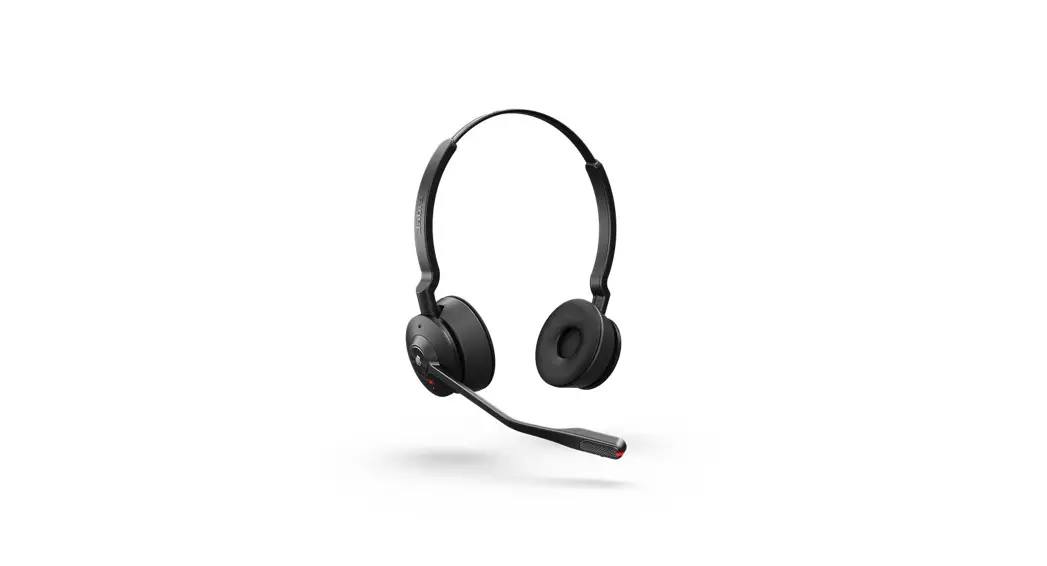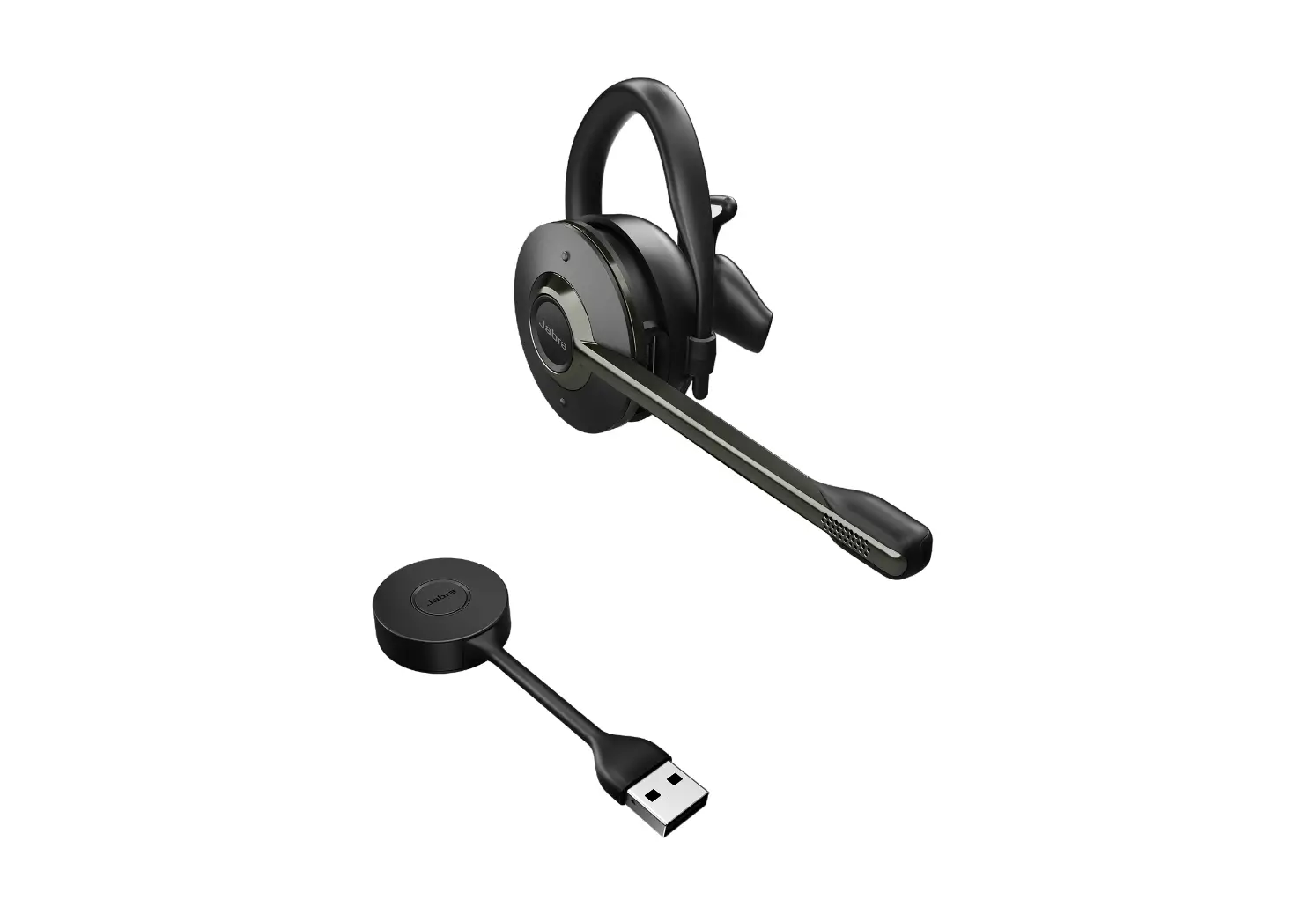
Jabra Engage 55 USB-A UC Stereo Wireless Headset User Manual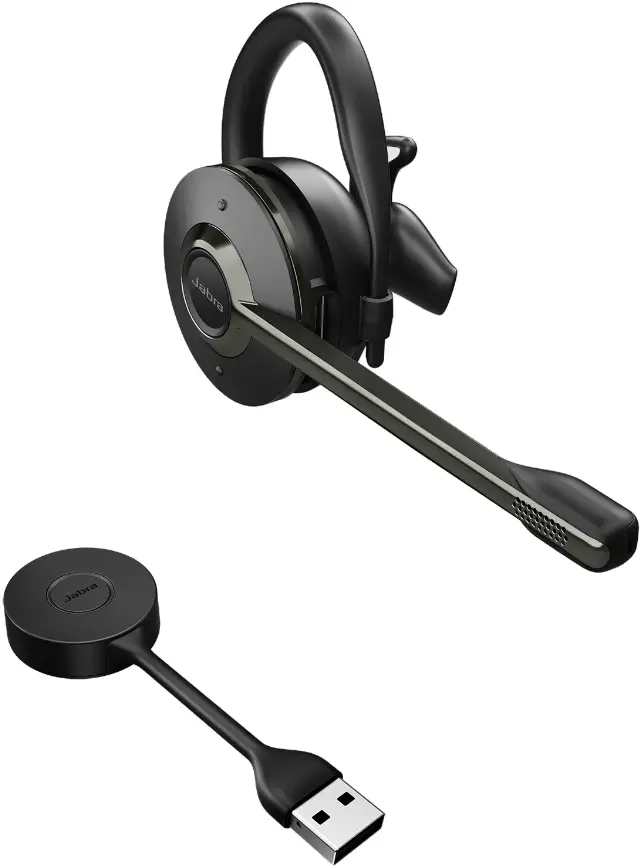
How do I set my Jabra device as the default audio device on my macOS computer?
Setup
To manually set your Jabra device as the default audio device, follow these steps.
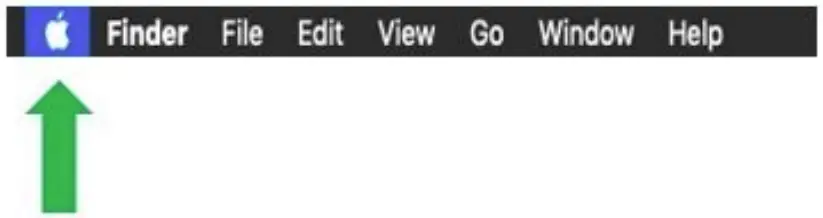
- Click the Apple icon at the top left.

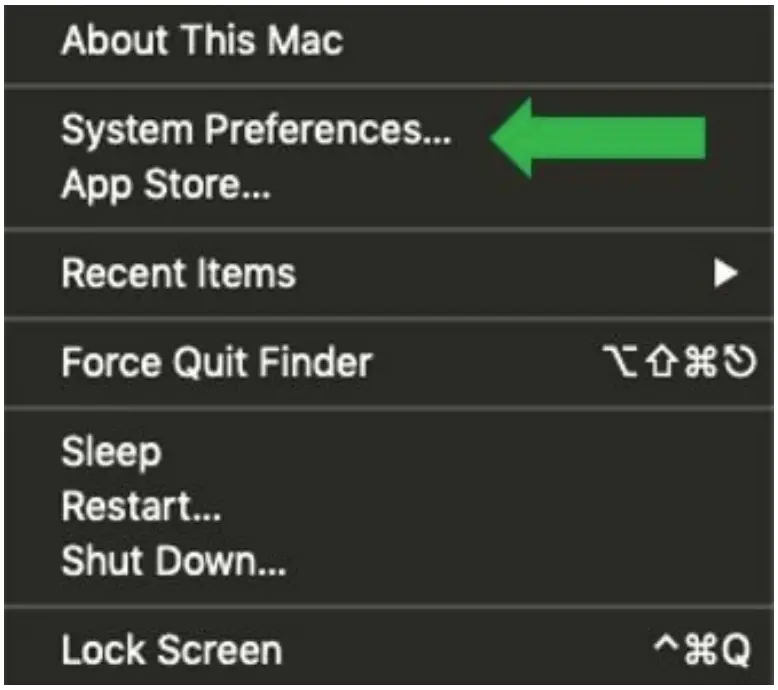
- Select System Preferences.

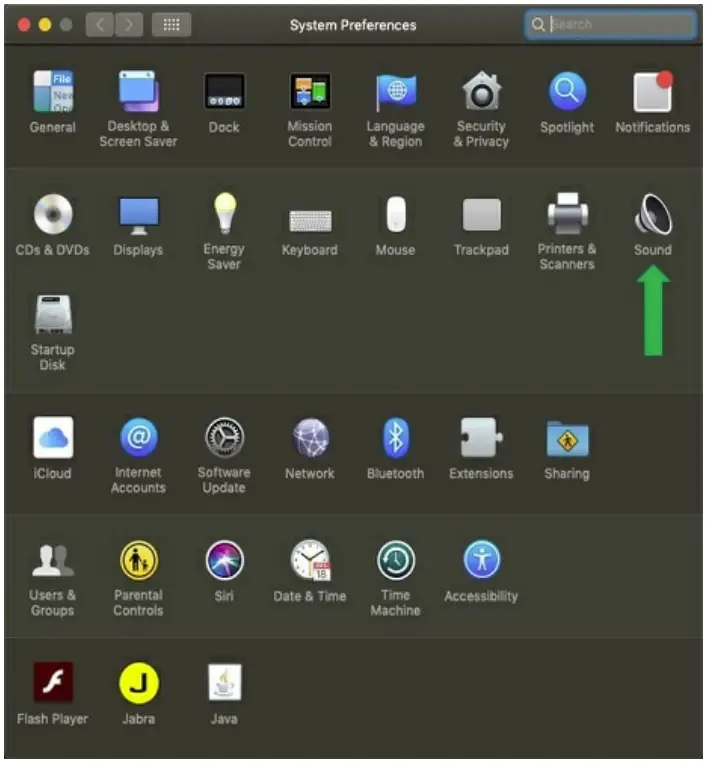
- Select Sound.

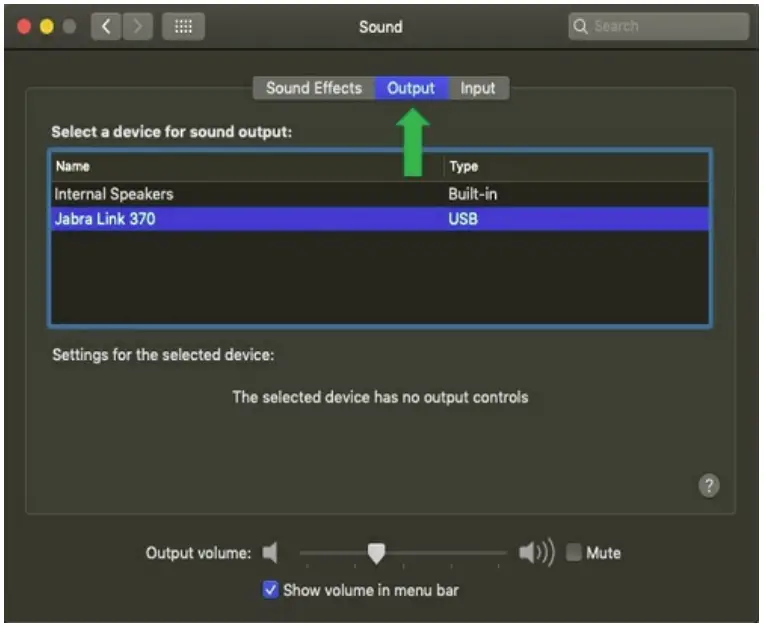
- On the Output tab, select your Jabra device. If you are using a Jabra wireless device, select the connected Bluetooth adapter, such as the Jabra Link 370.

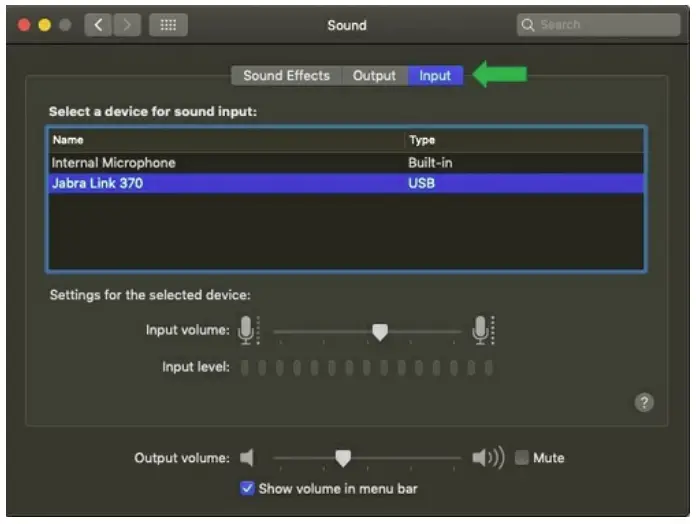
- On the Input tab, select your Jabra device.
If you are using a Jabra wireless device, select the connected Bluetooth adapter, such as the Jabra Link 370
 [FAQTitle] | Jabra Engage 55 - USB-A UC Stereo with Charging Stand | FAQ | Jabra Support