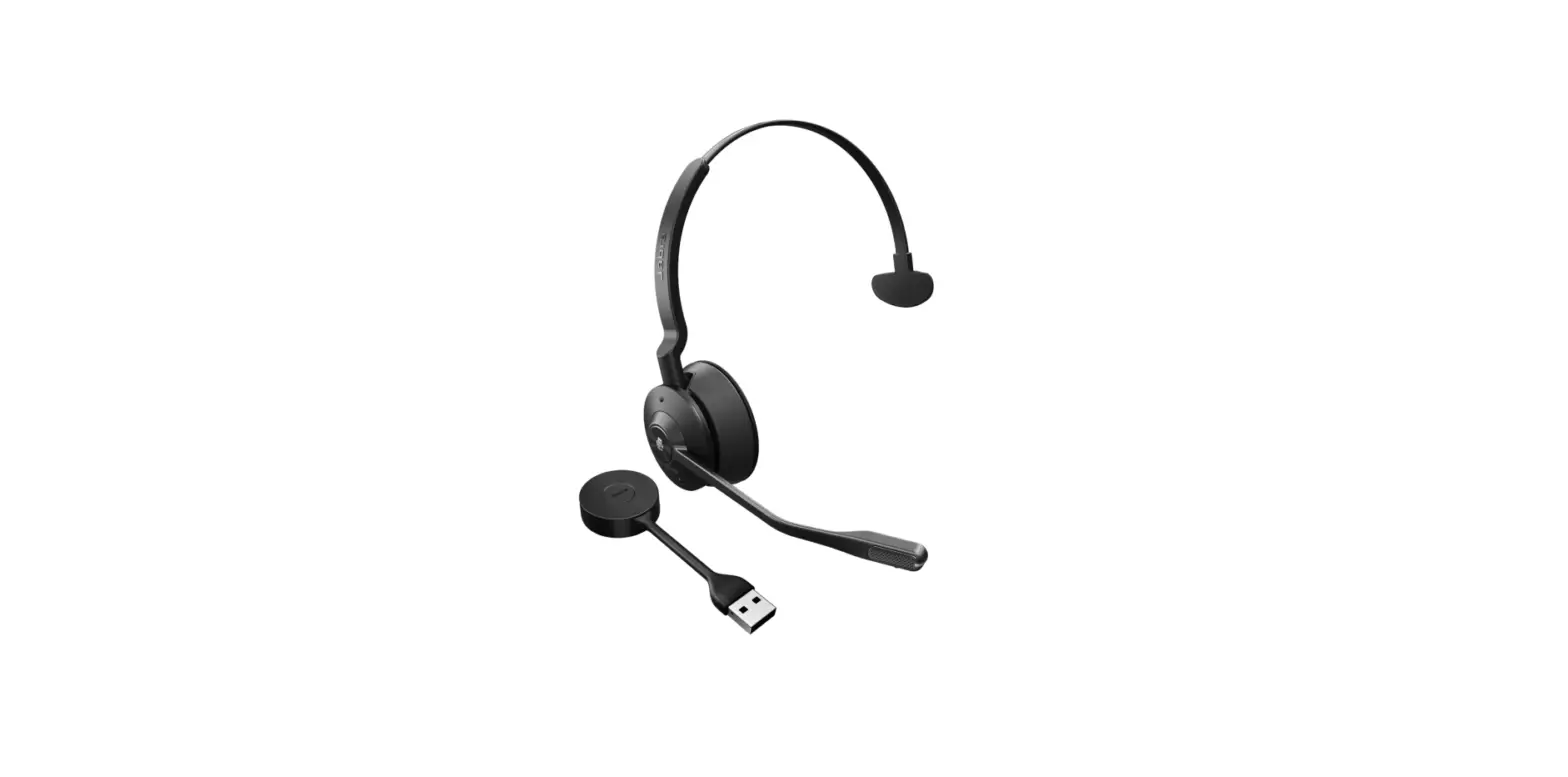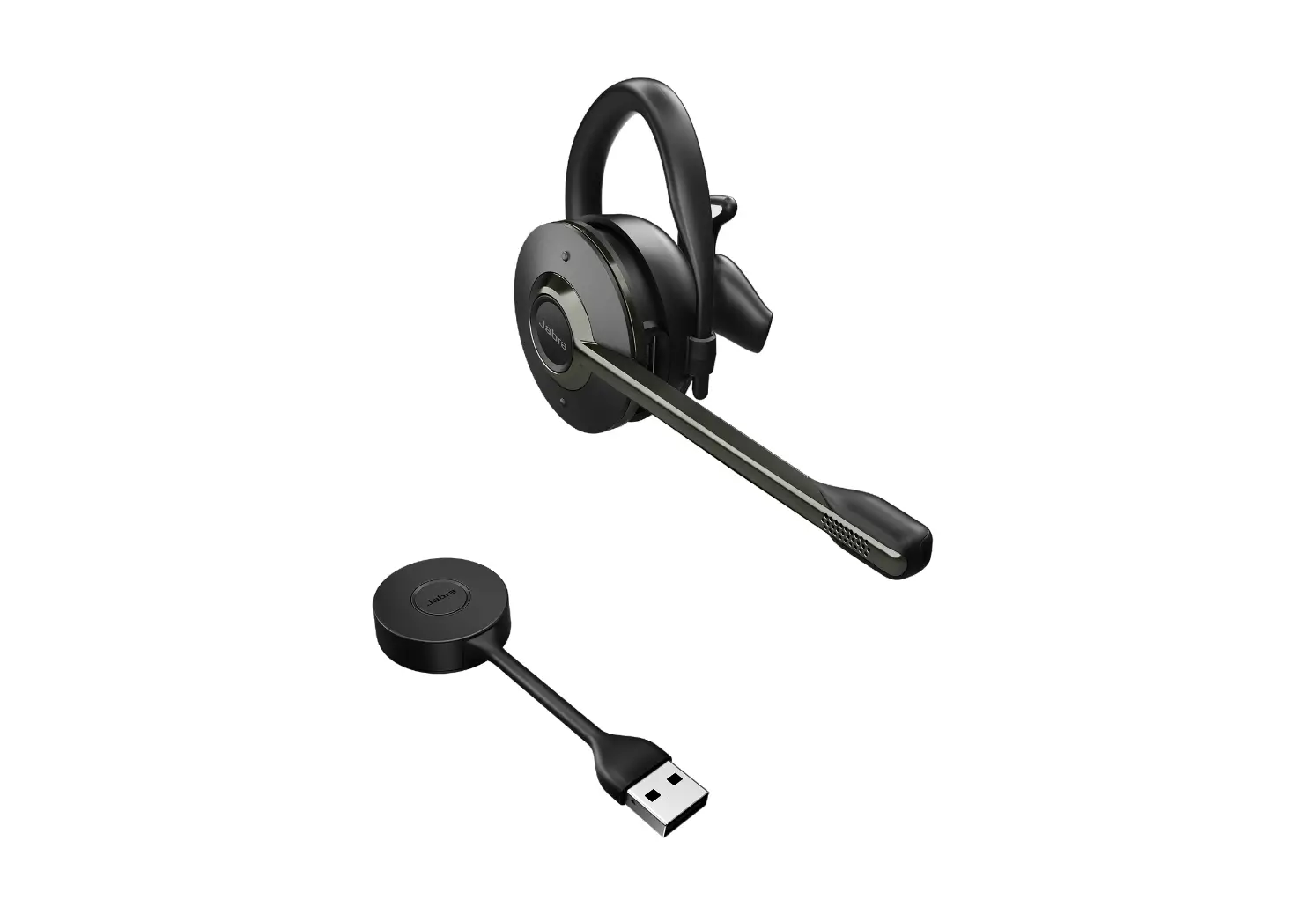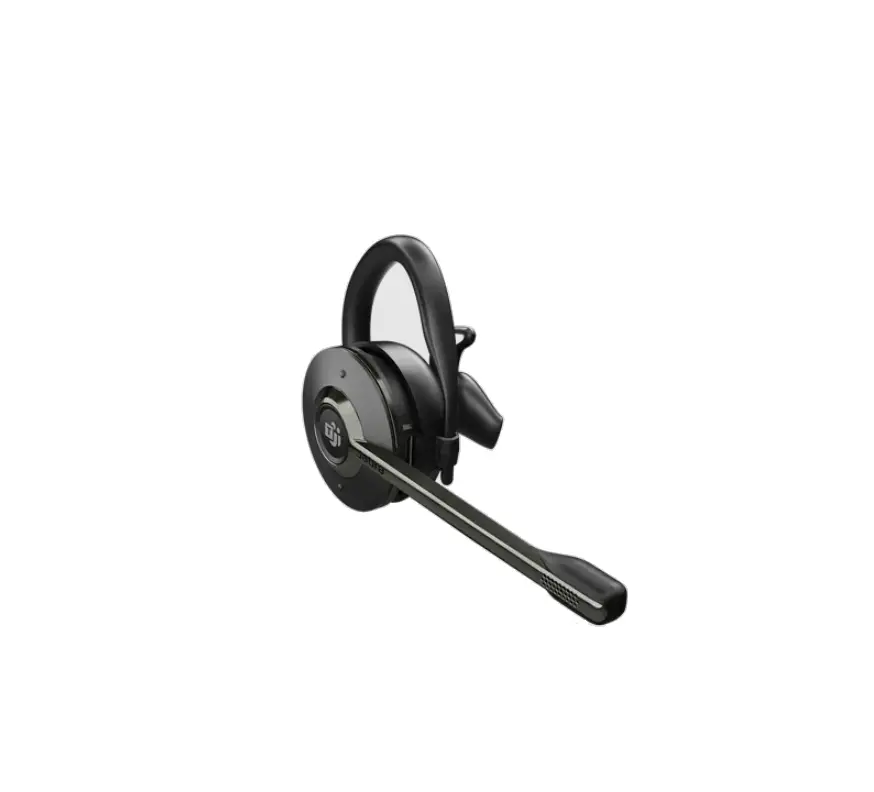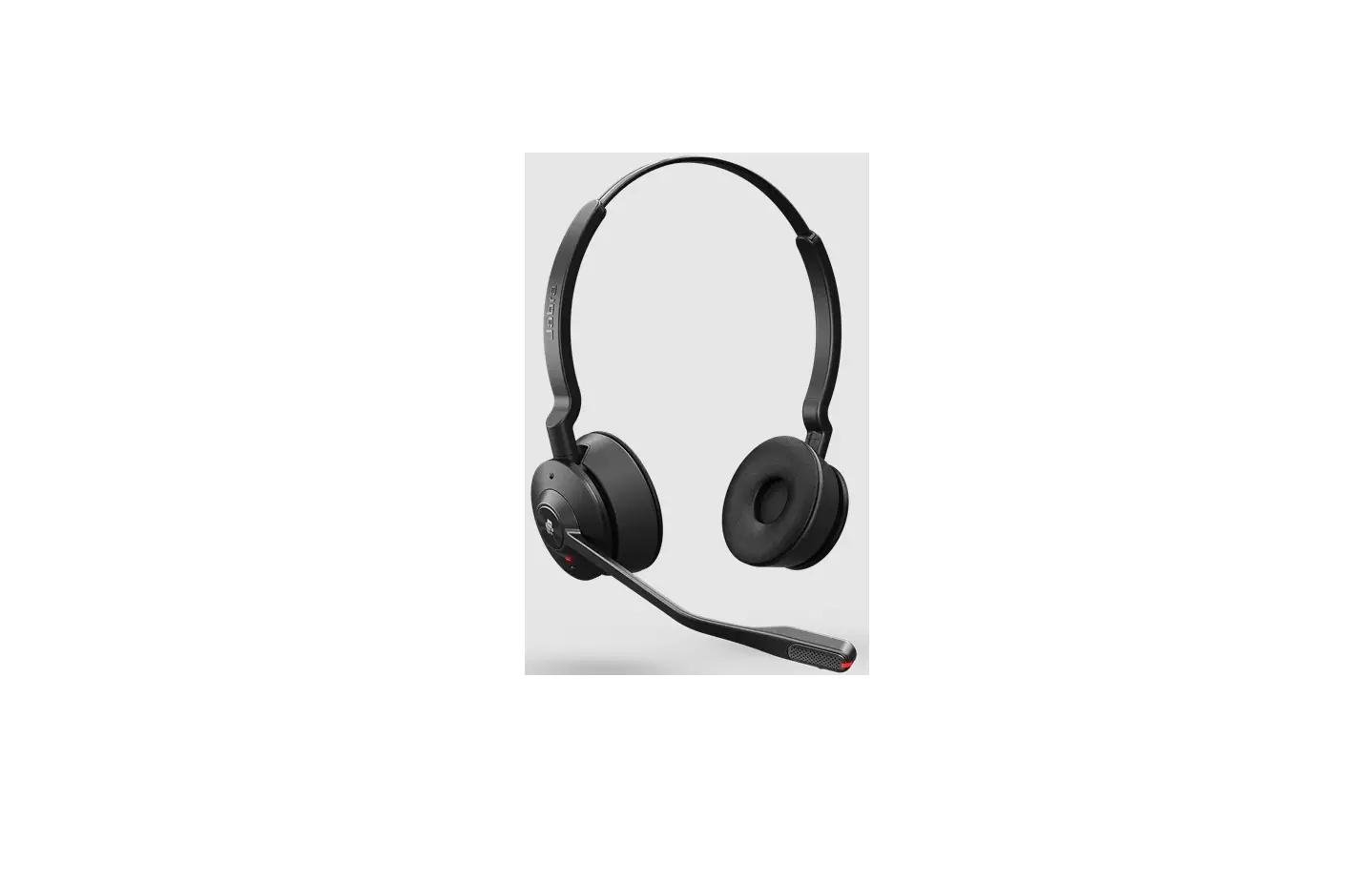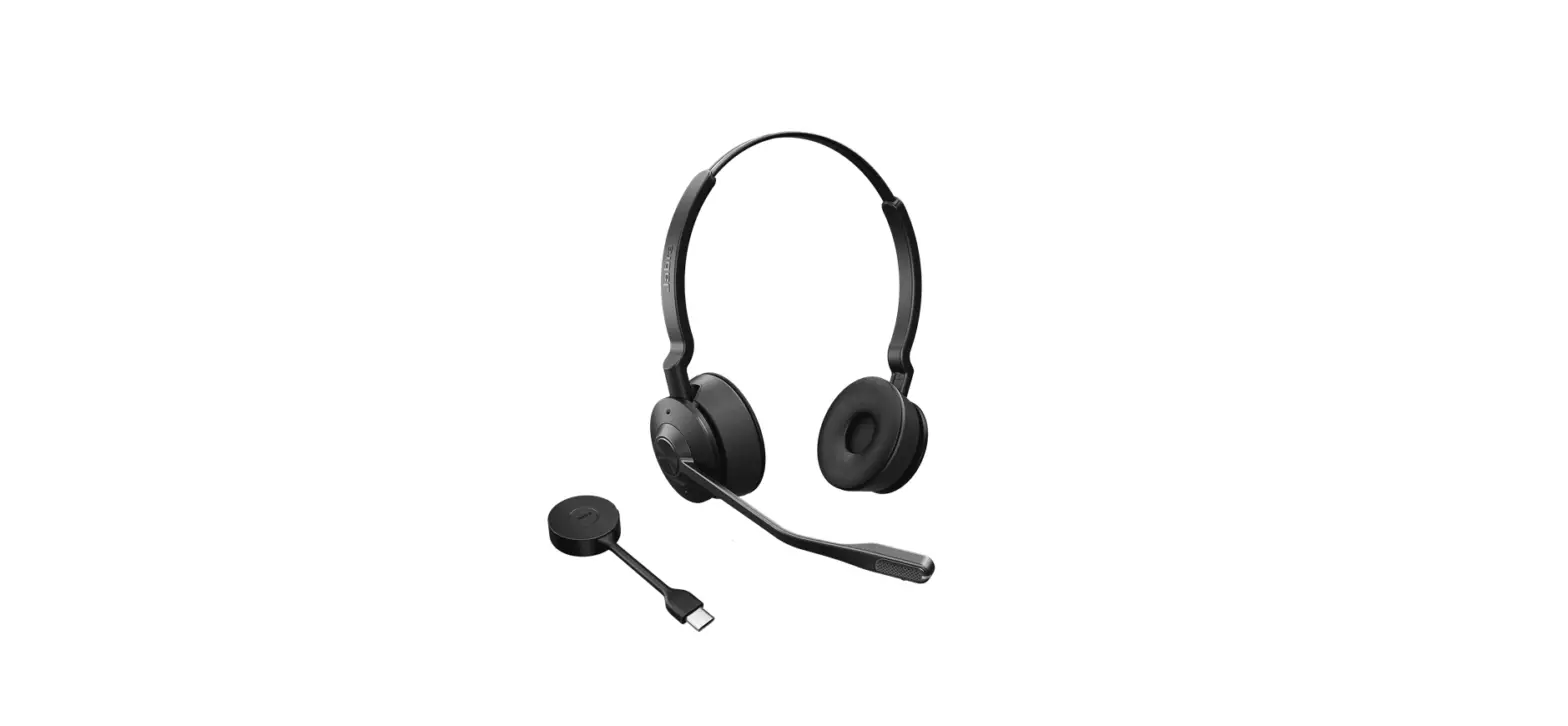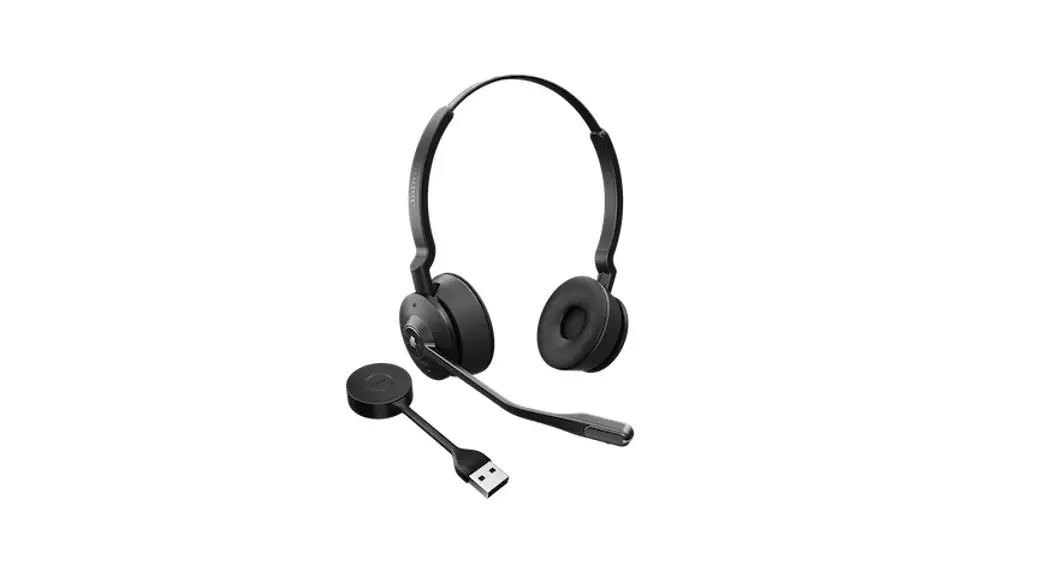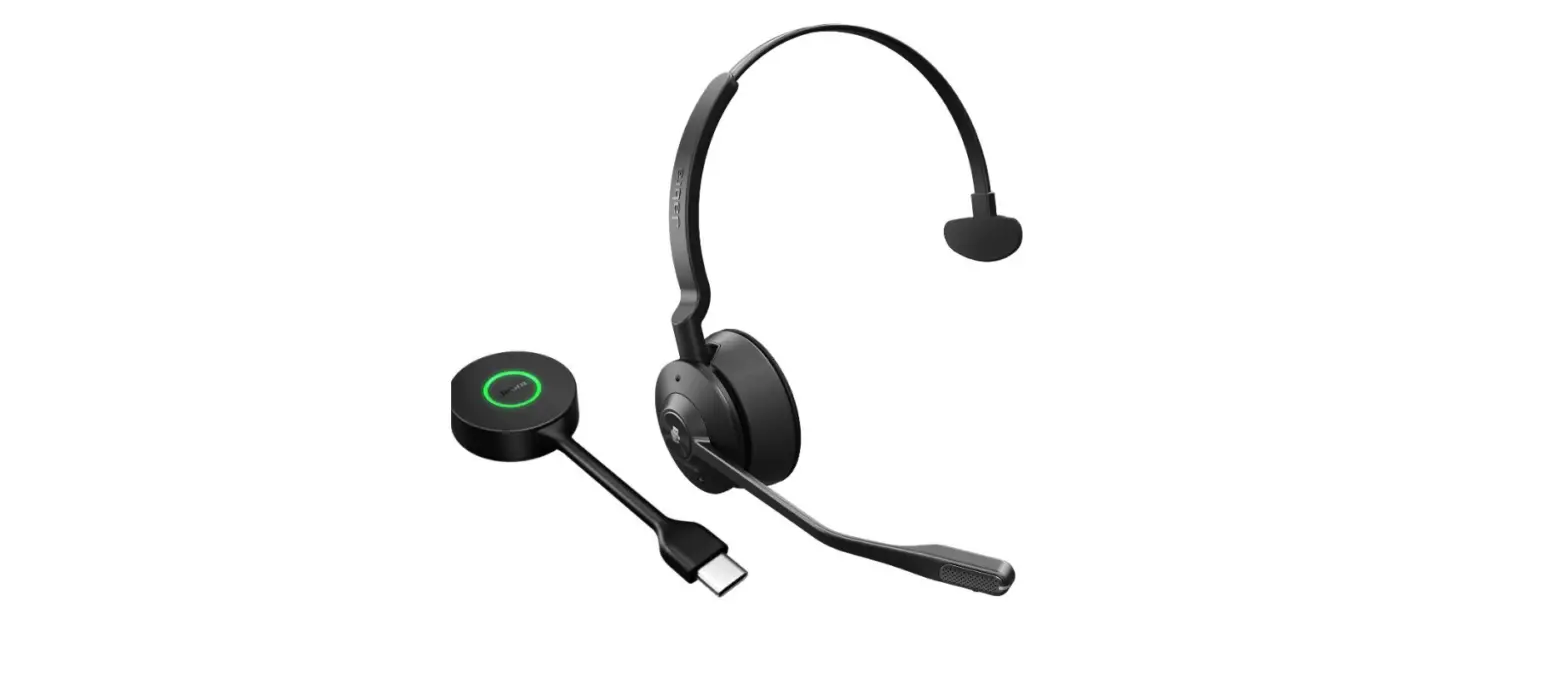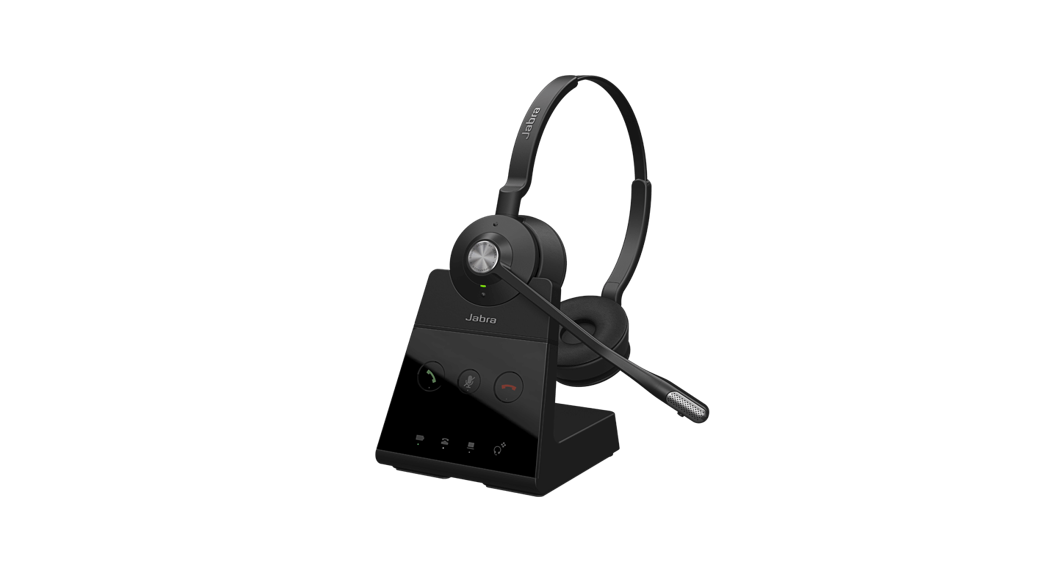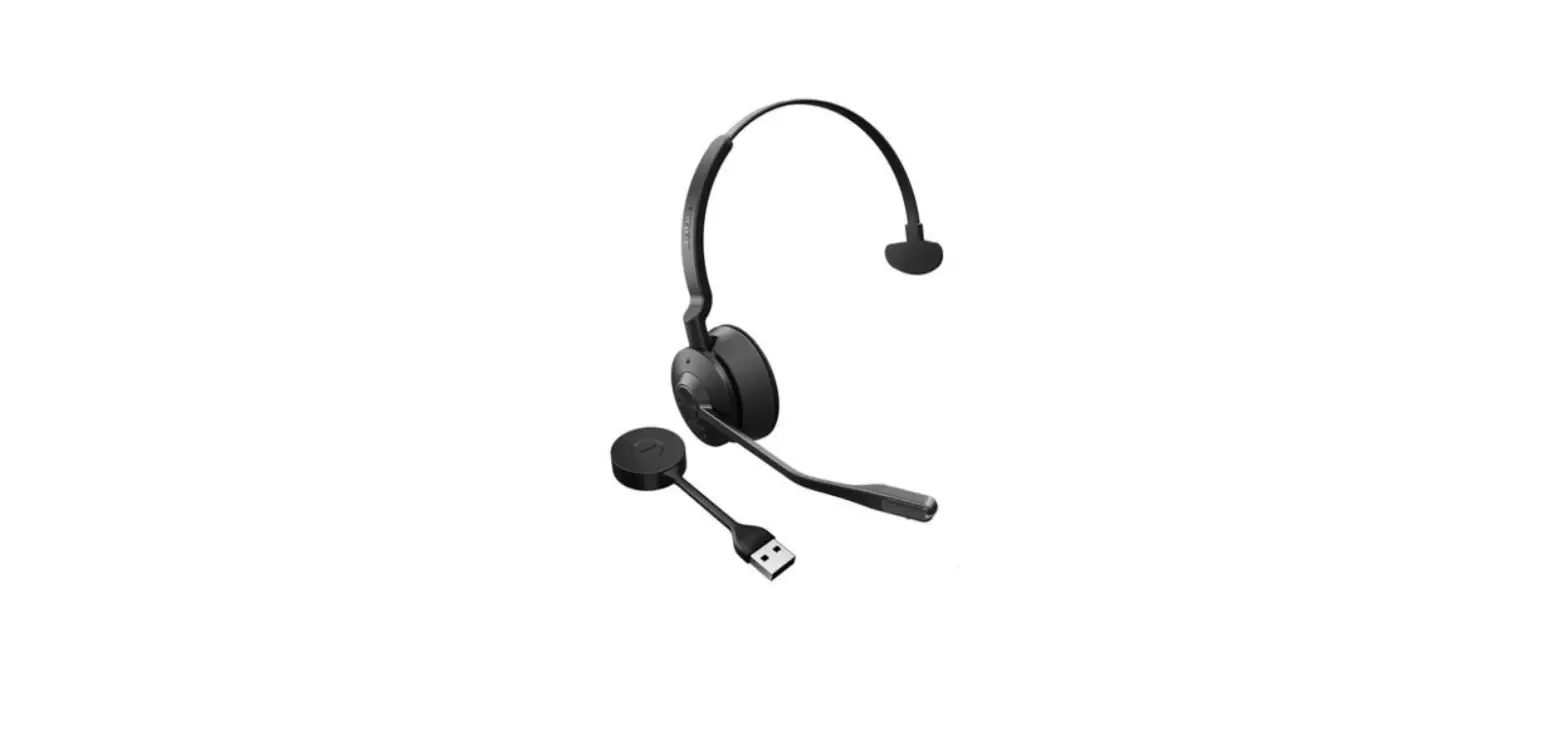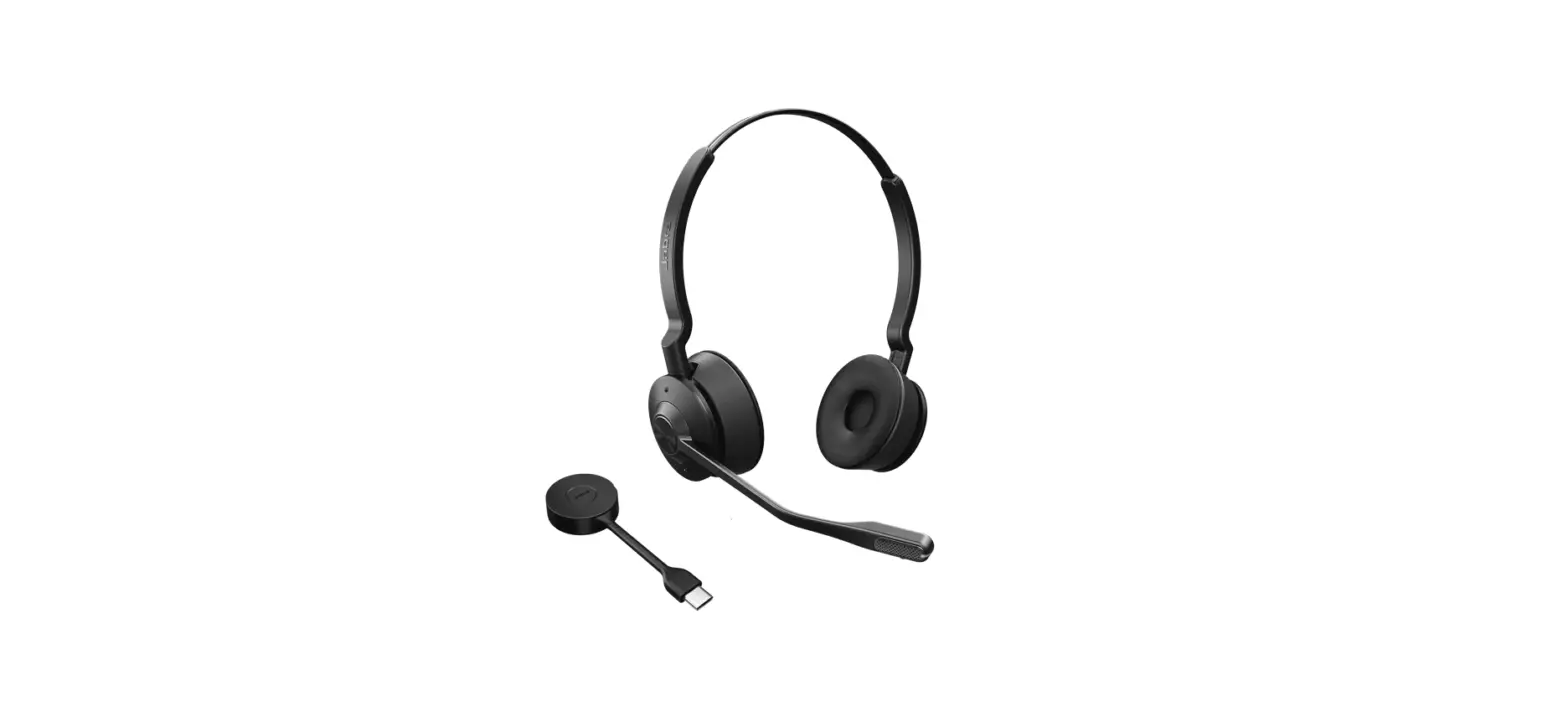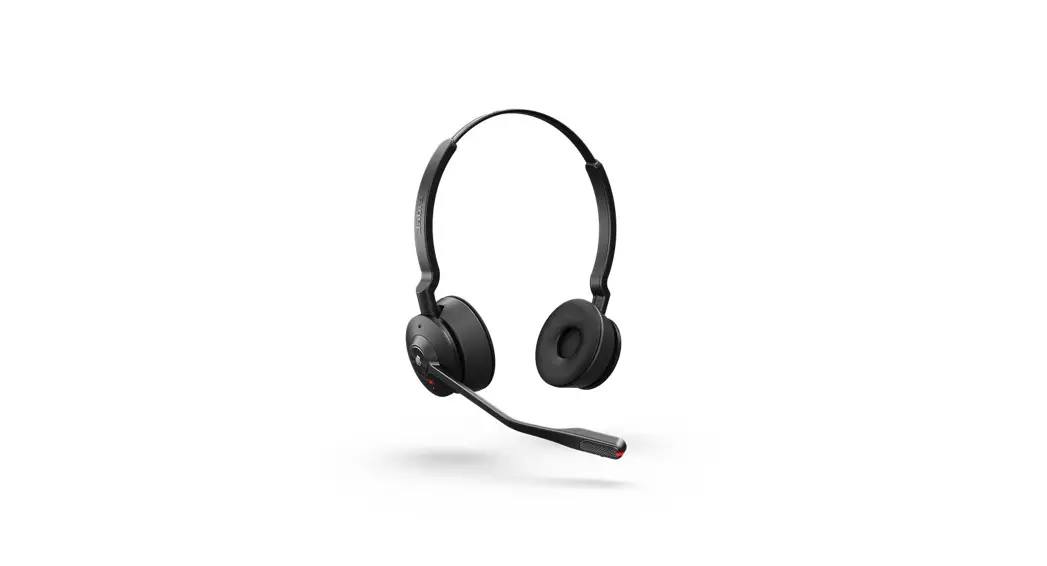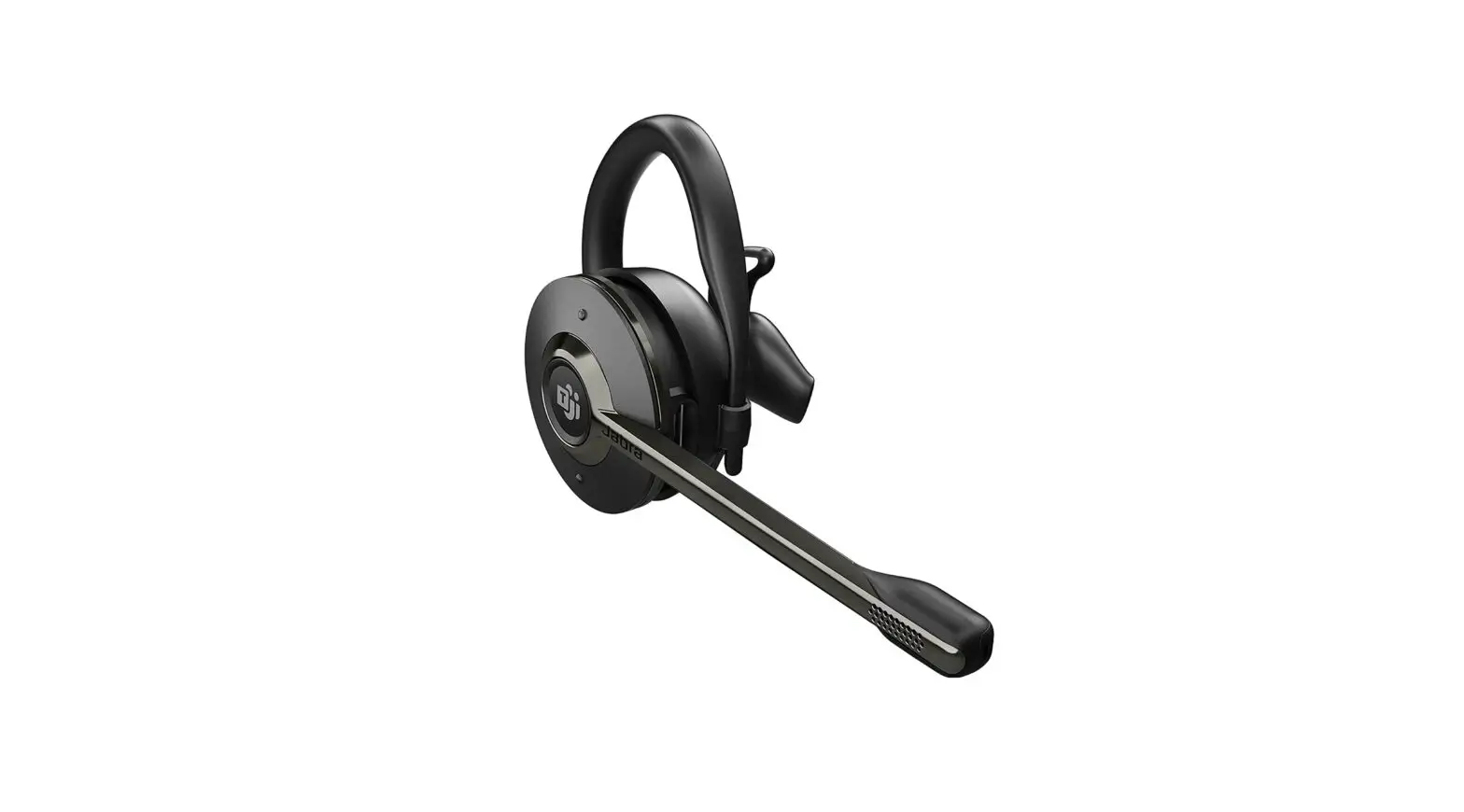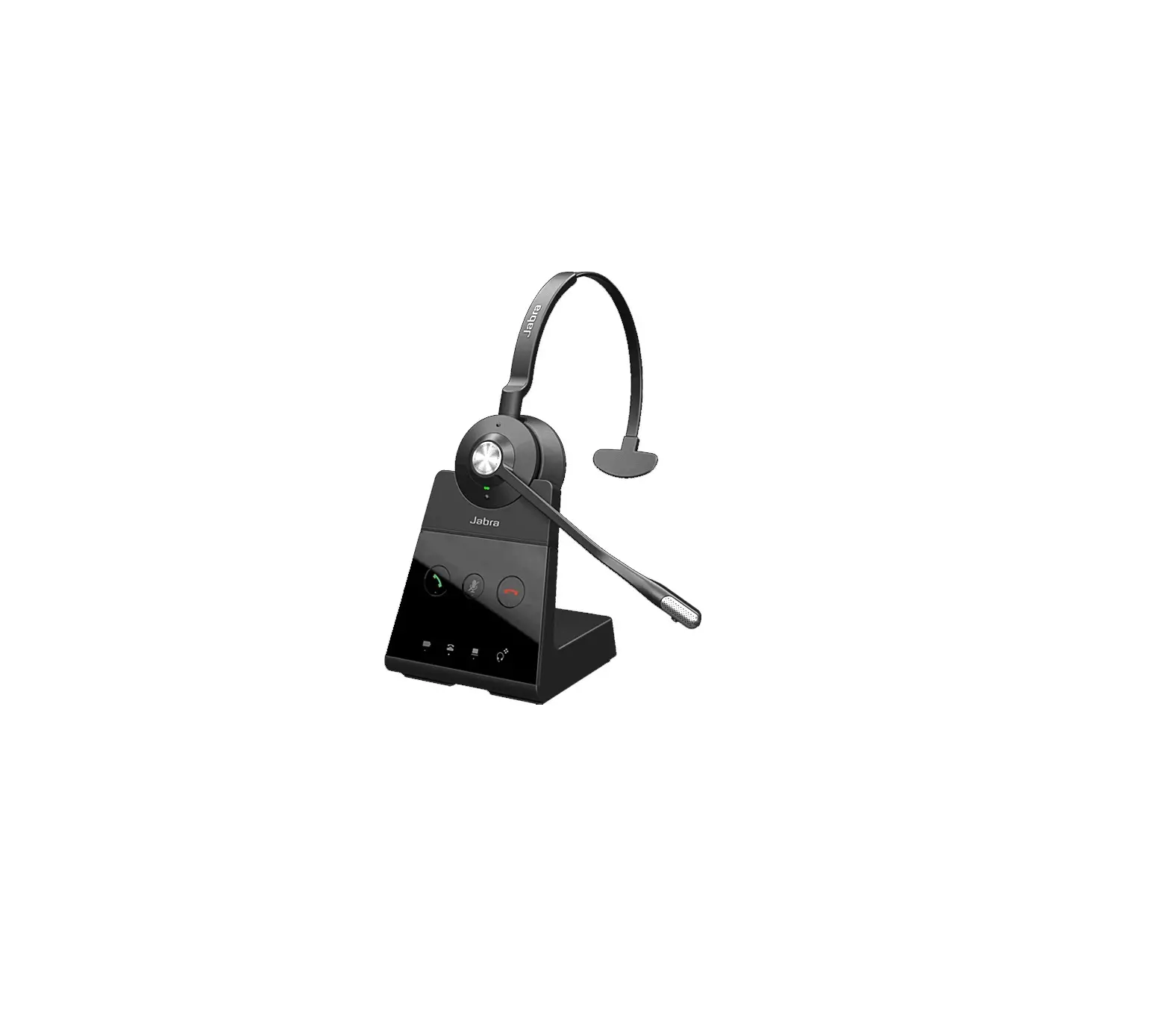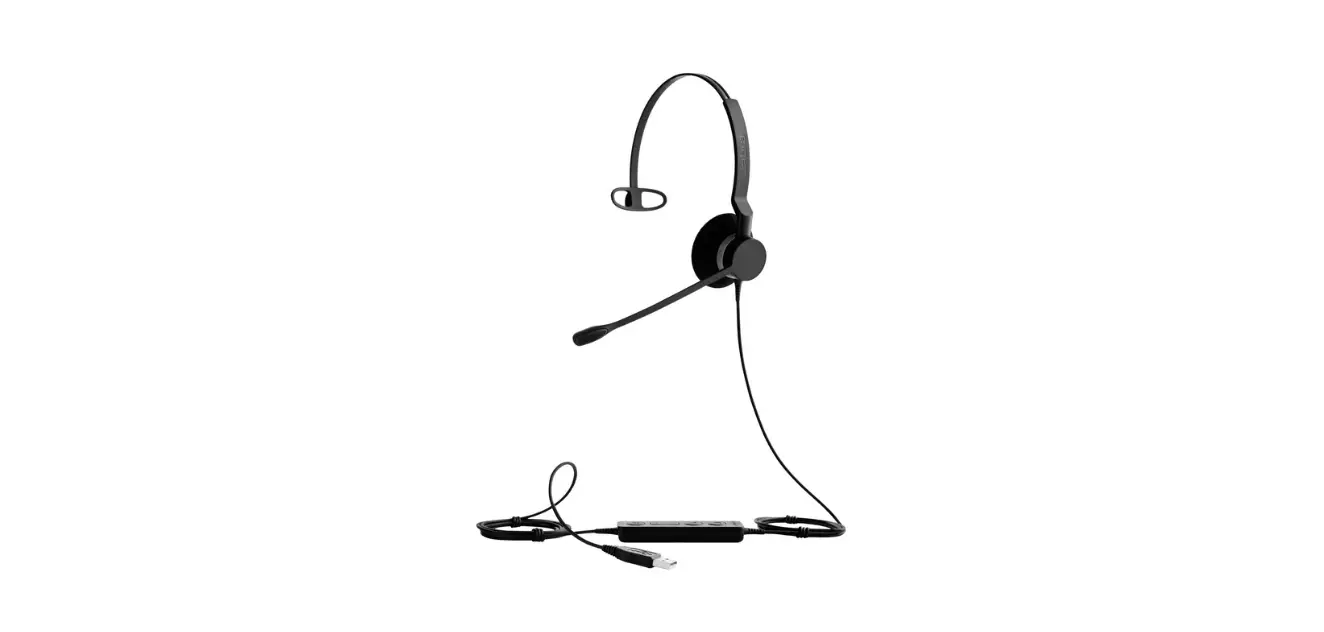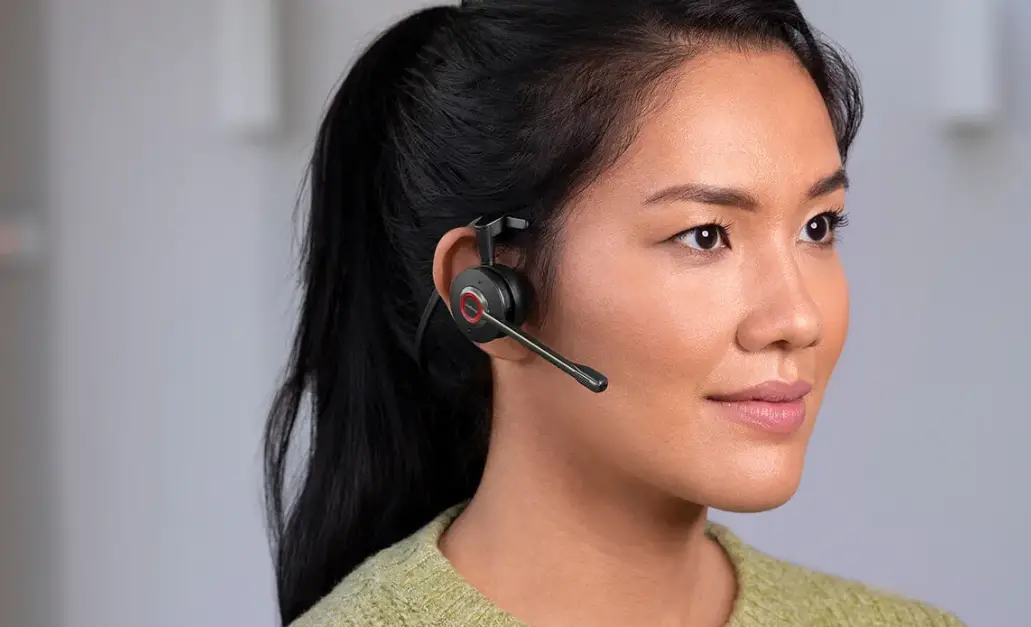

Jabra Engage 55 USB-A MS Mono Wireless Headset
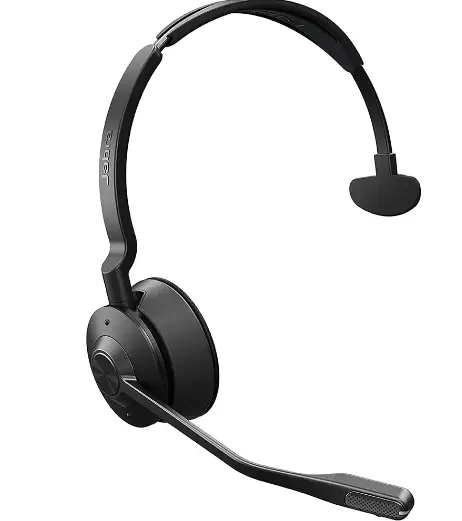
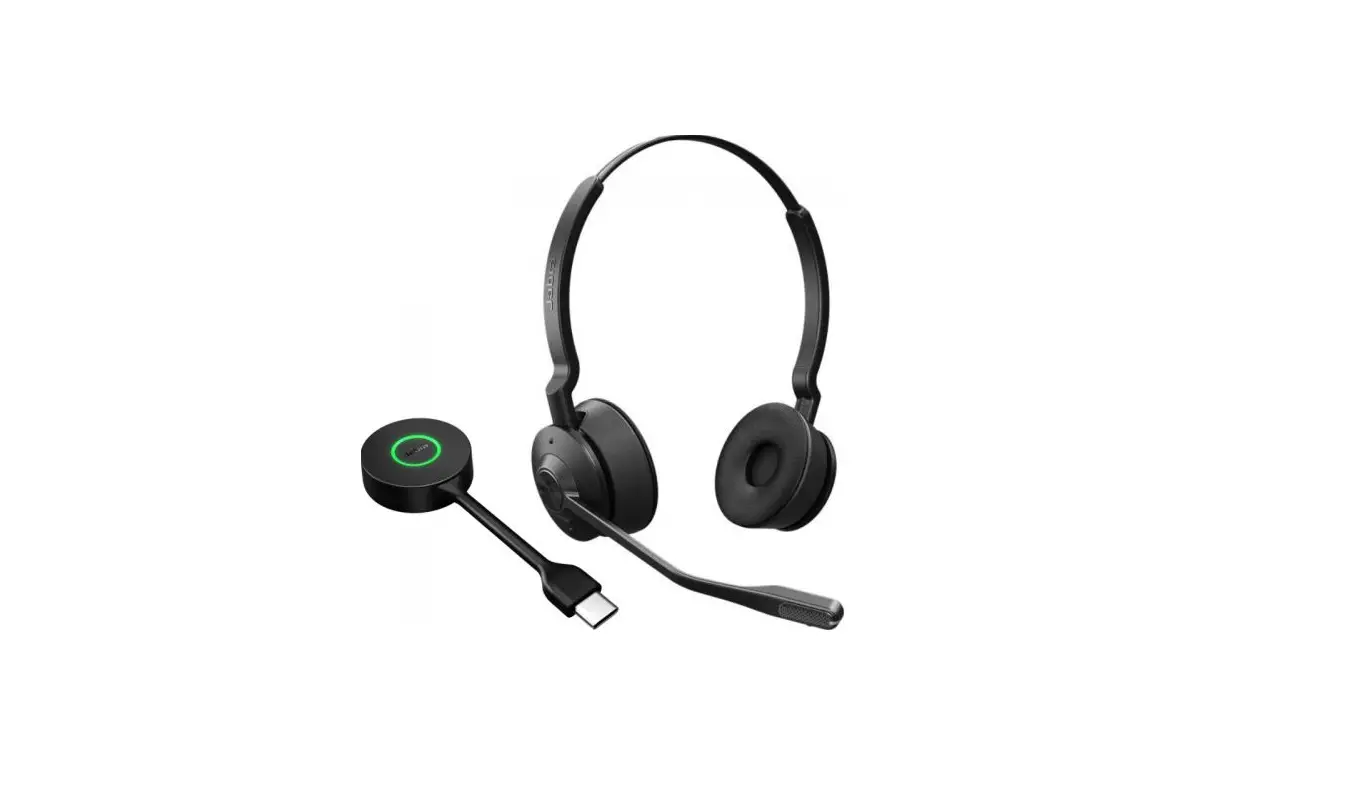
Jabra Engage 55 – USB-A MS Mono with Charging Stand
How do I reset my Jabra Engage 55 to the default settings?
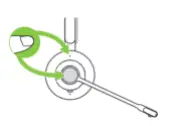
You can reset your Jabra Engage 55 manually or by using Jabra Direct. To reset the headset manually, ensure that it is not connected to the Jabra Link 400. Then, simultaneously press and hold both the Call button and the Volume up button.
 [FAQTitle] | Jabra Engage 55 - USB-A MS Mono with Charging Stand | FAQ | Jabra Support