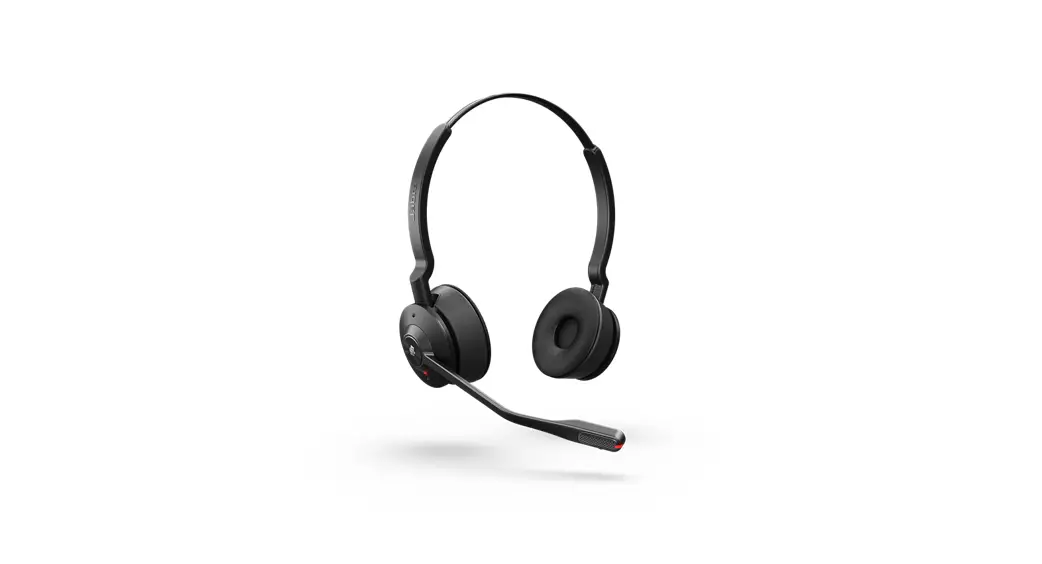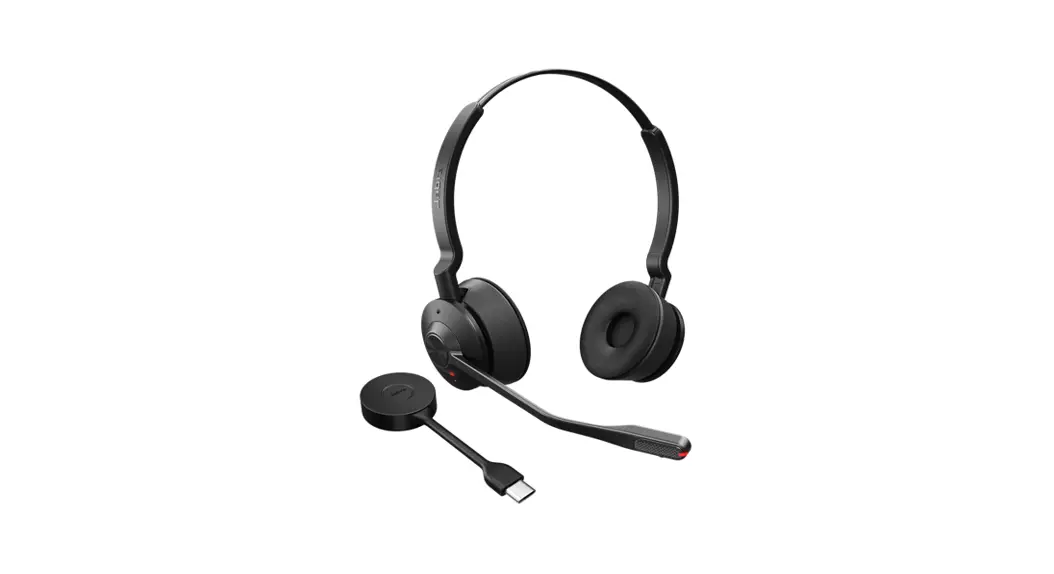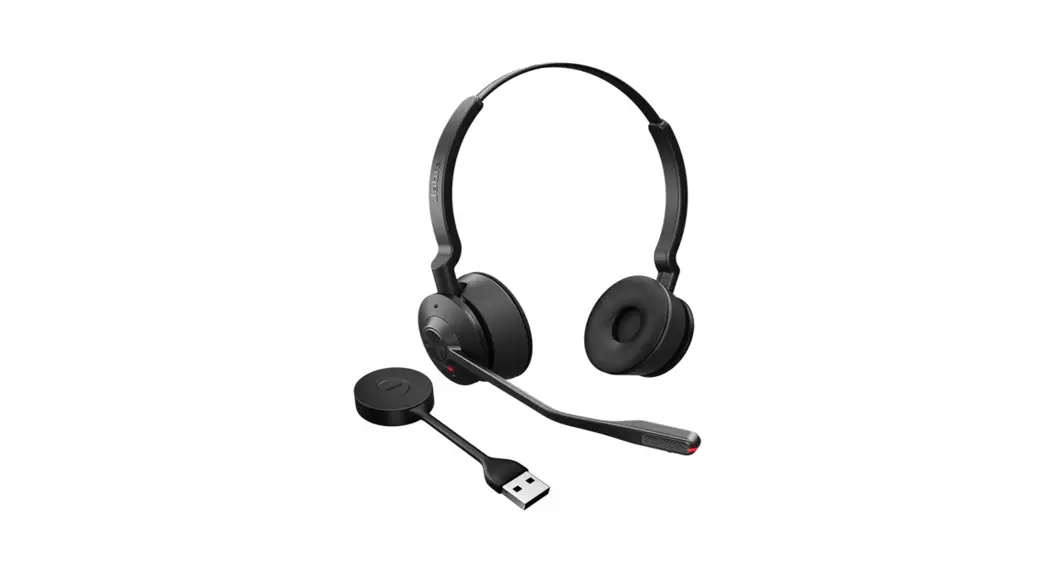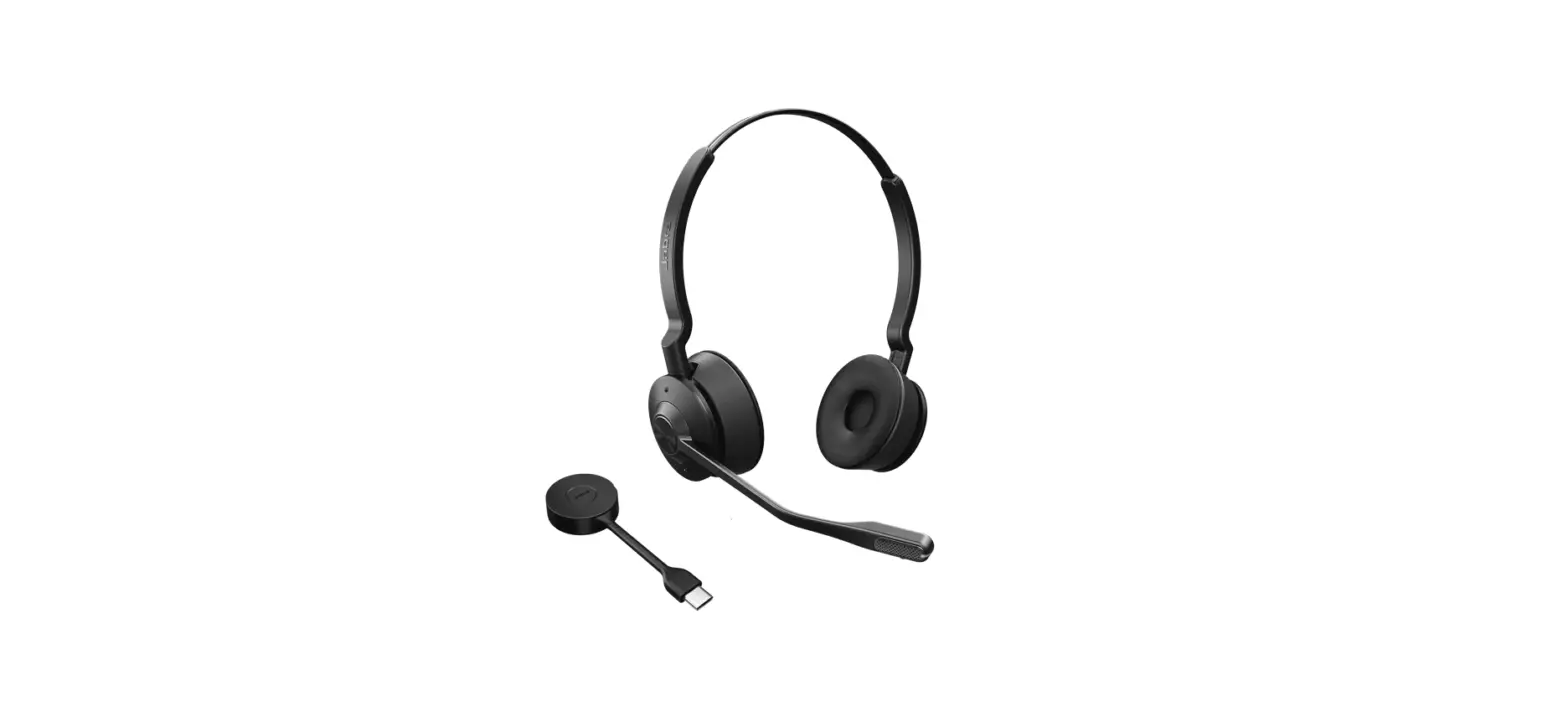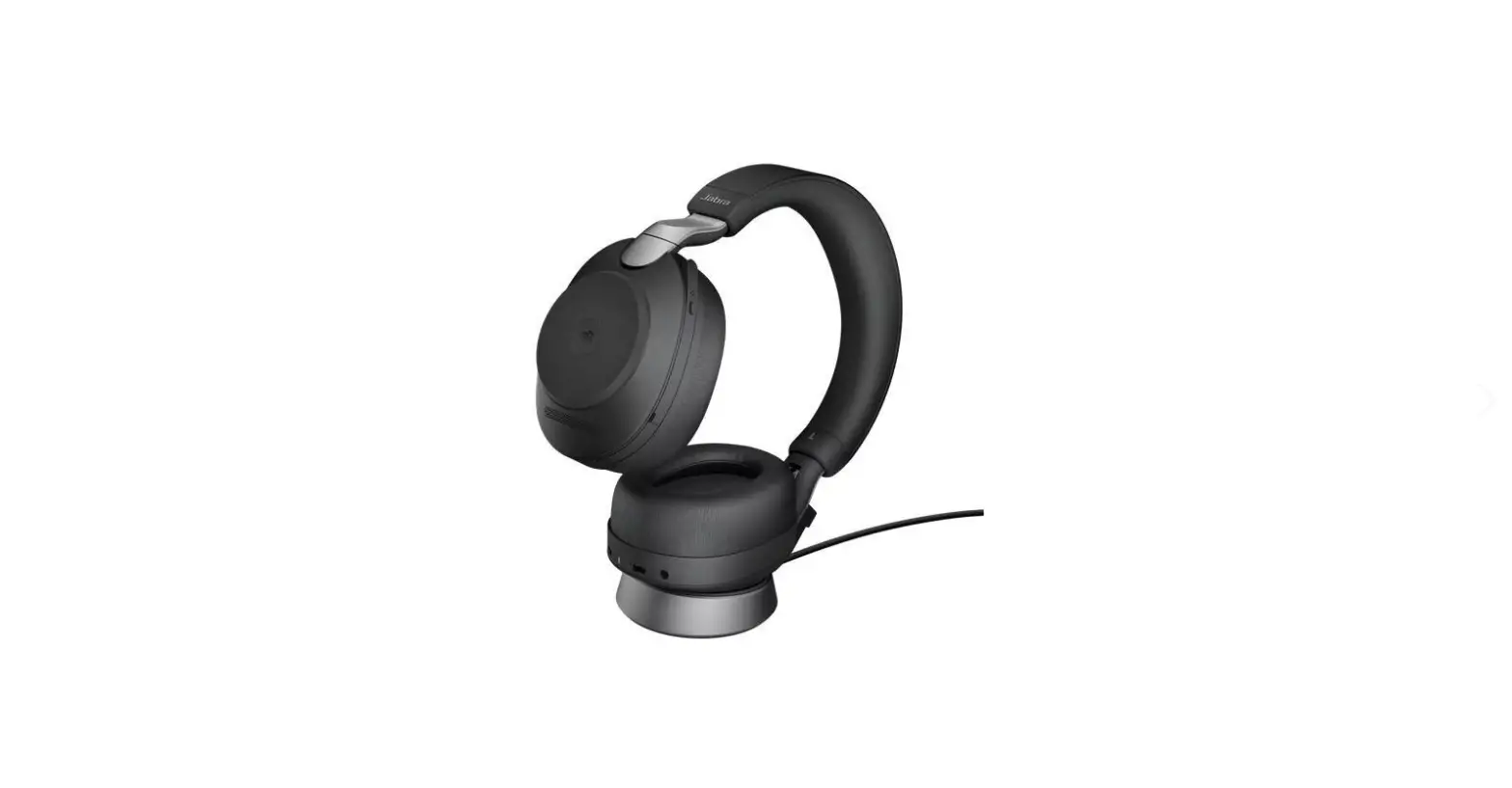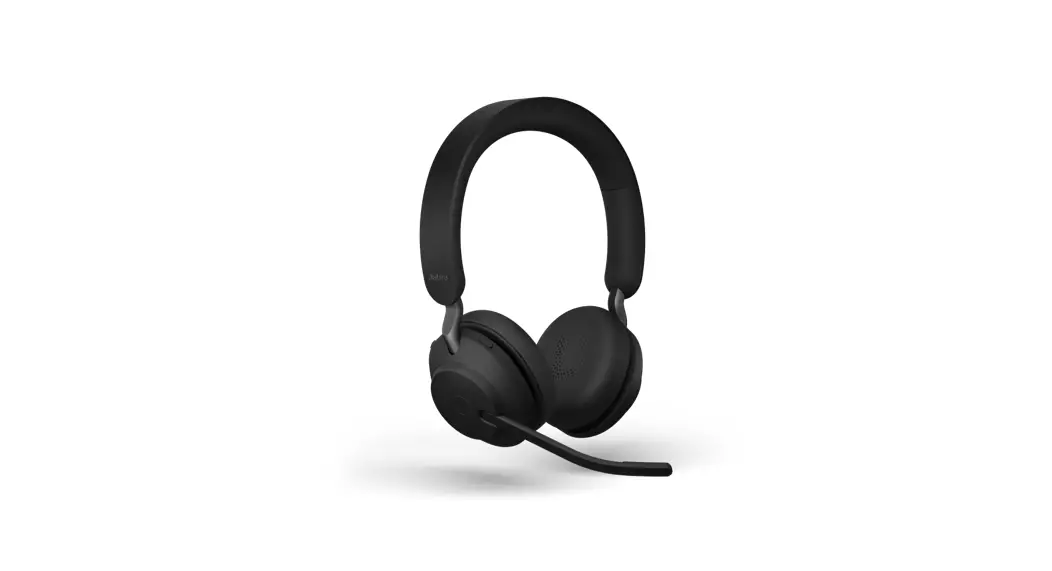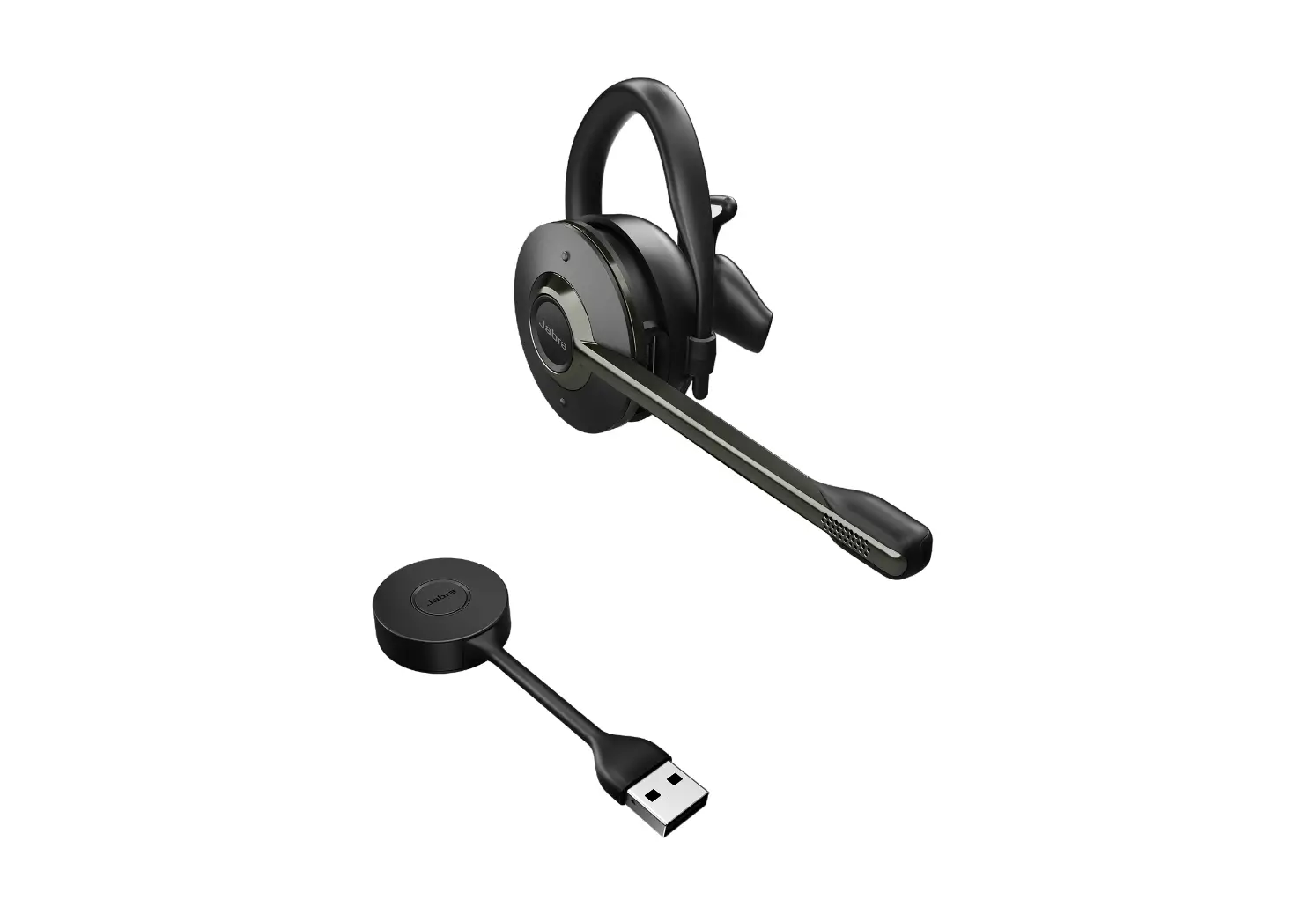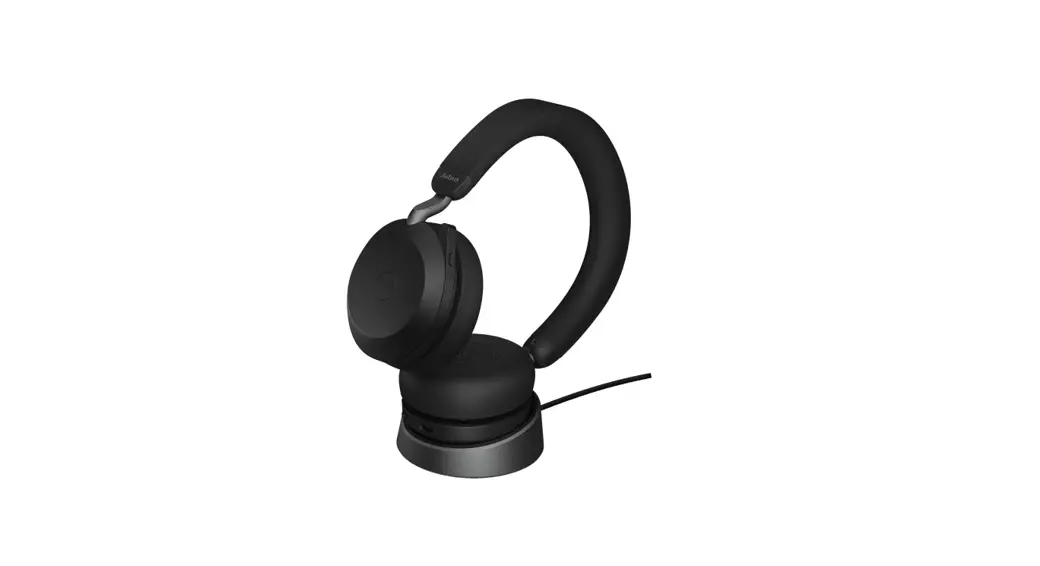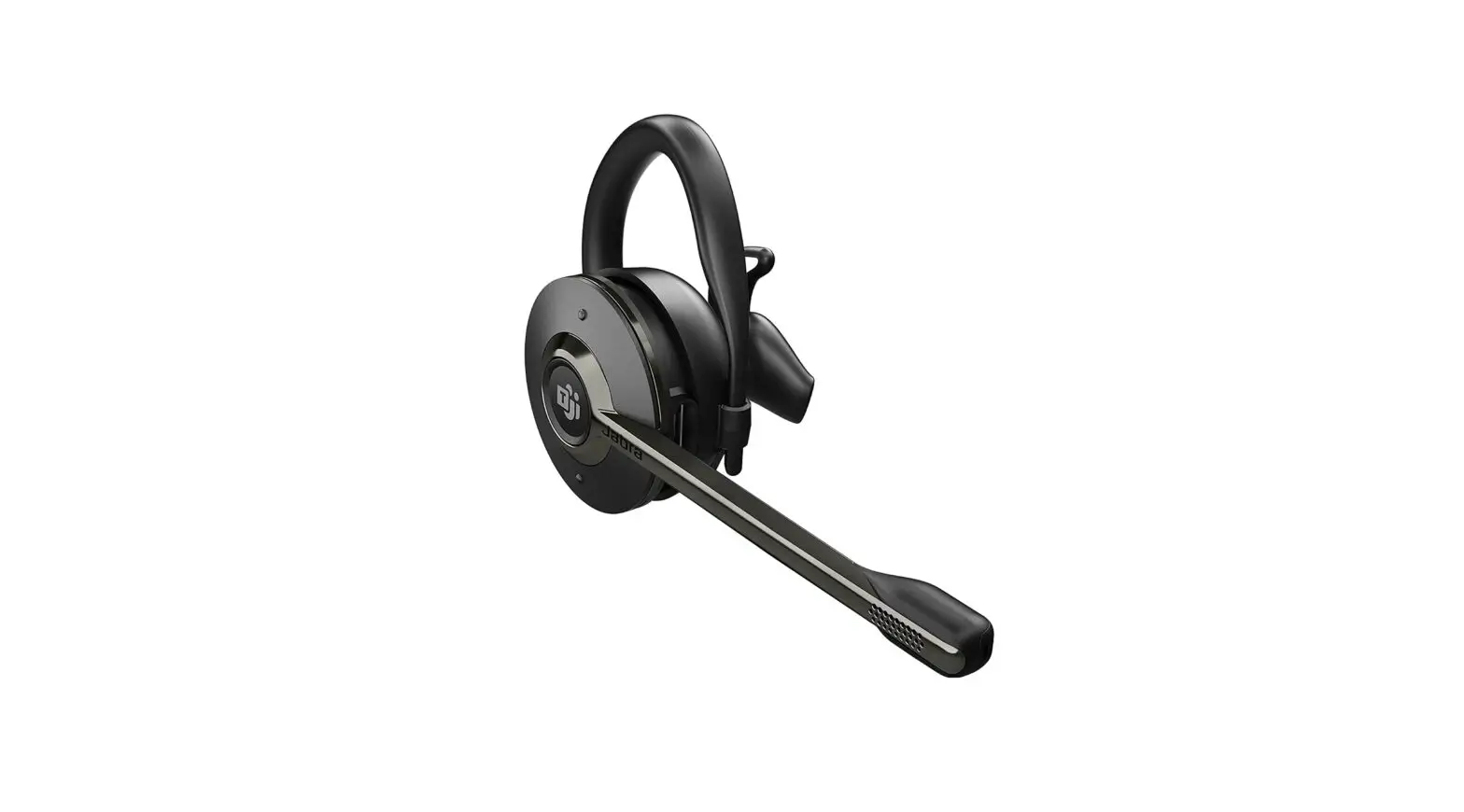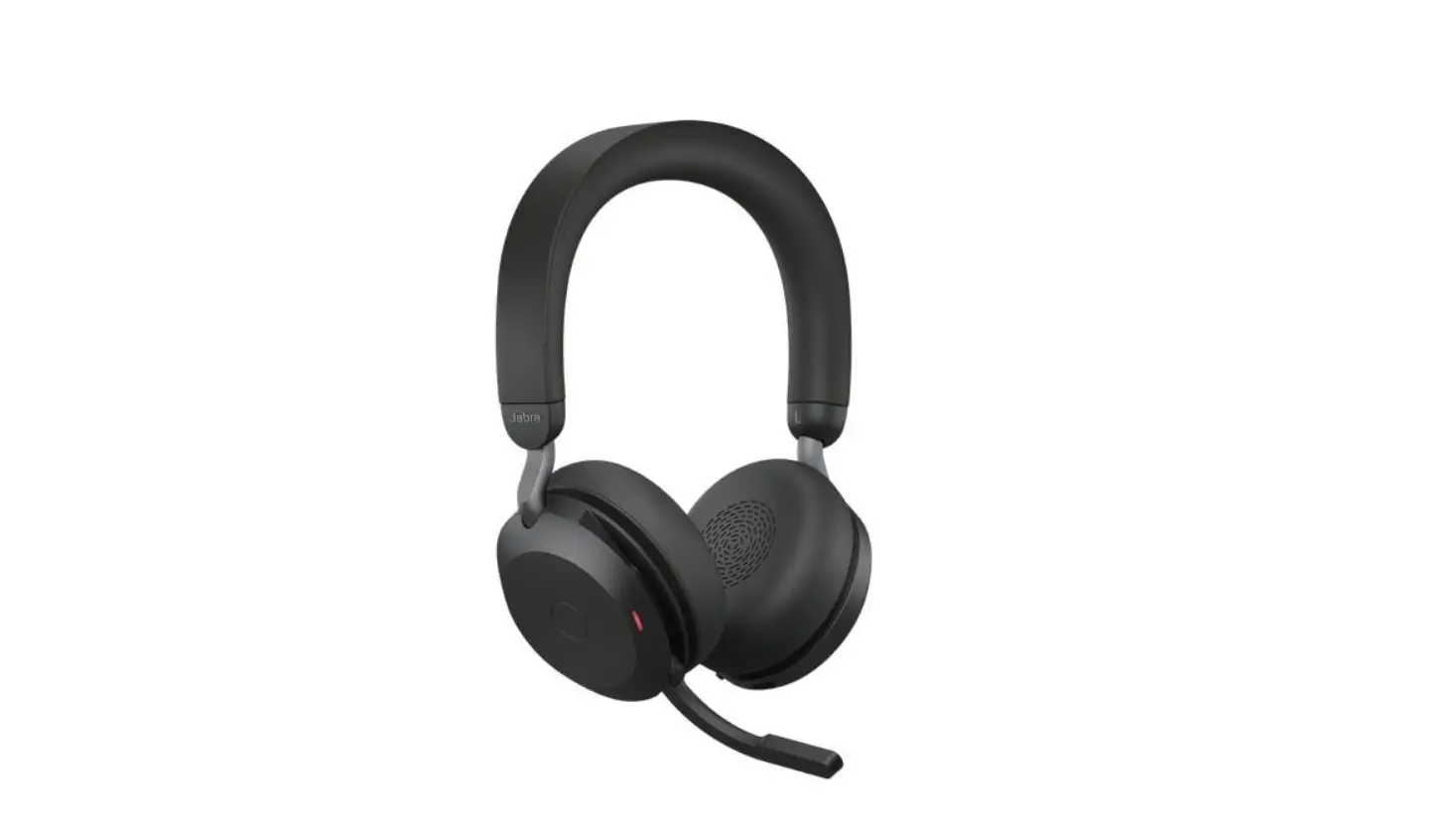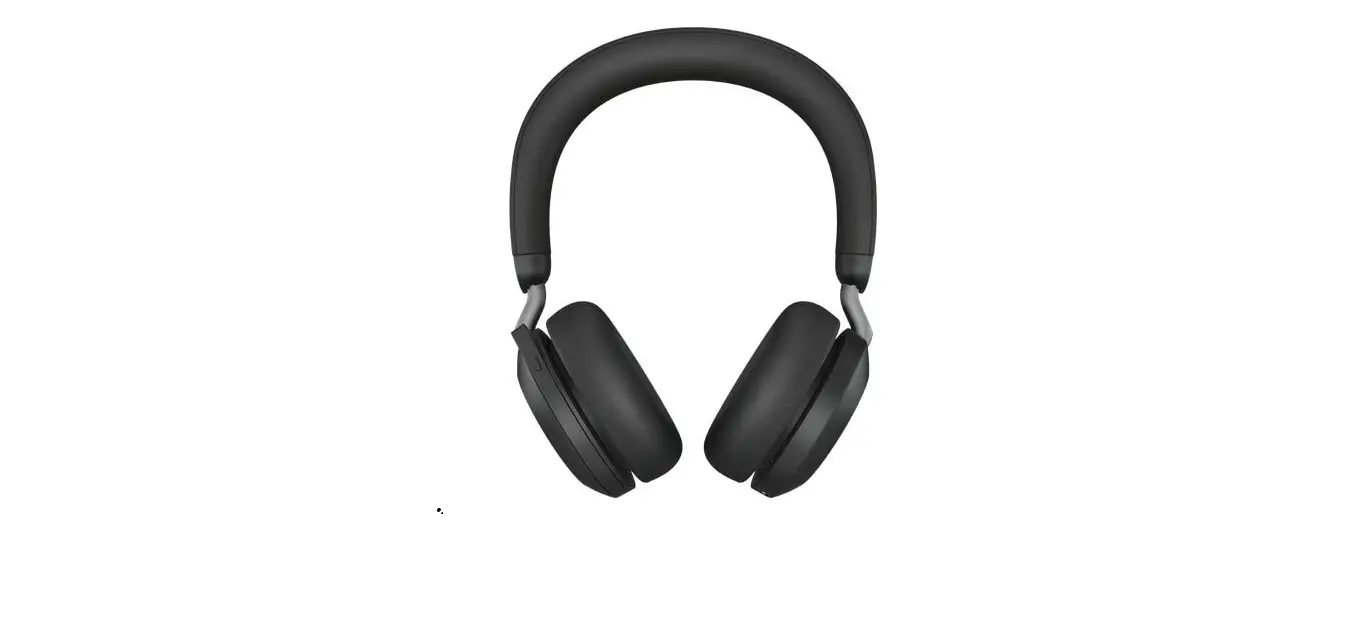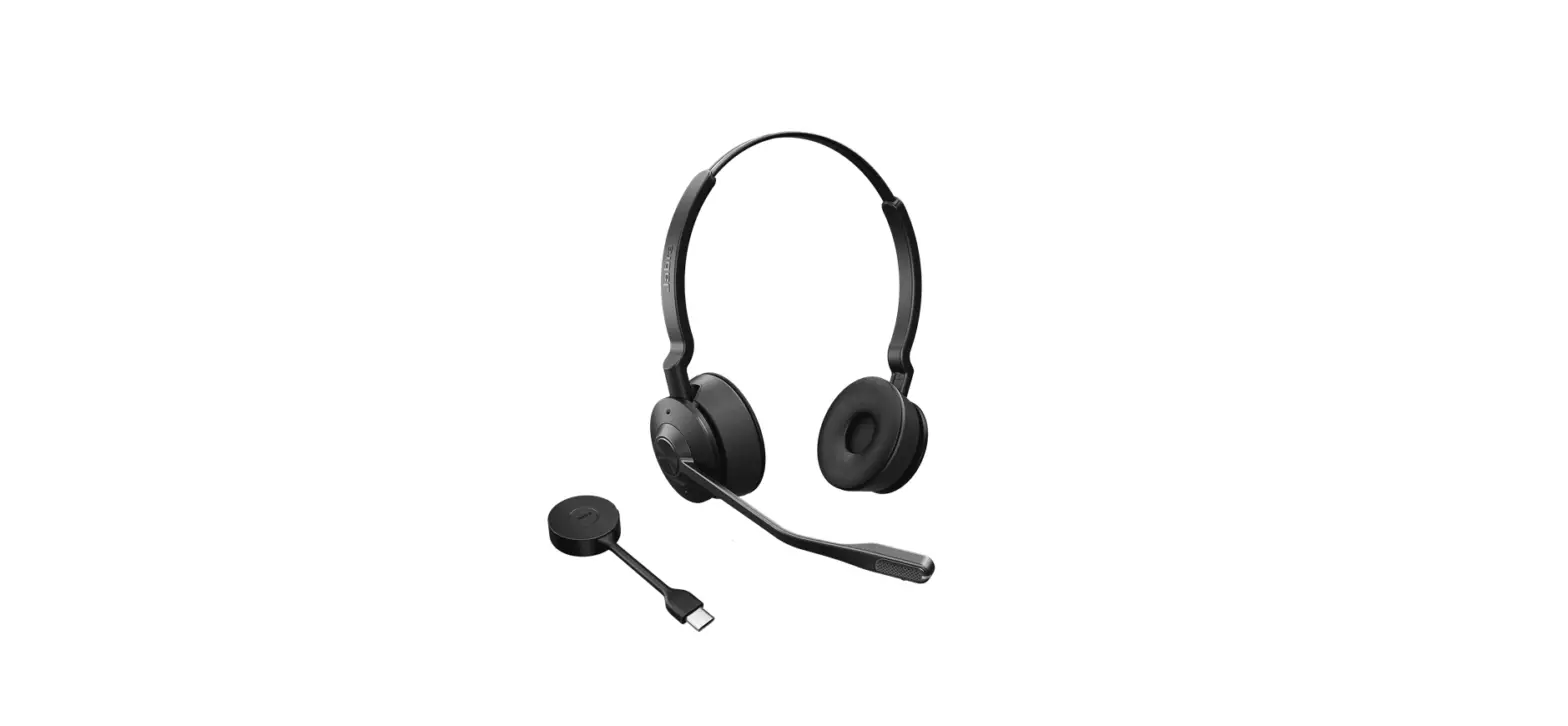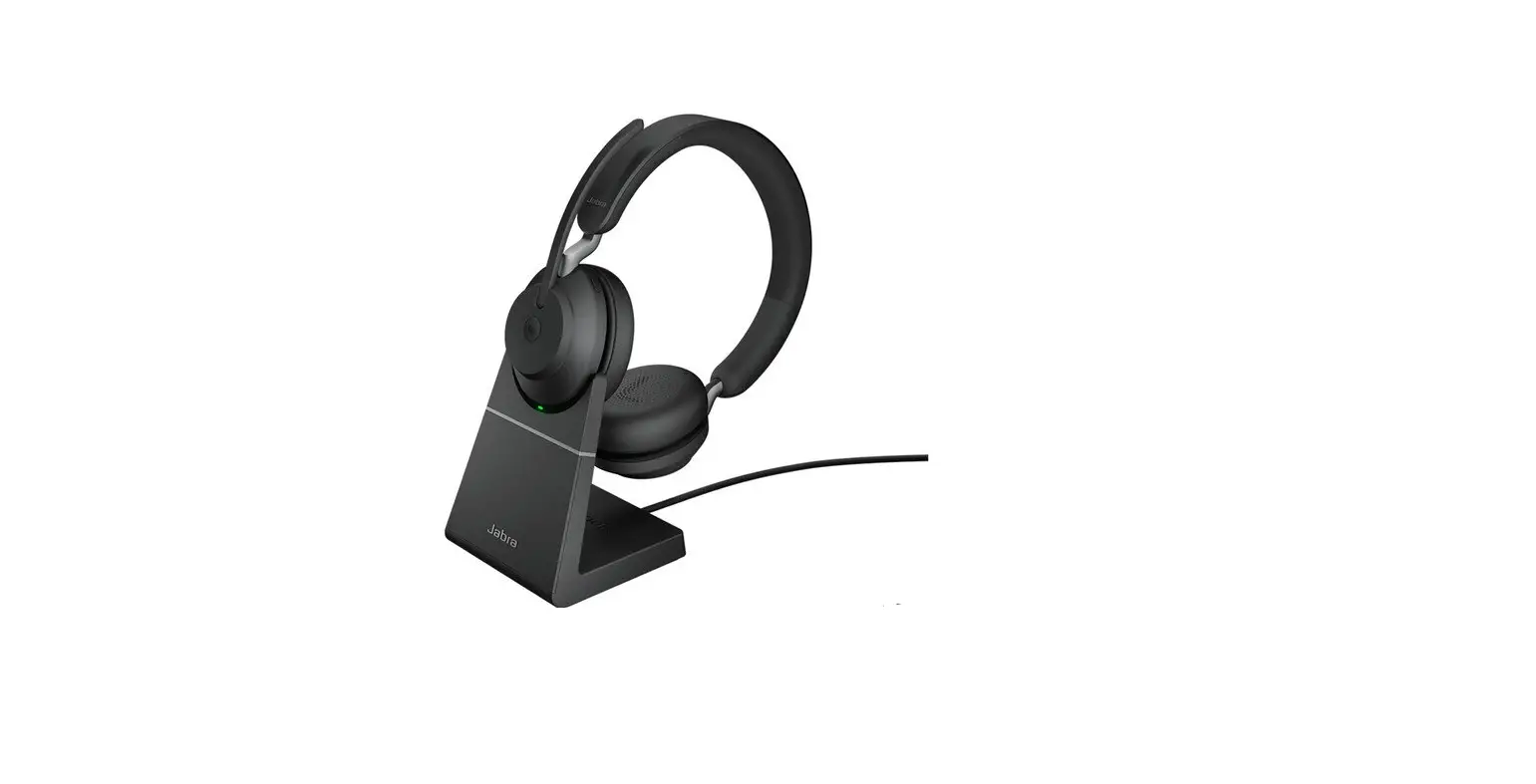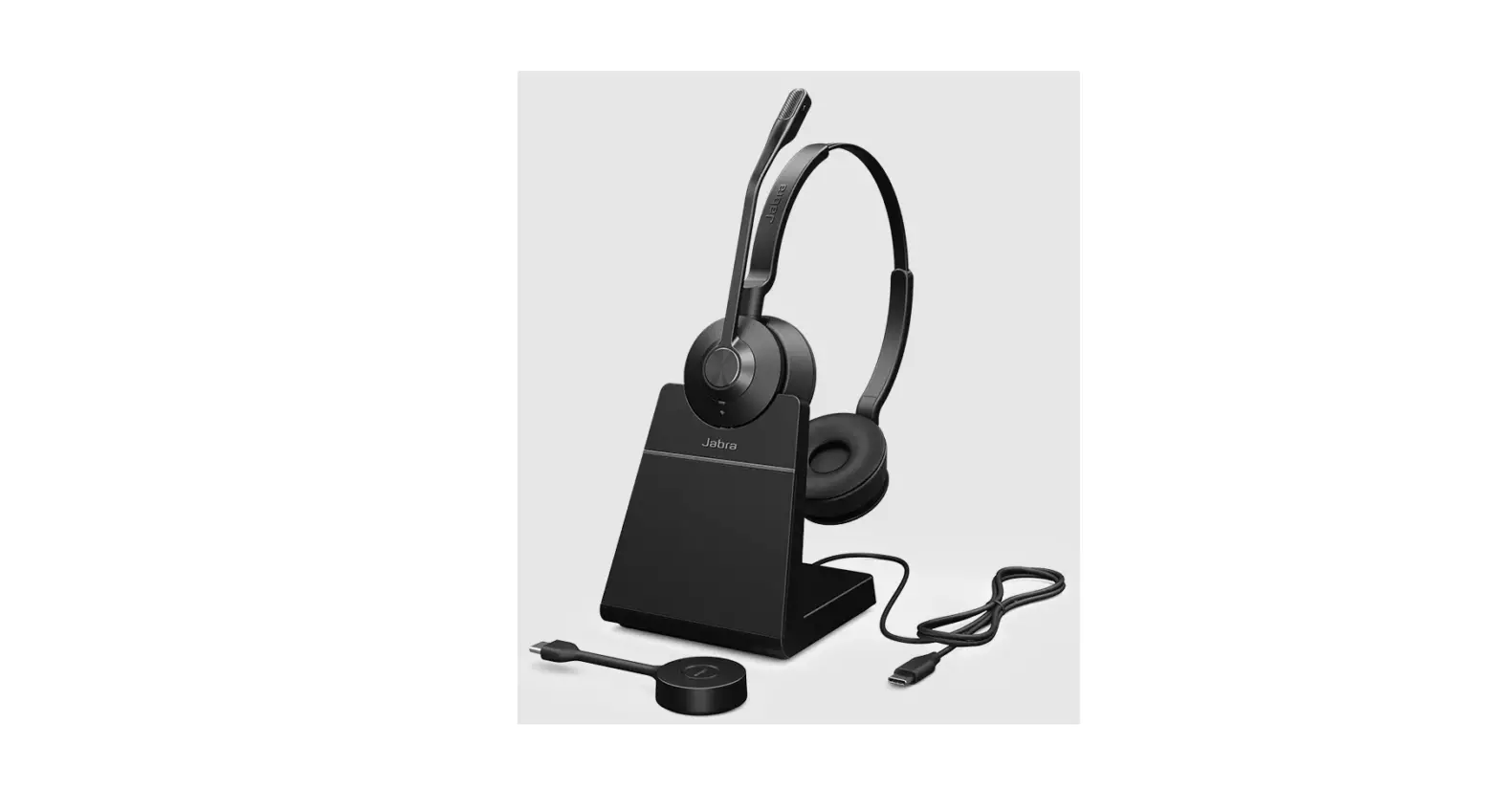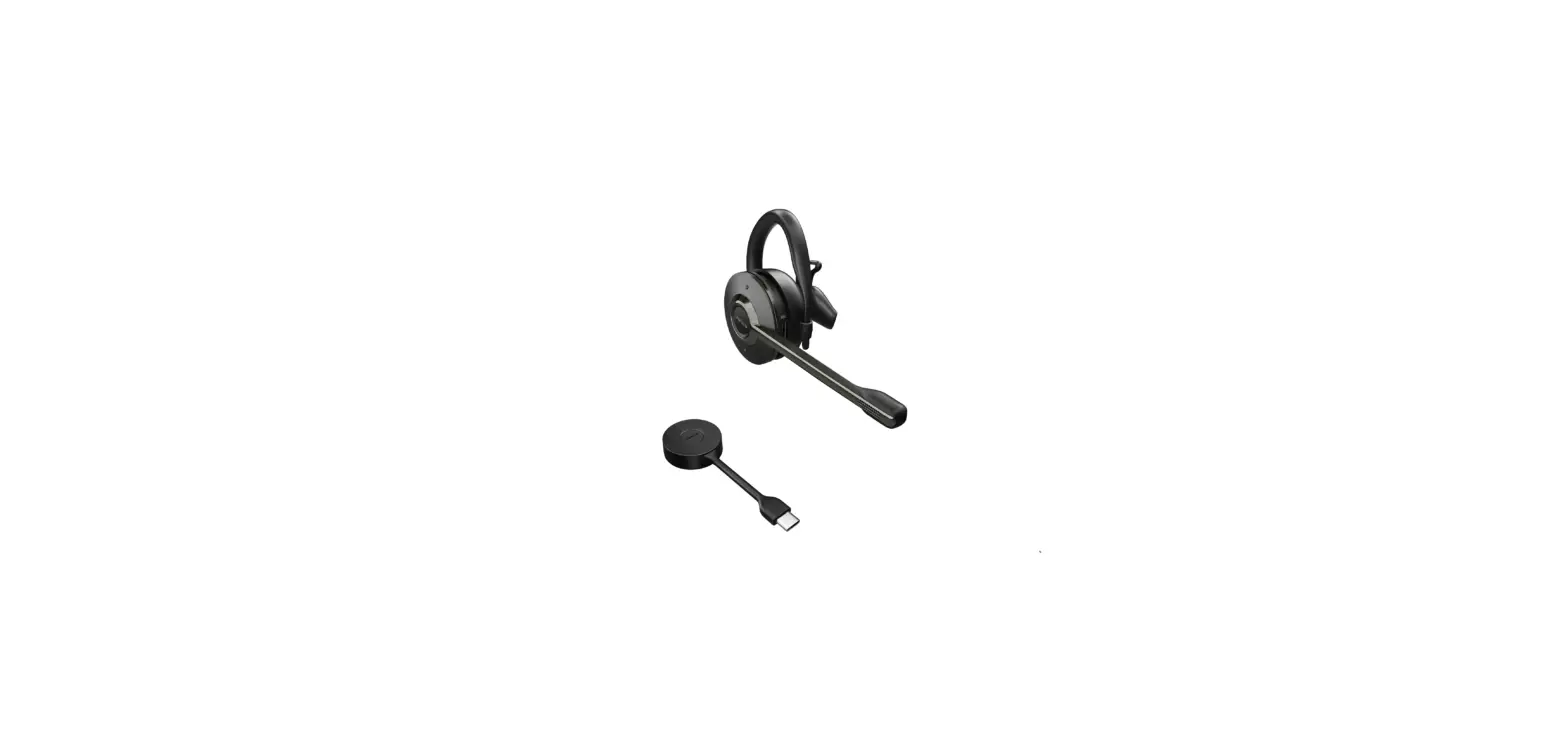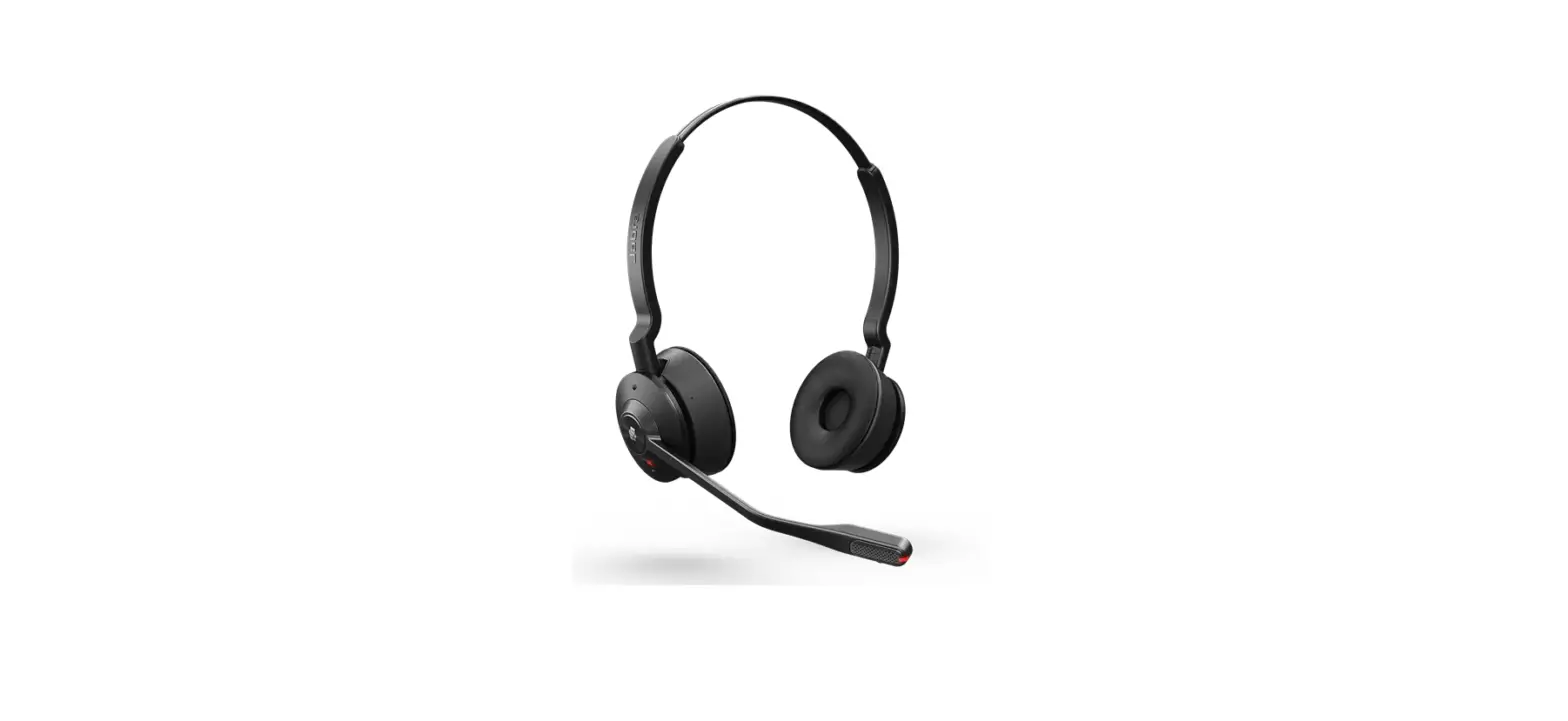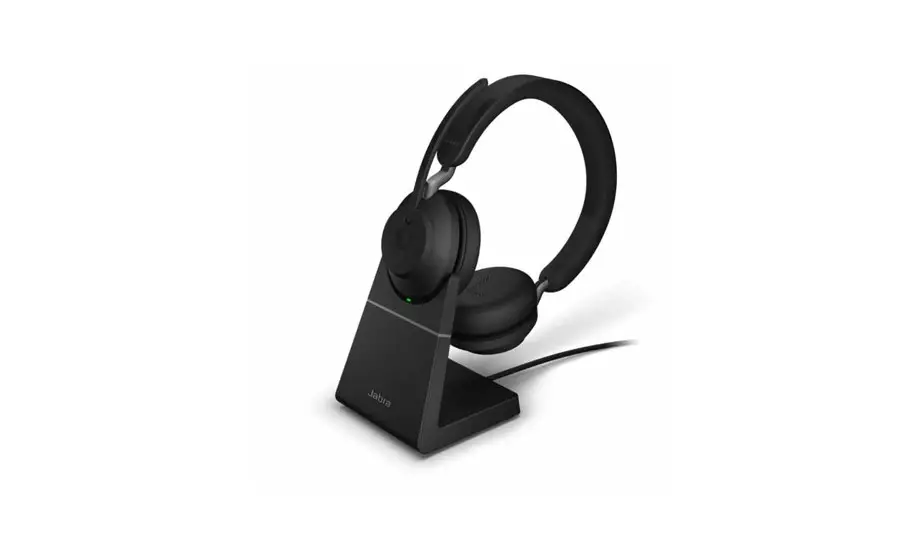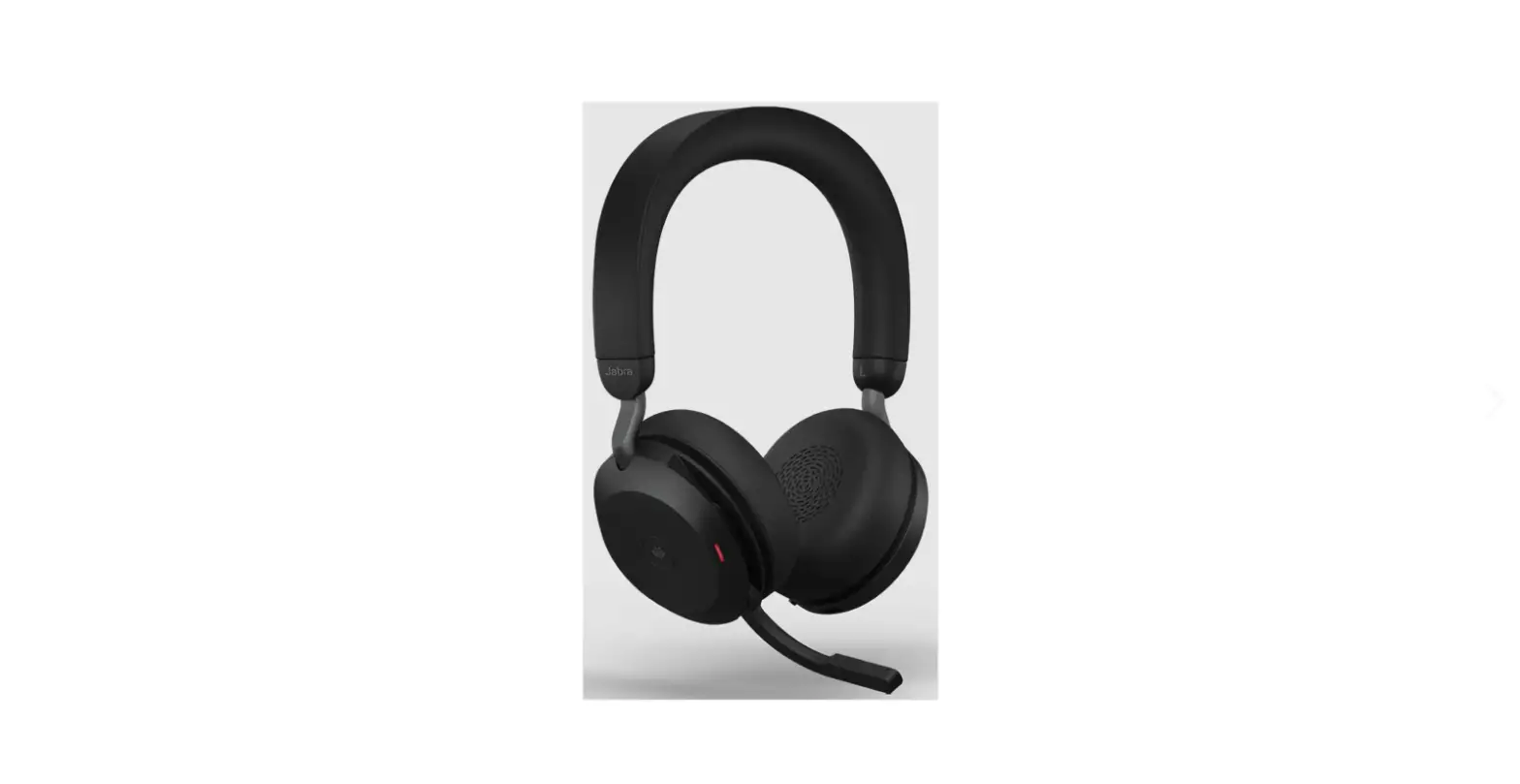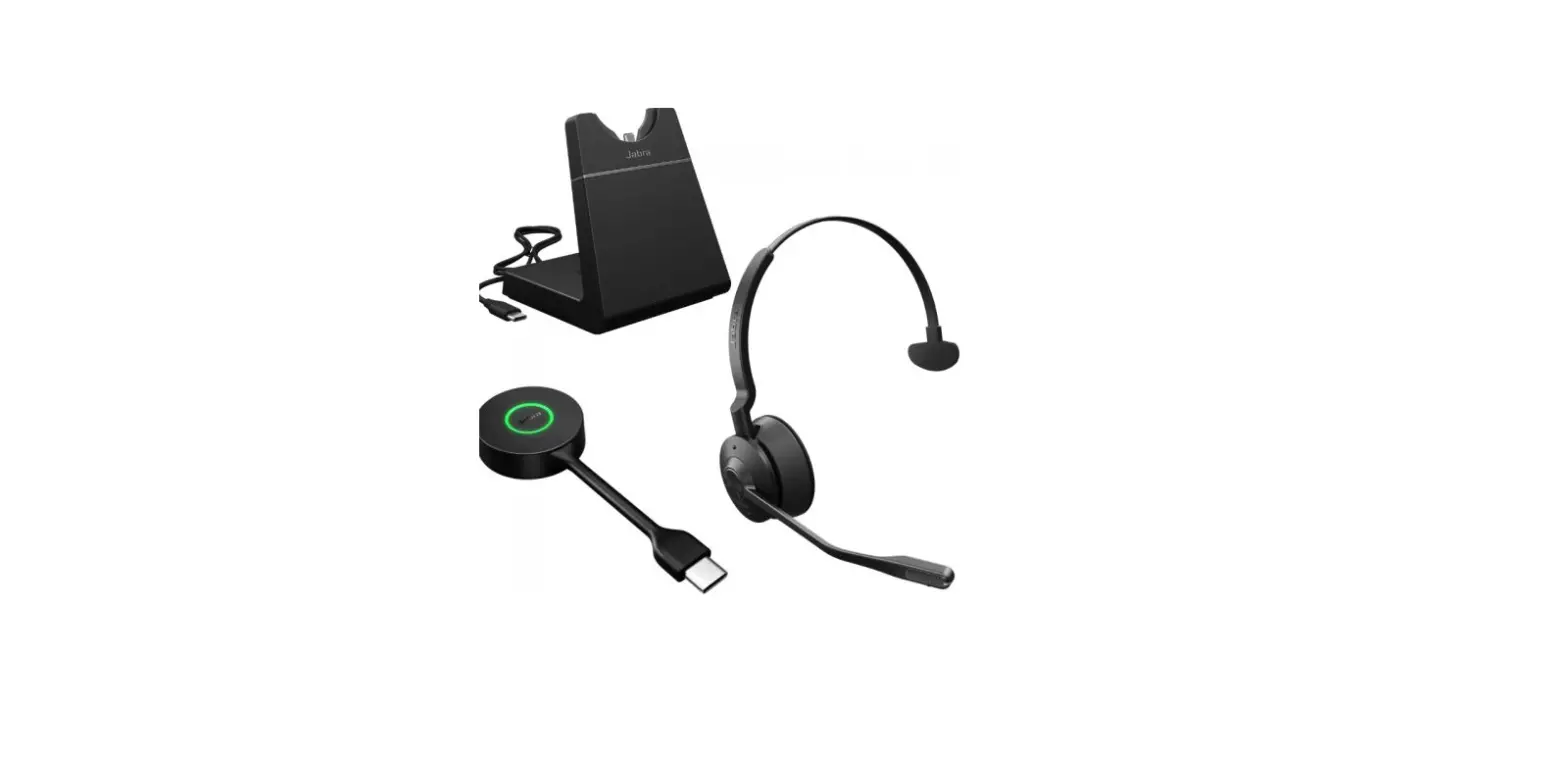

Jabra Engage 55 Usb A Uc Stereo Wireless Headset With Charging Stand Instructions

Jabra Engage 55 Usb A Uc Stereo Wireless Headset With Charging Stand Instructions

Jabra-Evolve-20-Stereo-Wired-Headset-LOGO - Copy

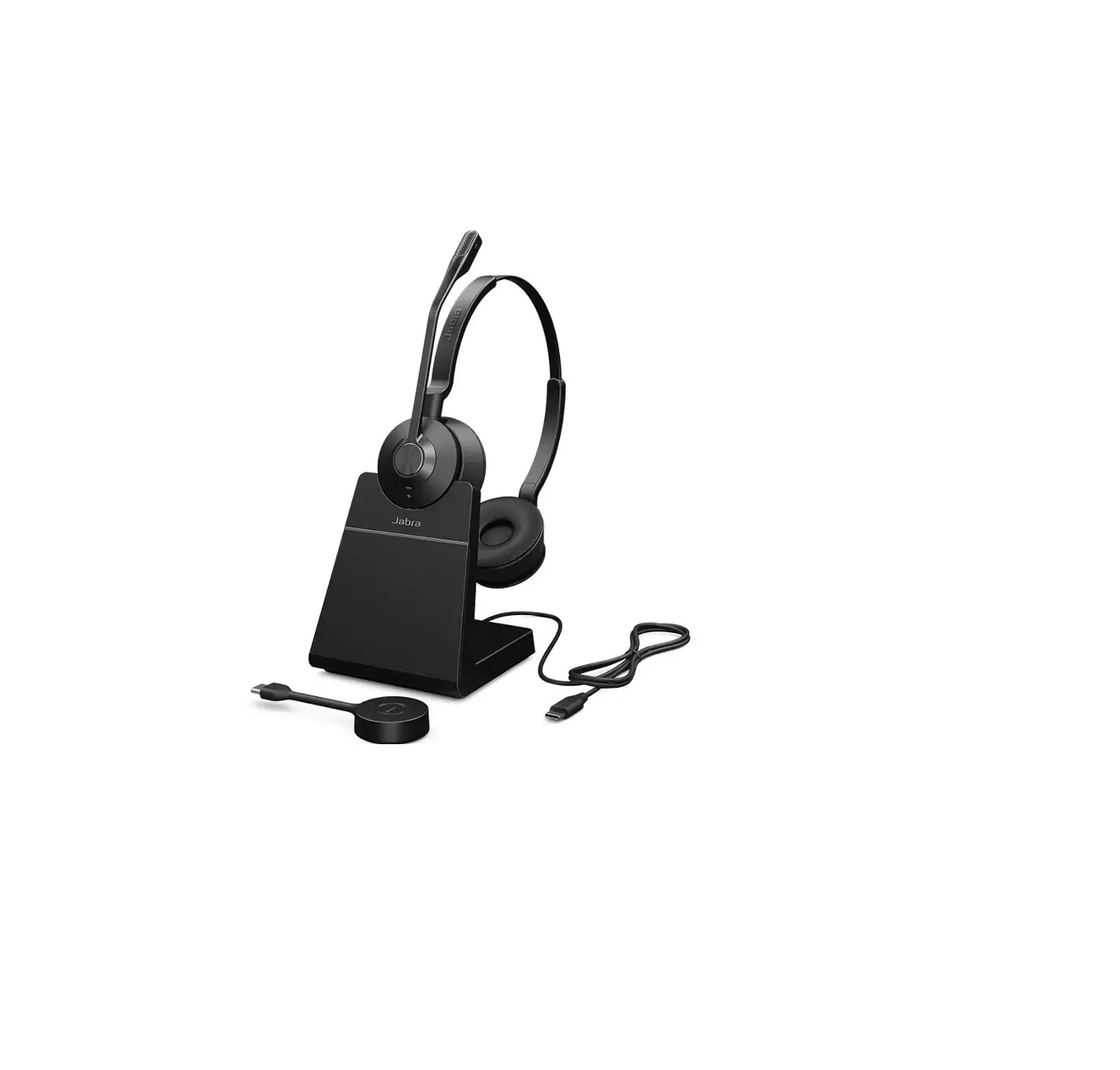
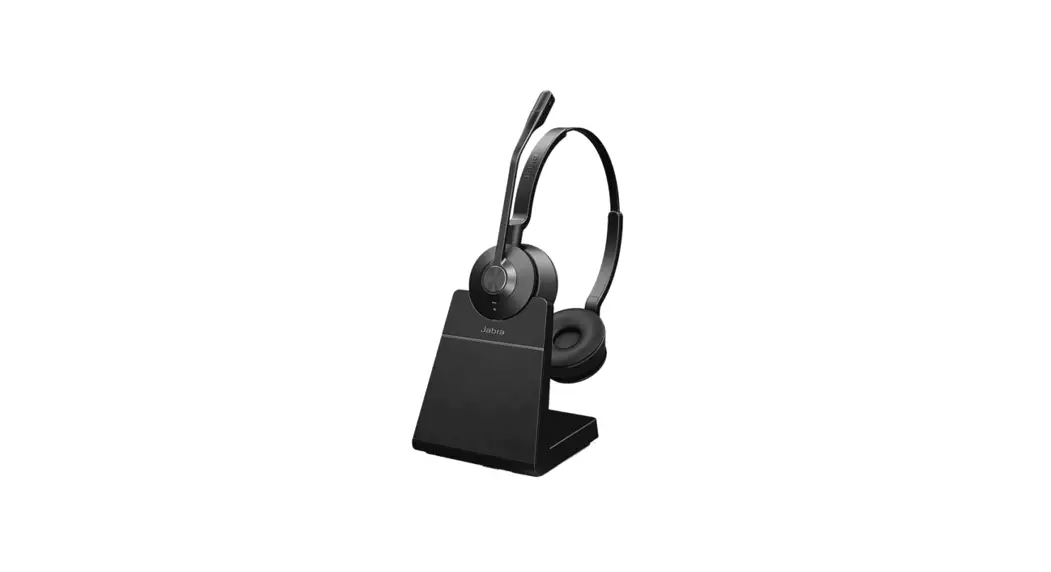
Jabra Engage 55 USB A UC Stereo Wireless Headset with Charging Stand
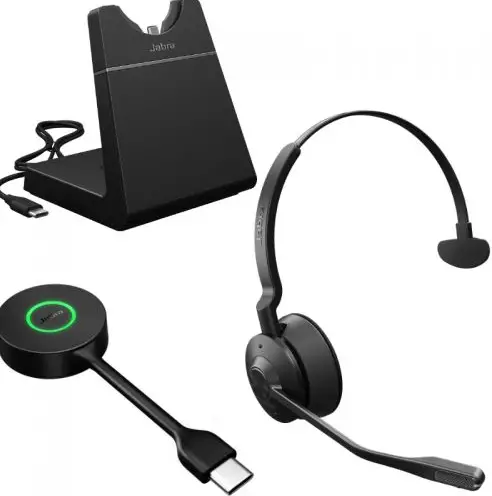
Jabra-Engage-55-USB-UC-Stereo-Wireless-Headset-with-Charging-Stand-PRODUCT - Copy

Jabra Engage 55 – USB-A UC Stereo with Charging Stand

How do I manually turn on/off the busylight on my Jabra Engage headset?

To manually turn the busylight on/off, simultaneously press the Volume up button and the Volume down button.Jabra-Engage-55-USB-UC-Stereo-Wireless-Headset-with-Charging-Stand-FIG-3

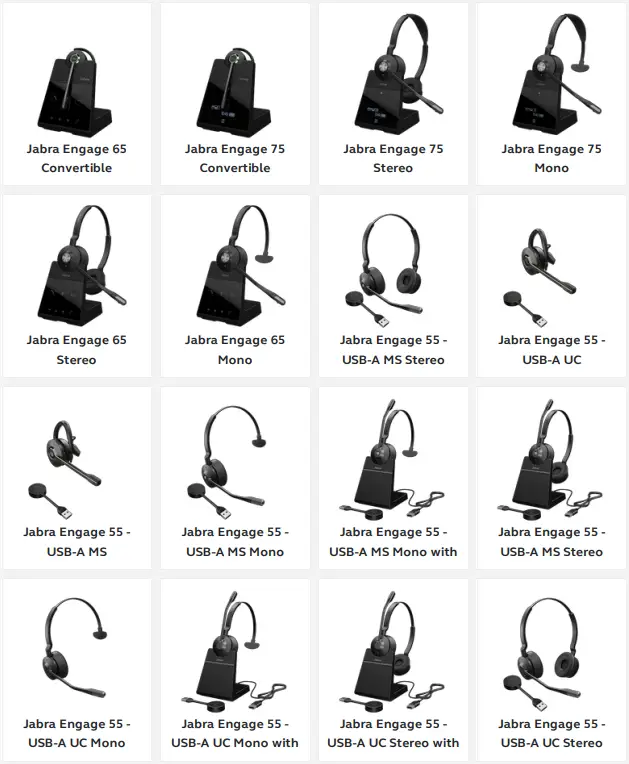
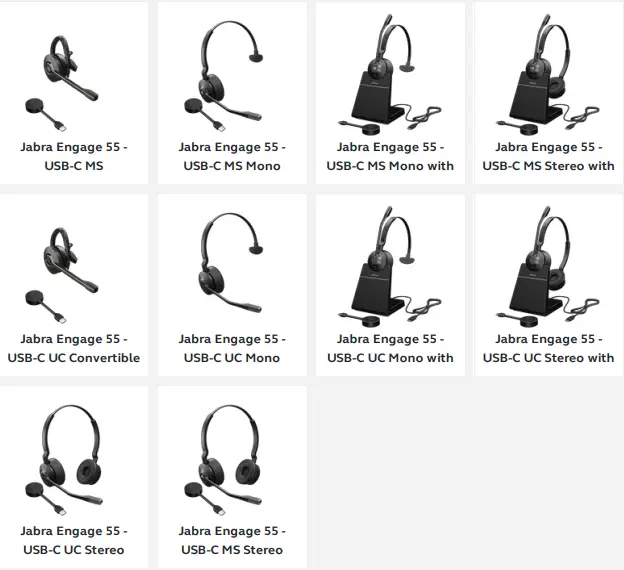
Applicable products

Jabra-Engage-55-USB-UC-Stereo-Wireless-Headset-with-Charging-Stand-FIG-1Jabra-Engage-55-USB-UC-Stereo-Wireless-Headset-with-Charging-Stand-FIG-2

https://wwwjabra.hk/supportpages/jabra-engage-55/9559-415-111/fag/bffBaec9-9d1d4e73-8b6f-c9544807433f

References

Documents / Resouces

Download manual
Here you can download full pdf version of manual, it may contain additional safety instructions, warranty information, FCC rules, etc.


Related Manuals