 Instructions Manual
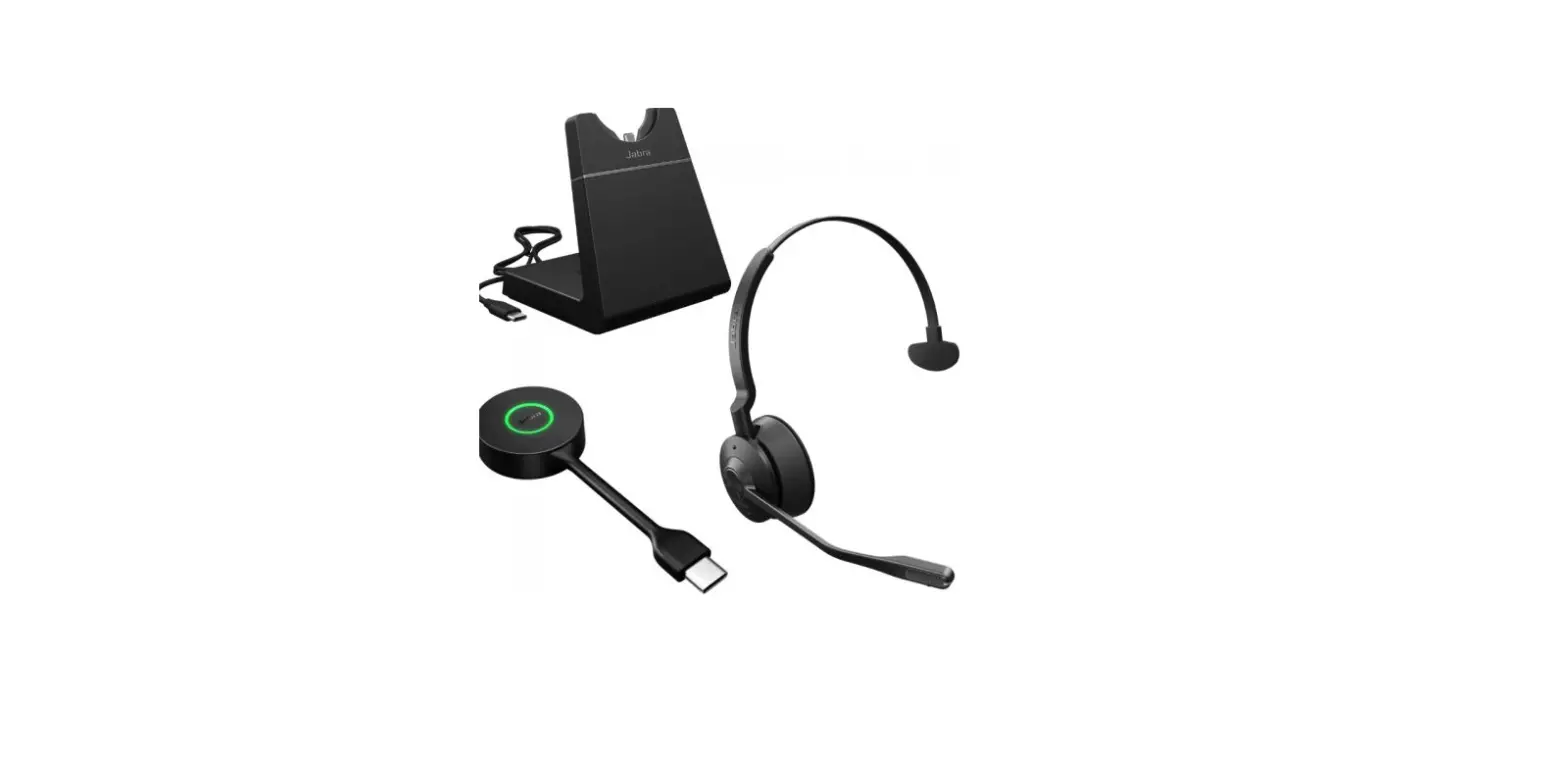
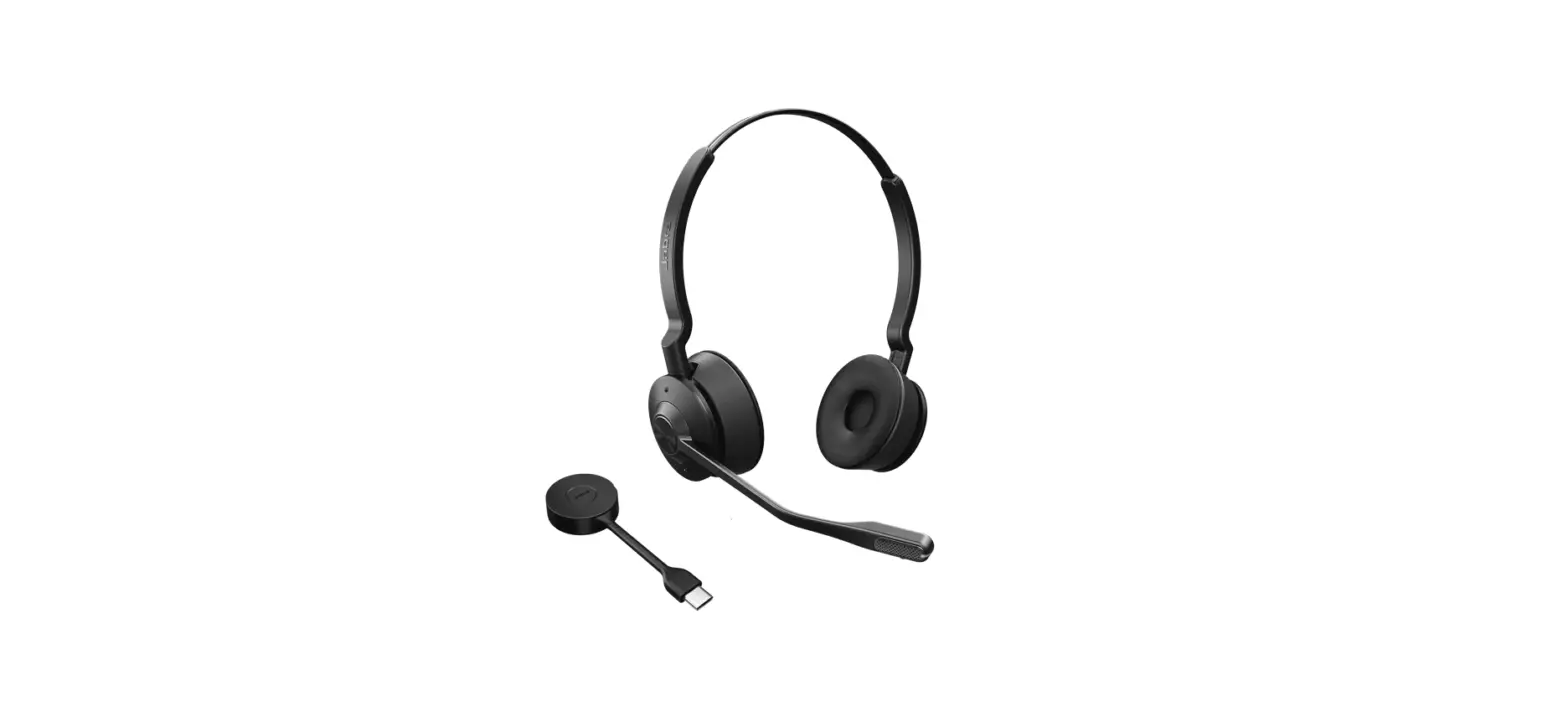
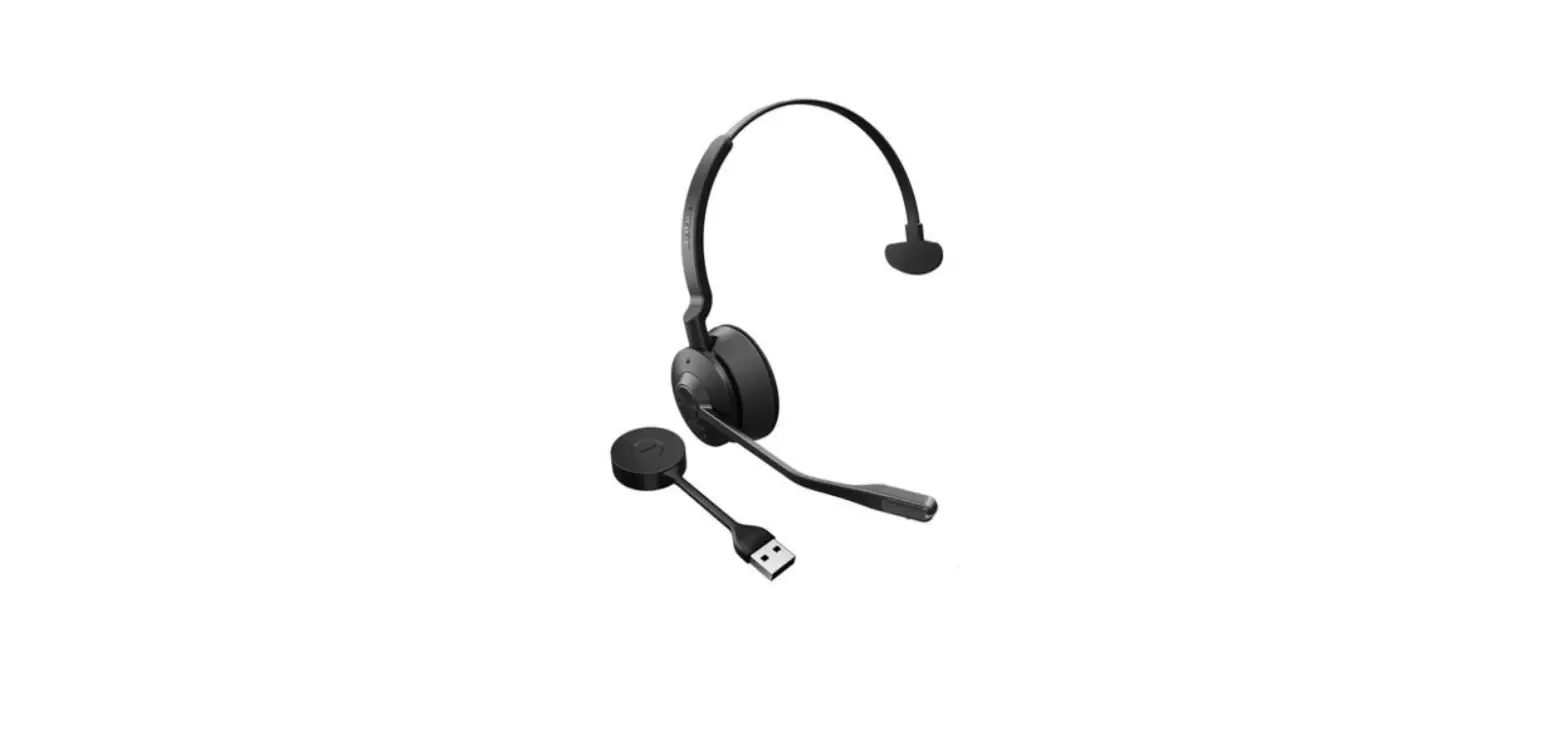
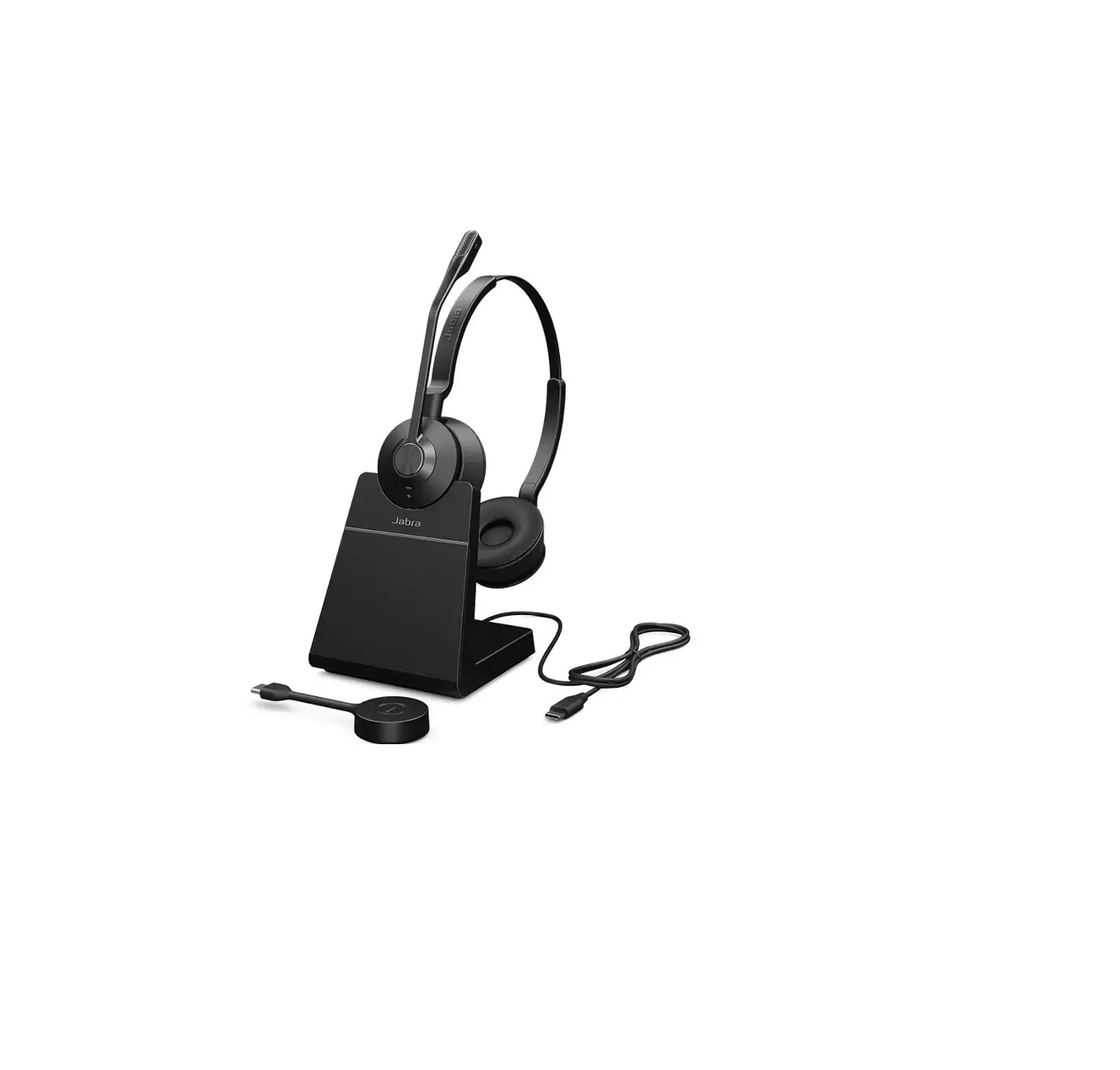
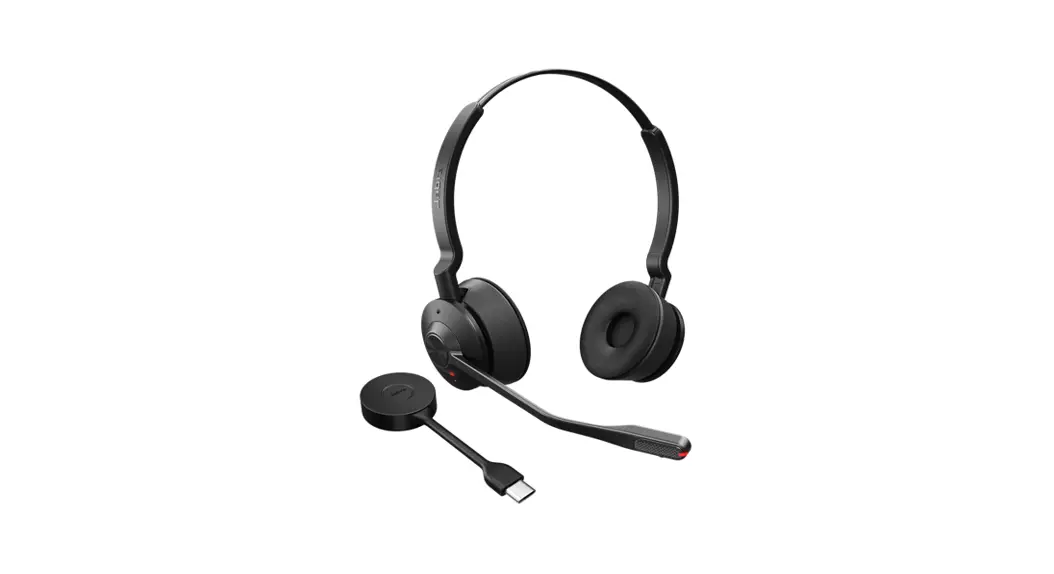
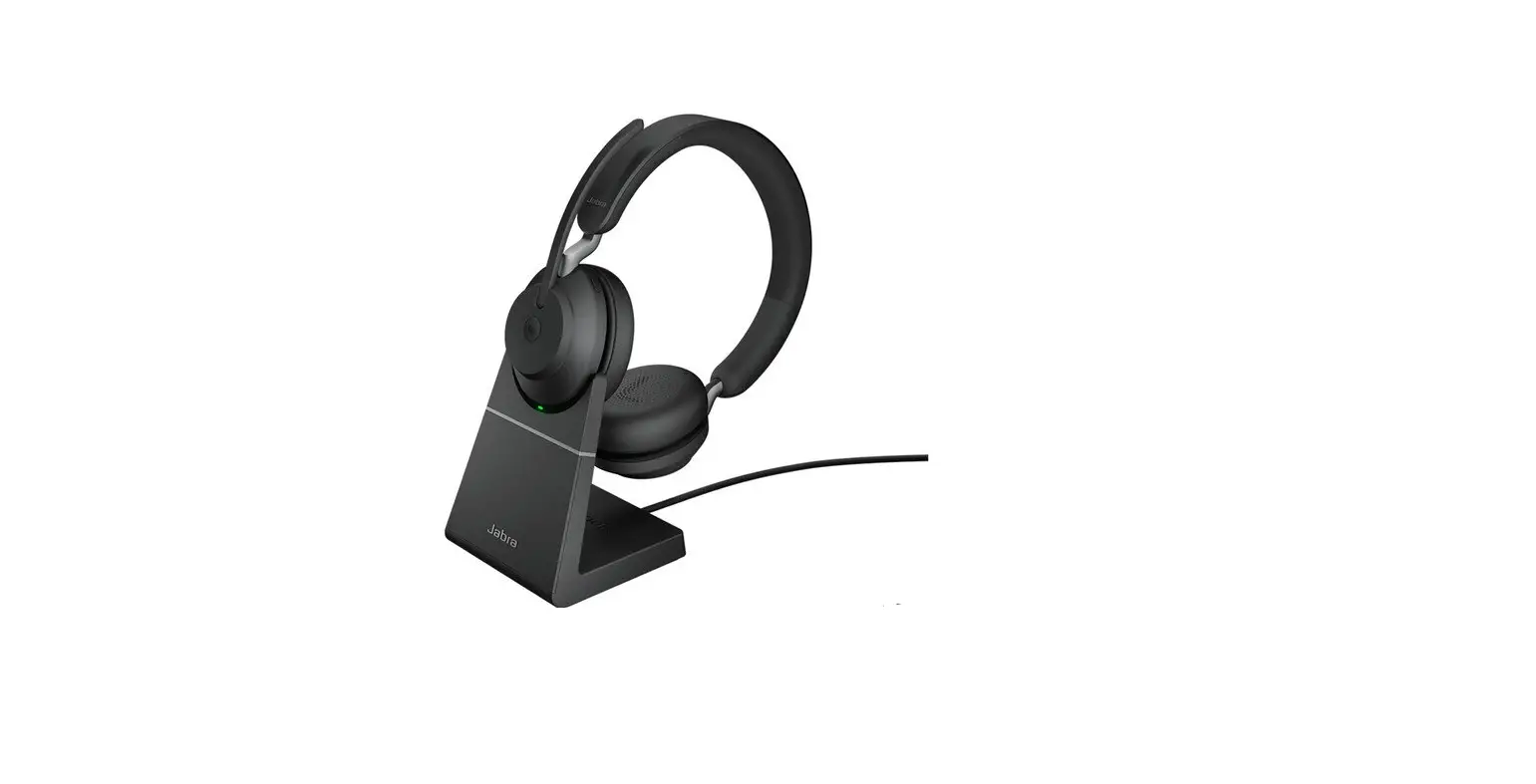
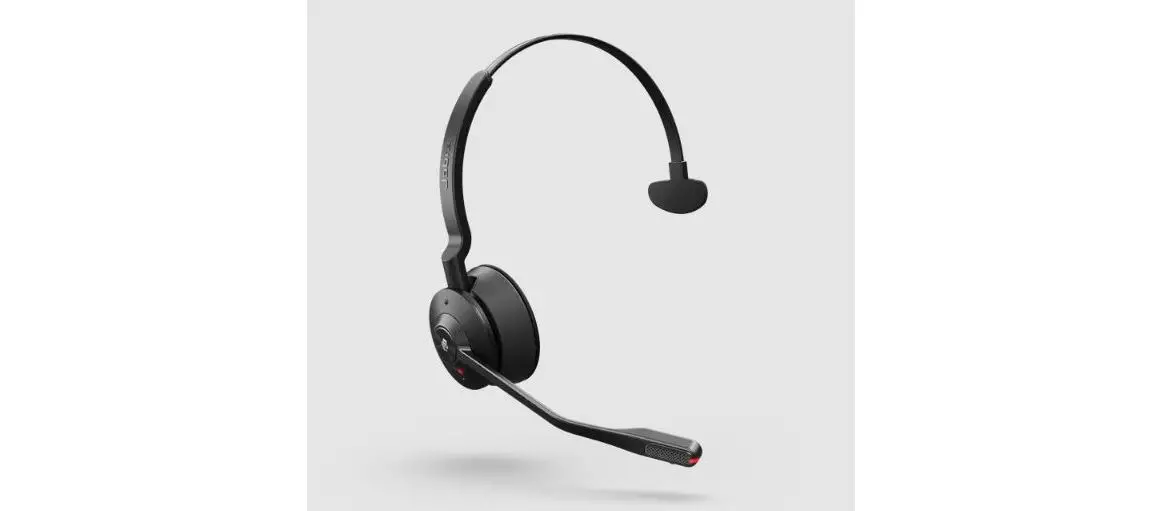
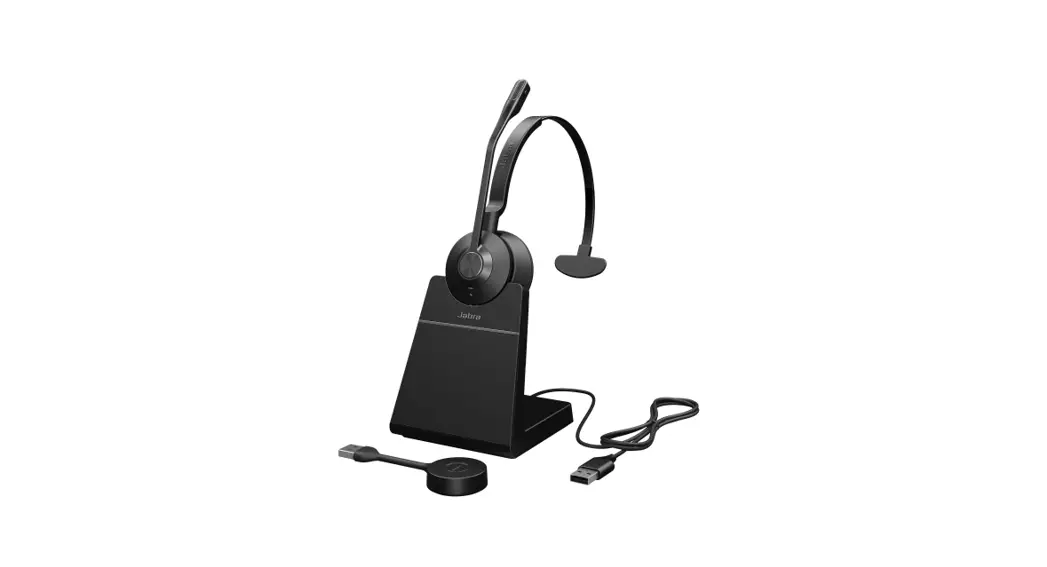
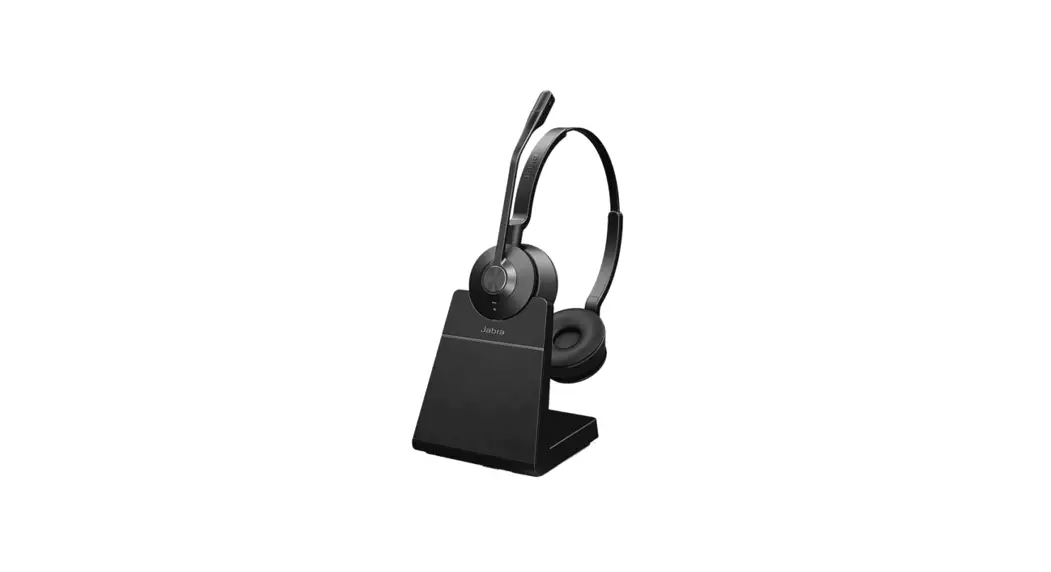
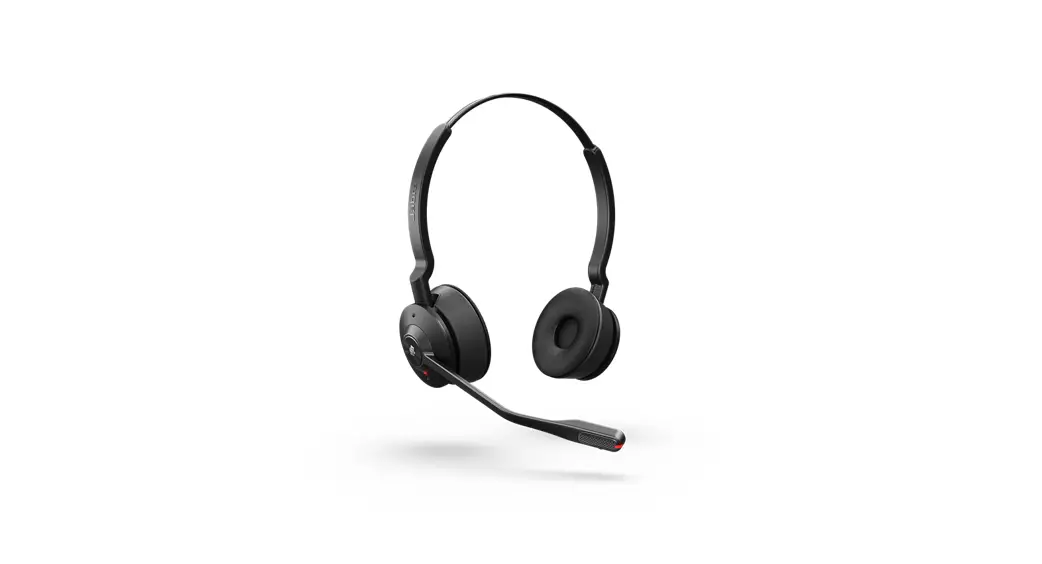
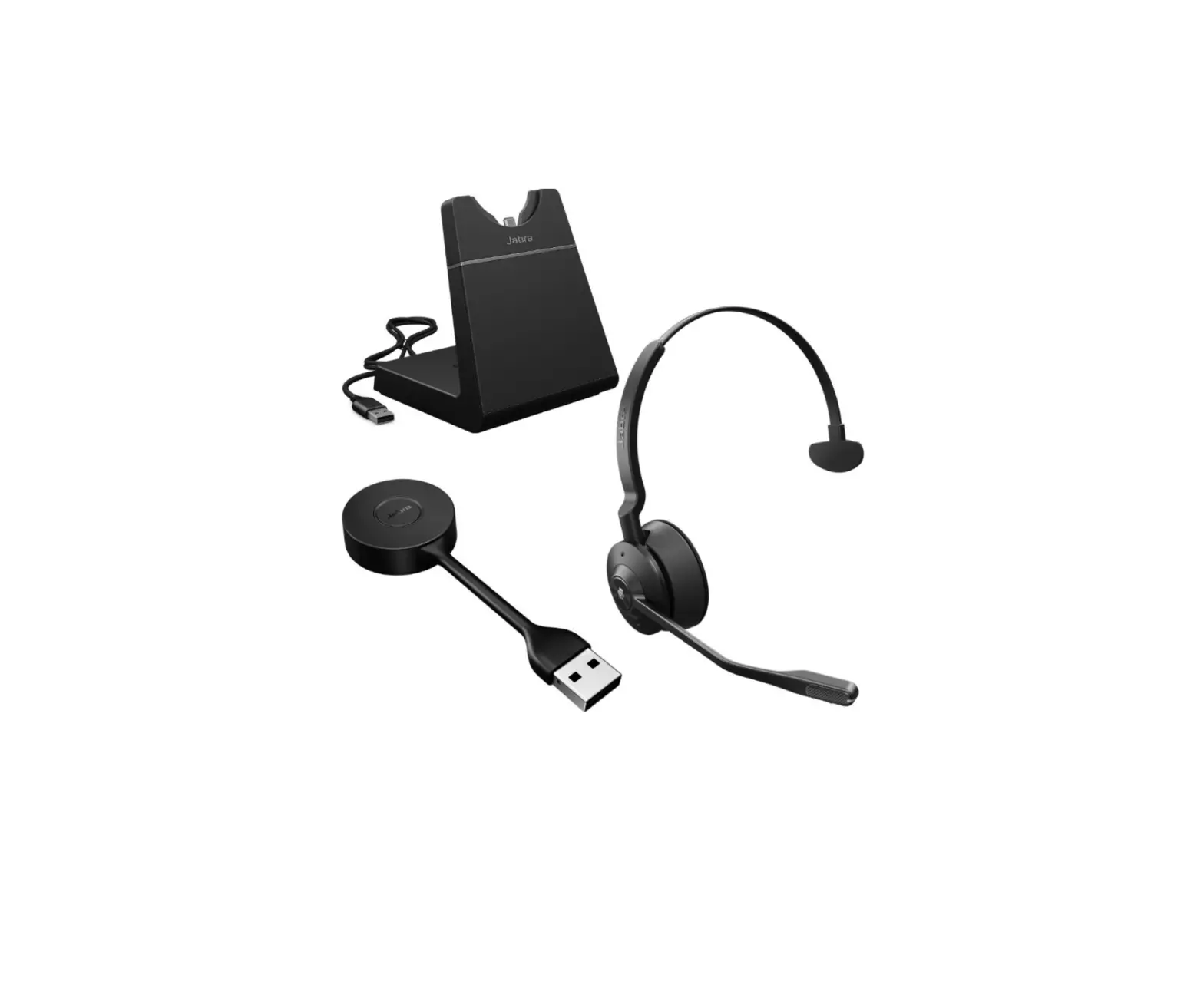
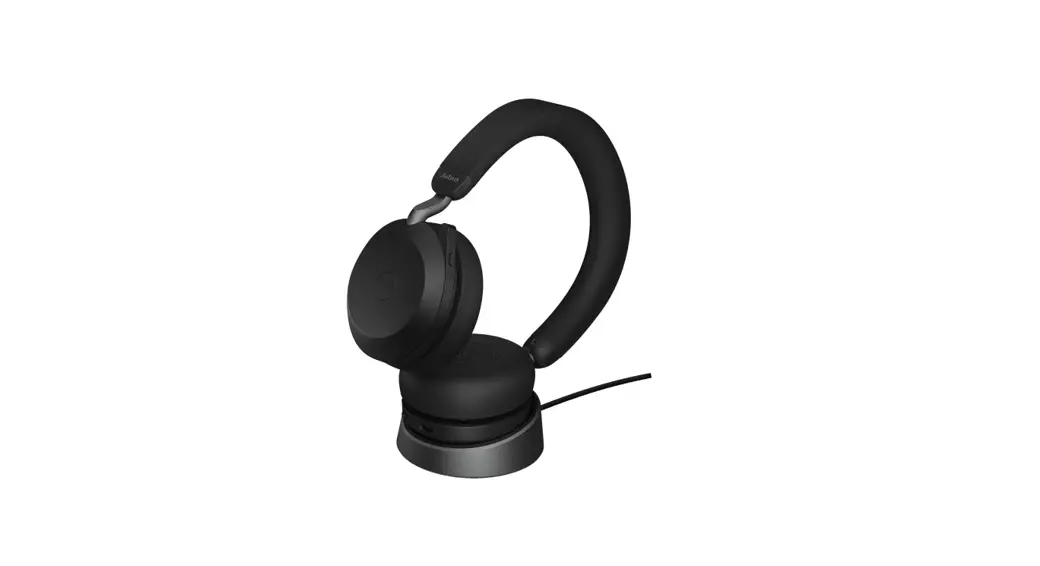
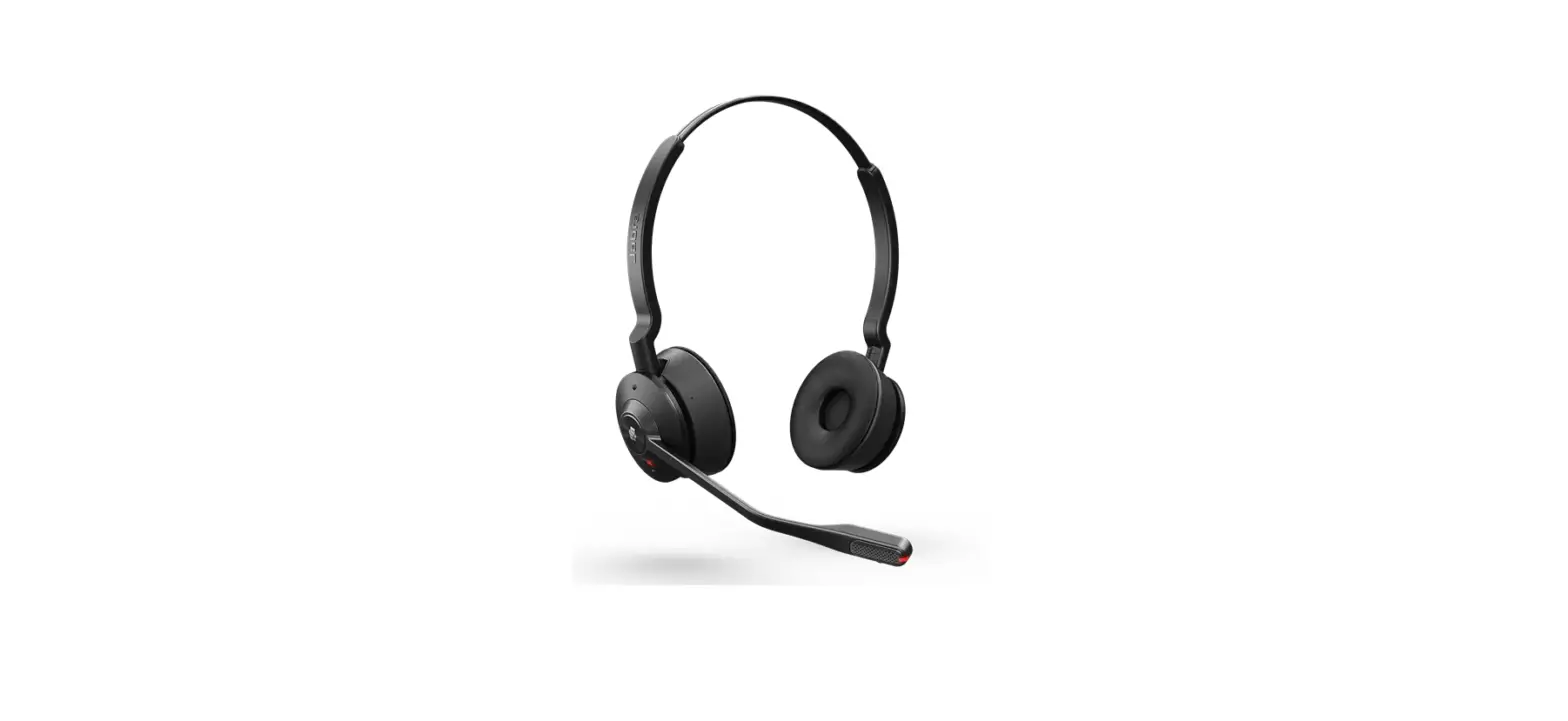
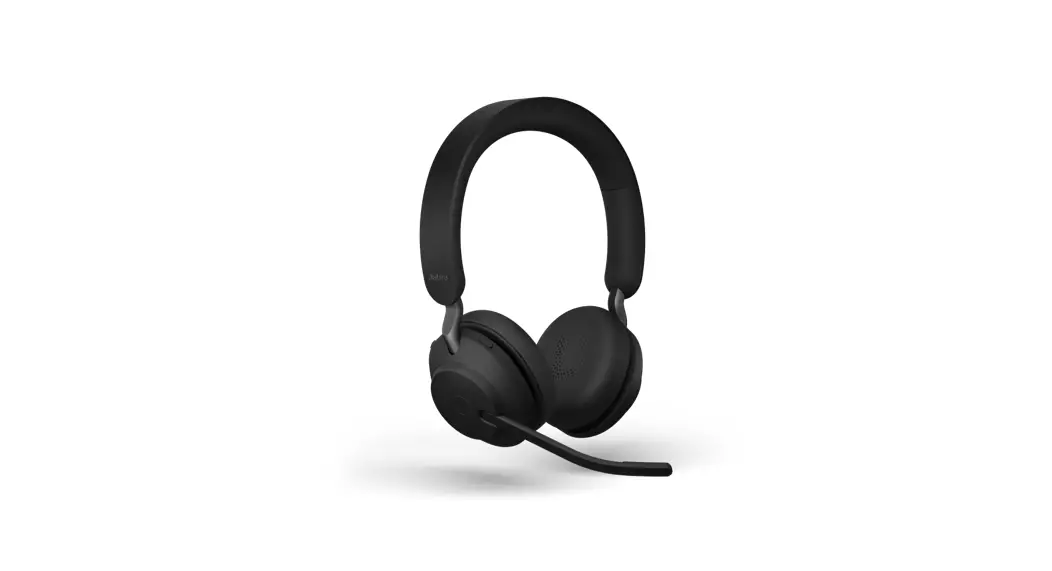
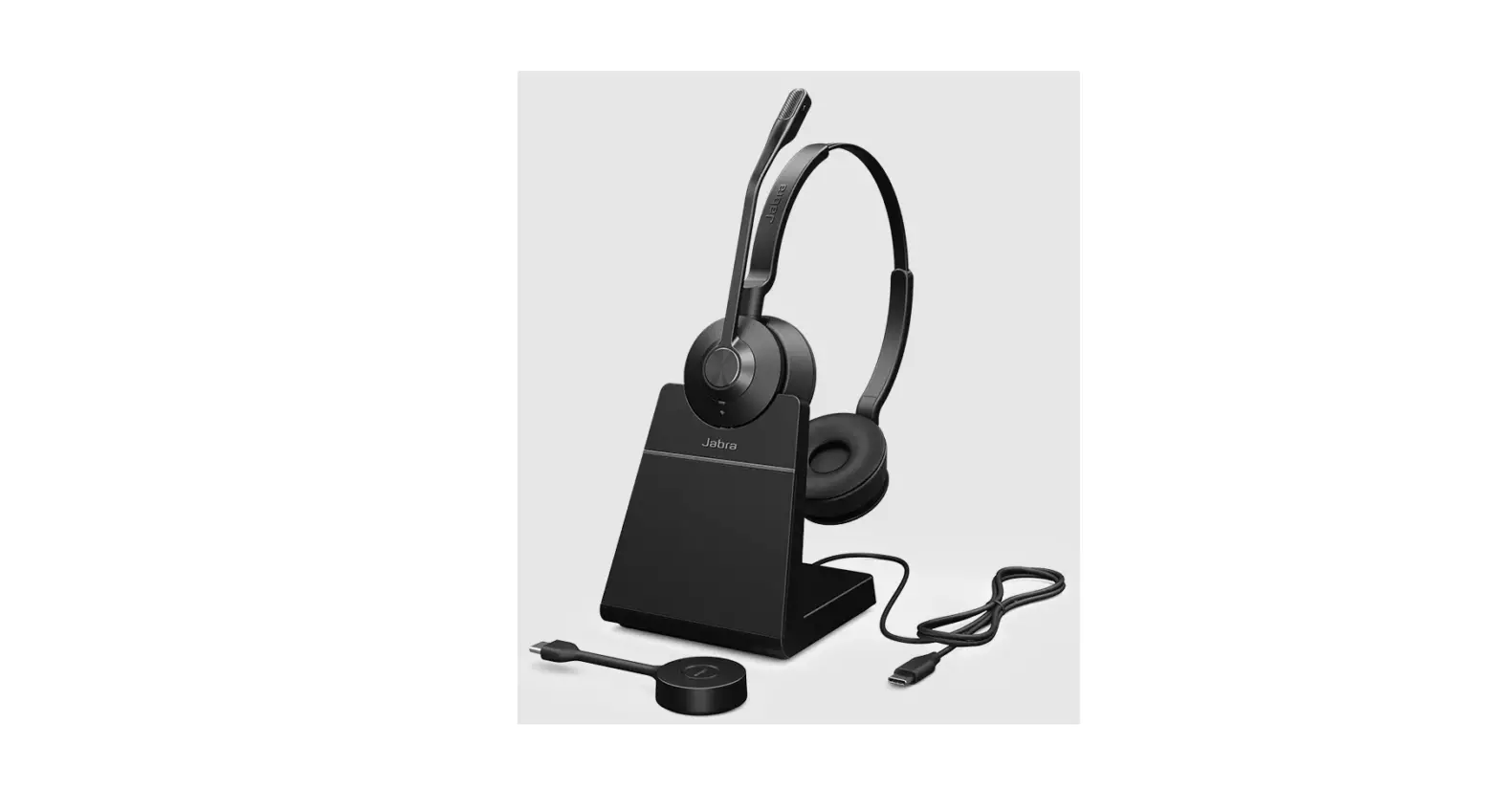
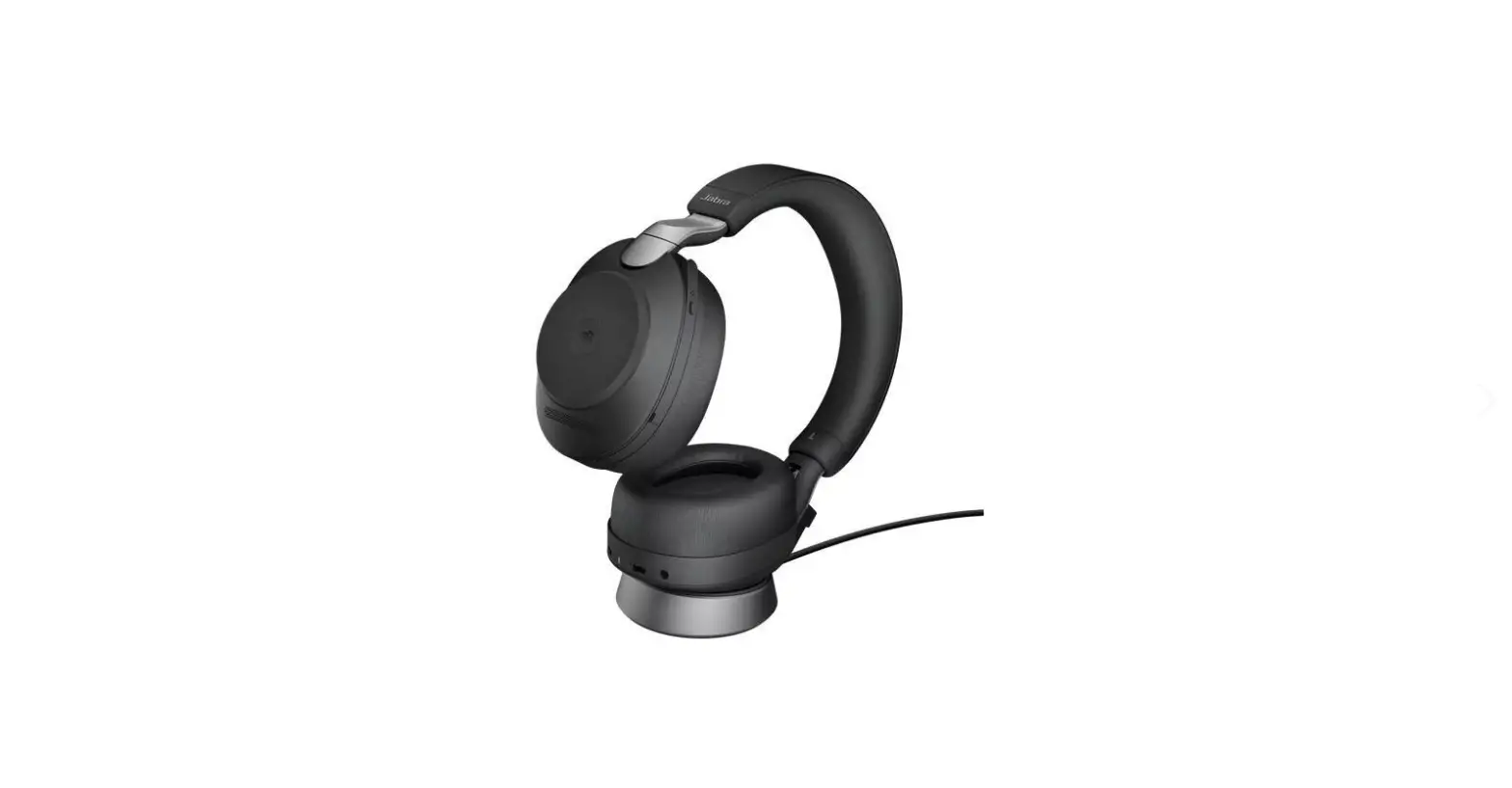
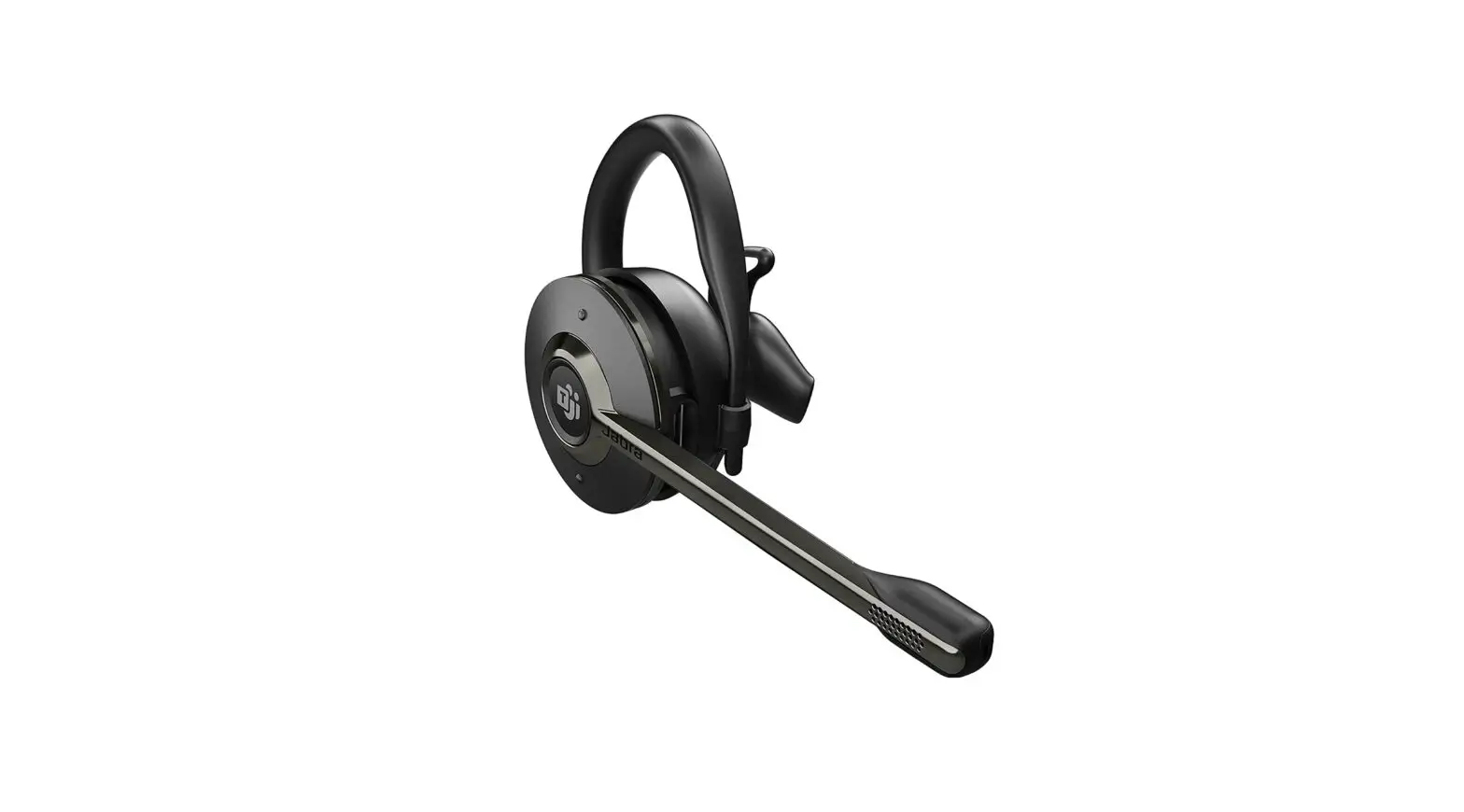
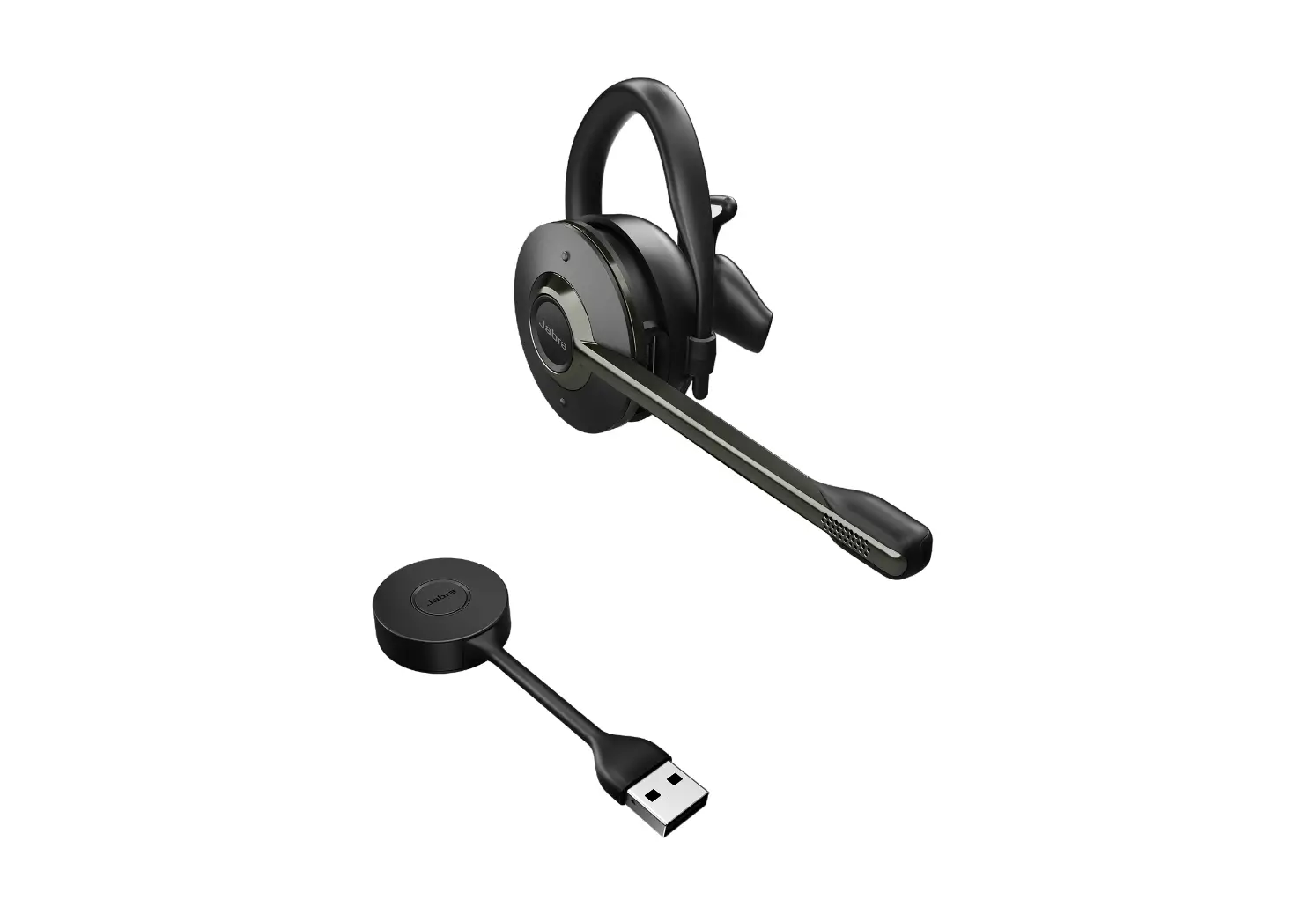
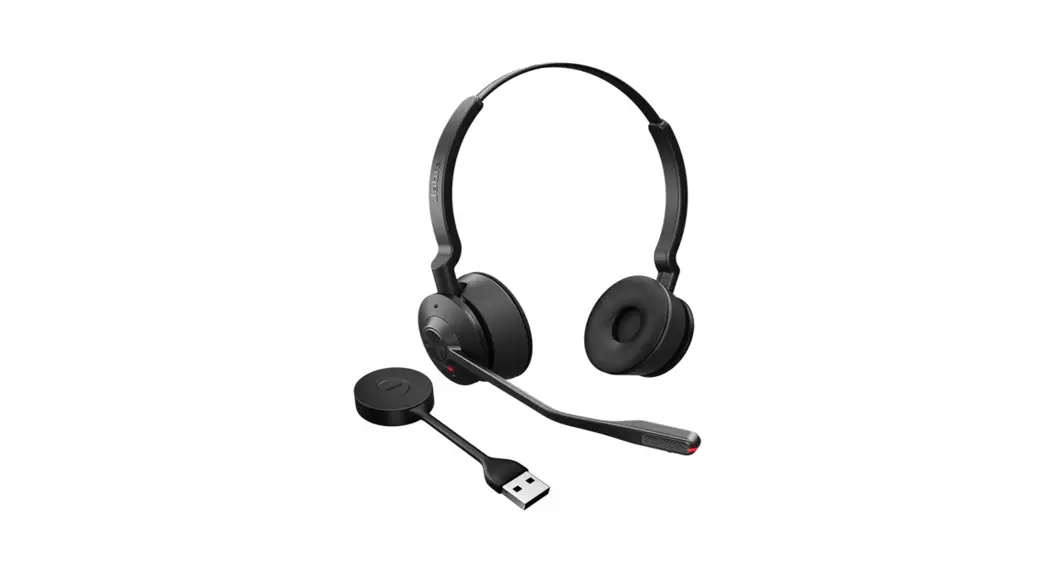
Engage 55 USB-A UC Mono with Charging Stand Headset
Jabra Engage 55 – USB-A UC Mono with Charging Stand
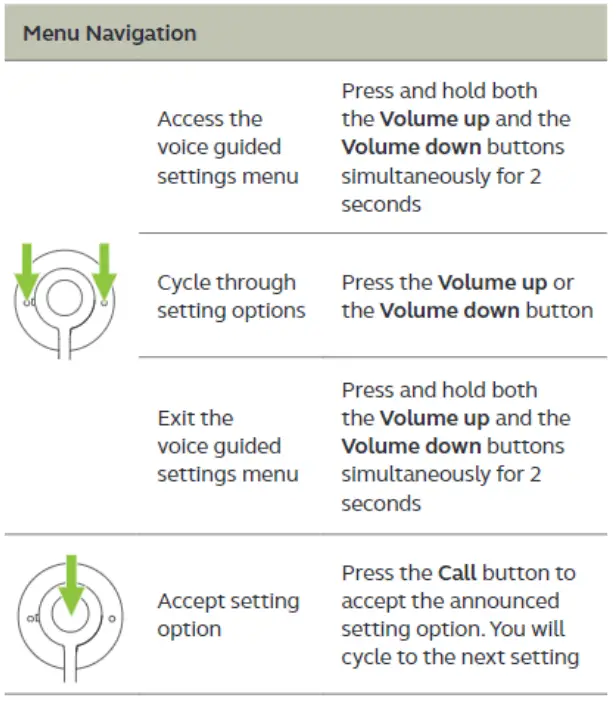
How do I manually change headset settings using the voice guided settings menu?
You can manually change headset and call settings using the voice guided settings menu. Alternatively, you can change all settings using Jabra Direct.
The following table describes how to use the headset controls to access the voice guided settings menu.
Note
The overview is in English only. For versions in other languages, refer to the translated user manual in the Product documents section on the product support page.
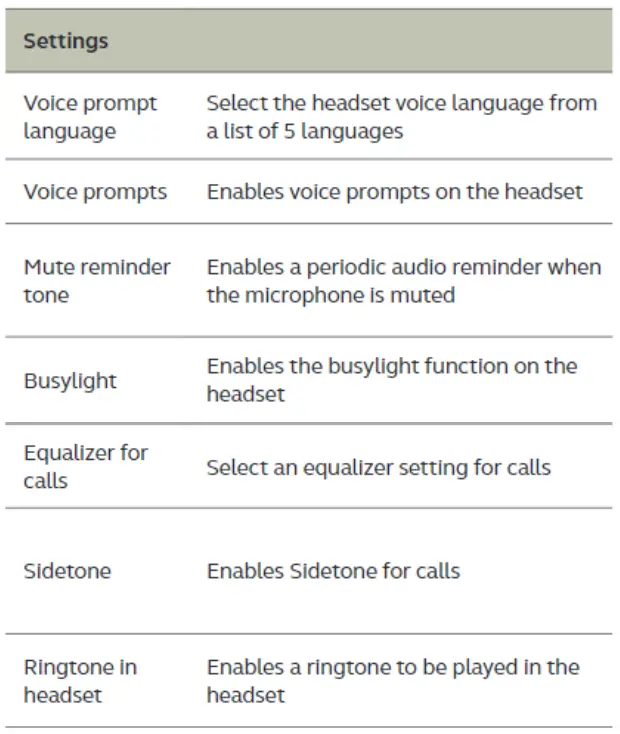
The following table describes the settings that you can change using the voice guided settings menu.
https://www.jabra.in/supportpages/jabra-engage-55/9553-
415-111/faq/4b178de4-a34b45a1-b374-8e6dc3432aa8
19/10/2022 07:59
 [FAQTitle] | Jabra Engage 55 - USB-A UC Mono with Charging Stand | FAQ | Jabra Support