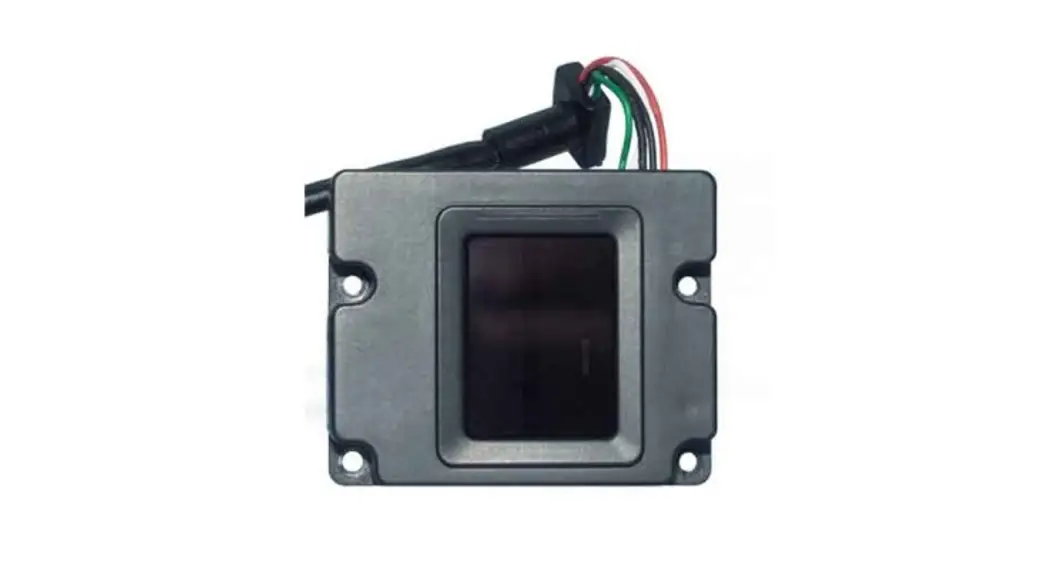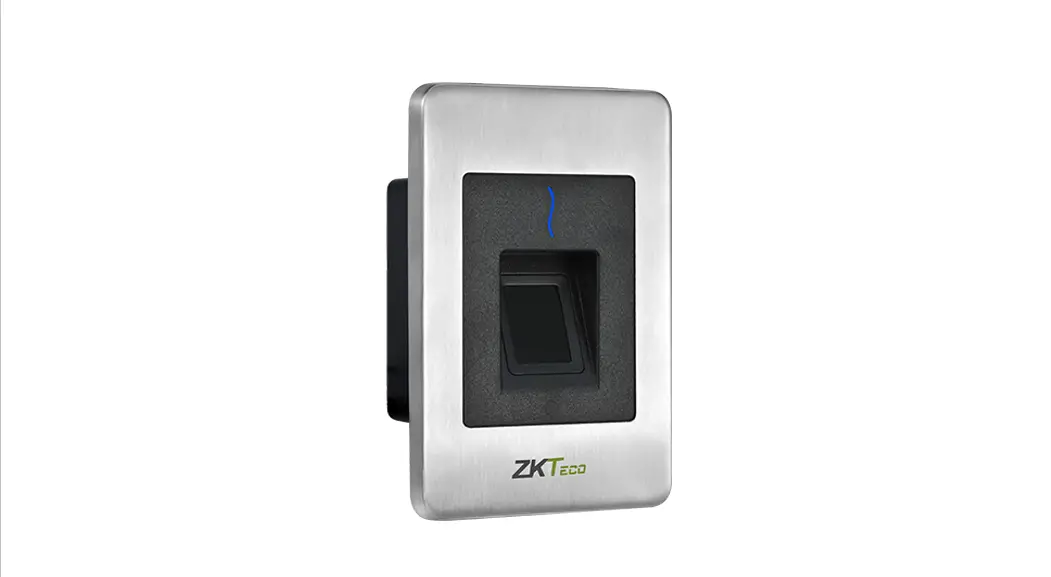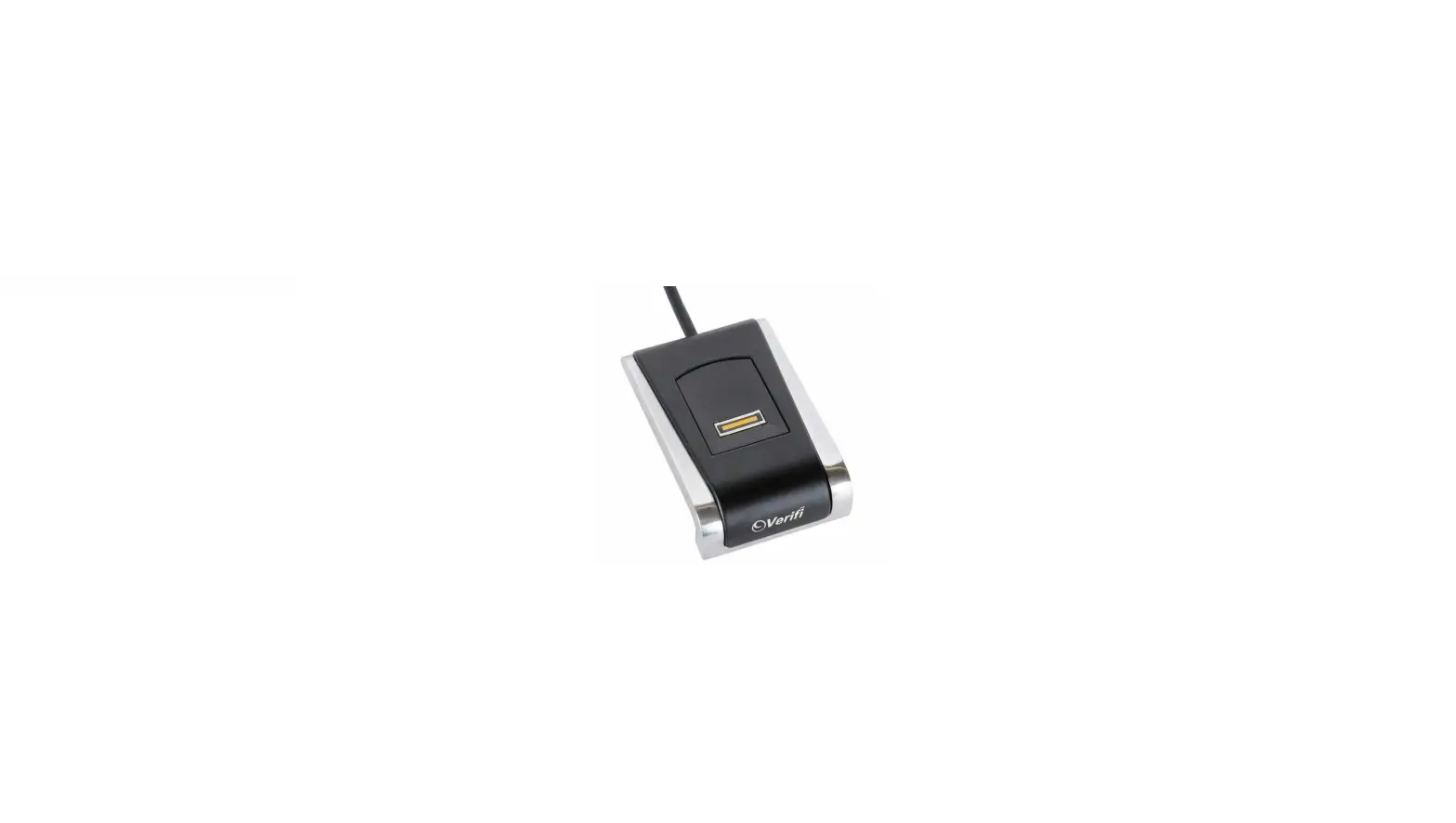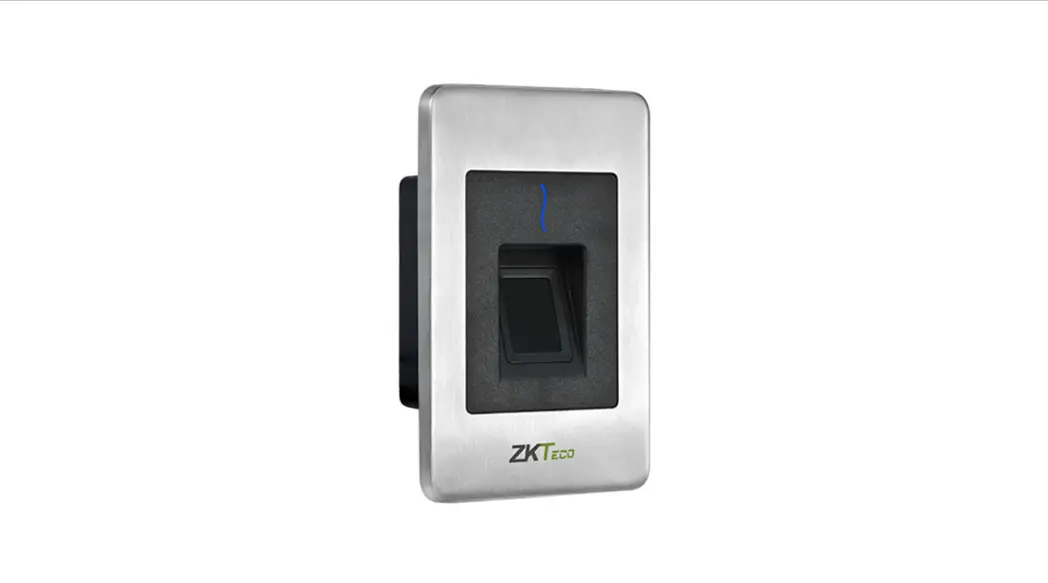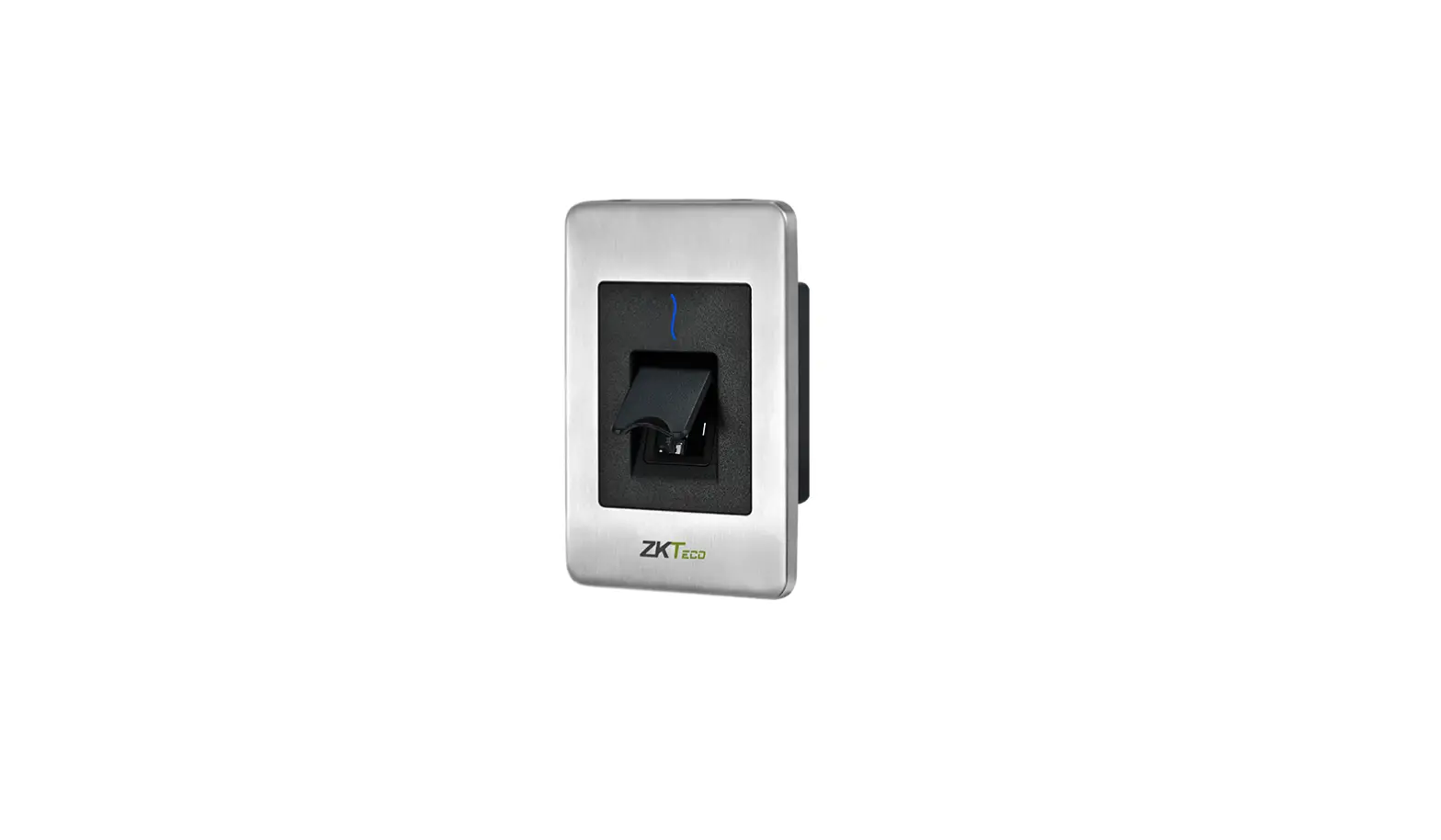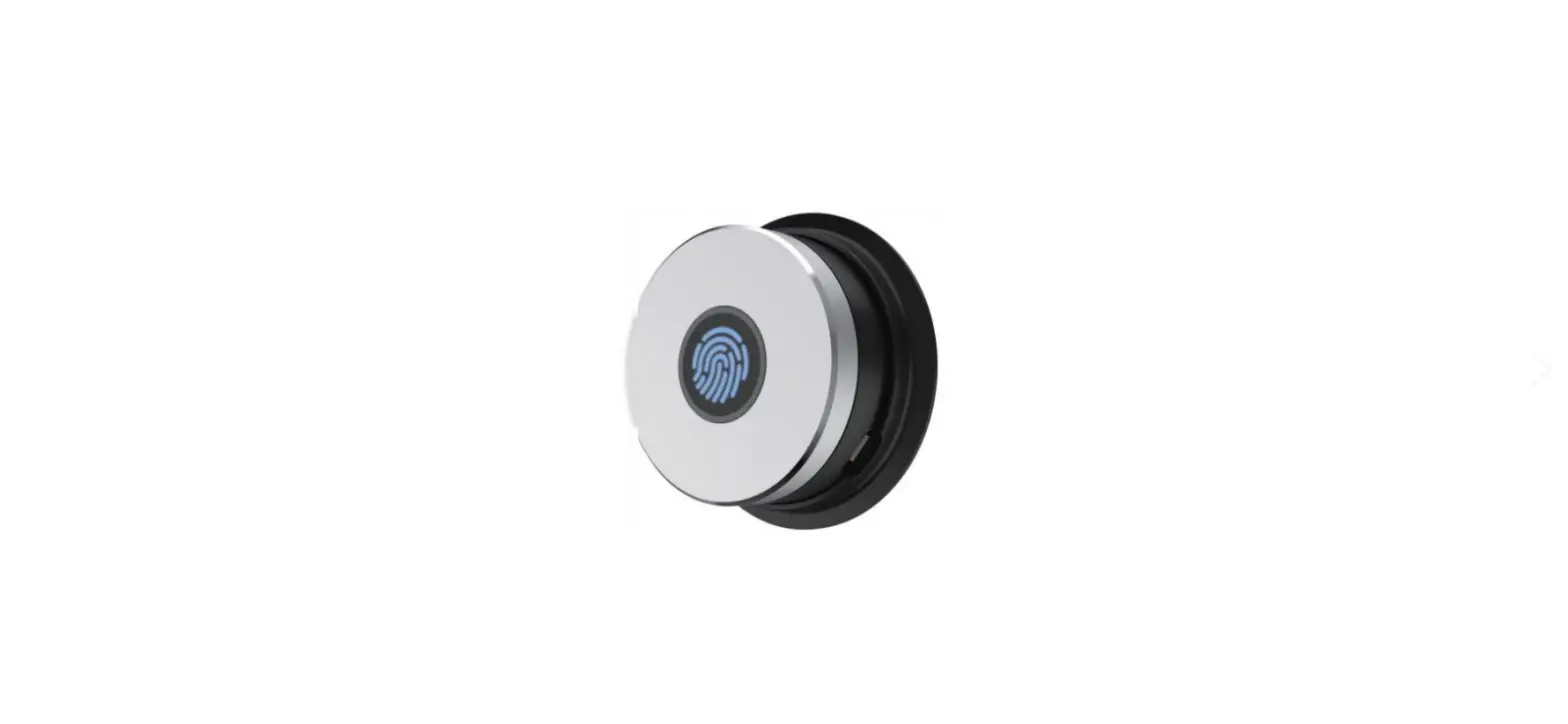
ZKTeco SLK20M Embedded Optical Fingerprint Module User Manual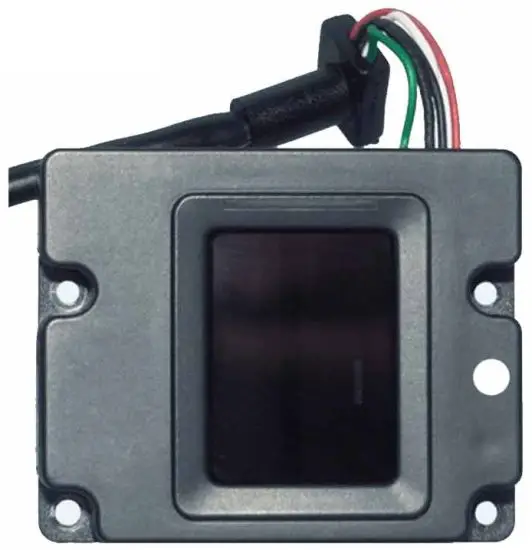
Preface
Thank you for choosing our product SLK20M Embedded Optical Fingerprint Module. Please read this User Manual carefully before use.
We strongly believe that Embedded Optical Fingerprint Module brings you and your customers an excellent user experience and will uplift your Brand Image and the Management to a higher level.
Considering the stability of the product quality and service life, please do not intentionally dismantle the product or modify the system settings without professional instructions. For further queries, please contact the local dealers.
Introduction
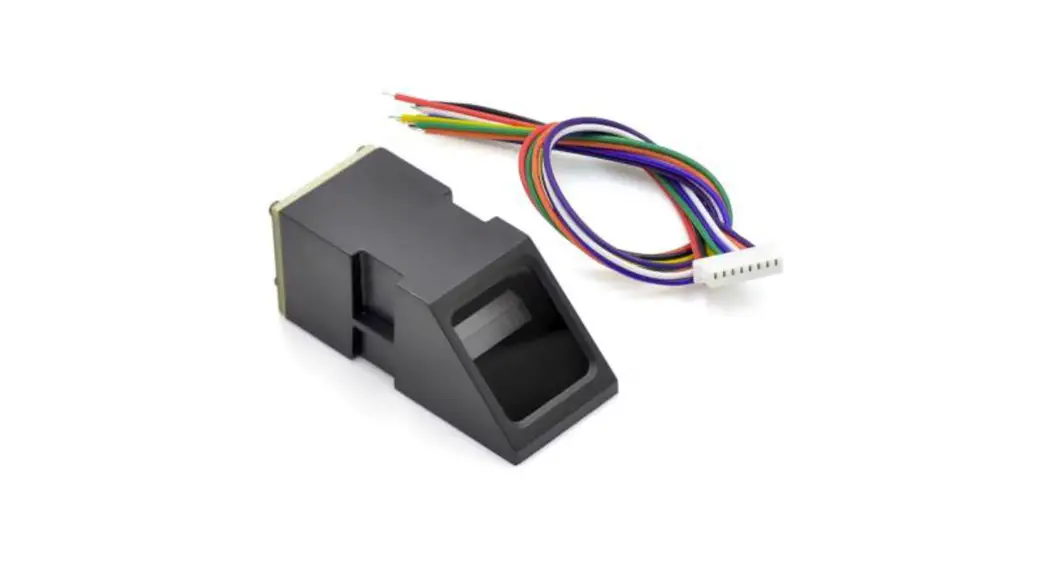
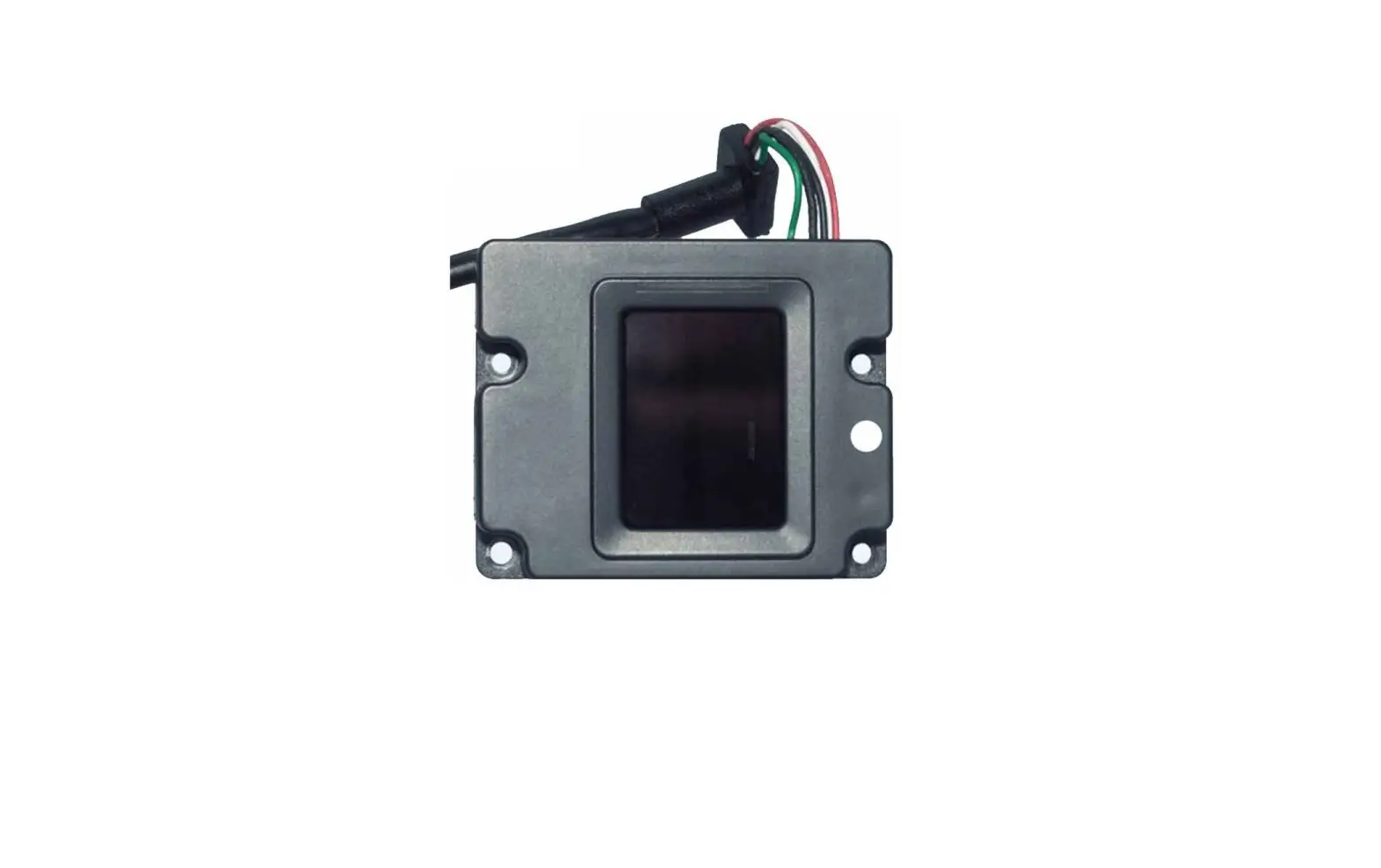
SLK20M, as one of the smallest embedded optical modules in the world combines a 2-megapixel image sensor with an ARM9 processor for powerful performance. With the sophisticated design, it can be flexibly integrated with various system applications without any additional accessories.
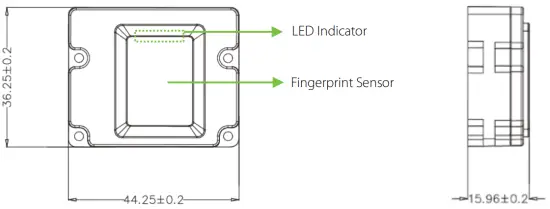
Dimensions

Technical Specifications
| Sensor Type | Optical |
| CPU | 280MHz DSP |
| Flash | 32 MB |
| SoC | RTOS |
| Image Quality | 2-megapixel CMOS |
| Encrypted Fingerprint Data | Yes |
| Sunlight Operation | Yes, Dark Field and Automatic Gain / Exposure |
| Water Splash Proof | Yes |
| Power Consumption | 5V: 200mA Scanning; 5V: 60mA idle (waiting for finger) |
| Fingerprint Liveness Detection | Yes |
| LED | White |
| Product Certifications | FCC, CE, RoHS |
| Power Voltage | 5V (USB) / 3.3V (TTL-RS232) |
| Power Current | 200mA |
| Communication | UART (115,200 bps / TTL3.3V) / USB 2.0 |
| Interface Socket | Molex 51021- 0700 (7 pin; 1.25 mm) |
| Effective Collecting Area | 15.24 * 20.32 mm (FAP20) |
| Collecting Area | 16.5 * 23 mm |
| Dimensions (L*W*H) | 36.2 * 44.2 * 15.85mm |
| Template | ZKFinger V10.0 ; ISO19794-2 ; ANSI-378 |
| Template Size | 1-4KB (ZKFinger V10.0); 1,568 B (ISO 19794-2) |
| Capacity | 2,000 templates |
| Grayscale | 256 |
| Weight | 0.032kg |
| Operating Environment | -20 °C ~ +50 °C; 90% r.h. |
| ISO/ANSI Support | ISO-19794-2/4 ANSI-378 |
Technical Features
- Easy integration with smallest size without any extra accessories
- Stable operation under strong light source
- Durable glass touch surface
- Quick scan with dry, wet and rough fingerprints
Installation on Host (Devices)
Install the module on the device, as shown below, by tightening the four screws in the holes and linking the holder to the wire.
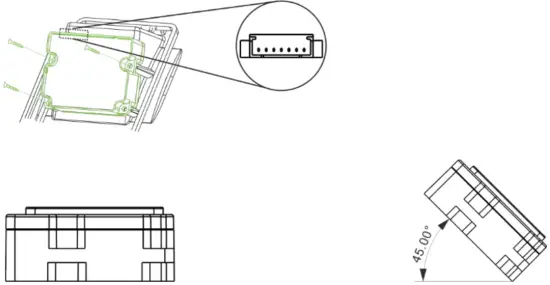
Note: In order to ensure good and convenient fingerprint scanning, it is recommended to install the module on the wall horizontally or at an angle of 0-45 degrees.
Demo Testing Procedure
It is required that the first time Users need to install the Device Driver before using the Fingerprint Scanner, and the process is as follows: (If the Users have already installed the Device Driver of SLK ID series Fingerprint Scanner, they can directly test without re-installing it.)
- Download the ZKFinger SDK compressed package and then double-click the setup.exe file to open.

- On the Setup Wizard, click Next and then click Install to install the driver.

- After the completion of the Driver installation click Finish.

- Connect the Fingerprint Scanner Device to the Computer and go to Control Panel and open Device Manager. If the driver is installed successfully, the Device Name will be displayed on the Computer Management window.

- Once after the installation of the Device driver, open
 Demo interface from ZKFinger SDK compressed package, and then click Connect Sensor to connect with the Fingerprint Scanner.
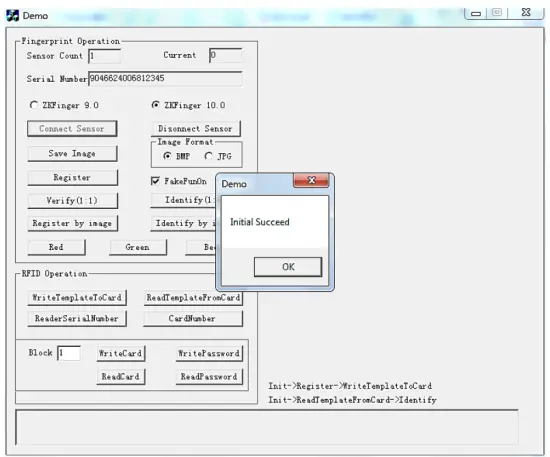
- After the Sensor is connected, the Sensor Count is automatically displayed as 1. (It’s equivalent to a user ID. and we can set it on User ID, when we need to register many User.
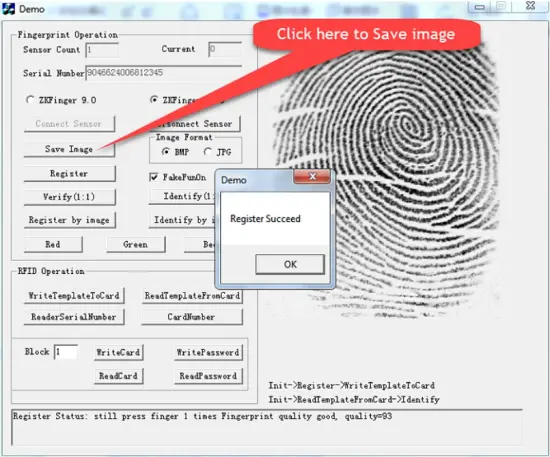
- The default ID of the system is 1. Click Register and press the finger three times on the Fingerprint Scanner to Register and click Save Image.
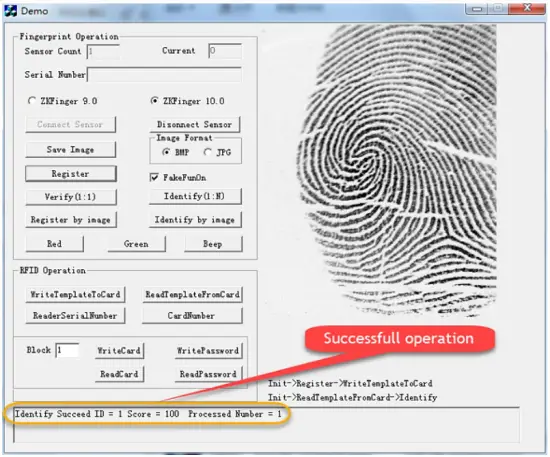
- After successful Registration, click Identify (1:N) and press the registered finger on the Fingerprint Scanner for verification.

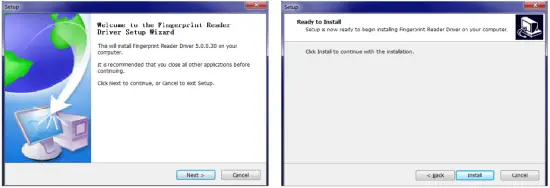
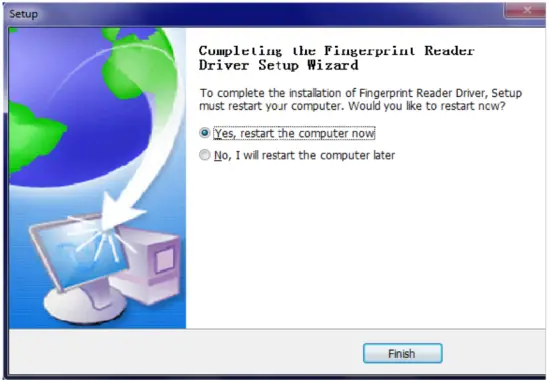
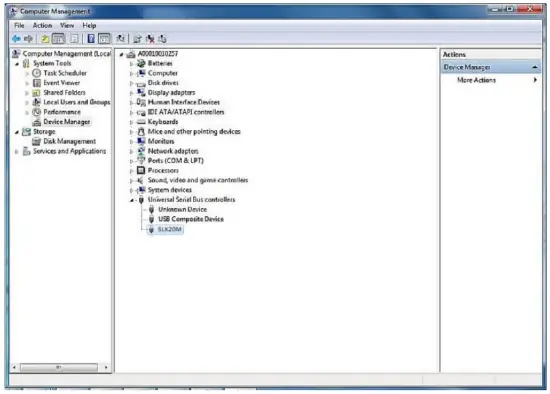
 Demo interface from ZKFinger SDK compressed package, and then click Connect Sensor to connect with the Fingerprint Scanner.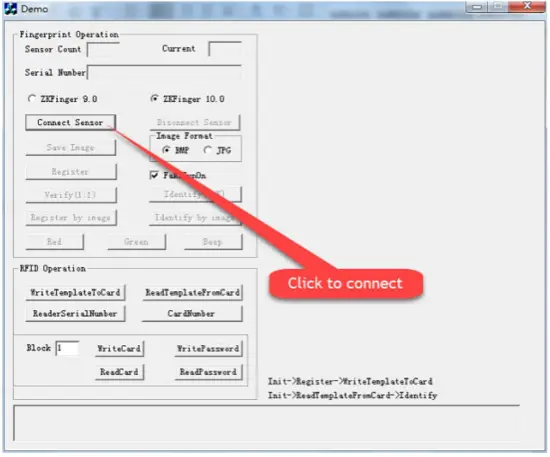
Operating Instructions
Guide to Place the Finger
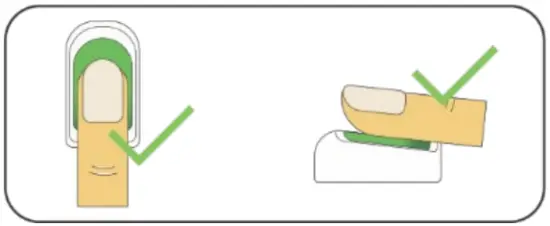
It is recommended to use the index finger, middle finger or the little finger for registration.
- Proper Positioning of Finger

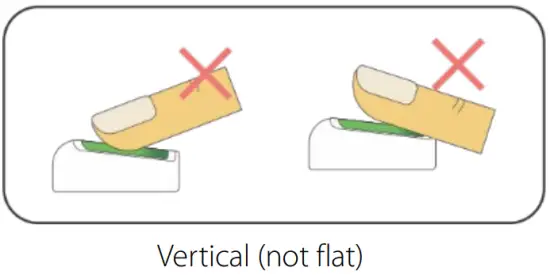
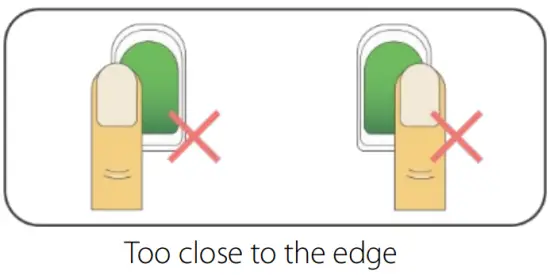
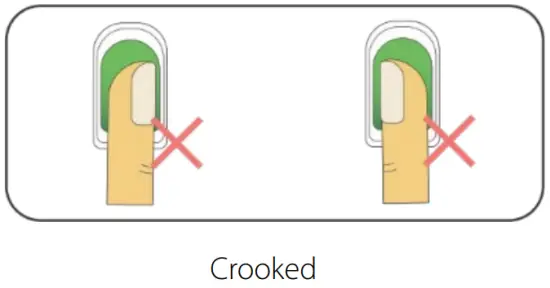
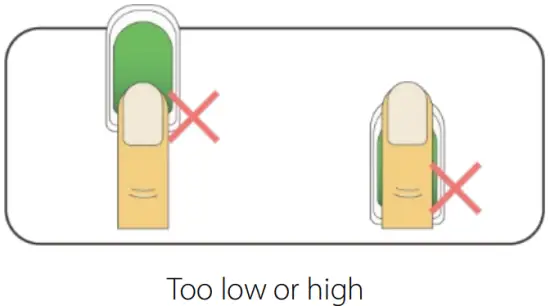
Note: The finger needs to be pressed flatly and placed accurately over the Sensor area - Improper Positioning of Finger


Cautions
- Make sure the fingers are clean when using the Fingerprint Scanner.
- Place the finger correctly.
- Recommended to use the index, middle or little fingers for Registration.
- Please avoid using the thumb and pinky fingers, because these two are clumsy when pressing on the Semsor Area.
Suggestions
- Please keep the sensor away from dust.
- Please use adhesive tape to clean the Sensor area.
 Do not use water or other detergents, which may damage the sensor.
 - Please use a wool-free cloth to wipe the Sensor area.
- Please make sure the Sensor area is clean after each use.
 Do not use water or other detergents, which may damage the sensor.
Possible Complications
Some issues may cause difficulties to recognize the Registered fingers or during new Registration. They are:
- Smoothed out fingers;
- Too many wrinkles on fingers;
- Layer of any material on fingers;
- Extremely dry and wet fingers.
Solutions
- If the user experiences any difficulty during Registration, they can either delete the fingerprint and re-register or can try using any other fingers.
- It is recommended to choose the suitable finger with fewer wrinkles, no peeling, and clean finger for Registration.
- Always try to maximize the Contact Area of the finger.
- Armatura suggests registering alternative Fingerprints.
- Soaked alcohol cotton is used for cleansing if the fingers are dry, and a clean napkin is used for cleansing if the fingers are wet.
Statements Concerning Human Rights Privacy
Dear Customers,
First of all, thank you for using the hybrid biometrics products designed and manufactured by ZKTeco. As a world-renowned biometrics core technology provider, we keep on researching and developing hybrid biometrics products. We also pay great attention to the compliance of relevant laws concerning human rights and privacy globally.
Statements as follows:
- All of our civilian fingerprint recognition devices only focus on collecting fingerprint. ZKTeco does not save any personal data.
- The characteristics of the fingerprint cannot be used to picture as an original fingerprint image.
- ZKTeco, as the equipment provider, shall not take the legal responsibility for any inappropriate use.
- If you have any disputes about the use of equipment regarding human rights or privacy, please negotiate internally.
ZKTeco’s other fingerprint devices or development tools have the ability to collect the original image of a citizen’s fingerprint. If users consider it as an infringement act, please contact the Government or the end provider of the equipment. As the original manufacturer of the equipment, ZKTeco will not be responsible for any legal liability. Users can refer to ZKTeco’s official website to obtain relevant product information: http://www.zkteco.com.

ZKTeco Industrial Park, No. 32, Industrial Road,
Tangxia Town, Dongguan, China.
E-mail: [email protected]
www.zkteco.com
Copyright © 2021 ZKTECO CO., LTD. All Rights Reserved.