
Installation Guide
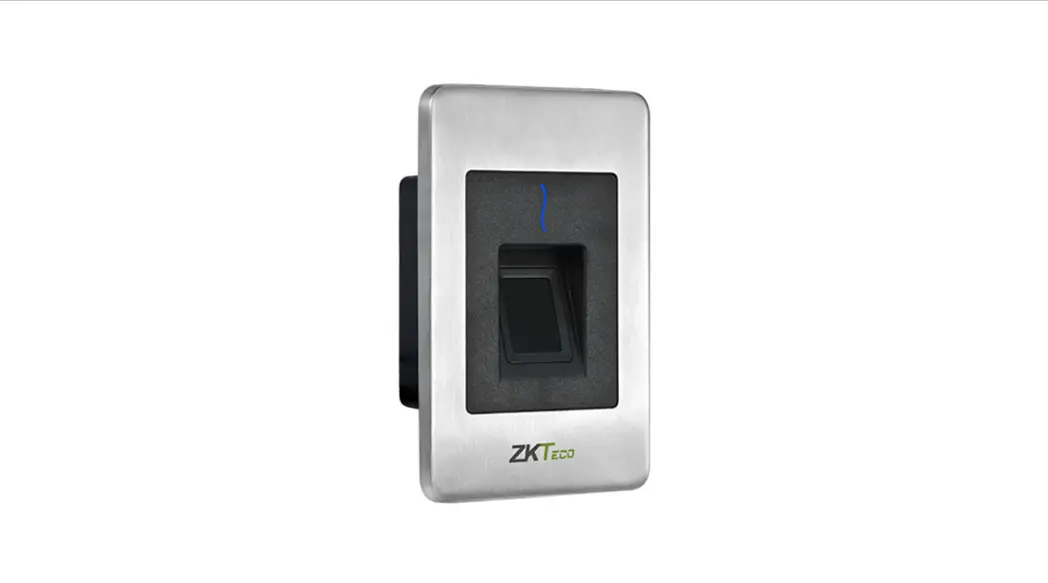
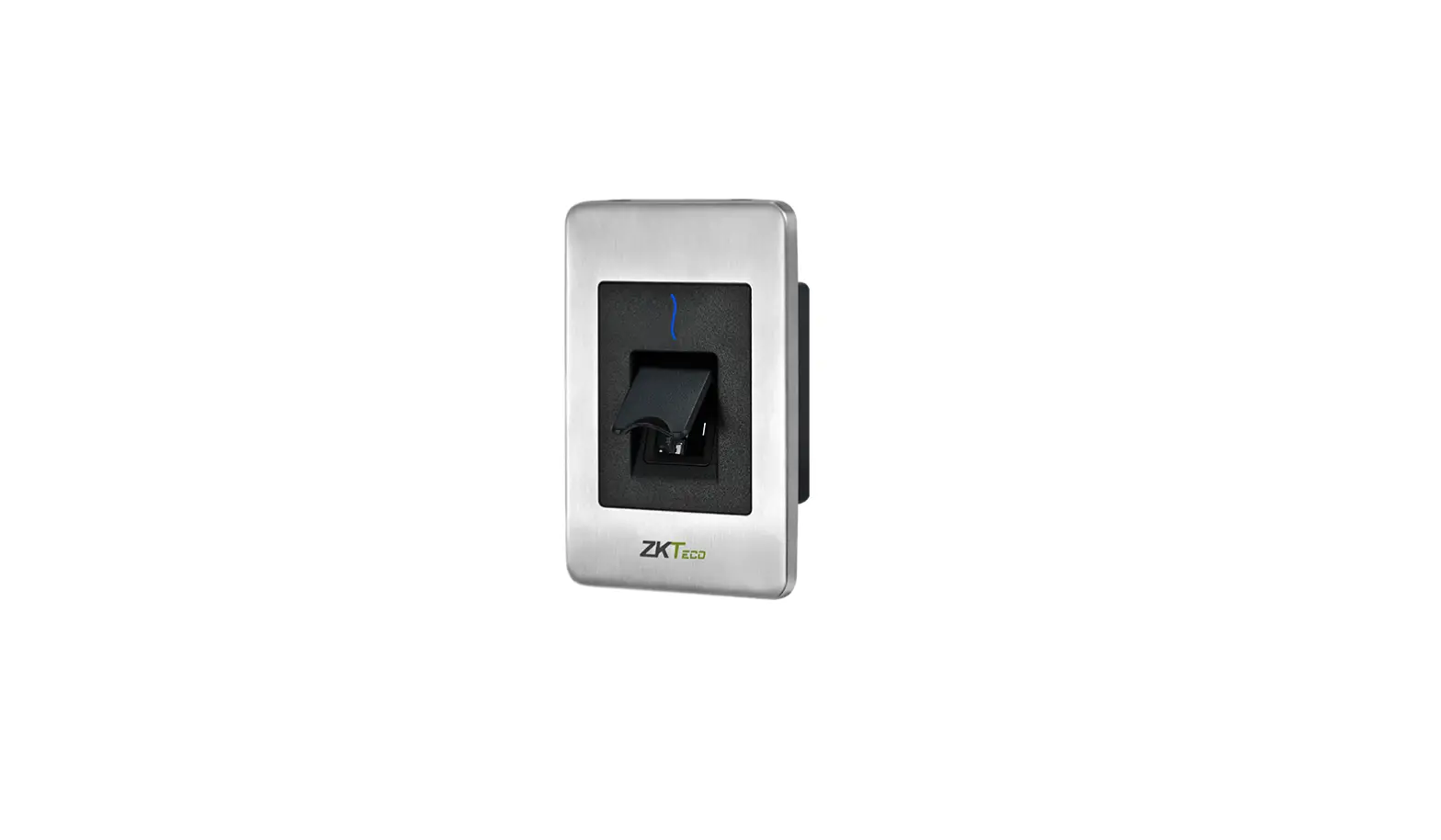
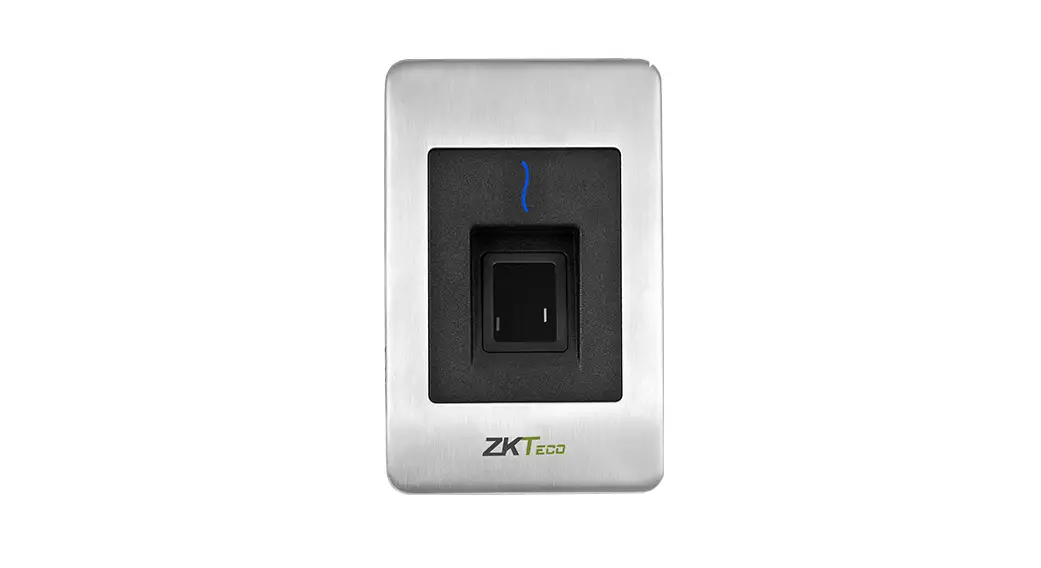
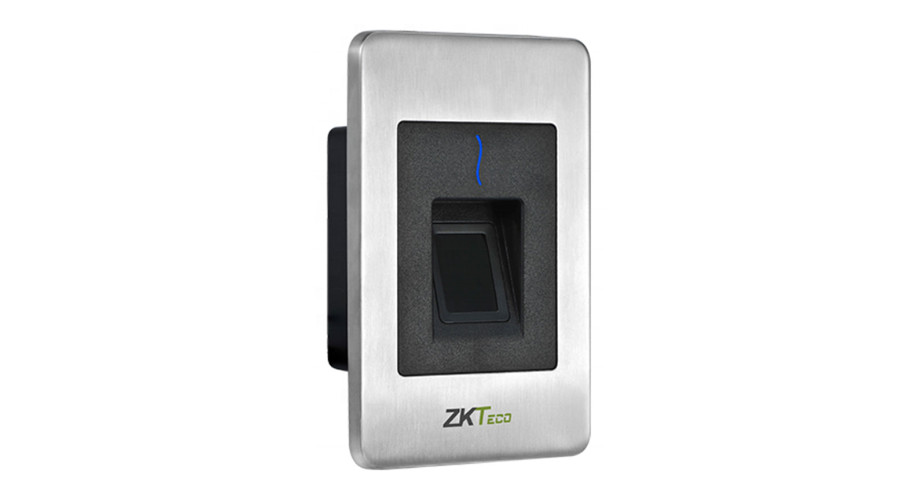
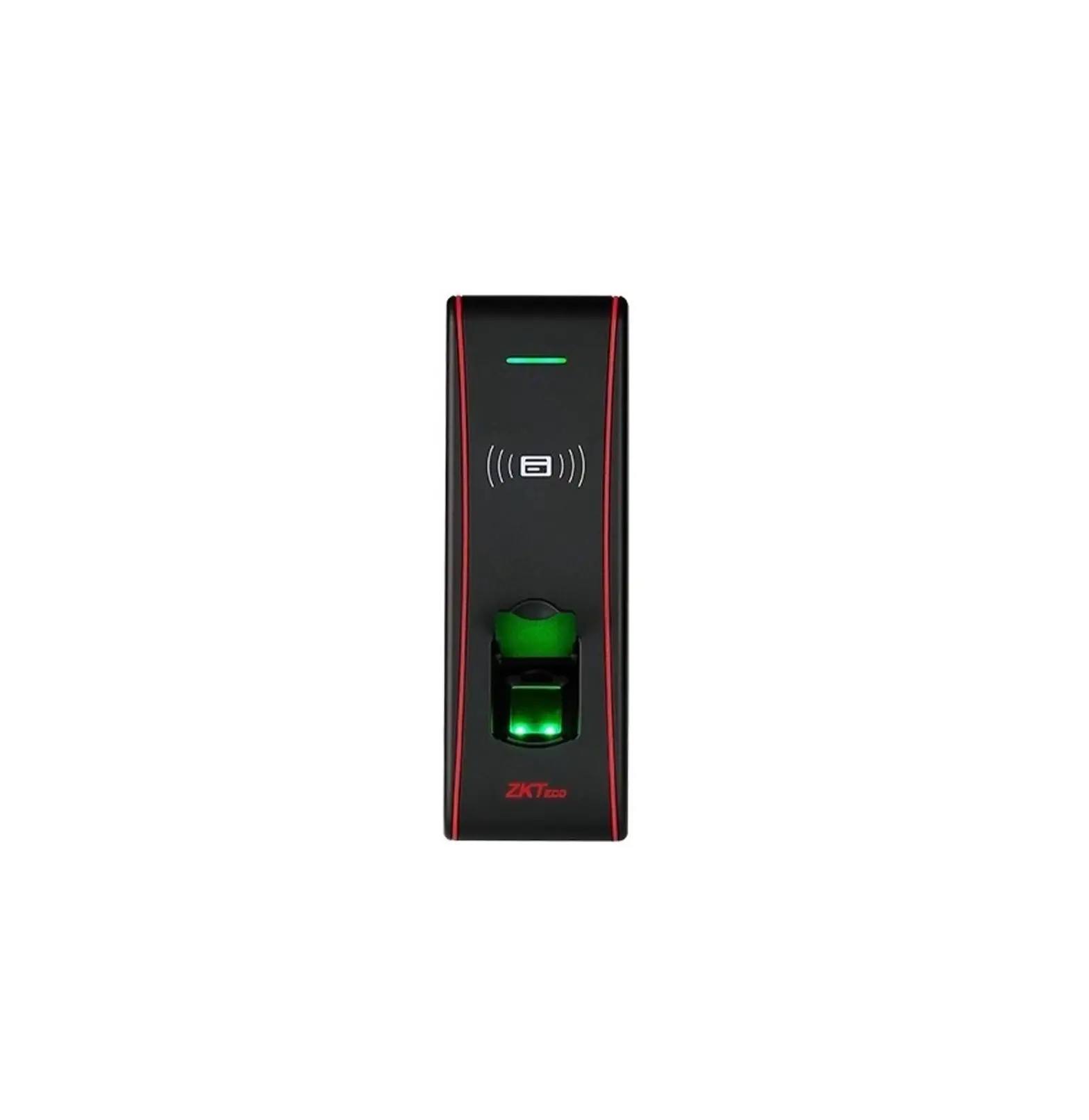
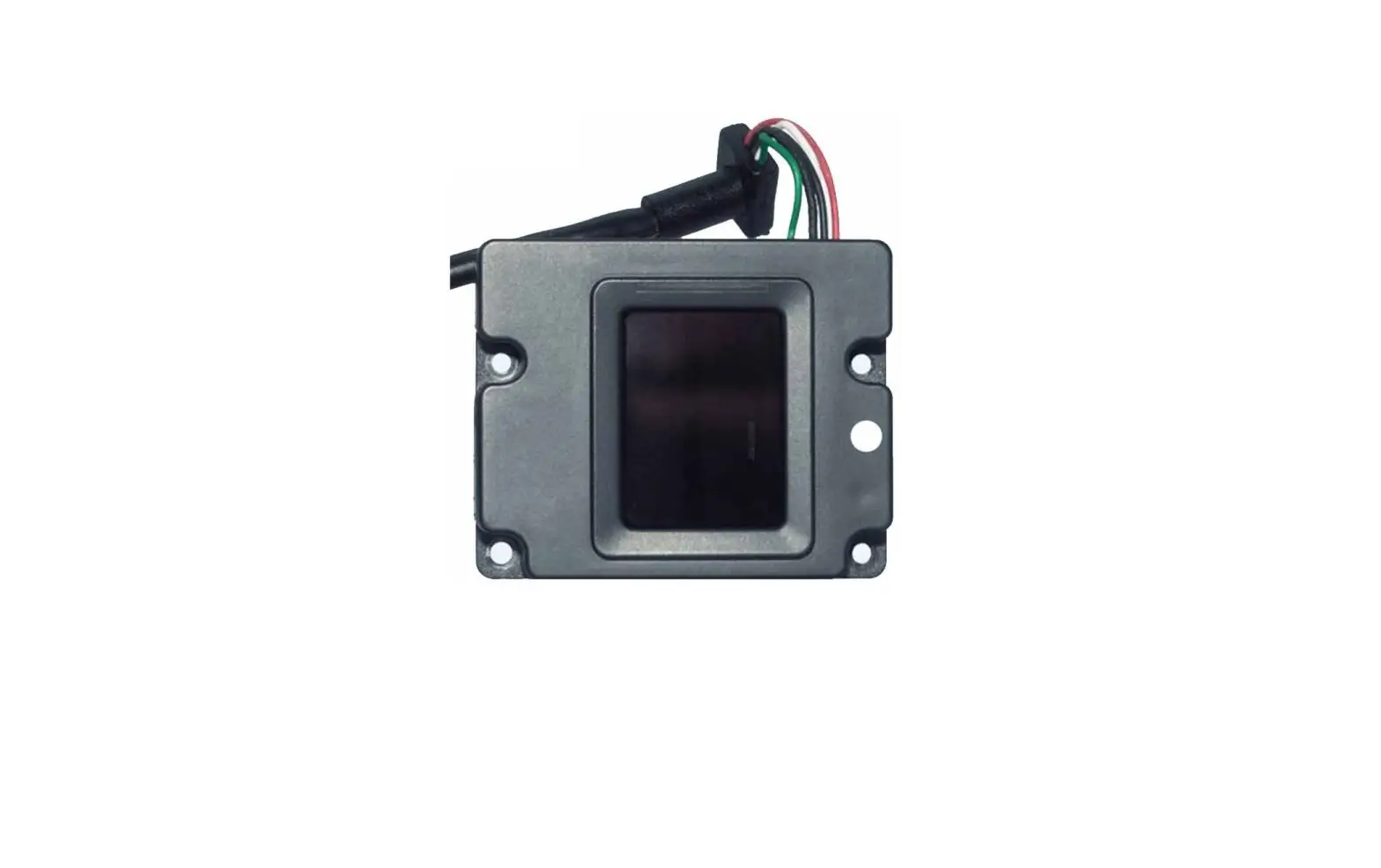
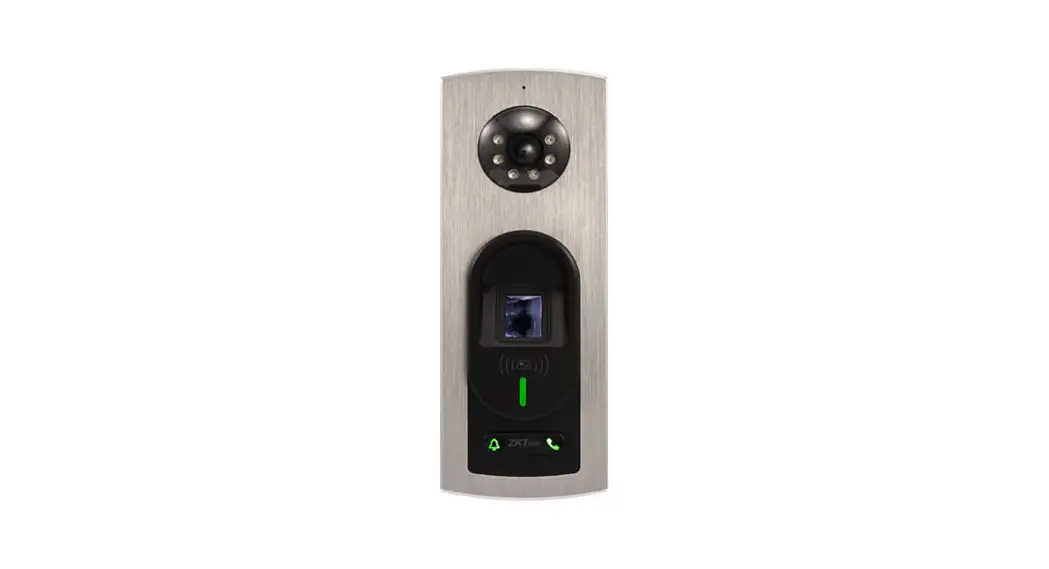
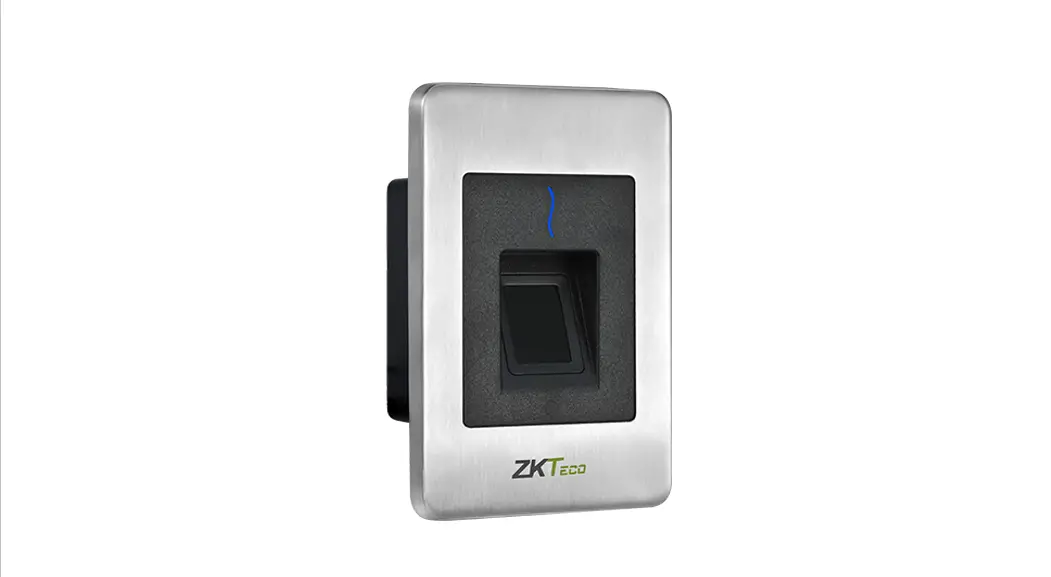
FR1500S
Version: 1.0
Due to regular upgrades of systems and products, ZKTeco could not guarantee exact consistency between the actual product and the written information in this manual.
Installation
Dimensions(mm)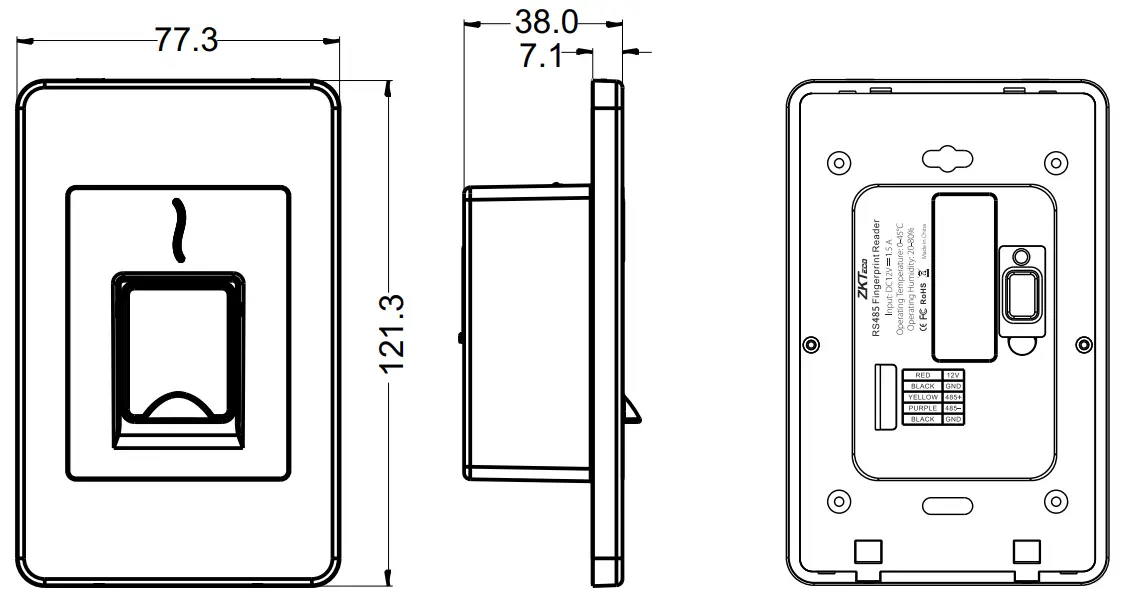
Note: Not all the devices have a fingerprint cover. The real product prevails.
Procedure to be followed before installation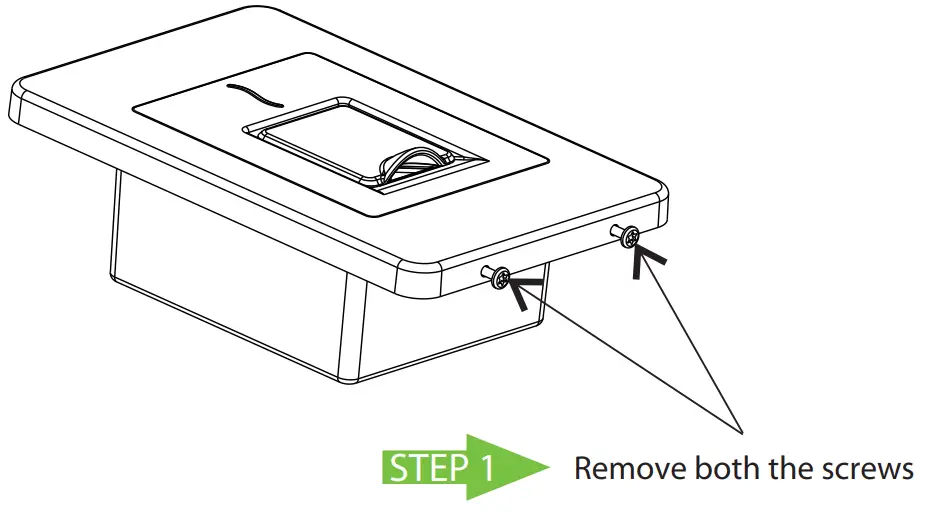
STEP 2 Take out the front panel as shown below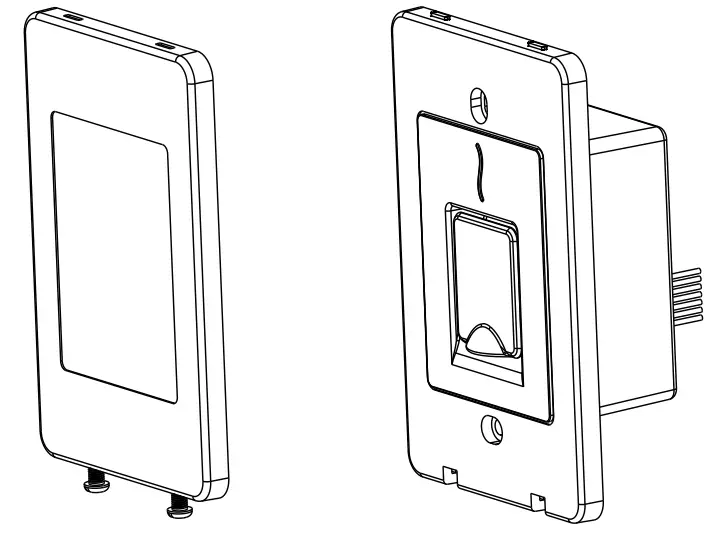
Method 1: Mounting on the standard Single gang junction box
Lay the cables from the desired hole in the Single gang junction box and fix the machine part to the box part.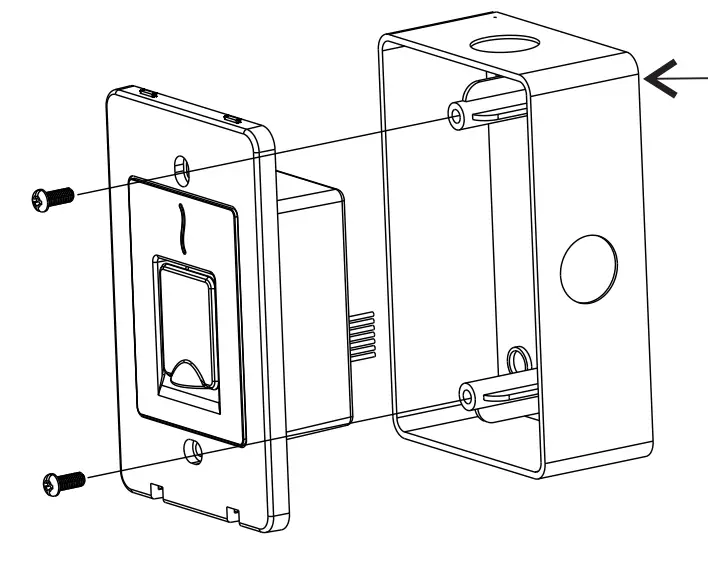 The Single gang junction box’s size recommendations: Location column: 83.3mm Inside of the box Depth: Minimum 36mm Outside the box size: maximum length 120mm, maximum width 76mm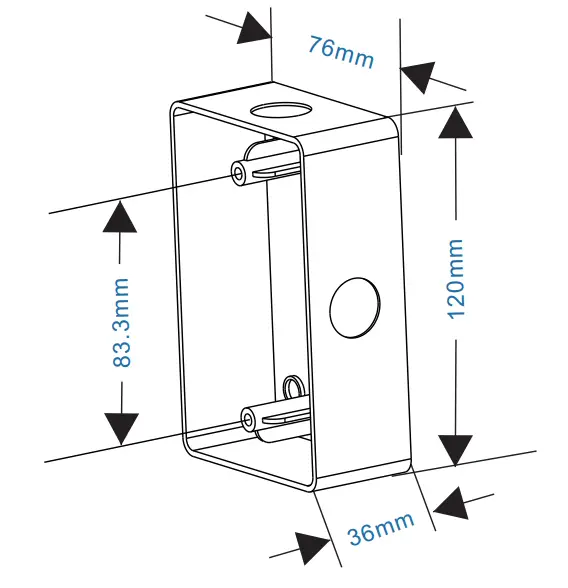
Method 2: Mounting inside the wall
STEP 1
Place the mounting sticker to the place where device needs to be installed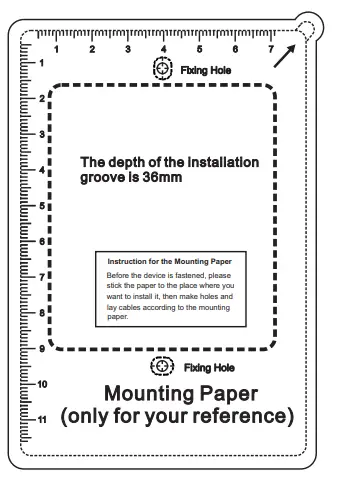
STEP 2
Drill fixing holes and dig mounting groove deep of 36mm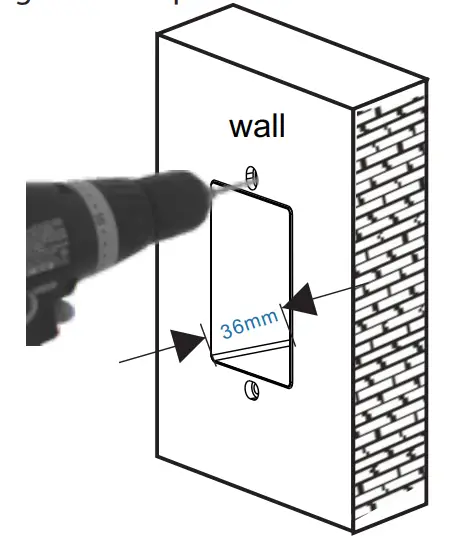
STEP 3
If cables need to be laid from behind then it must be done before installing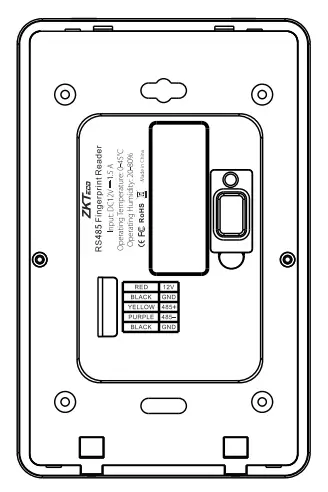
STEP 4 Install the device with the screws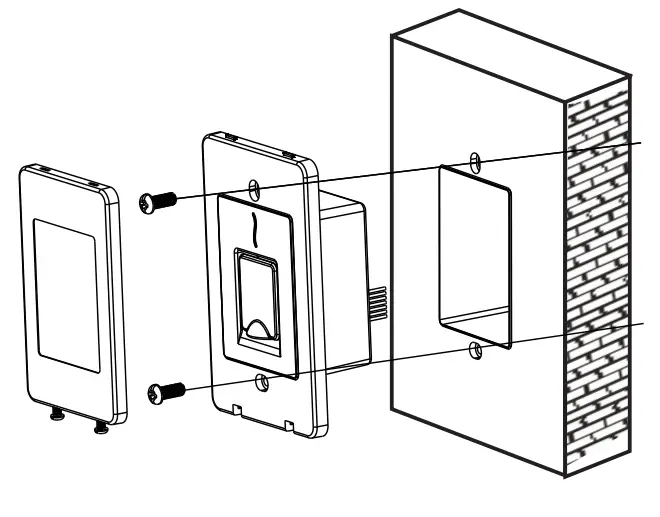
STEP 5
After installing the backplate attach the machine part in the same reverse manner as shown in the previous page
 ZKTeco | Home Page