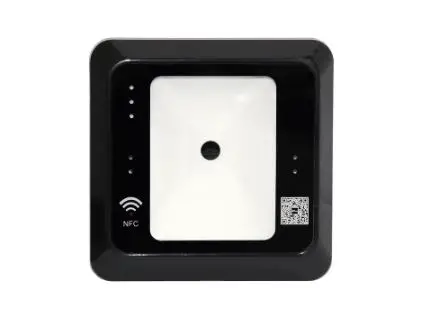

User Manual
QRM10/QRM10L/QRM10X
Preface
Thank you for choosing our product QRM10 series QR code collector. Please read this User
Manual carefully before use.
We strongly believe that the QR code collector will provide you and your customers with an outstanding user experience and will elevate your brand image and management to a higher level.
Please do not optionally dismantle the product or modify the system settings without professional instructions, as this could compromise the product’s quality and service life.
Please contact the local dealers if you have any questions.
Introduction
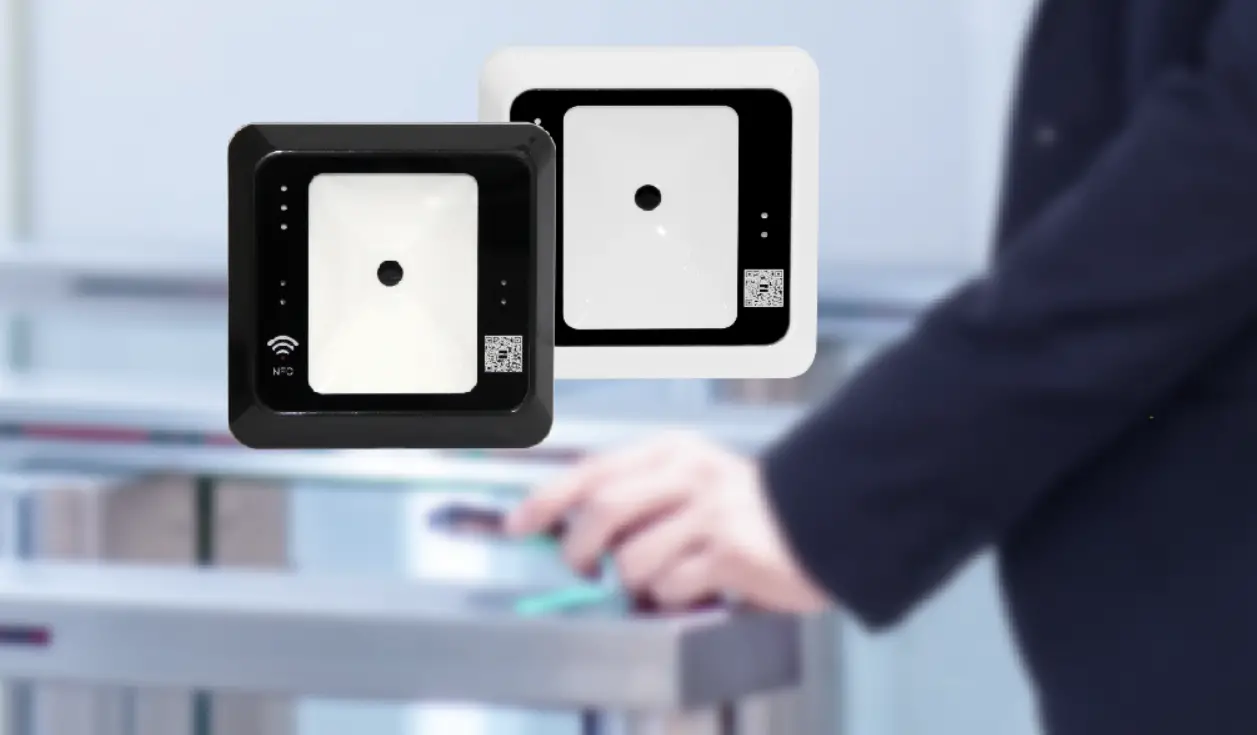
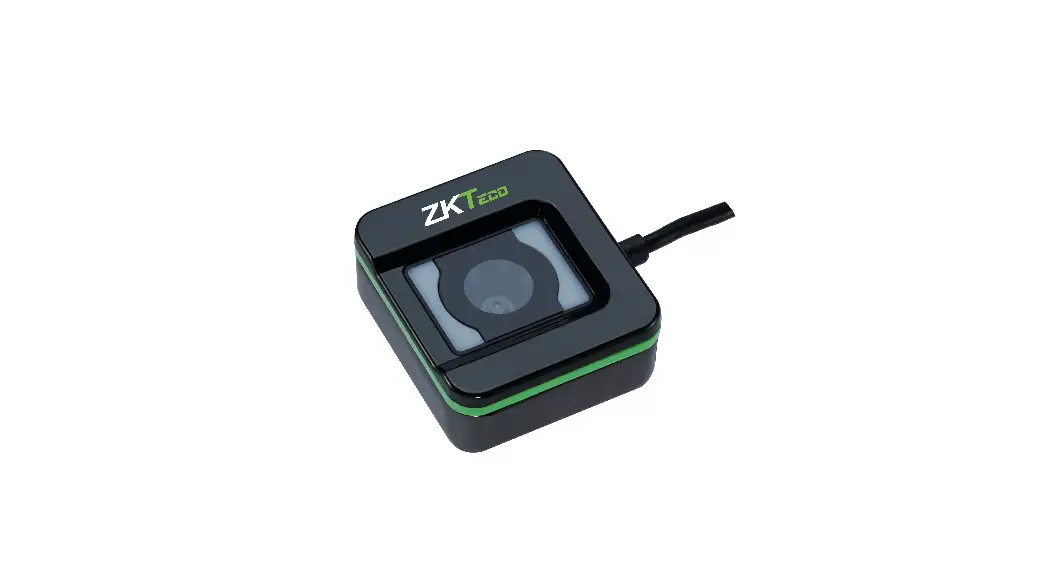
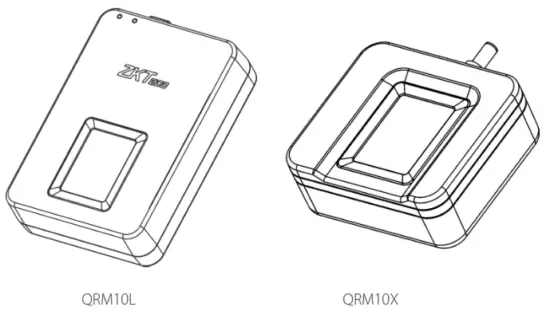
QRM10L, QRM10X QR code collector is a highly integrated, high-performance QR code collector that includes the QR code scanning engine algorithm and driver. The roduct
has a delicate appearance and is equipped with a high-speed processor, making it suitable for all types of users. The collector supports Windows, Android, and Linux operating systems.
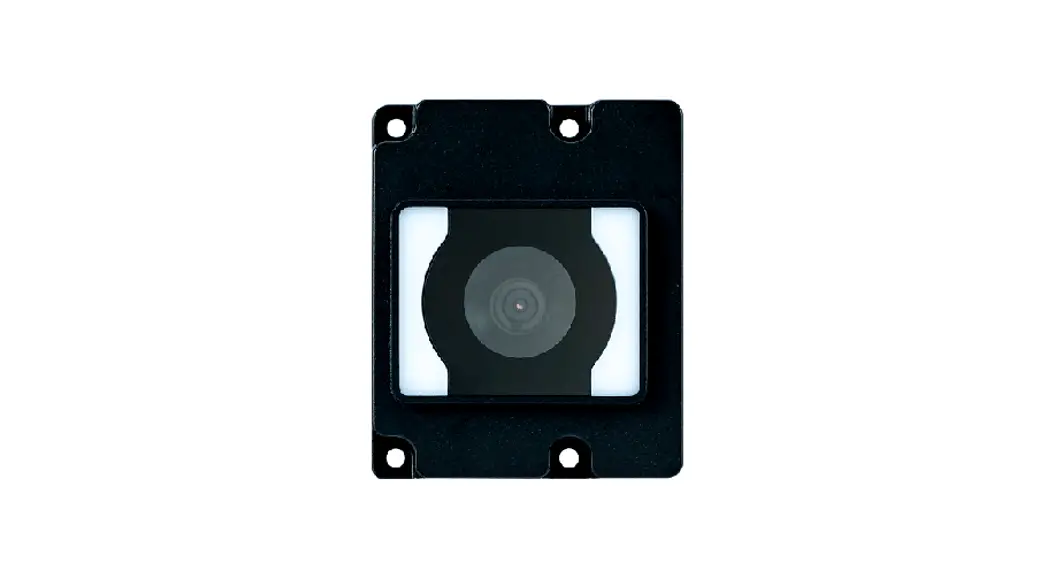
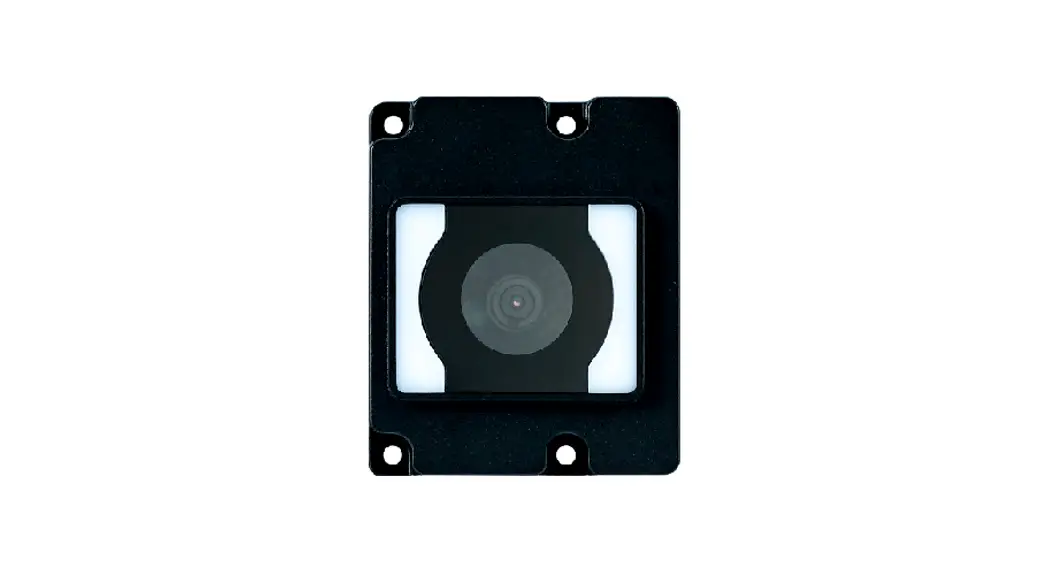
The QRM10 module is a compact optical module. It not only has all the functions of the collector, but it can also integrate applications with various products in a flexible anner
without the use of any accessories.
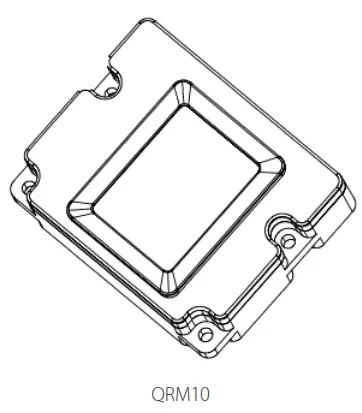
Features
- It is the most recent and precise QR code Identification Technology.
- It is compatible with Windows, Android, and Linux operating systems.
Technical Specification
Features | Specifications |
| Scanner Type | QRM10L and QRM10X |
| Material | Optical |
| Dimensions (L * W * H) | QRM10L: 75.5 * 53.2 * 19 mm |
| QRM10X: 49 * 44 * 20.1mm | |
| Operating System | Windows, Linux, and Android |
| Scanning Angle | Roll: 360°, Pitch: ±40°, Yaw: ±60° |
| FOV | Horizontal: 66°, Vertical: 50° |
| Image Size | 648 * 488 pixels |
| Illumination Intensity | 0 to 10000 Lux |
| One-dimensional Code Types | UPC-A, UPC-E, UPC-E1, EAN-8, EAN-13, EAN-14, EAN-128, UCC128, ISBN/ISSN, CODE11, CODE32, CODE39, CODE39 Full ASCII, CODE93, CODE128, interleaved 2 of 5, industrial 2 of 5, Matrix 2 of 5, China post code, UK/Plessey, and GS1 |
| Types of QR Code | QR code, PDF417, Data Matrix, MicroPDF417, and Aztec |
| Operating Temperature | -10°C to +50°C |
| Operating Humidity | 5% to 93% RH (Non-condensing) |
| Operating Voltage | 5.0V 0.25V (USB) |
| Operating Current (Working Mode) | 240mA |
| Operating Current (Idle Mode) | 50mA ≥ |
| Anti-static Voltage | 8kV |
| Communication Interface | USB keyboard, USB HID |
Scanning
| Depth of Field | |||
| Code Type | Barcode Size | Content Byte Size | Scanning Distance |
| Code128 | 6mil | 6 bytes | 5 to 6cm |
| Code128 | 12.5mil | 15 bytes | 10 to 15cm |
| Qrcode | 40mil | 28 bytes | 5 to 25cm |
Driver Installation
Insert the USB and open the device manager. The device will be displayed as shown in the figure.
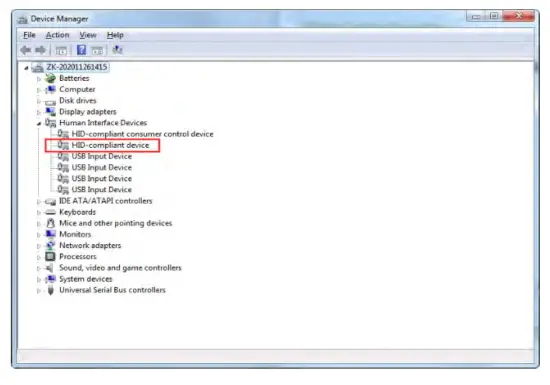
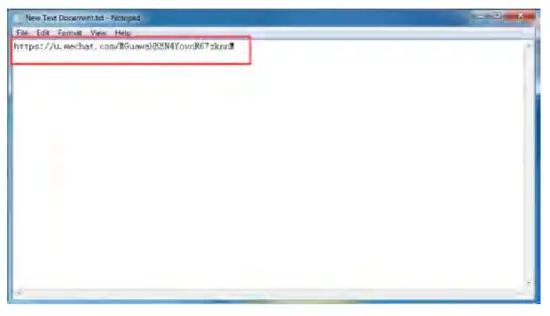
It is not necessary to install the driver or use the SDK. After inserting the USB successfully, open the Notepad and scan the code directly. The public content will be displayed as
the text of the successful scan, indicating that the device verification was successful.
Suggestions
- Please keep the sensor away from dust.
- Please use adhesive tape to clean the collecting area.
Do not use water or other detergents, which may damage the sensor. - Please wipe the sensor with a wool-free cloth.
- Please make sure the sensor is clean after each use.
Notes
- The product operating environment is indoors, and it is not recommended to install the product under direct sunlight.
- Please do not dismantle the product without proper guidance.
- The company cannot guarantee any violations that interrupt the product activity.
Statements concerning Human Rights Privacy
Dear Customers,
First and foremost, thank you for utilizing ZK Teco’s hybrid biometrics products. We continue to research and develop hybrid biometrics products as a world-renowned biometrics core technology provider. We also pay close attention to the global compliance of relevant human rights and privacy laws.
Statements as follows:
- ZKTeco does not save any personal data.
- ZKTeco, as the equipment provider, shall bear no legal liability for any improper use.
- If you have any concerns about the use of equipment in terms of human rights or privacy, please resolve them internally.
Other QR code devices or development tools from ZKTeco can collect the original image of a QR code. If users believe it is an infringement, they should contact the
Government or the equipment’s end provider. ZK Teco, as the original manufacturer of the equipment, will bear no legal liability.
Users can refer to ZKTeco’s official website to obtain relevant product information: http://www.zkteco.com.
ZKTeco Industrial Park, No. 32, Industrial Road,
Tangxia Town, Dongguan, China.
E-mail: [email protected]
www.zkteco.com
Copyright © 2021 ZKTECO CO., LTD. All Rights Reserved.
 ZKTeco | Home Page